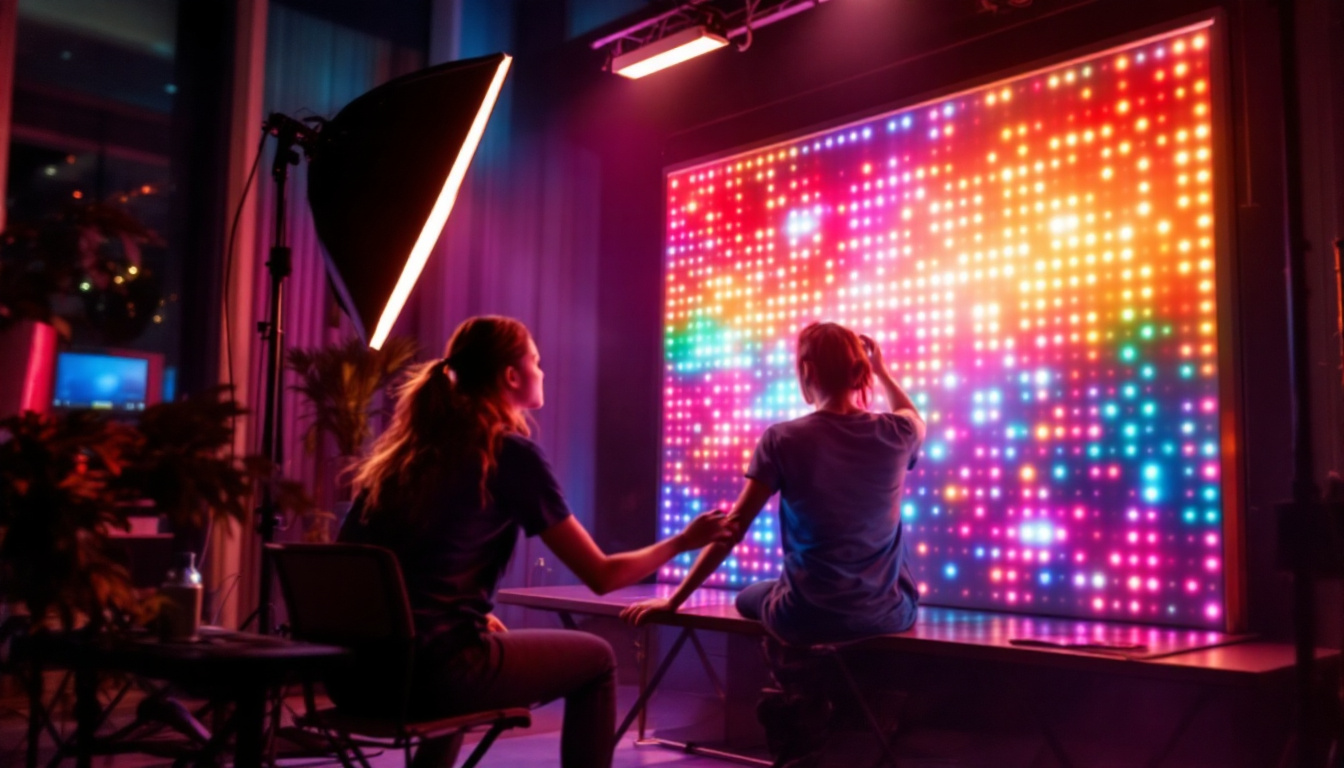
In today’s world of digital screens, whether it’s a smartphone, television, or computer monitor, the term “refresh rate” often pops up in discussions about display quality. But what exactly is refresh rate, and why does it matter—especially when it comes to LED displays? This article dives deep into the concept of refresh rate, how it impacts your viewing experience, and why understanding it is essential for anyone looking to choose or optimize an LED display.
Understanding Refresh Rate: The Basics
What Is Refresh Rate?
Refresh rate refers to the number of times per second that a display updates its image. It is measured in hertz (Hz). For example, a refresh rate of 60 Hz means the screen refreshes 60 times per second. This continuous updating is what creates the illusion of smooth motion on digital screens.
Every digital display, including LED (Light Emitting Diode) screens, relies on refresh rate to control how often the image is redrawn. The higher the refresh rate, the smoother and more fluid the visual experience tends to be, especially during fast-moving scenes like video games, sports broadcasts, or action movies. For instance, a display with a refresh rate of 144 Hz can provide a significantly enhanced experience for gamers, allowing for quicker reactions and more immersive gameplay. This is particularly beneficial in competitive gaming, where every millisecond counts.
Additionally, the benefits of a higher refresh rate extend beyond gaming. In everyday tasks such as scrolling through web pages or watching videos, a higher refresh rate can reduce motion blur and make interactions feel more responsive. As technology evolves, many manufacturers are now producing displays with refresh rates of 240 Hz or even higher, catering to enthusiasts who demand the best visual performance.
How Refresh Rate Differs from Frame Rate
While refresh rate is the frequency at which the display updates, frame rate (measured in frames per second or fps) is the number of images produced by the source device, such as a graphics card or video player. Ideally, the refresh rate and frame rate should be synchronized to avoid visual artifacts such as screen tearing or stuttering.
For instance, if a game runs at 120 fps but the monitor’s refresh rate is only 60 Hz, the display can only show 60 frames per second, potentially causing a mismatch that affects smoothness. Conversely, a high refresh rate monitor paired with a low frame rate source may not fully utilize the display’s capabilities. This is why technologies like V-Sync and G-Sync have been developed; they help synchronize the frame rate of the graphics card with the refresh rate of the monitor, ensuring a smoother and more visually appealing experience.
Moreover, understanding the difference between refresh rate and frame rate is crucial for content creators and videographers as well. When editing videos, knowing the frame rate at which the footage was shot can influence the final output settings. For example, a video shot at 30 fps may not look as smooth on a display with a 120 Hz refresh rate unless properly adjusted. This interplay between refresh rate and frame rate is essential for achieving the desired visual quality in both gaming and video production contexts.
The Role of Refresh Rate in LED Displays
How LED Technology Works
LED displays use light-emitting diodes as pixels to create images. Unlike traditional LCDs that rely on backlighting, LED displays can offer better contrast, brightness, and energy efficiency. However, the refresh rate remains a critical factor in determining how well these displays perform in real-world scenarios.
Modern LED displays often support a wide range of refresh rates, from the standard 60 Hz to ultra-high rates like 120 Hz, 144 Hz, or even 240 Hz, especially in gaming monitors. Higher refresh rates allow the display to redraw images more frequently, reducing motion blur and improving clarity during fast-paced scenes.
Why Refresh Rate Matters for LED Displays
LED displays with higher refresh rates provide several advantages:
- Smoother motion: Fast-moving images, such as sports or video games, look more fluid and natural.
- Reduced eye strain: Flicker and motion blur are minimized, which can lessen fatigue during prolonged use.
- Competitive gaming edge: Gamers benefit from quicker response times and more precise visual feedback.
On the other hand, lower refresh rates may cause noticeable flickering or ghosting effects, especially during rapid motion, which can degrade the viewing experience.
Common Refresh Rates and Their Applications
60 Hz: The Standard Baseline
Most consumer-grade LED displays operate at 60 Hz, which is sufficient for everyday tasks such as browsing, watching videos, and office work. This refresh rate aligns well with the typical frame rates of movies (24 fps) and TV broadcasts (30 or 60 fps), providing a smooth viewing experience for general content.
However, for users engaged in fast-paced gaming or professional video editing, 60 Hz may feel limiting, as motion clarity and responsiveness are less optimal compared to higher refresh rates.
120 Hz and 144 Hz: The Sweet Spot for Gamers
Displays with refresh rates of 120 Hz and 144 Hz have become popular among gamers and enthusiasts. These rates allow for smoother gameplay, reducing motion blur and input lag. Competitive gamers often prefer 144 Hz monitors because they offer a tangible advantage in reaction time and visual clarity.
Many modern gaming consoles and PCs support frame rates up to 120 fps, making 120 Hz or 144 Hz displays an excellent match for these systems. Additionally, some streaming services and video players now offer content at higher frame rates, enhancing the overall experience.
240 Hz and Beyond: Ultra-High Refresh Rates
Ultra-high refresh rates like 240 Hz are typically found in premium gaming monitors and specialized professional displays. These rates push the boundaries of smoothness and responsiveness, catering to elite gamers and professionals who require the utmost precision.
While the difference between 144 Hz and 240 Hz can be subtle to the average user, in competitive scenarios, every millisecond counts. However, achieving such high refresh rates demands powerful hardware capable of rendering frames at comparable speeds.
Factors Influencing Refresh Rate Performance
Hardware Capabilities
The ability to take advantage of high refresh rates depends heavily on the hardware driving the display. A powerful graphics card, sufficient CPU speed, and optimized software are necessary to produce frame rates that match or exceed the display’s refresh rate.
Without adequate hardware, a high refresh rate monitor may not deliver its full potential, resulting in screen tearing or stuttering. Technologies like NVIDIA G-Sync and AMD FreeSync help synchronize the frame rate with the refresh rate, reducing these issues.
Display Panel Quality
Not all LED panels are created equal. The quality of the panel affects how well it can maintain consistent refresh rates and minimize artifacts like ghosting or flicker. High-quality panels with fast response times complement higher refresh rates by ensuring pixels can change color quickly enough to keep up with the image updates.
Content Type and Source
The nature of the content being viewed also impacts refresh rate effectiveness. Movies and TV shows typically have fixed frame rates (24, 30, or 60 fps), so extremely high refresh rates may not provide noticeable benefits. Conversely, video games and interactive applications benefit greatly from higher refresh rates due to their dynamic frame rates and fast motion.
How to Choose the Right Refresh Rate for Your Needs
Assessing Your Primary Usage
Choosing the right refresh rate starts with understanding how you intend to use your LED display. For general use—such as web browsing, office work, and watching standard videos—a 60 Hz display is usually sufficient and cost-effective.
If you are a casual gamer or consume fast-paced video content, consider stepping up to 120 Hz or 144 Hz for a noticeably smoother experience. For competitive gamers or professionals in video editing and animation, investing in a 240 Hz or higher refresh rate display might be justified.
Balancing Refresh Rate with Other Features
Refresh rate is just one aspect of display quality. Other factors such as resolution, color accuracy, contrast ratio, and response time should also be considered. For example, a 4K display with a 60 Hz refresh rate might be better suited for cinematic content, while a 1080p 144 Hz monitor could be preferable for gaming.
Additionally, ensure your device’s hardware can support the desired refresh rate to avoid bottlenecks and maximize performance.
Budget Considerations
Higher refresh rate displays typically come at a premium price. It’s important to weigh the benefits against the cost and determine whether the improved smoothness and responsiveness justify the investment based on your usage patterns.
Fortunately, the market offers a wide range of options, from affordable 60 Hz LED monitors to high-end 240 Hz gaming displays, making it possible to find a product that fits your needs and budget.
Future Trends in Refresh Rate and LED Displays
Increasing Refresh Rates and Adaptive Technologies
The trend toward higher refresh rates continues, driven largely by the gaming industry and advancements in display technology. Adaptive sync technologies like NVIDIA G-Sync and AMD FreeSync are becoming standard features, helping to bridge the gap between frame rate and refresh rate for smoother visuals.
Manufacturers are also experimenting with variable refresh rates (VRR), which allow the display to dynamically adjust its refresh rate based on the content’s frame rate, further reducing artifacts and improving efficiency.
Integration with Emerging Display Technologies
As LED technology evolves, it is being integrated with innovations like OLED (Organic LED) and MicroLED displays, which offer superior contrast and color performance. These new technologies also support high refresh rates, promising even better visual experiences in the near future.
Moreover, the rise of 8K resolution displays will challenge manufacturers to maintain high refresh rates at ultra-high resolutions, pushing the limits of both display and graphics hardware.
Conclusion
Refresh rate is a fundamental aspect of LED display technology that directly influences the smoothness and clarity of motion on screen. Understanding what refresh rate means and how it affects your viewing experience is crucial when selecting a display, whether for everyday use, gaming, or professional applications.
From the standard 60 Hz displays suitable for general use to ultra-high 240 Hz monitors designed for competitive gaming, the right refresh rate depends on your specific needs, hardware capabilities, and budget. As technology advances, higher refresh rates combined with adaptive sync and emerging display technologies promise even more immersive and visually stunning experiences.
Choosing an LED display with an appropriate refresh rate ensures that you get the best possible performance and enjoyment from your screen, making it a key factor in today’s digital world.
Explore High-Performance LED Displays with LumenMatrix
Ready to experience the ultimate in display clarity and smoothness? LumenMatrix is at the forefront of LED display innovation, offering a wide array of solutions tailored to your needs. Whether you’re looking for an Indoor LED Wall Display for your business, an Outdoor LED Wall Display for advertising, or any of our specialized options like Vehicle LED Displays and LED Sports Displays, LumenMatrix has the cutting-edge technology to bring your visual communications to life. Elevate your brand visibility and engage your audience like never before. Check out LumenMatrix LED Display Solutions today and step into the future of visual storytelling.