In today’s digital age, screens are everywhere—from smartphones and laptops to televisions and digital signage. Among the most common display technologies are LCD (Liquid Crystal Display) and LED (Light Emitting Diode) displays. Despite their widespread use, many users encounter issues with LCD and LED screens, often leading to confusion about the root causes and potential solutions. This article delves into the common problems associated with LCD screens, explains how LED displays work, and provides insights into troubleshooting and maintenance to help users get the best performance from their devices.
Understanding LCD and LED Display Technologies
Before exploring display problems, it’s essential to understand what LCD and LED displays are and how they differ. LCD screens use liquid crystals to modulate light and create images, while LED displays use light-emitting diodes as their light source.
What is an LCD Screen?
LCD stands for Liquid Crystal Display. These screens consist of a layer of liquid crystals sandwiched between two polarizing filters. When an electric current passes through the crystals, they align to either block or allow light to pass through, creating images. LCD screens require a backlight to illuminate the display since the liquid crystals themselves do not emit light.
The backlight in traditional LCDs is typically a cold cathode fluorescent lamp (CCFL), but in modern displays, LEDs have largely replaced CCFLs due to their energy efficiency, longer lifespan, and better color accuracy. Additionally, advancements in LCD technology have led to the development of features such as In-Plane Switching (IPS) and Twisted Nematic (TN) panels. IPS panels are known for their superior color reproduction and wider viewing angles, making them ideal for graphic design and professional use, while TN panels are favored for their faster response times, which are beneficial for gaming.
What is an LED Display?
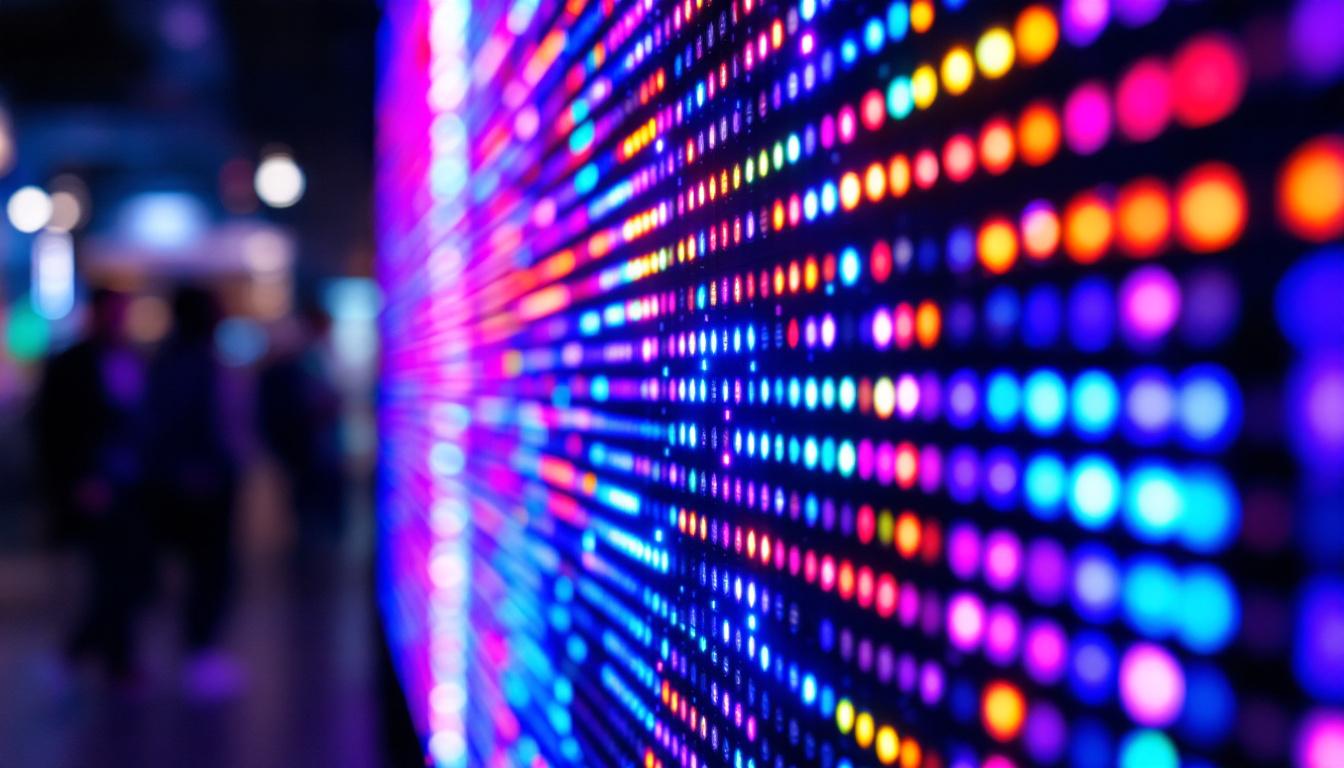
LED displays are often confused with LCDs because many LCD screens use LED backlighting. However, true LED displays are made up of individual light-emitting diodes that produce their own light. There are two main types of LED displays:
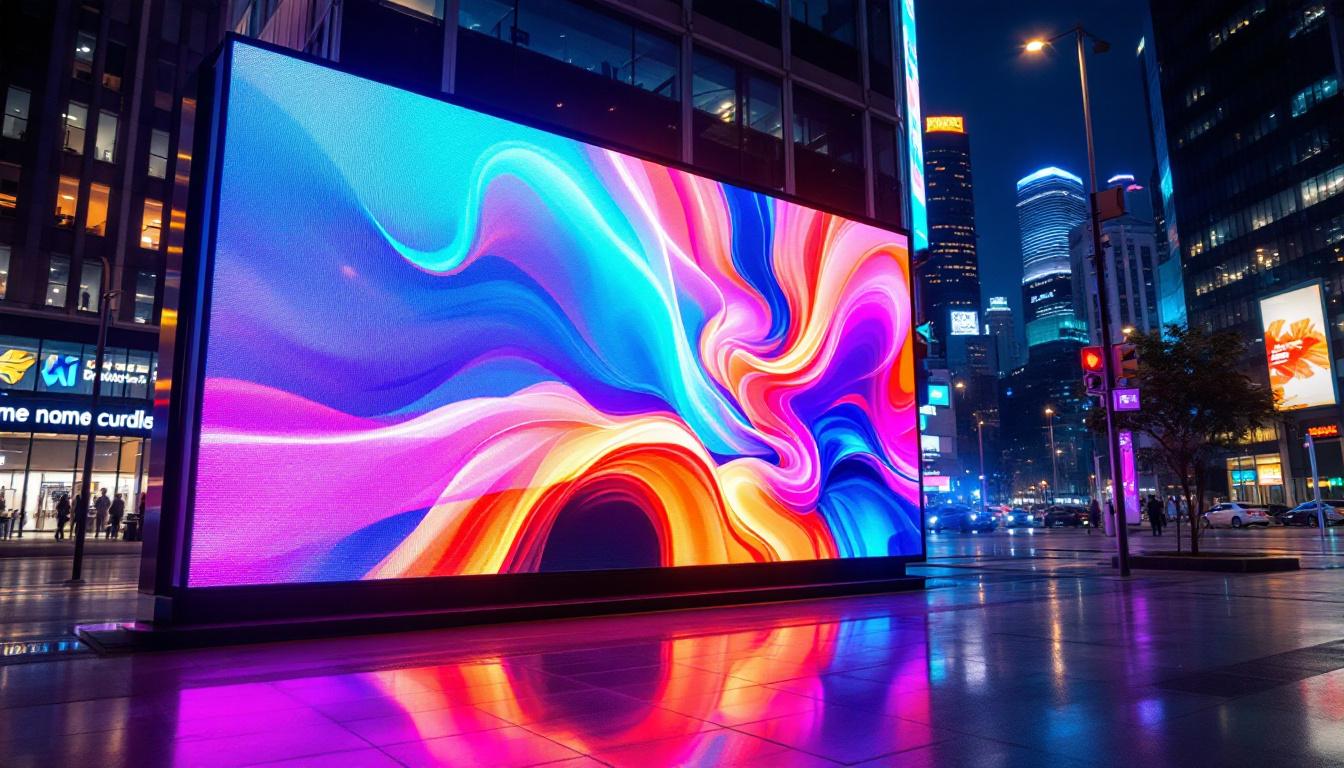
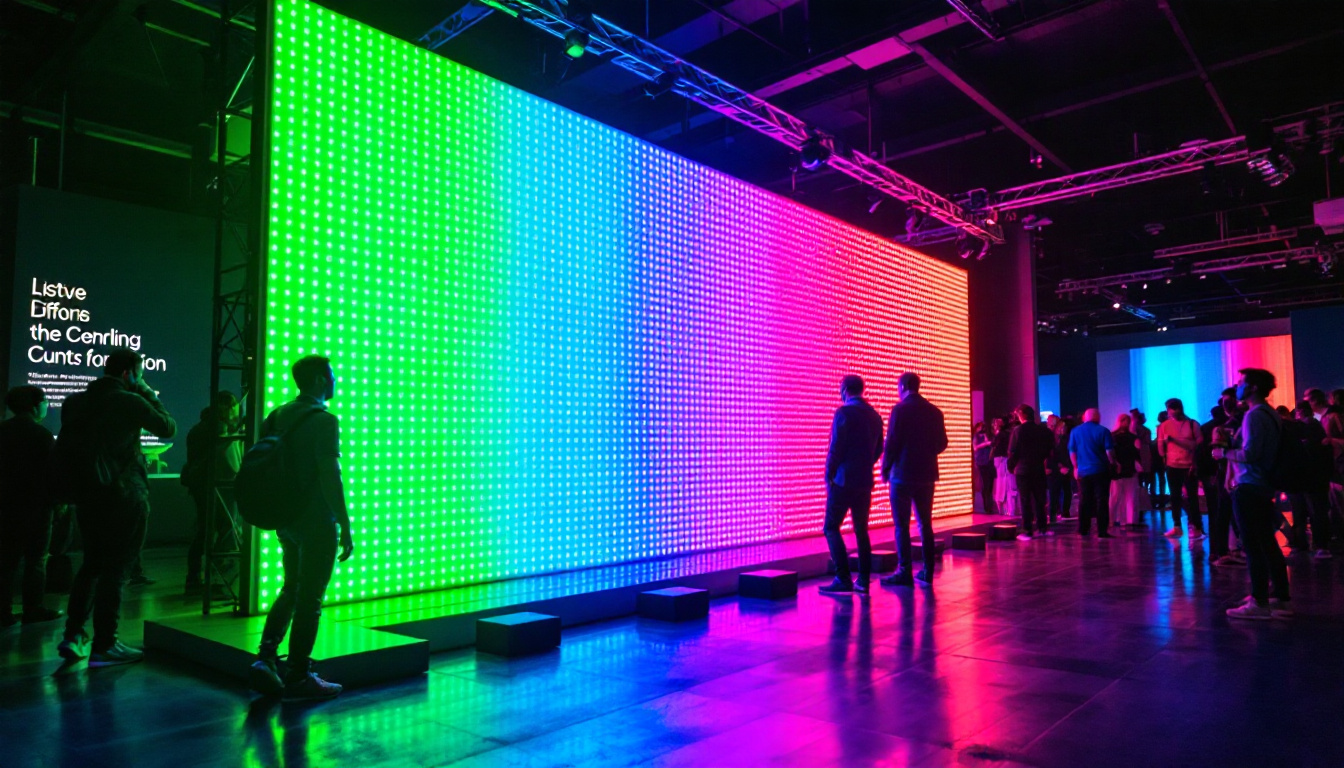
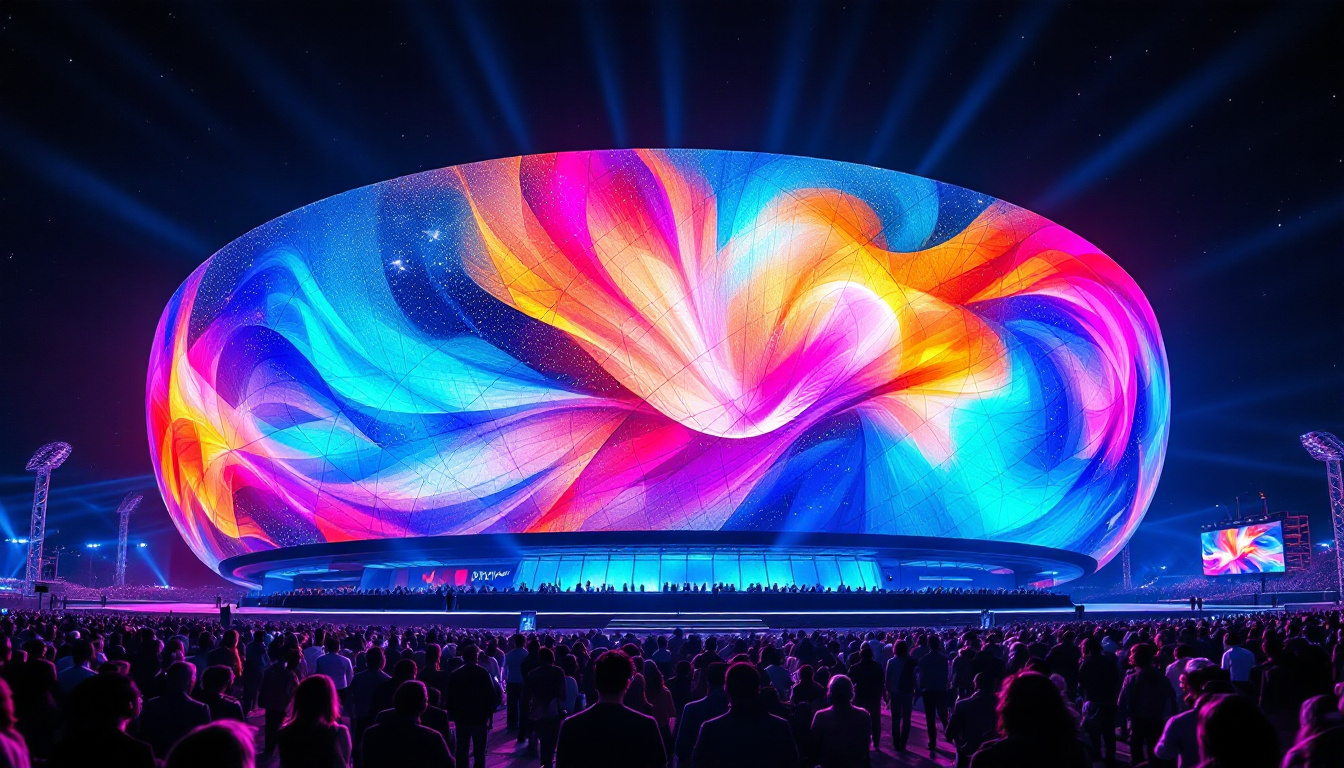
- Direct LED Displays: These consist of an array of LEDs that form the pixels themselves, commonly used in large outdoor screens and digital billboards.
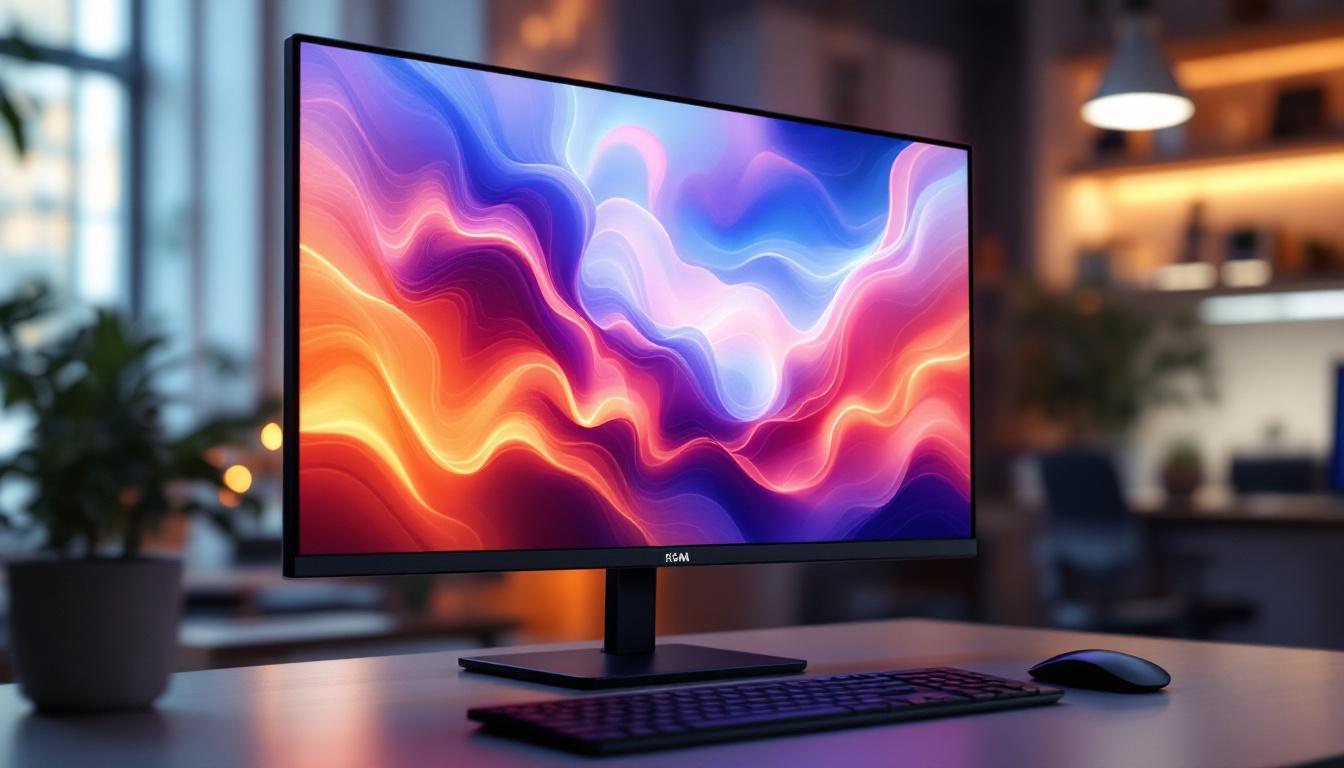
- LED-Backlit LCD Displays: These are LCD screens that use LEDs as the backlight source instead of CCFLs. This hybrid technology is most common in consumer electronics like TVs and monitors.
Understanding these distinctions is crucial when diagnosing display problems, as the underlying technology influences the nature of the issues and their remedies. For instance, LED displays tend to have higher brightness levels and contrast ratios compared to traditional LCDs, which can enhance the viewing experience in brightly lit environments. However, they may also be more susceptible to issues such as pixel burnout or color uniformity problems, particularly in lower-quality models. Furthermore, the advancements in display technology, such as OLED (Organic Light Emitting Diode) and MicroLED, are pushing the boundaries of what is possible in terms of color accuracy, contrast, and energy efficiency, making it an exciting time for consumers and professionals alike.
Common LCD Screen Display Problems and Their Causes
LCD screens, despite their popularity, are prone to several common issues. Identifying the symptoms and causes can help users decide whether to attempt repairs or seek professional assistance.
Dead or Stuck Pixels
One of the most frequent complaints is the presence of dead or stuck pixels. A dead pixel appears as a tiny black dot on the screen, indicating that the pixel is not receiving power or is permanently off. Conversely, a stuck pixel may display a single color (red, green, or blue) and remains fixed regardless of the displayed content.
Dead pixels are usually caused by manufacturing defects or physical damage, while stuck pixels may result from electrical issues within the pixel’s subcomponents. Although manufacturers often allow a small number of defective pixels before considering a screen faulty, a high concentration can be distracting and reduce the display’s quality.
Backlight Bleeding and Uneven Brightness
Backlight bleeding occurs when light from the backlight leaks around the edges of the screen or through areas where it shouldn’t, causing uneven brightness. This issue is especially noticeable in dark scenes or when viewing the screen in a dim environment.
Backlight bleeding is often due to poor screen assembly, pressure on the screen panel, or degradation of the backlight diffuser. While minor bleeding is common in many LCDs, severe cases can significantly affect viewing experience.
Screen Flickering and Flashing
Flickering or flashing screens can be caused by a variety of factors, including loose or damaged cables, faulty power supplies, or issues with the screen’s internal components. In some cases, software-related problems such as outdated drivers or incompatible refresh rates may also lead to flickering.
Persistent flickering not only disrupts user experience but can also cause eye strain and headaches, making it a critical issue to address promptly.
Color Distortion and Image Retention
Color distortion manifests as inaccurate or washed-out colors, which can be the result of calibration issues, aging display components, or damage to the screen’s color filters. Image retention, sometimes confused with burn-in, occurs when a ghost image remains visible on the screen after displaying a static image for an extended period.
While LCDs are less prone to permanent burn-in compared to OLEDs, prolonged static images can cause temporary image retention, which usually fades over time.
How LED Backlighting Enhances LCD Displays
Modern LCD screens often use LED backlighting, which offers several advantages over traditional CCFL backlights. Understanding these benefits helps explain why LED-backlit LCDs have become the industry standard.
Improved Energy Efficiency
LED backlights consume significantly less power compared to CCFLs. According to a 2023 report by the International Energy Agency, LED-backlit displays can reduce energy consumption by up to 30%, contributing to longer battery life in portable devices and lower electricity bills for consumers.
Better Color Accuracy and Contrast
LED backlighting allows for more precise control of brightness levels across different areas of the screen, especially in full-array local dimming (FALD) displays. This results in deeper blacks, brighter whites, and more vibrant colors, enhancing overall image quality.
Additionally, some LED-backlit LCDs use quantum dot technology to further improve color gamut and accuracy, making them popular choices for professional photo and video editing.
Longer Lifespan and Reduced Heat Emission
LEDs have a longer operational lifespan and generate less heat compared to CCFLs, reducing the risk of screen damage due to overheating. This durability translates to more reliable displays, particularly in high-use environments such as offices and public installations.
Troubleshooting and Fixing LCD Screen Problems
Many LCD screen issues can be diagnosed and sometimes resolved without professional help. Below are practical steps and tips for troubleshooting common problems.
Diagnosing Dead or Stuck Pixels
To identify dead or stuck pixels, users can run pixel test software that cycles through solid colors, making defects easier to spot. For stuck pixels, gently massaging the affected area with a soft cloth or using pixel-fixing software that rapidly changes colors may help revive the pixel.
However, if dead pixels are numerous or if the screen is under warranty, contacting the manufacturer for repair or replacement is advisable.
Reducing Backlight Bleeding
Minor backlight bleeding can sometimes be reduced by adjusting the screen’s brightness and contrast settings or repositioning the display to relieve pressure on the panel. In severe cases, professional repair or screen replacement may be necessary.
Fixing Screen Flickering
Start by checking all cable connections, including power and video cables, ensuring they are secure and undamaged. Updating graphics drivers and adjusting the refresh rate to match the display’s native specifications can also resolve flickering caused by software issues.
If flickering persists, the problem may lie with the inverter or backlight, which typically requires professional servicing.
Addressing Color Distortion and Image Retention
Color calibration tools and software can help correct color inaccuracies. For image retention, displaying a moving image or video for an extended period often helps the screen recover. Avoid displaying static images for long durations to prevent recurrence.
When to Seek Professional Help or Consider Replacement
While many LCD screen problems can be managed with basic troubleshooting, some issues necessitate professional intervention or replacement.
Hardware Failures and Internal Damage
Problems such as damaged LCD panels, faulty backlights, or malfunctioning internal circuits often require specialized tools and expertise to repair. Attempting to fix these issues without proper knowledge can lead to further damage.
Cost-Benefit Analysis of Repairs vs. Replacement
Given the decreasing cost of LCD and LED displays, it’s important to weigh the expense of repairs against purchasing a new device. For example, replacing a laptop screen can cost between $100 and $300, depending on the model, while a new laptop might offer better performance and updated features for a slightly higher price.
Consumers should consider the age of the device, warranty status, and usage needs when making this decision.
Future Trends in Display Technology
Display technology continues to evolve rapidly, with emerging innovations promising to address many current limitations of LCD and LED screens.
Mini-LED and Micro-LED Technologies
Mini-LED backlighting uses thousands of tiny LEDs to provide even more precise local dimming, resulting in superior contrast and brightness control. Micro-LED displays, which consist of microscopic LEDs that act as individual pixels, offer the potential for higher brightness, better color accuracy, and longer lifespan without the burn-in issues associated with OLEDs.
Advancements in Flexible and Transparent Displays
Flexible OLED and LED technologies are enabling foldable and rollable screens, expanding the possibilities for mobile devices and innovative form factors. Transparent displays are also gaining traction for applications in augmented reality and heads-up displays.
Conclusion
Understanding the differences between LCD and LED display technologies, as well as the common problems that affect them, empowers users to better maintain their devices and make informed decisions about repairs and replacements. While LCD screens remain a cornerstone of modern electronics, advances in LED backlighting and emerging display technologies continue to enhance visual experiences across all applications.
By staying informed and proactive, users can maximize the lifespan and performance of their screens, ensuring crisp, vibrant images for years to come.
Explore Cutting-Edge LED Display Solutions with LumenMatrix
As you consider the advancements and potential of modern display technologies, LumenMatrix stands at the forefront, ready to elevate your visual experience. With a commitment to innovation and quality, LumenMatrix offers a wide array of LED display solutions, from Indoor and Outdoor LED Wall Displays to specialized options like Vehicle, Sports, and Floor LED Displays. Whether you’re looking to enhance brand visibility, captivate your audience, or create immersive environments, our Custom and All-in-One LED Displays, including the pioneering LED Transparent Display, are designed to meet your unique needs. Embrace the future of visual communication and Check out LumenMatrix LED Display Solutions today to discover how our technology can transform your space with clarity and impact.