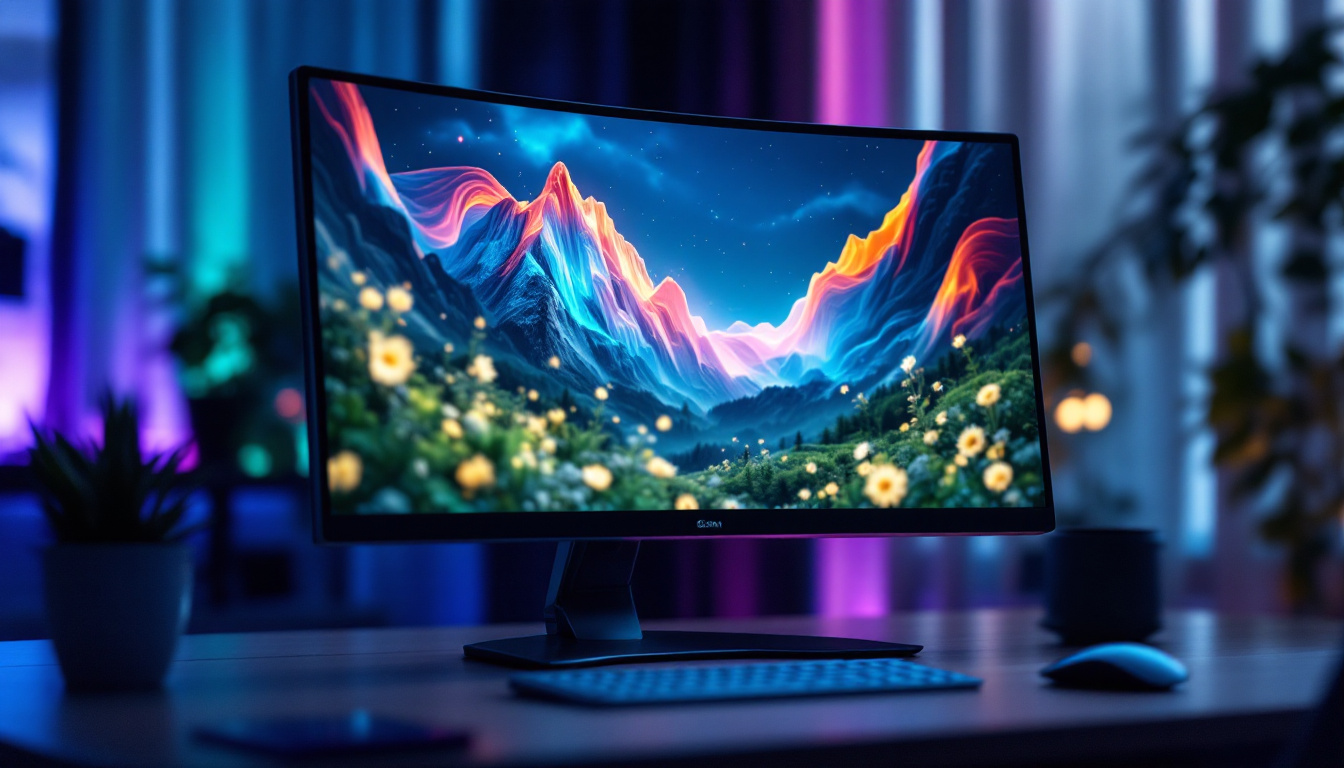
When selecting a monitor, especially one with an LED display, understanding contrast is crucial. Contrast directly impacts image quality, color accuracy, and overall viewing experience. This article delves into what contrast means in the context of LED monitors, why it matters, and how to interpret contrast specifications to make informed purchasing decisions.
What Is Contrast Ratio in LED Monitors?
Contrast ratio is a fundamental specification for any display, including LED monitors. It describes the difference between the darkest black and the brightest white that a screen can produce. Essentially, it measures how well a monitor can display details in shadows and highlights simultaneously.
For example, a contrast ratio of 1000:1 means the brightest white is 1000 times brighter than the darkest black. This ratio helps determine how vivid and lifelike images appear on the screen. Higher contrast ratios generally translate to deeper blacks, brighter whites, and more dynamic visuals. This is particularly important for activities such as gaming or watching movies, where visual depth and clarity can significantly enhance the overall experience.
Moreover, the contrast ratio can also affect color accuracy. A monitor with a high contrast ratio can render colors more distinctly, allowing for a broader range of shades and tones. This is crucial for graphic designers and photographers who rely on precise color representation to ensure their work looks as intended across different devices and mediums.
Static vs. Dynamic Contrast Ratio
It’s important to distinguish between static and dynamic contrast ratios, as manufacturers often list both.
- Static Contrast Ratio: This refers to the contrast between the brightest and darkest points on the screen at the same time. It provides a more realistic and consistent measure of a monitor’s performance.
- Dynamic Contrast Ratio: This measures contrast over time by adjusting the backlight or brightness dynamically depending on the content displayed. While dynamic contrast can produce impressive numbers (sometimes in the millions), it’s less reliable as a real-world indicator of image quality.
For practical purposes, static contrast ratio is a more trustworthy metric when comparing monitors. Understanding these differences can help consumers make informed decisions when purchasing a monitor, ensuring that they select a display that meets their specific needs, whether for professional use, gaming, or casual viewing. Additionally, it’s worth noting that the perceived contrast can also be influenced by other factors such as ambient lighting conditions and the quality of the panel technology used in the monitor, such as IPS or VA panels, which can further enhance or diminish the viewing experience.
How LED Technology Influences Contrast
LED (Light Emitting Diode) monitors use LEDs as a backlight source behind an LCD panel. The type and arrangement of these LEDs significantly affect contrast performance.
Edge-Lit vs. Full-Array LED Backlighting
There are two primary LED backlighting methods:
- Edge-Lit LED: LEDs are placed around the edges of the screen, and light is spread across the panel using light guides. This design allows for thinner monitors but can limit contrast because local dimming is less precise.
- Full-Array LED: LEDs are distributed evenly behind the entire screen area, enabling better control over brightness zones. This allows for local dimming, where specific areas can be dimmed or brightened independently, greatly enhancing contrast.
Full-array LED monitors typically achieve much higher contrast ratios and deeper blacks compared to edge-lit models, making them preferable for users prioritizing image quality.
Local Dimming and Its Role in Contrast
Local dimming is a feature available on many full-array LED monitors. It dynamically adjusts the brightness of different zones on the screen to improve contrast. For instance, dark areas of an image can be dimmed without affecting bright areas, enhancing the perceived depth and detail.
While local dimming can significantly improve contrast, its effectiveness depends on the number of dimming zones and the monitor’s processing capabilities. More zones generally mean finer control and better contrast performance. However, the implementation of local dimming can vary widely among different manufacturers, leading to differences in performance that can be quite noticeable in real-world usage. Some monitors may exhibit a halo effect around bright objects on dark backgrounds, a phenomenon known as blooming, which can detract from the viewing experience.
Moreover, advancements in LED technology have led to the development of techniques like mini-LED and micro-LED backlighting. Mini-LEDs, which are smaller than traditional LEDs, allow for even more dimming zones and finer control over brightness, pushing the boundaries of contrast performance further. Micro-LED technology takes this a step further by using individual micro-sized LEDs to create each pixel, offering unparalleled contrast ratios and color accuracy. As these technologies continue to evolve, they promise to redefine the standards for visual fidelity in displays, making it an exciting time for both consumers and content creators alike.
Why Contrast Matters for Different Use Cases
Contrast ratio is not just a technical specification; it has real-world implications depending on how a monitor is used. Understanding these can help users choose the right display for their needs.
For Gamers
High contrast ratios are essential for immersive gaming experiences. Games with dark environments, such as horror or adventure titles, benefit from deeper blacks and better shadow detail. This helps reveal hidden objects and enhances atmosphere.
Additionally, monitors with good contrast reduce eye strain during long gaming sessions by providing clearer visuals and reducing the need to squint at dark scenes.
For Photographers and Graphic Designers
Professionals working with images require accurate contrast to ensure their work appears as intended across different devices and print media. A monitor with a high static contrast ratio and good color accuracy helps in distinguishing subtle differences in shadows and highlights.
Inaccurate contrast can lead to misjudged edits, resulting in images that look flat or overly harsh when viewed elsewhere.
For General Productivity and Media Consumption
Even for everyday tasks like browsing, watching videos, or working on documents, contrast impacts comfort and enjoyment. Monitors with poor contrast can cause washed-out images and text that is harder to read, leading to eye fatigue.
High contrast displays make multimedia content more vibrant and engaging, improving overall user satisfaction.
How to Interpret Contrast Specifications When Buying
When shopping for an LED monitor, contrast ratio is often listed in product specifications, but these numbers can be misleading if not understood properly.
Look for Static Contrast Ratio
As mentioned earlier, static contrast ratio is the most reliable figure. Avoid relying solely on dynamic contrast ratios, which can be exaggerated through marketing.
Consider the Panel Type
The underlying LCD panel technology affects contrast:
- IPS (In-Plane Switching): Known for excellent color accuracy and viewing angles but generally lower contrast ratios (typically around 1000:1).
- VA (Vertical Alignment): Offers higher contrast ratios (up to 3000:1 or more) with deeper blacks, making it a good choice for users prioritizing contrast.
- TN (Twisted Nematic): Usually has lower contrast and color performance but faster response times, favored by some competitive gamers.
Choosing the right panel type depends on balancing contrast with other factors like color fidelity and response time.
Check for Local Dimming Features
If contrast is a priority, look for monitors with full-array local dimming. This feature can greatly enhance contrast beyond what the panel alone can provide.
Read Reviews and Real-World Tests
Manufacturer specifications don’t always tell the full story. Independent reviews often measure contrast ratios under controlled conditions and provide insights into real-world performance, including how well local dimming works.
Pay attention to user feedback regarding black levels, shadow detail, and any issues like blooming (where bright areas bleed into dark zones).
Additional Factors Affecting Perceived Contrast
Beyond the technical contrast ratio, several other factors influence how contrast is perceived by the human eye.
Ambient Lighting Conditions
Room lighting dramatically affects perceived contrast. Bright ambient light can wash out the screen, making blacks appear grayish and reducing overall contrast. Conversely, a dim or dark room enhances the perception of contrast.
For optimal viewing, it’s recommended to control ambient lighting, especially when working with color-critical tasks.
Calibration and Color Settings
Properly calibrating a monitor ensures that contrast and color settings are optimized. Calibration tools and software can adjust brightness, gamma, and color balance to achieve the best possible image quality.
Without calibration, even a monitor with a high contrast ratio might not display images as intended.
Viewing Angle
Some panel types, particularly VA and TN, can exhibit contrast shifts when viewed from off-center angles. This means blacks may appear washed out or colors less vibrant if the viewer is not directly in front of the screen.
IPS panels maintain more consistent contrast across wider viewing angles, making them suitable for collaborative environments.
Future Trends in LED Monitor Contrast
Display technology continues to evolve, promising even better contrast performance in LED monitors.
Mini-LED and Micro-LED Backlighting
Mini-LED technology uses thousands of tiny LEDs for backlighting, enabling extremely precise local dimming and higher contrast ratios than traditional LED backlights. This technology is becoming more common in premium monitors and TVs.
Micro-LED takes this further by using microscopic LEDs as individual pixels, potentially offering perfect blacks and infinite contrast similar to OLED displays but without burn-in issues.
HDR (High Dynamic Range) Support
HDR technology enhances contrast by expanding the range between the darkest and brightest parts of an image. Monitors with HDR support can display more vivid and lifelike visuals, provided they have sufficient peak brightness and contrast capabilities.
HDR is becoming a standard feature in high-end monitors, especially those targeting gamers and creative professionals.
Conclusion
Contrast ratio is a key factor in determining the quality of an LED monitor’s display. Understanding the difference between static and dynamic contrast, the impact of LED backlighting methods, and the role of panel types helps consumers make informed choices.
For the best viewing experience, especially in gaming, professional work, or media consumption, prioritize monitors with high static contrast ratios, full-array local dimming, and appropriate panel technology. Additionally, consider environmental factors like ambient lighting and calibration to maximize perceived contrast.
As display technology advances, options like mini-LED and HDR are raising the bar for contrast performance, promising richer and more immersive visual experiences in the near future.
Discover the Future of Visual Experience with LumenMatrix
Ready to elevate your visual experience with the highest quality LED displays? Look no further than LumenMatrix, a pioneer in LED display technology. Whether you’re a gamer seeking immersive environments, a professional requiring precise color accuracy, or simply looking to enhance your media consumption, LumenMatrix offers a wide range of innovative solutions. From Indoor and Outdoor LED Wall Displays to specialized options like Vehicle, Sports, and Floor LED Displays, our products are designed to captivate and engage. Embrace the future of digital signage and create impactful visual communications with our Custom, All-in-One, and Transparent LED Displays. Check out LumenMatrix LED Display Solutions today and transform the way you see the world.