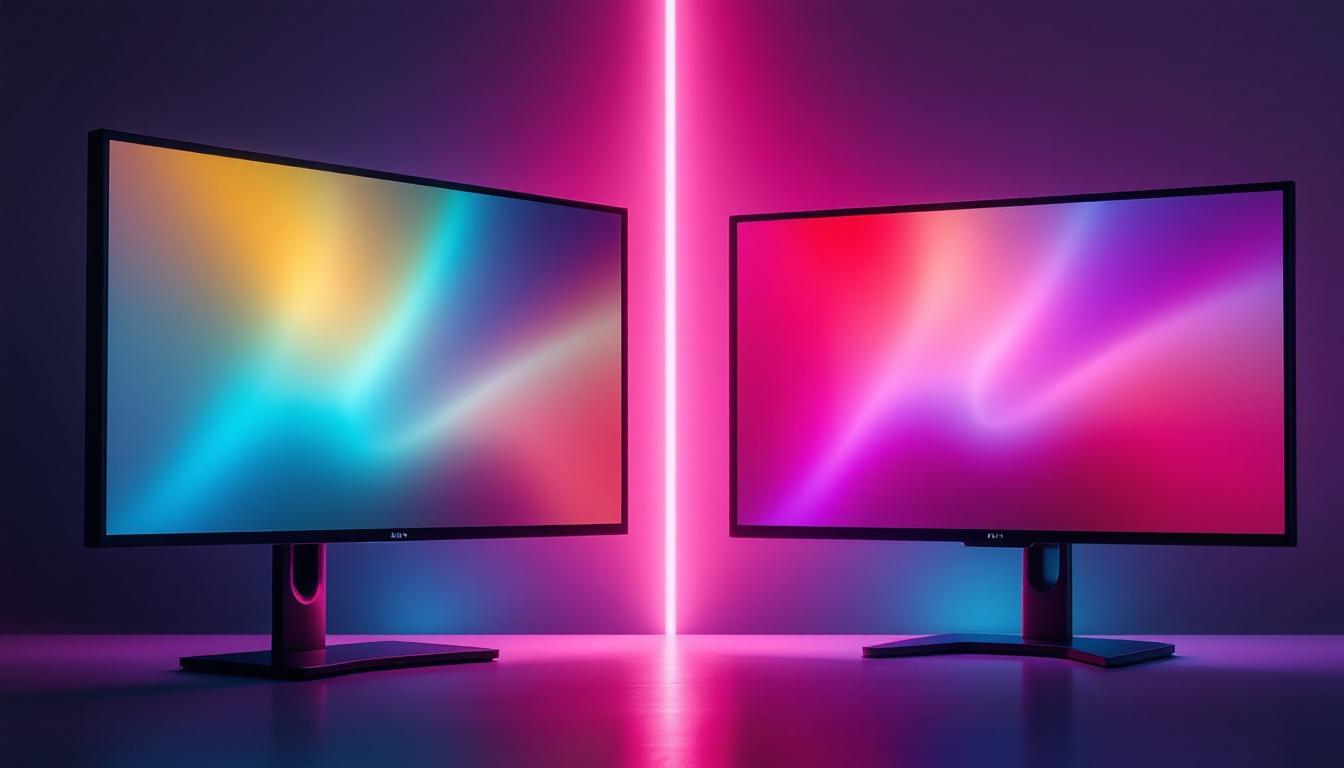
In today’s digital age, the setup of your workstation plays a crucial role in productivity, comfort, and overall user experience. Among the many components that contribute to an efficient workspace, the monitor stand and the LED display are two key elements that often go hand in hand. Understanding how to choose the right monitor stand for your computer and the intricacies of LED display technology can significantly enhance your viewing comfort and visual performance.
This article delves into the essentials of monitor stands, their benefits, and how they complement LED displays. It also explains the technology behind LED displays, helping you make informed decisions for your home or office setup.
Why a Monitor Stand Matters for Your Computer Setup
Many users underestimate the importance of a good monitor stand, focusing primarily on the display itself. However, the stand is a vital component that influences ergonomics, desk organization, and even the lifespan of your monitor.
Ergonomics and Health Benefits
Proper monitor height and angle are essential for reducing strain on your neck, shoulders, and eyes. According to the Occupational Safety and Health Administration (OSHA), the ideal monitor position is at eye level or slightly below, about 20 to 30 inches away from your eyes. A monitor stand allows you to adjust the height and tilt of your screen, promoting better posture and reducing the risk of repetitive strain injuries.
For example, a study published in the Journal of Physical Therapy Science found that adjustable monitor stands significantly decreased neck and shoulder discomfort among office workers. This is especially relevant as remote work and prolonged computer use become more common. Furthermore, investing in a monitor stand can also lead to fewer headaches and eye strain, as a properly positioned screen reduces glare and allows for a more comfortable viewing angle. This can be particularly beneficial for those who spend long hours in front of their screens, such as graphic designers, programmers, and gamers.
Desk Space Optimization
Monitor stands can help declutter your workspace. Many stands come with built-in storage compartments or allow you to elevate the monitor to create extra space underneath for keyboards, documents, or other peripherals. This organization not only improves aesthetics but also enhances productivity by keeping essential items within reach.
Some modern stands even feature cable management systems, reducing the tangle of wires that often accumulate around computer setups. This helps maintain a clean and efficient working environment, which studies have shown to positively impact focus and work performance. Additionally, a well-organized desk can foster creativity and reduce distractions, making it easier to concentrate on tasks at hand. The added space can also be utilized for personal items, such as plants or photographs, which can contribute to a more inviting and personalized workspace.
Compatibility and Stability
Choosing the right monitor stand depends on your monitor’s size, weight, and mounting options. Most monitors support VESA mounting standards, which specify the placement of mounting holes on the back of the screen. A compatible stand ensures stability and prevents accidental tipping or damage.
Additionally, stands with adjustable arms or swivel features offer flexibility for multi-monitor setups or collaborative workspaces. This adaptability is crucial in environments where screen sharing and dynamic positioning are frequent. Moreover, investing in a high-quality stand can also prolong the life of your monitor by providing a stable base that minimizes vibrations and movement. This is particularly important for high-end displays that may be sensitive to such disturbances, ensuring that your investment remains protected and functional for years to come.
Understanding LED Display Technology
LED displays have become the standard in computer monitors due to their superior image quality, energy efficiency, and slim design. But what exactly is an LED display, and how does it differ from other types of screens?
What is an LED Display?
LED stands for Light Emitting Diode, a technology used to illuminate the pixels on the screen. Unlike older LCD monitors that use cold cathode fluorescent lamps (CCFL) for backlighting, LED monitors use an array of LEDs to provide light. This change results in several advantages:
- Better brightness and contrast: LED backlighting offers more uniform brightness and deeper blacks.
- Energy efficiency: LEDs consume less power than CCFLs, making LED monitors more eco-friendly and cost-effective over time.
- Thinner and lighter design: LED technology allows for slimmer profiles and lighter monitors, which complements ergonomic stands.
Types of LED Displays
There are several types of LED displays used in monitors, each with unique characteristics:
- Edge-Lit LED: LEDs are placed along the edges of the screen, and light is spread across the panel using light guides. This design is common in budget-friendly monitors and allows for very thin displays.
- Direct-Lit LED: LEDs are positioned directly behind the screen, offering better brightness uniformity but often resulting in a thicker panel.
- Full-Array LED: A more advanced version of direct-lit LED, where LEDs are spread evenly across the back, often with local dimming zones. This enhances contrast and black levels significantly, ideal for high-end monitors.
- Mini-LED: An emerging technology that uses thousands of tiny LEDs for even more precise backlighting control, delivering superior contrast and HDR performance.
LED vs. OLED vs. LCD: What’s the Difference?
While LED displays are technically a type of LCD display with LED backlighting, it’s important to distinguish them from OLED (Organic LED) technology:
- LED (LCD with LED backlight): Uses LEDs to illuminate an LCD panel. Offers good brightness and color accuracy at a reasonable price.
- OLED: Each pixel emits its own light, allowing for perfect blacks and exceptional contrast ratios. OLED monitors are rare and expensive but offer unparalleled image quality.
- Traditional LCD (with CCFL backlight): Older technology that is bulkier and less energy-efficient compared to LED.
For most users, LED monitors strike the best balance between performance, price, and availability.
Choosing the Right Monitor Stand for Your LED Display
When selecting a monitor stand to pair with your LED display, several factors should be considered to ensure compatibility and enhance your viewing experience.
Weight and Size Capacity
Check the weight and size specifications of your LED monitor before purchasing a stand. Most stands specify maximum weight limits and compatible screen sizes. For example, a stand designed for monitors up to 27 inches and 15 pounds will not safely support a 32-inch, 20-pound display.
Using a stand that cannot support your monitor’s weight can lead to instability and potential damage. Conversely, a stand with excessive capacity might be bulkier and less aesthetically pleasing.
Adjustability Features
Look for stands that offer height adjustment, tilt, swivel, and rotation capabilities. These features allow you to customize your monitor’s position for optimal comfort. For instance, rotating the monitor to portrait mode can be beneficial for coding, reading long documents, or graphic design.
Some premium stands also include gas spring arms, which provide smooth and effortless movement, making it easy to reposition your monitor throughout the day.
Mounting Compatibility (VESA Standards)
Ensure your monitor and stand both support the same VESA mounting pattern, typically measured in millimeters (e.g., 75×75 mm or 100×100 mm). This standardized mounting system guarantees a secure fit and easy installation.
If your monitor does not have VESA mounting holes, adapters are available, but these may add bulk or reduce adjustability.
Material and Build Quality
Monitor stands come in various materials, including plastic, aluminum, and steel. For durability and stability, metal stands are generally preferred, especially for larger monitors. A solid build also minimizes vibrations and wobbling, which can be distracting during use.
Additionally, consider the finish and design to match your workspace aesthetics. Sleek, minimalist stands complement modern LED monitors well.
Additional Features to Enhance Your Monitor Setup
Beyond basic functionality, some monitor stands offer extra features that can further improve your experience.
Integrated USB Hubs
Some stands come with built-in USB ports, allowing you to connect peripherals like keyboards, mice, or external drives directly through the stand. This reduces cable clutter and makes it easier to connect devices without reaching behind the monitor.
Built-in Wireless Charging Pads
Innovative stands now include wireless charging pads for smartphones and other compatible devices. This feature adds convenience and helps keep your desk tidy.
Multi-Monitor Support
For users who require multiple screens, dual or triple monitor stands are available. These stands allow you to mount several LED displays on a single base, improving ergonomics and freeing up desk space.
Maintaining Your Monitor and Stand for Longevity
Proper care of your monitor and stand ensures they remain functional and visually appealing for years.
Cleaning and Dusting
Regularly clean the screen with a microfiber cloth and a screen-safe cleaner to prevent smudges and dust buildup. Avoid harsh chemicals that can damage the LED panel.
Dust the stand and mounting hardware to prevent accumulation that could affect movement or stability.
Checking and Tightening Screws
Periodically check the screws and mounting points to ensure they remain tight and secure. Loose fittings can cause wobbling or even accidents.
Adjusting for Comfort
As your posture or workspace changes, revisit the monitor’s position and adjust the stand accordingly. Small tweaks can make a significant difference in comfort and productivity.
Conclusion
Choosing the right monitor stand for your LED display is more than just an aesthetic decision—it’s a critical factor in creating an ergonomic, efficient, and visually pleasing workspace. Understanding the benefits of adjustable stands and the technology behind LED displays empowers users to optimize their setups for health, productivity, and enjoyment.
From ergonomic benefits to desk space management and compatibility considerations, investing in a quality monitor stand tailored to your LED display can transform your computing experience. Coupled with the advantages of LED technology—such as energy efficiency, superior image quality, and sleek design—this combination offers a modern solution for both professional and personal use.
Whether you are upgrading your home office, setting up a gaming station, or designing a collaborative workspace, the synergy between a well-chosen monitor stand and an LED display is essential for achieving the best possible results.
Enhance Your Workspace with LumenMatrix LED Displays
Ready to elevate your workspace with the ultimate visual experience? LumenMatrix is at the forefront of LED display innovation, offering a wide array of solutions that transform any environment. From captivating Indoor LED Walls to dynamic Outdoor LED Displays, and from versatile Vehicle LED Displays to sleek LED Posters, our products are designed to make a powerful impact. Discover how our LED Sports Displays, interactive Floor LEDs, and Custom LED solutions can revolutionize your visual communication. Embrace the future with our All-in-One and Transparent LED Displays. Don’t just take our word for it; check out LumenMatrix LED Display Solutions today and see the difference for yourself!