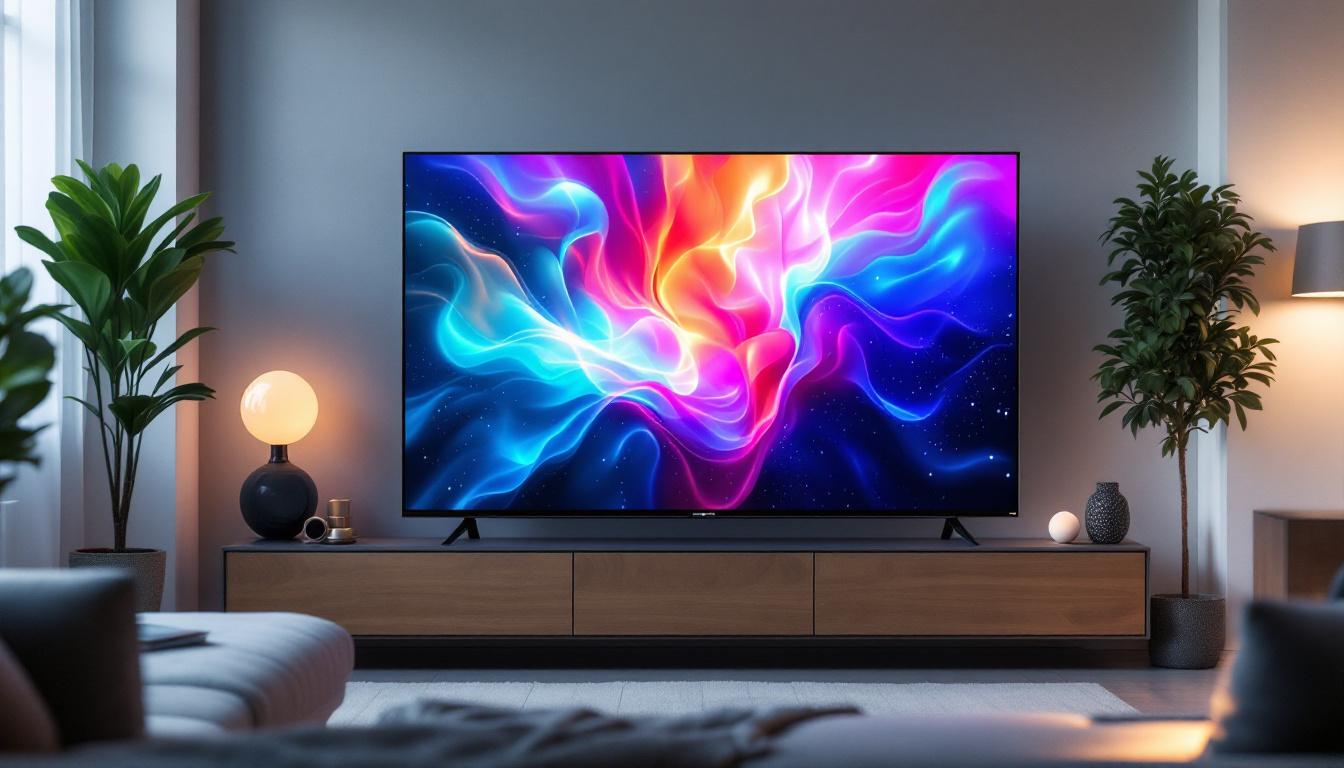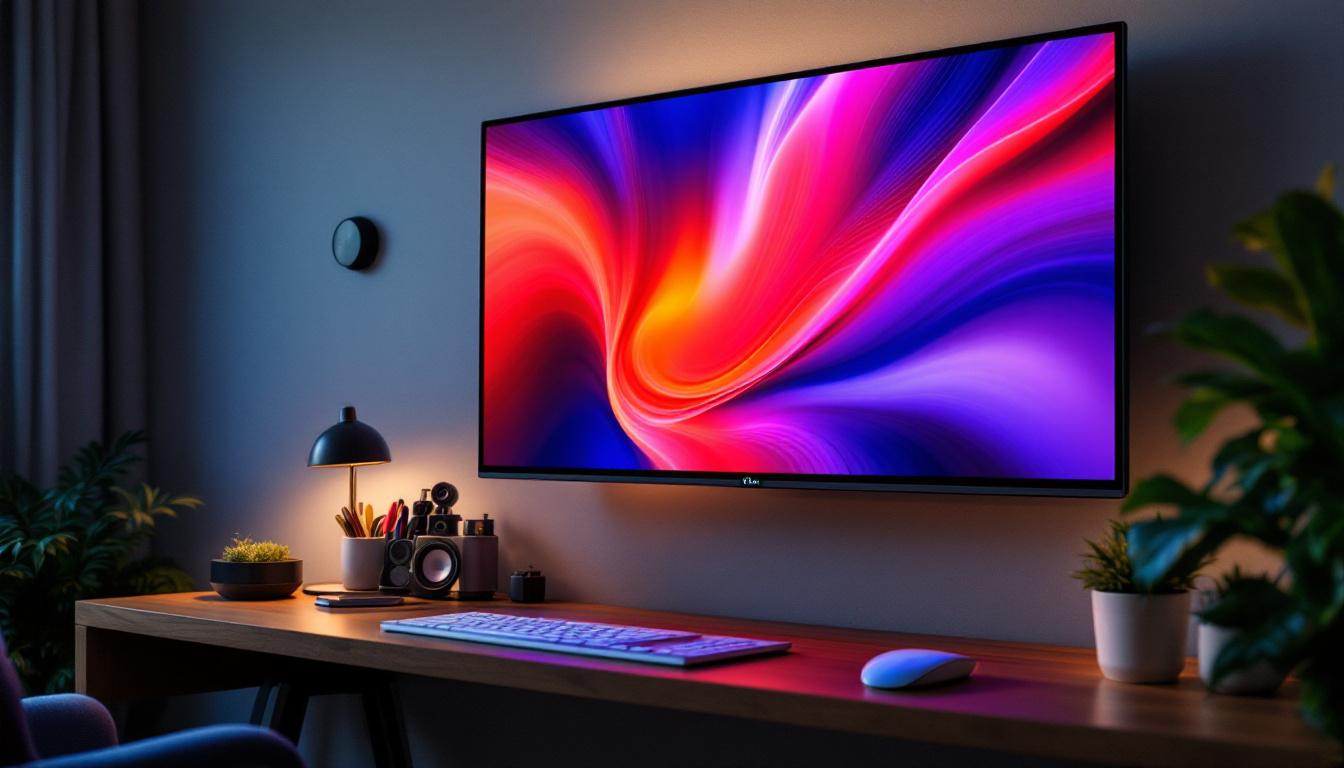
In today’s fast-paced digital environment, the demand for sleek, space-saving computing solutions is higher than ever. Wall mountable all-in-one PCs with LED displays have emerged as a popular choice for both professional and personal use. These devices combine powerful computing capabilities with modern display technology, offering a seamless blend of functionality and aesthetic appeal. This article delves into the intricacies of wall mountable all-in-one PCs, focusing on the LED display technology that powers them, and explores why they are becoming an essential part of modern workspaces and homes.
Understanding Wall Mountable All-In-One PCs
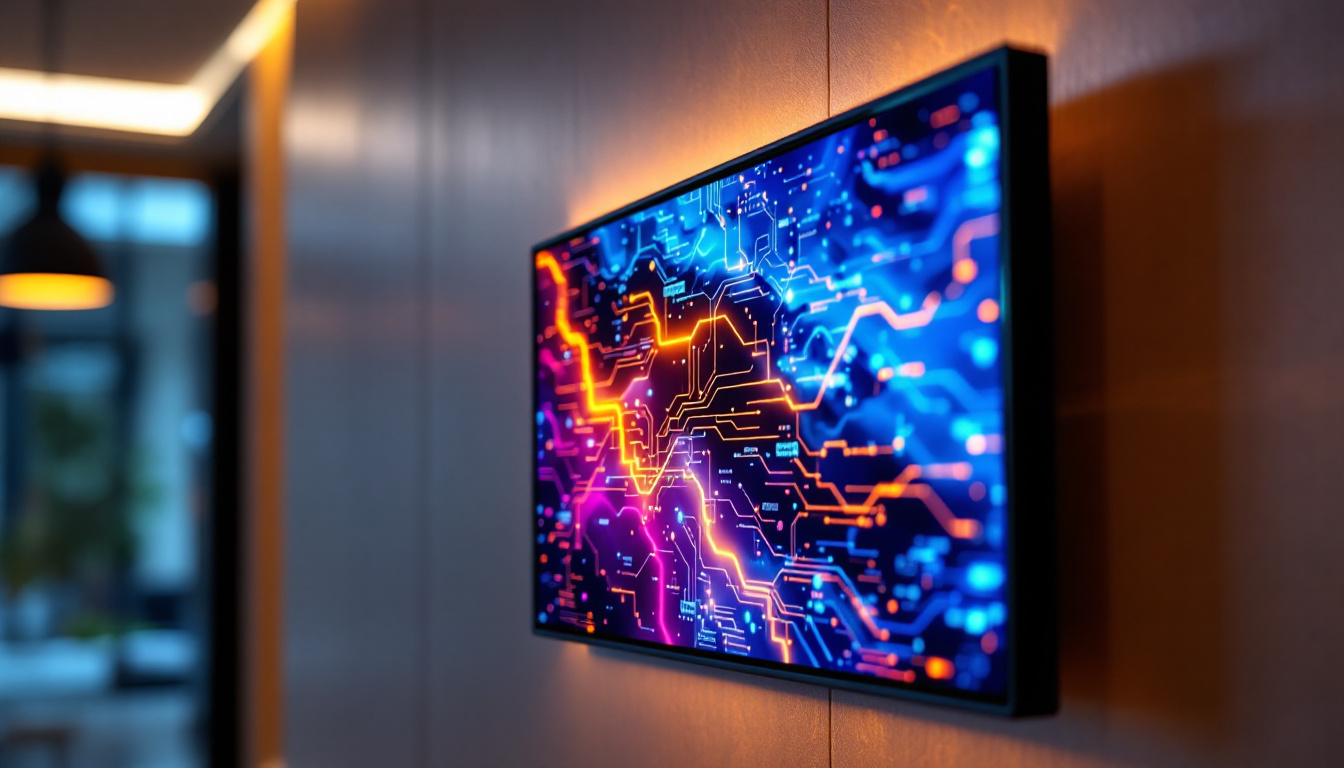
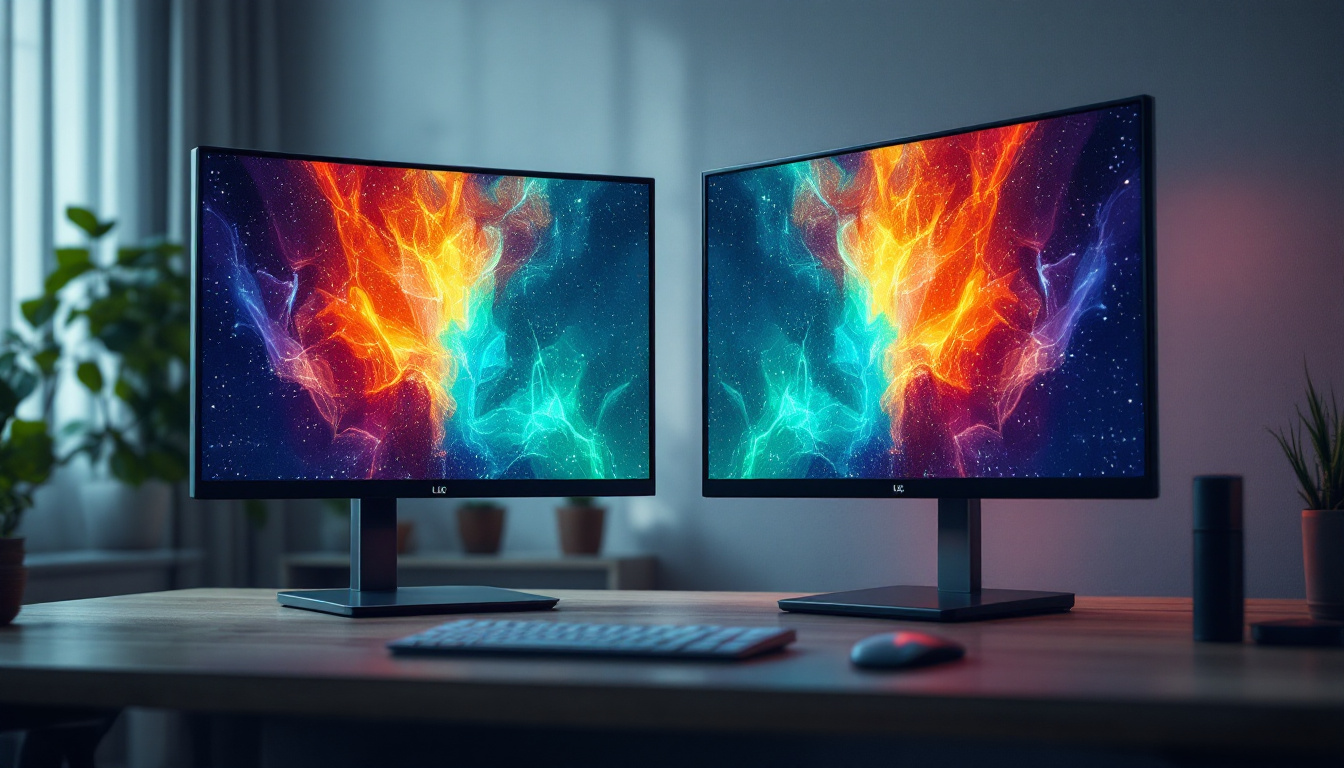
All-in-one PCs integrate the computer’s internal components and the display into a single unit, eliminating the need for a separate tower or bulky peripherals. When designed to be wall mountable, these systems offer even greater flexibility in terms of placement and space utilization. This design is particularly valuable in environments where desk space is limited or where a clean, minimalist aesthetic is desired.
Wall mountable all-in-one PCs are commonly used in offices, healthcare facilities, retail environments, and even in smart homes. Their ability to be mounted on walls helps reduce clutter, improve ergonomics, and enhance the overall user experience. The integration of LED display technology further elevates these devices by providing vibrant visuals, energy efficiency, and durability.
Key Features of Wall Mountable All-In-One PCs
Several features distinguish wall mountable all-in-one PCs from traditional desktop setups:
- Compact Design: The integration of components into a single unit reduces the footprint, making it easier to fit in tight spaces.
- Wall Mounting Capability: Standard VESA mounts allow for secure attachment to various wall types, freeing up desk space.
- Touchscreen Options: Many models offer touchscreen functionality, enhancing interactivity and usability.
- Connectivity: Multiple ports including USB, HDMI, and Ethernet ensure compatibility with peripherals and networks.
- Performance: Equipped with modern processors, sufficient RAM, and SSD storage, these PCs handle everyday tasks efficiently.
LED Display Technology in All-In-One PCs
LED (Light Emitting Diode) display technology has revolutionized the way screens are designed and utilized. Unlike older LCDs that rely on CCFL (Cold Cathode Fluorescent Lamp) backlighting, LED displays use light-emitting diodes to illuminate the screen, resulting in several advantages.
How LED Displays Work
LED displays are essentially LCD panels that use an array of LEDs as their backlight source. The LEDs shine light through the liquid crystal layer, which controls the image by blocking or allowing light to pass through specific pixels. This method offers better control over brightness and contrast compared to traditional backlighting techniques.
There are two primary types of LED backlighting used in all-in-one PCs:
- Edge-Lit LED: LEDs are placed along the edges of the screen, and light is distributed evenly across the display using light guides.
- Full-Array LED: LEDs are placed directly behind the screen in a grid pattern, allowing for localized dimming and improved contrast.
Advantages of LED Displays in Wall Mountable PCs
LED displays bring a host of benefits that make them ideal for wall mountable all-in-one PCs:
- Energy Efficiency: LEDs consume less power than traditional CCFL backlights, reducing energy costs and environmental impact.
- Slim Profile: LED backlighting allows for thinner screens, which is crucial for wall-mounted setups where depth is a concern.
- Improved Brightness and Contrast: LED displays offer brighter images and deeper blacks, enhancing visual clarity even in brightly lit environments.
- Longer Lifespan: LEDs have a longer operational life compared to CCFLs, ensuring durability and reducing maintenance needs.
- Better Color Accuracy: Advances in LED technology have improved color reproduction, making these displays suitable for professional use such as graphic design and video editing.
Applications and Benefits of Wall Mountable All-In-One PCs with LED Displays
The combination of wall mountable design and LED display technology opens up numerous applications across various industries. Understanding these applications helps highlight the practical benefits and why this technology is gaining traction.
Corporate and Office Environments
In corporate settings, space optimization is a top priority. Wall mountable all-in-one PCs free up desk space, allowing for cleaner workstations and improved ergonomics. LED displays ensure that presentations, video conferences, and daily computing tasks are performed with high visual fidelity.
Moreover, the sleek design of these PCs contributes to a modern office aesthetic, which can positively impact employee morale and client impressions. Many offices also benefit from touchscreen capabilities for interactive meetings and collaborative work.
Healthcare Facilities
Healthcare environments require reliable, hygienic, and space-efficient computing solutions. Wall mountable all-in-one PCs with LED displays fit these needs perfectly. They can be mounted in patient rooms, nurse stations, or examination areas, reducing clutter and facilitating easy cleaning.
High-resolution LED displays enable clear visualization of medical images, patient records, and diagnostic information. The durability and long lifespan of LED technology also ensure consistent performance in demanding healthcare settings.
Retail and Hospitality
Retail stores and hospitality venues use wall mountable all-in-one PCs for point-of-sale systems, digital signage, and customer interaction terminals. The bright, vivid LED displays attract attention and improve the customer experience by delivering clear information and engaging content.
Wall mounting these devices helps protect them from accidental damage and theft, while also keeping counters free for other uses. Touchscreen functionality further enhances usability for both staff and customers.
Smart Homes and Personal Use
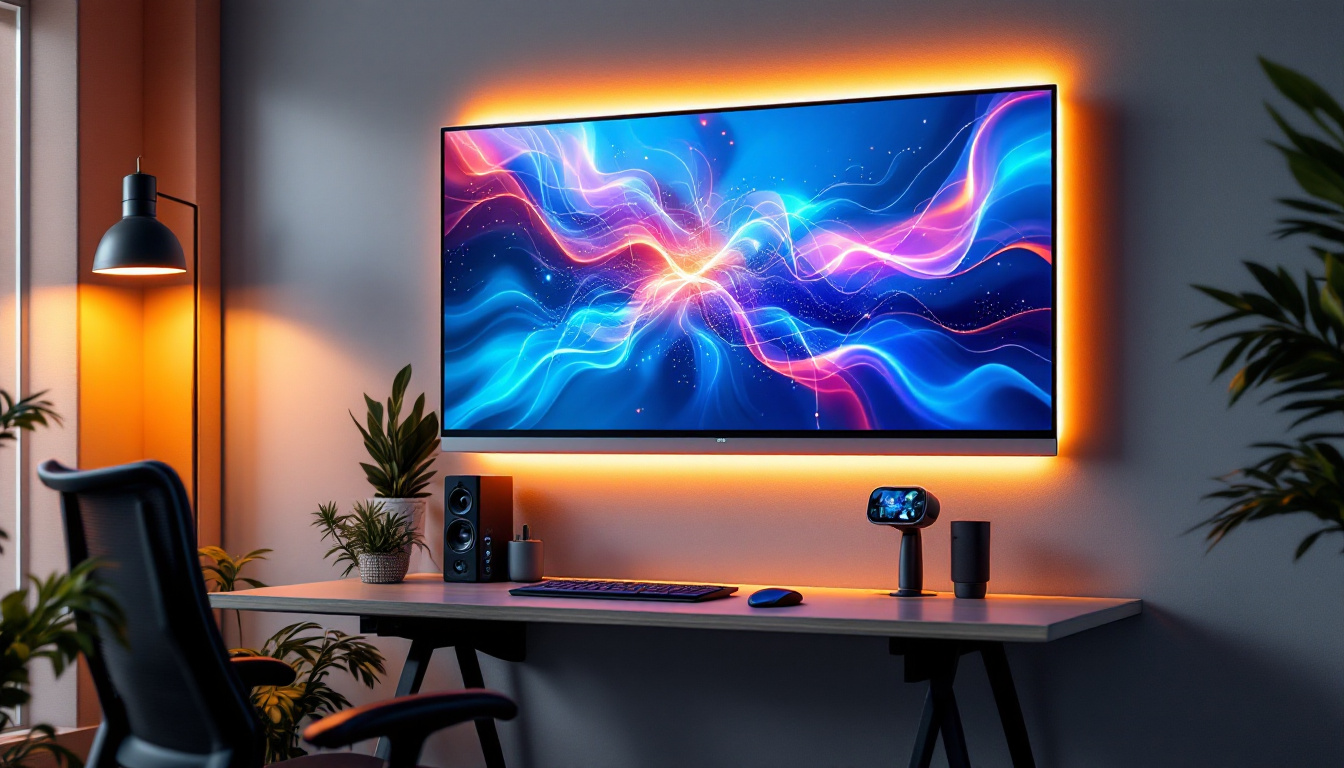
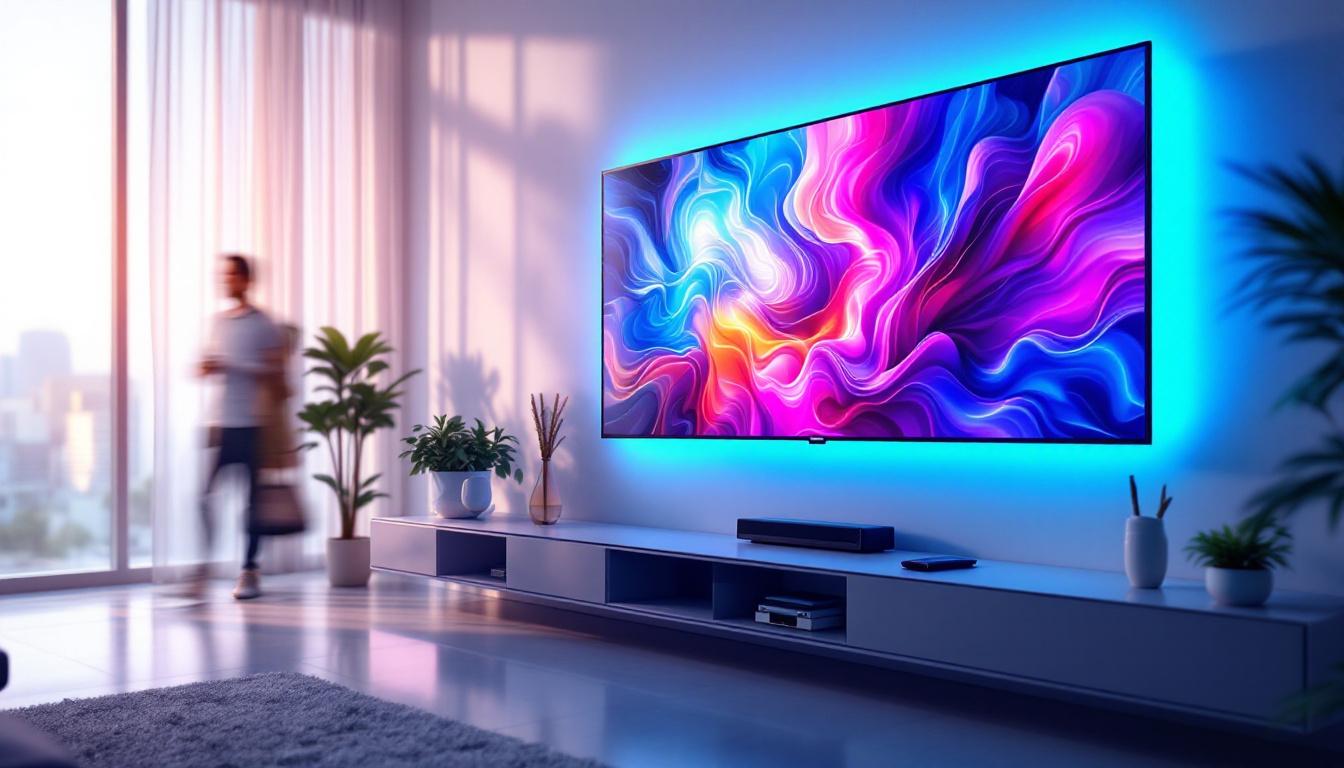
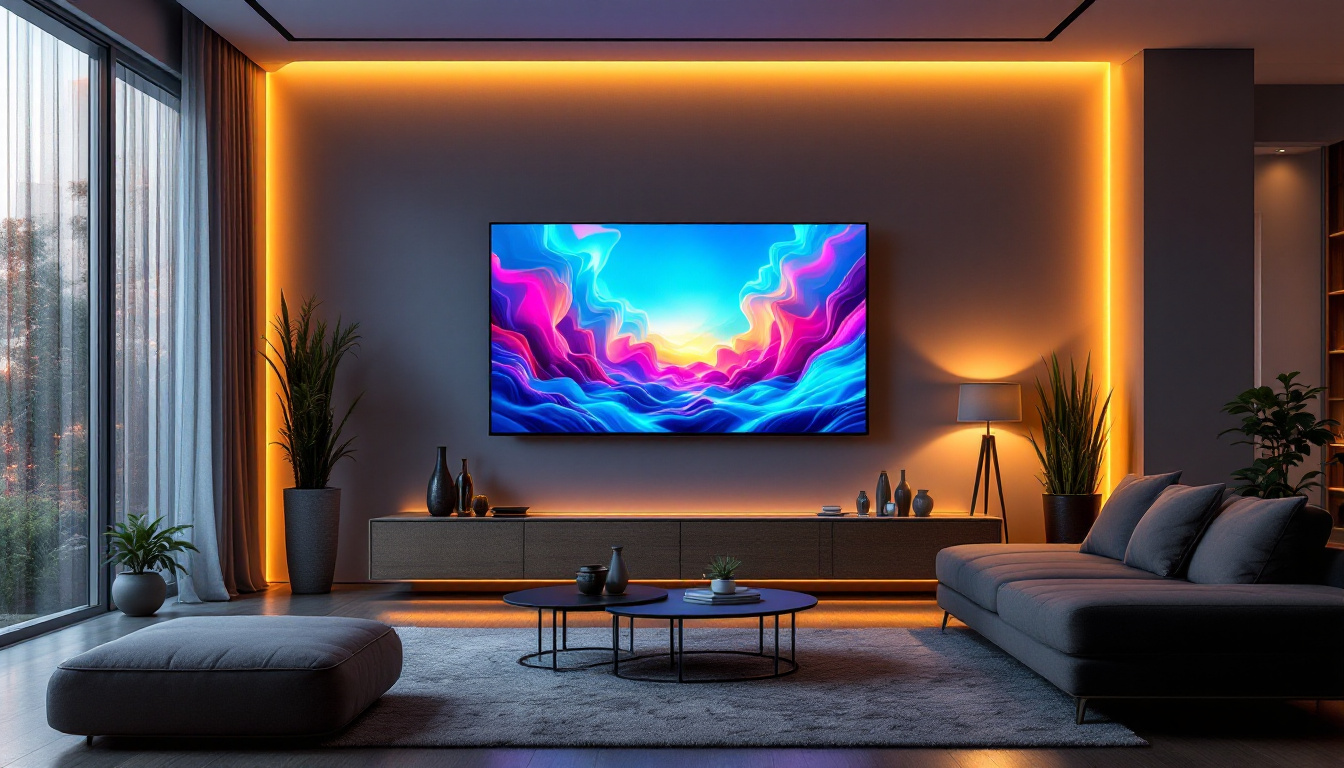
In residential settings, wall mountable all-in-one PCs serve as central hubs for entertainment, home automation, and communication. The LED display’s vibrant visuals make streaming media and video calls more enjoyable, while the compact design blends seamlessly with home decor.
Mounting the PC on a wall also helps keep living spaces organized and clutter-free, which is especially beneficial in smaller homes or apartments.
Choosing the Right Wall Mountable All-In-One PC with LED Display
Selecting the ideal wall mountable all-in-one PC involves considering several factors to ensure the device meets specific needs and maximizes the advantages of LED display technology.
Display Size and Resolution
The size of the LED display should correspond to the intended use and viewing distance. For example, a 21 to 24-inch screen is typically sufficient for office tasks, while larger displays of 27 inches or more may be preferred for design work or public-facing applications.
Resolution is equally important; Full HD (1920×1080) is standard for most uses, but 4K UHD (3840×2160) displays are increasingly common and beneficial for detailed visual work.
Brightness and Viewing Angles
Brightness levels, measured in nits, affect visibility in various lighting conditions. For brightly lit rooms or public spaces, a display with 300 nits or higher is recommended. Wide viewing angles ensure that the image remains clear and color-accurate from different positions, which is vital for collaborative environments.
Processor and Performance Specifications
The internal hardware should align with the intended workload. For general office use, mid-range processors such as Intel Core i5 or AMD Ryzen 5 are adequate. More demanding tasks like video editing or software development may require higher-end CPUs, increased RAM (16GB or more), and fast SSD storage.
Connectivity and Expandability
Ensure the PC offers sufficient ports for peripherals, including USB-C, USB 3.0, HDMI, and Ethernet. Wireless connectivity options like Wi-Fi 6 and Bluetooth 5.0 enhance flexibility. Some models also support additional storage or external GPUs for future upgrades.
Mounting Compatibility and Installation
Check for VESA mount compatibility and the weight of the unit to ensure it can be securely mounted on the intended wall surface. Professional installation may be necessary for heavier units or complex setups.
Maintenance and Longevity of LED Displays in All-In-One PCs
Maintaining the LED display and the overall system is crucial for prolonging the lifespan and ensuring consistent performance.
Cleaning and Care
LED screens should be cleaned regularly with a soft, lint-free cloth and appropriate screen-cleaning solutions to avoid scratches and residue buildup. Avoid harsh chemicals that could damage the display coating.
Software Updates and Security
Keeping the operating system and drivers up to date ensures optimal performance and security. Many all-in-one PCs come with manufacturer utilities that facilitate firmware updates for the display and hardware components.
Handling and Environmental Considerations
Protect the device from extreme temperatures, humidity, and direct sunlight, which can degrade LED performance over time. Using surge protectors helps prevent damage from electrical fluctuations.
Future Trends in Wall Mountable All-In-One PCs and LED Displays
The technology behind wall mountable all-in-one PCs and LED displays continues to evolve rapidly, promising even more advanced features and improved user experiences.
Mini-LED and Micro-LED Technologies
Emerging display technologies such as Mini-LED and Micro-LED offer superior brightness, contrast, and energy efficiency compared to traditional LED backlighting. These advancements are expected to become mainstream in all-in-one PCs within the next few years.
Flexible and Transparent Displays
Research into flexible and transparent LED displays could lead to innovative wall mountable PCs that blend seamlessly into walls or furniture, further enhancing aesthetics and space-saving capabilities.
Integration with AI and IoT
Future all-in-one PCs will likely incorporate artificial intelligence and Internet of Things (IoT) connectivity to provide smarter, more intuitive interactions, personalized settings, and enhanced automation.
Conclusion
Wall mountable all-in-one PCs with LED displays represent a convergence of design innovation and technological advancement. Their compact form factor, combined with the superior visual quality and energy efficiency of LED technology, make them an excellent choice for a wide range of applications. Whether in corporate offices, healthcare, retail, or homes, these devices offer practical benefits that enhance productivity, aesthetics, and user experience.
As LED display technology continues to improve and new features emerge, wall mountable all-in-one PCs will only become more versatile and integral to modern digital environments. Understanding the key aspects of these systems helps consumers and businesses make informed decisions that align with their needs and future-proof their technology investments.
Discover LumenMatrix’s Innovative LED Display Solutions
Ready to elevate your space with the latest in LED display technology? LumenMatrix is at the forefront of creating immersive visual experiences with a comprehensive range of LED display solutions. From dynamic Indoor and Outdoor LED Wall Displays to specialized options like Vehicle, Sports, and Floor LED Displays, we have the cutting-edge technology to bring your vision to life. Embrace the future of visual communication with our All-in-One LED Displays and captivate your audience like never before. Check out LumenMatrix LED Display Solutions today and transform your environment with unparalleled clarity and impact.