In the rapidly evolving world of industrial automation, clear and intuitive human-machine interfaces (HMIs) are essential for efficient operation and monitoring. Siemens’ Logo! G3 series, a popular programmable logic controller (PLC) solution, integrates LED displays that provide real-time feedback and system status updates. This article delves into the specifics of the Logo G3 LED display, exploring its design, functionality, and practical applications to help users maximize their use of this technology.
Understanding the Logo G3 System
The Siemens Logo! G3 is a compact modular PLC designed primarily for small automation projects. It is widely appreciated for its ease of programming, flexibility, and robust performance. The system supports a range of input and output modules, communication interfaces, and display options, including the integrated LED display. This versatility makes it an ideal choice for various applications, from simple home automation tasks to more complex industrial processes.
Unlike traditional PLCs that rely on external HMIs, the Logo G3’s built-in LED display offers immediate visual feedback, allowing operators to quickly assess system status without additional equipment. This feature is particularly valuable in environments where space is limited or where simplicity is paramount. Furthermore, the intuitive interface of the display aids in troubleshooting and monitoring, reducing downtime and enhancing overall operational efficiency.
Key Features of the Logo G3
The Logo G3 series includes several enhancements over its predecessors, such as improved processing speed, expanded memory, and enhanced communication capabilities. The LED display is a crucial component of this upgrade, designed to provide clear and concise information directly on the device. These improvements enable users to implement more complex logic and control functions, making the Logo G3 suitable for a wider array of automation projects.
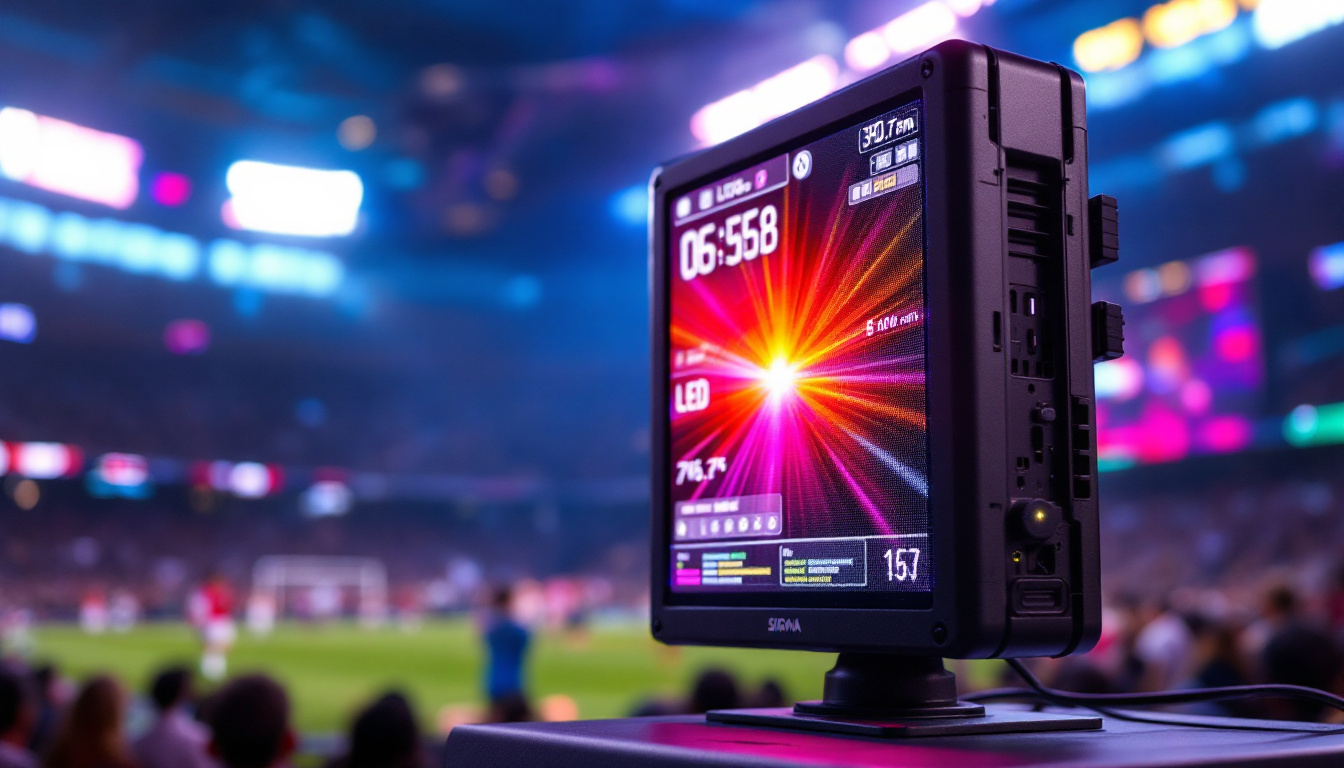
- Display Type: The Logo G3 features a multi-segment LED display, typically a 4-digit 7-segment layout, capable of showing numerical values, status codes, and simple alphanumeric characters.
- Backlighting: The LED display is backlit, ensuring visibility in various lighting conditions, from dimly lit control cabinets to brightly illuminated industrial floors.
- Integration: The display is seamlessly integrated into the PLC housing, maintaining the compact footprint of the Logo G3 system.
In addition to its display features, the Logo G3 supports a variety of communication protocols, allowing it to connect with other devices and systems, such as SCADA systems or remote monitoring applications. This connectivity enhances the system’s functionality, enabling users to create more sophisticated automation solutions that can be monitored and controlled from a distance. The ability to integrate with cloud-based platforms also opens up new possibilities for data analysis and remote diagnostics, further extending the capabilities of the Logo G3.
Moreover, the modular design of the Logo G3 allows for easy expansion and customization. Users can select from a wide range of I/O modules to tailor the system to their specific needs, whether it be for controlling motors, sensors, or other devices. This flexibility not only simplifies the design process but also ensures that the system can adapt to changing requirements over time, making it a future-proof investment for businesses looking to enhance their automation capabilities.
Technical Specifications of the LED Display
To appreciate the functionality of the Logo G3 LED display, it is important to understand its technical specifications and how they impact usability.
Display Resolution and Characters
The Logo G3 LED display typically consists of four 7-segment digits. Each digit can represent numbers 0-9 and some limited alphabetical characters such as A, b, C, d, E, and F. This limitation means the display is best suited for showing numerical data, error codes, and abbreviated status messages rather than full text.
Despite these constraints, the display effectively conveys critical information such as timer values, counter readings, and diagnostic codes, which are essential for quick troubleshooting and monitoring. The simplicity of its design allows users to quickly glance at the display and interpret the information without confusion, making it ideal for fast-paced environments where time is of the essence.
Moreover, the limited character set is a deliberate design choice that enhances clarity. By focusing on a small range of characters, the display minimizes the risk of misinterpretation, which can be crucial in settings where precise data is needed for operational safety and efficiency.
Brightness and Visibility
Visibility is a key factor in industrial environments, where lighting conditions can vary widely. The Logo G3 LED display is designed with a bright, backlit interface that ensures readability even in bright ambient light or low-light conditions. The LED technology used offers high contrast and low power consumption, making it both efficient and effective.
This high brightness level is particularly beneficial in outdoor applications or areas with direct sunlight, where traditional displays may wash out. Additionally, the display’s anti-glare properties help maintain visibility from various angles, ensuring that operators can easily read the information without straining their eyes. This feature is especially important in control rooms or machinery operation areas, where quick access to data can significantly impact decision-making and operational efficiency.
Interface and User Interaction
The LED display works in tandem with the Logo G3’s push buttons and programming interface. Users can navigate through different display modes, reset counters, or view error codes directly via the device’s front panel controls. This direct interaction reduces the need for external devices, streamlining maintenance and operation.
In addition to the intuitive button layout, the Logo G3 is equipped with a user-friendly programming interface that allows for easy customization of display settings. Users can tailor the display parameters to suit specific operational needs, such as adjusting the refresh rate or configuring alerts for certain thresholds. This level of customization not only enhances user experience but also ensures that the display meets the unique requirements of various applications, from manufacturing to building automation. As a result, operators can maintain optimal performance and respond swiftly to any anomalies or changes in system status.
Practical Applications of the Logo G3 LED Display
The Logo G3’s LED display is utilized across various industries and applications, from simple automation tasks to more complex control scenarios. Understanding these practical uses highlights the display’s value in real-world settings.
Monitoring and Diagnostics
One of the primary uses of the LED display is for system monitoring and diagnostics. Operators can view real-time values such as temperature readings, motor speeds, or production counts. When errors occur, the display shows fault codes that correspond to specific issues, enabling quick identification and resolution.
For example, in a small packaging line, the Logo G3 can display the number of packages processed, alerting operators when maintenance is due or when a fault interrupts the process. This immediate feedback minimizes downtime and improves efficiency.
Timer and Counter Functions
The Logo G3 PLC is often employed in applications requiring precise timing and counting. The LED display provides a clear readout of timer values and counter statuses, which is crucial for processes such as conveyor control, batch processing, or irrigation scheduling.
In irrigation systems, for instance, the Logo G3 can control watering cycles and display the remaining time for each cycle on the LED display, allowing users to monitor operations without additional instrumentation.
Educational and Training Environments
Due to its simplicity and clear visual feedback, the Logo G3 with its LED display is a popular choice in educational settings. Students and trainees can easily understand the relationship between input signals, logic processing, and output responses by observing changes directly on the display.
This hands-on experience helps demystify automation concepts and builds foundational skills for future industrial applications.
Advantages of Using the Logo G3 LED Display
The integrated LED display offers several advantages that enhance the overall functionality and user experience of the Logo G3 system.
Compactness and Integration
The built-in LED display eliminates the need for external HMIs or monitors, reducing the overall system footprint. This compactness is especially beneficial in applications with limited space or where simplicity is desired.
Cost-Effectiveness
By providing essential information directly on the device, the LED display reduces the need for additional hardware, lowering both initial investment and maintenance costs. This makes the Logo G3 an economical choice for small to medium automation projects.
Ease of Use and Quick Diagnostics
The LED display’s straightforward presentation of data and error codes allows operators to quickly assess system status and perform troubleshooting without specialized training. This ease of use contributes to reduced downtime and improved operational efficiency.
Limitations and Considerations
While the Logo G3 LED display offers many benefits, it is important to recognize its limitations to ensure appropriate application.
Limited Display Capacity
The 4-digit 7-segment format restricts the amount of information that can be displayed at one time. Complex messages or detailed status reports require external HMIs or software interfaces for comprehensive monitoring.
Basic Alphanumeric Support
The display supports only a limited set of alphabetic characters, which can complicate the interpretation of error codes or status messages if not well documented. Users must rely on manuals or supplementary materials to decode certain messages.
Environmental Constraints
Although the LED display is designed for industrial environments, extreme conditions such as very high temperatures, moisture, or dust may affect visibility or longevity. Proper enclosure and environmental protection should be considered during installation.
Future Trends and Enhancements
As industrial automation continues to advance, the role of displays in PLCs like the Logo G3 is evolving. While the current LED display serves basic needs effectively, future iterations may incorporate more advanced display technologies.
Integration with Touchscreen Interfaces
Modern PLCs increasingly integrate touchscreen HMIs that offer richer interaction and visualization capabilities. While the Logo G3 maintains its simplicity, Siemens and other manufacturers are offering complementary touchscreen modules that can be paired with the system for enhanced functionality.
Wireless and Remote Monitoring
Advances in communication protocols and IoT integration allow for remote monitoring and control of automation systems. The LED display remains valuable for local status checks, but remote interfaces provide more detailed insights and control options accessible via smartphones or PCs.
Energy Efficiency and Sustainability
LED technology is inherently energy-efficient, and ongoing improvements aim to reduce power consumption further while enhancing brightness and durability. These developments align with broader industrial trends toward sustainability and reduced operational costs.
Conclusion
The Logo G3 LED display is a vital feature that enhances the usability and functionality of Siemens’ compact PLC system. Its clear, concise visual feedback supports efficient monitoring, diagnostics, and control in a variety of industrial applications. While it has inherent limitations due to its size and character set, the display remains an effective tool for small-scale automation projects where simplicity, cost-effectiveness, and reliability are paramount.
Understanding the capabilities and constraints of the Logo G3 LED display enables users to leverage its strengths and integrate it effectively within their automation solutions. As technology advances, the combination of integrated displays and external interfaces will continue to provide flexible and powerful options for industrial automation professionals.
Enhance Your Automation Experience with LumenMatrix
As you embrace the efficiency of the Logo G3 LED display for your automation projects, take the next step with LumenMatrix’s advanced LED display technology. Our comprehensive range of solutions, from Indoor and Outdoor LED Wall Displays to innovative LED Transparent Displays, is designed to elevate your operational environment. Whether you’re looking to increase brand visibility or create immersive visual experiences, LumenMatrix is committed to revolutionizing visual communication. Check out LumenMatrix LED Display Solutions today and empower your business with displays that deliver your message with unparalleled impact and clarity.