Choosing the right television or monitor size is a crucial decision for both home entertainment and professional use. Among the most popular choices today is the 55-inch LED display, known for its balance of size, picture quality, and price. However, understanding what “55 inch” truly means in terms of screen dimensions, aspect ratio, and viewing experience can be confusing. This article dives deep into the specifics of 55-inch LED screens, explaining their dimensions, technology, and how to select the best option for your needs.
Understanding the 55 Inch Screen Measurement
What Does 55 Inches Represent?
The “55 inch” measurement refers to the diagonal length of the screen, measured from one corner to the opposite corner. This diagonal measurement is the industry standard for describing TV and monitor sizes. It does not represent the width or height directly but gives a general sense of the screen’s overall size.
For example, a 55-inch screen means the display measures 55 inches diagonally, but the actual width and height depend on the screen’s aspect ratio. Most modern LED TVs use a 16:9 aspect ratio, which is the standard widescreen format. This aspect ratio is particularly favored for watching movies and television shows, as it closely resembles the format used in film production, allowing for a more immersive viewing experience.
In addition to the aspect ratio, the type of screen technology—such as OLED, QLED, or LCD—can also influence the perceived size and quality of the image displayed. For instance, OLED screens are known for their deep blacks and vibrant colors, which can make a 55-inch screen feel larger and more engaging than a standard LCD screen of the same size.
Calculating Width and Height
To find the width and height of a 55-inch screen with a 16:9 aspect ratio, you can use simple geometry. The formula is based on the Pythagorean theorem:
- Width = 55 × (16 / √(16² + 9²)) ≈ 47.94 inches
- Height = 55 × (9 / √(16² + 9²)) ≈ 26.96 inches
Converting these to centimeters (1 inch = 2.54 cm), the width is approximately 121.8 cm and the height about 68.5 cm. This calculation is essential for buyers who want to ensure the screen fits perfectly in their space. Knowing the precise dimensions can also help in selecting the right mounting hardware or furniture, ensuring that the setup not only looks good but is also functional.
Moreover, understanding the dimensions can aid in optimizing your viewing distance. For a 55-inch screen, the recommended viewing distance is typically between 7 to 11.5 feet, depending on the resolution of the TV. For instance, if you have a 4K Ultra HD TV, you can sit closer without noticing pixelation, enhancing the overall viewing experience. This consideration is particularly important for home theater setups, where comfort and immersion are key to enjoying movies and shows to their fullest.
The Role of Aspect Ratio in Screen Dimensions
Why 16:9 is the Standard
The 16:9 aspect ratio became the global standard for HDTVs, computer monitors, and smartphones because it offers a wide viewing area suitable for movies, TV shows, and gaming. It balances width and height to provide an immersive experience without excessive vertical or horizontal space.
Older TVs often used a 4:3 aspect ratio, which is more square-shaped. A 55-inch screen with a 4:3 ratio would have different width and height dimensions, resulting in a less cinematic experience. This shift to 16:9 has allowed filmmakers and game developers to create content that fully utilizes the screen’s real estate, enhancing the viewer’s engagement and enjoyment. The wider format also aligns with the human field of vision, making it a natural choice for visual media.
Other Aspect Ratios to Consider
While 16:9 dominates the market, some specialized displays use different ratios:
- 21:9 Ultra-Wide: Popular for cinematic viewing and gaming, offering a more panoramic view.
- 4:3: Used for legacy content and some professional monitors.
When considering a 55-inch screen, it’s important to verify the aspect ratio, as it directly influences the physical dimensions and how content will appear. For instance, a 21:9 screen can provide a more immersive experience for films that are shot in ultra-wide formats, allowing viewers to feel as if they are part of the action. Additionally, this aspect ratio is increasingly favored in gaming, where a wider field of view can enhance gameplay by allowing players to see more of their surroundings, thus improving situational awareness.
Moreover, the 4:3 aspect ratio, while less common in modern consumer electronics, still finds its niche in certain professional environments, such as photography and graphic design. This ratio can be beneficial for displaying images and documents that are traditionally formatted in a square or near-square layout, ensuring that no critical information is lost in the cropping process. As technology continues to evolve, understanding the implications of aspect ratios will remain essential for both consumers and content creators alike.
LED Display Technology Explained
What is an LED Screen?
LED stands for Light Emitting Diode. In LED TVs, these diodes serve as the backlighting source behind an LCD (Liquid Crystal Display) panel. Unlike older CCFL (Cold Cathode Fluorescent Lamp) backlighting, LEDs offer better energy efficiency, improved brightness, and thinner designs.
There are two main types of LED backlighting:
- Edge-Lit LED: LEDs are placed along the edges of the screen, allowing for thinner panels but sometimes uneven brightness.
- Full-Array LED: LEDs are distributed evenly behind the screen, enabling better local dimming and contrast.
Advantages of LED Displays
LED displays have become the industry standard due to several benefits:
- Energy Efficiency: LED backlighting consumes less power than traditional LCD or plasma screens.
- Brightness and Contrast: LEDs can produce brighter images and deeper blacks, especially with local dimming technology.
- Thin and Lightweight: LED panels are slimmer and lighter, making wall mounting easier.
- Longevity: LEDs typically last longer and maintain brightness over time.
Choosing the Right 55 Inch LED Display for Your Space
Viewing Distance Recommendations
One of the most important factors when selecting a 55-inch screen is the optimal viewing distance. Sitting too close can cause eye strain, while sitting too far diminishes the immersive experience.
The Society of Motion Picture and Television Engineers (SMPTE) recommends a viewing distance of about 1.5 to 2.5 times the diagonal screen size. For a 55-inch screen, this translates to approximately 6.9 to 11.5 feet (2.1 to 3.5 meters).
For 4K UHD displays, viewers can sit closer without noticing pixelation due to the higher resolution, making 55-inch screens ideal for medium-sized rooms.
Room Size and Placement
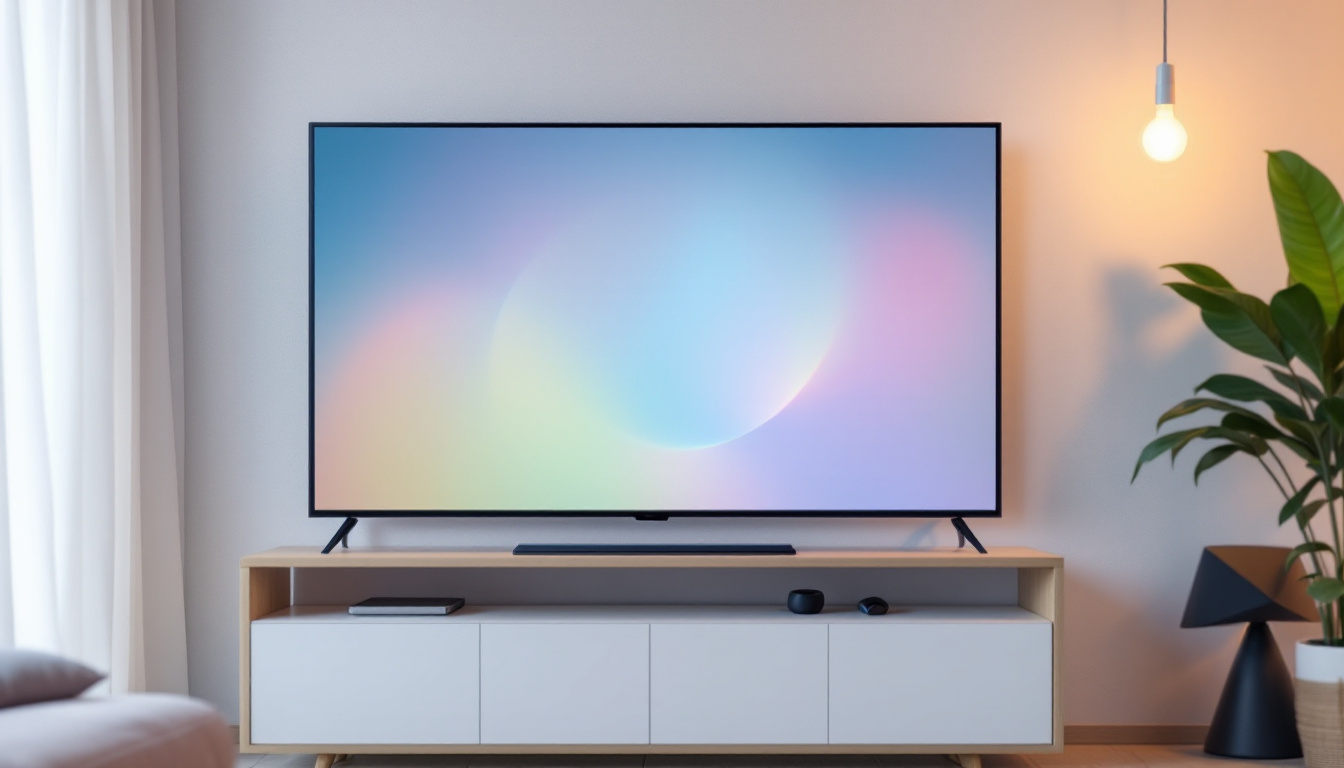
Before purchasing, measure the available space where the TV or monitor will be placed. Remember to account for the screen dimensions plus the bezel (frame) around the display, which can add a few inches to the overall width and height.
Wall-mounted 55-inch LED TVs typically require a sturdy mount rated for the screen’s weight, and clearance for ventilation is necessary to prevent overheating. For desks or entertainment centers, ensure the furniture can support the display’s dimensions and weight.
Resolution and Image Quality
Most 55-inch LED TVs today offer 4K Ultra HD resolution (3840 × 2160 pixels), which provides crisp and detailed images. Some models also feature HDR (High Dynamic Range) support, enhancing contrast and color accuracy.
While Full HD (1080p) 55-inch TVs are still available, 4K is becoming the standard due to the increased availability of 4K content and streaming services. When selecting a 55-inch LED display, prioritize resolution and HDR capabilities to future-proof your investment.
Additional Features to Consider in 55 Inch LED Displays
Smart TV Capabilities
Many 55-inch LED TVs come with built-in smart features, allowing users to stream content from platforms like Netflix, Amazon Prime, and YouTube without needing external devices. Integrated voice assistants, app stores, and screen mirroring are common features that enhance usability.
Refresh Rate and Gaming Performance
For gamers, refresh rate is a critical specification. A higher refresh rate (120Hz or more) results in smoother motion, which is especially noticeable in fast-paced games and sports. Additionally, features like Variable Refresh Rate (VRR) and Auto Low Latency Mode (ALLM) improve gaming experiences by reducing screen tearing and input lag.
Connectivity Options
Ensure the 55-inch LED display has sufficient HDMI ports, USB inputs, and audio outputs to connect all your devices. HDMI 2.1 ports are preferred for future-proofing, supporting higher bandwidth for 4K at 120Hz and next-gen gaming consoles.
Comparing 55 Inch LED Displays to Other Sizes
Why Choose 55 Inches?
The 55-inch screen size strikes a balance between immersion and practicality. It is large enough to deliver a cinematic experience in living rooms and medium-sized spaces without overwhelming the room or requiring excessive viewing distance.
Compared to smaller sizes like 43 or 50 inches, a 55-inch screen offers a more engaging experience, especially with 4K content. Conversely, larger sizes like 65 or 75 inches may be better suited for very large rooms or dedicated home theaters but come at a higher cost and require more space.
Price Considerations
55-inch LED TVs are widely available across various price points, from budget-friendly models under $400 to premium options exceeding $1,500. Features such as OLED panels, advanced HDR, and smart TV platforms influence pricing.
For most consumers, a mid-range 55-inch LED TV with 4K resolution and HDR support offers the best value, combining quality and affordability.
Maintaining and Caring for Your 55 Inch LED Display
Cleaning Tips
To preserve picture quality and extend the lifespan of your LED display, regular cleaning is essential. Use a microfiber cloth to gently wipe the screen, avoiding harsh chemicals or abrasive materials that can damage the surface.
Optimal Usage Practices
Avoid exposing the screen to direct sunlight or extreme temperatures, which can degrade the display over time. Additionally, using a surge protector can prevent damage from power fluctuations.
Conclusion
The 55-inch LED display remains one of the most popular and versatile screen sizes on the market, offering a perfect blend of size, resolution, and features for a wide range of uses. Understanding the actual dimensions, aspect ratio, and technological aspects helps consumers make informed decisions that suit their space and viewing preferences.
Whether for home entertainment, gaming, or professional applications, a 55-inch LED screen with 4K resolution and smart capabilities can deliver a rich and immersive visual experience. By considering factors such as viewing distance, room size, and additional features, buyers can select the ideal model that meets their needs and budget.
Discover the Perfect LED Display with LumenMatrix
Ready to elevate your viewing experience with a 55-inch LED display that offers unparalleled clarity and immersion? Look no further than LumenMatrix, a pioneer in LED display technology. Our extensive range of solutions, from Indoor and Outdoor LED Wall Displays to innovative LED Sports and Floor Displays, is designed to meet your every need. Whether for captivating home entertainment, dynamic gaming, or impactful professional applications, LumenMatrix is committed to revolutionizing visual communication. Check out LumenMatrix LED Display Solutions today and transform your space with a display that stands out in both performance and quality.