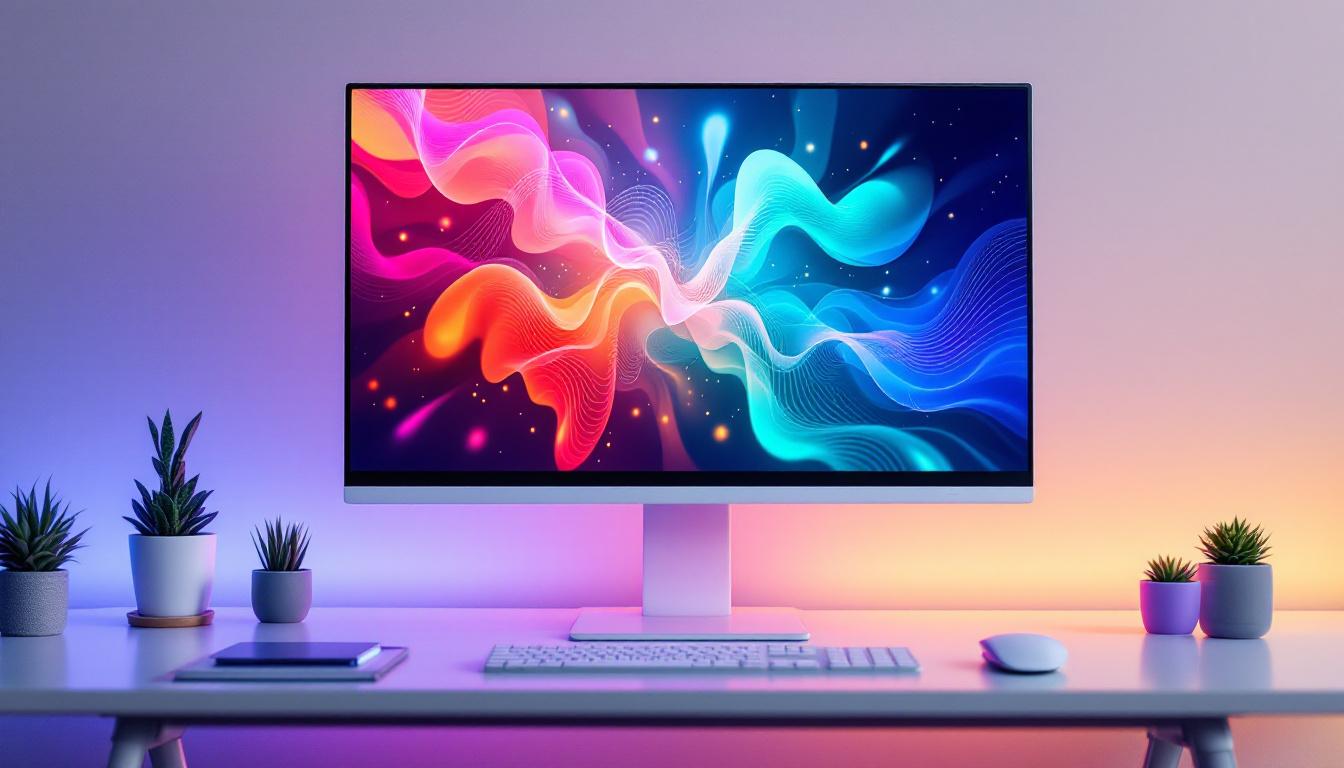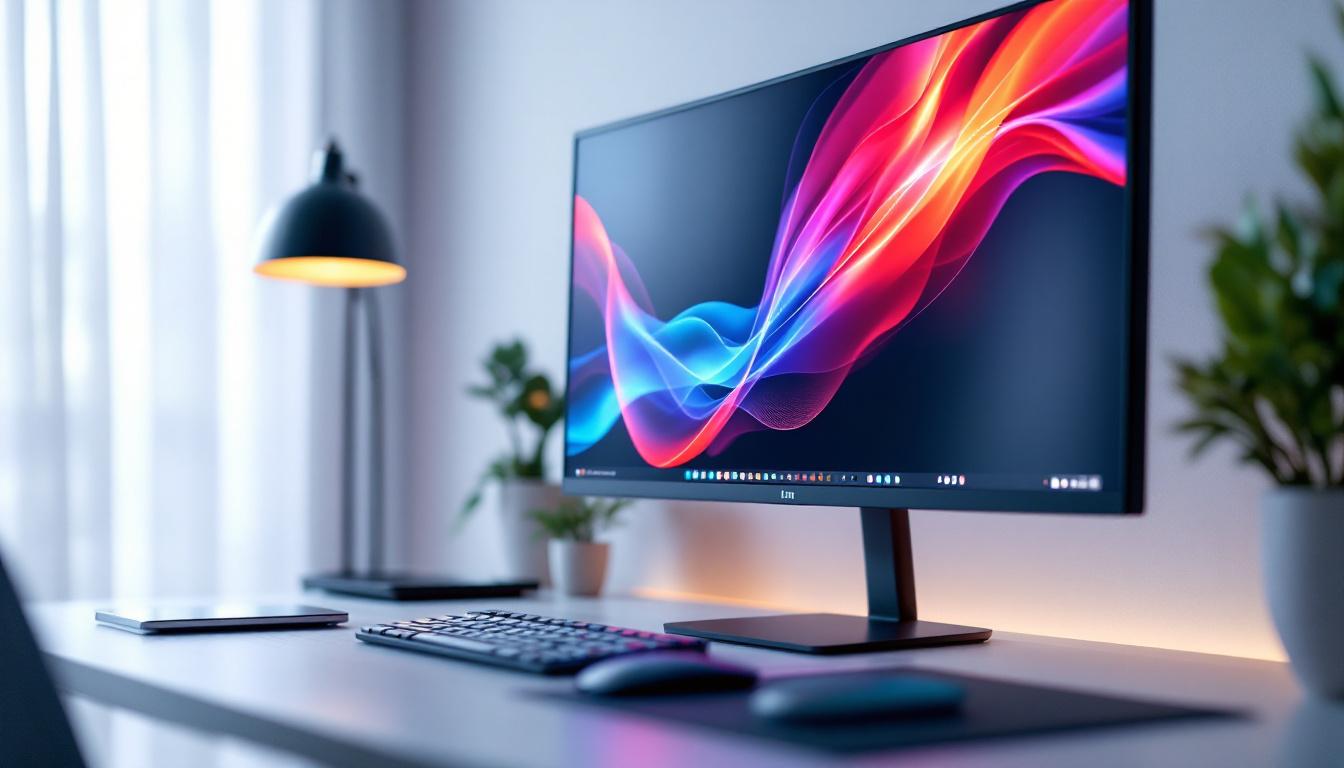
In the rapidly evolving world of digital displays, LED technology has become a cornerstone for delivering vibrant, energy-efficient, and versatile screens. Among the many applications of LED displays, desktop brackets have emerged as an innovative solution to enhance workspace aesthetics and functionality. This article delves into the concept of desktop brackets for LED displays, exploring their design, benefits, installation, and practical uses in various professional and personal environments.
Understanding Desktop Brackets for LED Displays
Desktop brackets are specialized mounting solutions designed to hold LED displays securely on a desk or tabletop. Unlike wall mounts or ceiling installations, desktop brackets provide flexibility and accessibility, making them ideal for environments where mobility and ergonomic positioning are crucial.
LED displays, known for their superior brightness, contrast, and energy efficiency, are increasingly used in desktop setups for tasks ranging from professional presentations to gaming and multimedia consumption. The integration of desktop brackets allows users to optimize their viewing angles and desk space without compromising on screen quality or stability.
What Are Desktop Brackets?
Desktop brackets are hardware components that attach LED screens to a stable base on a desk. They come in various designs, including fixed stands, adjustable arms, and swivel mounts, each catering to different user needs. The primary purpose is to elevate the display to a comfortable viewing height and angle, reducing neck strain and improving posture.
Modern desktop brackets often feature cable management systems to keep wires organized, contributing to a cleaner and more professional workspace. Materials used in these brackets range from lightweight aluminum to robust steel, ensuring durability and aesthetic appeal.
Why Use Desktop Brackets for LED Displays?
Using desktop brackets for LED displays offers several advantages. Firstly, they enhance ergonomic comfort by allowing users to adjust the screen height and tilt according to their preferences. This adaptability is essential in reducing musculoskeletal issues associated with prolonged computer use.
Secondly, desktop brackets free up valuable desk space by lifting the display off the surface, creating room for other essential items like keyboards, documents, or peripherals. This is particularly beneficial in compact workstations or shared office environments.
Key Features and Benefits of LED Displays on Desktop Brackets
LED displays paired with desktop brackets combine the best of both worlds: cutting-edge screen technology and practical mounting solutions. Understanding the key features and benefits can help users make informed decisions when setting up their work or entertainment spaces.
Enhanced Visual Performance
LED displays are renowned for their high brightness levels and excellent color accuracy. When mounted on desktop brackets, these displays can be positioned to minimize glare and reflections, further enhancing visual clarity. This is critical for professionals in graphic design, video editing, and other fields where color precision is paramount.
Moreover, LED technology supports higher refresh rates and faster response times, which are advantageous for gaming and multimedia applications. The ability to adjust the display angle via desktop brackets ensures that users experience these benefits without discomfort.
Energy Efficiency and Longevity
Compared to traditional LCD or plasma screens, LED displays consume significantly less power, contributing to lower electricity bills and a reduced carbon footprint. Desktop brackets do not impact the energy efficiency of the display but enable better heat dissipation by allowing airflow around the screen, potentially extending the device’s lifespan.
Durability is another hallmark of LED technology. With fewer moving parts and solid-state components, LED displays tend to have longer operational lives. Desktop brackets, constructed from sturdy materials, provide stable support that protects the screen from accidental knocks or falls.
Space Optimization and Aesthetics
One of the most practical benefits of using desktop brackets is the optimization of workspace. By elevating the LED display, users can utilize the area beneath the screen for storage or additional equipment. This is especially valuable in small offices, home workstations, or retail environments where space is at a premium.
From an aesthetic perspective, desktop brackets contribute to a sleek and organized look. Many models feature minimalist designs that complement modern office decor, while integrated cable management keeps cords hidden and untangled.
Types of Desktop Brackets for LED Displays
Choosing the right desktop bracket depends on the specific needs of the user, the size and weight of the LED display, and the desired range of motion. Here are the most common types available on the market today.
Fixed Desktop Brackets
Fixed brackets hold the LED display in a stationary position. They are simple to install and provide a sturdy base, making them suitable for users who do not require frequent adjustments. These brackets are often preferred in environments where stability is prioritized, such as in retail point-of-sale systems or public information kiosks.
Adjustable and Articulating Arms
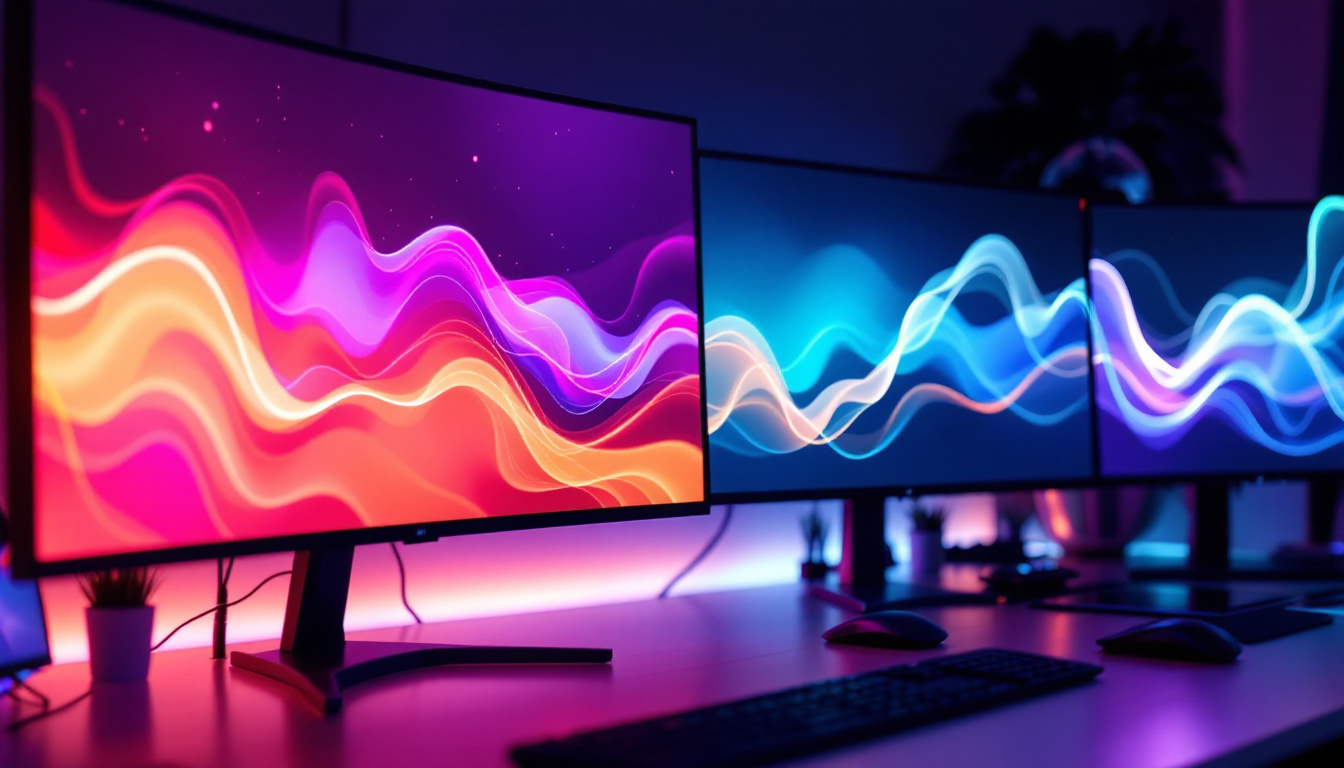
Adjustable arms offer a higher degree of flexibility, allowing users to tilt, swivel, or rotate the LED display. Articulating arms can extend or retract, enabling the screen to be pushed back when not in use or pulled forward for closer viewing. This type is ideal for collaborative workspaces, multi-monitor setups, or dynamic environments where screen positioning needs to change regularly.
Swivel and Tilt Brackets
Swivel and tilt brackets provide movement along specific axes, allowing the display to pivot horizontally or tilt vertically. These brackets strike a balance between fixed and fully articulating arms, offering ergonomic benefits without the complexity of multi-joint mechanisms. They are commonly used in office desks and home workstations.
Installation and Setup Considerations
Proper installation of desktop brackets is crucial to ensure safety, functionality, and longevity of both the bracket and the LED display. Understanding the installation process and key considerations helps avoid common pitfalls.
Compatibility and Weight Support
Before purchasing a desktop bracket, it is essential to verify compatibility with the LED display. This includes checking the VESA mounting pattern, which is the standardized hole pattern on the back of the screen used for mounting. Common VESA sizes include 75×75 mm and 100×100 mm, but larger displays may require bigger patterns.
Additionally, the bracket must support the weight of the LED display. Overloading a bracket can lead to instability or damage. Manufacturers typically specify the maximum weight capacity, and users should adhere strictly to these guidelines.
Desk Surface and Space Requirements
The desk or tabletop must be sturdy enough to hold the bracket and display securely. Some brackets clamp to the edge of the desk, while others use a weighted base. Clamping brackets require a desk thickness within a specific range, so measuring the desk beforehand is advisable.
Space considerations include ensuring there is enough clearance behind the desk for the bracket’s range of motion and enough surface area to accommodate the base or clamp mechanism. Planning the layout beforehand can prevent installation issues.
Tools and Installation Steps
Most desktop brackets come with detailed instructions and the necessary hardware for installation. Basic tools such as screwdrivers, Allen wrenches, and a level are typically required. The installation process generally involves attaching the bracket to the desk, securing the LED display to the bracket, and adjusting the screen position.
It is recommended to have a second person assist during installation, especially for larger displays, to ensure safety and precision. After installation, testing the stability and range of motion helps confirm that the setup is secure and functional.
Practical Applications of Desktop Brackets with LED Displays
Desktop brackets for LED displays are versatile and find applications across various sectors. Their ability to enhance ergonomics and optimize space makes them valuable tools in multiple settings.
Corporate and Professional Environments
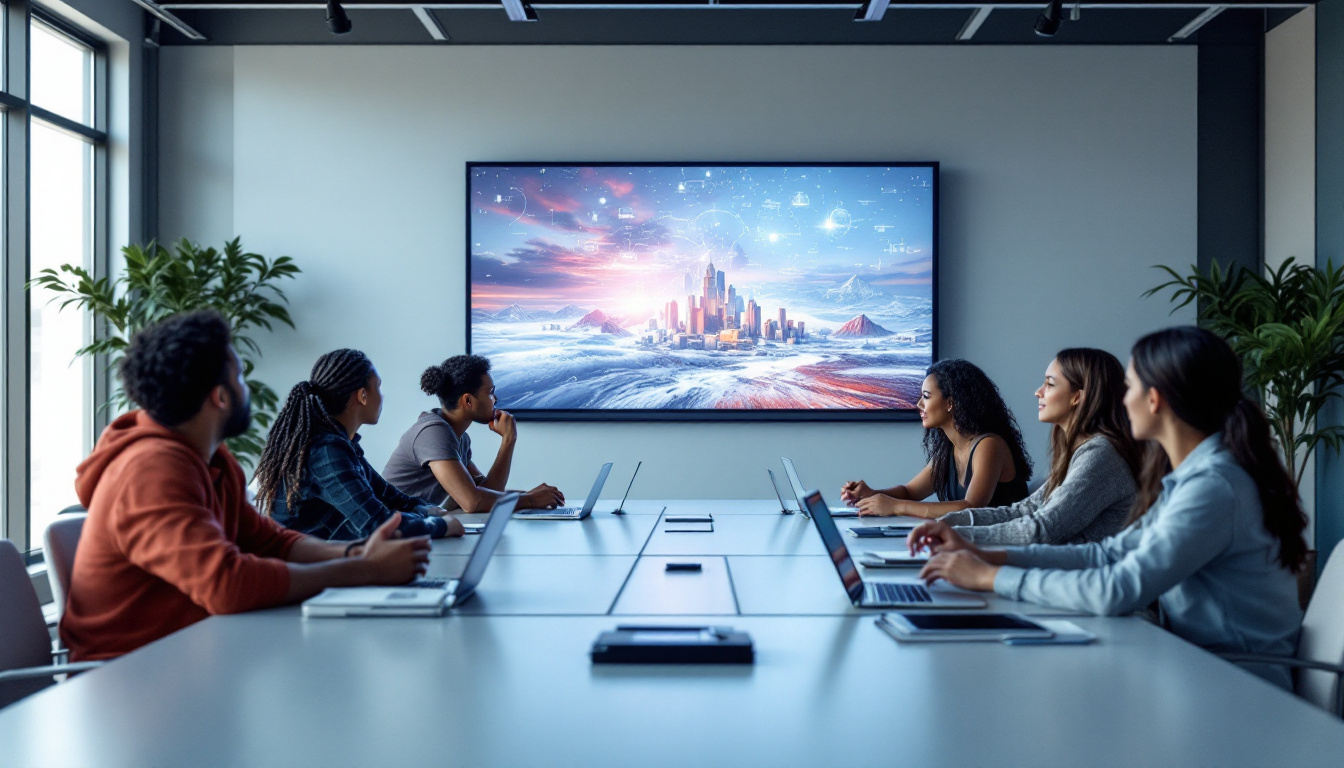
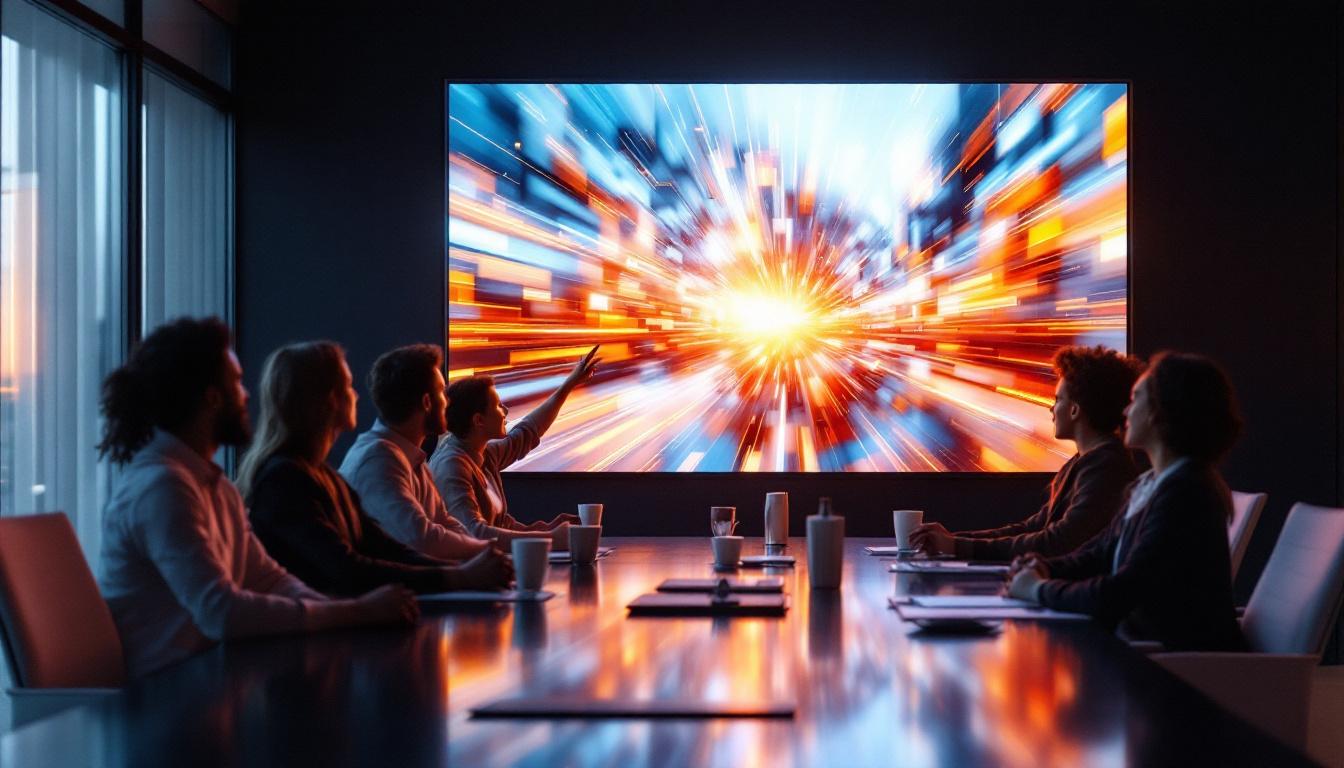
In offices, desktop brackets support productivity by enabling employees to customize their workstation ergonomics. Adjustable LED displays reduce eye strain and improve focus during long hours of computer use. Conference rooms benefit from mounted LED screens that can be positioned for optimal viewing during presentations and video conferences.
Healthcare and Medical Facilities
Medical professionals use LED displays mounted on desktop brackets for patient monitoring, diagnostics, and telemedicine. The flexibility to adjust screen positions helps accommodate different tasks and user heights, enhancing comfort and efficiency in clinical settings.
Retail and Customer Service
Point-of-sale terminals and customer information displays often utilize desktop brackets to keep screens accessible and visible. The ability to swivel or tilt the display facilitates interaction between staff and customers, improving service quality and engagement.
Home Offices and Gaming Setups
With the rise of remote work and home entertainment, desktop brackets have become popular in personal spaces. Gamers appreciate the ergonomic benefits and customizable positioning that desktop brackets provide for their LED monitors. Similarly, home office users benefit from a tidy, organized workspace that supports long hours of productivity.
Future Trends in Desktop Brackets and LED Displays
As technology advances, the integration of desktop brackets and LED displays is expected to evolve, incorporating smarter features and enhanced materials.
Smart Adjustments and Automation
Emerging desktop brackets may include motorized adjustments controlled via software or voice commands. This would allow users to set preferred screen positions that can be recalled automatically, improving convenience and accessibility.
Integration with IoT and Workspace Management
Future desktop brackets could integrate with Internet of Things (IoT) systems to monitor usage patterns, adjust lighting, or optimize ergonomics dynamically. Such integration would support healthier and more efficient work environments.
Sustainable Materials and Designs
Environmental concerns are driving the development of brackets made from recycled or sustainable materials. Lightweight yet durable designs will continue to reduce the carbon footprint associated with manufacturing and shipping.
Conclusion
Desktop brackets for LED displays represent a practical and ergonomic solution for modern workspaces and entertainment setups. By combining the superior visual performance of LED technology with flexible and space-saving mounting options, users can create comfortable, efficient, and visually appealing environments.
Whether in professional offices, healthcare, retail, or home settings, the right desktop bracket enhances usability and protects investment in high-quality LED displays. As technology progresses, these mounting solutions will become even more sophisticated, supporting smarter, healthier, and more sustainable digital experiences.
Discover LumenMatrix LED Display Solutions
Ready to transform your workspace or entertainment area with the latest in LED display technology? LumenMatrix offers a comprehensive range of innovative LED display solutions tailored to meet your needs. From vibrant Indoor LED Walls to dynamic Outdoor Displays and beyond, our products are designed to elevate your visual experience. Embrace the future of digital signage with LumenMatrix and ensure your message resonates with clarity and impact. Check out LumenMatrix LED Display Solutions today and see the difference for yourself.