In today’s digital landscape, large-format touch screen monitors have become essential tools across various industries—from corporate environments and education to retail and healthcare. Among these, the 32-inch LED touch screen monitors stand out for their balance of size, clarity, and interactive capability. This article delves into the technology behind 32-inch LED touch screen monitors, explaining their features, benefits, and practical applications to help you make an informed decision whether you’re upgrading your workspace or investing in new interactive display technology.
Understanding LED Display Technology
What is an LED Display?
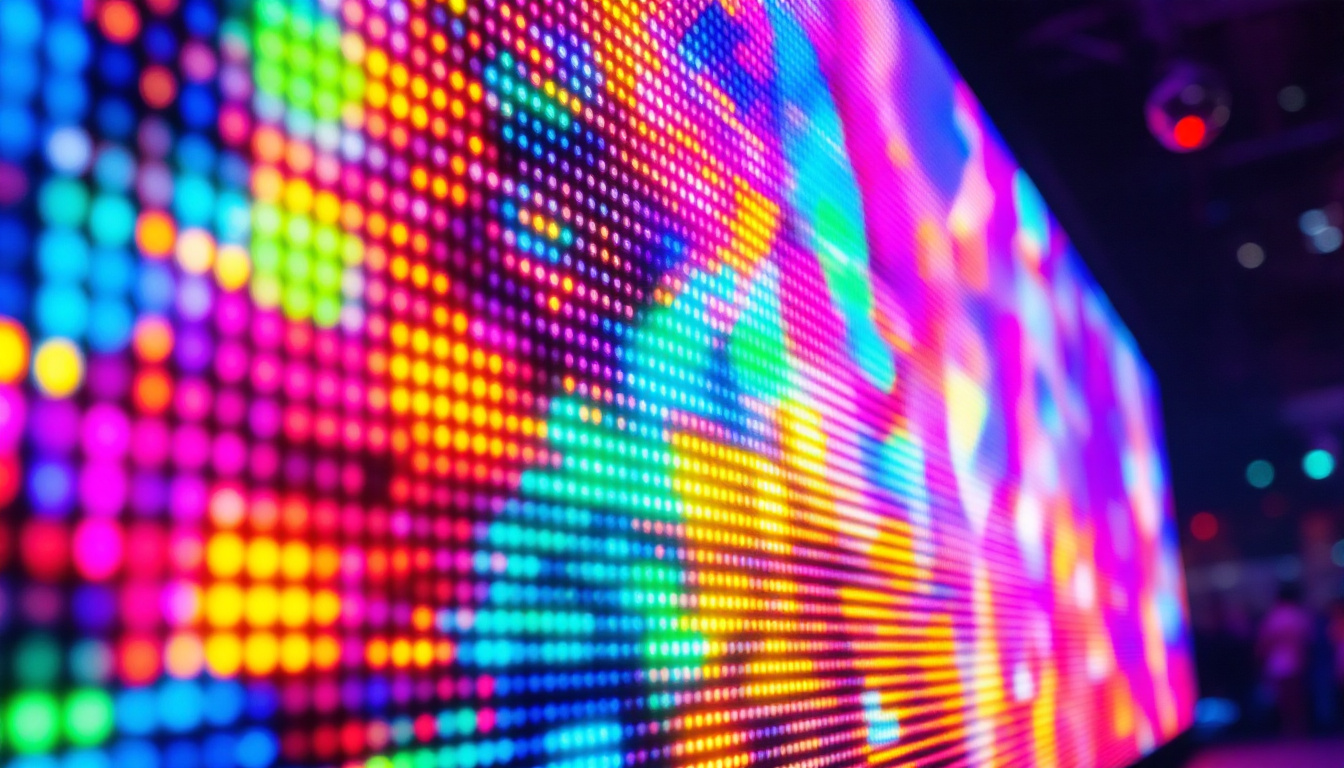
LED, or Light Emitting Diode, displays are a type of flat-panel screen technology that uses an array of tiny light-emitting diodes to create images. Unlike traditional LCD screens that rely on fluorescent backlighting, LED displays use LEDs to illuminate the screen, resulting in brighter images, better contrast, and improved energy efficiency.
In a 32-inch LED monitor, millions of these diodes work in unison to produce vibrant colors and sharp visuals. The LED technology can be implemented in different ways—such as edge-lit or direct-lit LED backlighting—each affecting the display’s brightness uniformity and thickness. Edge-lit displays, for example, have LEDs positioned along the edges of the screen, allowing for a sleeker design but sometimes resulting in less uniform brightness. In contrast, direct-lit displays place LEDs directly behind the screen, providing more consistent lighting but at the cost of increased thickness.
Furthermore, advancements in LED technology have led to the development of OLED (Organic LED) displays, which utilize organic compounds to produce light. This innovation allows for even greater flexibility in design and the ability to create displays that can bend or curve, opening up new possibilities for immersive viewing experiences. As the technology continues to evolve, we can expect even more improvements in color accuracy and response times, making LED displays a cornerstone of modern visual technology.
Advantages of LED Over Other Display Technologies
Compared to older display technologies like CCFL-backlit LCDs or plasma screens, LED displays offer several advantages:
- Energy Efficiency: LEDs consume less power, which translates to lower operating costs and reduced environmental impact.
- Improved Brightness and Contrast: LED backlighting enables higher brightness levels and deeper blacks, enhancing image quality.
- Longer Lifespan: LEDs typically last longer than traditional backlighting methods, reducing maintenance and replacement frequency.
- Slimmer Designs: LED technology allows for thinner and lighter monitors, which is especially important for wall-mounted or portable setups.
In addition to these advantages, LED displays are also known for their rapid response times, making them ideal for fast-paced content such as gaming and sports. The quick refresh rates help eliminate motion blur, providing a smoother viewing experience. Moreover, the wide viewing angles offered by many LED displays ensure that colors remain consistent and vibrant, regardless of the viewer’s position relative to the screen. This feature is particularly beneficial in collaborative environments, such as offices or classrooms, where multiple people may be viewing the same display from different angles.
Another significant benefit of LED technology is its adaptability to various environments. Whether in a brightly lit room or a dimly lit space, LED displays can adjust their brightness levels to maintain optimal visibility without straining the eyes. This versatility makes them suitable for a range of applications, from home entertainment systems to professional presentations and digital signage. As the demand for high-quality visual displays continues to grow, LED technology remains at the forefront, continually pushing the boundaries of what is possible in display innovation.
The Touch Screen Component: How It Works
Types of Touchscreen Technologies in 32-inch Monitors
Touchscreens convert physical touch into input signals, enabling users to interact directly with the display. For 32-inch monitors, the most common touchscreen technologies include:
- Capacitive Touchscreens: These use the electrical properties of the human body to detect touch. They are highly responsive, support multi-touch gestures, and are commonly found in smartphones and tablets. Capacitive touchscreens on larger monitors offer smooth interaction but can be more expensive.
- Resistive Touchscreens: These consist of multiple layers that register touch when pressure is applied. They are generally more affordable and can be used with gloves or styluses but tend to have lower sensitivity and less clarity.
- Infrared (IR) Touchscreens: IR touchscreens use an array of LED and photodetector pairs around the edges of the screen to detect touch by interruption of the infrared light beams. They offer high accuracy and durability, making them suitable for larger displays.
Benefits of Touchscreen Integration in 32-inch Monitors
Integrating touch functionality into a 32-inch LED monitor transforms it from a passive display to an interactive tool. This is particularly valuable in environments where user engagement and ease of navigation are critical, such as:
- Collaborative Workspaces: Teams can manipulate data, annotate documents, and brainstorm directly on the screen.
- Retail and Kiosks: Customers can browse product catalogs or place orders intuitively.
- Healthcare: Medical professionals can access patient records and imaging with ease during consultations.
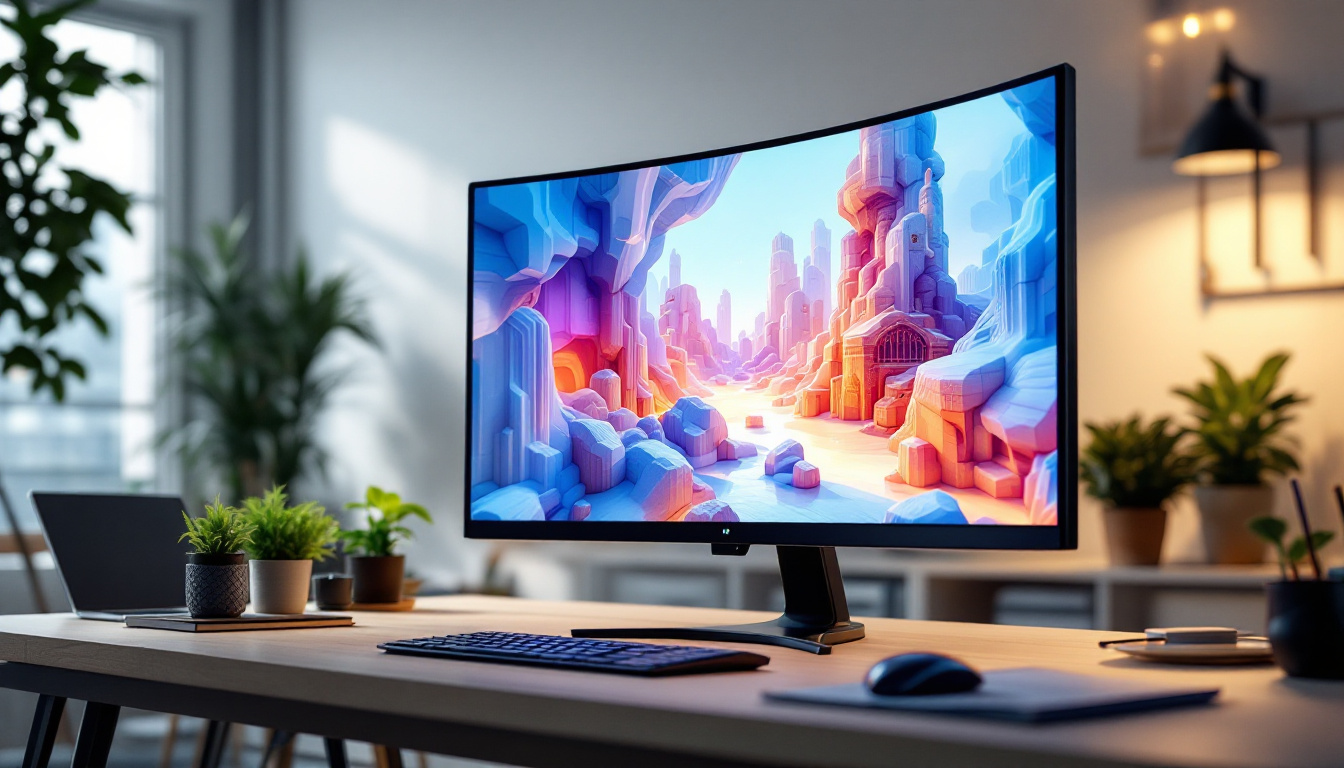
Moreover, the large 32-inch size strikes a balance between ample screen real estate and manageable physical footprint, making it ideal for desktop use or wall mounting.
Key Features to Consider When Choosing a 32-inch LED Touch Screen Monitor
Resolution and Image Quality
Resolution significantly impacts the clarity and detail of the display. For a 32-inch monitor, Full HD (1920×1080 pixels) is the minimum standard, offering sharp images suitable for most business and entertainment purposes. However, many models now feature 4K UHD resolution (3840×2160 pixels), providing exceptional detail that benefits graphic design, video editing, and detailed data visualization.
High resolution combined with LED technology ensures vibrant colors and crisp text, reducing eye strain during prolonged use.
Touch Responsiveness and Accuracy
The responsiveness of the touch interface is critical, especially in professional settings where precision matters. Look for monitors with low latency and high touch-point accuracy. Multi-touch capability—supporting 10 or more simultaneous touch points—is also beneficial for collaborative applications and advanced gesture controls.
Connectivity Options
A versatile range of connectivity ports enhances the monitor’s compatibility with various devices. Common interfaces include HDMI, DisplayPort, USB-C, and USB-A ports for touch input and peripheral connections. Some models also offer wireless connectivity options such as Bluetooth and Wi-Fi, enabling seamless integration into modern workflows.
Durability and Build Quality
Given the interactive nature of touchscreens, durability is paramount. Look for monitors with reinforced glass, such as tempered or Gorilla Glass, which resist scratches and impacts. Additionally, an IP rating (Ingress Protection) can indicate resistance to dust and moisture, important for public or industrial environments.
Ergonomics and Mounting Options
Adjustable stands, VESA compatibility, and slim bezels contribute to a comfortable and flexible setup. Being able to tilt, swivel, or mount the monitor on a wall or arm allows users to optimize viewing angles and reduce physical strain.
Applications of 32-inch LED Touch Screen Monitors
Corporate and Educational Environments
In offices and classrooms, 32-inch LED touch screen monitors facilitate interactive presentations, video conferencing, and collaborative brainstorming. Their size is large enough to be visible to small groups while maintaining desktop accessibility. Features like digital whiteboarding and annotation tools enhance engagement and productivity.
Retail and Hospitality
Touch screen monitors in retail settings serve as interactive kiosks, self-service checkout stations, or digital signage. The 32-inch size offers a user-friendly interface without overwhelming the customer, improving the shopping experience. In hospitality, these monitors can be used for check-ins, menu browsing, and information displays.
Healthcare and Medical Imaging
Medical professionals benefit from the precision and clarity of 32-inch LED touch screen monitors when reviewing diagnostic images, patient data, or electronic health records. The touch interface allows for quick navigation and annotation, streamlining workflows in busy clinical environments.
Creative and Technical Fields
Graphic designers, video editors, and engineers often require high-resolution displays with precise touch input to manipulate complex visuals and CAD models. The combination of a large 32-inch screen and LED technology supports accurate color reproduction and detailed imagery, enhancing creative output.
Maintaining and Optimizing Your 32-inch LED Touch Screen Monitor
Cleaning and Care Tips
Maintaining the clarity and responsiveness of your touch screen requires regular cleaning with appropriate materials. Use microfiber cloths and screen-safe cleaning solutions to avoid damaging the surface or touch sensors. Avoid harsh chemicals and excessive moisture.
Software and Calibration
Many monitors come with calibration tools to adjust color accuracy and touch sensitivity. Keeping your monitor’s firmware and drivers up to date ensures optimal performance and compatibility with connected devices. Calibration is particularly important in professional settings where color fidelity is critical.
Extending Lifespan
To prolong the lifespan of your LED touch screen monitor, avoid prolonged exposure to direct sunlight and extreme temperatures. Using screen savers or power-saving modes when the monitor is idle can reduce wear on the LEDs and touch sensors.
Conclusion: Is a 32-inch LED Touch Screen Monitor Right for You?
Choosing a 32-inch LED touch screen monitor offers a versatile and powerful solution for a wide range of applications. The combination of LED technology’s superior image quality and energy efficiency with intuitive touch interaction creates an engaging user experience. Whether used in corporate settings, retail, healthcare, or creative industries, these monitors provide the right balance of size, performance, and durability.
When selecting a model, consider your specific needs regarding resolution, touch technology, connectivity, and build quality. Investing in a high-quality 32-inch LED touch screen monitor can enhance productivity, improve user engagement, and future-proof your interactive display setup.
Discover Interactive Display Excellence with LumenMatrix
Ready to elevate your interactive display experience? LumenMatrix offers a comprehensive range of LED display solutions that bring your content to life. From Indoor and Outdoor LED Walls to specialized options like Vehicle, Sports, and Floor LED Displays, our products are designed to captivate and engage. Embrace the future of visual communication with our All-in-One and Custom LED Displays, including the innovative LED Transparent Display. Don’t just share your message—make an unforgettable impact. Check out LumenMatrix LED Display Solutions today and see the difference cutting-edge technology can make.