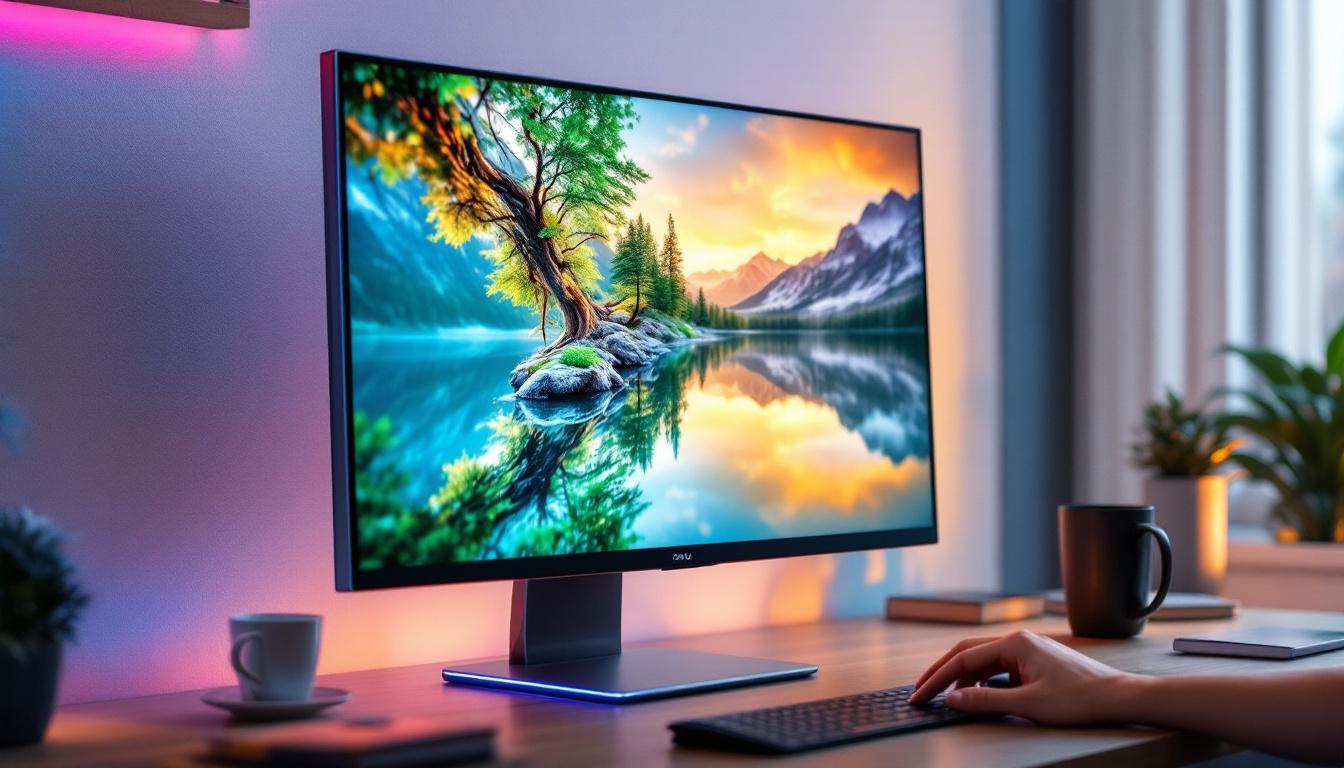
In the rapidly evolving world of display technology, touch monitors have become an essential interface for both personal and professional use. Among these, the 22-inch touch monitor with LED display stands out as a popular choice, balancing screen size, responsiveness, and visual quality. This article delves into the details of what makes a 22-inch touch monitor with an LED display a compelling option, exploring its technology, benefits, and practical applications.
Understanding the 22-Inch Touch Monitor
Why 22 Inches?
The 22-inch screen size hits a sweet spot for many users. It is large enough to provide ample workspace without overwhelming a desk or requiring excessive eye movement. For office environments, educational settings, and retail kiosks, this size offers a practical balance between portability and usability.
In comparison to smaller touchscreens, a 22-inch monitor allows for more detailed interaction, making it ideal for tasks such as graphic design, data entry, and interactive presentations. It is also large enough to display multiple windows or applications side by side, enhancing productivity. The increased screen real estate means that users can work more efficiently, reducing the need to constantly switch between tabs or applications, which can disrupt workflow and concentration.
Moreover, the 22-inch touch monitor is particularly advantageous for collaborative workspaces. In meetings or brainstorming sessions, multiple users can engage with the screen simultaneously, facilitating a more interactive and dynamic exchange of ideas. This collaborative aspect can lead to better outcomes in projects, as team members can visualize concepts and share feedback in real-time, making the 22-inch monitor an invaluable tool in any team-oriented environment.
Touchscreen Technology Types
Touch monitors come equipped with different types of touchscreen technologies, each with unique advantages. The two most common types found in 22-inch touch monitors are capacitive and resistive touchscreens.
Capacitive Touchscreens are widely used due to their responsiveness and multi-touch capabilities. They detect touch through the electrical properties of the human body, allowing for precise and smooth interaction. These screens support gestures such as pinch-to-zoom and swipe, making them suitable for modern user interfaces. This technology is particularly favored in applications that require intricate gestures, such as graphic design software or interactive gaming, where the precision of touch can significantly enhance user experience.
Resistive Touchscreens rely on pressure applied to the screen. They can be used with a finger, stylus, or any other object, making them versatile in environments where gloves or styluses are common. However, resistive screens typically do not support multi-touch gestures and may have less clarity compared to capacitive screens. This type of touchscreen is often found in industrial settings or medical equipment, where durability and the ability to operate in various conditions are paramount. Users in these environments appreciate the reliability of resistive touchscreens, especially when working in challenging conditions where precision is less critical than functionality.
LED Display Technology Explained
What is an LED Display?
LED stands for Light Emitting Diode, a technology used to illuminate the monitor’s screen. Unlike older LCDs that use cold cathode fluorescent lamps (CCFL) for backlighting, LED displays use an array of tiny LEDs to light up the screen. This technology offers several advantages in terms of brightness, energy efficiency, and color accuracy.
The LED backlighting can be arranged in different configurations, such as edge-lit or full-array. Edge-lit LEDs are placed around the edges of the screen, allowing for thinner designs, while full-array LED backlighting places LEDs directly behind the screen for more uniform brightness and better contrast.
Benefits of LED Displays in Touch Monitors
LED displays provide superior brightness levels, which is crucial for touch monitors used in environments with varying lighting conditions. Whether in a brightly lit office or a retail storefront exposed to natural sunlight, LED backlighting ensures the screen remains clear and readable.
Energy efficiency is another key benefit. LED backlit monitors consume less power than their CCFL counterparts, reducing operational costs and environmental impact. This is particularly important in commercial settings where multiple monitors may be in use continuously.
Additionally, LED displays offer improved color reproduction and contrast ratios. This enhances the visual experience, making images sharper and text easier to read. For professionals working in design, healthcare, or education, accurate color representation can be critical.
Key Features of 22-Inch LED Touch Monitors
Resolution and Image Quality
Most 22-inch touch monitors feature Full HD resolution (1920 x 1080 pixels), which provides crisp and clear images suitable for a wide range of applications. Higher resolutions such as 2K or 4K are less common in this size category but are available in some premium models.
The pixel density on a 22-inch Full HD screen is sufficient for detailed work without causing eye strain. This resolution supports detailed graphics, video playback, and text display with sharp edges and minimal pixelation.
Touch Responsiveness and Accuracy
Touch responsiveness is a critical factor for user satisfaction. High-quality 22-inch touch monitors typically offer response times under 10 milliseconds and support multi-touch inputs, allowing for smooth and intuitive interaction.
Accuracy is equally important, especially in professional environments such as medical imaging or CAD design, where precise touch input is required. Many models include features like palm rejection and calibration tools to enhance accuracy and usability.
Durability and Build Quality
Durability is a significant consideration for touch monitors, particularly in public or industrial settings. Many 22-inch LED touch monitors come with reinforced glass or protective coatings to prevent scratches and damage from frequent use.
Some monitors are rated with IP (Ingress Protection) standards, indicating resistance to dust and moisture. This makes them suitable for environments such as manufacturing floors or outdoor kiosks where exposure to elements can be a concern.
Applications of 22-Inch LED Touch Monitors
Business and Office Use
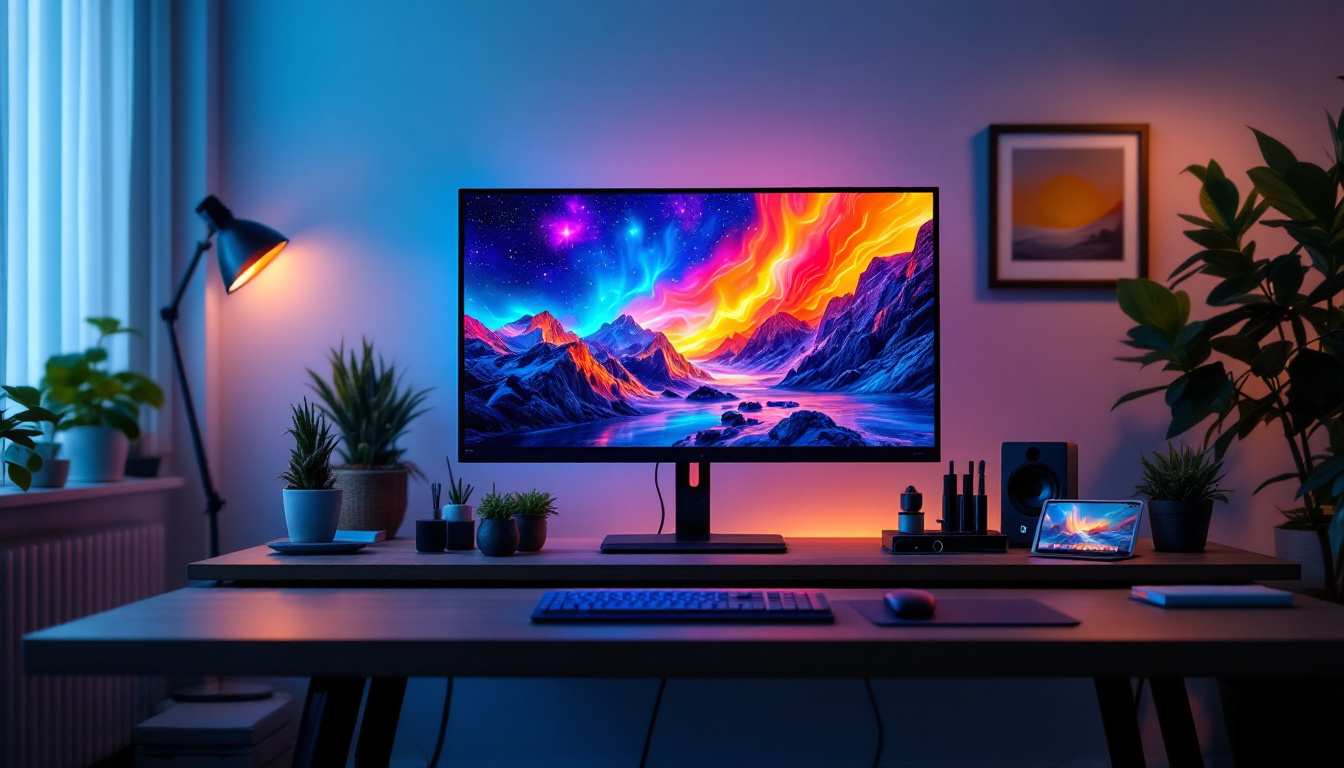
In corporate environments, 22-inch touch monitors are often used for interactive presentations, video conferencing, and data visualization. Their size makes them ideal for desk use, allowing users to interact directly with spreadsheets, documents, and communication tools.
Touchscreen capabilities streamline workflows by enabling quick navigation and reducing reliance on peripherals like mice and keyboards. This can improve efficiency, especially in collaborative settings where multiple users may interact with the screen.
Retail and Point of Sale (POS) Systems
Retail environments benefit greatly from 22-inch touch monitors as POS terminals. The touchscreen interface simplifies transaction processing and inventory management, while the LED display ensures clear visibility even under bright store lighting.
Many retail models come with features such as anti-glare coatings and customizable screen layouts, enhancing the customer experience and speeding up checkout processes.
Healthcare and Medical Applications
Healthcare professionals use 22-inch touch monitors for patient monitoring, diagnostic imaging, and electronic health record management. The combination of touch interaction and high-quality LED displays supports quick data entry and detailed image analysis.
Durability and hygiene are critical in medical settings, so many touch monitors designed for healthcare come with antimicrobial coatings and sealed designs to prevent contamination.
Education and Training
Interactive learning environments leverage 22-inch touch monitors to engage students in hands-on activities and digital lessons. The responsive touch interface encourages participation, while the LED display ensures content is vibrant and easy to read.
These monitors are also used in training simulations and workshops, providing an intuitive platform for demonstrating concepts and facilitating group work.
Choosing the Right 22-Inch LED Touch Monitor
Assessing Your Needs
Before purchasing a 22-inch LED touch monitor, it is essential to evaluate the specific requirements of the intended use. Consider factors such as the environment (office, retail, industrial), the type of touch technology needed, and the importance of features like resolution, durability, and connectivity options.
For example, a retail POS system may prioritize anti-glare screens and easy cleaning, while a graphic designer may focus on color accuracy and multi-touch support.
Connectivity and Compatibility
Modern 22-inch touch monitors offer a variety of connectivity options including HDMI, DisplayPort, USB-C, and legacy VGA ports. Ensuring compatibility with existing hardware is crucial to avoid additional costs or setup complications.
USB ports are often used for touch input signals and peripheral connections. Some monitors also support wireless connectivity, which can be advantageous in flexible workspaces.
Budget Considerations
Prices for 22-inch LED touch monitors vary widely based on features and brand reputation. Entry-level models can be found under $200, while professional-grade monitors with advanced touch capabilities and enhanced durability may cost upwards of $500 or more.
Balancing cost with necessary features ensures that the investment delivers value without overspending on unnecessary specifications.
Future Trends in Touch Monitor Technology
Advancements in Touch Sensitivity and Accuracy
Emerging technologies aim to improve touch sensitivity and reduce latency, making interactions even more seamless. Innovations such as in-cell touch technology, which integrates touch sensors directly into the display panel, are becoming more common and offer thinner, lighter monitors.
Integration with AI and Gesture Controls
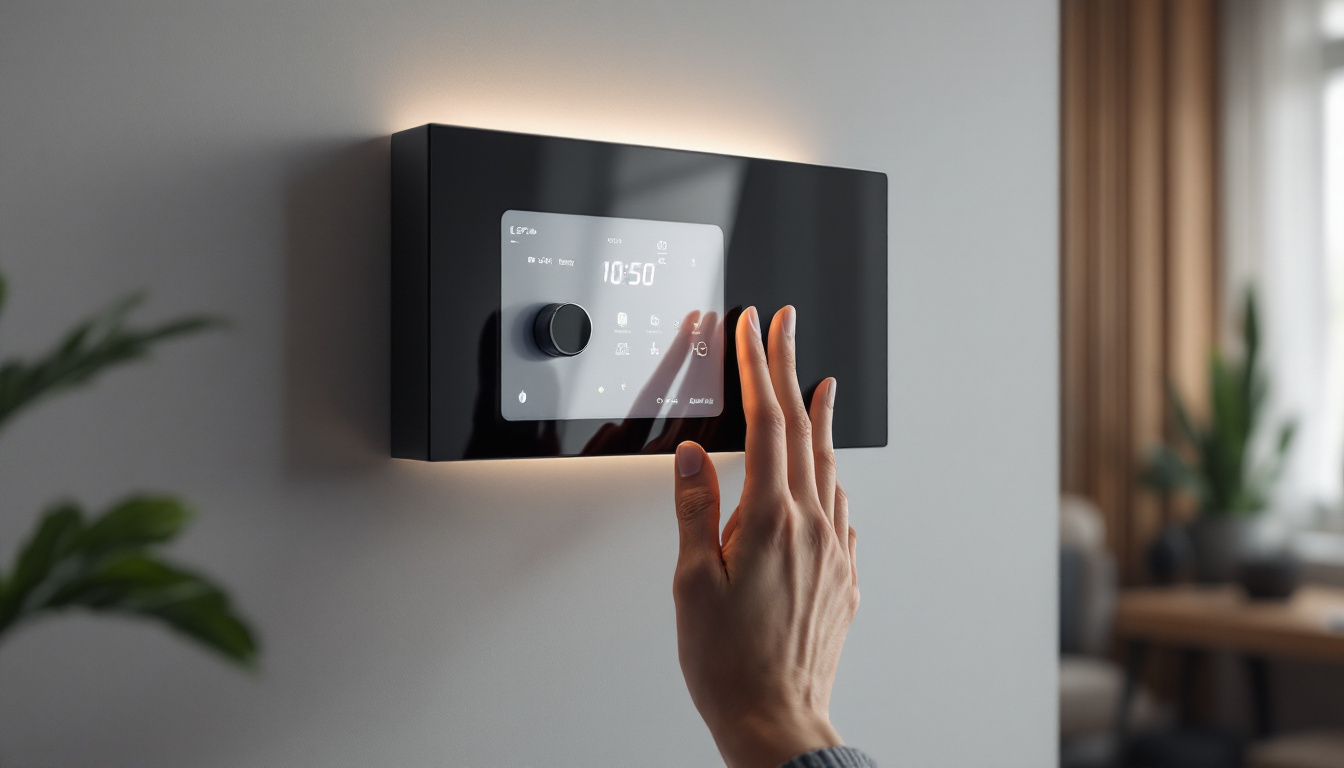
Artificial intelligence is beginning to influence touch monitor interfaces, enabling predictive touch responses and adaptive user experiences. Gesture control technology, allowing users to interact without direct contact, is also gaining traction, particularly in hygiene-sensitive environments.
Enhanced Durability and Environmental Sustainability
Manufacturers are focusing on producing more rugged monitors that can withstand harsh conditions while also using environmentally friendly materials and energy-efficient designs. This aligns with growing corporate responsibility initiatives and regulatory requirements.
Conclusion
The 22-inch touch monitor with LED display represents a versatile and efficient solution for a wide range of applications. Its balanced size, combined with the advantages of LED technology and responsive touch interfaces, makes it suitable for business, retail, healthcare, education, and beyond.
Understanding the technology behind these monitors, along with their key features and practical uses, empowers buyers to make informed decisions that enhance productivity and user experience. As touch and display technologies continue to advance, the 22-inch LED touch monitor will remain a vital tool in the evolving digital landscape.
Discover LumenMatrix’s Advanced LED Display Solutions
Ready to elevate your interactive experiences with the latest in LED display technology? Look no further than LumenMatrix, a pioneer in crafting visually stunning and technologically superior LED displays. Whether you’re seeking to enhance your business, retail space, healthcare facility, or educational institution, LumenMatrix offers a comprehensive range of solutions, including Indoor and Outdoor LED Wall Displays, Vehicle LED Displays, and more. Embrace the future of visual communication and captivate your audience with unparalleled clarity and impact. Check out LumenMatrix LED Display Solutions today and transform your space into a dynamic and engaging environment.