Projectors have become an essential tool for both entertainment and professional presentations. Whether you’re watching a movie at home, delivering a business pitch, or conducting a classroom lecture, the brightness of your projector significantly impacts the viewing experience. However, many users find themselves struggling with dim images, especially in well-lit environments. This article explores how to make a projector brighter, focusing particularly on LED display technology, its advantages, and practical tips to enhance projector brightness effectively.
Understanding Projector Brightness and Its Importance
Brightness in projectors is measured in lumens, which quantifies the amount of visible light emitted. The higher the lumens, the brighter the projector’s image. For context, a projector with 1,000 lumens is suitable for dark rooms, while those with 3,000 lumens or more are better for environments with ambient light.
Brightness is crucial because it directly affects image clarity, color vibrancy, and overall visibility. A dim projector can make images appear washed out, colors dull, and text difficult to read. This is especially problematic in settings like classrooms or conference rooms where ambient light cannot be fully controlled.
With the rise of LED projectors, users now have access to devices that offer unique benefits in brightness, longevity, and color performance. Understanding how LED technology works and how to optimize it can help you achieve a brighter, clearer projection.
Moreover, the type of content being projected can also influence the brightness requirements. For instance, a presentation filled with detailed graphs and text may require a brighter projector compared to one displaying simple images or videos. Additionally, the distance between the projector and the screen, known as the throw distance, plays a significant role in how brightness is perceived. A longer throw distance can diminish brightness, making it essential to select a projector that matches the intended setup.
Furthermore, the environment in which the projector is used can vary widely, from home theaters to outdoor movie nights. Each scenario presents unique challenges regarding brightness. For example, outdoor settings often require projectors with higher lumens to combat natural light, while home theaters may benefit from projectors that excel in color accuracy and contrast ratios. Understanding these nuances can help users make informed decisions, ensuring that their projector choice aligns with their specific needs and viewing conditions.
What Is an LED Projector and How Does It Work?
The Basics of LED Display Technology
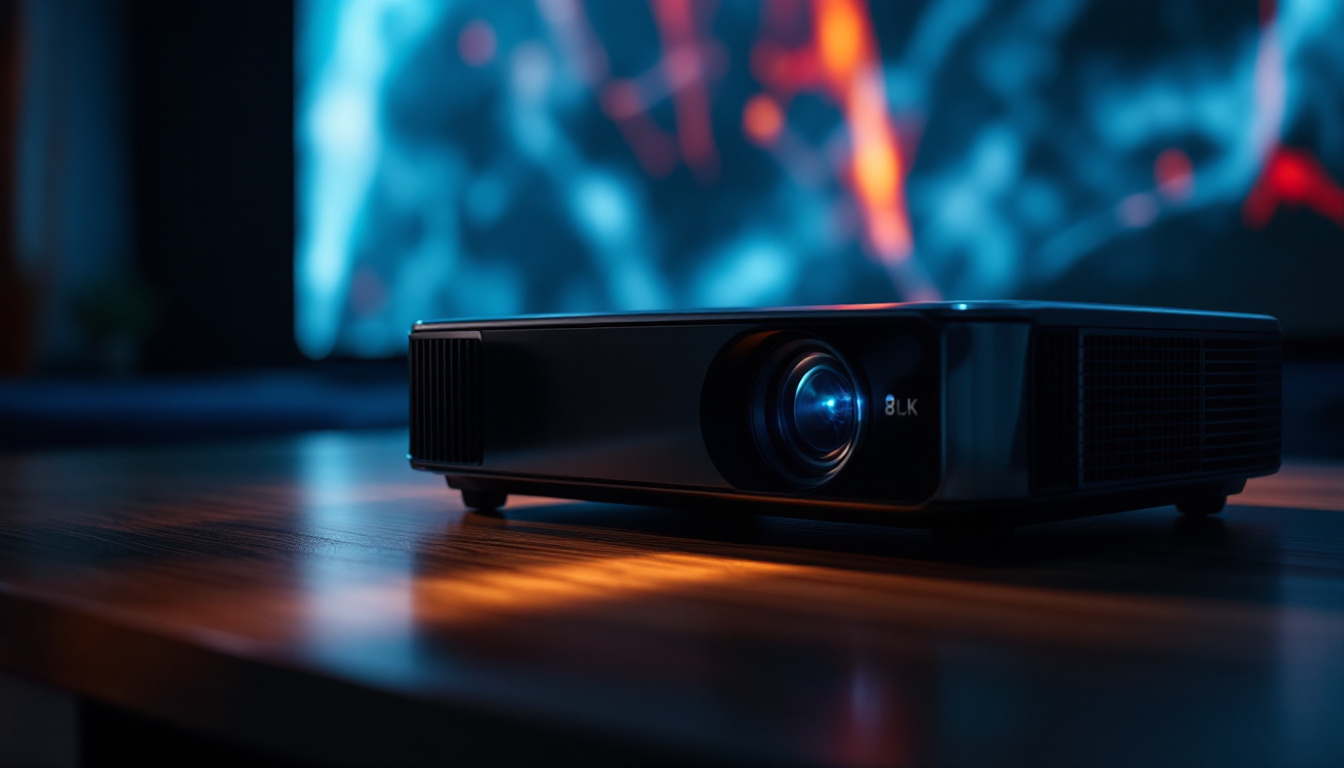
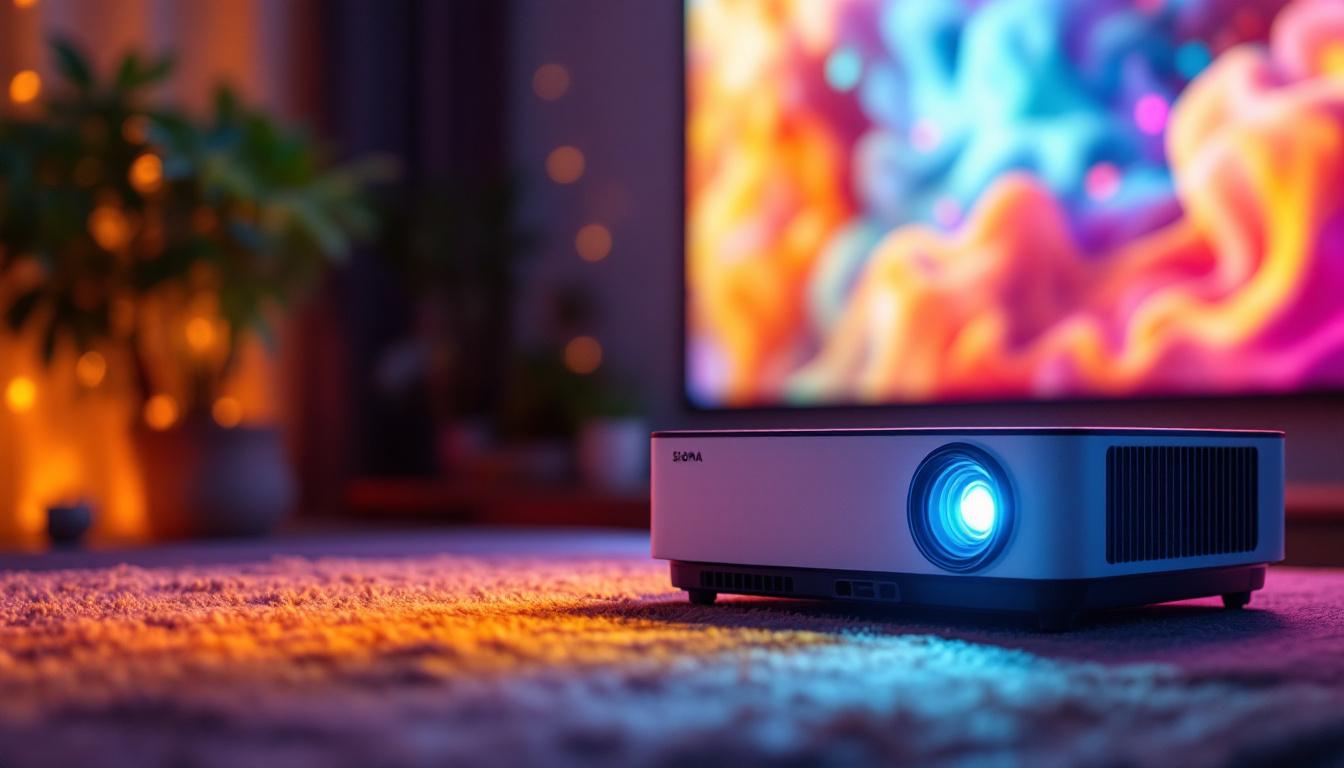
LED projectors use light-emitting diodes (LEDs) as their light source instead of traditional lamps like UHP (ultra-high performance) bulbs or lasers. LEDs generate light through electroluminescence, where an electric current passes through semiconductor material, emitting photons.
This technology differs fundamentally from conventional projectors that rely on a high-intensity lamp and a color wheel or prism system to produce images. LED projectors combine red, green, and blue LEDs to create the full color spectrum, which is then projected onto a screen. The compact size of LED components also allows for more versatile projector designs, enabling manufacturers to create lightweight and portable models that are ideal for on-the-go presentations or home theater setups.
Advantages of LED Projectors
LED projectors offer several advantages over traditional lamp-based projectors:
- Longer Lifespan: LED light sources can last up to 20,000 to 30,000 hours, significantly longer than conventional lamps that typically last around 2,000 to 5,000 hours.
- Energy Efficiency: LEDs consume less power, reducing electricity costs and heat output.
- Instant On/Off: LEDs reach full brightness immediately without warm-up or cool-down periods.
- Consistent Color Performance: LEDs maintain stable color output over time, avoiding the color degradation seen in lamp-based projectors.
However, one common criticism of LED projectors is that their brightness (measured in lumens) tends to be lower than that of lamp or laser projectors. This is why understanding how to maximize brightness in LED projectors is essential. Techniques such as using high-gain screens or adjusting the ambient lighting can help enhance the viewing experience. Additionally, many modern LED projectors are equipped with advanced image processing technologies that improve contrast and clarity, making them suitable for various environments, from dimly lit rooms to more brightly illuminated spaces.
Furthermore, the compact design of LED projectors often incorporates features like built-in speakers and wireless connectivity options, allowing for seamless integration with smart devices. This versatility makes them a popular choice for both casual users and professionals alike. As technology continues to evolve, we can expect to see even more enhancements in LED projector capabilities, including higher resolutions and improved color accuracy, making them an increasingly attractive option for home entertainment and business presentations.
How to Make Your LED Projector Brighter
1. Optimize Ambient Lighting Conditions
One of the simplest and most effective ways to improve perceived projector brightness is to control the environment. Ambient light competes with the projector’s light, washing out the image. Dimming room lights, closing curtains, or using blackout shades can dramatically enhance image visibility.
For presentations or home theaters where lighting control is limited, consider using a projector screen with high gain. High-gain screens reflect more light back to the viewer, making images appear brighter without increasing projector output. Additionally, the color and texture of the walls surrounding the projection area can play a significant role in the overall brightness. Light-colored walls can reflect more light, while dark colors may absorb it, further diminishing the brightness of the projected image.
2. Adjust Projector Settings
Many projectors have adjustable settings that can influence brightness and image quality:
- Brightness and Contrast: Increasing brightness and contrast settings can make images more vivid, but be cautious not to overdo it, as this can lead to washed-out colors or loss of detail.
- Color Modes: Some projectors offer modes like “Dynamic,” “Vivid,” or “Presentation” that boost brightness at the expense of color accuracy. Choose the mode that best suits your environment.
- Eco Mode: While eco mode extends lamp life and reduces power consumption, it also lowers brightness. Disable eco mode if maximum brightness is needed.
Moreover, consider experimenting with the sharpness settings. While increasing sharpness can enhance the clarity of the image, excessive sharpness can introduce artifacts that detract from the viewing experience. Finding the right balance is key to achieving the best image quality.
3. Clean and Maintain the Projector
Dust, dirt, and smudges on the projector lens or internal components can reduce brightness and image clarity. Regularly clean the lens with appropriate microfiber cloths and ensure air vents are free from dust to prevent overheating, which can affect performance.
Additionally, LED projectors require less maintenance than lamp-based units, but keeping the device clean ensures optimal light output. Regularly check the filter and replace it if necessary, as a clogged filter can restrict airflow, leading to overheating and reduced brightness. Investing in a small air compressor can also help in maintaining the projector by blowing out dust from hard-to-reach areas.
4. Use a High-Quality Projection Screen
The type of screen you use can significantly impact brightness. Matte white screens are common, but specialized screens with higher gain or ambient light rejection (ALR) technology can reflect more light toward the viewer and reduce the impact of ambient light.
For LED projectors, pairing with a high-gain screen can compensate for their generally lower lumen output, making images appear brighter and more vibrant. Additionally, consider the screen size and distance from the projector; a larger screen may require a projector with higher lumens to maintain brightness across the entire image. Some screens even come with coatings that enhance color contrast, providing an added benefit to your viewing experience.
5. Upgrade to a Higher Lumen LED Projector
If your current projector’s brightness is insufficient despite optimization, consider upgrading to a model with higher lumen ratings. Advances in LED technology have led to brighter LED projectors capable of 2,000 to 4,000 lumens, suitable for more challenging lighting conditions.
When selecting a projector, balance brightness with resolution, color accuracy, and throw distance to ensure the best overall performance for your needs. Additionally, investigate the projector’s color wheel and its ability to produce a wider color gamut, as this can enhance the overall viewing experience, making colors appear more vibrant and lifelike. Reading user reviews and expert recommendations can also guide you toward the best options available in the market today.
Comparing LED Projectors with Other Light Sources
LED vs. Lamp-Based Projectors
Lamp-based projectors typically offer higher brightness levels, often exceeding 3,000 lumens, making them suitable for large venues and bright rooms. However, lamps have shorter lifespans, require replacement, and consume more power.
LED projectors, while generally less bright, excel in portability, energy efficiency, and maintenance. They are ideal for small to medium-sized rooms, home theaters, and portable setups.
LED vs. Laser Projectors
Laser projectors provide high brightness and excellent color accuracy, often surpassing both LED and lamp-based projectors. They also have long lifespans and stable brightness over time.
However, laser projectors tend to be more expensive. LED projectors offer a cost-effective alternative with good color quality and longer life than lamps, though with some brightness limitations.
Future Trends in LED Projector Brightness
Technological advancements continue to improve LED projector brightness and image quality. Innovations such as micro-LED arrays, improved phosphor materials, and hybrid LED-laser light sources are pushing the boundaries of brightness without sacrificing the benefits of LED technology.
Additionally, improvements in optical components and image processing algorithms help maximize the effective brightness and clarity of LED projectors, making them increasingly viable for diverse applications.
Conclusion
Making a projector brighter, especially an LED projector, involves a combination of understanding the technology, optimizing environmental factors, and adjusting device settings. While LED projectors may not yet match the raw brightness of lamp or laser models, their advantages in lifespan, energy efficiency, and color stability make them an attractive choice for many users.
By controlling ambient light, using appropriate screens, maintaining the projector, and selecting the right model for your needs, you can significantly enhance your viewing experience. As LED technology continues to evolve, brighter and more versatile LED projectors will become increasingly accessible, offering superior performance for both casual and professional use.
Discover Brighter Possibilities with LumenMatrix
Ready to take your visual experience to the next level? LumenMatrix is at the forefront of LED display innovation, offering a wide array of solutions that bring your content to life. From vibrant Indoor LED Walls to dynamic Outdoor LED Displays, and from mobile Vehicle LED Displays to interactive Floor LED Displays, our technology is designed to captivate and engage. Whether you’re looking to enhance your business presentations or create an immersive entertainment environment, LumenMatrix has the cutting-edge LED display modules to meet your needs. Don’t let dim projections hold you back. Check out LumenMatrix LED Display Solutions today and illuminate your world with unparalleled brightness and clarity.