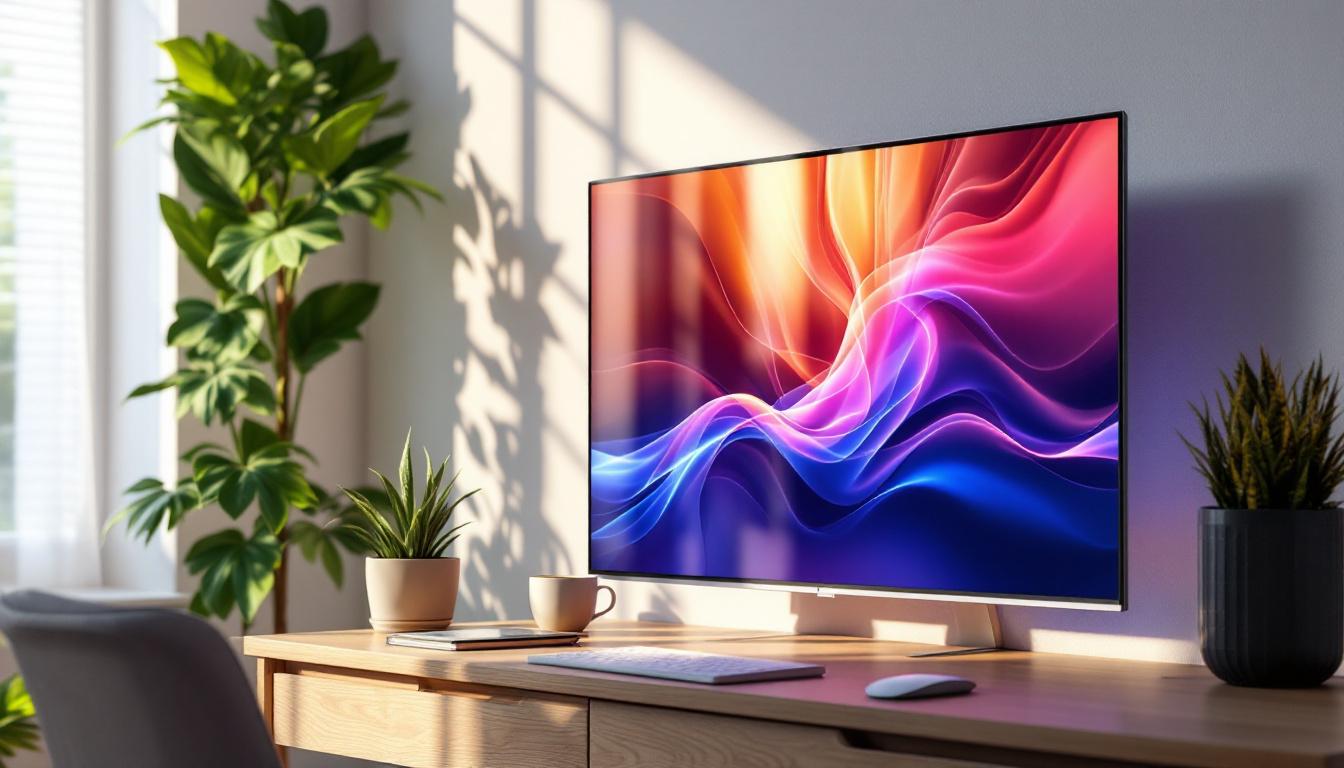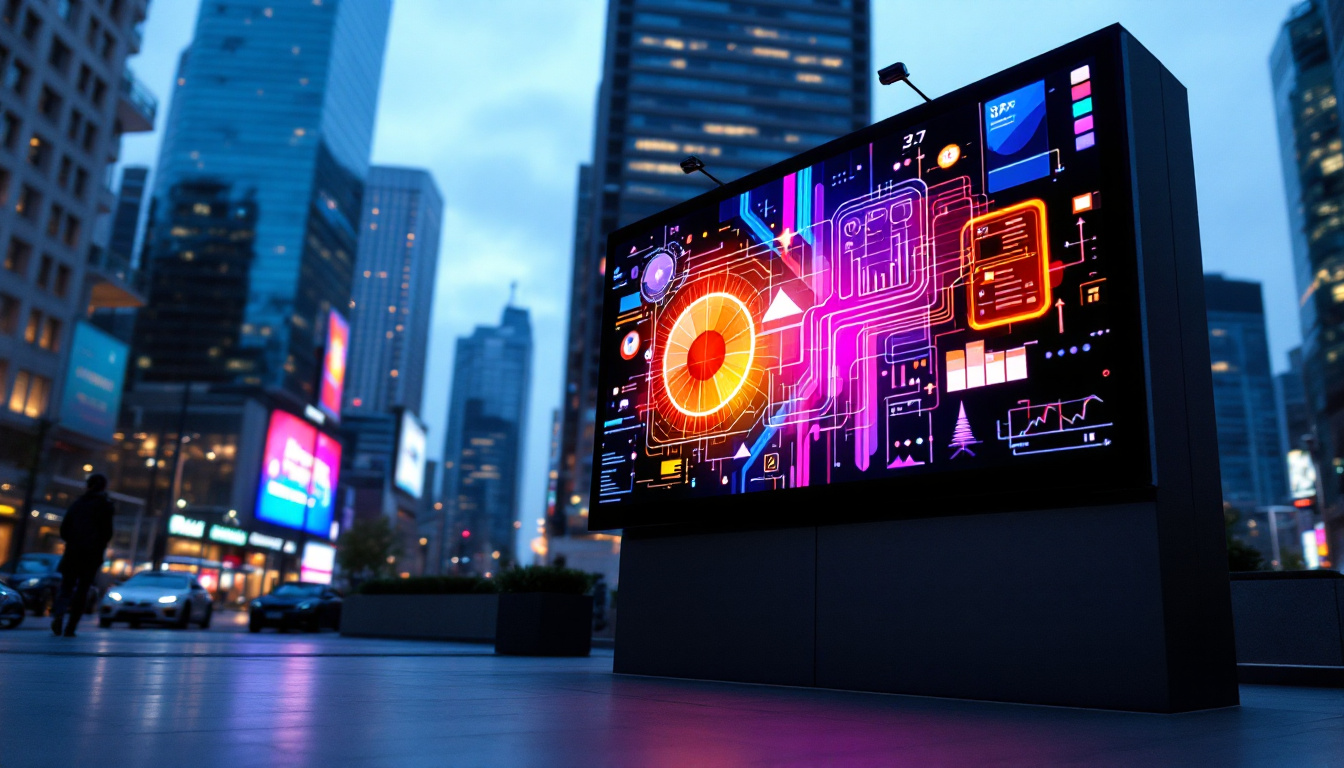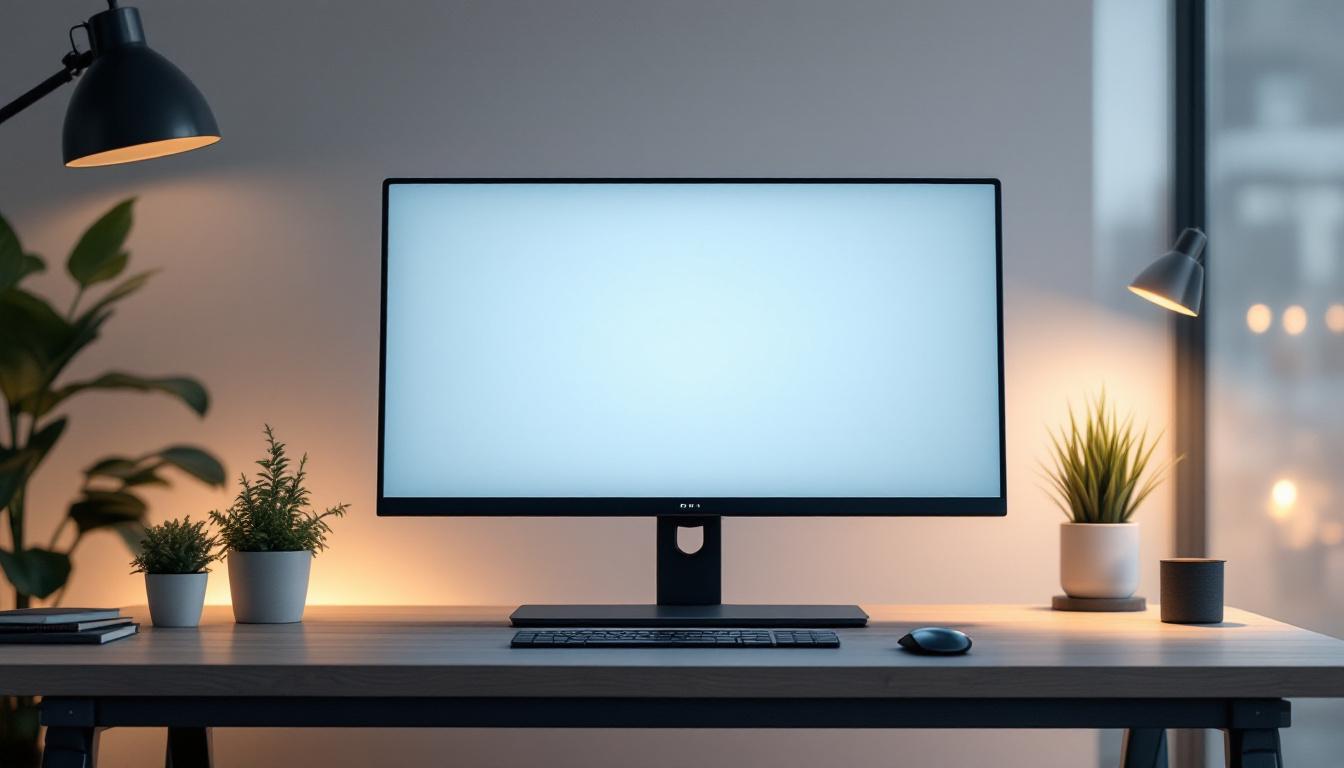
In today’s fast-paced digital world, the way we interact with screens has evolved significantly. From home offices to corporate environments and public information kiosks, LED displays have become a staple for delivering crisp visuals and dynamic content. One essential accessory that often goes unnoticed but plays a crucial role in the usability and ergonomics of LED monitors is the table top stand. This article delves into the intricacies of monitor table top stands designed for LED displays, exploring their features, benefits, and how to choose the right one for your needs.
Understanding LED Displays and Their Importance
LED (Light Emitting Diode) technology has revolutionized display screens over the past decade. Unlike traditional LCD screens that rely on backlights, LED displays use tiny diodes that emit light individually, resulting in brighter images, better contrast ratios, and superior energy efficiency.
According to a 2023 report by Statista, the global LED display market is projected to grow at a compound annual growth rate (CAGR) of 7.8% between 2023 and 2028, driven by increasing demand in advertising, entertainment, and corporate sectors. This growth underscores the importance of understanding how to optimize the use of LED displays, including the role of accessories like table top stands.
Why LED Displays Are Preferred
LED displays offer several advantages over other display technologies:
- Brightness and Visibility: LED displays can achieve higher brightness levels, making them ideal for both indoor and outdoor use.
- Energy Efficiency: They consume less power, which is beneficial for long-term usage and sustainability.
- Longevity: LEDs have a longer lifespan compared to traditional bulbs or backlights, reducing maintenance costs.
- Color Accuracy: Enhanced color reproduction makes LED displays suitable for professional environments requiring precise visuals.
These benefits make LED displays a preferred choice for monitors used in various settings, from gaming and graphic design to corporate presentations and digital signage. Furthermore, the versatility of LED technology allows for the creation of flexible and curved displays, which can adapt to different environments and user needs. This adaptability is particularly valuable in creative industries, where innovative display solutions can enhance the overall aesthetic and functionality of a workspace.
In addition to their technical advantages, LED displays also contribute to a more engaging viewer experience. The rapid refresh rates and high frame rates of LED screens make them ideal for displaying fast-moving content, such as sports events or action-packed video games. This capability not only captivates audiences but also provides a competitive edge in advertising, where eye-catching visuals are crucial for capturing attention in crowded spaces. As the technology continues to evolve, we can expect even more advancements that will further enhance the capabilities and applications of LED displays across various sectors.
The Role of Monitor Table Top Stands
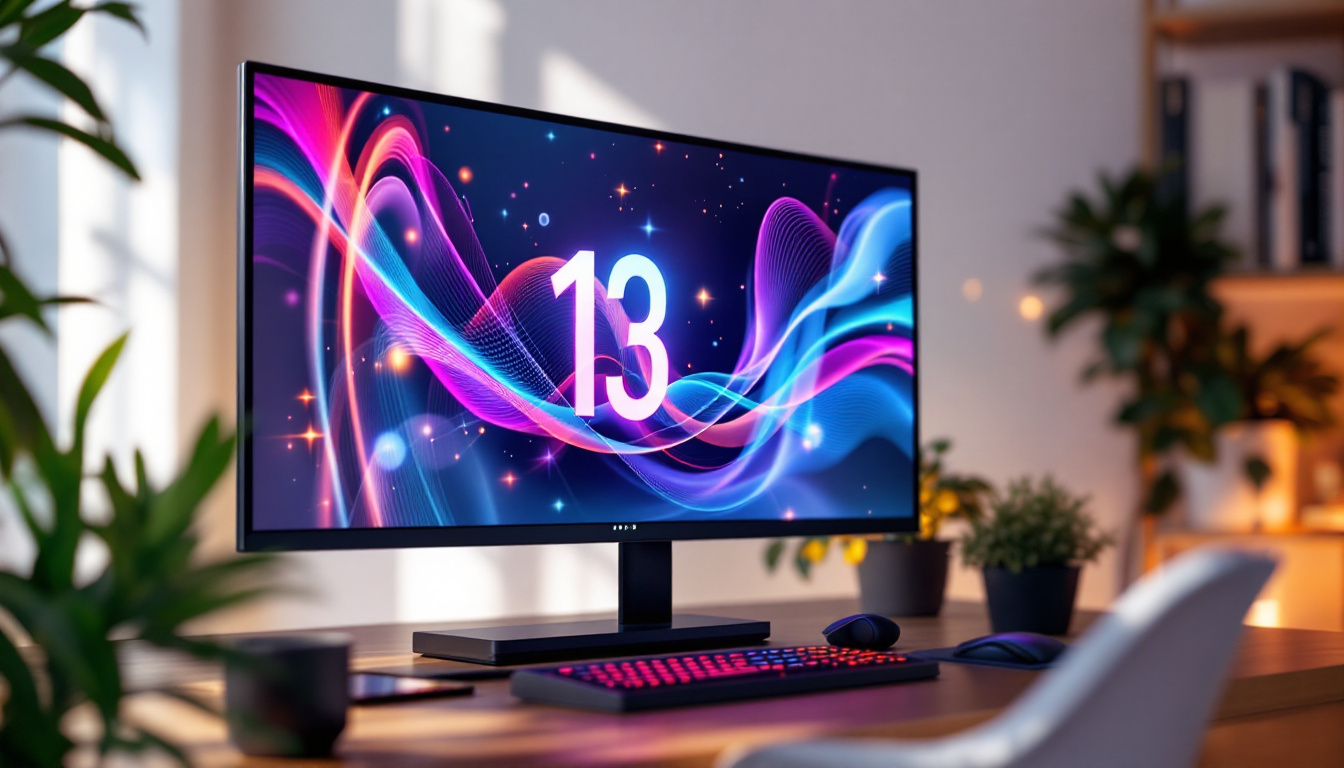
While the display technology itself is crucial, the physical setup of the monitor significantly impacts user experience. A monitor table top stand is designed to hold the LED display securely on a desk or table, providing stability and adjustability to enhance ergonomics and viewing comfort.
Ergonomics and Health Benefits
One of the primary reasons to invest in a quality table top stand is to promote better posture and reduce strain. Poor monitor positioning can lead to neck pain, eye strain, and even long-term musculoskeletal issues. Adjustable stands allow users to set the screen at eye level and optimal distance, which is essential for maintaining a healthy workspace.
Research from the Occupational Safety and Health Administration (OSHA) emphasizes the importance of proper monitor placement. They recommend that the top of the screen be at or slightly below eye level and about 20 to 30 inches away from the eyes. Table top stands with height and tilt adjustments make it easier to achieve these guidelines.
Space Management and Desk Organization
Modern workspaces often have limited desk space. A well-designed monitor stand can help maximize available surface area by elevating the screen and creating room underneath for keyboards, documents, or other peripherals. Some stands even incorporate built-in cable management systems to reduce clutter, enhancing both aesthetics and functionality.
Stability and Safety Considerations
LED monitors can vary in size and weight, so the table top stand must provide sufficient support to prevent tipping or wobbling. Stands made from durable materials like aluminum or reinforced plastic offer the necessary strength while maintaining a sleek appearance. Anti-slip pads or rubberized bases further enhance stability, especially on smooth surfaces.
Types of Monitor Table Top Stands for LED Displays
Choosing the right stand depends on several factors, including the size and weight of the monitor, the desired adjustability, and the workspace layout. Here’s a breakdown of common types of table top stands available for LED displays:
Fixed Stands
Fixed stands are the simplest type, typically included with most monitors. They hold the display at a set height and angle without adjustment options. While they provide basic support, they lack ergonomic flexibility and may not suit users who require customized positioning.
Adjustable Height and Tilt Stands
These stands allow users to change the height and tilt angle of the monitor, offering better ergonomic control. Some models also provide swivel and rotation capabilities, enabling portrait or landscape orientation. Adjustable stands are ideal for shared workspaces or users who spend long hours in front of the screen.
Monitor Risers with Storage
Monitor risers elevate the screen to eye level and often include compartments or drawers for storing office supplies. This dual functionality helps keep desks organized and reduces clutter. Risers are perfect for minimalistic setups where space optimization is a priority.
Heavy-Duty and Multi-Monitor Stands
For larger LED displays or multi-monitor setups, heavy-duty stands provide enhanced support and stability. These stands are often constructed from robust materials and may include features like adjustable arms and cable management channels. They cater to professionals in fields such as video editing, financial trading, and gaming, where multiple screens are essential.
Key Features to Consider When Selecting a Table Top Stand
Choosing the right monitor table top stand involves evaluating several critical features to ensure compatibility and usability:
Weight Capacity
Ensure the stand can support the weight of your LED monitor. Exceeding the weight limit can compromise stability and potentially damage the equipment.
Adjustability Options
Look for stands offering a range of adjustments—height, tilt, swivel, and rotation—to customize the viewing experience. More adjustability translates to better ergonomics.
Build Quality and Materials
Durability is essential for long-term use. Aluminum and steel stands tend to be more robust than plastic alternatives. Additionally, consider the finish and design to match your workspace aesthetics.
Compatibility and Mounting Standards
Check if the stand supports VESA mounting standards, which are common for LED monitors. VESA compatibility ensures easy installation and interchangeability.
Additional Features
Some stands come with extra perks like built-in USB hubs, cable management systems, or storage compartments. These features can enhance convenience and desk organization.
Installation and Maintenance Tips
Proper installation and upkeep of your monitor table top stand can extend its lifespan and improve your overall experience.
Installation Best Practices
Before mounting the monitor, verify that all components are included and in good condition. Follow the manufacturer’s instructions carefully, especially when dealing with adjustable or heavy-duty stands. Use the correct tools and avoid overtightening screws to prevent damage.
Position the stand on a stable, flat surface to maximize stability. If the stand includes cable management features, route cables neatly to avoid tangling and accidental disconnections.
Maintenance Recommendations
Regularly clean the stand using a soft cloth and mild cleaning solution to remove dust and grime. Avoid abrasive cleaners that can damage the finish. Periodically check screws and joints for tightness and adjust as needed to maintain stability.
Real-World Applications and Case Studies
Understanding how monitor table top stands are used in various industries can provide insight into their practical benefits.
Corporate Environments
In offices, adjustable stands improve employee comfort and productivity. A study by the University of California found that ergonomic workstations reduce musculoskeletal complaints by up to 60%. Adjustable stands enable users to tailor their monitor positions, reducing fatigue during long work hours.
Healthcare Settings
Medical professionals rely on LED displays for diagnostic imaging and patient monitoring. Table top stands with precise adjustability and stability ensure screens remain in optimal positions, facilitating accurate readings and reducing errors.
Retail and Digital Signage
Retailers use LED displays for dynamic advertising and customer engagement. Table top stands allow for flexible placement of screens on counters or kiosks, enhancing visibility and interaction without compromising space.
Gaming and Creative Industries
Gamers and creative professionals often use multi-monitor setups. Heavy-duty stands with multiple arms provide the necessary support and flexibility to create immersive and efficient workspaces.
Future Trends in Monitor Table Top Stands
As technology advances, monitor stands are evolving to meet new demands:
- Smart Stands: Integration of sensors and IoT technology to adjust monitor positions automatically based on user posture or lighting conditions.
- Eco-Friendly Materials: Increased use of sustainable and recyclable materials in stand manufacturing to reduce environmental impact.
- Modular Designs: Customizable stands that can be expanded or reconfigured to accommodate changing workspace needs.
- Wireless Charging Integration: Incorporation of wireless charging pads for smartphones and peripherals within the stand base.
These innovations aim to enhance user comfort, convenience, and sustainability in the workplace and beyond.
Conclusion
Monitor table top stands are more than just simple accessories; they are vital components that enhance the functionality, ergonomics, and aesthetics of LED display setups. Understanding the different types of stands, their features, and how they contribute to a healthier and more efficient workspace can help users make informed decisions.
Whether for professional environments, gaming stations, or public displays, investing in the right monitor table top stand ensures that the impressive capabilities of LED displays are fully utilized. As the demand for LED technology continues to grow, so too will the innovations in stand design, promising even better integration and user experience in the years to come.
Discover the Future of Visual Display with LumenMatrix
Ready to elevate your visual experience and workspace ergonomics with cutting-edge LED technology? Look no further than LumenMatrix, a pioneer in LED display innovation. From mesmerizing Indoor and Outdoor LED Wall Displays to versatile solutions like Vehicle LED Displays, LED Posters, and even Custom LED Displays, LumenMatrix offers a wide array of products designed to make your brand stand out and your visual communications resonate with your audience. Embrace the future of digital signage and discover how LumenMatrix can transform your space. Check out LumenMatrix LED Display Solutions today and step into a world of vivid colors and dynamic content.