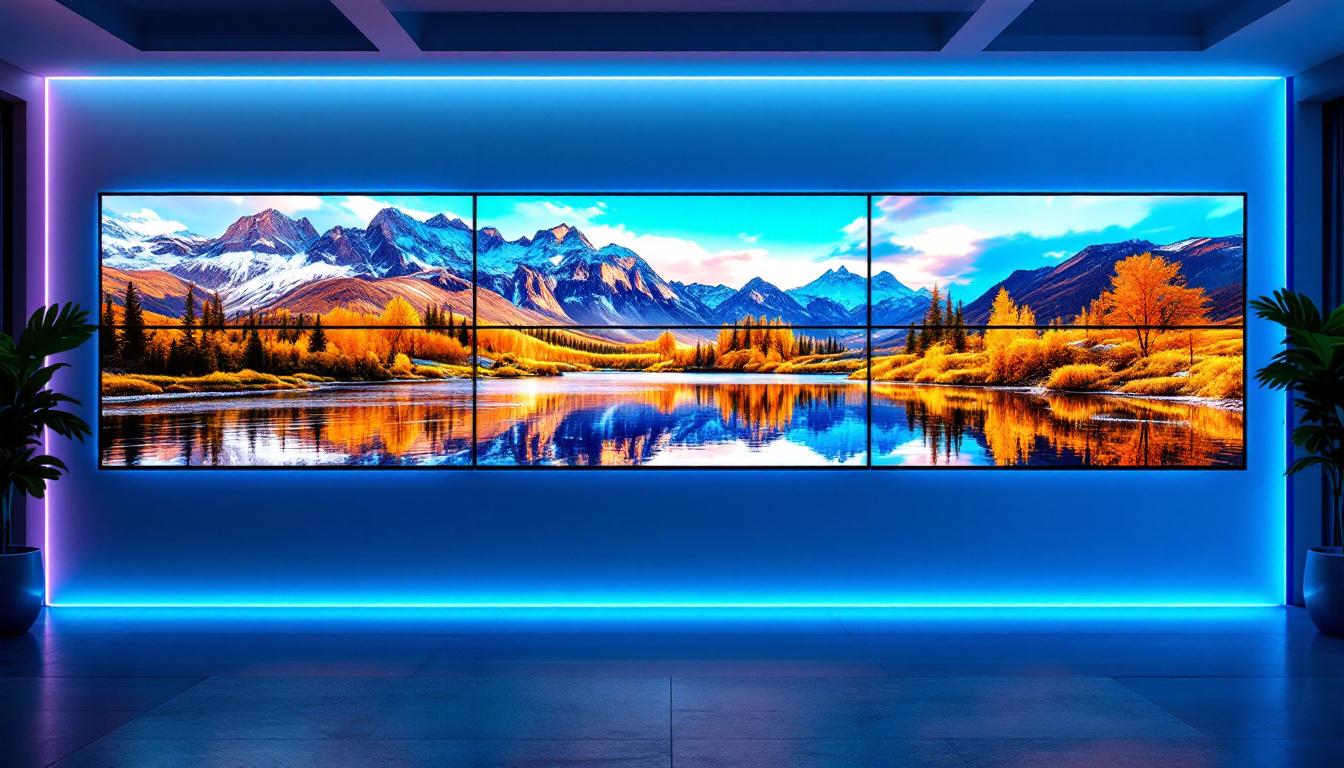
How To Make A Video Wall With 4 TVs: LED Display Explained
Creating a video wall using multiple TVs is an increasingly popular way to produce large, eye-catching displays for both commercial and personal use. Whether for digital signage, immersive gaming setups, or dynamic home theaters, a video wall offers a visually stunning experience that surpasses the capabilities of a single screen. This article explores how to make a video wall with four TVs, focusing on LED display technology, setup considerations, and practical tips to ensure optimal performance.
Understanding Video Walls and LED Displays
A video wall is a large display surface made up of multiple smaller screens tiled together to form one cohesive image or multiple synchronized images. The technology behind video walls has evolved significantly, with LED displays becoming the preferred choice due to their brightness, color accuracy, and energy efficiency. These displays are not just about size; they represent a convergence of cutting-edge technology and creative visual storytelling, making them an increasingly popular choice for various applications.
LED (Light Emitting Diode) displays use tiny diodes that emit light when an electric current passes through them. Unlike traditional LCD screens that rely on backlighting, LED displays produce their own light, resulting in better contrast ratios and deeper blacks. This makes LED video walls particularly effective in environments with varying lighting conditions, such as retail stores, control rooms, and event venues. Moreover, the modular nature of LED panels allows for flexibility in design, enabling businesses to create unique shapes and configurations that can fit any space, from large arenas to intimate galleries.
Why Choose LED for Your Video Wall?
LED technology offers several advantages over other display types when building a video wall:
- Brightness and Visibility: LED screens can achieve brightness levels of 1,000 nits or more, making them visible even in brightly lit environments.
- Color Accuracy: LEDs provide a wider color gamut and more vibrant colors, enhancing the visual impact of your content.
- Durability and Longevity: LEDs have longer lifespans and are more resistant to burn-in compared to OLED or plasma displays.
- Energy Efficiency: LED displays consume less power relative to their brightness output, reducing operational costs.
When assembling a video wall from four TVs, it’s essential to ensure that the TVs use LED technology to maximize these benefits. Additionally, the seamless integration of these displays can create an immersive experience for viewers, drawing them into the content being presented. This is particularly advantageous in environments such as museums or exhibitions, where storytelling is key to engaging the audience. The ability to display high-definition video and dynamic content in real-time can transform the way information is communicated, making it more impactful and memorable.
Furthermore, the advancements in LED technology have led to the development of fine-pitch displays, which feature smaller pixel pitches that allow for closer viewing distances without sacrificing image quality. This is particularly useful in settings like command centers or broadcast studios, where clarity and detail are paramount. The versatility of LED video walls also extends to their ability to support interactive features, enabling touch capabilities that can enhance user engagement. Whether for advertising, information dissemination, or entertainment, LED video walls are revolutionizing how visual content is experienced across various industries.
Choosing the Right TVs for Your 4-Screen Video Wall
Not all TVs are created equal, and selecting the right models is crucial for a seamless video wall experience. Here are key factors to consider when choosing your four TVs:
1. Screen Size and Resolution
For a uniform video wall, all four TVs should be the same size and resolution. Common sizes for video walls range from 43 to 55 inches, but this depends on your space and viewing distance. Higher resolution TVs (such as 4K UHD) allow for more detailed images and smoother scaling when combined.
For example, using four 55-inch 4K TVs arranged in a 2×2 grid can create an 8K-equivalent display area, offering incredible detail for digital signage or immersive content.
2. Bezel Width
The bezel is the frame around the TV screen. Thin bezels are essential to minimize the gap between screens, creating a more cohesive and immersive image. Many manufacturers now offer “video wall” or “commercial display” models with ultra-thin bezels specifically designed for multi-screen setups.
3. Connectivity Options
Ensure the TVs support the necessary input connections such as HDMI, DisplayPort, or even daisy-chaining capabilities. Multiple HDMI inputs and support for HDCP (High-bandwidth Digital Content Protection) are important for compatibility with various video sources and video wall controllers.
4. Mounting Compatibility
Check the VESA mounting standards of the TVs to ensure they can be securely mounted side-by-side. A sturdy wall mount or video wall frame designed for multi-screen setups will help maintain alignment and stability.
Hardware Components Needed to Build a 4-TV Video Wall
Beyond the TVs themselves, assembling a video wall requires additional hardware to manage and synchronize the display output.
Video Wall Controller or Processor
A video wall controller is the device that splits and distributes the video signal across the four TVs. It ensures that each TV displays the correct portion of the image, creating a seamless large display. Controllers can be hardware-based or software-based, depending on your setup.
Hardware video wall controllers are standalone devices that connect to your video source and output to multiple screens. They offer reliable performance and support for various input types but can be more expensive.
Software solutions run on a PC and use multiple video outputs to drive each TV. These are more flexible and cost-effective but may require a powerful computer and advanced configuration.
HDMI Splitters and Extenders
If your source device only has one HDMI output, you may need an HDMI splitter to duplicate the signal. For longer cable runs, HDMI extenders (over Ethernet cables) help maintain signal quality without degradation.
Mounting Hardware
Proper mounting is essential for alignment and stability. Video wall mounts are designed to hold multiple screens in precise configurations. Adjustable mounts allow for fine-tuning bezel gaps and screen positioning.
Step-by-Step Guide to Setting Up Your 4-TV Video Wall
With the right hardware and TVs selected, the setup process involves careful planning and execution to achieve a professional-looking video wall.
Step 1: Plan Your Layout and Space
Decide on the arrangement of your four TVs—most commonly a 2×2 grid. Measure the wall or area where the video wall will be installed to ensure enough space for the TVs, mounts, and cables. Consider viewing angles and ambient lighting for optimal visibility.
Step 2: Mount the TVs
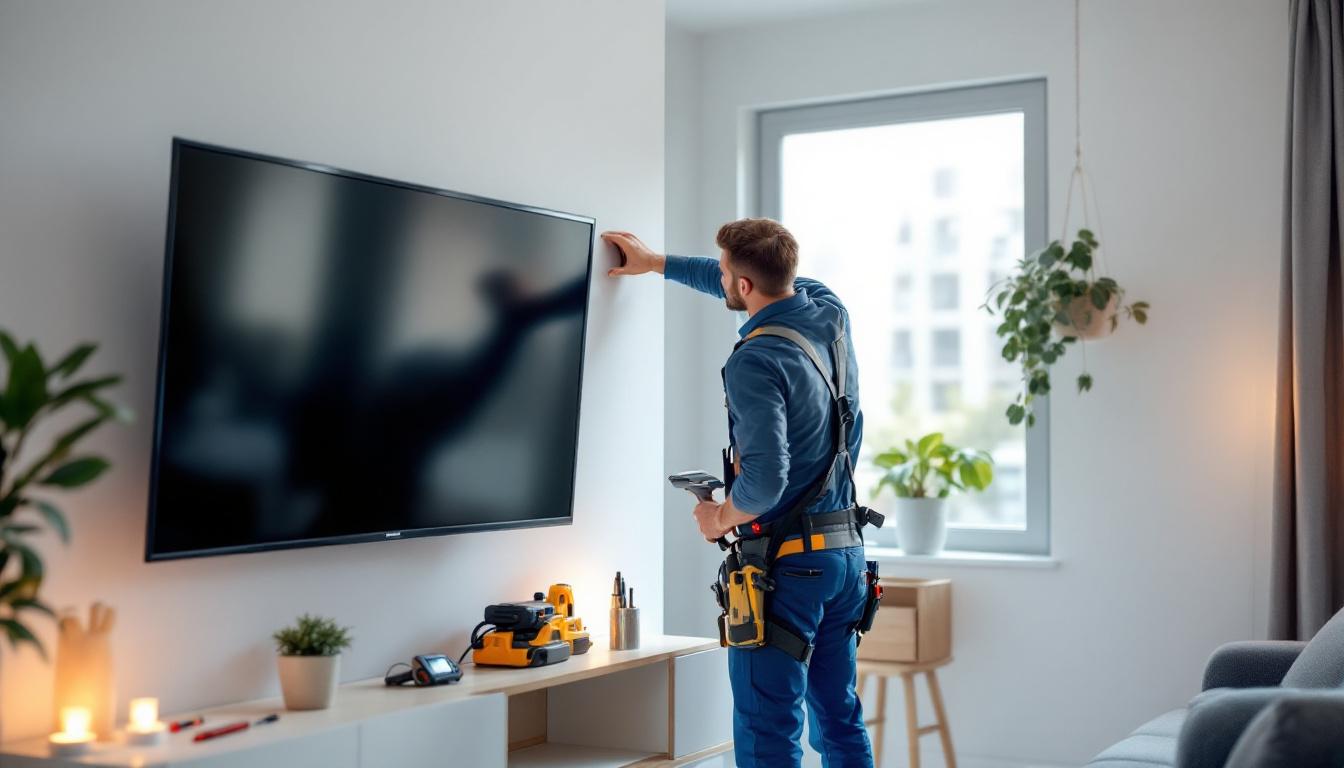
Using the video wall mount system, securely attach each TV to the wall or frame. Start with the bottom row, then the top row, ensuring that each screen is level and aligned with minimal bezel gap. Use a spirit level and measuring tape for precision.
Step 3: Connect the Video Sources
Connect your video source (such as a media player, PC, or streaming device) to the video wall controller using HDMI or DisplayPort cables. From the controller, connect output cables to each TV. Label cables to avoid confusion during setup.
Step 4: Configure the Video Wall Controller
Power on the controller and access its configuration interface, usually via a web browser or dedicated software. Define the layout (2×2), screen resolution, and position of each TV in the grid. Upload or select the content to be displayed.
Adjust settings such as bezel compensation, which accounts for the physical gap between screens to ensure the image appears continuous.
Step 5: Test and Calibrate
Play test patterns or content to verify that the image spans correctly across all four TVs. Check for color consistency, brightness uniformity, and alignment. Make necessary adjustments through the controller or directly on the TVs.
Content Considerations for Your Video Wall
Displaying content on a video wall is different from a single screen. The content must be designed or formatted to take advantage of the larger, multi-screen canvas.
Resolution and Aspect Ratio
For a 2×2 video wall of 4K TVs, the total resolution is effectively doubled in both width and height (e.g., 7680 x 4320 pixels for four 4K screens). Content creators should prepare videos or images at this resolution to avoid pixelation or stretching.
Content Management Systems (CMS)
Many commercial video walls use CMS software to schedule, manage, and distribute content across multiple screens. These platforms allow for dynamic content, including live feeds, advertisements, social media streams, and interactive elements.
Bezel Compensation in Content Design
When designing content, consider the bezel gaps between TVs. Some content creators add black bars or design elements that align with bezel positions to minimize visual disruption.
Common Challenges and How to Overcome Them
Building a video wall can be complex, and several challenges may arise during setup and operation.
1. Screen Alignment Issues
Even slight misalignment can disrupt the seamless appearance of the video wall. Using adjustable mounts, precise measuring tools, and professional installation services can help mitigate this.
2. Color and Brightness Mismatch
Differences in TV calibration can cause uneven colors or brightness. Calibrating each screen with professional tools or software ensures uniformity across the wall.
3. Signal Latency and Synchronization
Delays in signal processing can cause image lag or tearing between screens. Using a high-quality video wall controller and ensuring all TVs have similar processing capabilities reduces latency issues.
4. Heat and Power Management
Multiple TVs generate heat and consume power. Ensure adequate ventilation and use energy-efficient models to prevent overheating and reduce electricity costs.
Benefits of a 4-TV Video Wall
Despite the challenges, the advantages of a video wall are compelling:
- Scalability: Start with four screens and expand as needed for larger installations.
- High Impact: Large, bright displays attract attention and enhance brand messaging.
- Versatility: Suitable for advertising, presentations, entertainment, and control rooms.
- Cost-Effectiveness: Using consumer-grade LED TVs can be more affordable than specialized large LED panels.
Conclusion
Building a video wall with four LED TVs is an accessible and effective way to create a large, vibrant display for various applications. By understanding LED technology, selecting the right TVs, and using appropriate hardware like video wall controllers and mounts, it’s possible to achieve a professional and visually stunning setup.
Attention to detail during installation and calibration ensures the video wall performs flawlessly, delivering immersive content that captivates audiences. Whether for business or personal use, a 4-TV video wall offers a dynamic visual solution that leverages the best of LED display technology.
Discover LumenMatrix LED Display Solutions
Ready to bring your video wall vision to life with unparalleled vibrancy and precision? LumenMatrix, a pioneer in LED display technology, offers an extensive range of innovative solutions tailored to your needs. From Indoor and Outdoor LED Wall Displays to specialized options like Vehicle, Sports, and Floor LED Displays, LumenMatrix empowers you to create immersive environments and share your message with stunning clarity. Elevate your space with Custom, All-in-One, or Transparent LED Displays designed to captivate and engage. Check out LumenMatrix LED Display Solutions today and transform your visual communication into an unforgettable experience.