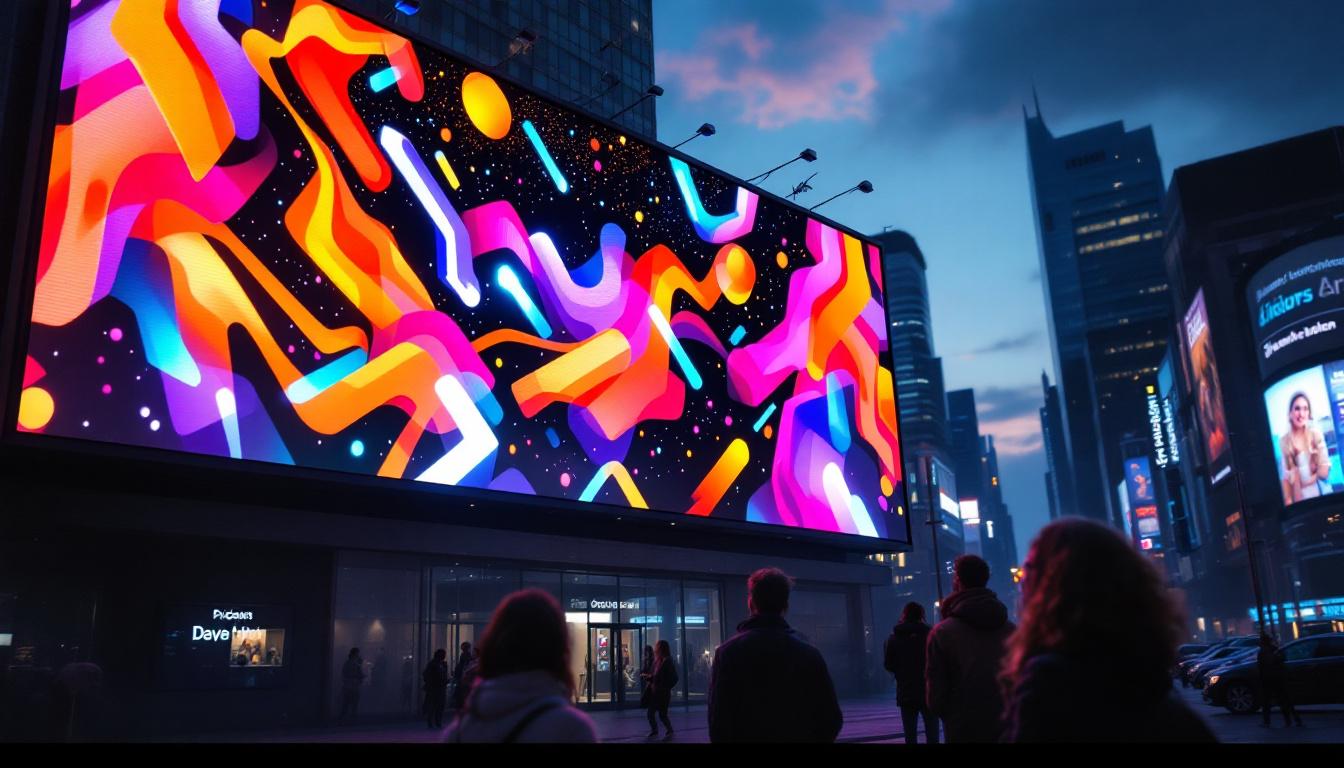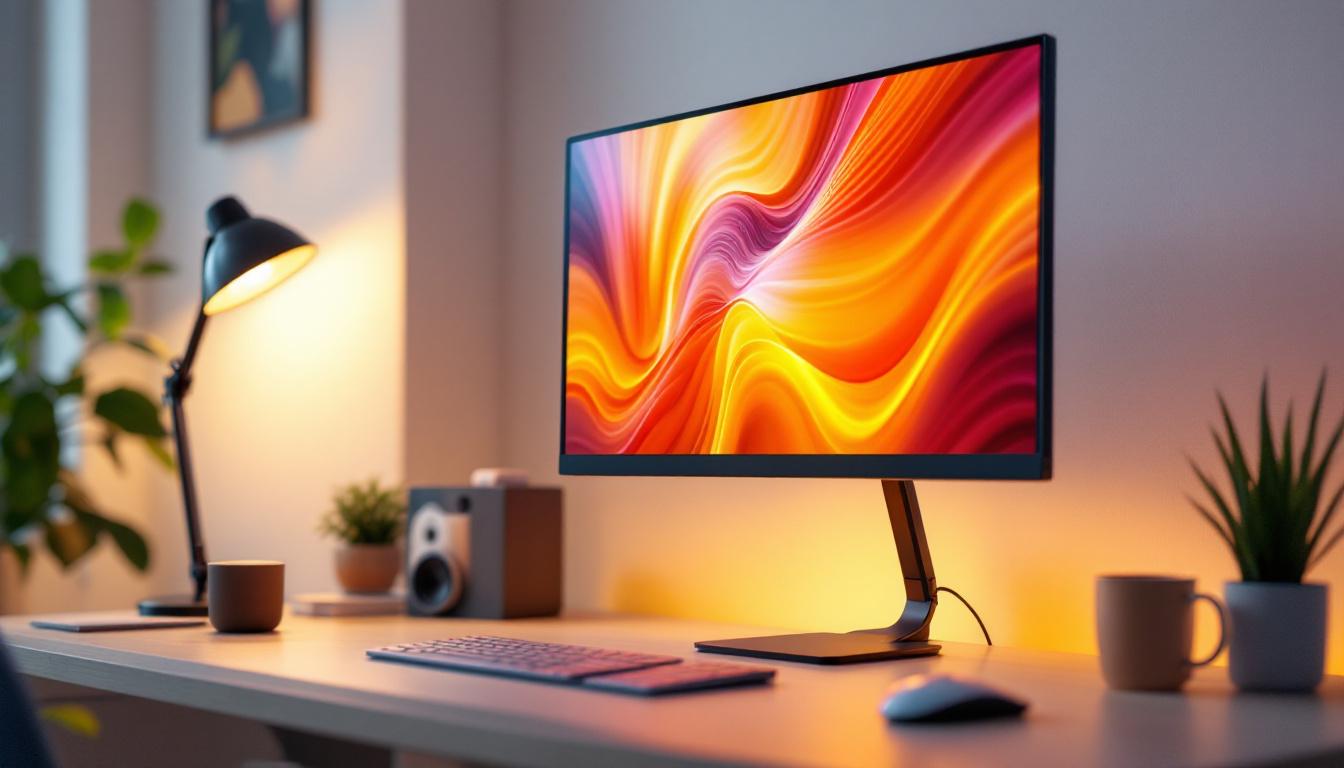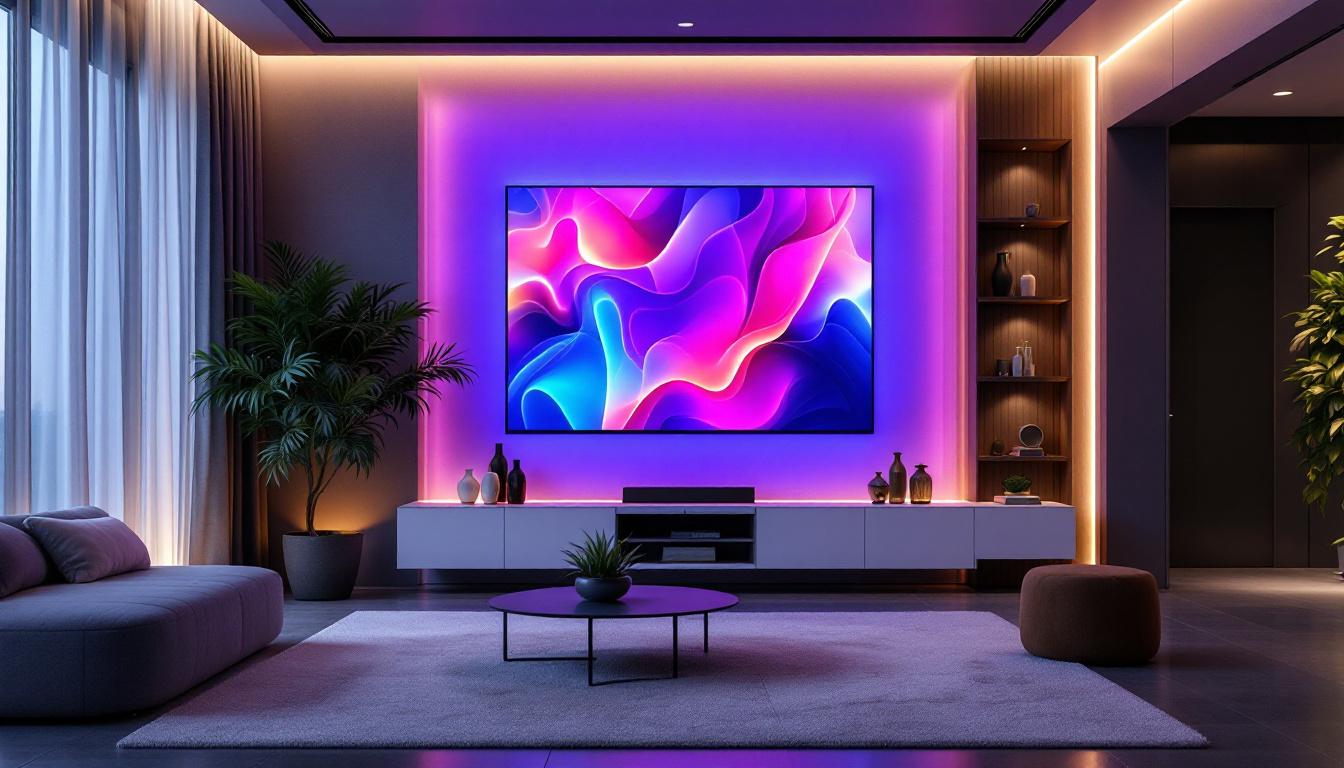
In today’s digital age, LED displays have become an integral part of how information is presented, from advertising billboards to computer monitors. The term “LED display PC” often surfaces in discussions about high-quality visual technology, but what exactly does it mean? This article delves into the world of LED displays, explaining their technology, advantages, applications, and why they are a preferred choice for PC users and businesses alike.
Understanding LED Display Technology
LED stands for Light Emitting Diode, a semiconductor device that emits light when an electric current passes through it. Unlike traditional LCD (Liquid Crystal Display) screens that rely on backlighting, LED displays use these tiny diodes to create vibrant images with enhanced brightness and contrast.
The core of an LED display consists of millions of these diodes arranged in a matrix. Each diode can emit red, green, or blue light, and by varying the intensity of these colors, the display produces a full spectrum of colors. This technology is what allows LED displays to deliver sharp, vivid images with excellent color accuracy. Furthermore, the rapid response time of LED diodes contributes to smoother motion rendering, making them particularly suitable for fast-paced video content and gaming applications.
Types of LED Displays
There are primarily two types of LED displays used in PCs and other devices: Direct LED and Edge-lit LED.
- Direct LED: In this configuration, LEDs are placed directly behind the screen, providing uniform brightness and better control over local dimming. This results in deeper blacks and higher contrast ratios, making it ideal for professional graphics work and gaming.
- Edge-lit LED: Here, LEDs are positioned along the edges of the screen, and light is distributed across the display using light guides. This design allows for thinner screens but can sometimes lead to uneven brightness, especially in larger displays.
LED vs. Other Display Technologies
When comparing LED displays to other technologies such as OLED (Organic LED) or traditional LCDs with CCFL (Cold Cathode Fluorescent Lamp) backlighting, LED displays offer a balanced combination of performance, cost, and durability. While OLEDs provide superior contrast and color depth, they are generally more expensive and susceptible to burn-in. On the other hand, LED displays are more energy-efficient and have a longer lifespan than CCFL-backlit LCDs, making them a practical choice for everyday computing.
In addition to these advantages, LED technology has evolved to include features such as HDR (High Dynamic Range), which enhances the range of colors and contrasts displayed on the screen. This capability allows for more realistic images, especially in scenes with bright highlights and deep shadows. Moreover, advancements in LED technology have led to the development of MicroLED displays, which promise even greater efficiency and flexibility, potentially revolutionizing the way we experience visual media by enabling ultra-thin screens that can be seamlessly integrated into various environments.
As the market for LED displays continues to grow, manufacturers are constantly innovating to improve the viewing experience. Features such as adaptive brightness control, which adjusts screen brightness based on ambient light, and anti-glare coatings that reduce reflections are becoming standard. These enhancements not only improve usability in different lighting conditions but also contribute to eye comfort during prolonged use, making LED displays a popular choice for both casual users and professionals alike.
Advantages of LED Displays in PCs
The adoption of LED displays in PCs has surged due to several compelling benefits that enhance user experience and productivity.
Improved Visual Quality
LED displays offer brighter screens with higher contrast ratios compared to older display technologies. This means text appears crisper, colors are more vibrant, and images have greater depth. For professionals working in graphic design, video editing, or gaming, these improvements translate into more accurate color representation and immersive visuals. Furthermore, the wide viewing angles provided by LED technology ensure that colors remain consistent and true-to-life, regardless of the viewer’s position relative to the screen. This is particularly beneficial in collaborative environments where multiple people may need to view the same content simultaneously.
Energy Efficiency and Longevity
One of the significant advantages of LED displays is their energy efficiency. They consume less power than CCFL-backlit LCDs, which helps reduce electricity bills and environmental impact. Additionally, LEDs have a longer operational life, often exceeding 50,000 hours, which means fewer replacements and lower maintenance costs over time. This longevity not only contributes to cost savings but also aligns with sustainability efforts, as fewer discarded screens mean less electronic waste. As businesses and individuals become more environmentally conscious, the appeal of LED technology continues to grow, making it a responsible choice for modern computing needs.
Thin and Lightweight Design
The compact nature of LED technology allows manufacturers to produce thinner and lighter monitors and laptop screens. This design flexibility benefits users who prioritize portability without compromising screen size or quality. The sleek aesthetics of LED displays also contribute to a more modern workspace, enhancing the overall visual appeal of both home and office environments. Additionally, the lightweight design makes it easier for users to set up multi-monitor configurations, which can significantly boost productivity by providing more screen real estate for multitasking and creative work.
Faster Response Times
LED displays typically have faster response times than traditional LCDs, reducing motion blur and ghosting effects. This feature is especially important for gamers and video editors who require smooth, fluid visuals during fast-paced action sequences. The rapid refresh rates of LED technology also contribute to a more enjoyable viewing experience, minimizing lag and enhancing the overall performance of high-speed content. As a result, users can engage in competitive gaming or detailed video editing with confidence, knowing that their display can keep up with their demands.
Applications of LED Displays in PC Environments
LED displays are versatile and find applications across various PC-related environments, from personal computing to professional and commercial uses.
Consumer PCs and Laptops
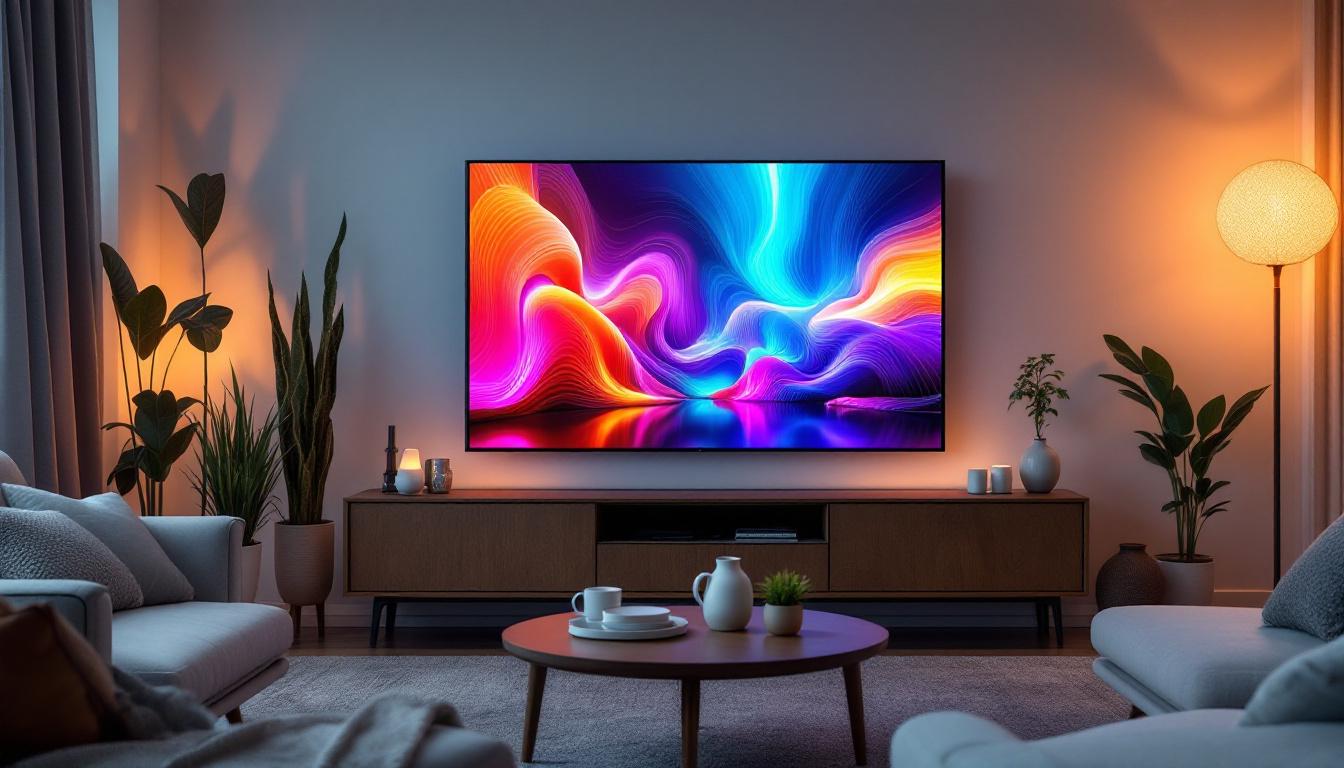
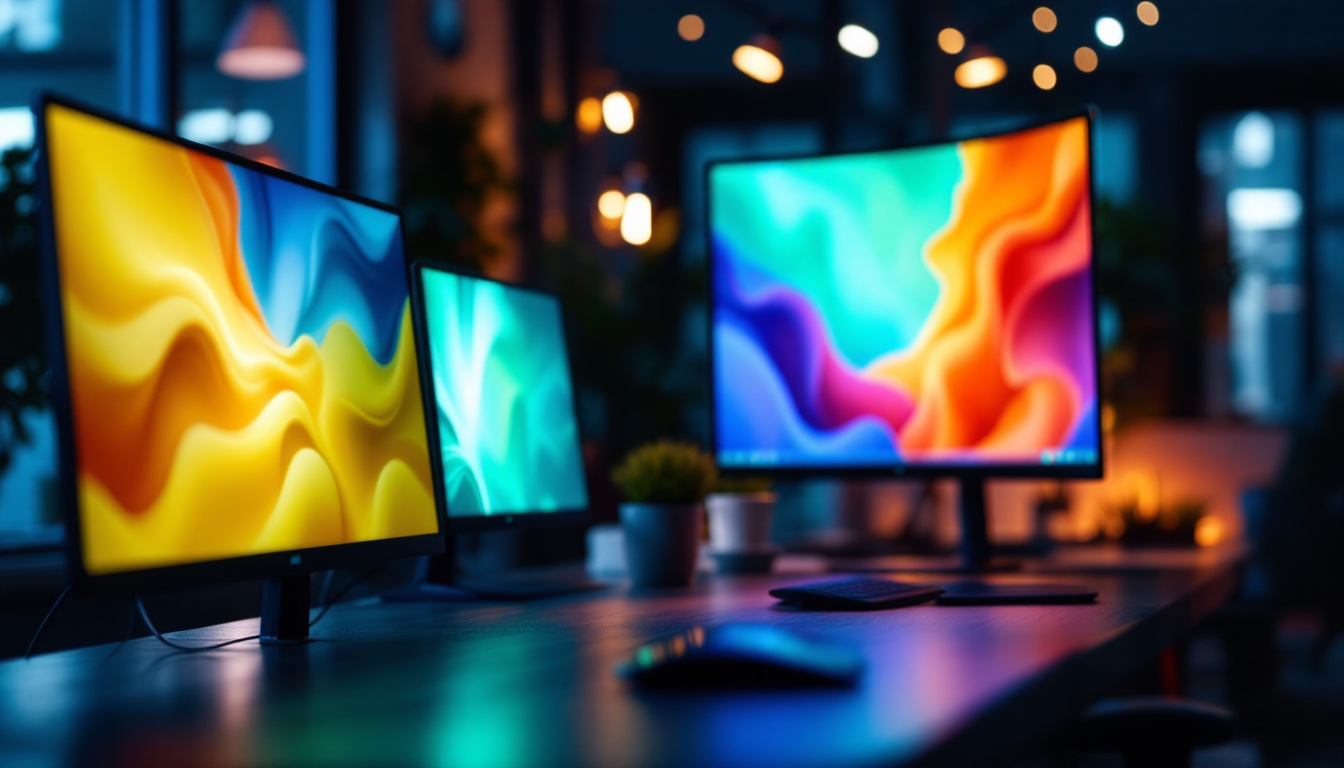
Most modern consumer laptops and desktop monitors utilize LED technology for their displays. The combination of energy efficiency, slim design, and superior image quality makes LED screens the standard choice for everyday users. Whether browsing the web, streaming videos, or working on documents, LED displays enhance the overall user experience.
Professional Workstations
In professional settings such as graphic design studios, video production houses, and CAD (Computer-Aided Design) environments, LED displays are prized for their color accuracy and high resolution. Many professional-grade monitors feature LED backlighting combined with IPS (In-Plane Switching) panels to offer wide viewing angles and consistent color reproduction.
Gaming PCs
Gaming enthusiasts demand displays that can keep up with high frame rates and dynamic visuals. LED monitors with fast refresh rates (120Hz, 144Hz, or higher) and low input lag provide a competitive edge by delivering smooth gameplay and responsive controls. Additionally, LED technology supports advanced features like HDR (High Dynamic Range), which enhances contrast and color depth in games.
Commercial and Industrial Displays
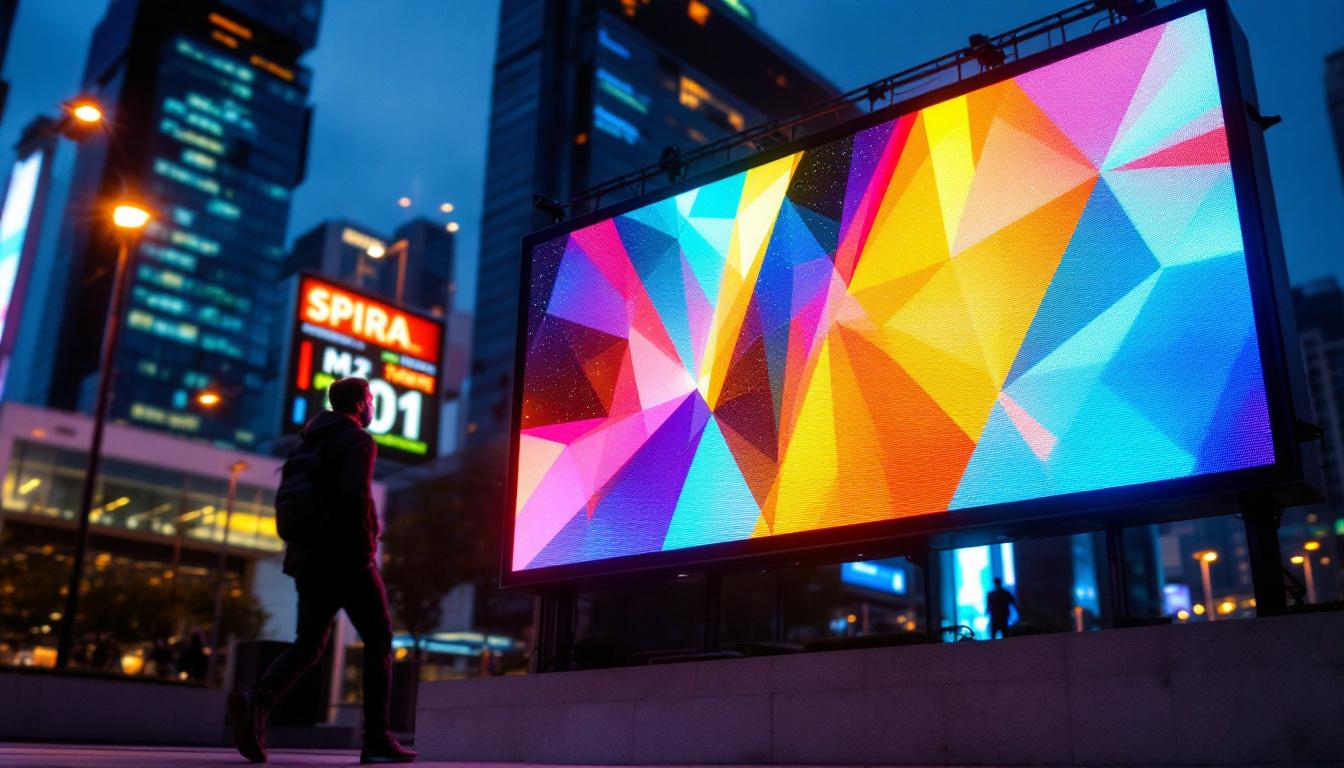
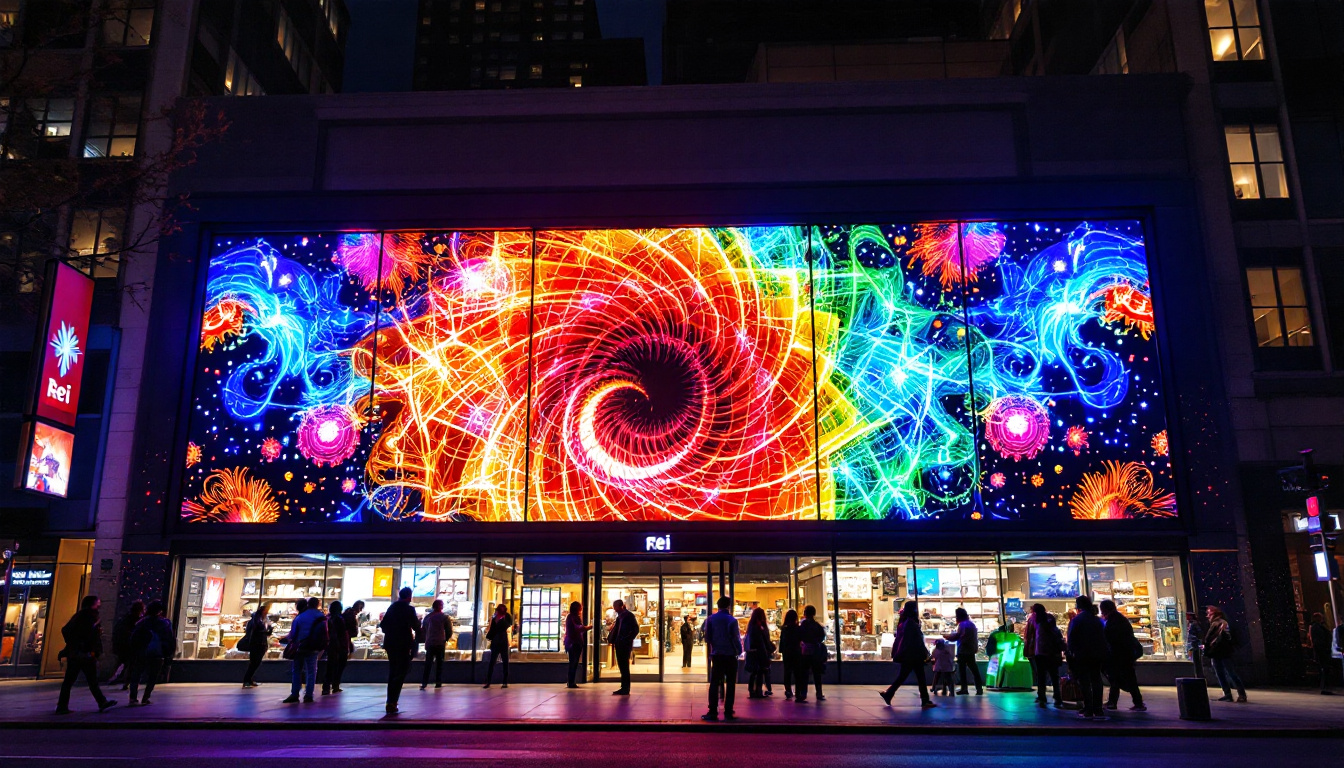
Beyond personal computing, LED displays are widely used in commercial PCs for digital signage, kiosks, and control rooms. Their brightness and durability make them suitable for environments with varying lighting conditions. Industrial PCs often incorporate rugged LED displays designed to withstand harsh conditions while maintaining clear visibility.
Choosing the Right LED Display PC
Selecting the ideal LED display PC involves considering several factors that align with the user’s specific needs and budget.
Resolution and Screen Size
Resolution determines the sharpness and clarity of the display. Common resolutions include Full HD (1920×1080), Quad HD (2560×1440), and 4K UHD (3840×2160). Higher resolutions provide more screen real estate and finer detail but may require more powerful graphics hardware to run smoothly. Screen size preferences vary from compact 13-inch laptops to expansive 32-inch monitors, depending on usage scenarios.
Panel Type and Color Accuracy
IPS panels are preferred for their superior color accuracy and wide viewing angles, making them suitable for creative professionals. TN (Twisted Nematic) panels offer faster response times but narrower viewing angles, often favored by gamers. VA (Vertical Alignment) panels strike a balance with good contrast ratios and decent color reproduction.
Refresh Rate and Response Time
For gamers and video editors, a higher refresh rate (above 60Hz) and low response time (under 5ms) are critical to reducing motion blur and input lag. Casual users may find standard 60Hz refresh rates sufficient for everyday tasks.
Connectivity and Additional Features
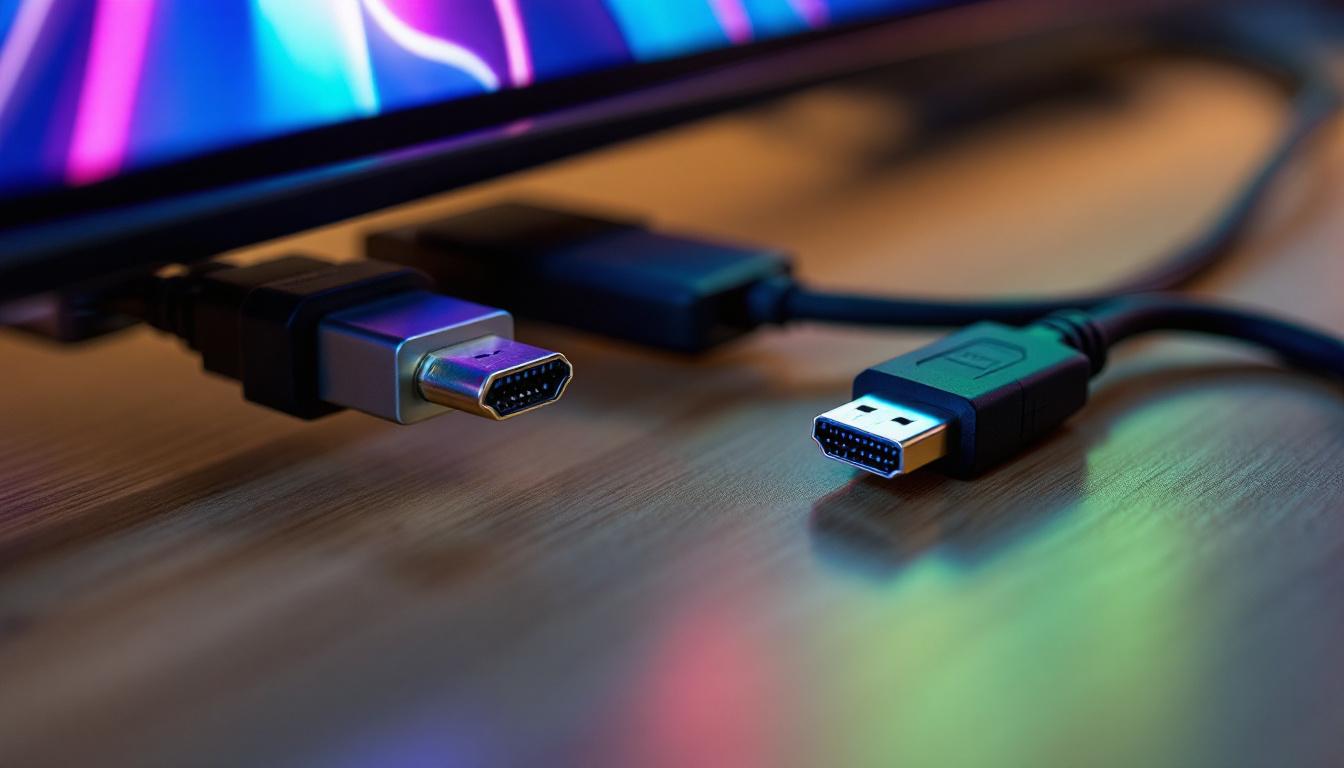
Modern LED display PCs come equipped with various connectivity options such as HDMI, DisplayPort, USB-C, and Thunderbolt. Features like HDR support, blue light filters, and adjustable stands also contribute to user comfort and display performance.
Future Trends in LED Display Technology
The LED display industry continues to evolve, driven by innovations that promise even better visual experiences and energy efficiency.
Mini-LED and Micro-LED Technologies
Mini-LED technology uses thousands of tiny LEDs as backlights, offering improved local dimming and contrast compared to traditional LED displays. Micro-LED takes this further by using microscopic LEDs as individual pixels, enabling displays with exceptional brightness, contrast, and color accuracy without the drawbacks of OLED burn-in. These advancements are gradually making their way into high-end PCs and monitors.
Flexible and Transparent Displays
Research into flexible LED displays is opening the door to bendable or foldable screens, which could revolutionize portable computing devices. Transparent LED displays also hold potential for augmented reality applications and innovative user interfaces.
Energy Efficiency and Sustainability
As environmental concerns grow, manufacturers are focusing on reducing power consumption and using sustainable materials in LED displays. Advances in LED driver technology and recycling programs contribute to greener electronics.
Conclusion
LED display technology has transformed the way PCs present visual information, offering superior brightness, color accuracy, and energy efficiency compared to older display methods. Whether for casual use, professional work, or gaming, LED displays provide a versatile and high-performance solution that continues to improve with ongoing technological advancements. Understanding the nuances of LED displays helps consumers and businesses make informed decisions when selecting the right PC or monitor to meet their visual and operational needs.
Discover the Future of Visual Technology with LumenMatrix
Ready to experience the pinnacle of LED display innovation? LumenMatrix is at the forefront, crafting immersive visual solutions that redefine how we interact with digital content. From the vibrancy of an Indoor LED Wall Display to the dynamic impact of a Custom LED Display, our offerings cater to every need. Embrace the revolution in visual communication and elevate your brand’s presence. Don’t just take our word for it; see the difference for yourself. Check out LumenMatrix LED Display Solutions today and step into a world where clarity and engagement meet.