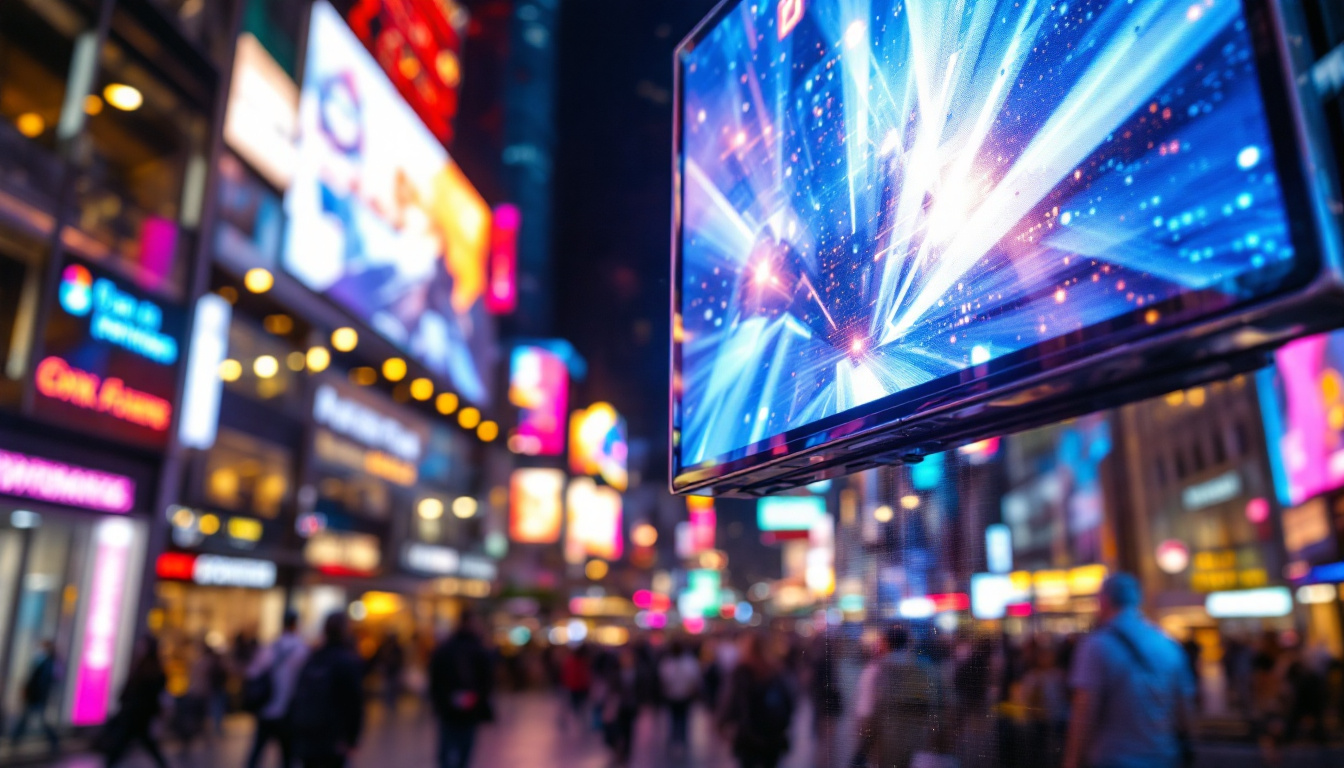
In the evolving landscape of architectural design and visualization, the integration of curved walls and LED displays has become a hallmark of modern, dynamic spaces. Revit, as a leading Building Information Modeling (BIM) software, offers powerful tools to create and manage these complex elements with precision and efficiency. This article delves into the nuances of designing curved walls in Revit and explores how LED displays can be effectively incorporated into these architectural features, enhancing both aesthetic appeal and functional performance.
Understanding Curved Walls in Revit
Curved walls are increasingly popular in contemporary architecture, offering fluidity, elegance, and a break from traditional straight-lined structures. In Revit, creating a curved wall involves more than just drawing an arc; it requires an understanding of the software’s wall creation tools, family parameters, and the impact on structural and MEP systems.
Creating Curved Walls: Tools and Techniques
Revit provides several methods to create curved walls, primarily through the Wall tool with arc-based sketching options. Designers can draw walls using arcs, circles, or elliptical shapes, allowing for a wide range of curvature. The process begins by selecting the Wall tool, choosing the desired wall type, and then sketching the curve using the arc tool. This method ensures that the wall maintains its parametric properties, such as height, thickness, and material layers.
Additionally, Revit supports the use of adaptive components and in-place families to create more complex curved wall geometries. These techniques are especially useful when the curvature needs to respond to specific site conditions or design intents that standard wall tools cannot accommodate. For instance, when designing a curved wall that follows the contours of a natural landscape, architects can utilize the terrain modeling tools in Revit to ensure that the wall aligns perfectly with the topography, enhancing both aesthetic appeal and structural integrity.
Structural and Design Considerations
When designing curved walls, architects and engineers must consider the structural implications. Curved walls often require specialized reinforcement and support systems, which can be modeled within Revit’s structural tools. Accurate modeling ensures that the curved wall integrates seamlessly with beams, columns, and foundations. Engineers may need to conduct detailed analyses to determine the load distribution across the curvature, as this can significantly affect the wall’s performance and longevity.
From a design perspective, curved walls influence spatial perception and circulation within a building. They can create inviting entrances, define exhibition spaces, or serve as focal points in lobbies. Revit’s visualization capabilities allow designers to simulate lighting, shadows, and material finishes on curved surfaces, providing a realistic preview of the final outcome. Moreover, the use of curved walls can enhance acoustic properties in certain spaces, such as auditoriums or conference rooms, where sound distribution is critical. By carefully selecting materials and finishes, architects can further optimize the performance of curved walls, ensuring they not only serve an aesthetic purpose but also contribute to the overall functionality of the space.
Incorporating LED Displays into Curved Walls
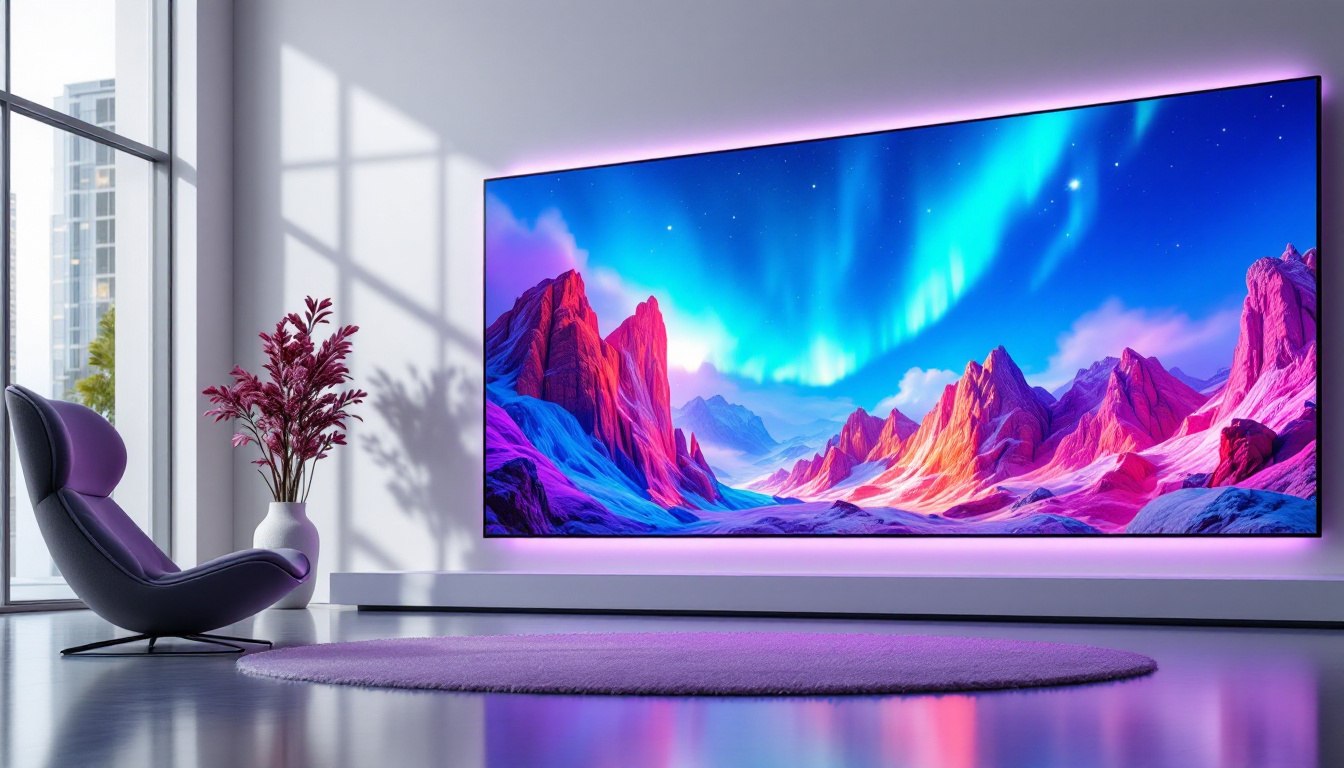
LED displays are transforming architectural environments by introducing dynamic visual elements that engage occupants and enhance communication. Integrating LED screens into curved walls presents unique challenges and opportunities, requiring careful planning and modeling within Revit.
Why Combine Curved Walls with LED Displays?
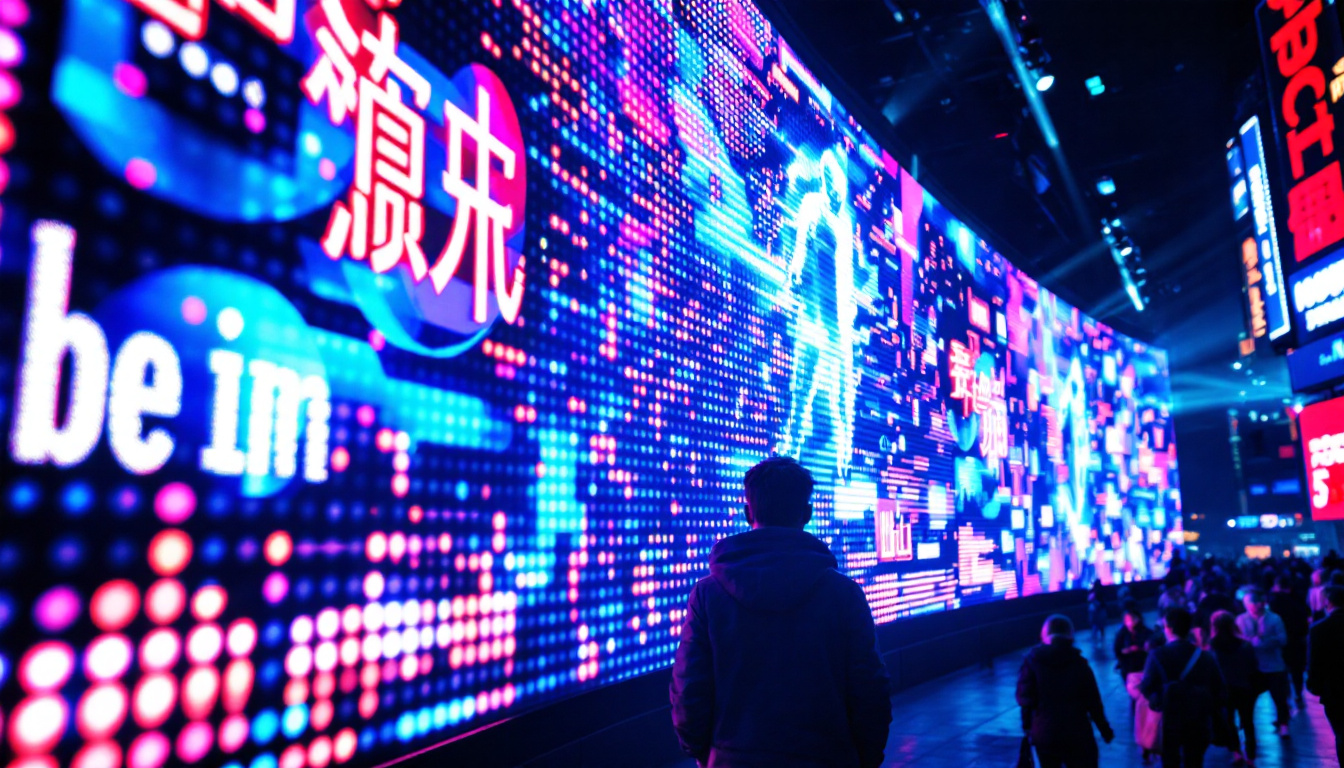
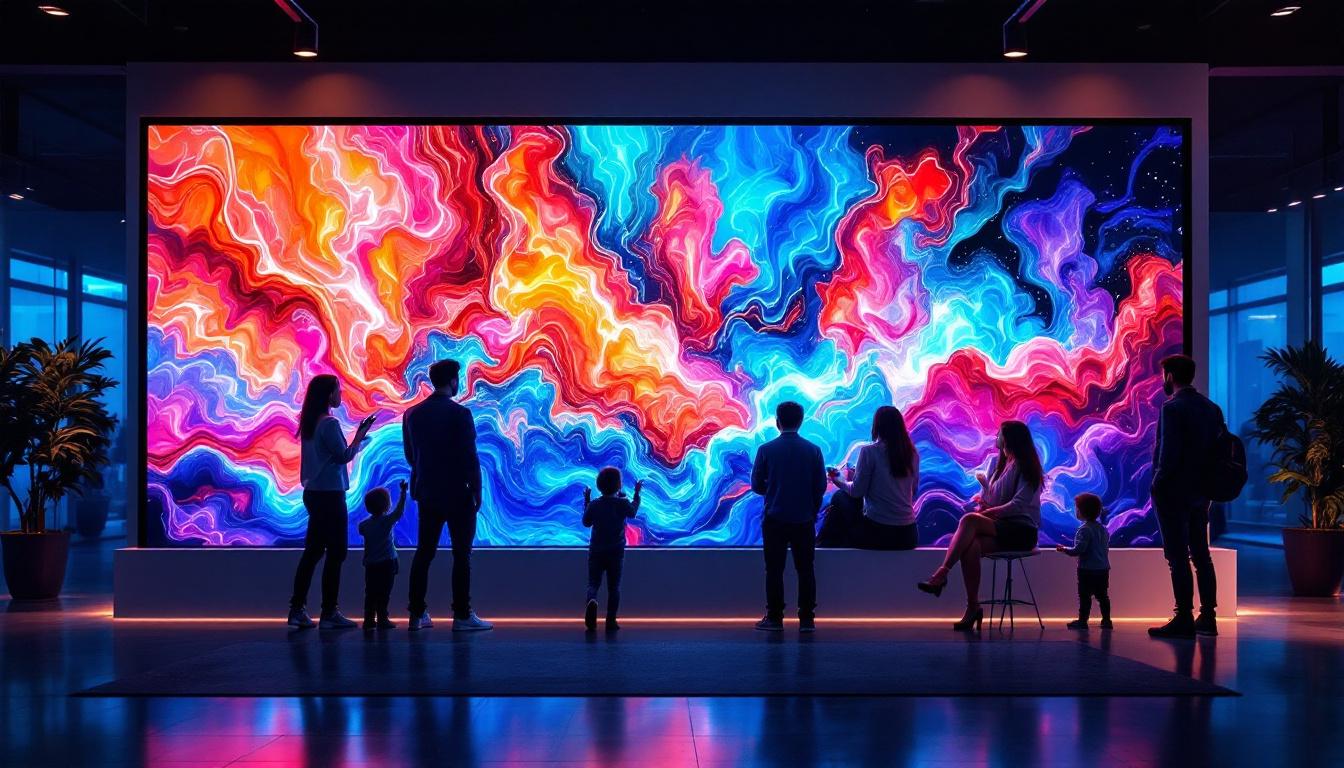
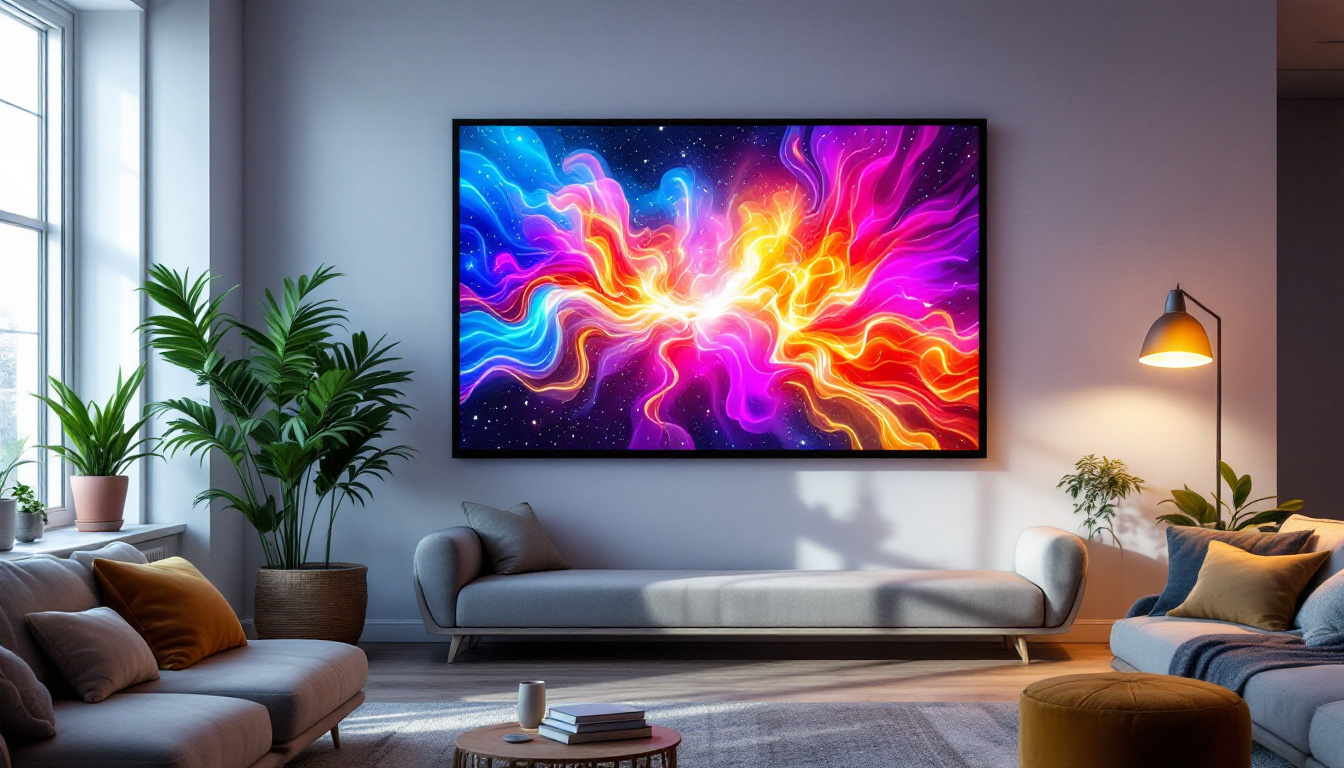
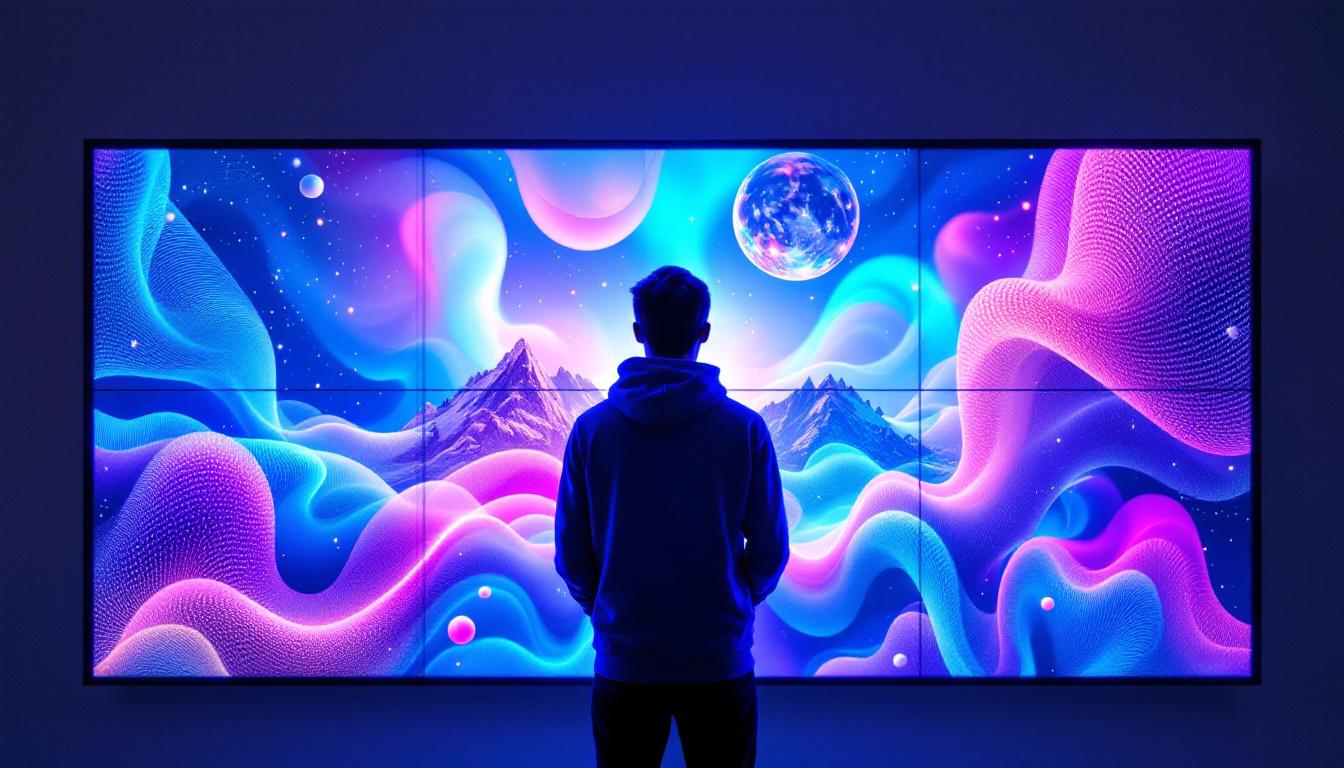
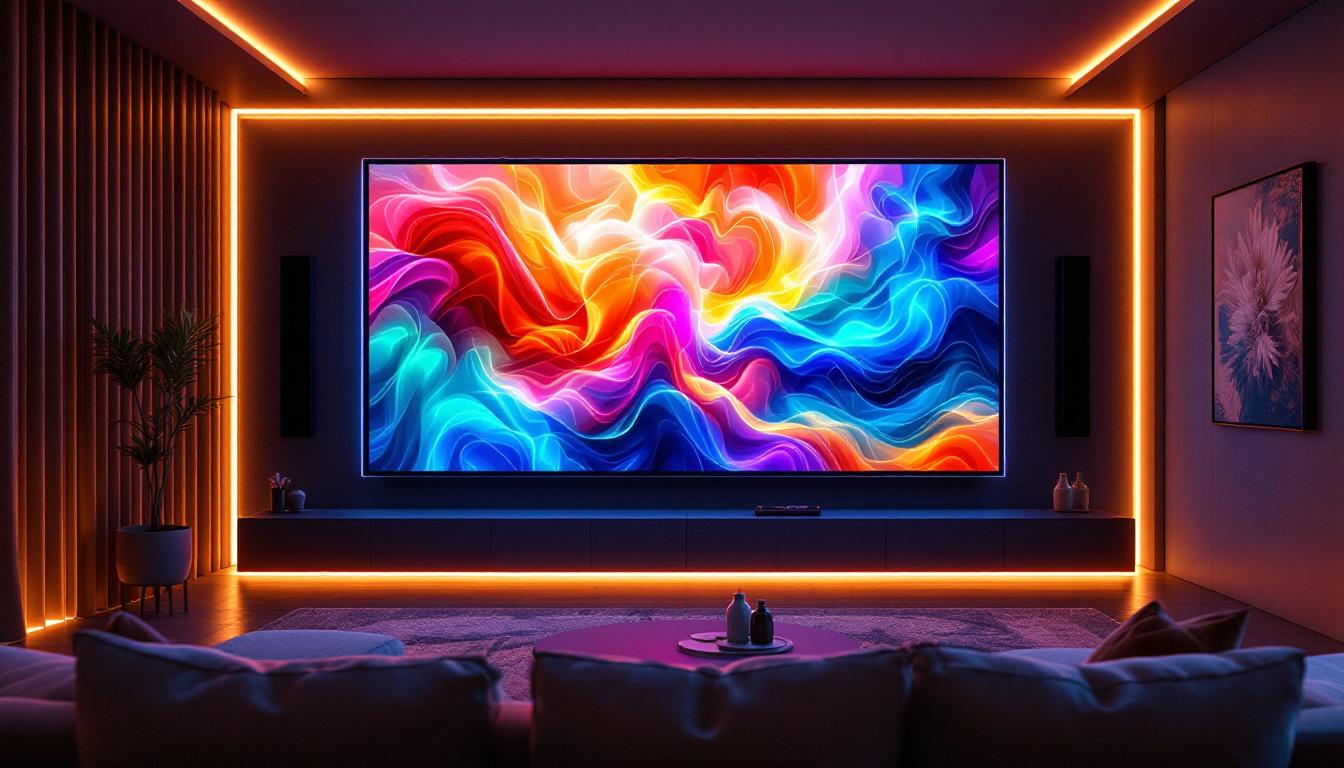
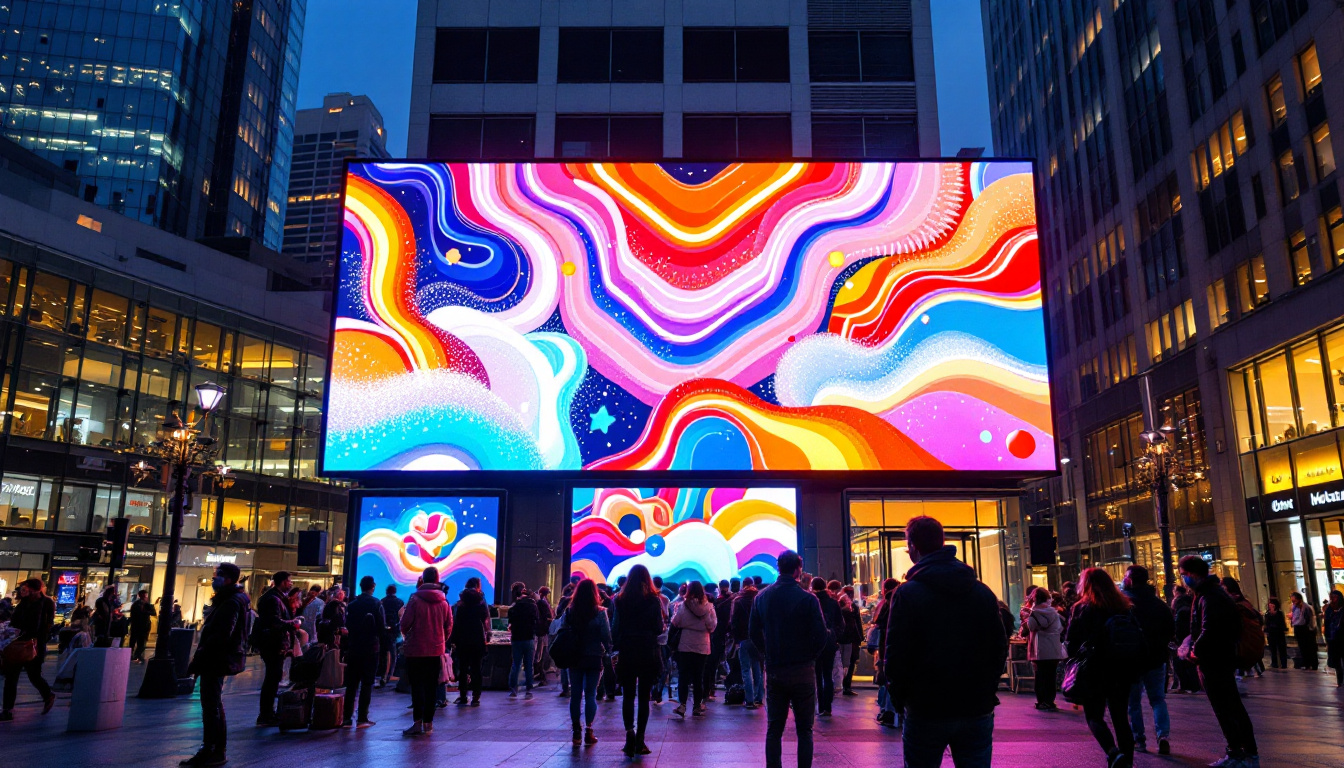
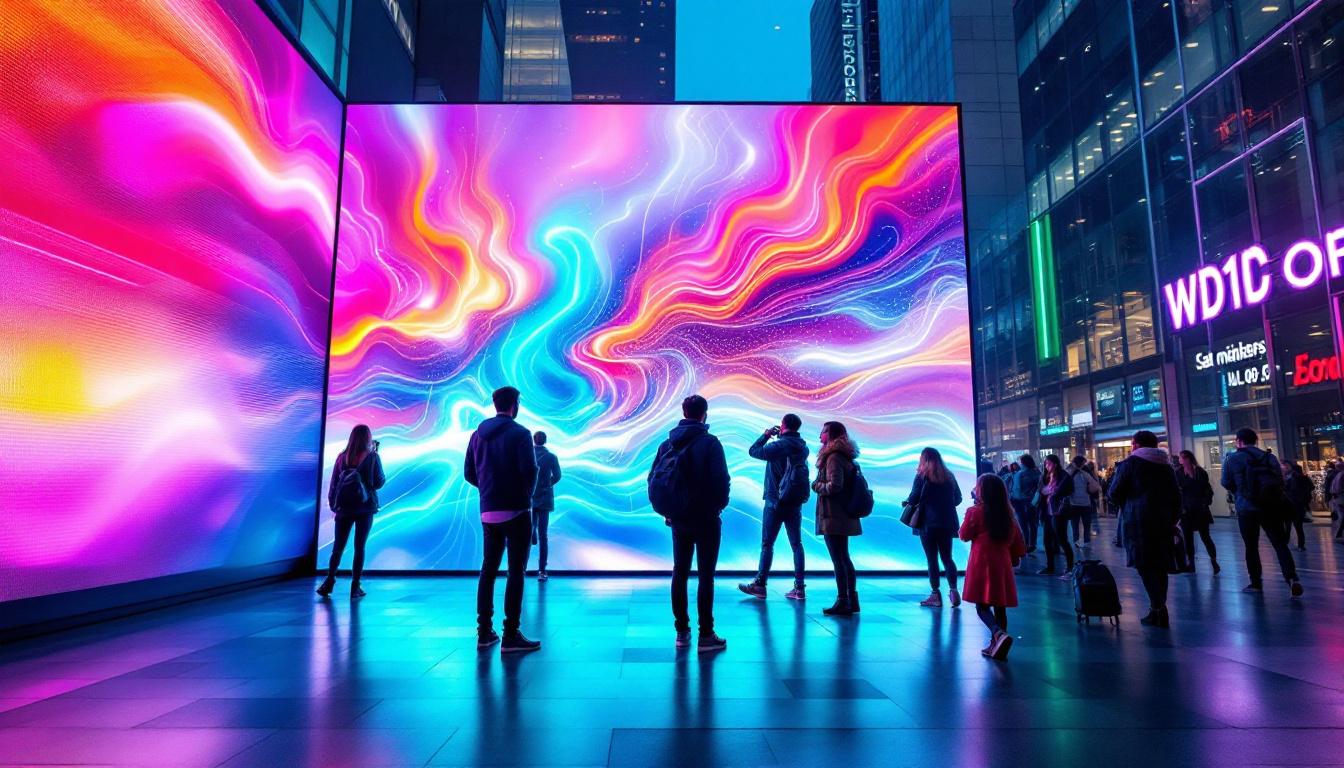
Curved walls provide an ideal canvas for LED displays due to their organic shapes and ability to capture attention. When combined, they create immersive environments such as digital art installations, interactive signage, or branded experiences in commercial and public spaces.
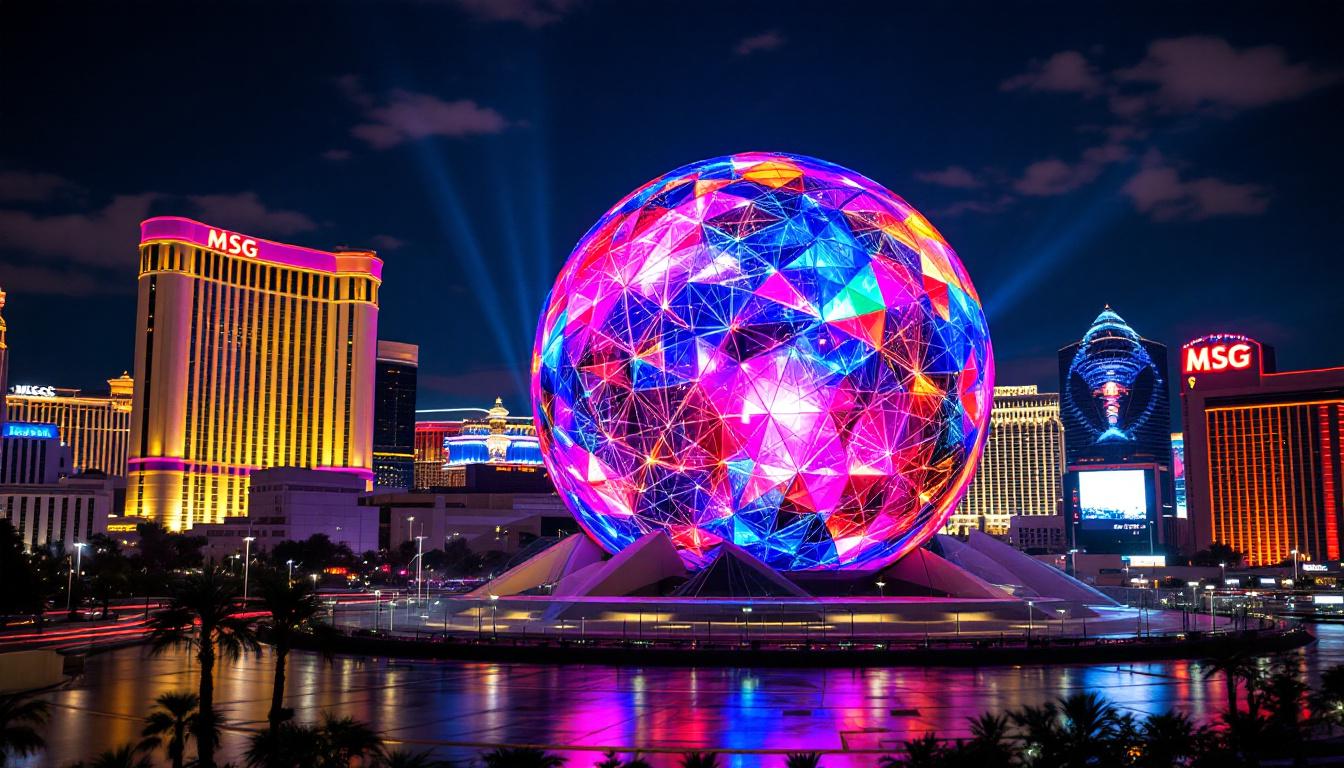
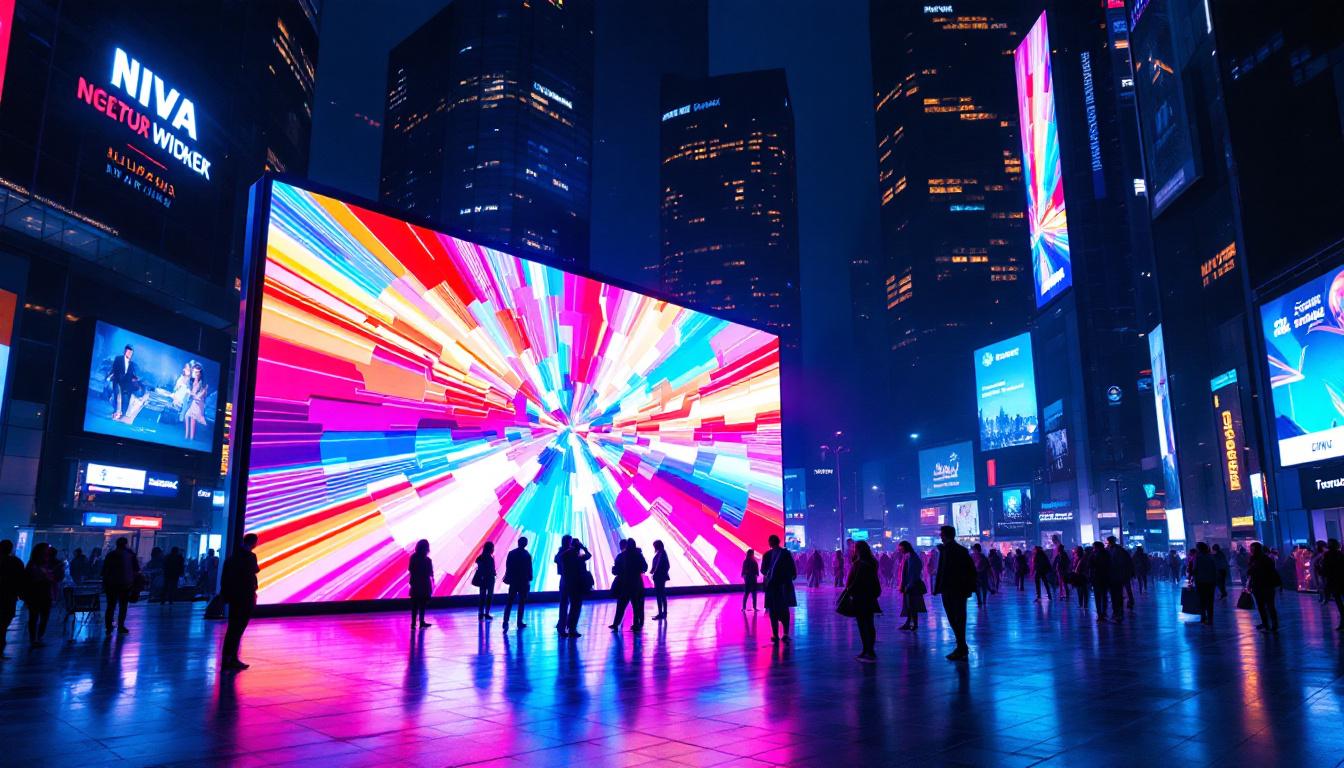
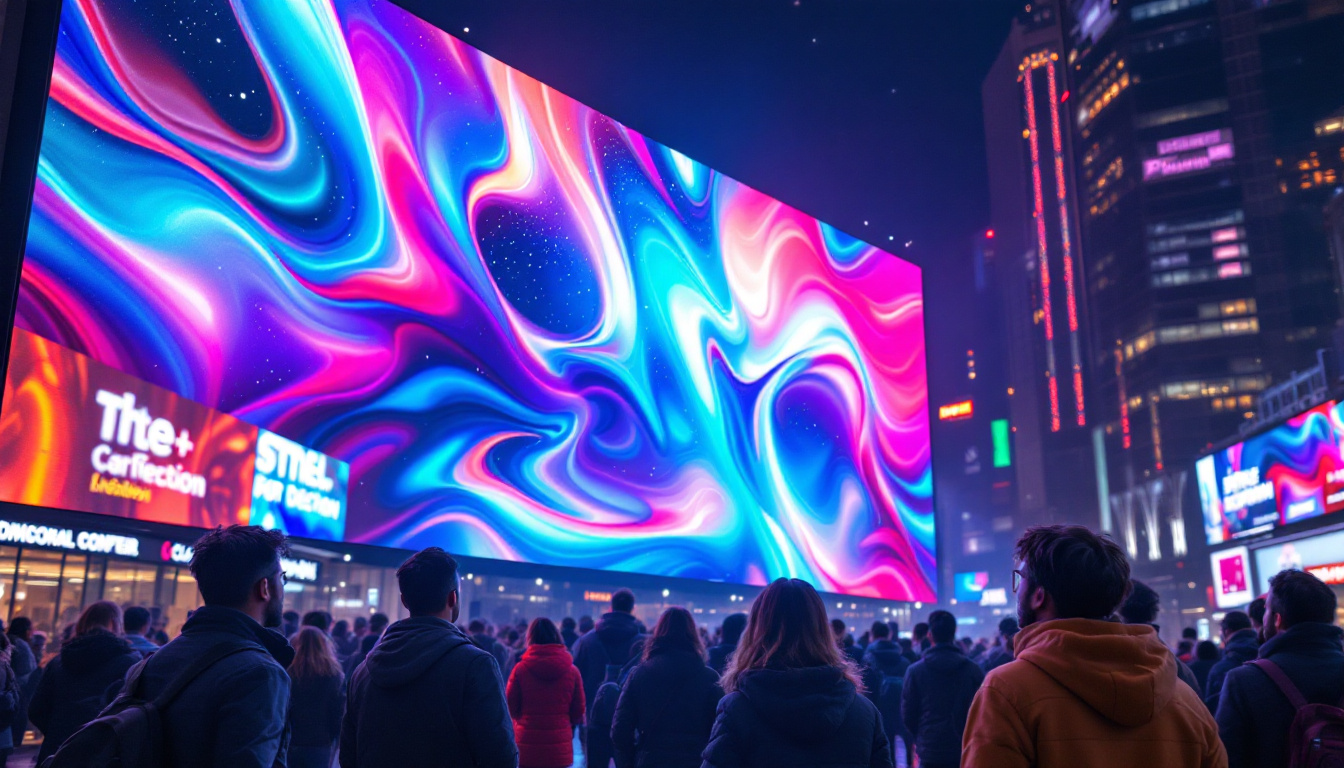
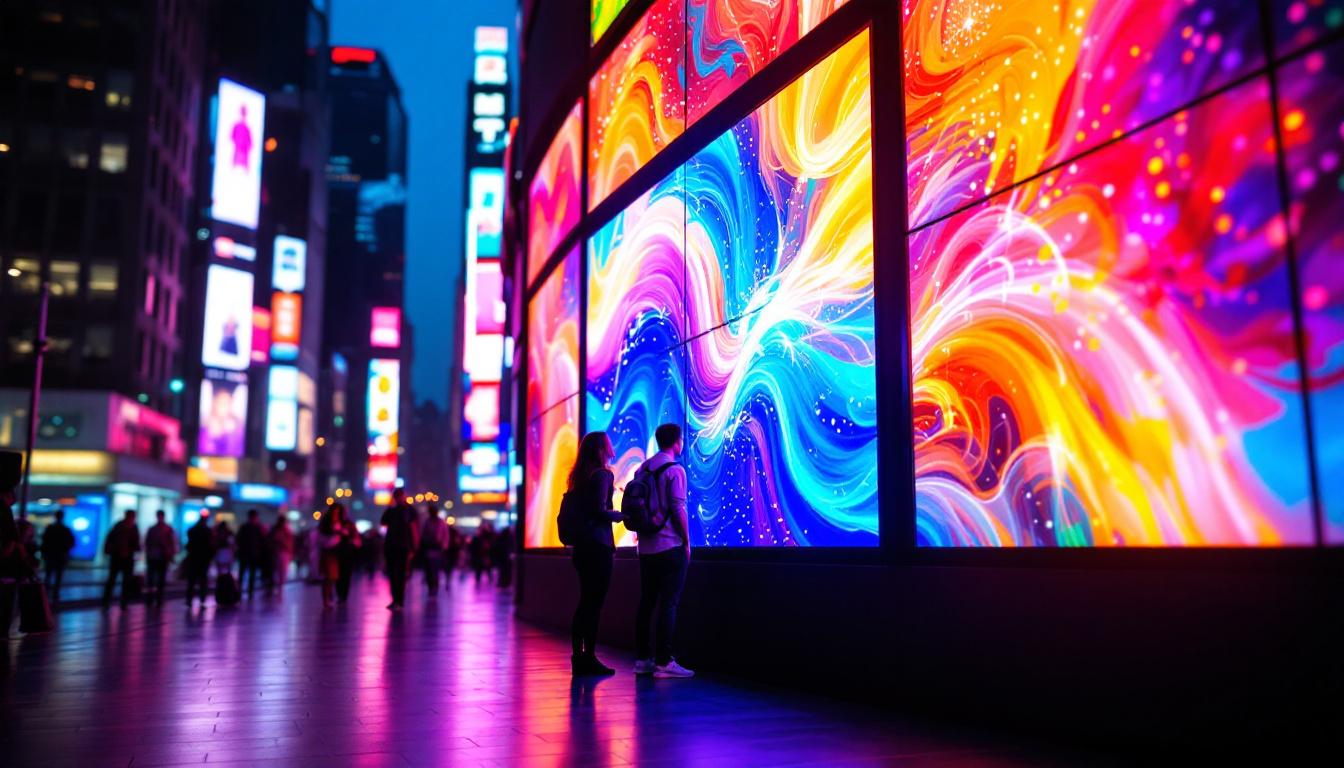
For instance, airports and shopping malls increasingly use curved LED walls to guide visitors or showcase promotional content. Museums and galleries employ them to complement exhibits with multimedia presentations, while corporate offices integrate them into lobbies for dynamic branding. The use of curved LED displays not only enhances aesthetic appeal but also fosters a sense of movement and fluidity, encouraging visitors to engage with the space. This synergy between architecture and technology can transform a simple wall into a storytelling medium, where visuals can change in real-time to reflect events, seasons, or even the time of day.
Additionally, the integration of LED displays into curved surfaces can facilitate interactive experiences. For example, in a retail environment, customers might be invited to interact with the display through touch or motion sensors, creating a personalized shopping experience. This level of engagement can significantly enhance customer satisfaction and retention, making the space not just a place to purchase goods but an experience in itself.
Modeling LED Displays in Revit
Revit allows for the detailed modeling of LED displays as part of the building’s architectural and electrical systems. Designers can create families representing LED panels, specifying dimensions, pixel density, and mounting details. These families can be placed on curved walls by aligning them along the wall’s arc, ensuring accurate positioning and orientation.
Moreover, Revit’s material and texture mapping features enable the simulation of LED screen surfaces, including emissive properties that mimic light output. This capability is essential for visualizing how the LED display interacts with ambient lighting and the curved wall’s surface. By adjusting the material properties, designers can predict how the display will appear under different lighting conditions, ensuring that the visual impact remains consistent throughout the day and night.
Furthermore, designers can leverage Revit’s parametric capabilities to create variations of LED display configurations. This allows for rapid prototyping and testing of different layouts and designs, facilitating a more iterative design process. As a result, architects can explore various artistic expressions while ensuring that the technical requirements are met seamlessly.
Technical Considerations for LED Integration
Integrating LED displays into curved walls requires attention to several technical factors. First, the curvature radius affects the type of LED panels used; flexible or modular LED tiles are often necessary to conform to tight curves without compromising image quality.
Electrical and cooling requirements must also be modeled within Revit’s MEP systems to ensure proper power supply and heat dissipation. Cable routing, control systems, and maintenance access are critical components that influence the design and placement of LED displays. The integration of smart technologies, such as IoT sensors, can further enhance the functionality of these displays, allowing for real-time monitoring and adjustments based on environmental conditions or user interactions.
Moreover, the structural integrity of the curved wall must be assessed to support the weight and installation of the LED panels. This may involve collaboration with structural engineers to ensure that the wall can withstand the additional load while maintaining safety and stability. Incorporating these considerations early in the design process can prevent costly modifications later and ensure a smooth installation phase.
Best Practices for Designing Curved Walls with LED Displays in Revit
To achieve a successful integration of curved walls and LED displays, several best practices should be followed throughout the design and modeling process.
Collaboration Across Disciplines
Effective coordination between architects, structural engineers, lighting designers, and audiovisual specialists is vital. Revit’s collaborative environment supports this by enabling shared models and real-time updates, reducing errors and streamlining workflows.
Early involvement of LED technology experts ensures that the display specifications align with architectural constraints and performance goals, avoiding costly revisions later in the project.
Parametric Flexibility and Family Creation
Creating parametric families for LED display components allows for easy adjustments in size, curvature, and mounting options. This flexibility is crucial when iterating design options or adapting to site-specific conditions.
Utilizing adaptive components that can flex along curved paths enhances the accuracy of the model and facilitates detailed documentation for fabrication and installation.
Visualization and Simulation
Leveraging Revit’s rendering and analysis tools helps designers evaluate the visual impact and technical feasibility of LED displays on curved walls. Simulations of lighting conditions, viewing angles, and content visibility inform design decisions and optimize user experience.
Additionally, integrating Revit models with external visualization platforms or virtual reality environments can provide stakeholders with immersive presentations, fostering better understanding and approval.
Case Studies: Real-World Applications
Several high-profile projects demonstrate the successful integration of curved walls and LED displays modeled in Revit, showcasing the potential of this approach.
The Museum of Modern Art Expansion
In the recent expansion of the Museum of Modern Art, curved walls were used to create fluid gallery spaces that guide visitors through exhibits. LED displays embedded within these walls provide contextual information and interactive content, enhancing the educational experience.
Revit was instrumental in coordinating the complex geometry of the walls with the modular LED panels, ensuring seamless installation and maintenance access. The project highlights how digital modeling supports innovative architectural and technological integration.
Corporate Headquarters Lobby
A leading technology company’s headquarters features a sweeping curved wall in its lobby, serving as a massive LED display for branding and live data visualization. The design team used Revit to model the curved wall and LED system, addressing structural support, electrical routing, and cooling requirements.
The parametric families created for the LED modules allowed for quick adjustments during design reviews, optimizing the curvature and panel arrangement. This project exemplifies how Revit facilitates complex, multidisciplinary design challenges.
Future Trends in Curved Wall and LED Display Integration
As technology and design methodologies advance, the integration of curved walls and LED displays is poised to become even more sophisticated and prevalent.
Advancements in Flexible LED Technology
Emerging flexible and transparent LED technologies will enable more seamless incorporation of displays into curved and irregular surfaces. This will expand design possibilities, allowing for fully immersive environments and interactive façades.
Revit’s evolving capabilities will likely include enhanced support for these new materials, enabling more accurate modeling and simulation of their properties.
AI and Automation in Design
Artificial intelligence and generative design tools integrated with Revit will assist architects in optimizing curved wall geometries and LED display layouts based on performance criteria such as visibility, energy efficiency, and structural integrity.
Automation will reduce manual adjustments and accelerate the design process, allowing for more innovative and responsive architectural solutions.
Conclusion
The combination of curved walls and LED displays represents a cutting-edge intersection of architecture, technology, and user experience. Revit stands as a powerful platform that enables designers to create, visualize, and coordinate these complex elements with precision and efficiency.
By understanding the technical and design considerations involved, leveraging best practices, and embracing emerging trends, architects and engineers can deliver spaces that are not only visually stunning but also functionally advanced. Whether for cultural institutions, commercial environments, or corporate headquarters, the integration of curved walls and LED displays in Revit is shaping the future of architectural innovation.
Explore Cutting-Edge LED Display Solutions with LumenMatrix
Ready to elevate your architectural projects with the latest in LED display technology? Discover how LumenMatrix can transform your spaces into captivating visual experiences. With a wide array of innovative solutions, including Indoor and Outdoor LED Wall Displays, Vehicle LED Displays, and more, LumenMatrix is at the forefront of revolutionizing visual communication. Check out LumenMatrix LED Display Solutions today and start creating environments that engage, inspire, and leave a lasting impression.