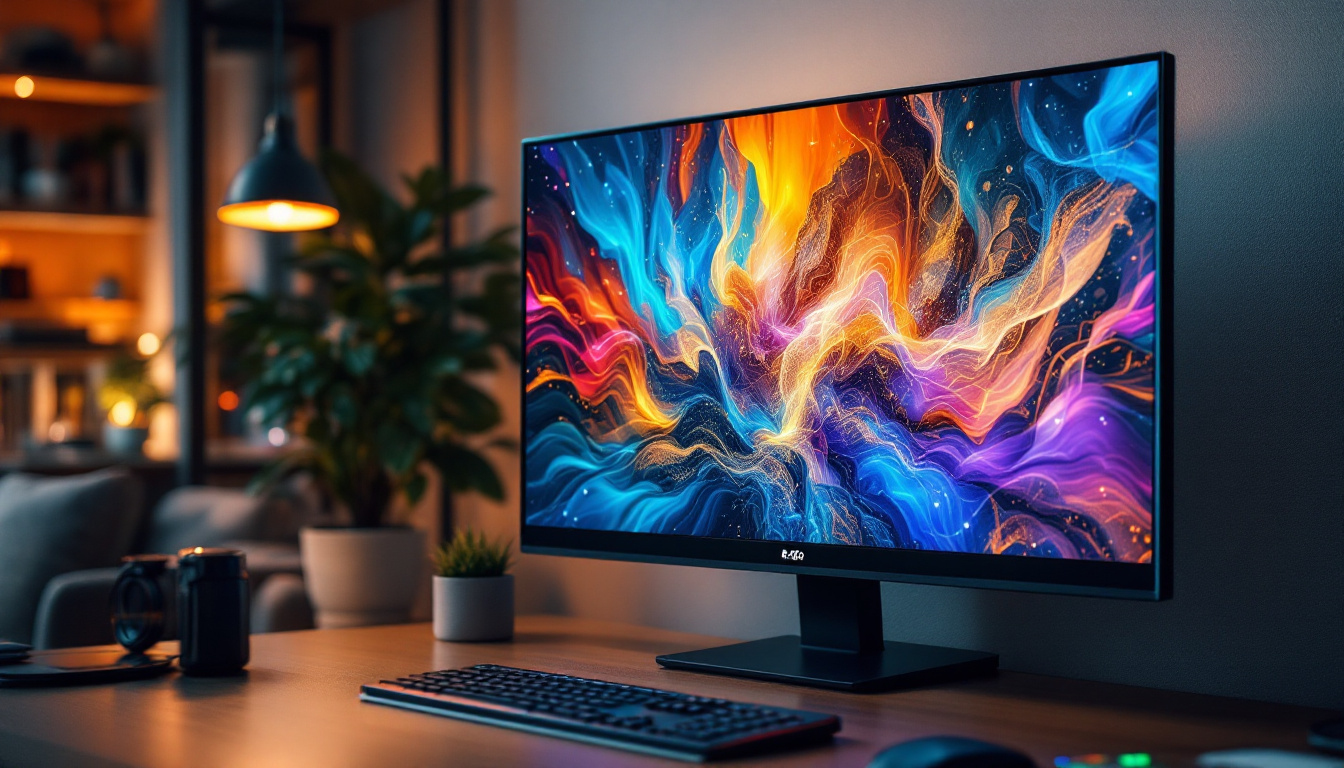
In today’s digital workspace, the importance of ergonomic and efficient setups cannot be overstated. Monitor holders, particularly those designed for LED displays, have become essential tools for enhancing productivity, comfort, and aesthetics. This article delves into the world of monitor holders tailored for LED screens, exploring their benefits, types, installation considerations, and how to choose the right one for your needs.
Understanding LED Displays and Their Unique Requirements
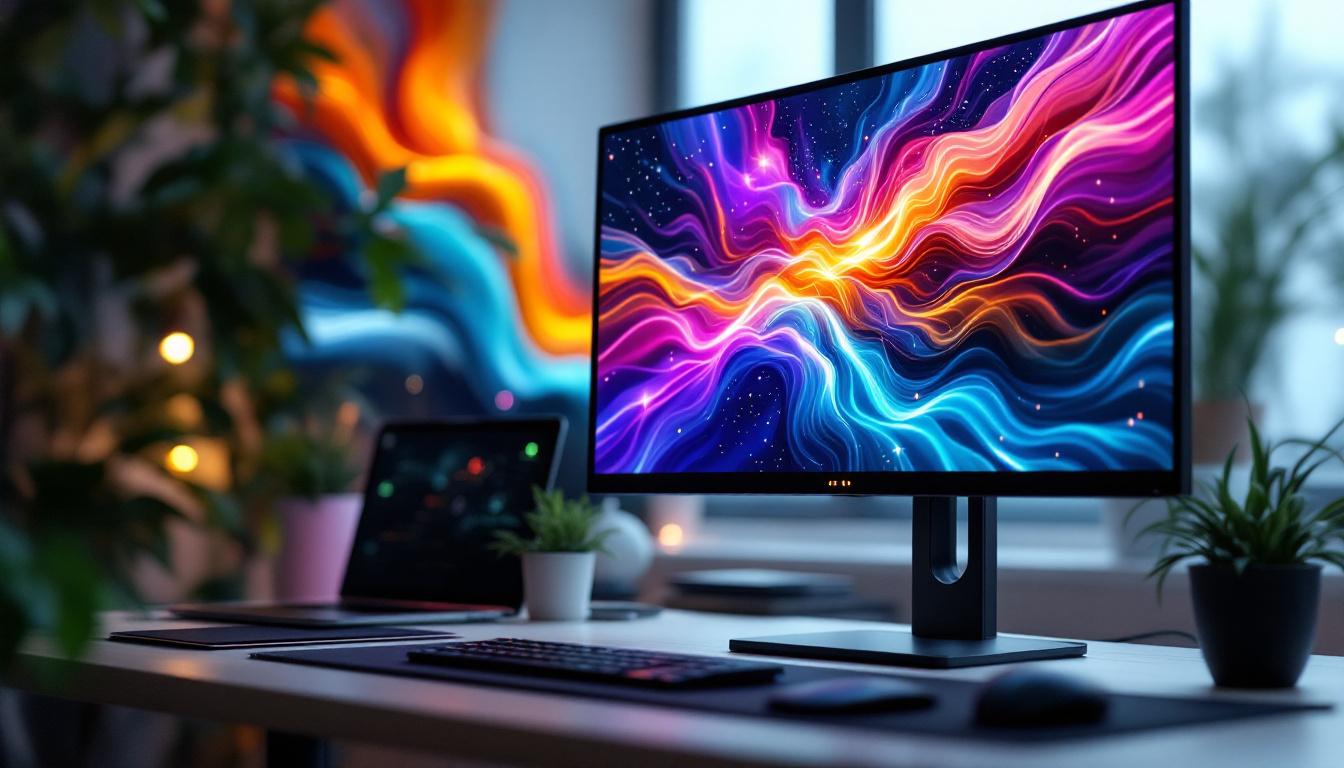
LED (Light Emitting Diode) displays have revolutionized the way we view digital content. Unlike traditional LCDs, LED monitors use light-emitting diodes to illuminate the screen, offering brighter images, better contrast ratios, and energy efficiency. These characteristics make LED displays highly popular in offices, gaming setups, and professional studios alike.
Because LED monitors tend to be thinner and lighter than older display types, the requirements for their holders and mounts have evolved. The reduced weight allows for more flexible mounting options, but the delicate nature of LED panels means that the holders must provide stable and secure support without placing undue stress on the screen.
Why Proper Support Matters for LED Displays
LED screens are sensitive to pressure and impact, which can cause permanent damage such as dead pixels or screen warping. Using an appropriate monitor holder ensures that the display is held firmly yet gently, preventing these issues. Additionally, a well-designed holder can improve airflow around the monitor, which helps maintain optimal operating temperatures and extends the lifespan of the device.
Benefits of Using Monitor Holders for LED Displays
Monitor holders are more than just functional accessories; they contribute significantly to the overall user experience. Here are some key benefits that highlight their importance.
Ergonomics and Health
One of the primary advantages of using a monitor holder is improved ergonomics. According to the Occupational Safety and Health Administration (OSHA), improper monitor positioning can lead to neck strain, eye fatigue, and repetitive stress injuries. Monitor holders allow users to adjust the height, tilt, and orientation of their LED displays, promoting a natural posture and reducing physical discomfort during long hours of use.
Studies have shown that ergonomic interventions, including adjustable monitor stands, can reduce musculoskeletal complaints by up to 60%. This makes investing in a quality monitor holder a smart choice for anyone who spends significant time in front of a screen.
Desk Space Optimization
LED monitors, especially widescreen and ultrawide models, can occupy a considerable amount of desk space. Monitor holders free up valuable surface area by elevating the display off the desk. This extra space can be used for other essential items like documents, keyboards, or personal accessories, contributing to a cleaner and more organized workspace.
Enhanced Viewing Experience
Adjustable holders enable users to position their LED displays at the optimal viewing angle, reducing glare and reflections from ambient lighting. This not only improves image clarity but also reduces eye strain. For professionals in graphic design, video editing, or gaming, precise monitor positioning can make a significant difference in performance and comfort.
Types of Monitor Holders Suitable for LED Displays
Choosing the right type of monitor holder depends on your workspace layout, the size and weight of your LED display, and your personal preferences. Here are the most common types available on the market.
Desk Mounts
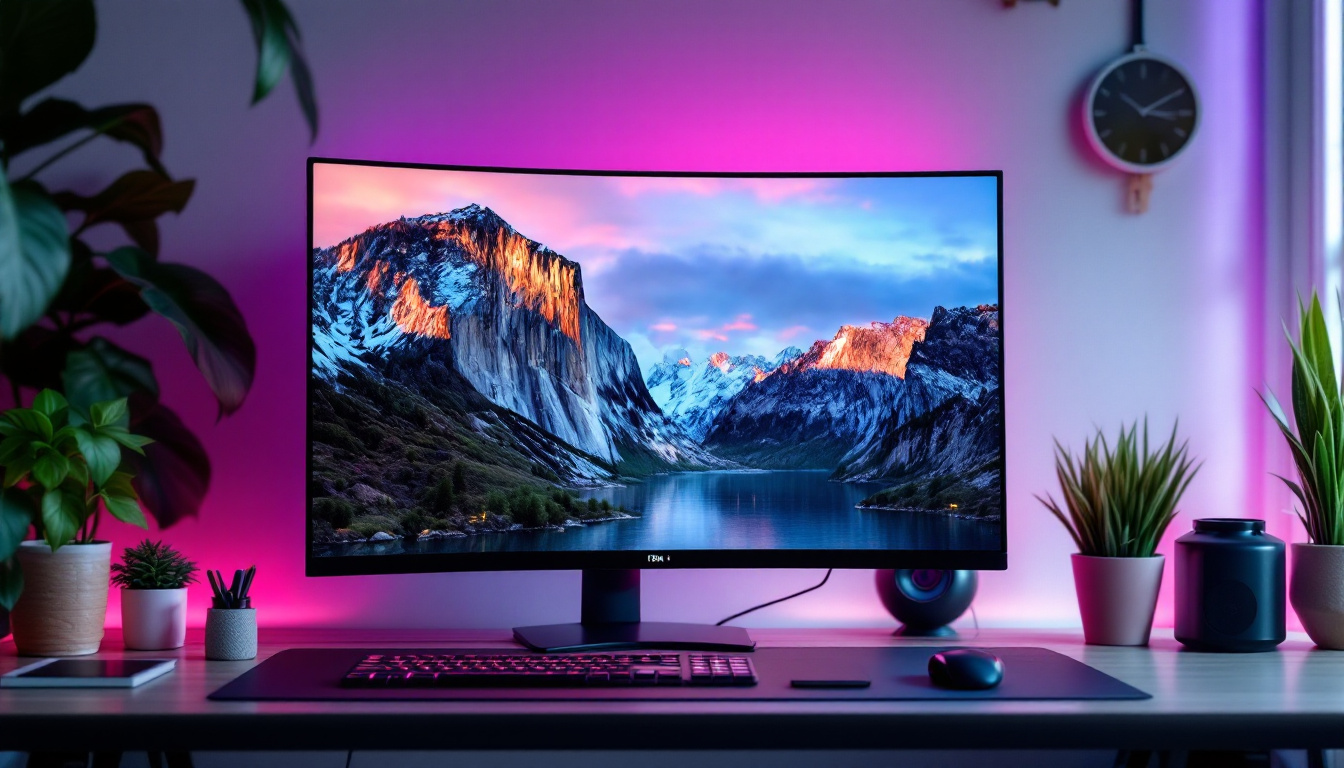
Desk mounts are among the most popular options for LED displays. They typically clamp to the edge of a desk or attach via a grommet hole, providing a sturdy base for the monitor arm. These mounts offer excellent adjustability, allowing users to tilt, swivel, and rotate their screens with ease.
Desk mounts are ideal for users who want maximum flexibility and prefer to keep their monitors off the desk surface. Many models support multiple monitors, which is beneficial for multitasking environments.
Wall Mounts
Wall mounts are a great solution for saving desk space entirely. By attaching the LED display directly to the wall, users can create a minimalist and clean workspace. Wall mounts come in fixed, tilting, and full-motion varieties, catering to different viewing preferences.
Installation requires careful consideration of wall type and stud placement to ensure safety and stability. Wall mounts are especially popular in conference rooms, public displays, and home offices where space is limited.
Freestanding Stands
Freestanding stands are the simplest type of monitor holders, often included with the monitor itself. While they don’t offer the extensive adjustability of mounts, they provide stable support and are easy to set up.
For LED displays, it’s important to choose freestanding stands with a solid base to prevent tipping, especially for larger screens. Some stands also include cable management features to keep cords organized.
Multi-Monitor Arms
For users who operate with two or more LED displays, multi-monitor arms are invaluable. These holders allow multiple screens to be mounted on a single base or wall bracket, with independent adjustment for each monitor.
Multi-monitor setups are common in trading floors, software development, and creative industries, where simultaneous access to multiple data streams or applications is crucial. Using arms designed specifically for LED displays ensures that each screen is supported correctly without compromising stability.
Key Features to Consider When Choosing a Monitor Holder
Selecting the right monitor holder for an LED display involves evaluating several important features to ensure compatibility, durability, and usability.
Weight Capacity and VESA Compatibility
Every monitor holder has a specified weight limit and VESA (Video Electronics Standards Association) mounting pattern compatibility. LED monitors vary widely in size and weight, so it’s essential to verify that the holder supports your specific model.
Most LED monitors adhere to standard VESA patterns such as 75×75 mm or 100×100 mm, but larger or ultra-wide models may require different configurations. Exceeding the weight limit can lead to instability and potential damage.
Adjustability and Range of Motion
The range of motion offered by a monitor holder affects how effectively you can position your LED display. Look for holders that provide height adjustment, tilt, swivel, and rotation capabilities. Some advanced models also offer pivot functions to switch between landscape and portrait orientations.
Greater adjustability enhances comfort and allows the monitor to be shared easily among multiple users or adapted for different tasks.
Build Quality and Materials
Durability is crucial for monitor holders, especially if the setup will be adjusted frequently. High-quality materials such as aluminum or steel provide strength without excessive weight. Plastic components should be reinforced to prevent wear and tear.
Additionally, look for holders with smooth joints and locking mechanisms to maintain the desired position securely.
Cable Management
LED monitors often come with multiple cables for power, data, and peripherals. Monitor holders with integrated cable management systems help keep these cords organized and out of sight, reducing clutter and minimizing the risk of accidental disconnections.
Installation Tips and Best Practices
Proper installation is key to maximizing the benefits of a monitor holder and ensuring the safety of your LED display.
Assess Your Workspace
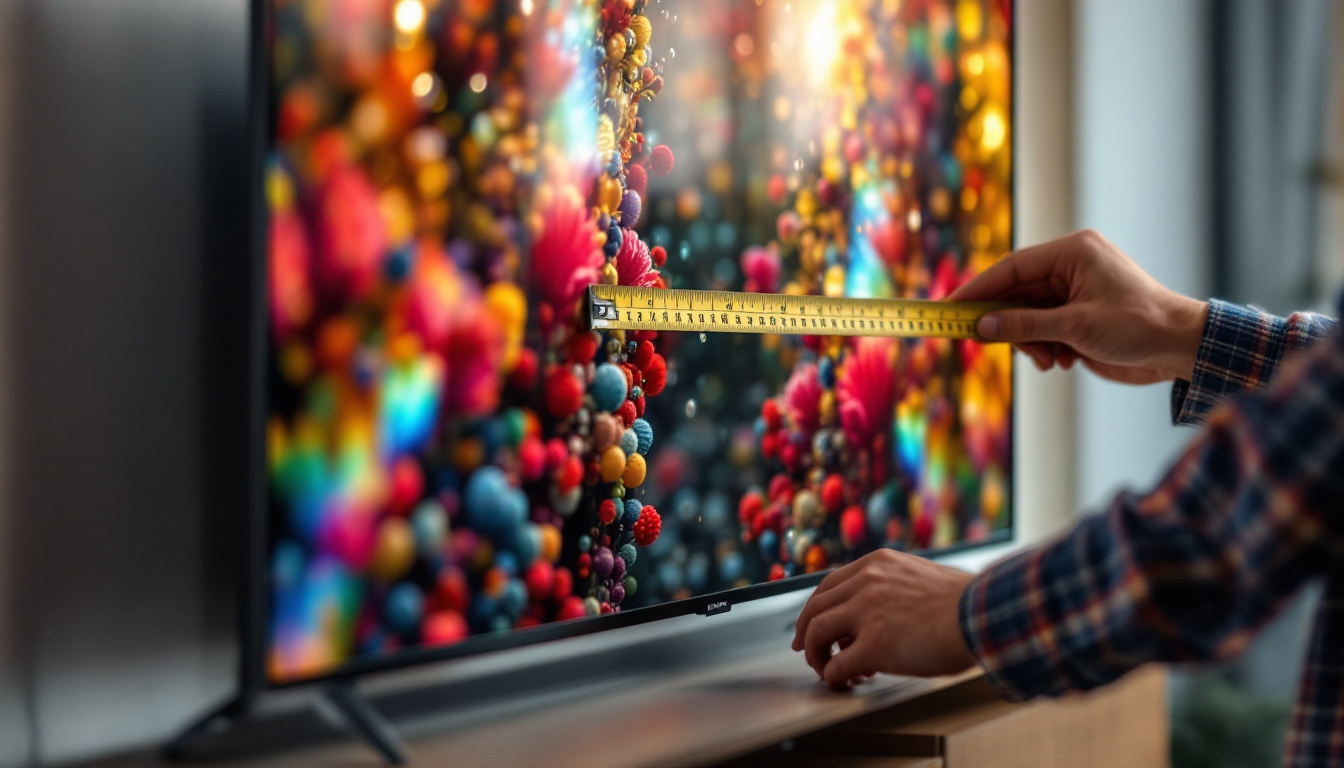
Before purchasing a monitor holder, measure your desk or wall space and consider the location of power outlets and data ports. Ensure that the holder’s range of motion will not interfere with other equipment or furniture.
Follow Manufacturer Guidelines
Each monitor holder comes with specific installation instructions. Adhering to these guidelines, including torque specifications for screws and mounting hardware, is essential to avoid damage and maintain warranty coverage.
Use Proper Tools and Hardware
Using the correct tools, such as screwdrivers, drills, and levelers, ensures a secure and level installation. For wall mounts, use anchors suitable for your wall type (drywall, concrete, brick) to guarantee stability.
Test Adjustments and Stability
Once installed, test all adjustment mechanisms to confirm smooth operation and that the monitor remains stable in all positions. Periodically check the mounting hardware for tightness, especially in high-use environments.
Popular Monitor Holder Brands and Models for LED Displays
The market offers a wide range of monitor holders designed specifically with LED displays in mind. Some brands stand out due to their reputation for quality, innovation, and customer satisfaction.
Ergotron LX Desk Mount
Ergotron is renowned for its durable and highly adjustable monitor arms. The LX Desk Mount supports monitors up to 25 pounds and offers smooth height adjustment, tilt, swivel, and rotation. Its sleek design complements modern LED displays and includes integrated cable management.
Amazon Basics Premium Single Monitor Stand
For budget-conscious buyers, Amazon Basics offers a reliable and easy-to-install desk mount compatible with most LED monitors. It supports up to 25 pounds and provides tilt and swivel adjustments, making it a practical option for home offices.
VIVO Dual Monitor Desk Mount
VIVO’s dual monitor arm is popular among professionals with multi-display setups. It supports two monitors up to 27 inches each, with full articulation for ergonomic positioning. Its sturdy construction is ideal for LED displays of various sizes.
HumanCentric Wall Mount
This full-motion wall mount is designed for LED monitors and TVs, supporting up to 33 pounds. It offers tilt, swivel, and extension features, making it suitable for conference rooms and living spaces where flexibility is key.
Conclusion: Enhancing Your LED Display Experience with the Right Monitor Holder
Choosing the right monitor holder for your LED display is a critical step in creating an ergonomic, efficient, and visually appealing workspace. With the wide variety of options available—from desk mounts to wall mounts and multi-monitor arms—there is a solution to fit every need and budget.
By understanding the unique requirements of LED monitors and considering factors such as weight capacity, adjustability, build quality, and installation, users can significantly improve their comfort and productivity. Investing in a quality monitor holder not only protects your valuable LED display but also contributes to a healthier and more enjoyable computing experience.
Discover LumenMatrix’s Advanced LED Display Solutions
Now that you understand the importance of selecting the right monitor holder for your LED display, elevate your visual experience with LumenMatrix’s innovative LED display technology. As a leader in creating dynamic and immersive visual solutions, LumenMatrix offers a diverse range of products, from Indoor and Outdoor LED Wall Displays to specialized options like Vehicle, Sports, and Floor LED Displays. Embrace the future of visual communication with our Custom, All-in-One, and Transparent LED Displays, designed to captivate your audience and amplify your message. Check out LumenMatrix LED Display Solutions today and transform your space into a hub of engagement and creativity.