In today’s rapidly evolving digital landscape, connecting various display technologies seamlessly is more important than ever. One common scenario involves linking devices equipped with DisplayPort 1.4a outputs to HDMI displays, particularly LED screens. Understanding how DP 1.4a to HDMI conversion works, and what it means for LED displays, is crucial for professionals and enthusiasts alike who seek optimal visual performance.
This article delves into the technical aspects of DisplayPort 1.4a, HDMI standards, and LED display technology, providing a comprehensive explanation of how these components interact. Whether you’re setting up a home theater, designing digital signage, or configuring professional workstations, this guide will clarify the essentials and help you make informed decisions.
Understanding DisplayPort 1.4a: Features and Capabilities
What is DisplayPort 1.4a?
DisplayPort 1.4a is a high-performance digital display interface standard developed by the Video Electronics Standards Association (VESA). Released in 2018 as an update to the original 1.4 specification, DP 1.4a supports advanced features that cater to modern high-resolution displays and HDR content. This standard is particularly significant as it addresses the growing demand for higher resolutions and refresh rates in both consumer and professional markets.
One of the key improvements in DP 1.4a is enhanced support for Display Stream Compression (DSC) 1.2a, which enables visually lossless compression of video streams. This allows higher resolutions and refresh rates to be transmitted without requiring excessive bandwidth, making it ideal for 4K, 5K, and even 8K displays. Additionally, the support for HDR (High Dynamic Range) enhances the overall viewing experience by providing a wider range of colors and better contrast, making it particularly appealing for gamers and content creators who require precise color accuracy and detail in their visuals.
Technical Specifications and Bandwidth
DisplayPort 1.4a offers a maximum raw bandwidth of 32.4 Gbps across four lanes, with an effective data rate of 25.92 Gbps after encoding overhead. This bandwidth supports:
- 4K resolution at 120Hz with HDR
- 5K resolution at 60Hz
- 8K resolution at 60Hz with DSC
- 10-bit and 12-bit color depths for richer color reproduction
These specifications make DP 1.4a a preferred interface for high-end gaming monitors, professional content creation displays, and advanced LED panels that demand high fidelity and responsiveness. Furthermore, the inclusion of Multi-Stream Transport (MST) allows users to connect multiple displays through a single DisplayPort output, which is particularly beneficial for multi-monitor setups commonly used in gaming and professional environments. This flexibility not only enhances productivity but also allows for immersive gaming experiences where peripheral vision can significantly impact gameplay.
Moreover, DisplayPort 1.4a supports Adaptive Sync technology, which helps eliminate screen tearing and stuttering during fast-paced gaming. This feature dynamically adjusts the refresh rate of the monitor to match the frame rate output of the graphics card, ensuring a smoother visual experience. As a result, gamers can enjoy a competitive edge, while content creators can work with greater precision and fluidity. The combination of high bandwidth, advanced compression techniques, and support for cutting-edge technologies makes DisplayPort 1.4a a versatile and future-proof choice for anyone looking to enhance their visual experience.
HDMI Standards and Compatibility with DP 1.4a
Overview of HDMI Versions
High-Definition Multimedia Interface (HDMI) is the most widely used interface for consumer electronics, including TVs, monitors, and projectors. Since its inception in 2002, HDMI has undergone several revisions, with HDMI 2.0 and HDMI 2.1 being the most relevant for current high-resolution displays.
HDMI 2.0 supports up to 18 Gbps bandwidth, allowing 4K resolution at 60Hz with 8-bit color depth, while HDMI 2.1 significantly increases bandwidth to 48 Gbps, enabling 4K at 120Hz, 8K at 60Hz, and dynamic HDR formats. These improvements make HDMI 2.1 compatible with many of the advanced features offered by DisplayPort 1.4a. Additionally, HDMI 2.1 introduces features like Enhanced Audio Return Channel (eARC), which simplifies connectivity and improves audio quality for home theater setups, and Variable Refresh Rate (VRR), which enhances gaming experiences by reducing lag and screen tearing.
As the demand for higher resolutions and refresh rates continues to grow, HDMI standards evolve to meet the needs of consumers and technology advancements. The introduction of features such as Quick Frame Transport (QFT) and Quick Media Switching (QMS) in HDMI 2.1 further enhances the viewing experience by reducing latency and eliminating black screens when switching between different media sources. These advancements position HDMI as a versatile and future-proof solution for high-definition content consumption.
DP 1.4a to HDMI Conversion: What You Need to Know
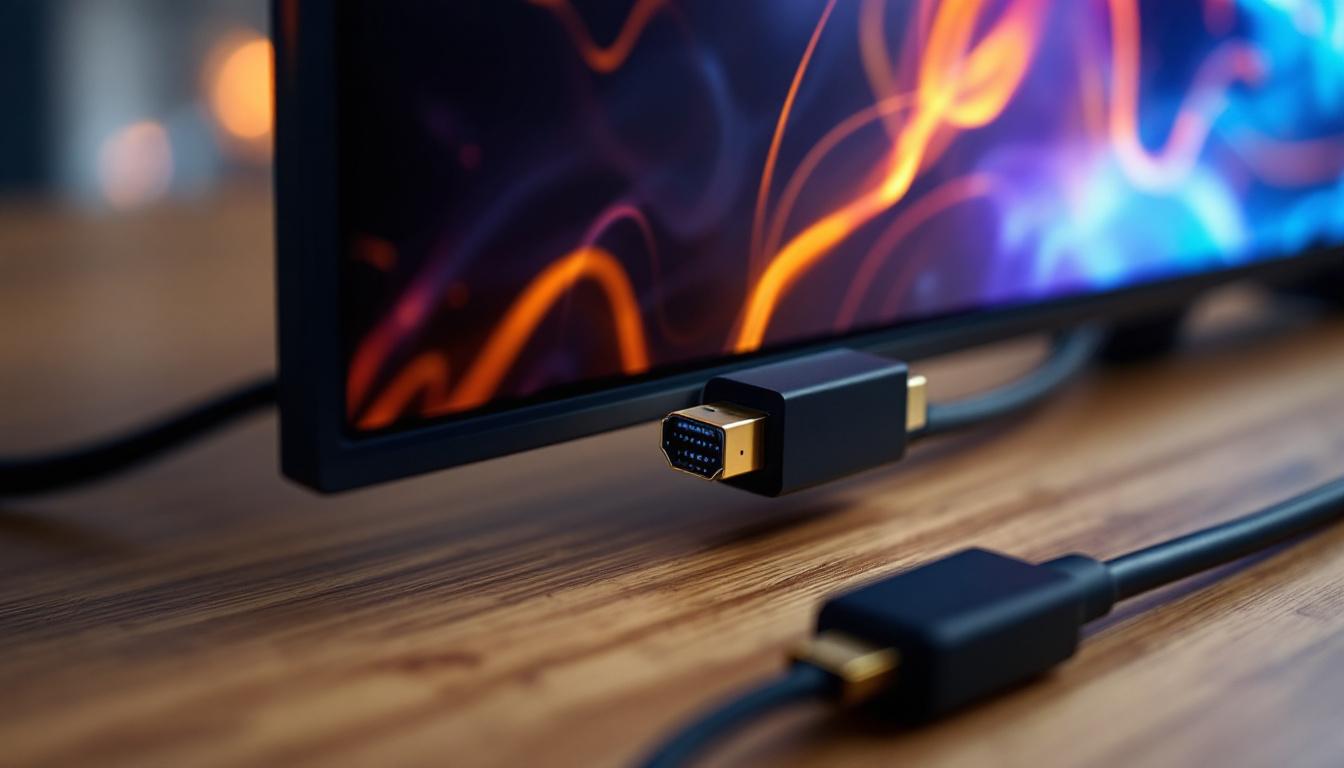
Since DisplayPort and HDMI use different signaling protocols and connectors, converting DP 1.4a output to HDMI input requires an active or passive adapter depending on the version and features supported.
Passive adapters rely on the DisplayPort Dual-Mode (DP++) feature, which allows the DP source to output an HDMI signal directly. However, this approach is limited to HDMI 1.4 or 2.0 specifications and cannot fully utilize DP 1.4a’s higher bandwidth capabilities. This limitation can affect the overall performance, especially when attempting to display high-resolution content or utilize advanced features such as HDR, which are becoming increasingly common in modern displays.
Active adapters, on the other hand, contain integrated circuitry that converts the DP signal to HDMI, supporting higher resolutions and refresh rates, including 4K at 60Hz and HDR content. For DP 1.4a to HDMI 2.1 conversion, active adapters are essential to maintain maximum video quality and compatibility. These adapters not only ensure that the full capabilities of the DP 1.4a standard are preserved but also allow users to take advantage of features like 8K resolution and higher refresh rates, which are becoming more prevalent in gaming and professional applications. Furthermore, the choice of adapter can significantly impact the user experience, as some adapters may introduce latency or compatibility issues, making it crucial to select high-quality options from reputable manufacturers.
LED Display Technology: How It Works with DP 1.4a and HDMI
Basics of LED Displays
LED displays use light-emitting diodes as individual pixels or backlighting sources to produce images. These displays range from small monitors and TVs to massive outdoor digital billboards. The advantages of LED technology include high brightness, energy efficiency, long lifespan, and excellent color accuracy.
Modern LED displays often support high resolutions, wide color gamuts, and HDR standards, making them ideal for use with advanced video interfaces like DP 1.4a and HDMI 2.1.
Why Interface Compatibility Matters for LED Displays
LED displays require a stable and high-bandwidth video signal to deliver crisp, vibrant images. When connecting a device with a DP 1.4a output to an LED display with HDMI input, ensuring the conversion maintains signal integrity is critical.
Using the wrong adapter or cable can result in reduced resolution, lower refresh rates, or loss of HDR support. For instance, a passive DP to HDMI adapter may limit a 4K LED display to 30Hz refresh rate or disable HDR, negatively impacting the viewing experience.
Real-World Applications
In professional environments such as video editing suites, broadcast studios, and digital signage installations, DP 1.4a to HDMI conversion is commonplace. High-resolution LED displays are used to showcase detailed content, requiring reliable connections that do not compromise quality.
Similarly, in gaming setups, enthusiasts often connect high-refresh-rate DP 1.4a gaming laptops or desktops to large LED TVs or monitors with HDMI inputs. Selecting the right adapter ensures smooth gameplay without input lag or visual artifacts.
Choosing the Right DP 1.4a to HDMI Adapter for LED Displays
Active vs. Passive Adapters
As mentioned earlier, the choice between active and passive adapters is fundamental. Active adapters are generally recommended for DP 1.4a to HDMI conversions because they support higher resolutions, refresh rates, and HDR capabilities.
When purchasing an active adapter, verify that it supports HDMI 2.0 or 2.1 standards to ensure compatibility with your LED display’s capabilities. Look for adapters that explicitly mention support for 4K at 60Hz or higher, HDR, and HDCP 2.2 for protected content playback.
Quality and Brand Considerations
Investing in high-quality adapters from reputable manufacturers can prevent common issues such as flickering, signal dropouts, or incompatibility. Reading user reviews and checking for certifications like VESA compliance or HDMI licensing can guide your choice.
Additionally, cable quality matters. Use well-shielded, high-speed HDMI cables rated for the desired bandwidth to maintain signal integrity, especially over longer distances.
Future Trends: Display Interfaces and LED Technology
Emerging Standards and Innovations
The display industry continues to evolve, with new standards like DisplayPort 2.0 promising bandwidths up to 80 Gbps, enabling uncompressed 8K at 60Hz and beyond. HDMI 2.1 is also becoming more widespread, facilitating features like Variable Refresh Rate (VRR) and enhanced Audio Return Channel (eARC).
LED display technology is advancing as well, with microLED and miniLED variants offering improved contrast ratios, brightness, and energy efficiency. These developments will demand even more from interface standards and adapters.
Implications for Users
For users today, understanding the capabilities and limitations of DP 1.4a to HDMI conversion is essential to future-proof their setups. Investing in compatible hardware and keeping abreast of evolving standards will ensure a seamless and high-quality visual experience.
Conclusion
Connecting DisplayPort 1.4a sources to HDMI-equipped LED displays is a common yet nuanced task that requires careful consideration of interface standards, adapter types, and display capabilities. DP 1.4a’s advanced features, including high bandwidth and support for HDR, can be fully leveraged only with the right active adapters and compatible HDMI versions.
LED displays, known for their brightness and color accuracy, benefit significantly from maintaining signal quality through proper DP to HDMI conversion. Whether for professional applications or entertainment, understanding these technical aspects empowers users to optimize their visual setups and enjoy the full potential of their display technology.
As display and interface technologies continue to advance, staying informed and choosing the right equipment will remain key to achieving exceptional image quality and performance.
Explore Cutting-Edge LED Display Solutions with LumenMatrix
Ready to experience the ultimate visual performance with your DisplayPort 1.4a and HDMI devices? Look no further than LumenMatrix, a pioneer in LED display technology. Our extensive range of products, from Indoor and Outdoor LED Wall Displays to innovative LED Transparent Displays, is designed to meet the dynamic needs of any space. Whether you’re enhancing a professional workspace or creating an immersive entertainment environment, LumenMatrix’s LED solutions offer unparalleled brightness, color accuracy, and state-of-the-art features that bring your content to life. Check out LumenMatrix LED Display Solutions today and transform your visual communication into an unforgettable experience.