Touchscreen PC Monitors: LED Display Explained
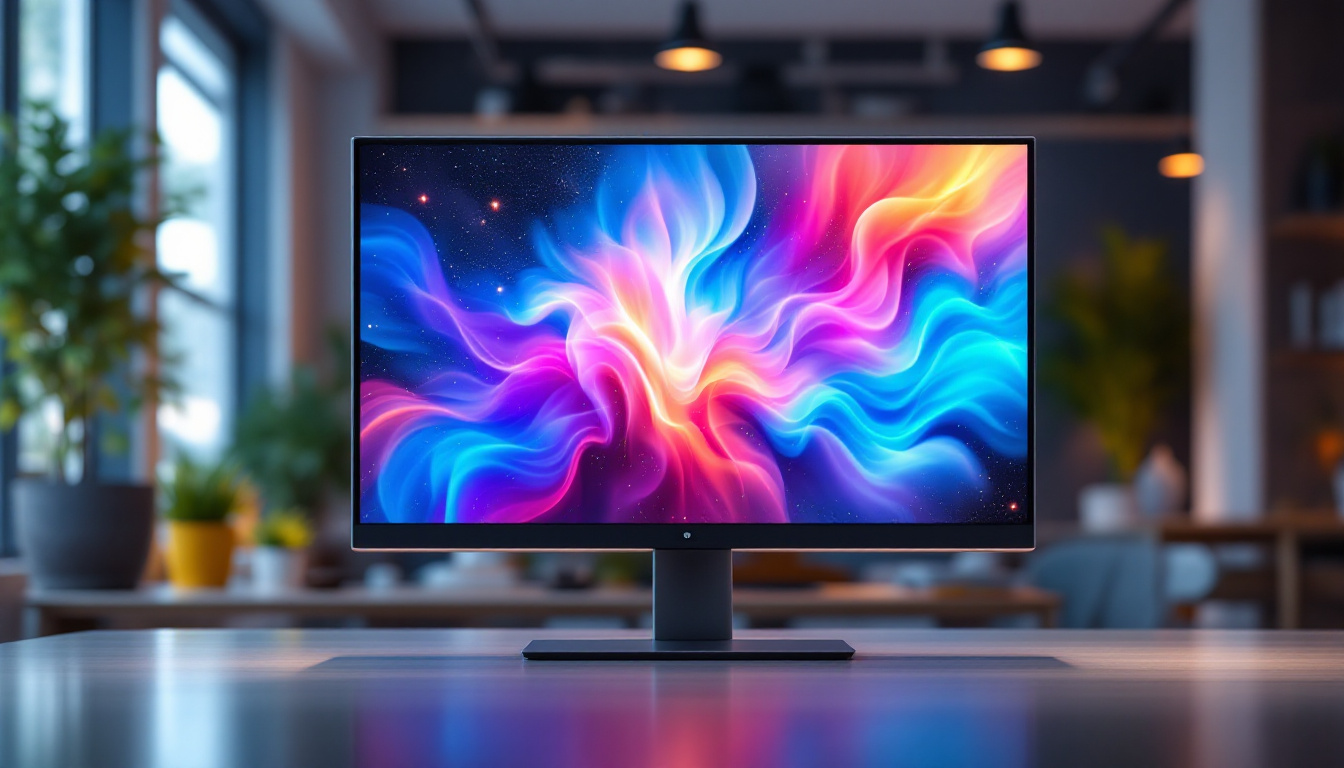
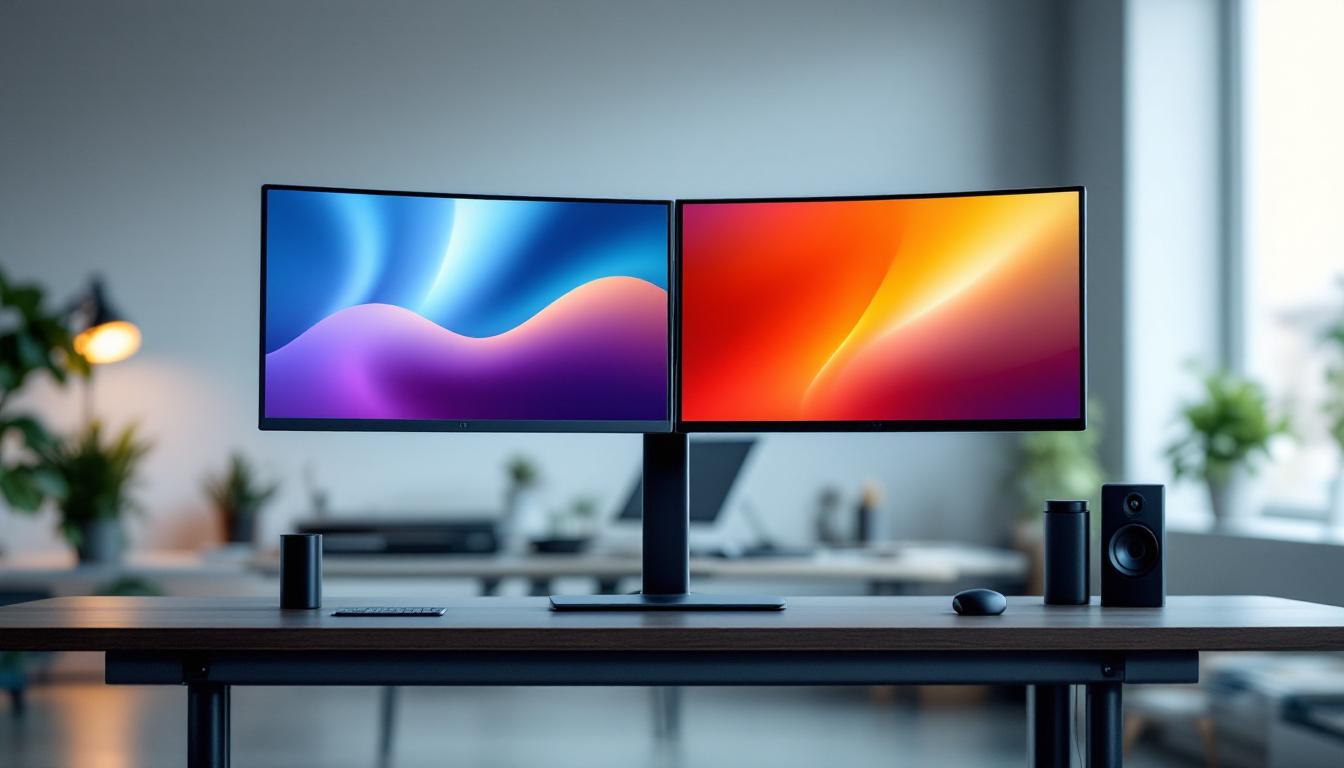
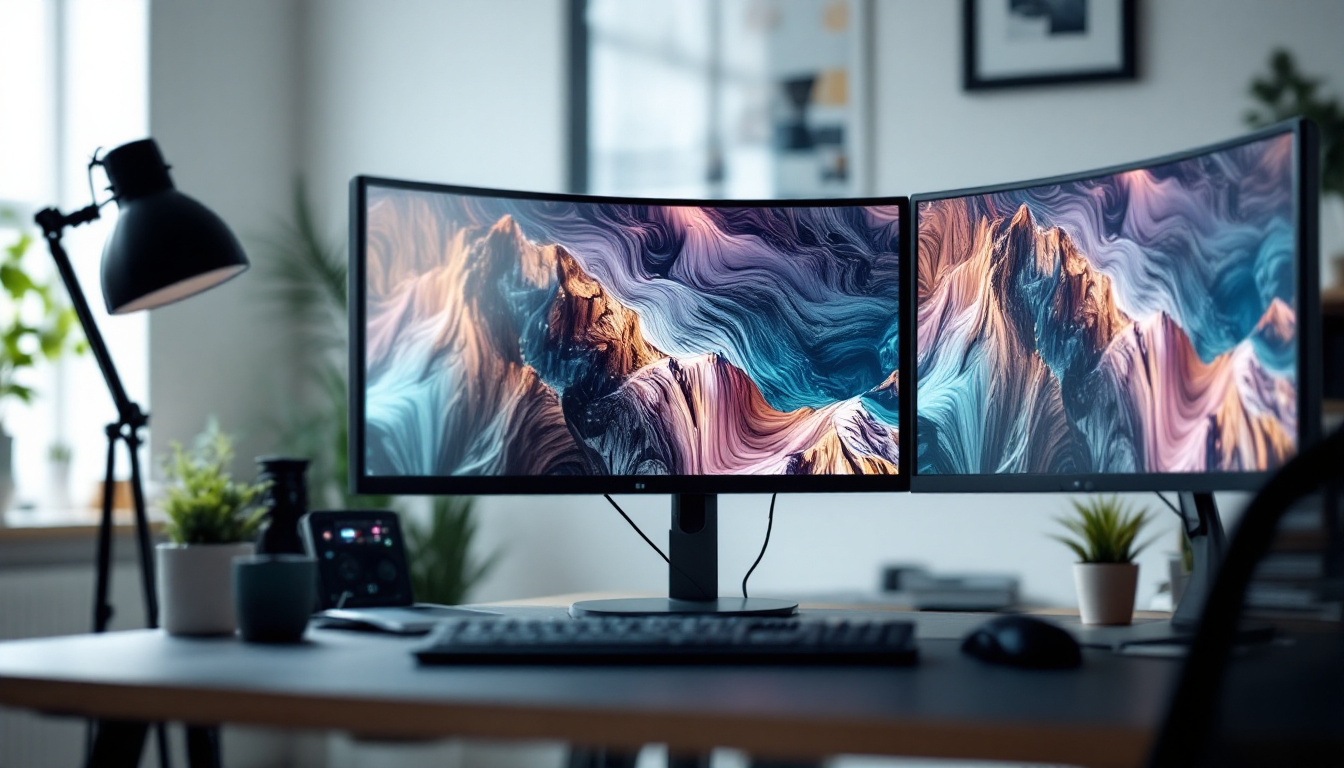
In today’s fast-evolving digital landscape, touchscreen PC monitors have become an integral part of both professional and personal computing environments. Whether it’s for graphic design, interactive kiosks, or everyday office use, the combination of touchscreen technology with LED displays offers a powerful and versatile user experience. This article delves into the fundamentals of LED displays in touchscreen PC monitors, exploring how they work, their advantages, and what users should consider when selecting one.
Understanding LED Displays in Touchscreen Monitors
LED, or Light Emitting Diode, technology has revolutionized display screens over the past decade. Unlike traditional LCDs that rely on cold cathode fluorescent lamps (CCFL) for backlighting, LED displays use an array of light-emitting diodes to illuminate the screen. This shift has brought about significant improvements in brightness, energy efficiency, and color accuracy.
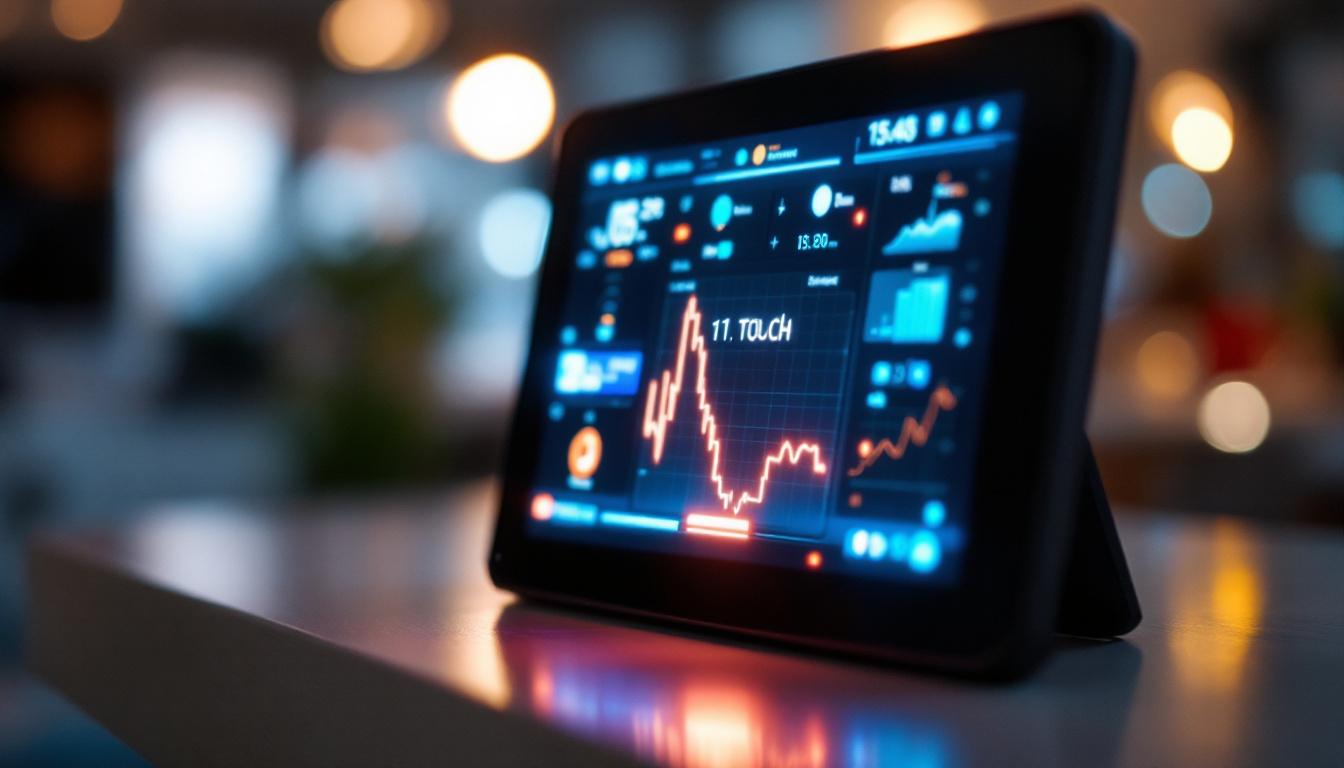
When combined with touchscreen capabilities, LED displays provide a responsive and vibrant interface that enhances user interaction. The touchscreen layer sits atop the LED panel, detecting touch inputs through various technologies such as capacitive or resistive sensing. The result is a seamless experience where users can navigate, select, and manipulate content with ease, making LED touchscreen monitors ideal for applications ranging from retail displays to interactive kiosks and educational tools.
How LED Technology Works in Monitors
At the core of an LED display is a matrix of tiny diodes that emit light when an electrical current passes through them. These diodes serve as the backlight for the liquid crystal display (LCD) panel. The LCD itself doesn’t emit light but manipulates the light from the LEDs to create images by controlling the alignment of liquid crystals in each pixel. This technology not only enhances the visual experience but also contributes to a thinner and lighter design, making it easier to integrate into various devices.
There are two primary configurations of LED backlighting:
- Edge-lit LED: LEDs are placed along the edges of the screen, and light is spread across the display using light guides. This design allows for thinner monitors but may have less uniform brightness.
- Direct-lit or Full-array LED: LEDs are placed directly behind the screen in a grid pattern, enabling more uniform illumination and better contrast through local dimming.
Touchscreen Technologies Integrated with LED Displays
Touchscreens on LED monitors can use several methods to detect user input:
- Capacitive Touch: This is the most common technology in modern touchscreens, relying on the electrical properties of the human body. It offers multi-touch capabilities and high sensitivity, making it ideal for precision tasks.
- Resistive Touch: This older technology uses pressure detection, where two flexible layers are pressed together. It works with any input device but generally lacks multi-touch support and is less sensitive.
- Infrared and Optical Touch: These use light sensors around the screen edges to detect touch. They are durable and can detect any input type but tend to be more expensive.
Capacitive touchscreens paired with LED displays are particularly popular in PC monitors due to their responsiveness and clarity. The combination allows for fluid gestures and quick access to applications, which is especially beneficial in environments where speed and efficiency are paramount, such as in point-of-sale systems or customer service kiosks. Furthermore, advancements in touch technology are continually enhancing user experience, with features like palm rejection and gesture control becoming more prevalent.
As the demand for interactive displays grows, manufacturers are also exploring innovative solutions to improve durability and functionality. For instance, some LED touchscreen monitors now incorporate anti-glare coatings and enhanced scratch resistance, making them suitable for high-traffic areas. Additionally, the integration of software that supports touch gestures and voice commands is paving the way for more intuitive and accessible user interfaces, further bridging the gap between technology and user interaction.
Advantages of LED Touchscreen PC Monitors
The integration of LED technology with touchscreen functionality brings several benefits that make these monitors a preferred choice across various industries.
Enhanced Visual Quality
LED displays provide superior brightness levels compared to older CCFL-backlit monitors, often reaching 250 to 350 nits or more, which is essential for clear visibility in well-lit environments. Additionally, LED monitors typically offer better color reproduction and contrast ratios, making images and text appear sharper and more vibrant.
For professionals in graphic design, video editing, or any field requiring color accuracy, LED touchscreen monitors can deliver more precise and consistent colors, enhancing productivity and reducing eye strain.
Energy Efficiency and Longevity
One of the key advantages of LED technology is its energy efficiency. LEDs consume significantly less power than CCFL backlights, which translates to lower electricity bills and a smaller environmental footprint. This is particularly important in office settings where multiple monitors are used daily.
Moreover, LED backlights have a longer lifespan, often exceeding 50,000 hours, reducing the need for frequent replacements and maintenance. This durability makes LED touchscreen monitors a cost-effective investment over time.
Improved Touch Responsiveness and Durability
Modern touchscreen monitors with LED displays offer highly responsive touch input, supporting multi-touch gestures and precise control. This responsiveness is crucial in applications such as point-of-sale systems, interactive presentations, and educational tools where seamless interaction enhances user experience.
Additionally, many LED touchscreen monitors feature reinforced glass or chemically treated surfaces that resist scratches and fingerprints, maintaining clarity and touch sensitivity over extended use.
Key Considerations When Choosing a Touchscreen LED Monitor
Selecting the right touchscreen LED monitor depends on several factors, including intended use, budget, and technical specifications. Understanding these considerations helps ensure the monitor meets performance expectations and user needs.
Screen Size and Resolution
The size of the monitor affects both usability and workspace requirements. Common touchscreen monitor sizes range from 15 inches to 27 inches or more. Larger screens provide more display area for multitasking and detailed work, while smaller screens are more compact and portable.
Resolution is equally important. Full HD (1920×1080 pixels) is standard for most users, offering clear images and text. However, professionals working with high-definition content may prefer 4K (3840×2160 pixels) monitors for finer detail and greater workspace.
Touch Technology and Accuracy
As discussed earlier, capacitive touchscreens are generally preferred for their responsiveness and multi-touch support. However, specific environments might benefit from resistive or infrared touchscreens, such as industrial settings where gloves or styluses are used.
Accuracy and touch latency are critical metrics. Lower latency ensures that the screen responds immediately to touch, which is essential for tasks requiring precision. Checking manufacturer specifications and user reviews can provide insights into these performance aspects.
Connectivity and Compatibility
Modern touchscreen LED monitors come with various connectivity options, including HDMI, DisplayPort, USB-C, and legacy VGA ports. USB-C is increasingly popular due to its ability to carry video, data, and power through a single cable, simplifying setup.
Compatibility with operating systems is another factor. Most touchscreen monitors support Windows out of the box, but users should verify support for macOS or Linux if applicable. Driver availability and software support can impact the ease of integration.
Ergonomics and Design
Ergonomic features such as adjustable stands, tilt, swivel, and height adjustment contribute to comfortable use over long periods. Some monitors also support VESA mounting for flexible installation options.
The design and build quality affect durability and aesthetics. Monitors with slim bezels and sleek profiles fit well in modern workspaces, while ruggedized models are suited for harsh environments.
Applications of Touchscreen LED PC Monitors
Touchscreen LED monitors are versatile and find applications across numerous sectors, enhancing interaction and productivity.
Business and Retail Environments
In retail settings, touchscreen monitors are widely used for point-of-sale (POS) systems, enabling quick and intuitive transactions. Their bright LED displays ensure visibility even in brightly lit stores, while responsive touchscreens reduce checkout times.
In offices, touchscreen monitors facilitate interactive presentations, video conferencing, and collaborative work, improving communication and engagement.
Education and Training
Educational institutions leverage touchscreen LED monitors to create interactive learning experiences. Teachers can annotate directly on the screen, and students can engage with digital content more dynamically. The durability and energy efficiency of LED displays make them suitable for classrooms and training centers.
Healthcare and Medical Use
Healthcare professionals benefit from touchscreen LED monitors for patient monitoring, diagnostics, and electronic health records. The clarity of LED displays aids in the accurate interpretation of medical images, while touch input speeds up data entry and reduces reliance on keyboards.
Creative and Technical Professions
Graphic designers, architects, and engineers use touchscreen LED monitors for precise control over digital content. The combination of high resolution, accurate color reproduction, and responsive touch input enhances creativity and efficiency.
Future Trends in Touchscreen LED Monitors
The touchscreen LED monitor market continues to evolve with technological advancements that promise even better performance and user experiences.
OLED and MicroLED Technologies
While LED-backlit LCDs dominate the market, emerging display technologies like OLED (Organic LED) and MicroLED offer superior contrast ratios, deeper blacks, and faster response times. These technologies are gradually making their way into touchscreen monitors, promising richer visuals and enhanced touch sensitivity.
Integration of AI and Gesture Controls
Artificial intelligence is being integrated into touchscreen monitors to enable smarter interfaces, such as predictive touch input and adaptive brightness. Gesture controls, allowing users to interact without direct touch, are also gaining traction, expanding the ways users can engage with their devices.
Flexible and Transparent Displays
Research into flexible and transparent LED displays could lead to innovative form factors for touchscreen monitors, including foldable screens and heads-up displays. Such innovations will open new possibilities for mobile computing and augmented reality applications.
Conclusion
Touchscreen PC monitors with LED displays represent a significant advancement in display technology, combining vivid visuals with intuitive interaction. Their benefits in brightness, energy efficiency, touch responsiveness, and durability make them suitable for a wide range of applications—from retail and education to healthcare and creative industries.
When selecting a touchscreen LED monitor, understanding the underlying technology and evaluating key factors such as screen size, resolution, touch technology, and connectivity ensures the best fit for specific needs. As display technologies continue to advance, users can expect even more immersive and versatile touchscreen experiences in the near future.
Discover the Future of Touchscreen Displays with LumenMatrix
Ready to experience the pinnacle of touchscreen technology? LumenMatrix is at the forefront of LED display innovation, offering an array of solutions that bring your digital interactions to life. From vibrant Indoor LED Walls to dynamic Outdoor LED Displays, and from sleek LED Posters to immersive LED Sports Displays, our products are designed to captivate and engage. Elevate your visual communication with our Custom LED Displays, All-in-One solutions, and revolutionary Transparent LED Displays. Don’t just take our word for it—see the difference for yourself. Check out LumenMatrix LED Display Solutions today and transform your space into a hub of interaction and visual wonder.