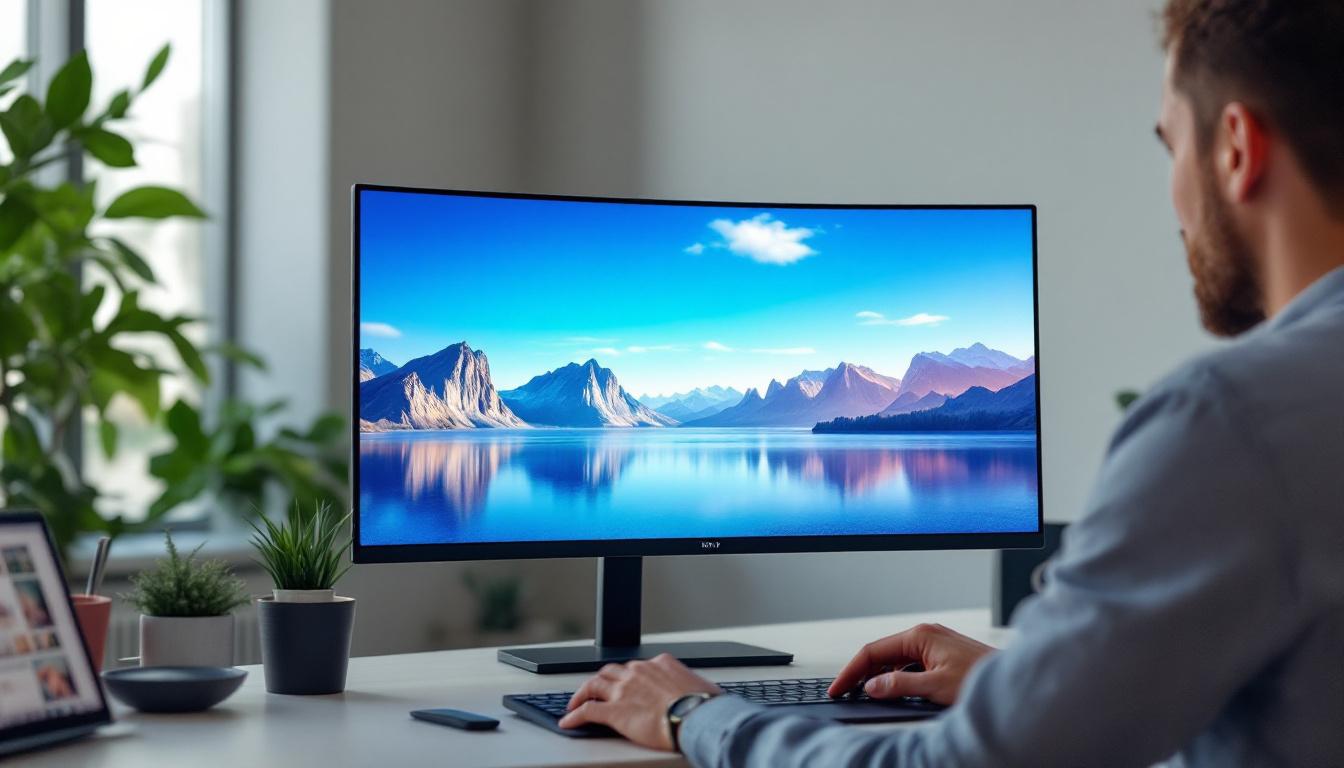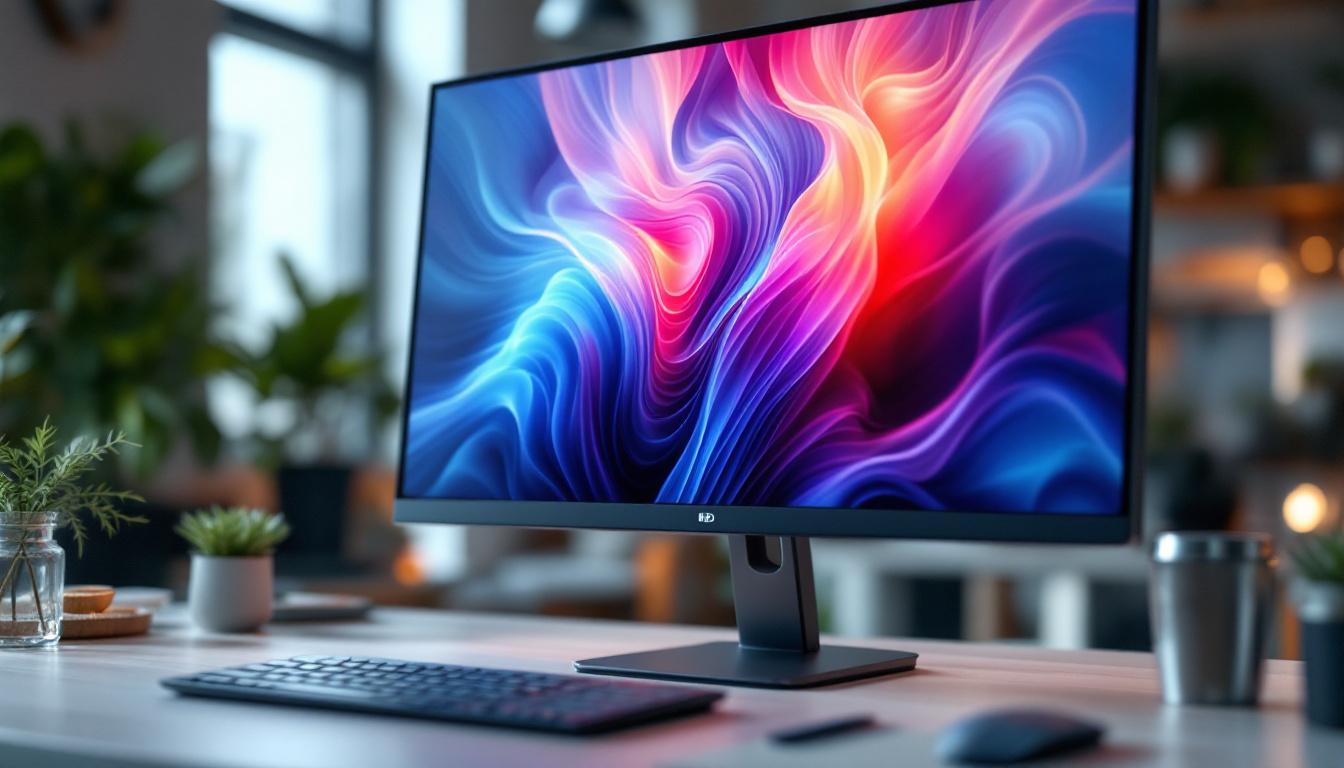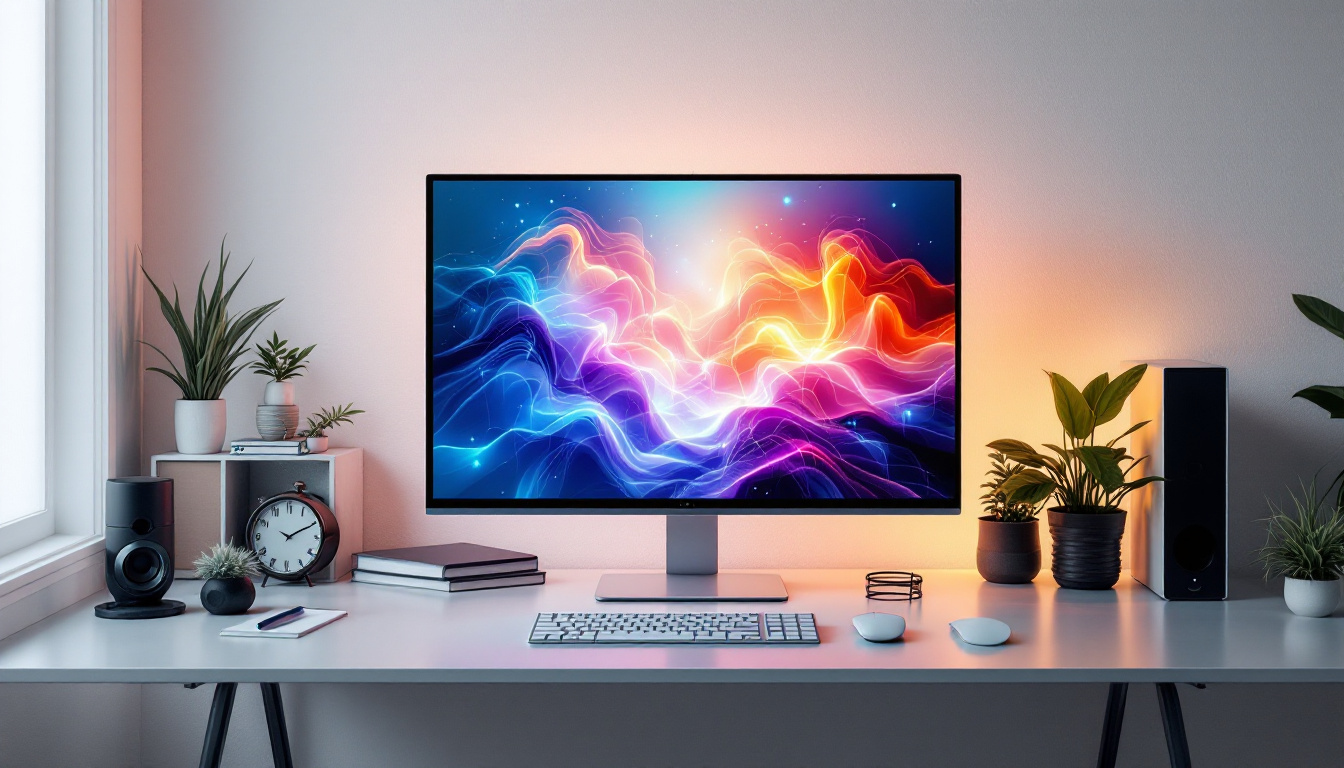
In today’s digital age, the workspace setup plays a crucial role in productivity and comfort. Among the many components that influence this setup, the monitor and its mounting solution stand out as essential elements. A 24 inch monitor mount, especially for LED displays, offers a blend of ergonomic benefits, aesthetic appeal, and functional versatility. This article delves into the intricacies of 24 inch monitor mounts designed for LED displays, explaining their importance, types, installation tips, and how to choose the best one for your needs.
Understanding the Importance of a 24 Inch Monitor Mount
The 24 inch monitor size has become a popular choice for both professional and personal use. It strikes a balance between screen real estate and desk space, making it ideal for tasks ranging from office work and graphic design to gaming and multimedia consumption. However, simply having a 24 inch LED monitor is not enough to ensure an optimal viewing experience. This is where a monitor mount becomes indispensable.
Monitor mounts allow users to adjust the height, tilt, and orientation of their screens, promoting better posture and reducing strain on the neck, shoulders, and eyes. According to a study published by the American Optometric Association, improper monitor positioning can lead to computer vision syndrome, which affects approximately 50-90% of computer users. Utilizing an adjustable mount can significantly mitigate these risks by enabling ergonomic customization.
Beyond health benefits, monitor mounts also contribute to a cleaner, more organized workspace. By elevating the monitor off the desk surface, mounts free up valuable real estate for other devices, documents, or decorative elements. This is particularly beneficial in small or shared workspaces where maximizing every inch counts.
Types of 24 Inch Monitor Mounts for LED Displays
When selecting a mount for a 24 inch LED monitor, understanding the different types available is essential. Each type offers distinct advantages depending on your workspace configuration, usage patterns, and aesthetic preferences.
1. Desk Clamp Mounts
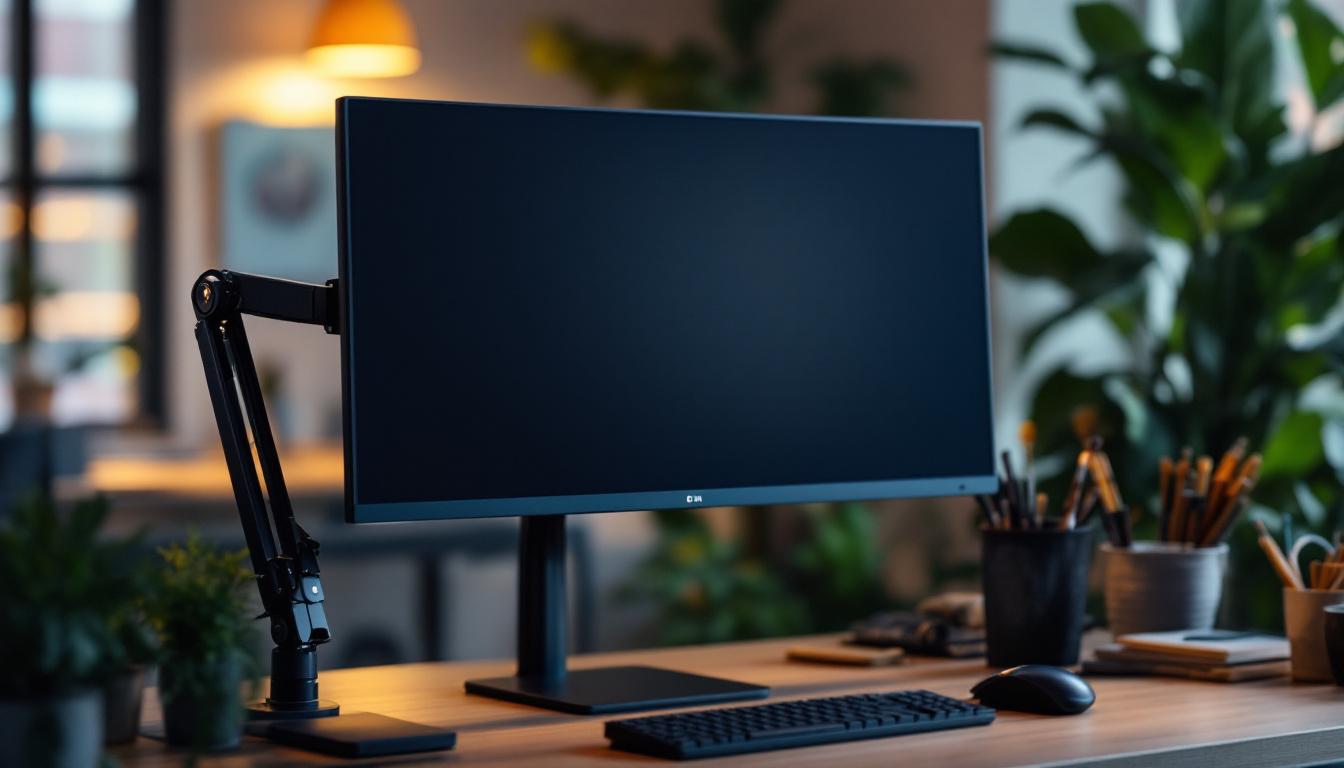
Desk clamp mounts attach securely to the edge of a desk or table, offering a sturdy and space-saving solution. They are highly adjustable, allowing for height, tilt, swivel, and rotation modifications. This flexibility makes them popular among professionals who require frequent screen repositioning, such as graphic designers and video editors.
One of the key benefits of desk clamp mounts is their minimal impact on desk space since they do not require drilling or permanent installation. They are also relatively easy to install and remove, making them suitable for renters or those who frequently change their workspace setup.
2. Grommet Mounts
Grommet mounts utilize a hole in the desk surface—either pre-existing or drilled specifically for this purpose—to secure the mount. This type of mount offers excellent stability and is often preferred for heavier monitors or multi-monitor setups. Grommet mounts keep cables organized and out of sight, contributing to a tidy workspace.
While installation is more involved compared to desk clamps, grommet mounts provide a clean and professional look, making them a favorite in corporate environments and home offices alike.
3. Wall Mounts
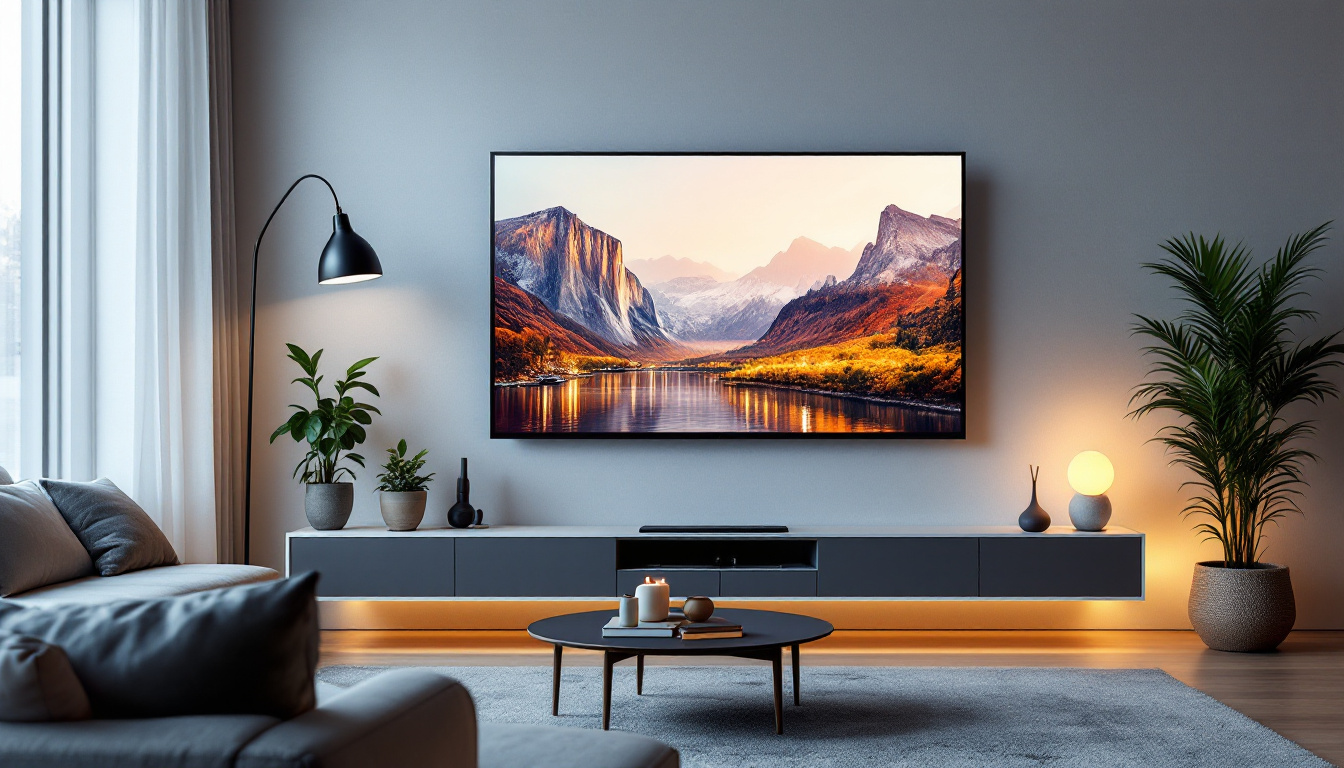
Wall mounts free up all desk space by attaching the monitor directly to the wall. This option is ideal for minimalist setups or when desk space is extremely limited. Wall mounts come in fixed, tilting, or full-motion varieties, allowing for different degrees of screen adjustment.
Installation requires careful planning and the right tools, as mounting a 24 inch LED display on drywall or other surfaces necessitates secure anchors to ensure safety. Wall mounts are often used in public spaces, conference rooms, or home entertainment areas where a clean, unobtrusive look is desired.
4. Freestanding Monitor Stands
Freestanding stands rest on the desk surface and support the monitor without any clamps or holes. These are the easiest to set up and often come included with the monitor itself. However, they offer limited adjustability compared to other mounting options and occupy more desk space.
For users who prioritize simplicity and portability, freestanding stands remain a viable option, but for ergonomic optimization, other mounts are generally preferred.
Key Features to Consider When Choosing a 24 Inch Monitor Mount
With various mounting options available, selecting the right mount for your 24 inch LED display involves evaluating several critical features. Understanding these will help ensure compatibility, durability, and ergonomic benefit.
VESA Compatibility
The Video Electronics Standards Association (VESA) sets the standard mounting hole patterns on the back of monitors. Most 24 inch LED monitors conform to the 75×75 mm or 100×100 mm VESA patterns. Before purchasing a mount, verify that it supports your monitor’s VESA configuration to ensure a secure fit.
Weight Capacity
Monitor mounts have specified weight limits. While a 24 inch LED monitor typically weighs between 6 to 12 pounds, it’s crucial to check the mount’s maximum weight capacity. Choosing a mount rated above your monitor’s weight provides added safety and durability.
Adjustability
Ergonomic benefits stem from the ability to adjust the monitor’s position. Look for mounts offering tilt (usually ±15 to ±45 degrees), swivel (up to 180 degrees), rotation (pivot from landscape to portrait), and height adjustment. Some advanced mounts also feature gas spring arms for smooth, effortless movement.
Build Quality and Material
Durability is key for any mounting solution. High-quality mounts are typically constructed from steel or aluminum, providing strength without excessive weight. Pay attention to the finish as well—powder-coated or anodized surfaces resist scratches and corrosion, ensuring longevity.
Cable Management
Integrated cable management systems help keep cords organized and out of sight. This not only improves aesthetics but also reduces the risk of cables being accidentally unplugged or damaged.
Installation Tips for 24 Inch Monitor Mounts
Proper installation is vital to maximize the benefits of a monitor mount and ensure safety. While the process varies depending on the mount type, some general guidelines apply.
Preparing Your Workspace
Clear your desk area and gather all necessary tools, such as screwdrivers, drills, and levelers. If drilling is required, measure carefully to avoid damaging cables or other desk components. It’s advisable to consult the monitor and mount manuals for specific instructions.
Mounting the Monitor
Attach the VESA plate to the back of your 24 inch LED monitor using the screws provided. Ensure they are tightened securely but avoid over-tightening, which could damage the monitor casing. For heavier monitors, having a second person assist during mounting can prevent accidents.
Adjusting for Ergonomics
Once mounted, adjust the monitor height so that the top of the screen is at or slightly below eye level. The viewing distance should typically be about an arm’s length away (20-30 inches). Tilt and swivel the screen to minimize glare and maintain a comfortable neck posture.
Securing and Organizing Cables
Use the mount’s cable management features or additional clips and ties to route cables neatly. Avoid tight bends or tension on cables to prolong their lifespan and maintain a clean workspace.
Benefits of Using a 24 Inch LED Monitor with a Mount
Pairing a 24 inch LED monitor with an appropriate mount unlocks numerous advantages beyond basic ergonomics. These benefits contribute to enhanced productivity, comfort, and workspace aesthetics.
Improved Posture and Comfort
Adjustable mounts allow users to position their monitors at ideal heights and angles, reducing the risk of musculoskeletal issues. This is especially important for individuals who spend long hours in front of screens, as poor posture can lead to chronic pain and decreased work efficiency.
Enhanced Productivity
With better screen positioning, eye strain and fatigue diminish, enabling longer periods of focused work. Additionally, freeing up desk space through mounting solutions allows for a more organized environment, which studies show can boost concentration and creativity.
Multi-Monitor Setup Flexibility
For professionals requiring multiple screens, such as traders, developers, or content creators, mounts facilitate seamless alignment and positioning of multiple 24 inch monitors. This creates an immersive and efficient visual workspace, improving workflow and data management.
Aesthetic and Space Optimization
Monitor mounts contribute to a sleek, modern look by eliminating bulky stands and clutter. This is particularly valuable in minimalist office designs or shared workspaces where maintaining a clean environment is essential.
Popular Brands and Models to Consider
Several reputable brands offer high-quality 24 inch monitor mounts designed specifically for LED displays. When choosing a brand, consider customer reviews, warranty, and after-sales support.
Ergotron LX Desk Mount
Known for its durability and smooth adjustability, the Ergotron LX Desk Mount supports monitors up to 25 pounds and offers full motion articulation. Its polished aluminum finish complements modern office aesthetics, and the integrated cable management keeps cords tidy.
AmazonBasics Premium Single Monitor Stand
This budget-friendly option provides solid build quality with tilt, swivel, and height adjustment features. It supports VESA-compatible monitors up to 25 pounds and is easy to install, making it a popular choice for home offices.
VIVO Dual Monitor Desk Mount
For users looking to set up two 24 inch monitors, the VIVO dual mount offers robust support with gas spring arms for effortless adjustment. It clamps to the desk or mounts via grommet, providing versatile installation options.
HumanCentric Wall Mount
Ideal for wall mounting, this model supports monitors up to 22 pounds and offers tilt and swivel capabilities. Its slim profile and sturdy construction make it a great choice for conference rooms or minimalist setups.
Conclusion: Maximizing Your 24 Inch LED Display Experience
A 24 inch monitor mount is more than just an accessory—it is a vital component that enhances ergonomics, workspace organization, and overall user experience. By understanding the types of mounts available, key features to consider, and proper installation techniques, users can make informed decisions that align with their needs and preferences.
Whether for professional environments demanding multi-monitor setups or home offices seeking comfort and style, investing in a quality 24 inch monitor mount tailored for LED displays is a step toward a healthier, more efficient, and aesthetically pleasing workspace.
Discover the Perfect Mount for Your LumenMatrix LED Display
Enhance your workspace and viewing experience with LumenMatrix’s advanced LED display technology. As a leader in innovative LED solutions, LumenMatrix offers a wide range of products from Indoor and Outdoor LED Wall Displays to specialized options like Vehicle and Sports LED Displays. Elevate your professional or personal environment with a mount that complements the cutting-edge design and functionality of LumenMatrix displays. Check out LumenMatrix LED Display Solutions today and transform your space into a hub of productivity and visual excellence.