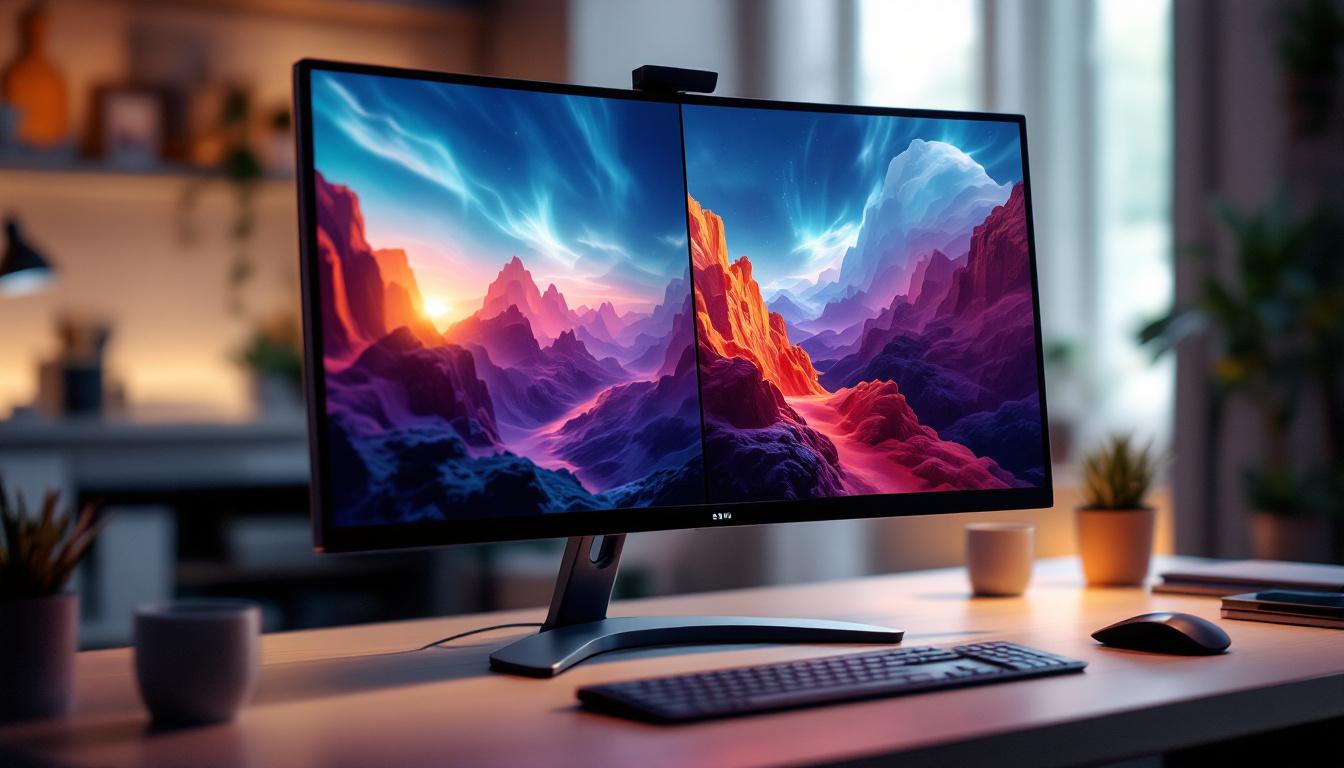
In today’s fast-paced digital world, the demand for more immersive and efficient display technologies is higher than ever. Curved monitors with split screen capabilities have emerged as a popular choice among professionals, gamers, and multitaskers alike. These innovative LED displays combine ergonomic design with advanced functionality to enhance productivity and visual experience. This article delves into the technology behind curved LED monitors, explores the benefits of split screen capabilities, and helps you understand why this combination is becoming a staple in modern workspaces and entertainment setups.
Understanding Curved LED Monitors: Technology and Design
What Makes a Monitor Curved?
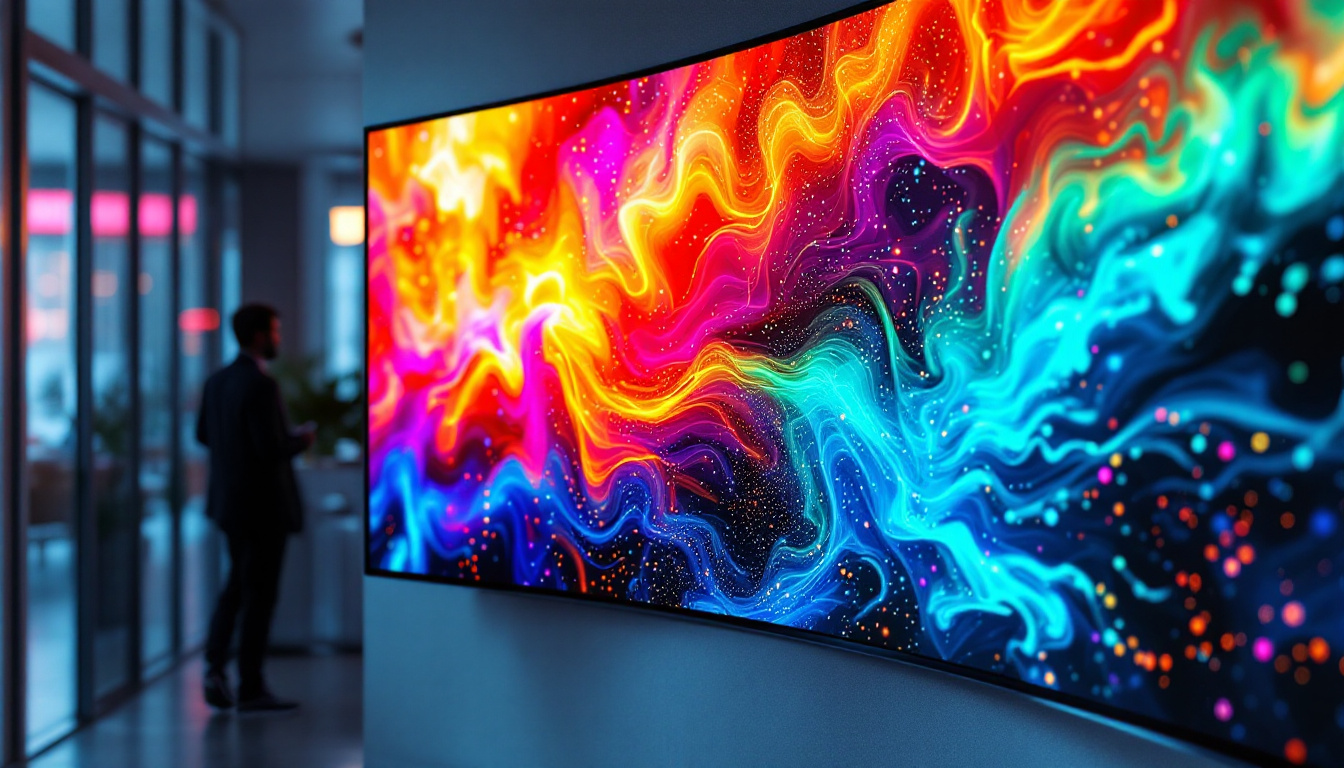
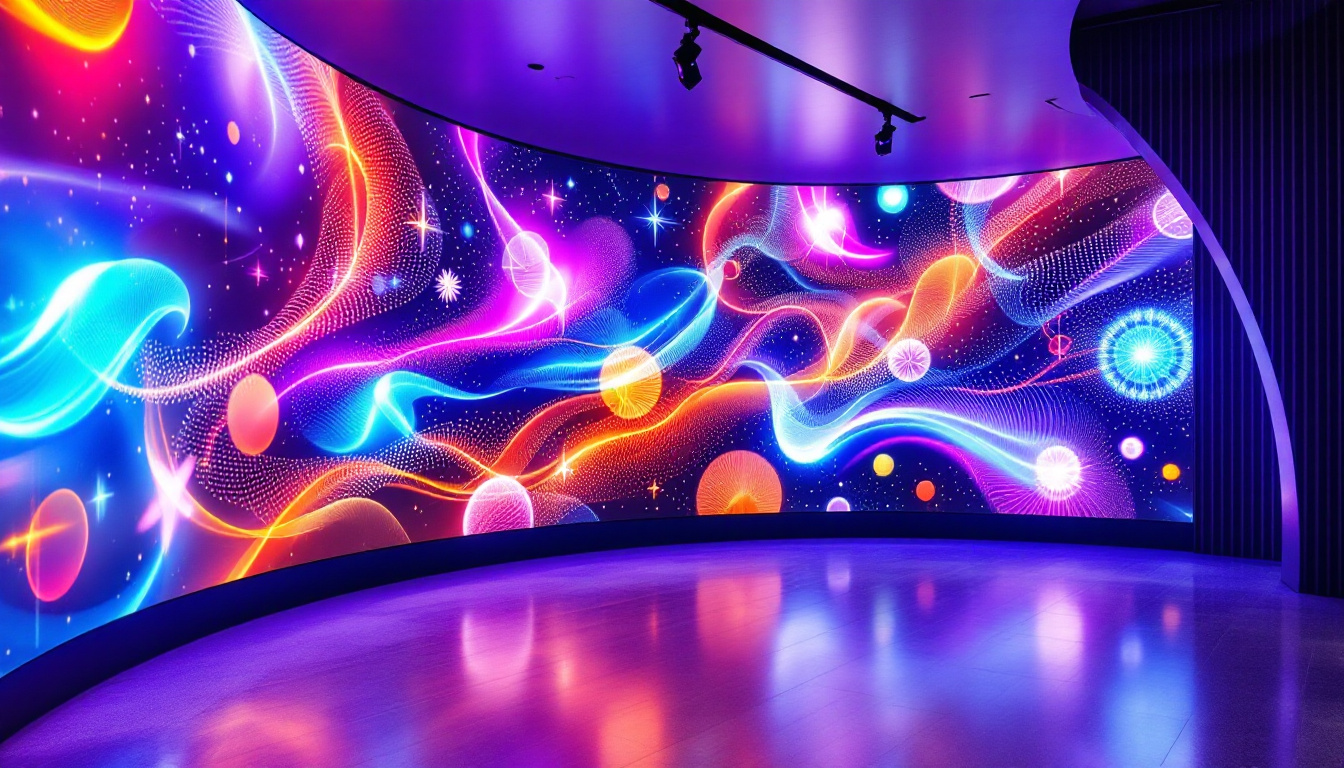
A curved monitor features a display panel that bends inward, creating a concave shape that wraps around the viewer’s field of vision. Unlike traditional flat screens, the curvature is designed to match the natural curve of the human eye. This design minimizes distortion and glare, offering a more uniform viewing distance across the entire screen. Most curved monitors have curvature ratings expressed in terms of radius (e.g., 1800R, 1500R), where a smaller number indicates a more pronounced curve.
The curvature radius is a critical factor because it influences how immersive the viewing experience feels. For example, a 1500R curved monitor means the screen forms part of a circle with a radius of 1500 millimeters. This tight curve is ideal for single-user setups, providing a wrap-around effect that enhances peripheral vision. Additionally, the ergonomic benefits of curved monitors cannot be overlooked; they can reduce eye strain during long usage sessions by allowing the viewer to maintain a more natural head position, thus promoting better posture and comfort.
LED Display Technology Explained
LED (Light Emitting Diode) displays use an array of tiny LEDs to illuminate the screen. These LEDs can be arranged in different ways, such as edge-lit or direct-lit, to provide backlighting for LCD panels. The key advantages of LED technology include better energy efficiency, improved brightness, and enhanced color accuracy compared to older CCFL backlighting methods.
In curved monitors, LED technology plays a crucial role in maintaining consistent brightness and color uniformity across the curved surface. Advances in LED backlighting have allowed manufacturers to produce displays that maintain image quality even at the edges, which is essential for the curved form factor. Furthermore, many modern curved LED monitors incorporate HDR (High Dynamic Range) technology, which significantly expands the range of colors and contrasts displayed. This results in more vibrant images and deeper blacks, making them particularly appealing for gaming and multimedia consumption. As a result, users can enjoy a more lifelike viewing experience, where every detail is rendered with stunning clarity and depth.
The Benefits of Curved Monitors for Productivity and Entertainment
Enhanced Immersion and Reduced Eye Strain
The curved design of these monitors naturally draws users into the content by filling more of their peripheral vision. This immersive effect is particularly beneficial for gamers and video editors who require a wide and engaging field of view. By reducing the need for eye movement across a flat plane, curved monitors can also help decrease eye strain during extended use.
Studies have shown that curved monitors can reduce reflections and glare from ambient light sources, further contributing to visual comfort. For professionals who spend hours in front of their screens, this ergonomic advantage can translate into improved focus and reduced fatigue. Additionally, the curvature of the screen can create a more uniform viewing distance across the entire display, ensuring that images and text remain sharp and clear, regardless of where the user is looking. This is particularly important in tasks that require precision, such as graphic design or CAD applications, where every detail matters.
Improved Multitasking with Split Screen Capability
Split screen functionality allows users to divide the display into multiple sections, enabling simultaneous viewing and interaction with different applications or documents. This is especially useful for professionals such as software developers, financial analysts, and content creators who need to monitor various data streams or work on multiple projects at once.
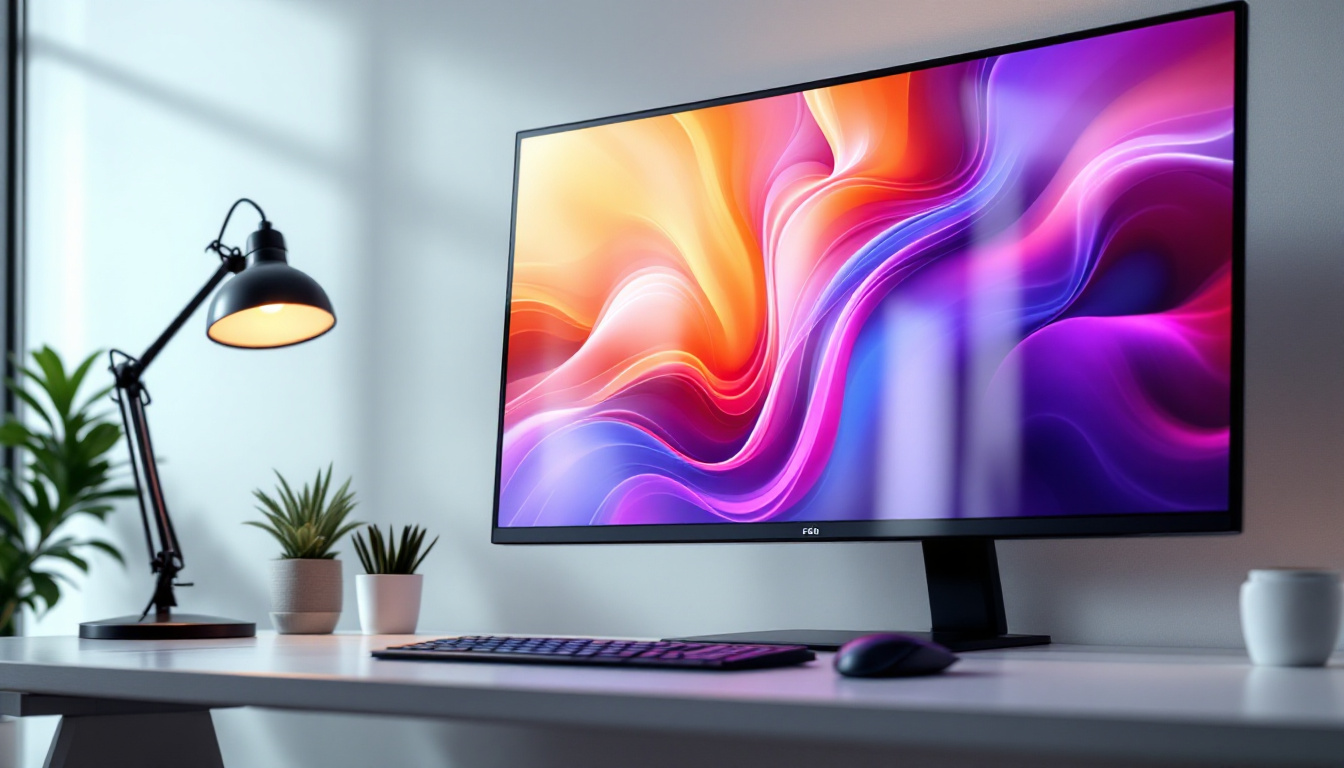
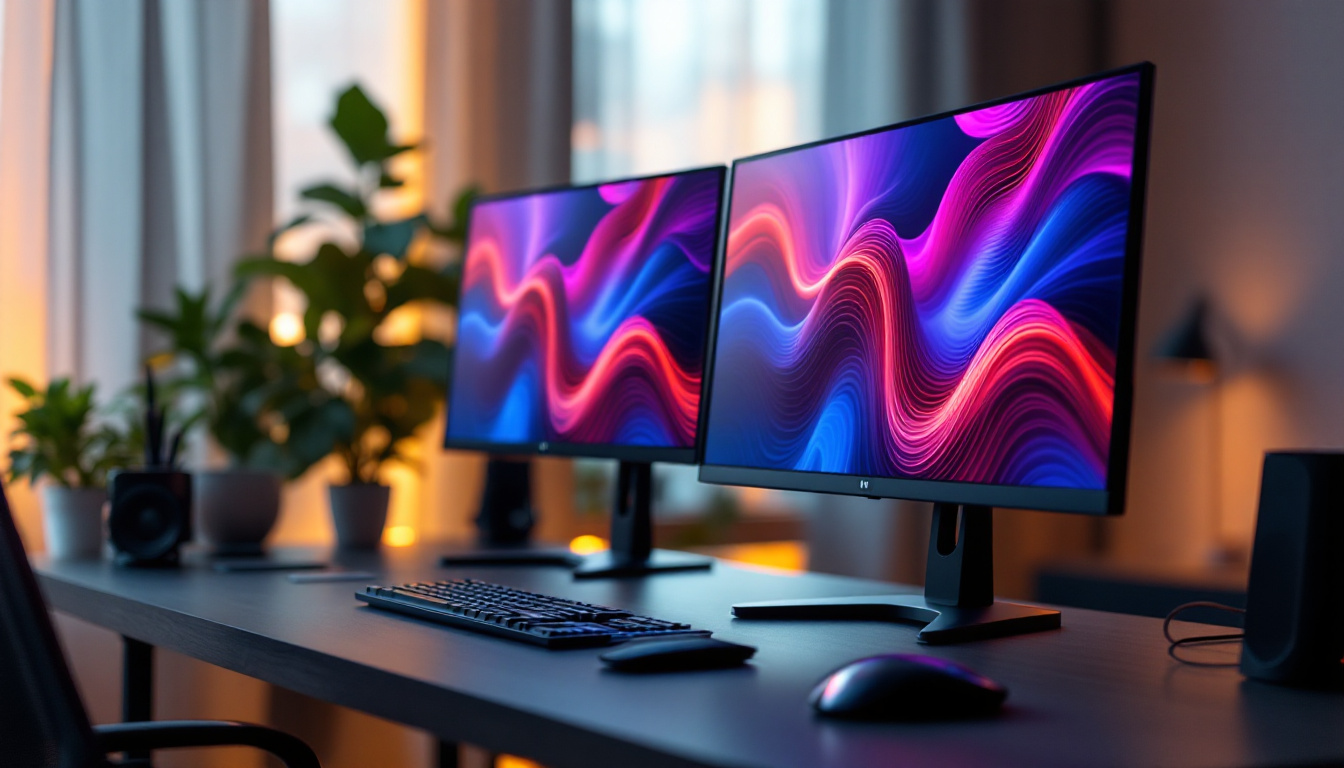
Curved monitors with split screen capability combine the best of both worlds: the immersive wrap-around effect and the ability to organize workspace efficiently. Unlike using multiple monitors, a single curved screen eliminates bezels between displays, providing a seamless and continuous workspace. This uninterrupted view can enhance productivity by allowing users to focus on their work without the distraction of physical barriers. Moreover, many curved monitors come equipped with advanced software that allows for easy window management, making it simple to snap applications into place and switch between tasks effortlessly.
Real-World Applications and Use Cases
In the corporate environment, curved monitors with split screen capabilities are increasingly adopted for trading desks, design studios, and control rooms. For instance, financial traders benefit from monitoring multiple charts and news feeds simultaneously, while graphic designers appreciate the expansive color-accurate workspace. The ability to view large spreadsheets or intricate designs without losing detail can significantly enhance workflow efficiency and creativity.
Gamers also find curved monitors advantageous, particularly those who stream or engage in multitasking during gameplay. The split screen allows them to keep an eye on chat windows, system performance, or walkthroughs without switching devices or alt-tabbing out of the game. Furthermore, many curved monitors support high refresh rates and adaptive sync technologies, which can enhance the gaming experience by providing smoother visuals and reducing motion blur. This combination of features not only elevates gameplay but also makes these monitors a favorite among competitive gamers who require every possible edge in fast-paced environments.
How Split Screen Works on Curved Monitors
Software Solutions for Screen Splitting
Split screen functionality is often enabled through software that allows users to customize how their screen is divided. Many manufacturers include proprietary utilities with their monitors, such as Samsung’s Easy Setting Box or LG’s OnScreen Control, which let users drag and drop windows into predefined zones.
Additionally, operating systems like Windows 11 have built-in snap layouts that facilitate window management. When combined with the wide and curved display, these tools help users maximize screen real estate without cumbersome manual resizing.
Hardware Considerations and Connectivity
To fully utilize split screen capabilities, the monitor needs to support high resolutions and multiple input sources. Most curved LED monitors come with at least 1440p (QHD) or 4K resolution, providing ample pixel density for clear and sharp images in each split section.
Connectivity options such as DisplayPort, HDMI, and USB-C are essential for connecting multiple devices or docking stations. Some monitors also support Picture-by-Picture (PbP) or Picture-in-Picture (PiP) modes, allowing users to display input from two different sources simultaneously on the same screen.
Choosing the Right Curved Monitor With Split Screen Capability
Key Specifications to Consider
When selecting a curved monitor with split screen features, several specifications should guide your decision:
- Screen Size: Larger screens (27 inches and above) provide more space for effective splitting without compromising visibility.
- Curvature: A curvature between 1500R and 1800R is generally ideal for immersive viewing without causing distortion.
- Resolution: Higher resolutions like 2560×1440 (QHD) or 3840×2160 (4K) ensure clarity when dividing the screen into multiple zones.
- Refresh Rate: For gaming or fast-paced work, a refresh rate of 75Hz or higher is beneficial.
- Color Accuracy: Look for monitors with high color gamut coverage (sRGB, AdobeRGB) if color precision is critical.
- Connectivity: Multiple input ports and USB hubs add versatility.
Ergonomics and Build Quality
Ergonomic features such as adjustable height, tilt, swivel, and VESA mount compatibility enhance comfort during prolonged use. A well-built stand and sturdy chassis contribute to durability and stability, which are important for professional environments.
Anti-glare coatings and flicker-free technology further improve visual comfort, making the monitor suitable for extended daily use.
Popular Models and Brands
Several brands have established themselves as leaders in the curved monitor market. Samsung’s Odyssey series, Dell’s UltraSharp curved displays, and LG’s UltraGear lineup are frequently praised for their performance and reliability. These models often come with robust split screen software and excellent build quality.
Choosing a model that aligns with your specific needs—whether for gaming, professional work, or general productivity—is key to maximizing the benefits of curved monitors with split screen capabilities.
Future Trends in Curved LED Monitors and Split Screen Technology
Advancements in Display Panels and Resolution
As display technology continues to evolve, curved monitors are expected to feature even higher resolutions, including 5K and 8K panels. These ultra-high resolutions will provide unprecedented clarity and workspace for multitasking and creative work.
Additionally, OLED and Mini-LED technologies are being integrated into curved displays, offering superior contrast ratios, deeper blacks, and more vibrant colors compared to traditional LED-backlit LCDs.
Enhanced Software Integration and AI Features
Future split screen solutions will likely incorporate artificial intelligence to optimize window arrangements based on user behavior and task type. Smart window management could automatically adjust layouts for meetings, coding, or gaming, streamlining workflows further.
Moreover, improvements in multi-device connectivity and wireless display technologies will enable seamless switching between devices on a single curved monitor, enhancing flexibility and reducing desktop clutter.
Ergonomics and User-Centric Design Innovations
Manufacturers are focusing on creating monitors that adapt to user posture and ambient lighting conditions. Features like eye-tracking to adjust brightness and color temperature, as well as curved displays with adjustable curvature, are on the horizon to personalize the viewing experience even more.
These innovations aim to reduce physical strain and improve overall user well-being in increasingly digital work environments.
Conclusion
Curved monitors with split screen capability represent a significant advancement in display technology, merging ergonomic design with practical multitasking features. By offering immersive viewing experiences and efficient workspace management, these LED displays cater to a wide range of users—from professionals handling complex workflows to gamers seeking enhanced engagement.
Understanding the underlying technology, benefits, and selection criteria can help consumers make informed decisions when investing in a curved LED monitor. As the technology continues to evolve, these monitors will become even more integral to optimizing productivity and entertainment in the digital age.
Discover the Future of Display Technology with LumenMatrix
Ready to elevate your visual experience with the latest in curved monitor technology? LumenMatrix is at the forefront of LED display innovation, offering a wide array of solutions that transform any space into a dynamic and engaging environment. From immersive indoor LED walls to versatile all-in-one displays, LumenMatrix provides the tools you need to captivate your audience and communicate with impact. Don’t just read about the future—be a part of it. Check out LumenMatrix LED Display Solutions today and see the difference cutting-edge technology can make.