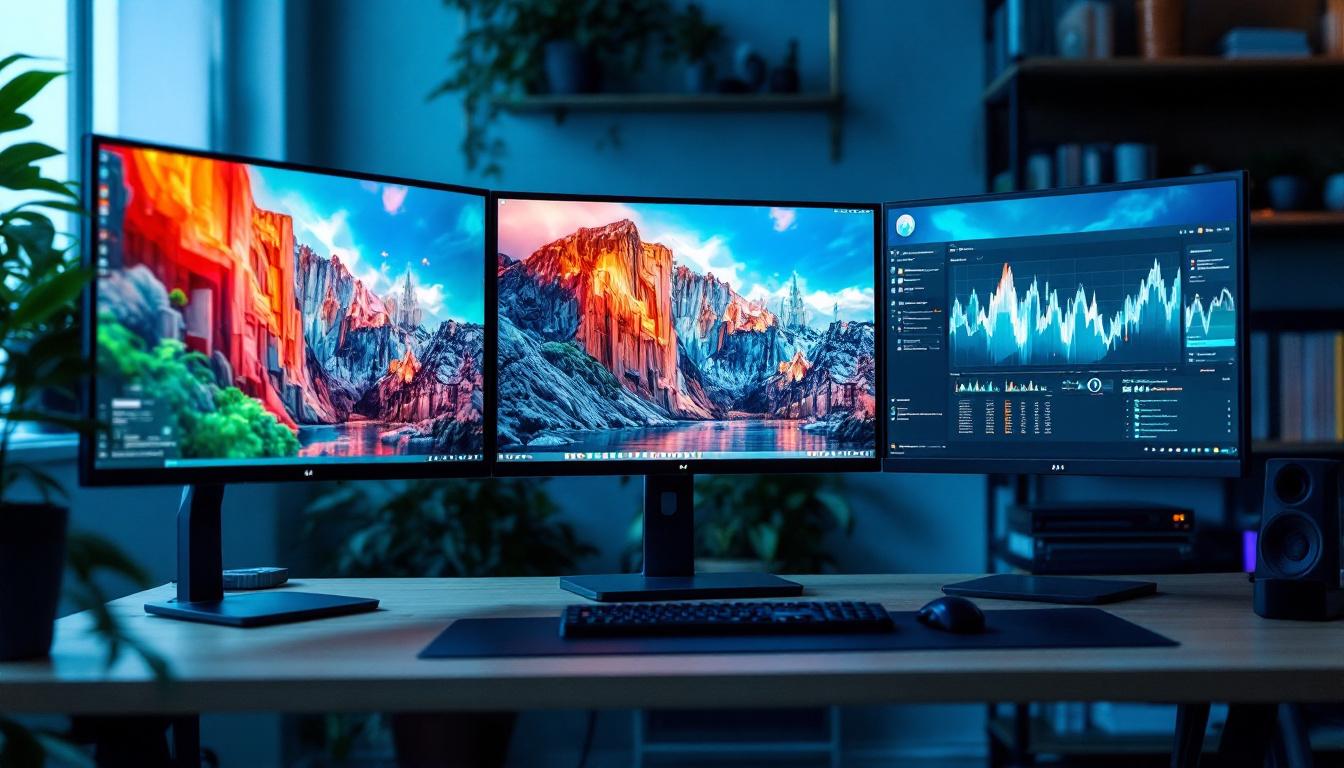
In today’s fast-paced digital world, the quality and ergonomics of your workstation can significantly influence productivity and comfort. One essential component that often goes overlooked is the monitor stand, particularly those designed for LED displays. A monitor high stand not only elevates your screen to an optimal eye level but also enhances the overall viewing experience of LED displays. This article delves into the details of monitor high stands, their importance, and how they complement LED display technology to create a superior visual and ergonomic setup.
Understanding Monitor High Stands
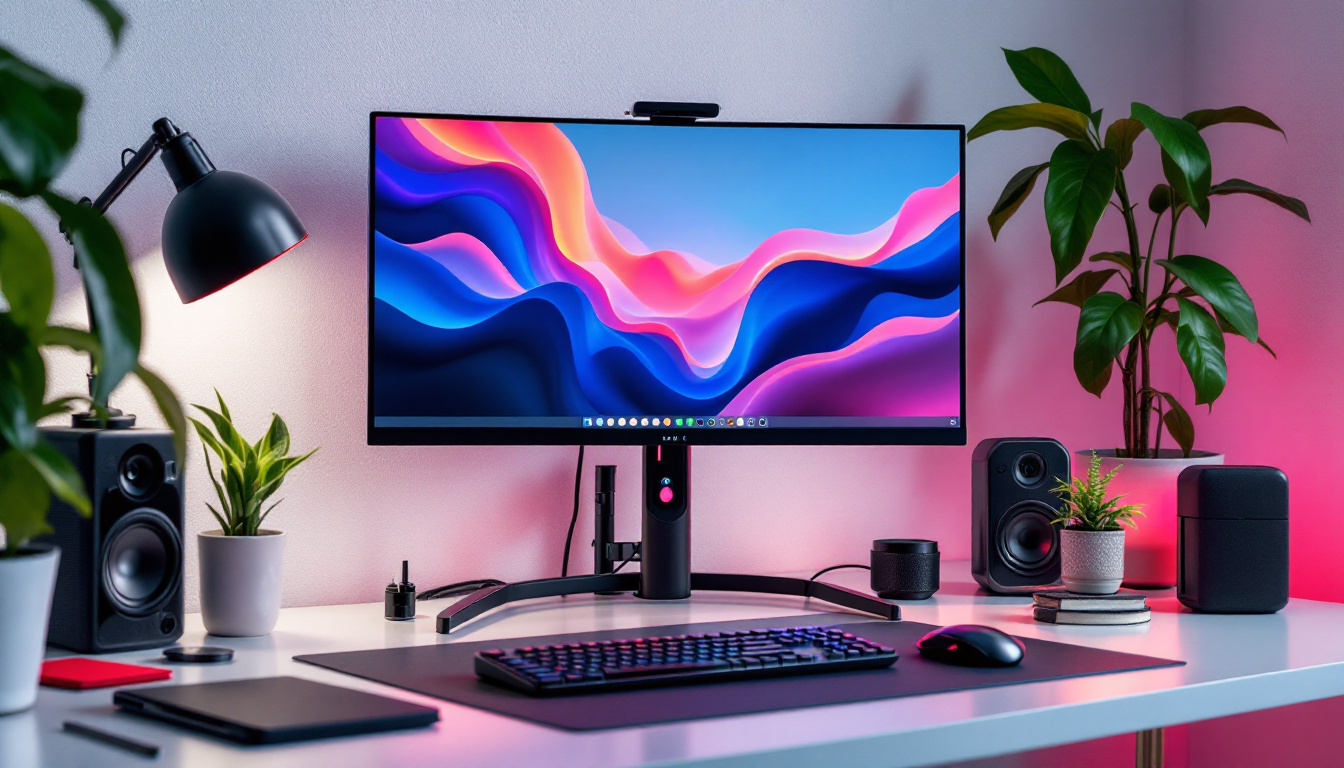
Monitor high stands are adjustable platforms or mounts designed to raise the height of a computer monitor. Unlike traditional fixed stands, these high stands offer flexibility in positioning, allowing users to customize the height, tilt, and sometimes even the swivel of their LED screens. This adaptability is particularly beneficial in shared workspaces or multi-user environments, where different users may have varying preferences for monitor positioning.
The primary purpose of a monitor high stand is to align the display with the user’s natural line of sight, reducing strain on the neck and shoulders. According to a study by the Occupational Safety and Health Administration (OSHA), improper monitor height is a common cause of musculoskeletal disorders among office workers. By elevating the monitor to eye level, a high stand helps maintain proper posture and reduces the risk of discomfort and injury. Furthermore, many high stands are designed with cable management features, which not only keep the workspace tidy but also prevent potential hazards caused by tangled cords.
Types of Monitor High Stands
Monitor high stands come in various designs, each catering to different needs and preferences:
- Fixed Height Stands: These are simple platforms that raise the monitor to a predetermined height. They are cost-effective but lack adjustability, making them suitable for environments where multiple users do not share the same workspace.
- Adjustable Stands: Featuring mechanisms such as gas springs or manual levers, these stands allow users to easily change the monitor’s height and angle throughout the day. This is particularly useful for individuals who alternate between sitting and standing while working, promoting a more dynamic work environment.
- Clamp or Arm Mounts: These attach to the edge of a desk and offer extensive flexibility, including height adjustment, rotation, and tilt, freeing up desk space. They are ideal for minimalist setups and can often accommodate multiple monitors, enhancing productivity for users who require more screen real estate.
Choosing the right type depends on workspace constraints, budget, and ergonomic requirements. Additionally, factors such as monitor size, weight, and the specific tasks being performed should also be considered when selecting a high stand. For instance, graphic designers or video editors may benefit from a more robust arm mount that can support heavier monitors and allow for precise adjustments, while casual users may find a simple adjustable stand sufficient for their needs. Ultimately, investing in a quality monitor high stand can lead to a more comfortable and efficient workspace, fostering better focus and productivity.
LED Displays: A Brief Overview
Light Emitting Diode (LED) displays have become the standard for computer monitors due to their superior image quality, energy efficiency, and slim design. Unlike older LCD screens that use cold cathode fluorescent lamps (CCFL) for backlighting, LED displays utilize light-emitting diodes, resulting in brighter images and better color accuracy.
The evolution of LED technology has led to various types of LED displays, including edge-lit, back-lit, and full-array LED panels. Each type offers different benefits in terms of brightness uniformity, contrast, and viewing angles.
Advantages of LED Displays
LED displays offer several advantages that make them ideal for both professional and personal use:
- Energy Efficiency: LEDs consume less power compared to traditional LCDs, reducing electricity costs and environmental impact.
- Enhanced Visual Quality: Higher contrast ratios and vibrant colors improve the clarity and detail of images, which is crucial for graphic design, video editing, and gaming.
- Thin and Lightweight: The compact design allows for sleek monitors that are easier to mount on high stands or arms.
- Longer Lifespan: LEDs have a longer operational life, ensuring durability and consistent performance over time.
Why Pair LED Displays with Monitor High Stands?
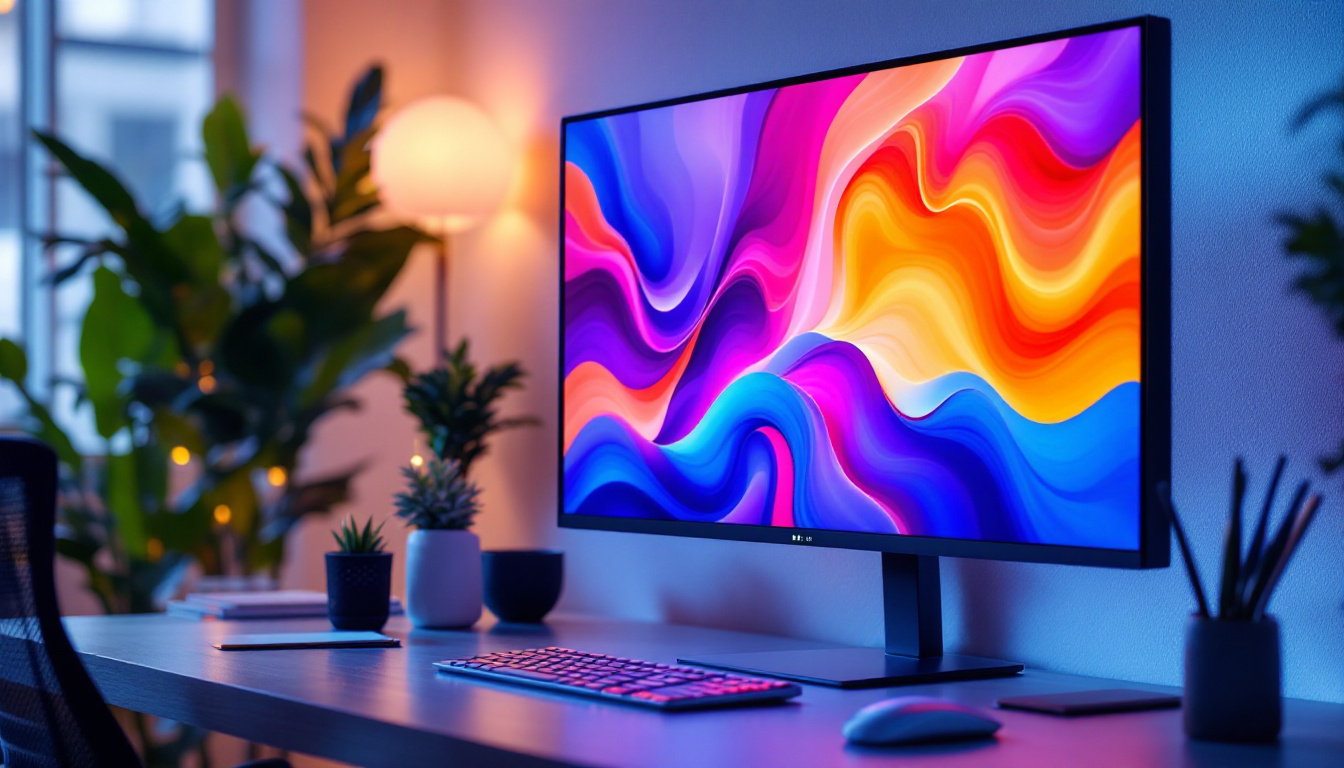
The combination of LED displays and monitor high stands creates an ergonomic and visually optimized workspace. Here’s why this pairing is essential:
Optimal Viewing Angle and Reduced Eye Strain
LED monitors are known for their bright and vivid displays, but improper positioning can lead to glare and reflections, causing eye fatigue. A high stand enables users to adjust the monitor to the perfect height and angle, minimizing screen glare and ensuring consistent image quality.
According to research published in the Journal of Vision, maintaining a monitor at eye level reduces the need for excessive eye movement and blinking, helping to prevent digital eye strain, which affects nearly 60% of computer users.
Improved Posture and Comfort
Using a monitor high stand with an LED display encourages better posture by preventing users from looking down or craning their necks. This alignment reduces the risk of developing chronic neck and shoulder pain, which is a common complaint among office workers.
Ergonomic guidelines recommend that the top of the monitor screen be at or slightly below eye level, which is easily achievable with adjustable high stands. This setup supports a neutral head position, promoting comfort during long hours of computer use.
Maximized Desk Space
Many LED monitors are slim and lightweight, making them ideal candidates for high stands with clamp or arm mounts. These mounts free up valuable desk space by lifting the monitor off the surface, allowing users to organize their workspace more efficiently.
For professionals who require multiple monitors, high stands with adjustable arms facilitate seamless multi-display setups, enhancing productivity without cluttering the desk.
Choosing the Right Monitor High Stand for Your LED Display
Selecting the appropriate monitor high stand involves considering several factors to ensure compatibility and ergonomic benefits.
Weight and Size Compatibility
LED monitors vary in size and weight, typically ranging from 21 inches to 32 inches or more. It is crucial to choose a high stand that can support the weight and dimensions of your specific monitor model. Most manufacturers provide weight limits and size recommendations for their stands and mounts.
For example, a sturdy gas spring arm mount might support monitors up to 32 inches and 19 pounds, while fixed stands may have lower weight capacities. Ensuring compatibility prevents accidents and maintains stability.
Adjustability Features
Consider the range of motion offered by the stand. Key adjustments include:
- Height Adjustment: Allows you to raise or lower the monitor to eye level.
- Tilt: Enables angling the screen to reduce glare and improve viewing comfort.
- Swivel and Rotation: Useful for sharing the screen with colleagues or switching between landscape and portrait modes.
Greater adjustability translates to a more personalized and comfortable setup.
Build Quality and Materials
High-quality materials such as aluminum or steel ensure durability and stability. Cheaper plastic stands may wobble or wear out quickly, especially under heavier monitors.
Additionally, look for stands with cable management features to keep cords organized and out of the way, preserving a clean workspace.
Ergonomic Certifications
Some monitor stands come with ergonomic certifications or endorsements from occupational health organizations. These certifications indicate that the product meets specific standards for promoting user health and comfort.
Investing in certified ergonomic equipment can contribute to long-term well-being and reduce the risk of repetitive strain injuries.
Installation and Maintenance Tips
Proper installation and upkeep of your monitor high stand and LED display are essential for maximizing their benefits and longevity.
Installation Best Practices
When setting up your monitor high stand, ensure the following:
- Stable Surface: Attach clamp mounts to sturdy desks or tables to prevent tipping.
- Secure Fastening: Tighten all screws and bolts according to manufacturer instructions.
- Correct Height: Position the monitor so the top edge is at or slightly below eye level when seated comfortably.
- Optimal Distance: Maintain a viewing distance of about 20 to 30 inches to reduce eye strain.
Maintenance Recommendations
Regular maintenance ensures the stand and monitor remain in good condition:
- Clean the Monitor: Use a microfiber cloth and appropriate screen cleaner to remove dust and smudges without damaging the LED panel.
- Check Adjustments: Periodically verify that all adjustment mechanisms are functioning smoothly and securely.
- Inspect for Wear: Look for signs of wear or looseness in joints and fasteners, tightening or replacing parts as needed.
Future Trends in Monitor Stands and LED Displays
The integration of technology and ergonomics continues to evolve, promising exciting advancements in monitor stands and LED display setups.
Smart Monitor Stands
Emerging smart stands incorporate sensors and connectivity features to monitor posture and provide real-time feedback. These stands can adjust automatically based on user preferences or remind users to take breaks, promoting healthier work habits.
Enhanced LED Display Technologies
Advancements in LED technology, such as mini-LED and micro-LED, offer even better brightness, contrast, and color accuracy. These improvements will likely influence the design and compatibility of future monitor stands, emphasizing lightweight and flexible mounting solutions.
Eco-Friendly Materials
As sustainability becomes a priority, manufacturers are exploring eco-friendly materials and production methods for both monitors and stands. This shift benefits users by providing durable, recyclable, and environmentally responsible products.
Conclusion
Monitor high stands play a vital role in optimizing the ergonomic and visual experience of LED displays. By elevating the screen to the correct height and allowing for customizable positioning, these stands reduce physical strain and enhance productivity. Coupled with the superior image quality and energy efficiency of LED monitors, a well-chosen high stand creates a comfortable, efficient, and visually pleasing workspace.
When selecting a monitor high stand, consider compatibility, adjustability, build quality, and ergonomic certifications to ensure the best fit for your needs. Proper installation and maintenance further maximize the benefits and lifespan of your setup. Looking ahead, innovations in smart technology and sustainable materials promise to make monitor stands and LED displays even more user-friendly and environmentally conscious.
Investing in the right monitor high stand for your LED display is a step toward a healthier, more productive digital workspace.
Discover the Perfect LED Display Solution with LumenMatrix
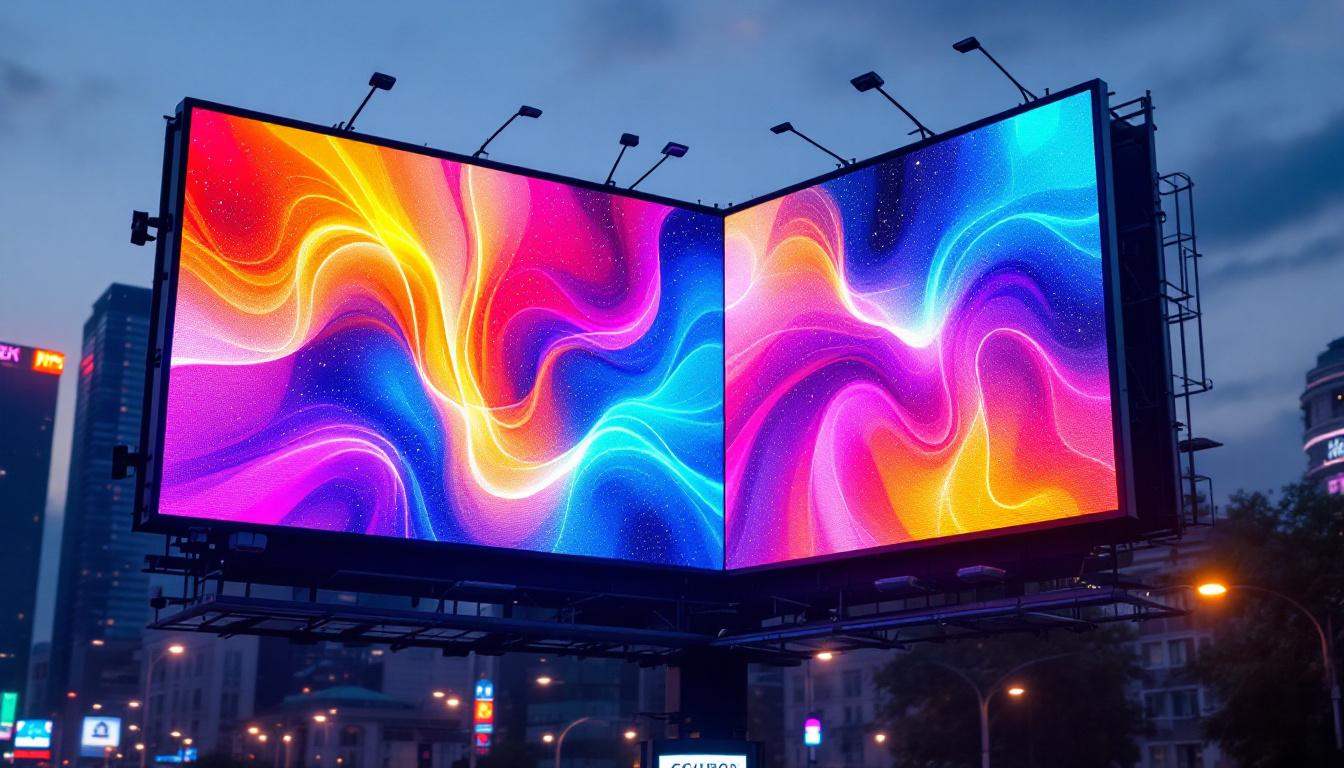
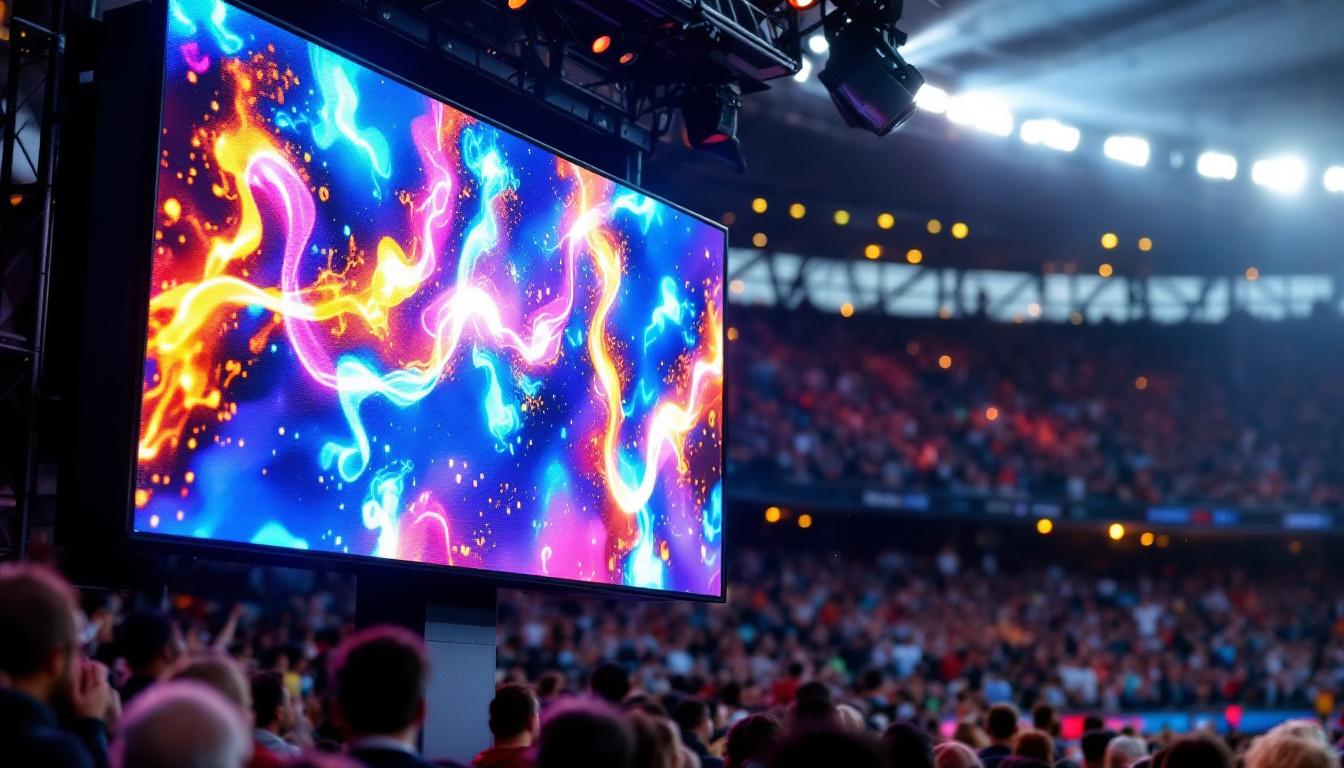
Ready to elevate your digital workspace and create an immersive visual experience? LumenMatrix is at the forefront of LED display innovation, offering a wide array of solutions tailored to your needs. From captivating Indoor LED Walls to dynamic Outdoor LED Displays, and from versatile Vehicle LED Displays to sleek LED Poster Displays, our products are designed to revolutionize visual communication. Embrace the future with our LED Sports Displays, Floor LED Displays, Custom LED Displays, All-in-One LED Displays, and LED Transparent Displays. Don’t miss the opportunity to enhance engagement and convey your message with unparalleled clarity. Check out LumenMatrix LED Display Solutions today and transform your space into a hub of productivity and visual appeal.