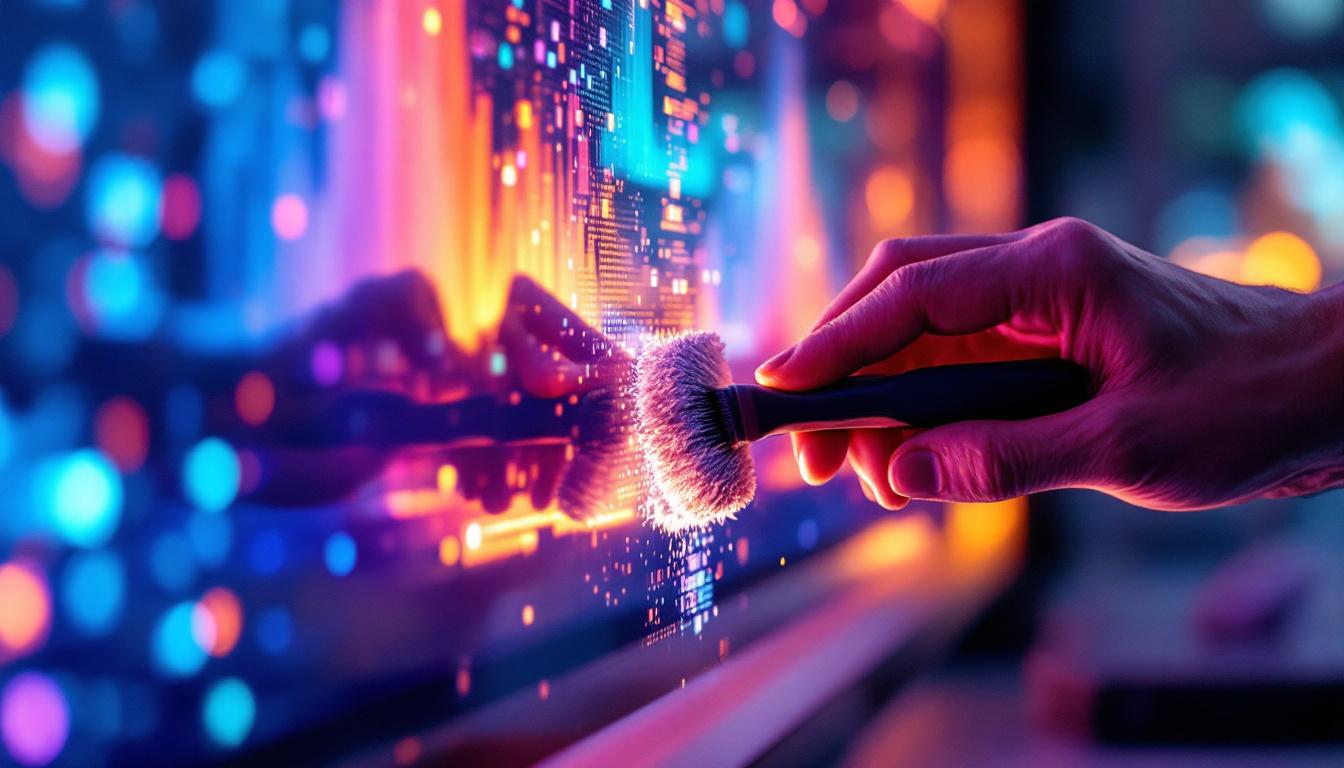
LED screens have become an integral part of modern life, from vibrant digital billboards in city centers to sleek television displays in living rooms. Their brilliant colors and sharp images rely on delicate technology that requires proper care and maintenance. One of the most important aspects of maintaining an LED display is cleaning it correctly. Improper cleaning can damage the screen, reduce its lifespan, or impair image quality.
This comprehensive guide explores the fundamentals of LED displays, why cleaning them matters, and how to do it safely and effectively. Whether you are a business owner managing a large outdoor LED billboard or a homeowner with a high-end LED TV, understanding the right cleaning techniques will help you preserve your investment and enjoy optimal performance.
Understanding LED Displays: Technology and Sensitivity
What Is an LED Screen?
LED stands for Light Emitting Diode, a semiconductor device that emits light when an electric current passes through it. An LED screen is composed of thousands or millions of these tiny diodes arranged in a grid to create images. Each diode can emit red, green, or blue light, and by adjusting the intensity of each, the screen produces a full spectrum of colors.
LED displays come in various forms, including:
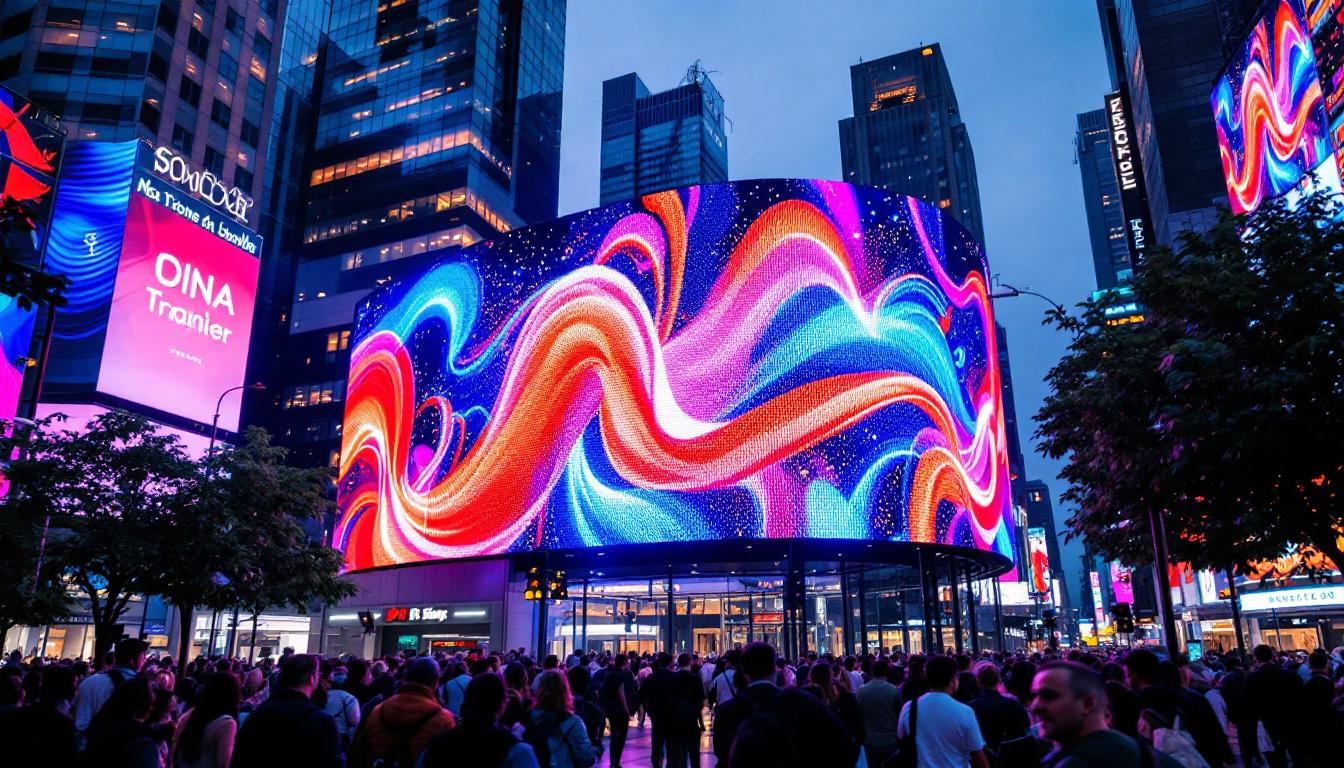
- Direct View LED Screens: These are large-format displays where the LEDs themselves form the image visible to the viewer. Commonly used in outdoor advertising, stadiums, and event venues.
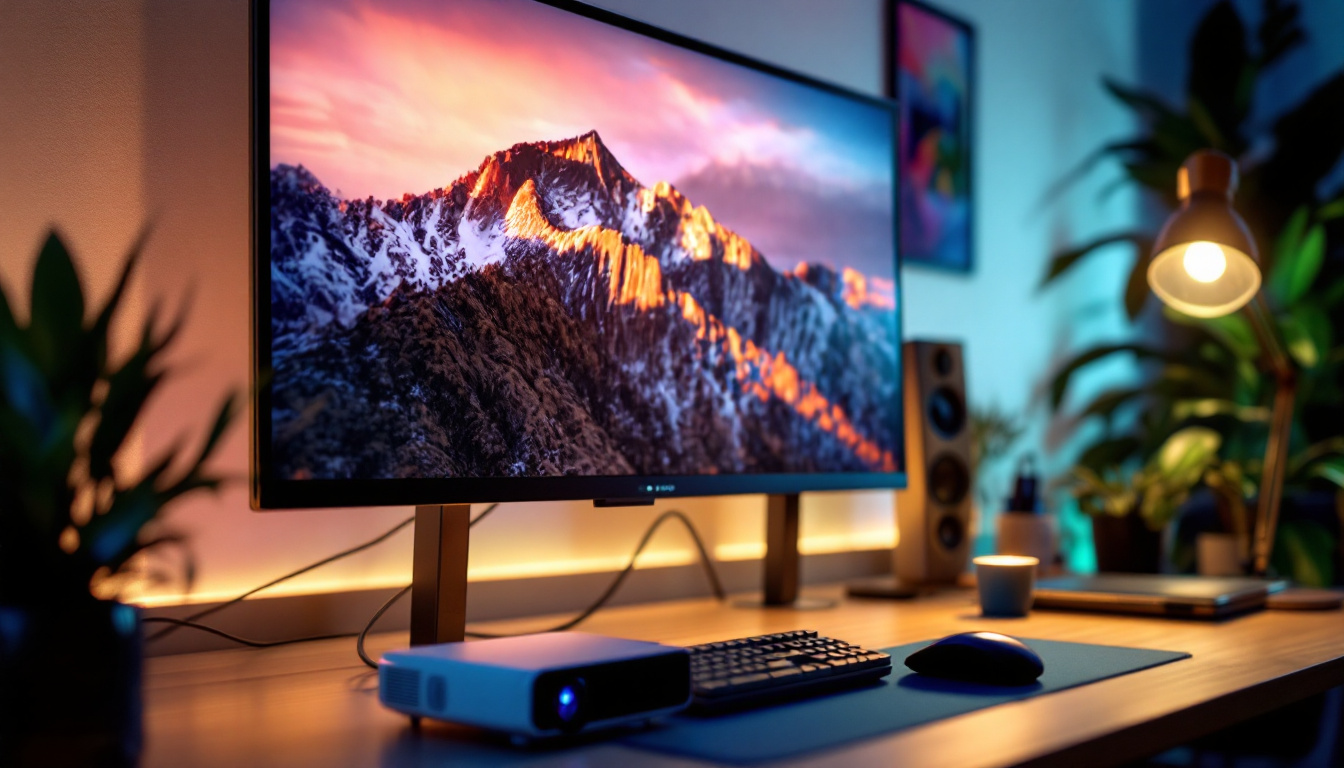
- LED-backlit LCD Screens: These use LEDs as a backlight behind an LCD panel, typical in televisions, monitors, and smartphones.
In addition to these common types, there are also MicroLED Displays, which utilize microscopic LEDs to create images with unparalleled brightness and contrast. This technology is emerging as a competitor to OLED displays, offering advantages such as improved longevity and energy efficiency. Furthermore, Flexible LED Screens are gaining traction in the market, allowing for curved or uniquely shaped displays that can adapt to various environments and applications, from retail spaces to innovative art installations.
Why LED Screens Are Sensitive
Despite their robustness in terms of brightness and energy efficiency, LED screens are sensitive to physical damage and contamination. The surface of an LED display often includes delicate components such as protective glass, anti-reflective coatings, and micro-LED elements. Dust, fingerprints, and moisture can degrade image quality by causing smudges, reducing brightness, or even short-circuiting the electronics if moisture seeps inside.
Moreover, harsh chemicals or abrasive materials can scratch the screen or strip away protective coatings, leading to permanent damage. This sensitivity underscores the importance of using appropriate cleaning methods tailored to the specific type of LED screen. For instance, microfiber cloths are recommended for cleaning, as they are gentle and effective at removing smudges without scratching the surface. Additionally, specialized cleaning solutions that are pH-balanced and free from ammonia can help maintain the integrity of the screen without causing harm.
Another critical factor to consider is the operating environment of LED screens. High temperatures can cause thermal stress, potentially leading to color distortion or reduced lifespan. Conversely, extremely low temperatures can affect the responsiveness of the diodes. Therefore, understanding the environmental conditions where the LED display will be used is essential for optimal performance and longevity. Regular maintenance checks can also help identify potential issues before they escalate, ensuring that the display continues to function at its best.
Why Proper Cleaning of LED Screens Matters
Maintaining Visual Quality
One of the primary reasons to clean an LED screen is to preserve its visual clarity. Dust accumulation, smudges, and fingerprints can cause the screen to appear dull or blurry. For commercial displays, this can negatively impact advertising effectiveness and brand image. For personal devices, it diminishes the viewing experience.
Studies show that even a thin layer of dust can reduce screen brightness by up to 20%, which is significant for outdoor displays exposed to sunlight. Regular cleaning ensures that the screen’s luminous intensity and color accuracy remain optimal. Furthermore, a clean screen enhances the overall aesthetic of the environment, whether it’s a sleek office space or a vibrant retail setting. Customers and clients are naturally drawn to clear, bright displays, making cleanliness a crucial factor in visual marketing strategies.
Extending the Lifespan of the Display
LED screens are a substantial investment, often costing thousands to hundreds of thousands of dollars depending on size and technology. Proper maintenance, including regular cleaning, can extend the operational life of the display by preventing damage caused by dirt, grime, and environmental factors.
For example, outdoor LED billboards face challenges such as pollution, bird droppings, and weather exposure. Without routine cleaning, these contaminants can corrode components or cause overheating by blocking ventilation. Indoor screens also benefit from dust removal to avoid overheating and mechanical wear. Additionally, the buildup of dust can lead to increased energy consumption, as the display works harder to maintain brightness levels. By ensuring that screens are clean, users can not only prolong the life of their displays but also save on energy costs, making it a win-win situation.
Safety and Hygiene Considerations
In environments like hospitals, offices, or public spaces, cleanliness is not just about aesthetics but also hygiene. LED screens can harbor bacteria and viruses on their surfaces, especially when touched frequently. Regular cleaning with appropriate disinfectants can reduce the risk of contamination and contribute to a healthier environment.
Moreover, the importance of hygiene has been underscored in recent years due to global health concerns. Touchscreens in particular are hotspots for germs, and ensuring that these surfaces are sanitized can help mitigate the spread of illnesses. In educational institutions, for instance, where multiple students may interact with the same device, regular cleaning protocols can significantly enhance safety. Implementing a routine cleaning schedule not only protects users but also fosters a culture of health consciousness in shared spaces, reinforcing the idea that cleanliness is integral to community well-being.
How to Clean an LED Screen Safely and Effectively
Preparation: What You Need
Before cleaning, gather the right materials to avoid damaging the screen. Recommended supplies include:
- Microfiber Cloths: Soft, lint-free cloths that won’t scratch the surface.
- Distilled Water: Avoids mineral deposits that can leave streaks.
- Isopropyl Alcohol (70% or less): Used sparingly for disinfecting or removing stubborn grime.
- Screen Cleaning Solutions: Commercially available products formulated specifically for LED or LCD screens.
- Compressed Air: For blowing away dust from crevices without touching the screen.
Avoid using paper towels, household cleaners, ammonia-based products, or abrasive sponges, as these can damage the screen or its coatings.
Step-by-Step Cleaning Process
Follow these steps for a thorough and safe cleaning:
- Turn Off and Unplug the Screen: Always power down the device and disconnect it from the power source to prevent electrical hazards and allow the screen to cool.
- Remove Loose Dust: Use compressed air or a dry microfiber cloth to gently remove dust particles. Avoid pressing hard.
- Dampen the Cloth: Lightly moisten a microfiber cloth with distilled water or a screen-safe cleaning solution. The cloth should be damp, not wet.
- Wipe the Screen Gently: Using gentle, circular motions, wipe the screen surface. Do not apply excessive pressure.
- Dry the Screen: Use a dry microfiber cloth to remove any remaining moisture and prevent streaks.
- Clean the Frame and Surrounding Areas: Use a slightly damp cloth to wipe the bezel and stand, avoiding contact with the screen itself.
Special Considerations for Outdoor LED Displays
Outdoor LED screens require more frequent and specialized cleaning due to exposure to environmental factors:
- Use Protective Gear: Wear gloves and safety glasses when cleaning large or elevated screens.
- Employ Professional Services: For large installations, professional cleaning companies use specialized equipment such as water-fed poles and non-abrasive detergents.
- Schedule Regular Maintenance: Establish a cleaning schedule based on local climate and pollution levels, often monthly or quarterly.
- Inspect for Damage: Cleaning time is also an opportunity to check for loose connections, water ingress, or pixel failures.
Common Mistakes to Avoid When Cleaning LED Screens
Using Harsh Chemicals
Many household cleaners contain ammonia, alcohol at high concentrations, or other solvents that can damage the screen’s anti-reflective coatings. These chemicals can cause discoloration, cloudiness, or permanent marks. Always use products specifically designed for LED or LCD screens or dilute isopropyl alcohol to 70% or less if necessary.
Applying Excessive Moisture
Spraying liquids directly onto the screen is a common mistake. Excess moisture can seep into the edges, damaging internal electronics and causing short circuits. Instead, apply cleaning solutions to the cloth, not the screen, and use minimal liquid.
Using Abrasive Materials
Abrasive sponges, paper towels, or rough cloths can scratch the delicate surface of an LED display. Microfiber cloths are recommended because they clean effectively without scratching.
Cleaning While the Screen Is On
Cleaning an active screen can cause damage due to heat and electrical activity. Always turn off and unplug the device before cleaning to ensure safety and prevent damage.
Maintaining Your LED Screen Beyond Cleaning
Proper Placement and Environment
Positioning your LED screen in an environment that minimizes exposure to dust, direct sunlight, and moisture can reduce the frequency of cleaning and prolong lifespan. For indoor screens, avoid placing them near open windows, air vents, or kitchens where grease can accumulate.
Regular Inspections
Routine visual inspections can catch issues early, such as dead pixels, color inconsistencies, or physical damage. Early detection allows for timely repairs and prevents further degradation.
Software Maintenance
For digital signage and large LED installations, keeping the controlling software updated ensures optimal performance and can include diagnostics that alert operators to potential hardware issues.
Conclusion
LED screens represent cutting-edge technology that enhances visual communication across many sectors. Their maintenance, especially cleaning, is crucial to preserving image quality, extending lifespan, and ensuring safety. By understanding the technology behind LED displays and following best practices for cleaning, users can protect their investment and enjoy vibrant, clear visuals for years to come.
Whether managing a massive outdoor billboard or caring for a home television, the key is gentle, informed cleaning using the right materials and techniques. Avoid harsh chemicals, excessive moisture, and abrasive tools, and always power down the device before cleaning. Regular maintenance and proper environmental care complement cleaning efforts, ensuring your LED screen remains a bright, reliable centerpiece of your visual experience.
Discover LumenMatrix’s Advanced LED Display Solutions
Now that you understand the importance of maintaining your LED screens for optimal performance and longevity, it’s time to experience the best in LED display technology with LumenMatrix. As a leader in innovative LED solutions, LumenMatrix offers a diverse range of products, from Indoor and Outdoor LED Wall Displays to specialized options like Vehicle, Sports, and Floor LED Displays. Elevate your visual communication with our Custom, All-in-One, and Transparent LED Displays, designed to captivate your audience and amplify your message. Check out LumenMatrix LED Display Solutions today and transform your space into a dynamic visual experience.