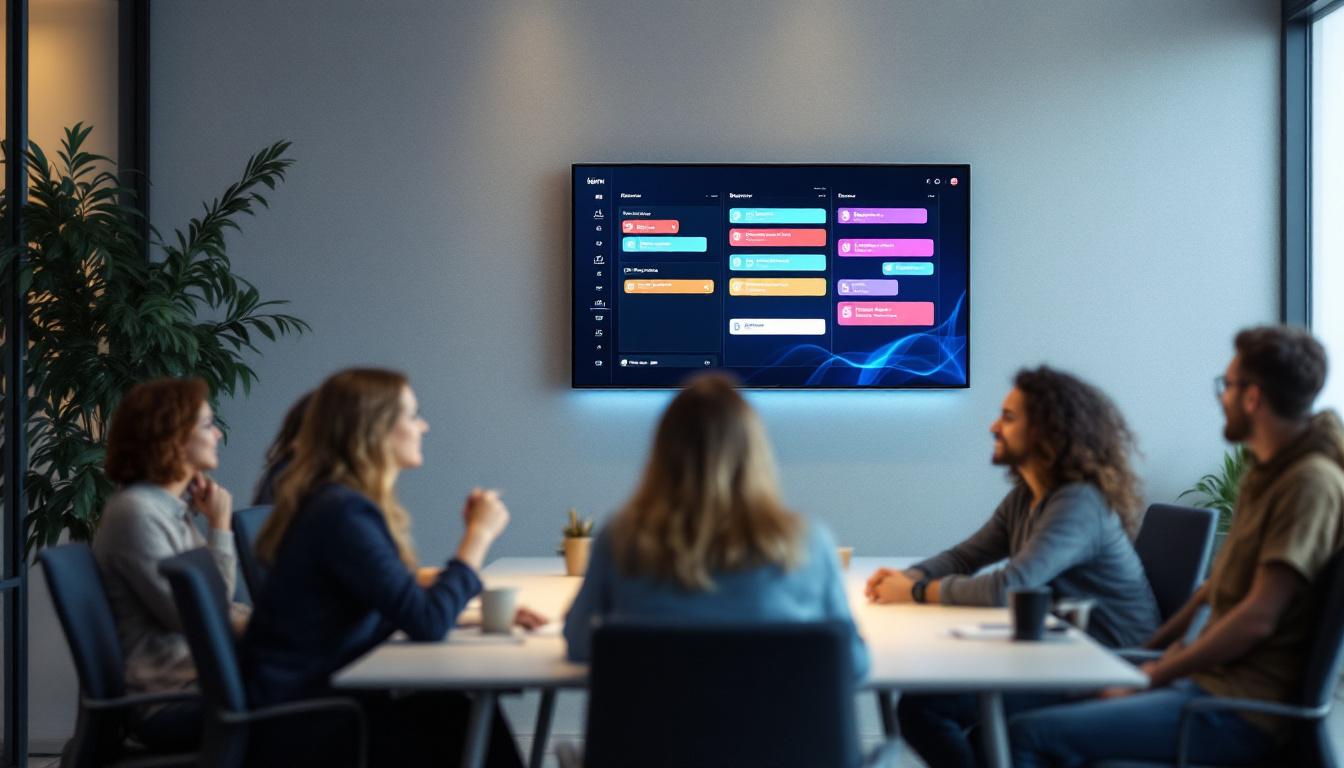
In today’s fast-paced corporate environment, efficient meeting management is essential. One key technology that has transformed how organizations coordinate and utilize their meeting spaces is the meeting room monitor equipped with LED display technology. These devices provide real-time information about room availability, schedules, and other critical data, helping to streamline operations and improve workplace productivity.
This article delves into the world of meeting room monitors with LED displays, explaining their functionality, benefits, and how they are shaping modern office environments. Whether you are a facilities manager, IT professional, or business executive, understanding this technology can help you make informed decisions about your workplace infrastructure.
What Is a Meeting Room Monitor with LED Display?
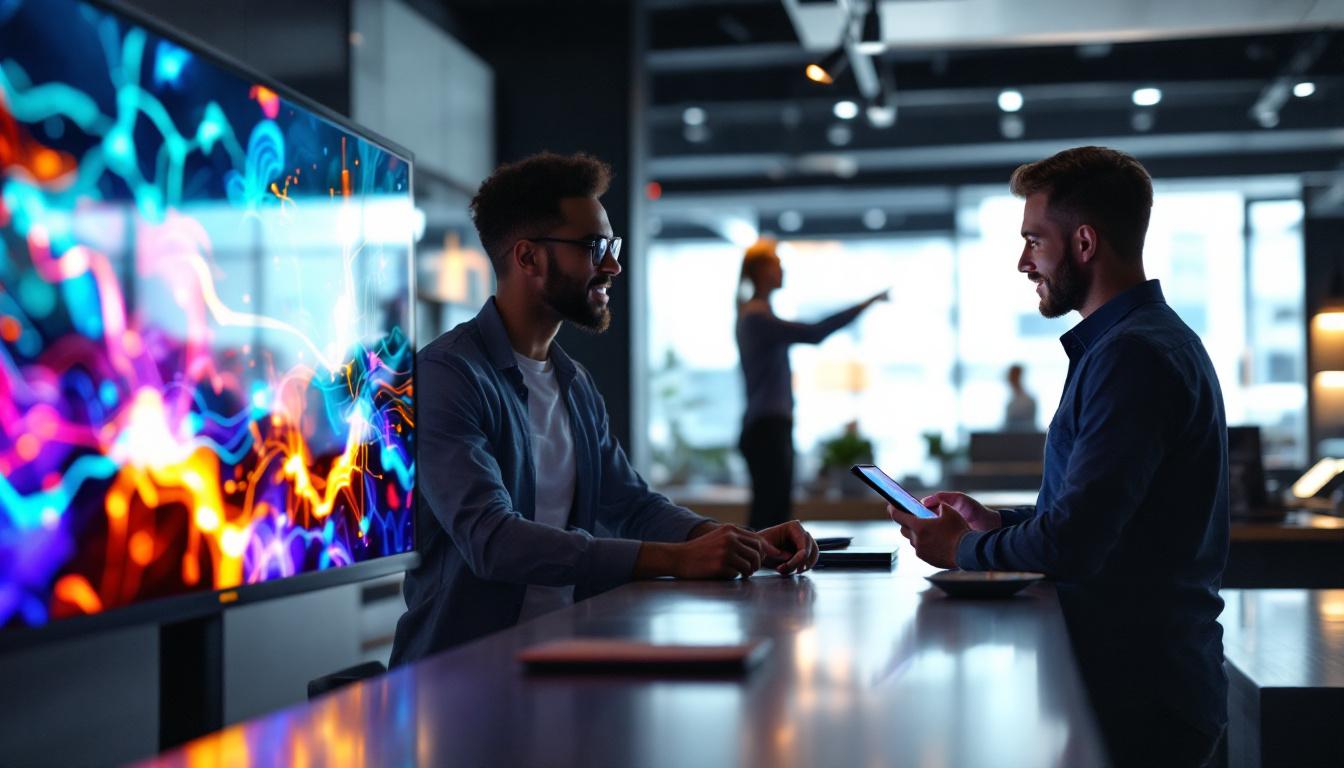
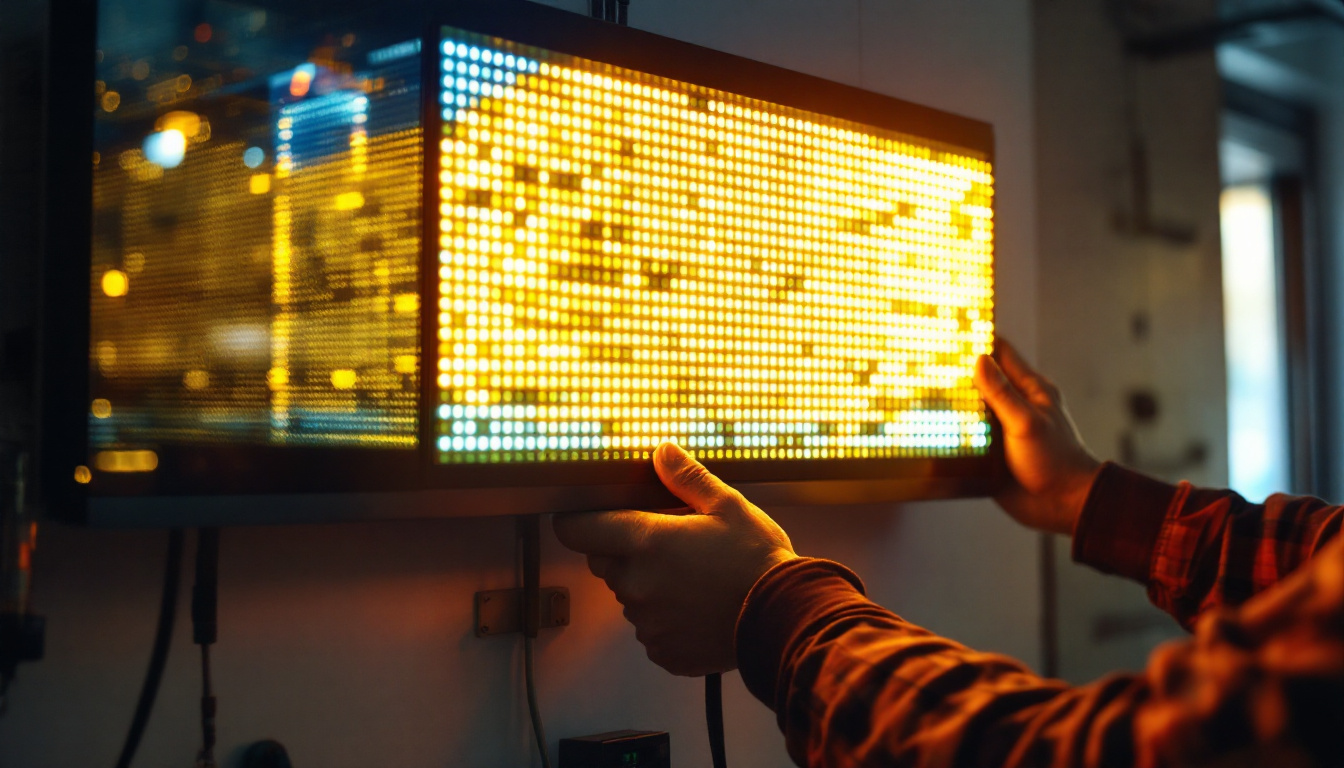
A meeting room monitor with an LED display is a digital signage device installed outside or inside conference rooms to show real-time information about the room’s status. These monitors typically use LED (Light Emitting Diode) technology to provide bright, clear, and energy-efficient displays that are easily readable from a distance.
The primary purpose of these monitors is to show whether a meeting room is occupied or available, upcoming bookings, meeting durations, and sometimes additional details like the meeting organizer’s name or the agenda. They are often integrated with calendar systems such as Microsoft Outlook, Google Calendar, or specialized room booking software, ensuring that the displayed information is always up to date. This integration not only streamlines the booking process but also enhances communication within the organization, allowing employees to quickly ascertain room availability without the need for manual checks or inquiries.
LED Display Technology in Meeting Room Monitors
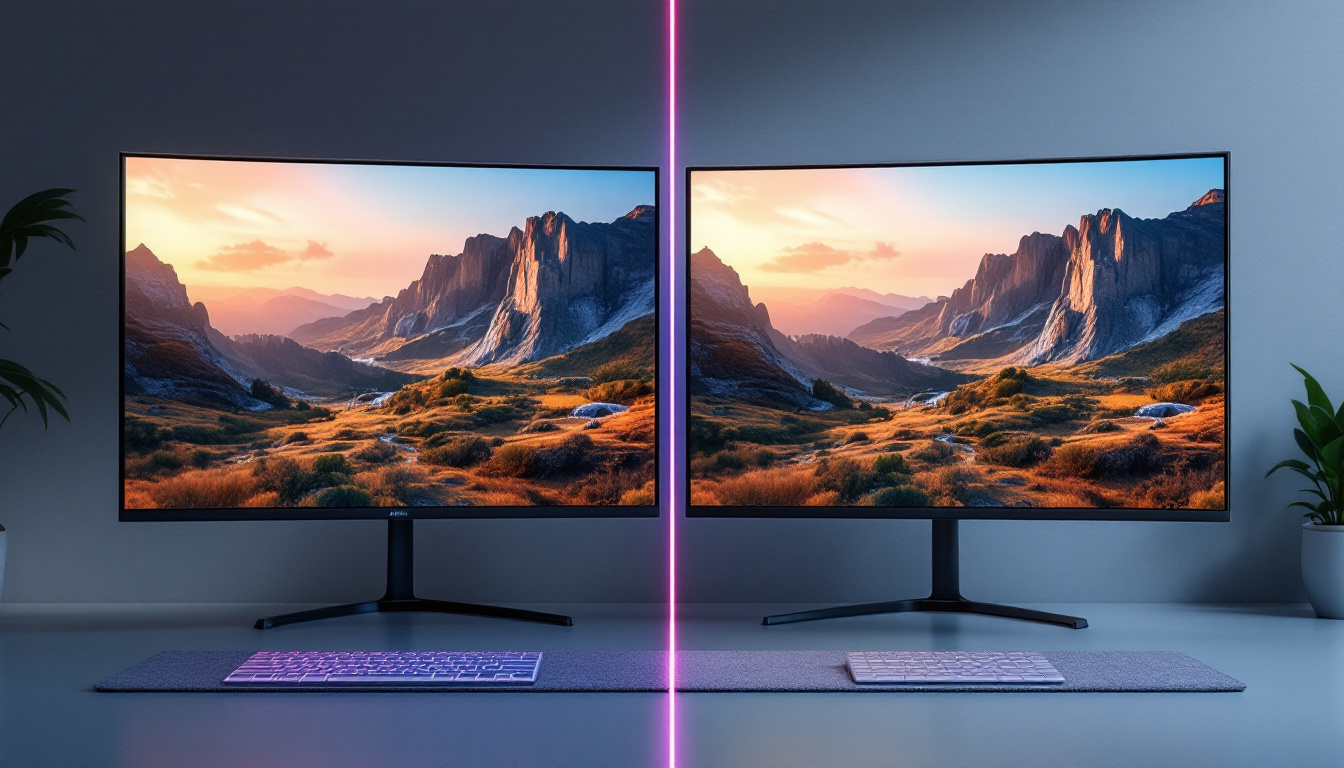
LED displays are favored for meeting room monitors due to their high visibility, durability, and energy efficiency. Unlike traditional LCD screens, LED displays use light-emitting diodes to produce bright and vivid images, which remain clear even under strong ambient lighting conditions common in office environments.
Moreover, LED displays have a longer lifespan and lower power consumption, making them a sustainable choice for organizations looking to reduce operational costs and environmental impact. The slim design of LED panels also allows for seamless integration into modern office aesthetics. In addition to their practical benefits, many LED meeting room monitors come equipped with customizable features, enabling companies to personalize the display with their branding or specific color schemes. This not only enhances the visual appeal of the workspace but also reinforces corporate identity and culture. Furthermore, some advanced models offer touch-screen capabilities, allowing users to interact directly with the display for a more engaging experience, such as checking room schedules or booking meetings on the spot.
Key Features and Functionalities
Meeting room monitors with LED displays come equipped with a variety of features designed to enhance meeting management and user experience. Understanding these functionalities can help organizations select the right solution for their needs.
Real-Time Room Availability
One of the most valuable features is the ability to display real-time room availability. The monitor shows whether the room is currently occupied or free, often using intuitive color codes—green for available, red for occupied, and yellow for soon-to-be available. This instant visibility reduces confusion and minimizes scheduling conflicts.
Calendar Integration and Scheduling
Integration with popular calendar platforms allows the monitor to pull meeting data directly from users’ calendars. This synchronization ensures that the display reflects the most current bookings, including start and end times, meeting titles, and participant lists. Some systems also support ad-hoc bookings directly from the device, enabling spontaneous meeting setups without needing to access a computer or smartphone.
Touchscreen Capabilities
Many modern meeting room monitors feature touchscreen functionality, allowing users to interact with the display to book rooms, extend meetings, or check upcoming schedules. This interactivity enhances convenience and reduces the need for additional booking tools.
Customizable Display Options
Organizations can often customize the information shown on the LED display to suit their specific requirements. This may include company branding, personalized messages, room capacity, equipment status, or even environmental data such as room temperature and air quality.
Notifications and Alerts
Some advanced monitors can send notifications or alerts to users and administrators, such as reminders before meetings start, warnings about double bookings, or maintenance alerts for the room or equipment. These features help maintain smooth operations and prevent disruptions.
Benefits of Using LED Meeting Room Monitors
Implementing LED meeting room monitors offers numerous advantages that contribute to enhanced workplace efficiency and employee satisfaction.
Improved Space Utilization
According to a 2023 study by the International Facility Management Association, organizations that use digital room scheduling systems report up to a 30% improvement in meeting room utilization. By providing clear, real-time information, LED monitors help employees find and reserve spaces quickly, reducing wasted time and underutilized rooms.
Reduced Scheduling Conflicts
Manual booking systems or static signage often lead to double bookings and confusion. LED displays integrated with calendar systems reduce these conflicts by ensuring everyone has access to the latest scheduling information, fostering a more organized meeting culture.
Enhanced User Experience
Employees benefit from the convenience of checking room availability at a glance or booking rooms on the spot. This ease of use can improve overall satisfaction and reduce frustration associated with meeting logistics.
Energy Efficiency and Sustainability
LED technology consumes significantly less power than traditional display methods. This efficiency aligns with corporate sustainability goals and can lead to lower energy bills over time.
Professional and Modern Office Appearance
LED meeting room monitors contribute to a sleek, high-tech office environment. They signal to visitors and staff alike that the organization values innovation and operational excellence.
Choosing the Right Meeting Room Monitor
Selecting the appropriate LED meeting room monitor requires careful consideration of several factors to ensure it meets the organization’s specific needs and integrates seamlessly with existing systems.
Display Size and Resolution
The size of the LED display should correspond to the typical viewing distance and the amount of information to be shown. Larger displays with higher resolution are preferable for rooms located in busy corridors or large office spaces, ensuring readability from afar.
Integration Compatibility
Compatibility with existing calendar and room booking systems is crucial. Organizations should verify that the monitor supports integration with their preferred platforms, whether that be Microsoft Exchange, Google Workspace, or specialized enterprise software.
Connectivity Options
Reliable connectivity options such as Wi-Fi, Ethernet, or Bluetooth are essential for seamless data synchronization. Some monitors also support cloud-based management, allowing IT teams to update and control devices remotely.
Durability and Maintenance
Office environments can be demanding, so selecting monitors with robust construction and easy maintenance is important. Features like anti-glare coatings, tamper-resistant enclosures, and simple firmware updates enhance longevity and reduce downtime.
User Interface and Accessibility
Consider whether the monitor offers touchscreen capabilities, multilingual support, and accessibility features to accommodate all users. A user-friendly interface encourages adoption and reduces training requirements.
Implementing Meeting Room Monitors: Best Practices
Successful deployment of LED meeting room monitors involves more than just purchasing the hardware. A strategic approach ensures maximum benefit and user acceptance.
Conduct a Needs Assessment
Begin by evaluating the number of meeting rooms, typical usage patterns, and pain points in the current booking process. This assessment helps determine the number and placement of monitors, as well as required features.
Engage Stakeholders Early
Involve IT, facilities management, and end-users in the selection and implementation process. Their input can identify potential challenges and foster buy-in.
Plan for Integration and Training
Coordinate with software providers to ensure smooth integration with calendar systems. Provide training sessions or materials to familiarize employees with the new system and its benefits.
Monitor Usage and Gather Feedback
After deployment, track usage metrics and solicit user feedback to identify areas for improvement. Regular updates and adjustments can optimize performance and satisfaction.
Maintain and Update Regularly
Keep the monitors’ software and firmware up to date to ensure security and functionality. Schedule periodic maintenance to address any hardware issues promptly.
Future Trends in Meeting Room Monitoring
The evolution of meeting room monitors is closely tied to broader trends in workplace technology and digital transformation.
AI and Predictive Analytics
Artificial intelligence is beginning to play a role in optimizing room usage by analyzing patterns and predicting demand. Future monitors may suggest optimal booking times or automatically adjust room settings based on meeting type.
Integration with Smart Building Systems
Meeting room monitors are increasingly integrated with smart building technologies, enabling automated control of lighting, HVAC, and audiovisual equipment based on room occupancy and schedules. This integration enhances energy efficiency and user comfort.
Enhanced Collaboration Features
Upcoming devices may offer deeper integration with collaboration tools, allowing users to launch video conferences, share content, or access meeting notes directly from the monitor.
Greater Customization and Personalization
Advances in software will allow organizations to tailor displays more precisely to their culture and workflows, including dynamic content and interactive elements that engage users.
Conclusion
Meeting room monitors with LED displays represent a significant advancement in workplace management technology. By providing clear, real-time information about room availability and scheduling, these devices help organizations optimize space utilization, reduce conflicts, and enhance the overall meeting experience.
Choosing the right monitor involves assessing organizational needs, ensuring compatibility with existing systems, and planning for effective implementation and maintenance. As technology continues to evolve, meeting room monitors will become even more intelligent and integrated, playing a central role in the smart office of the future.
For businesses aiming to improve operational efficiency and foster a collaborative work environment, investing in LED meeting room monitors is a strategic step toward modernizing their meeting infrastructure.
Discover LumenMatrix’s Advanced LED Solutions
Ready to elevate your meeting room experience with the latest in LED display technology? LumenMatrix is at the forefront of creating immersive visual environments that transform your workspace. From Indoor LED Walls that make your presentations pop to Custom LED Displays tailored to your specific needs, our solutions are designed to enhance collaboration and communication. Don’t just take our word for it; check out LumenMatrix LED Display Solutions today and see how we can help you share your message with unparalleled impact and efficiency.