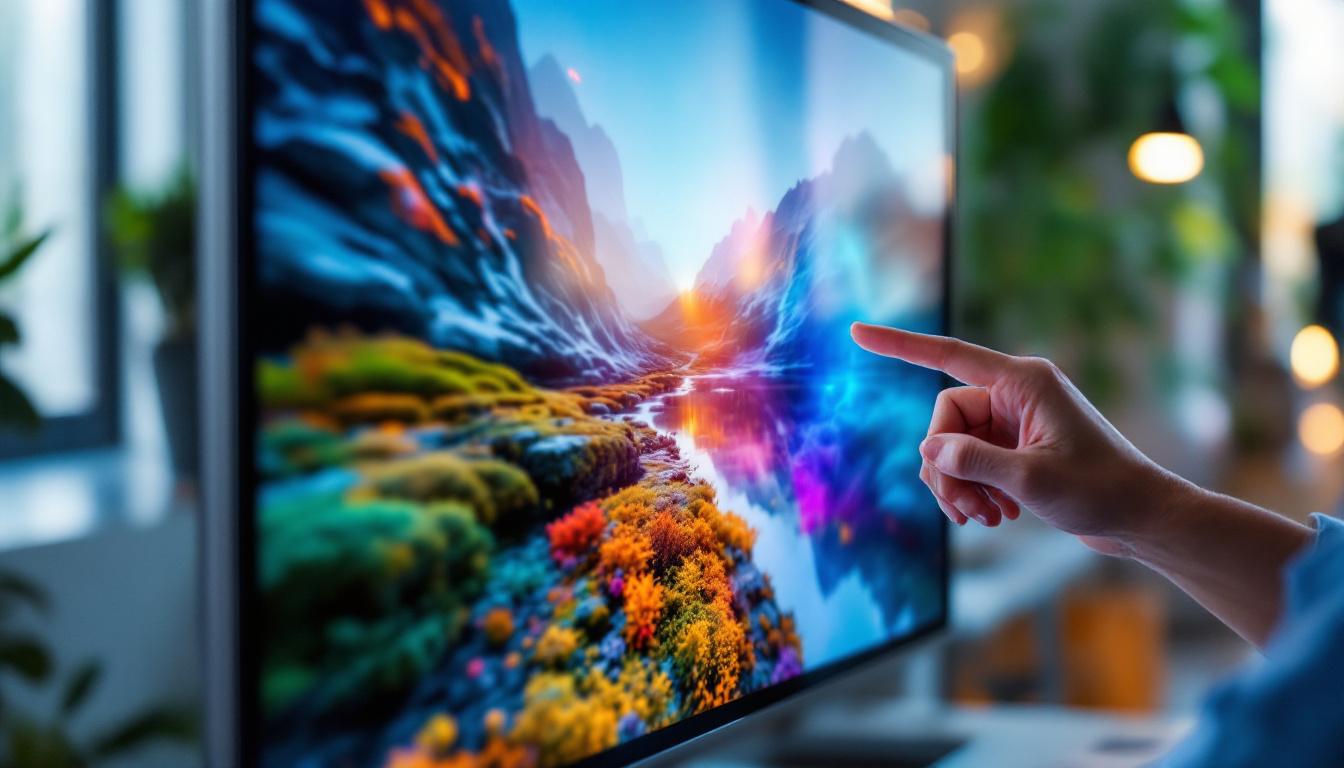
In today’s fast-evolving digital landscape, touch monitors have become an essential interface in various industries, from retail and healthcare to education and corporate environments. Among the many options available, the 15-inch touch monitor with LED display stands out for its blend of compact size, responsive touch capabilities, and vibrant visual performance. This article delves into the technical and practical aspects of 15-inch touch monitors with LED displays, offering a comprehensive understanding of their features, benefits, and applications.
Understanding the Basics: What Is a 15 Touch Monitor with LED Display?
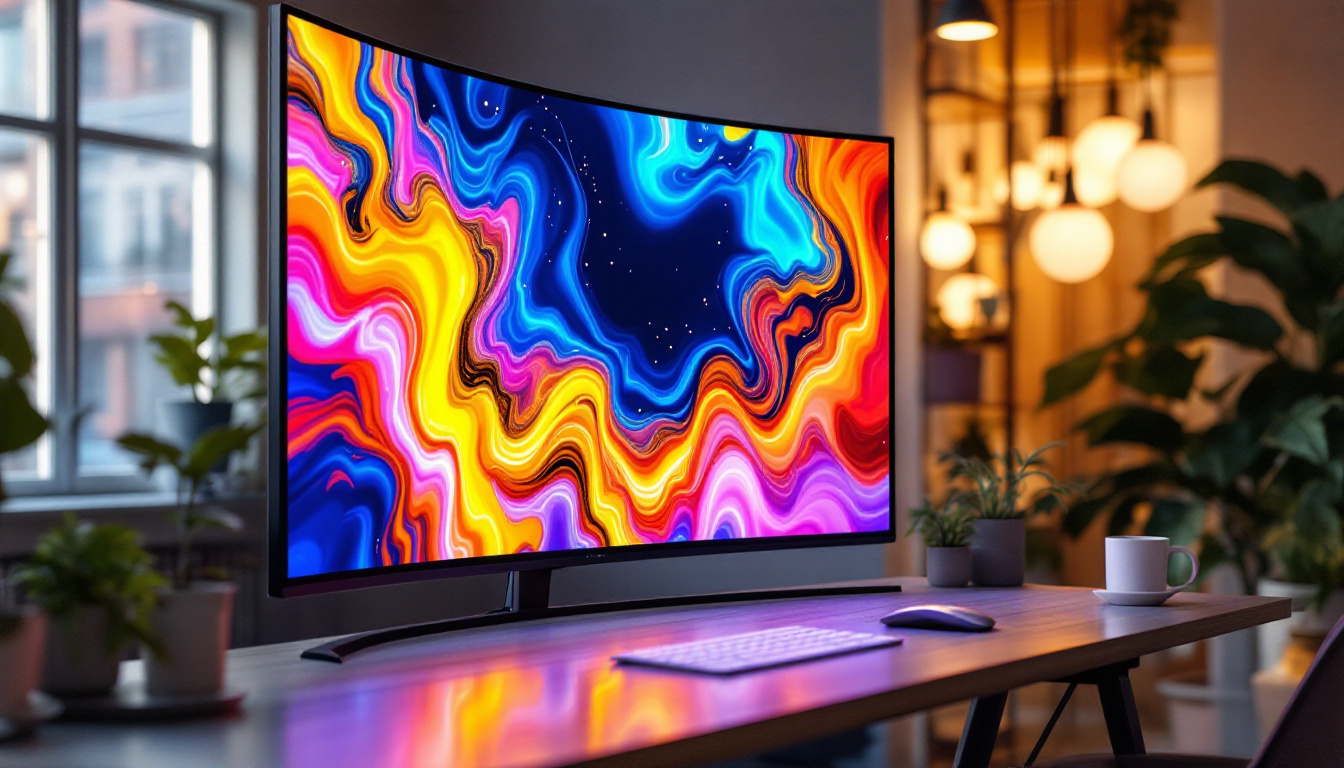
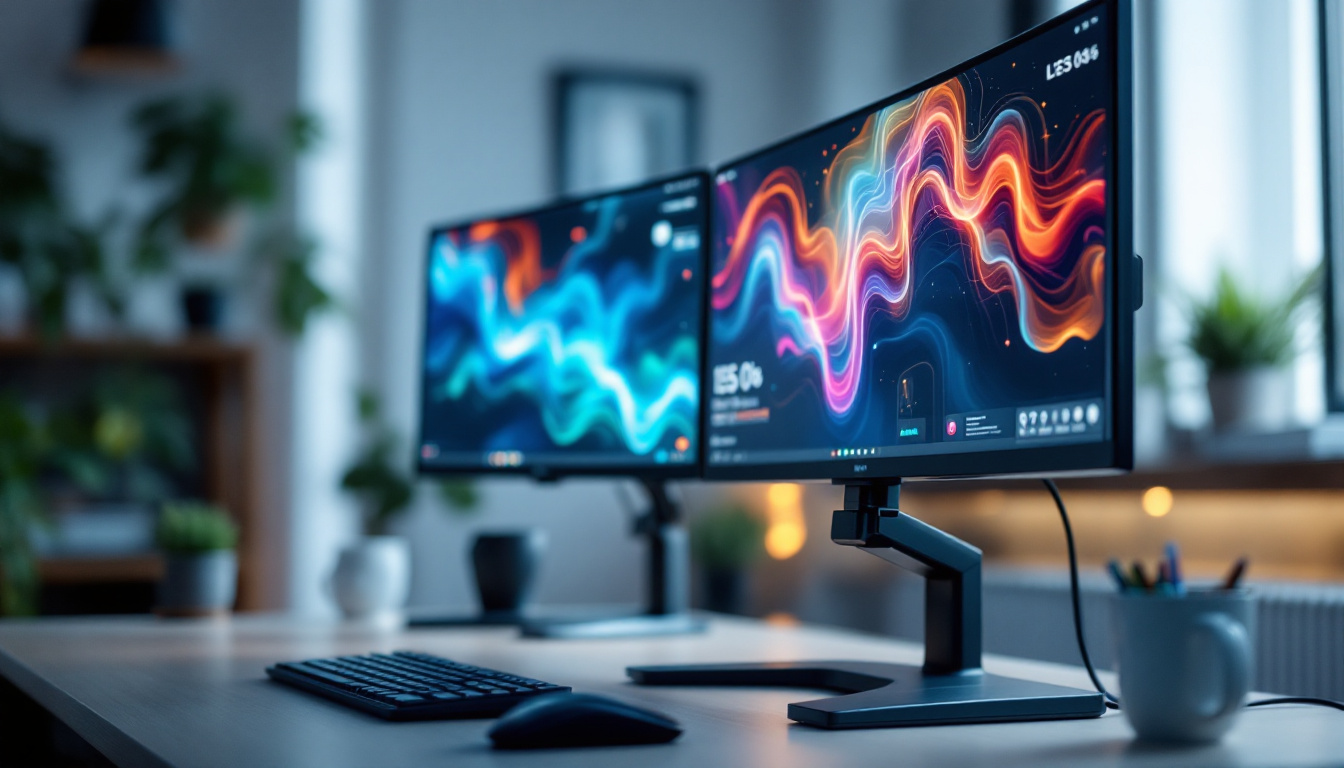
A 15 touch monitor refers to a display device that measures approximately 15 inches diagonally and supports touch input, allowing users to interact directly with the screen using fingers or a stylus. The “LED display” part indicates that the monitor uses Light Emitting Diode (LED) technology for backlighting the screen, which enhances brightness, energy efficiency, and overall image quality.
Unlike traditional LCD monitors that use cold cathode fluorescent lamps (CCFL) for backlighting, LED displays employ an array of LEDs. This difference results in thinner panels, better color accuracy, and reduced power consumption. The 15-inch size is particularly popular because it strikes a balance between portability and usability, making it suitable for both desktop and embedded applications. This versatility allows it to be used in various settings, from retail kiosks and point-of-sale systems to interactive educational tools and medical devices, showcasing its adaptability across different industries.
Types of Touch Technologies Used in 15-Inch Monitors
Touch monitors employ various technologies to detect user input, each with its own advantages and limitations. The most common touch technologies found in 15-inch monitors include:
- Resistive Touch: Uses pressure-sensitive layers that respond to physical touch. It supports input from fingers, styluses, and gloves but offers lower clarity compared to other technologies.
- Capacitive Touch: Detects changes in electrical charge when a finger touches the screen. It provides excellent clarity and multi-touch capabilities but typically requires conductive input.
- Infrared (IR) Touch: Uses an array of IR LEDs and sensors around the screen edges to detect touch by interruption of the IR light beams. It supports multi-touch and works with any input type but can be more expensive.
- Surface Acoustic Wave (SAW): Employs ultrasonic waves on the screen surface to detect touch. It offers high clarity but is sensitive to contaminants like dust and water.
Among these, capacitive and resistive touch technologies are the most prevalent in 15-inch LED touch monitors, with capacitive favored for consumer devices and resistive for industrial or medical environments requiring glove compatibility. The choice of technology can significantly impact the user experience; for instance, capacitive screens often provide a more responsive and fluid interaction, making them ideal for applications where speed and accuracy are crucial, such as gaming or graphic design. Conversely, resistive screens, while less visually appealing, are often preferred in environments where durability and versatility are paramount, such as in manufacturing or healthcare settings, where users may need to operate the device while wearing gloves or in less-than-ideal conditions.
Furthermore, the integration of touch technology with LED displays has opened new avenues for user interface design. Developers can create more intuitive and engaging applications that leverage the tactile feedback of touch screens. This has led to the rise of interactive displays in museums, galleries, and public information systems, where users can explore content in a hands-on manner. The combination of a 15-inch size with advanced touch capabilities makes these monitors particularly effective for interactive learning environments, where students can engage directly with educational content, fostering a more immersive and participatory learning experience.
Key Features of 15-Inch LED Touch Monitors
When evaluating 15-inch touch monitors, several features determine their suitability for specific applications. Understanding these features helps users select the right monitor for their needs.
Display Resolution and Image Quality
Resolution plays a critical role in display sharpness and detail. Common resolutions for 15-inch monitors include 1024×768 (XGA), 1366×768 (HD), and 1920×1080 (Full HD). Higher resolutions provide crisper images and more workspace, essential for detailed tasks such as graphic design or medical imaging.
LED backlighting enhances brightness and contrast ratios, often delivering vivid colors and deeper blacks compared to older CCFL-backlit displays. Many modern 15-inch monitors also support wide color gamuts (such as sRGB or Adobe RGB), improving color accuracy for professional use.
Touch Responsiveness and Multi-Touch Support
Touch responsiveness is measured by latency and accuracy. A high-quality 15-inch touch monitor typically offers near-instantaneous response times, ensuring smooth interaction without lag. Multi-touch support enables gestures like pinch-to-zoom, rotation, and multi-finger scrolling, which have become standard in modern user interfaces.
For example, capacitive touchscreens often support 10 or more simultaneous touch points, making them ideal for collaborative environments or complex applications requiring multiple inputs.
Durability and Build Quality
Durability is crucial, especially in commercial or industrial settings. Many 15-inch touch monitors feature ruggedized designs with reinforced glass, such as chemically strengthened or Gorilla Glass, to resist scratches and impacts. Some models also offer water and dust resistance ratings (IP65 or higher), ensuring reliable performance in harsh environments.
Mounting options, such as VESA compatibility, allow flexible installation on walls, stands, or embedded systems, enhancing usability across different scenarios.
Connectivity and Compatibility
A versatile 15-inch touch monitor supports various input interfaces, including HDMI, DisplayPort, VGA, and USB for touch data transmission. USB-C connectivity is increasingly common, offering video, touch, and power delivery over a single cable, simplifying setup and reducing clutter.
Compatibility with multiple operating systems—Windows, macOS, Linux, and Android—is another important consideration, especially for businesses deploying diverse hardware ecosystems.
Applications of 15-Inch LED Touch Monitors
The compact size and interactive capabilities of 15-inch LED touch monitors make them suitable for a wide range of applications across different industries.
Point of Sale (POS) Systems
Retail environments frequently use 15-inch touch monitors as POS terminals. Their size fits well on counters without occupying excessive space, while the responsive touch interface speeds up transactions. LED backlighting ensures clear visibility under various lighting conditions, including bright store environments.
Many POS monitors integrate with specialized software for inventory management, customer loyalty programs, and payment processing, enhancing overall operational efficiency.
Healthcare and Medical Devices
In healthcare, 15-inch touch monitors serve as interfaces for medical instruments, patient monitoring systems, and electronic health record (EHR) terminals. The ability to operate the screen with gloves and the presence of antimicrobial coatings on some models improve hygiene and safety.
High-resolution LED displays aid in viewing detailed medical images, such as X-rays or ultrasounds, while touch input speeds up data entry and navigation during critical procedures.
Industrial and Manufacturing Environments
Industrial settings demand rugged and reliable touch monitors that can withstand dust, moisture, and vibrations. The 15-inch size is ideal for control panels, machine interfaces, and quality control stations where space is limited but precise interaction is necessary.
Touch monitors with resistive or IR touch technologies are often preferred in these environments due to their robustness and compatibility with gloves or styluses.
Education and Training
Interactive learning environments benefit from 15-inch touch monitors as individual student workstations or instructor control panels. The intuitive touch interface encourages engagement and hands-on interaction with educational software.
LED displays provide bright, clear visuals that reduce eye strain during extended use, supporting better focus and retention.
Choosing the Right 15-Inch Touch Monitor: Factors to Consider
Selecting the optimal 15-inch touch monitor involves evaluating several critical factors aligned with user needs and environment.
Intended Use and Environment
Understanding where and how the monitor will be used is paramount. For example, a retail POS system requires a sleek design with high brightness, whereas an industrial control panel demands ruggedness and glove-compatible touch technology.
Environmental considerations such as exposure to dust, moisture, or extreme temperatures influence the choice of protective features and certifications.
Touch Technology Preference
Choosing between resistive, capacitive, IR, or SAW touch technologies depends on input methods and performance requirements. Capacitive is ideal for consumer-grade applications with finger touch, while resistive or IR is better suited for industrial or medical use where gloves or styluses are common.
Display Quality and Resolution
Higher resolution and color accuracy are essential for graphics-intensive tasks, while standard resolutions suffice for general business applications. Brightness levels should be matched to ambient lighting conditions to ensure readability.
Connectivity and Integration
Ensuring the monitor supports the necessary video and touch input interfaces simplifies integration with existing systems. USB-C connectivity can reduce cable clutter and support modern devices, while legacy ports like VGA may be necessary for older equipment.
Budget and Total Cost of Ownership
While initial purchase price is important, consider long-term factors such as energy efficiency, durability, and warranty coverage. LED backlighting contributes to lower power consumption, potentially reducing operational costs over time.
Future Trends in 15-Inch Touch Monitor Technology
The touch monitor market continues to evolve, driven by advances in display technology, user interface design, and connectivity standards.
Integration of OLED and Mini-LED Displays
While LED-backlit LCDs dominate currently, emerging technologies like OLED and Mini-LED promise even better contrast ratios, color accuracy, and thinner form factors. These technologies may soon become standard in 15-inch touch monitors, enhancing visual performance further.
Enhanced Touch and Gesture Recognition
Advancements in touch sensor technology are enabling more precise and varied gesture recognition, including hover detection and pressure sensitivity. These features open new possibilities for creative applications and accessibility improvements.
AI and Smart Display Features
Incorporating AI-driven features such as adaptive brightness, predictive touch input, and voice control can make 15-inch touch monitors smarter and more intuitive. Such integration is particularly valuable in healthcare and industrial automation.
Conclusion
The 15-inch touch monitor with LED display represents a versatile and efficient solution for interactive computing needs across numerous sectors. Its compact size, combined with the advantages of LED technology and responsive touch interfaces, makes it an attractive choice for retail, healthcare, industrial, and educational applications.
By understanding the underlying technologies, key features, and application-specific requirements, users and organizations can make informed decisions when selecting a 15-inch touch monitor. As display and touch technologies continue to advance, these monitors will become even more powerful tools for enhancing productivity, engagement, and user experience.
Discover LumenMatrix’s Advanced LED Display Solutions
Ready to elevate your interactive computing experience with the latest in LED display technology? Look no further than LumenMatrix, a pioneer in crafting LED display modules designed to amplify your brand’s presence and captivate your audience. From immersive Indoor LED Walls to dynamic Outdoor Displays and beyond, LumenMatrix offers a comprehensive range of solutions tailored to your unique needs. Embrace the future of visual communication and check out LumenMatrix LED Display Solutions today to see how our innovative displays can transform your space and engage your audience like never before.