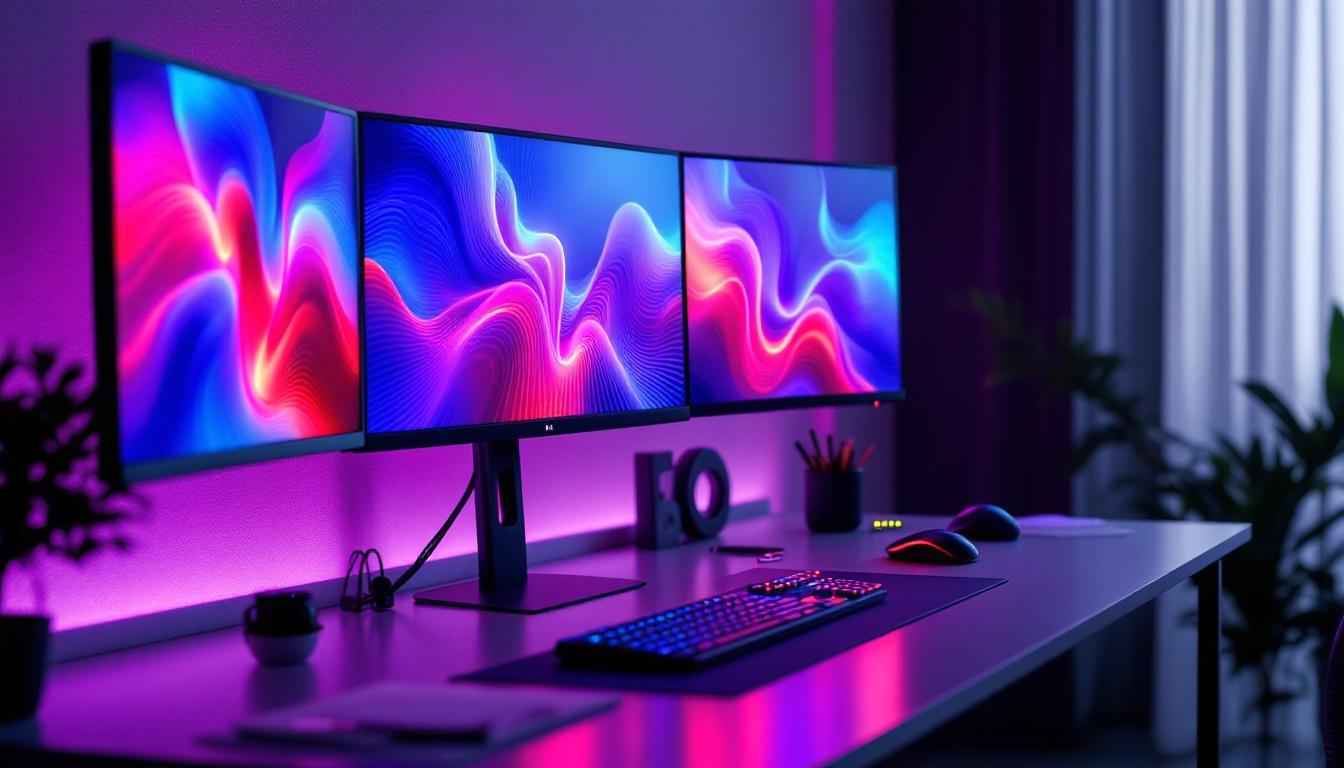
In today’s fast-paced digital environment, maximizing workspace efficiency and visual clarity is essential. Whether you’re a professional trader, a graphic designer, a programmer, or a gaming enthusiast, having multiple monitors can significantly enhance productivity and user experience. A 4 monitors stand designed specifically for LED displays offers a streamlined, ergonomic solution to manage multiple screens seamlessly. This article delves into the intricacies of 4 monitor stands, focusing on LED displays, their benefits, setup considerations, and how to choose the right stand for your needs.
Understanding LED Displays in Multi-Monitor Setups
LED (Light Emitting Diode) technology has revolutionized display screens over the past decade, becoming the standard for most modern monitors. Unlike older LCD monitors that use cold cathode fluorescent lamps (CCFL) for backlighting, LED displays utilize light-emitting diodes, which provide superior brightness, contrast, and energy efficiency. The advancement in LED technology has also led to the development of various types of displays, including OLED and QLED, each offering unique benefits that cater to different user needs and preferences.
When integrating LED monitors into a multi-display setup, several factors come into play. The vividness of colors, fast response times, and reduced eye strain are critical benefits that LED displays bring to users who spend extended hours in front of screens. These advantages make LED monitors particularly suitable for setups involving four screens, where clarity and consistency across displays are paramount. Additionally, the ability to adjust settings such as brightness and color temperature allows users to create a comfortable viewing environment tailored to their specific tasks, whether it be gaming, graphic design, or data analysis.
Why Choose LED Displays for a 4-Monitor Setup?
LED displays offer several key advantages that enhance the multi-monitor experience:
- Energy Efficiency: LED monitors consume less power compared to traditional LCDs, reducing electricity costs and environmental impact. This energy efficiency not only benefits users financially but also contributes to a more sustainable approach to technology usage.
- Slim Profile and Lightweight: LEDs allow for thinner and lighter monitors, making mounting on a 4 monitors stand easier and more stable. This design flexibility means that users can maximize their workspace without sacrificing aesthetics or functionality.
- Better Color Accuracy and Contrast: Essential for professionals in design and video editing, LED displays provide more accurate color reproduction and deeper blacks. This level of precision is vital for tasks that require meticulous attention to detail, ensuring that the final output meets the highest standards.
- Improved Brightness and Viewing Angles: LED technology ensures consistent brightness across the screen, which is crucial when aligning multiple monitors side-by-side. The wide viewing angles also allow for collaborative work, as colleagues can easily view the content from various positions without experiencing color distortion.
Moreover, the versatility of LED displays extends beyond just their technical specifications. Many modern LED monitors come equipped with features such as built-in speakers, USB hubs, and adjustable stands that enhance user convenience. For instance, a multi-monitor setup can be further optimized with ergonomic stands that allow for height adjustments, tilting, and swiveling, promoting better posture and reducing the risk of strain during long working hours. Furthermore, the seamless integration of LED monitors with advanced technologies like DisplayPort and HDMI ensures that users can connect their devices effortlessly, facilitating a more efficient workflow.
Benefits of Using a 4 Monitors Stand
Managing four monitors individually can be cumbersome, leading to cluttered desks and inefficient workspace layouts. A dedicated 4 monitors stand addresses these challenges by providing a centralized mounting solution that improves ergonomics, aesthetics, and functionality.
Enhanced Ergonomics and Workspace Organization
One of the primary benefits of a 4 monitors stand is the ability to adjust the height, tilt, and orientation of each monitor independently. This flexibility helps reduce neck and eye strain by allowing users to position screens at optimal viewing angles. Furthermore, elevating monitors off the desk frees up valuable surface space for other essential tools, creating a cleaner and more organized workspace.
Improved Productivity Through Seamless Multi-Tasking
With a 4 monitors stand, users can arrange their screens in configurations that best suit their workflow—whether in a grid, linear, or curved formation. This setup enables simultaneous viewing of multiple applications, documents, or data streams, which is invaluable for professions requiring extensive multitasking, such as financial trading, software development, and content creation.
Stability and Safety
High-quality 4 monitors stands are designed to securely hold multiple LED displays, minimizing the risk of accidental falls or damage. This stability is particularly important when dealing with expensive LED monitors, ensuring that your investment is protected while providing peace of mind.
Key Features to Consider When Choosing a 4 Monitors Stand
Selecting the right 4 monitors stand depends on several technical and practical considerations. Understanding these features will help ensure compatibility with your LED displays and optimize your workspace setup.
Weight Capacity and Monitor Size Compatibility
Each monitor stand has a maximum weight capacity per arm or mounting point. It’s crucial to verify that the stand can support the combined weight of your four LED monitors. Additionally, monitor size compatibility—usually specified in inches—ensures that the stand’s arms can accommodate the width and height of your displays without crowding or instability.
Adjustability and Mounting Options
Look for stands offering multiple degrees of freedom, including height adjustment, tilt, swivel, and rotation. These features allow you to customize the monitor arrangement to reduce glare and improve comfort. Mounting options such as VESA compatibility are also essential, as most LED monitors support VESA mounts, facilitating easy attachment to the stand.
Desk Clamp vs. Grommet Mount
4 monitors stands typically come with two main mounting methods: desk clamps and grommet mounts. Desk clamps attach to the edge of the desk and are easy to install without drilling, making them ideal for renters or temporary setups. Grommet mounts require drilling a hole in the desk surface, providing a more permanent and stable installation. Choose the option that best fits your workspace and usage scenario.
Cable Management Features
With four monitors, cable clutter can quickly become an issue. Many stands include integrated cable management systems, such as clips or channels, to keep power cords and video cables organized and out of sight. This not only improves aesthetics but also reduces the risk of accidental disconnections or damage.
Setting Up Your 4 Monitors Stand with LED Displays
Proper installation and configuration of a 4 monitors stand are critical to achieving an ergonomic and visually coherent multi-monitor setup. The following steps outline best practices for setting up your LED displays on a 4 monitors stand.
Step 1: Verify Compatibility and Prepare Your Workspace
Before mounting, confirm that your LED monitors support VESA mounting standards (typically 75×75 mm or 100×100 mm). Clear your desk space and ensure the surface can support the weight of the stand and monitors. If using a grommet mount, measure and mark the drilling location carefully.
Step 2: Assemble the Stand and Attach Monitor Arms
Follow the manufacturer’s instructions to assemble the stand frame and arms. Most stands come with detailed guides and necessary hardware. Attach the arms securely, ensuring they are tightened properly to avoid wobbling.
Step 3: Mount the LED Monitors
Attach each LED monitor to the stand arms using the VESA mounting holes. It’s advisable to have a second person assist with this step to prevent dropping or damaging the monitors. Once mounted, adjust the height, tilt, and rotation to align the screens uniformly.
Step 4: Connect Cables and Manage Wiring
Connect power cables, HDMI, DisplayPort, or other video cables to each monitor. Use the stand’s cable management features to route cables neatly, avoiding tangling and obstruction. Labeling cables can also be helpful for troubleshooting or future adjustments.
Step 5: Calibrate and Configure Display Settings
Once physically set up, configure your operating system’s display settings. Arrange the monitors in the display settings panel to match their physical layout. Calibrate brightness, contrast, and color settings on each LED display to ensure uniformity across all four screens.
Popular Use Cases for 4 Monitor LED Setups
Multi-monitor setups with LED displays are increasingly common across various industries and applications. Understanding these use cases highlights the practical benefits of investing in a 4 monitors stand.
Financial Trading and Data Analysis
Traders and analysts often monitor multiple data streams, charts, and news feeds simultaneously. A 4 monitors stand allows them to organize these sources efficiently, enabling quicker decision-making and reducing the risk of missing critical information.
Creative Professionals and Content Creators
Graphic designers, video editors, and animators benefit from having dedicated screens for different tools, previews, timelines, and reference materials. LED displays’ superior color accuracy enhances the quality of their work, and a 4 monitors stand keeps their workspace organized and ergonomic.
Software Development and IT Management
Developers and IT professionals often juggle coding environments, debugging tools, documentation, and communication platforms. A multi-monitor setup improves workflow efficiency by reducing the need to switch between windows constantly.
Gaming and Streaming
Enthusiasts and professional streamers use multiple monitors to separate gameplay, chat, streaming software, and system monitoring. LED displays provide the fast refresh rates and vivid visuals necessary for immersive gaming experiences.
Maintenance Tips for Your 4 Monitors Stand and LED Displays
Maintaining your multi-monitor setup ensures longevity and consistent performance. Here are some essential tips to keep your 4 monitors stand and LED displays in optimal condition.
Regular Cleaning
Dust and fingerprints can degrade screen clarity and affect mechanical parts of the stand. Use microfiber cloths and appropriate screen cleaning solutions to gently clean LED displays. For the stand, wipe down metal or plastic components to prevent dust buildup.
Check and Tighten Mounting Hardware
Over time, screws and bolts may loosen due to vibrations or adjustments. Periodically inspect and tighten all mounting points to maintain stability and prevent accidents.
Monitor Calibration
LED displays can experience color shifts over time. Use calibration tools or software to periodically adjust color profiles and brightness settings, ensuring consistent image quality across all monitors.
Cable Inspection
Inspect cables for signs of wear or damage. Replace any frayed or bent cables promptly to avoid connectivity issues or electrical hazards.
Conclusion
A 4 monitors stand designed for LED displays is a powerful investment for anyone looking to enhance their workspace productivity and visual experience. By understanding the benefits of LED technology, the ergonomic advantages of a multi-monitor stand, and the critical features to consider, users can create a customized and efficient setup tailored to their professional or personal needs.
With proper installation, configuration, and maintenance, a 4 monitors stand can transform how you interact with digital content, making multitasking smoother, reducing physical strain, and delivering stunning visual performance. Whether for work or play, embracing this technology setup is a step toward a more organized and productive digital lifestyle.
Discover the Future of Visual Display with LumenMatrix
Ready to elevate your workspace and visual experiences to new heights? LumenMatrix is at the forefront of LED display innovation, offering a diverse range of solutions that cater to your every need. From the immersive Indoor LED Wall Display to the dynamic Outdoor LED Wall Display, and from the mobile versatility of Vehicle LED Displays to the sleek design of LED Poster Displays, LumenMatrix has you covered. Our mission is to transform your visual communication with digital signage and LED displays that not only engage but also captivate your audience. Don’t miss out on the opportunity to make a lasting impression. Check out LumenMatrix LED Display Solutions today and step into the future of visual storytelling.