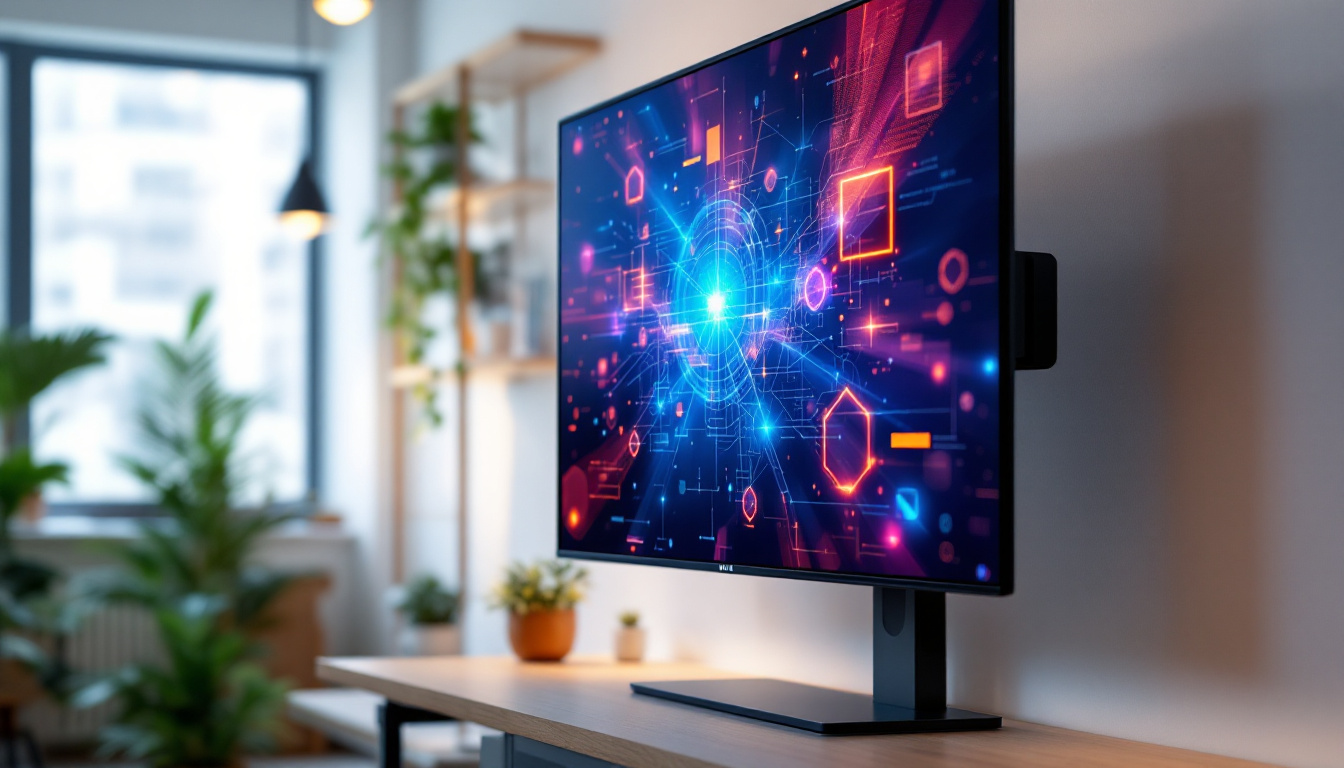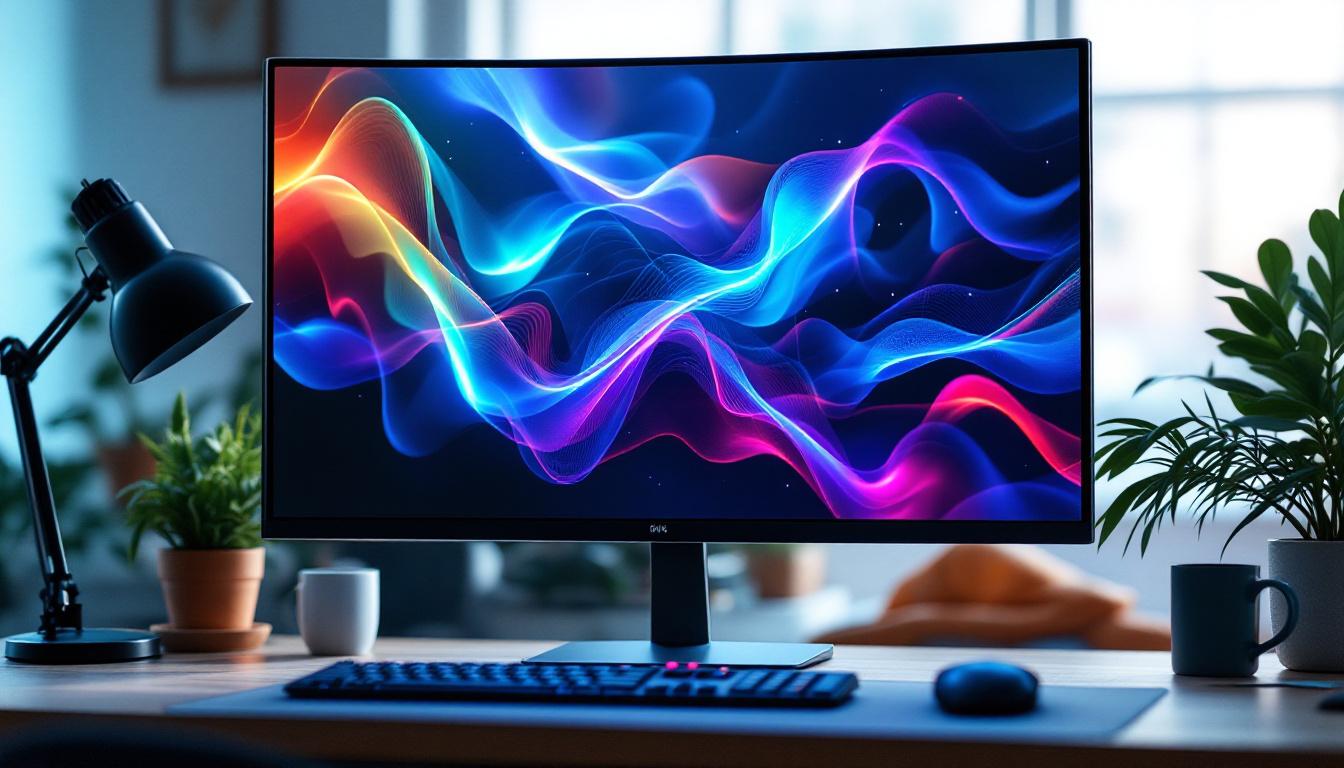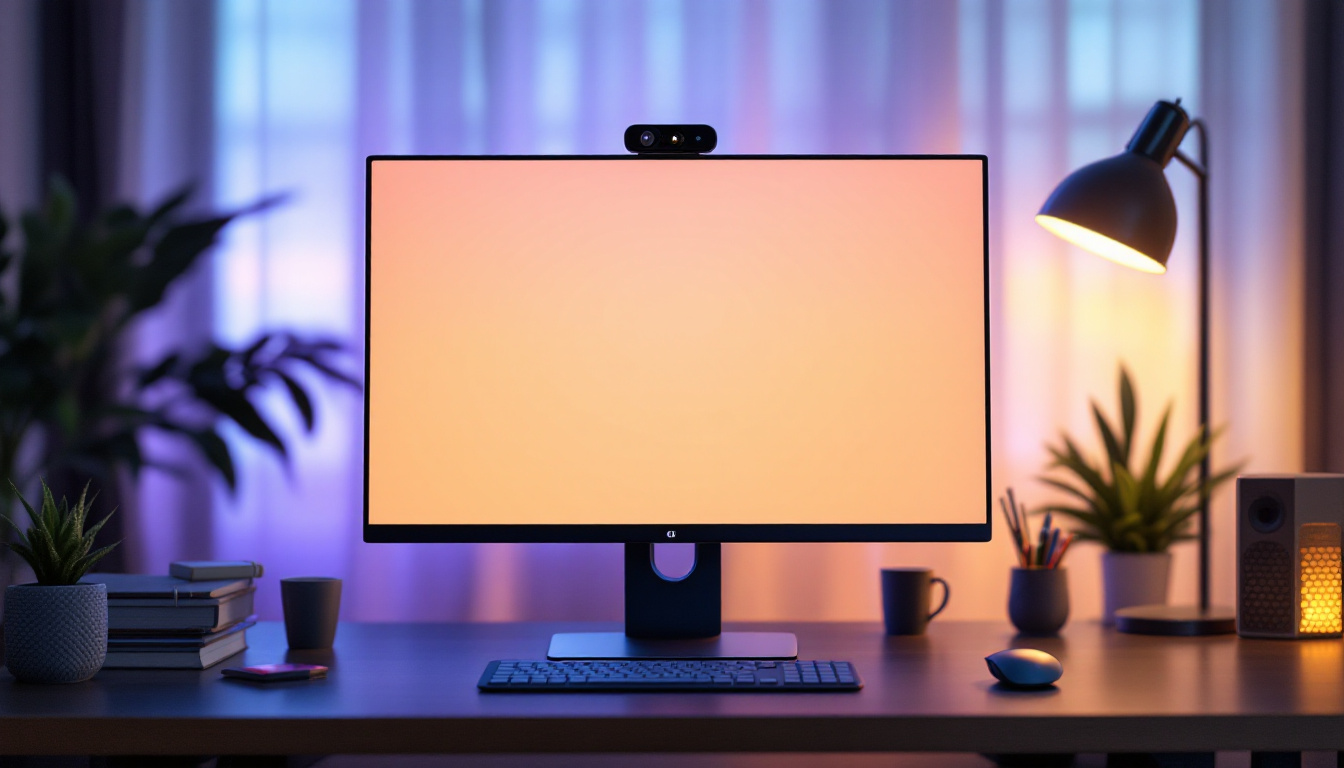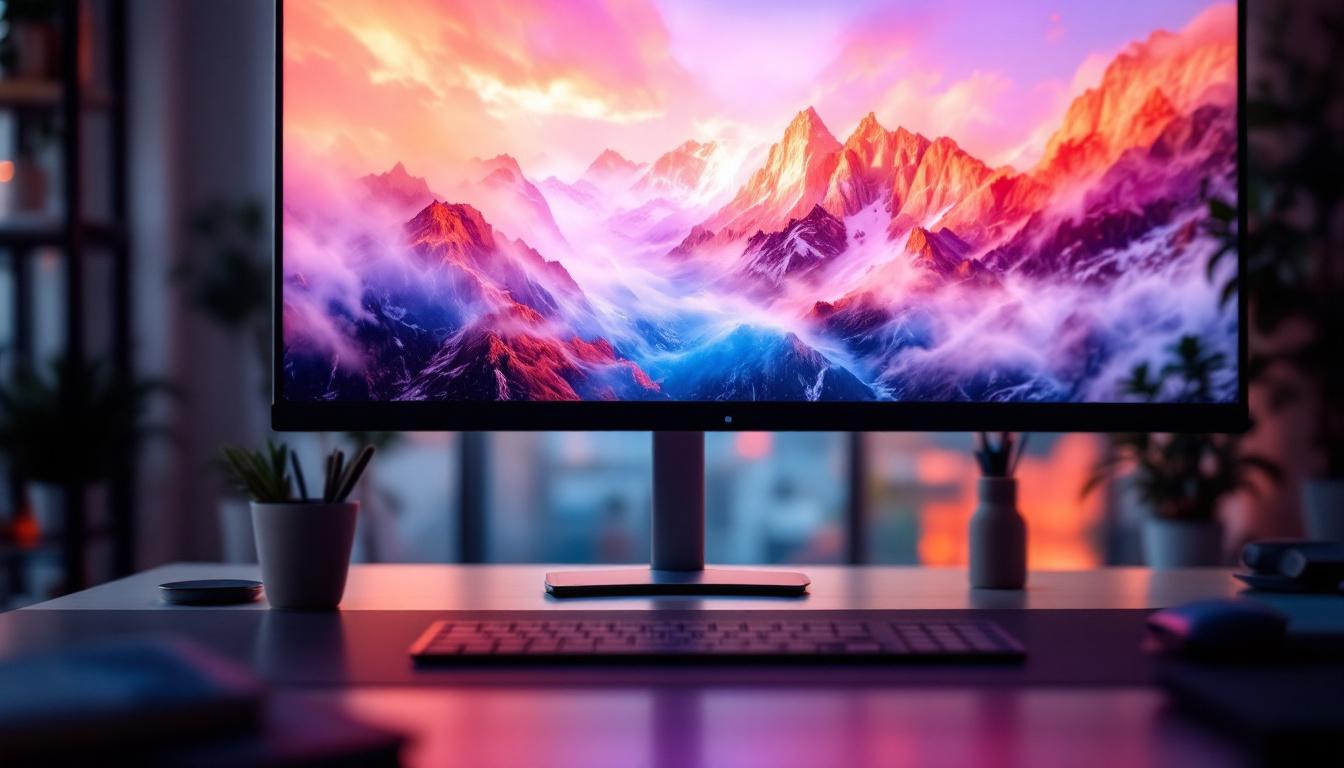
In today’s fast-evolving digital landscape, the demand for versatile and efficient display solutions is higher than ever. Among the myriad options available, the 34 inch touch screen monitor with LED display technology stands out as a popular choice for professionals, creatives, and casual users alike. This article dives deep into what makes these monitors unique, how LED technology enhances user experience, and why a 34 inch touch screen monitor could be the ideal addition to your workspace.
Understanding the 34 Inch Touch Screen Monitor
What Defines a 34 Inch Monitor?
The term “34 inch” refers to the diagonal measurement of the monitor’s screen, which is approximately 86.36 centimeters. This size is considered ultra-wide compared to the standard 24 or 27 inch monitors commonly used in offices and homes. The 34 inch dimension offers a broader horizontal workspace, making it particularly advantageous for multitasking, video editing, gaming, and immersive viewing experiences.
Unlike traditional monitors with a 16:9 aspect ratio, many 34 inch monitors feature an ultra-wide 21:9 aspect ratio. This wider format allows users to view more content side-by-side without the need for multiple monitors, reducing clutter and improving workflow efficiency. For instance, a graphic designer can have their design software open on one side while referencing images or tutorials on the other, creating a seamless workflow that enhances productivity.
Moreover, the increased screen real estate is not just beneficial for professionals; gamers can experience a more immersive environment, as many games are optimized for ultra-wide displays, providing a wider field of view that can enhance gameplay. The larger screen also allows for more detailed graphics and a more engaging visual experience, making it a popular choice among gaming enthusiasts.
The Touch Screen Advantage
Incorporating touch screen functionality into a 34 inch monitor adds a layer of interactivity that can transform how users engage with their devices. Touch screens enable direct manipulation of on-screen elements, which can speed up tasks such as drawing, annotating, navigating interfaces, and even playing games.
For industries like graphic design, education, retail, and healthcare, touch screen monitors offer intuitive control and a more natural user experience. The ability to interact with content directly on a large, ultra-wide display can enhance productivity and creativity. In educational settings, for instance, teachers can use touch screen monitors to present interactive lessons, allowing students to engage directly with the material, fostering a more dynamic learning environment.
Additionally, in retail environments, touch screen monitors can serve as interactive kiosks, allowing customers to browse products, check inventory, and even place orders without the need for assistance. This not only streamlines the shopping experience but also empowers customers to take control of their purchasing decisions. The versatility of touch screen technology in various applications underscores its growing importance in modern digital interactions.
LED Display Technology: What It Means for Your Monitor
Basics of LED Displays
LED, or Light Emitting Diode, technology is a form of backlighting used in LCD (Liquid Crystal Display) monitors. Unlike older CCFL (Cold Cathode Fluorescent Lamp) backlighting, LEDs provide brighter and more energy-efficient illumination. This results in sharper images, better contrast, and more vibrant colors.
In a 34 inch touch screen monitor, LED backlighting ensures that the large screen remains uniformly bright and visually appealing, even during extended use. The technology also contributes to thinner and lighter monitor designs, which are easier to integrate into various workspace setups. Furthermore, the longevity of LED displays means that users can enjoy their monitors for years without significant degradation in picture quality, making them a wise investment for both personal and professional use.
Types of LED Backlighting
There are primarily two types of LED backlighting used in monitors: edge-lit and full-array. Edge-lit LED monitors place LEDs along the edges of the screen, which allows for slimmer designs but can sometimes lead to uneven brightness. Full-array LED monitors have LEDs distributed evenly behind the entire screen, offering superior brightness uniformity and local dimming capabilities.
For a 34 inch touch screen monitor, full-array LED backlighting is often preferred, especially for professionals who require precise color accuracy and consistent brightness across the wide display. This is particularly beneficial for graphic designers and video editors who rely on accurate color reproduction to ensure their work translates well across different media. Additionally, full-array technology can enhance the viewing experience for gamers, as it allows for deeper blacks and more dynamic range in scenes, creating an immersive environment that draws players into the action.
Key Features and Benefits of 34 Inch LED Touch Screen Monitors
Enhanced Productivity Through Screen Real Estate
The ultra-wide 34 inch screen provides ample space to open multiple windows and applications simultaneously. This is particularly beneficial for professionals who rely on multitasking, such as software developers, financial analysts, and video editors. The ability to see more data at once reduces the need to switch between tabs or windows, streamlining workflow and minimizing distractions.
Improved User Interaction and Accessibility
Touch screen functionality makes the monitor more accessible and user-friendly. For example, in educational settings, teachers can use the monitor to interact directly with digital lesson plans or student work, making learning more engaging. In retail or hospitality environments, touch screens facilitate quick and easy customer interactions.
Moreover, touch screens can assist users with mobility challenges by providing an alternative to traditional mouse and keyboard inputs, enhancing inclusivity.
Superior Visual Experience
LED technology delivers vibrant colors, deep blacks, and high contrast ratios, which are essential for tasks that demand visual precision. Photographers and video editors benefit from the accurate color reproduction, while gamers enjoy immersive visuals with reduced motion blur and faster response times.
Additionally, many 34 inch LED monitors support high resolutions such as 3440 x 1440 pixels (WQHD), which ensures crisp and detailed images across the wide screen.
Choosing the Right 34 Inch Touch Screen LED Monitor
Resolution and Aspect Ratio Considerations
When selecting a 34 inch monitor, resolution plays a critical role in image clarity. WQHD (3440 x 1440) is the most common resolution for ultra-wide 34 inch monitors, striking a balance between sharpness and performance. Some high-end models offer 4K ultra-wide resolutions, providing even greater detail but requiring more powerful hardware to drive them effectively.
The 21:9 aspect ratio is standard for 34 inch monitors, offering a cinematic experience and expanded workspace. However, users should ensure their software and applications support this aspect ratio to avoid compatibility issues.
Touch Technology Types
There are several touch technologies used in monitors, including capacitive, resistive, and infrared. Capacitive touch screens are the most common in modern monitors, offering multi-touch support, high sensitivity, and durability. Resistive touch screens, while less sensitive, can be used with gloves or styluses and are often found in industrial settings.
Infrared touch screens use a grid of light beams to detect touch and are known for their accuracy and ability to support multi-touch gestures. Selecting the right touch technology depends on the intended use case and environment.
Connectivity and Compatibility
Modern 34 inch touch screen monitors typically offer a variety of connectivity options such as HDMI, DisplayPort, USB-C, and sometimes legacy ports like VGA. USB-C ports are particularly valuable as they can transmit video, data, and power simultaneously, reducing cable clutter.
Compatibility with operating systems is another important factor. Most touch screen monitors support Windows and macOS, but users should verify driver availability and multi-touch gesture support for their specific platform.
Applications and Use Cases
Creative Professionals
Graphic designers, video editors, and digital artists benefit immensely from the combination of a large ultra-wide screen and touch input. The expansive workspace allows for detailed timelines, multiple tool palettes, and high-resolution previews. Touch functionality enables natural drawing and editing gestures, especially when paired with a stylus.
Business and Productivity
In corporate environments, 34 inch touch screen monitors facilitate enhanced collaboration and presentations. Interactive displays can be used in conference rooms for brainstorming sessions, allowing participants to annotate documents or manipulate data directly on the screen.
Additionally, professionals who work with large spreadsheets, coding environments, or multiple virtual desktops find the ultra-wide display conducive to efficiency.
Education and Training
Educational institutions increasingly adopt touch screen monitors to create interactive learning environments. Teachers can use these monitors to deliver dynamic lessons, engage students with hands-on activities, and provide immediate feedback.
Training programs, especially those involving simulations or technical instruction, also benefit from the intuitive interface and large display area.
Retail and Hospitality
Touch screen monitors are widely used in point-of-sale (POS) systems, kiosks, and information terminals. The 34 inch size allows for clear display of menus, product catalogs, or service options, while touch input streamlines customer interactions and transactions.
Maintenance and Longevity of LED Touch Screen Monitors
Cleaning and Care Tips
Maintaining the clarity and responsiveness of a touch screen monitor requires regular cleaning with appropriate materials. Use a microfiber cloth and a mild screen cleaner to avoid scratching or damaging the screen. Avoid harsh chemicals and excessive moisture.
Ensuring Longevity
LED backlighting tends to have a long lifespan, often rated for tens of thousands of hours. However, factors such as heat, humidity, and usage intensity can affect longevity. Positioning the monitor in a well-ventilated area and avoiding prolonged static images can help preserve its performance.
Conclusion: Is a 34 Inch Touch Screen LED Monitor Right for You?
The 34 inch touch screen monitor with LED display technology offers a compelling blend of size, interactivity, and visual performance. Whether for professional use, creative endeavors, or interactive applications, these monitors provide a versatile and immersive experience.
By understanding the key features, benefits, and considerations outlined above, users can make informed decisions that align with their needs and environments. As technology continues to advance, the integration of touch and LED displays in ultra-wide formats is poised to become even more prevalent, shaping the future of digital interaction.
Discover LumenMatrix’s Advanced LED Display Solutions
Ready to elevate your visual experience with a 34 inch touch screen LED monitor? Look no further than LumenMatrix, a pioneer in LED display technology. Our extensive range of products, from Indoor LED Wall Displays to Custom LED Displays, is designed to bring your content to life with unparalleled brightness and clarity. Embrace the future of digital interaction and check out LumenMatrix LED Display Solutions today to transform your space with captivating and interactive visual displays.