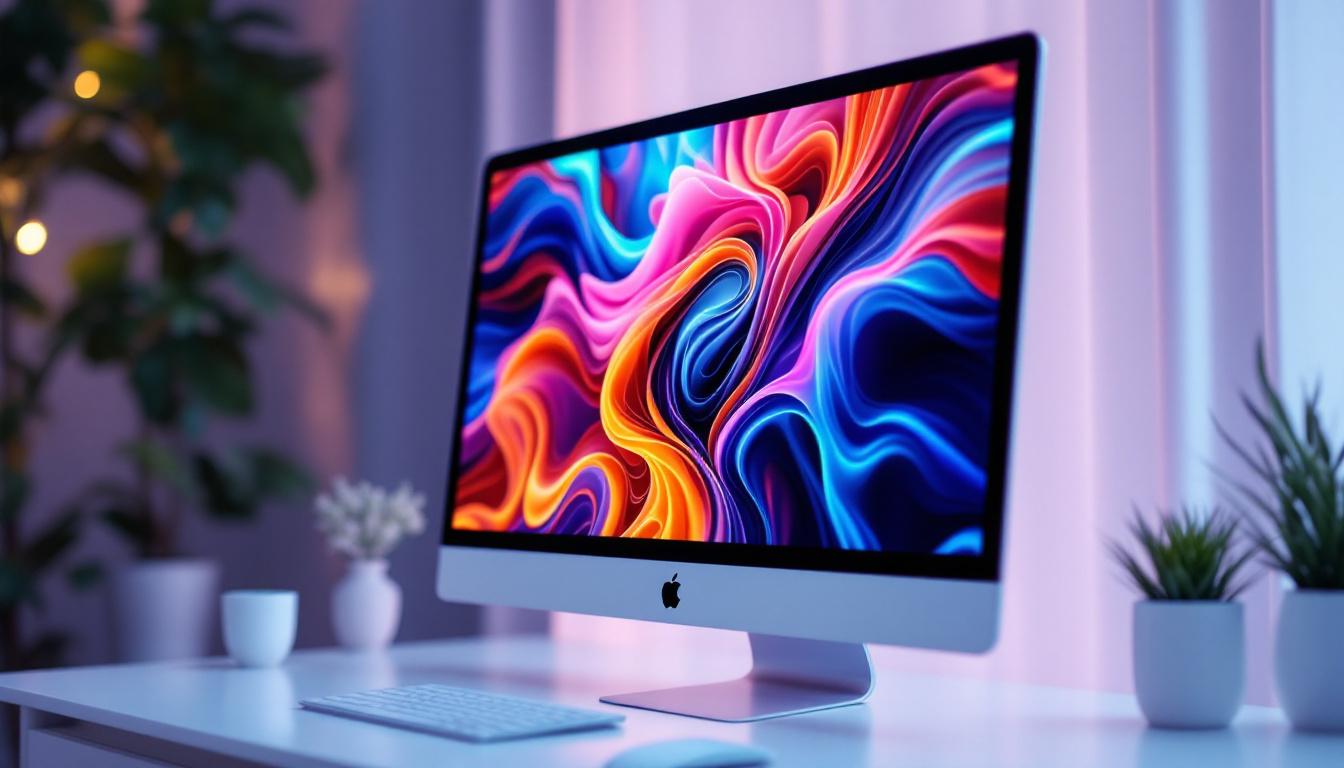
As technology continues to evolve, the demand for versatile and high-performance displays grows exponentially. Apple’s Mac ecosystem, known for its sleek design and powerful capabilities, has traditionally emphasized non-touch displays. However, the integration of touch screen technology with LED displays in Mac monitors is a topic garnering increasing interest among professionals and casual users alike. This article delves into the nuances of Mac monitor touch screens, focusing on LED display technology, its benefits, challenges, and the future outlook.
Understanding LED Displays in Mac Monitors
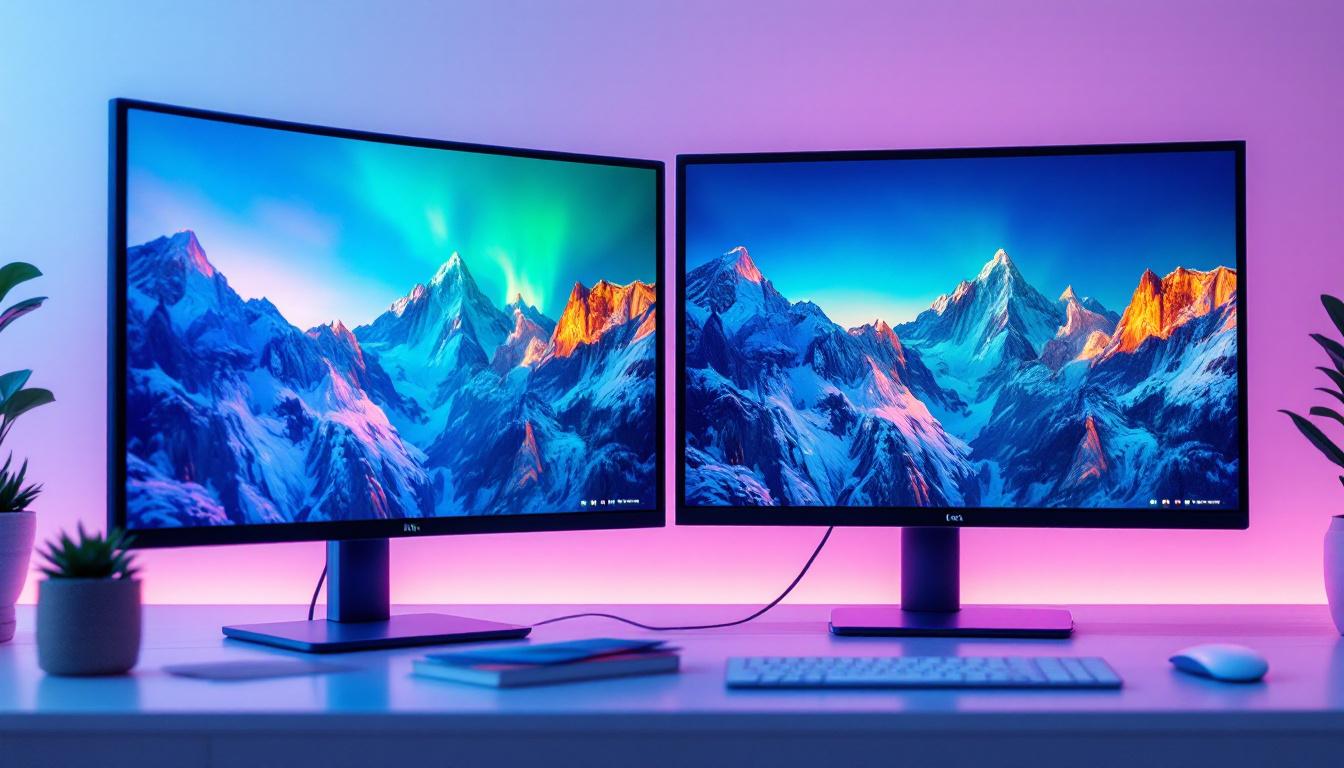
LED, or Light Emitting Diode, displays have become the standard in modern monitor technology due to their superior brightness, energy efficiency, and color accuracy. Apple’s monitors, including the renowned Pro Display XDR, utilize advanced LED technology to deliver exceptional visual experiences.
LED displays work by illuminating pixels with tiny diodes that emit light when an electric current passes through them. This technology allows for thinner panels, better contrast ratios, and more vibrant colors compared to traditional LCDs with CCFL backlighting. For Mac users, these attributes translate into sharper images, more accurate color reproduction, and less eye strain during extended use.
Types of LED Displays Relevant to Macs
There are primarily two types of LED backlighting used in monitors: edge-lit and full-array. Edge-lit LED displays place LEDs along the edges of the screen, allowing for thinner designs but sometimes compromising uniformity in brightness. Full-array LED displays position LEDs behind the entire screen, enabling local dimming zones that enhance contrast and black levels.
Apple’s high-end monitors typically employ full-array LED backlighting to achieve their signature Retina-level clarity and color precision. This technology is crucial for professionals in photography, video editing, and graphic design who rely on accurate color representation. Furthermore, the Pro Display XDR features a peak brightness of 1600 nits, which is particularly beneficial for HDR content, allowing users to experience a wider dynamic range and more lifelike visuals. This capability not only enhances the viewing experience but also provides creative professionals with the tools they need to ensure their work is represented accurately across various platforms.
In addition to the types of LED displays, it’s important to consider the role of color gamut in the performance of Mac monitors. Many of Apple’s displays support wide color spaces, such as P3, which encompasses a larger spectrum of colors compared to the standard sRGB. This expanded color range is essential for tasks that require precise color grading and correction, making it a favorite among graphic designers and video editors. The combination of advanced LED technology and wide color gamut support positions Apple monitors as a top choice for those who demand the best in visual fidelity and performance.
The Touch Screen Factor: Why Macs Haven’t Fully Embraced It
Despite the widespread adoption of touch screens in smartphones, tablets, and many Windows-based laptops, Apple’s Mac lineup has largely remained without native touch screen monitors. Several factors contribute to this design choice, which is important to understand when considering touch screen integration with Mac monitors.
Apple’s Design Philosophy and User Experience
Apple’s user interface design for macOS is optimized for keyboard and mouse or trackpad input. The company has emphasized precision pointing devices, such as the Magic Mouse and Magic Trackpad, which offer gestures and controls tailored for desktop productivity. Introducing touch screens could disrupt this workflow, potentially causing ergonomic issues such as arm fatigue from prolonged screen tapping.
Moreover, macOS does not currently include a touch-optimized interface like iOS or iPadOS. Without a fundamental redesign of the operating system to support touch input, adding a touch screen to a Mac monitor might result in a suboptimal user experience.
Technical and Market Challenges
From a technical standpoint, integrating touch sensors into LED displays can add complexity and cost. Touch layers may slightly reduce screen clarity or increase reflectivity, which contradicts Apple’s emphasis on display quality. Additionally, the market for touch-enabled desktop monitors remains niche, with most users preferring dedicated tablets or touchscreen laptops for touch interactions.
However, third-party manufacturers have developed touch screen monitors compatible with Macs, often using USB or Bluetooth connections to enable touch input. These solutions, while functional, may not offer the seamless integration that Apple users expect.
Benefits of LED Touch Screen Monitors for Mac Users
Despite the current limitations, LED touch screen monitors present several advantages that could appeal to specific Mac users, especially in creative and professional environments.
Enhanced Interactivity and Workflow Efficiency
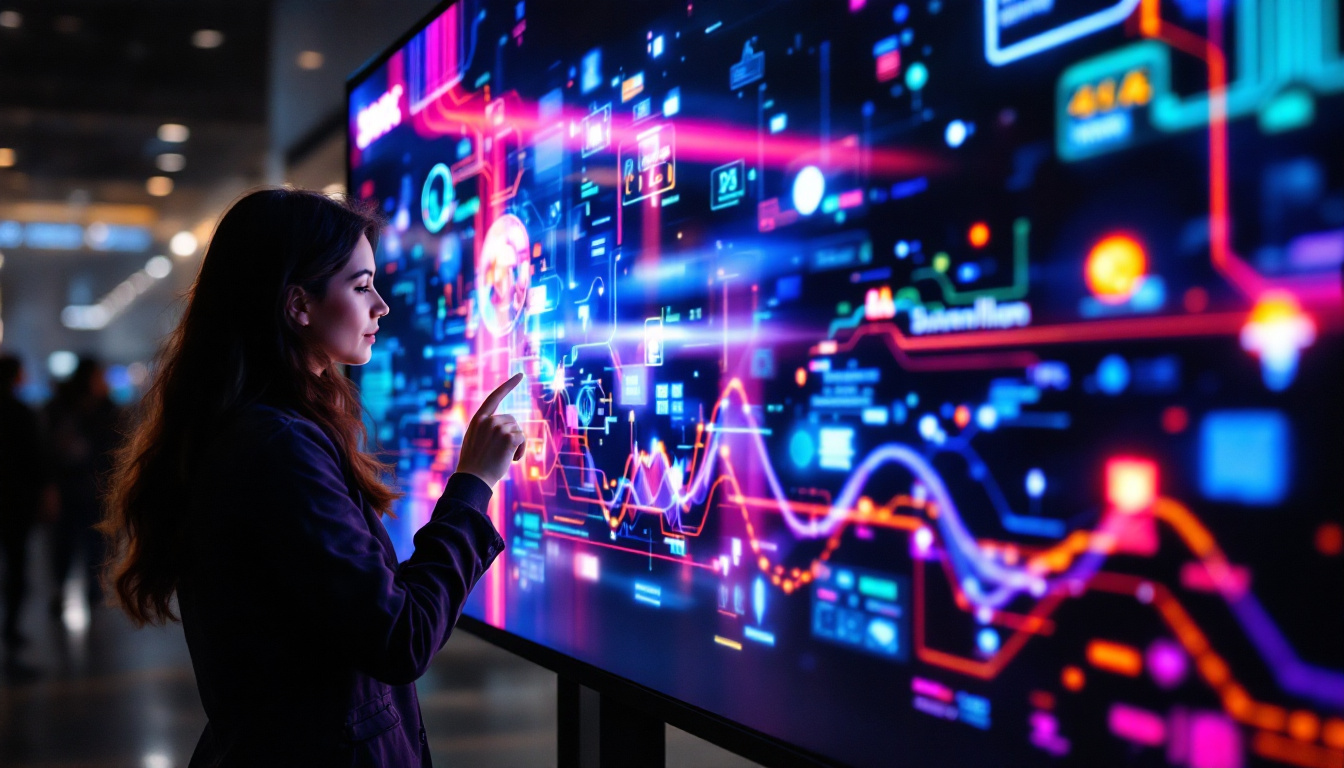
Touch screen monitors allow direct manipulation of on-screen elements, which can speed up tasks like drawing, photo retouching, and 3D modeling. For artists and designers using applications such as Adobe Photoshop, Illustrator, or Autodesk Maya, touch input combined with stylus support can provide a more intuitive and natural workflow.
Moreover, touch gestures can simplify navigation in complex software, reducing reliance on keyboard shortcuts and mouse clicks. This can be particularly beneficial in collaborative settings where multiple users interact with the screen.
Improved Accessibility
Touch screens can enhance accessibility for users with limited dexterity or mobility. Direct touch input can be easier to use than precise mouse movements or keyboard commands, making technology more inclusive. For Mac users requiring assistive technologies, touch-enabled displays can offer alternative interaction methods.
Vibrant Visuals with LED Technology
Combining touch capabilities with LED displays ensures that users do not sacrifice image quality. LED backlighting provides bright, vivid colors and high contrast, which are essential for detailed work in photography, video production, and design. The responsiveness of LED panels also complements touch input, minimizing lag and enhancing the overall user experience.
Challenges and Considerations When Using Touch Screen LED Monitors with Macs
While the benefits are compelling, there are several challenges Mac users should consider before investing in a touch screen LED monitor.
Compatibility and Driver Support
One of the primary concerns is driver and software support. macOS does not natively support touch input for external monitors, which means that touch functionality often relies on third-party drivers or software. This can lead to inconsistent performance, limited gesture support, or compatibility issues with macOS updates.
Users should research specific monitor models and verify that manufacturers provide reliable Mac-compatible drivers. Community forums and user reviews can be valuable resources to assess real-world performance.
Cost and Value Proposition
Touch screen LED monitors tend to be more expensive than their non-touch counterparts due to the additional hardware and technology required. For many Mac users, especially those focused on productivity rather than creative tasks, the added cost may not justify the benefits.
Given Apple’s ecosystem and the availability of iPads with Apple Pencil support, some users may find it more practical to use an iPad as a secondary touch input device via Sidecar or third-party apps, rather than investing in a dedicated touch screen monitor.
Ergonomics and Usage Habits
Extended use of touch screens on desktop monitors can lead to physical discomfort, commonly referred to as “gorilla arm” syndrome, caused by holding arms in mid-air to interact with vertical screens. This ergonomic challenge is significant for professionals who work long hours at their desks.
To mitigate this, touch screen monitors are often angled or paired with adjustable stands to encourage more natural hand positions. Users should consider their workspace setup and usage patterns before adopting touch screen monitors.
The Future of Mac Monitors: Touch and LED Innovations
Looking ahead, the convergence of touch screen technology and LED displays in the Mac ecosystem may evolve as Apple continues to innovate both hardware and software.
Potential Integration with macOS and Apple Silicon
With the transition to Apple Silicon chips, Apple has greater control over hardware and software integration. This could pave the way for improved touch support on Mac monitors, especially if macOS incorporates touch-optimized interfaces or hybrid input modes.
Rumors and patent filings suggest Apple is exploring touch and gesture-based input methods beyond the current trackpad and mouse paradigm. Future Mac monitors might feature advanced touch capabilities, haptic feedback, or even foldable or flexible LED panels.
Advancements in Display Technology
Beyond traditional LED, technologies such as Mini-LED and MicroLED are gaining traction. Apple’s Pro Display XDR already uses Mini-LED backlighting, offering superior brightness and contrast. MicroLED, which promises even better efficiency and color accuracy without the limitations of organic materials, could revolutionize Mac displays in the coming years.
These advancements will likely enhance the visual quality of touch screen monitors, making them more appealing for professional use.
Integration with Other Apple Devices
Apple’s ecosystem strength lies in device interoperability. Features like Sidecar allow iPads to function as secondary displays with touch and Apple Pencil input for Macs. This seamless integration may reduce the immediate need for dedicated touch screen Mac monitors but also sets a precedent for hybrid touch experiences.
Future developments might blur the lines further, enabling Mac monitors to leverage iPadOS features or support multi-touch gestures natively.
Conclusion
The intersection of Mac monitors, touch screen technology, and LED displays presents a fascinating landscape shaped by user needs, technological capabilities, and Apple’s design philosophy. While Apple has yet to fully embrace touch screens in its Mac lineup, the potential benefits for creative professionals and accessibility are significant.
LED displays remain the gold standard for Mac monitors, delivering exceptional brightness, color accuracy, and energy efficiency. When combined with touch input, these displays can transform workflows and user interaction, provided the challenges of compatibility, ergonomics, and cost are addressed.
As Apple continues to innovate with Apple Silicon and advanced display technologies, the future may hold new possibilities for touch-enabled Mac monitors that blend the best of LED performance with intuitive, responsive input methods. For now, users must weigh the pros and cons carefully and explore existing solutions that best fit their unique needs.
Discover the Future of Visual Display with LumenMatrix
As you consider the dynamic capabilities of LED touch screen monitors for your Mac, LumenMatrix stands at the forefront of this technological evolution. Embrace the future of visual communication with our comprehensive range of LED display solutions, from Indoor and Outdoor LED Wall Displays to innovative LED Sports and Floor Displays. Each product is crafted to deliver unparalleled brand visibility and immersive experiences. Whether for professional creative work or impactful business messaging, LumenMatrix is committed to enhancing your visual engagement. Check out LumenMatrix LED Display Solutions today and see how our cutting-edge technology can transform your display needs into captivating visual stories.