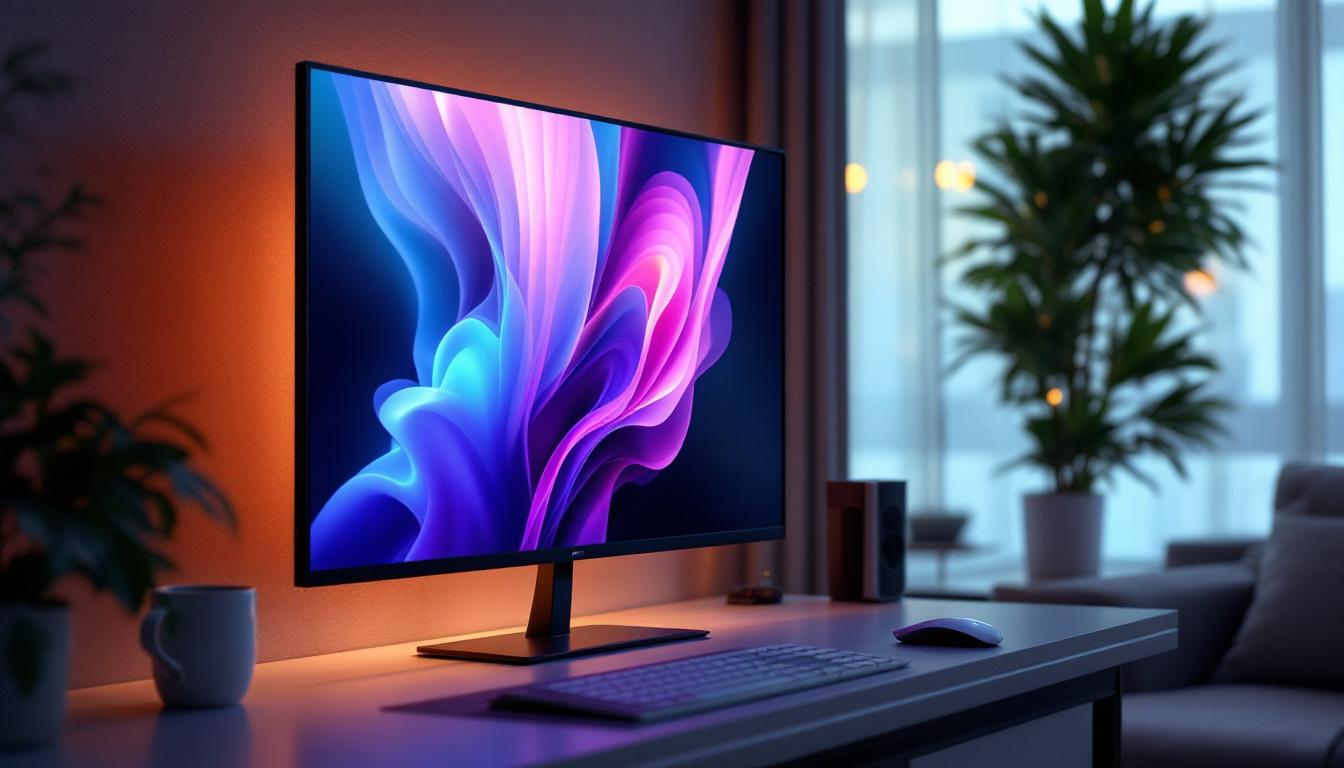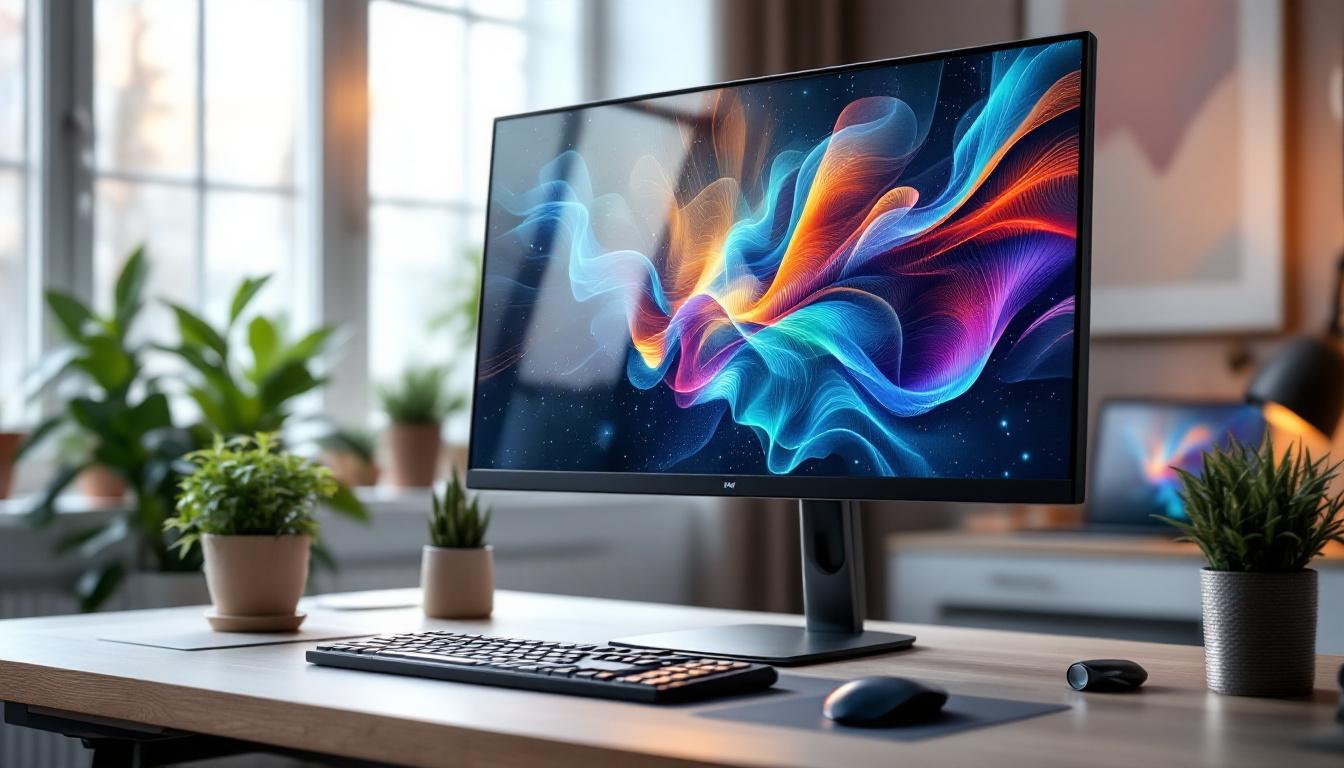
In today’s digital world, monitors are essential tools for work, entertainment, and communication. Among the various types available, LED displays have become the standard for most users due to their superior image quality, energy efficiency, and sleek designs. This article dives deep into the world of LED monitors, explaining what LED displays are, how they work, their advantages and disadvantages, and how they compare to other display technologies. Whether you’re a professional seeking the perfect monitor or a casual user wanting to understand your screen better, this comprehensive guide will illuminate everything you need to know about LED displays.
Understanding LED Display Technology
What Does LED Mean?
LED stands for Light Emitting Diode. In the context of monitors, LED refers to the type of backlighting used to illuminate the screen. Unlike older LCD monitors that used cold cathode fluorescent lamps (CCFL) for backlighting, LED monitors employ tiny light-emitting diodes. These diodes provide light behind the liquid crystal display (LCD) panel, which controls the pixels that create images on the screen.
It’s important to note that LED monitors are essentially LCD monitors with LED backlighting. The liquid crystals themselves do not emit light; they simply manipulate the light from the LEDs to produce images. This distinction is crucial because it clarifies that LED displays are a subset of LCD technology rather than a completely separate category.
How Do LED Displays Work?
LED displays operate by combining two technologies: the LCD panel and LED backlighting. The LCD panel contains millions of pixels made up of liquid crystals that can twist and align to either block or allow light to pass through colored filters, creating the colors and images you see.
The LEDs behind the panel provide the illumination necessary for the image to be visible. These LEDs can be arranged in different ways, such as edge-lit or direct-lit, affecting the display’s brightness and contrast. The light passes through the liquid crystals and color filters, producing the vivid images on the screen.
Types of LED Backlighting
Edge-Lit LED Monitors
Edge-lit LED monitors position the LEDs along the edges of the screen, usually on the top and sides. Light is then diffused across the panel using light guides to illuminate the entire display. This design allows for thinner and lighter monitors, making them popular for sleek laptops and slim desktop monitors.
However, edge-lit displays can sometimes suffer from uneven brightness and less precise local dimming, which may affect contrast and black levels. Despite this, many users find edge-lit monitors perfectly adequate for everyday use and multimedia consumption.
Direct-Lit and Full-Array LED Monitors
Direct-lit LED monitors have LEDs placed directly behind the LCD panel, providing more uniform lighting. Full-array LED monitors take this a step further by having a grid of LEDs that can be individually dimmed or brightened, a technology known as local dimming. This allows for improved contrast ratios and deeper blacks, enhancing the overall picture quality.
Full-array local dimming is especially beneficial for HDR (High Dynamic Range) content, making these monitors popular among gamers, video editors, and professionals who require precise color accuracy and contrast.
Advantages of LED Monitors
Energy Efficiency
One of the most significant advantages of LED monitors over older CCFL-backlit LCDs is their energy efficiency. LEDs consume less power while providing brighter and more consistent illumination. According to the U.S. Department of Energy, LED-backlit displays can use up to 40% less energy than traditional CCFL-backlit displays, which not only reduces electricity bills but also contributes to environmental sustainability.
Improved Image Quality
LED backlighting allows for higher brightness levels and better contrast ratios, resulting in sharper and more vibrant images. The ability to implement local dimming in full-array LED monitors further enhances black levels and dynamic range, making images appear more lifelike and immersive.
Additionally, LED monitors tend to have better color accuracy and wider color gamuts, which is critical for professionals in graphic design, photography, and video production.
Thinner and Lighter Designs
Because LEDs are smaller and more flexible in placement than CCFL tubes, manufacturers can create thinner and lighter monitors. This has led to the proliferation of ultra-slim displays that fit easily into modern workspaces and homes, offering aesthetic appeal without sacrificing performance.
Potential Drawbacks of LED Monitors
Cost Considerations
While LED monitors have become more affordable over time, models with advanced features like full-array local dimming and HDR support can still carry a premium price tag. Users on a tight budget may find basic LED monitors more accessible but might miss out on the enhanced image quality of higher-end models.
Viewing Angle Limitations
Most LED monitors use LCD panels with either TN (Twisted Nematic), IPS (In-Plane Switching), or VA (Vertical Alignment) technology. TN panels, often found in budget LED monitors, have narrower viewing angles and less accurate color reproduction. IPS and VA panels offer better viewing angles and color fidelity but can be more expensive.
Understanding the panel type is crucial when selecting an LED monitor, especially for tasks requiring color precision or for setups where multiple people view the screen simultaneously.
Potential for Backlight Bleed
Backlight bleed occurs when light from the LEDs leaks around the edges or corners of the screen, causing uneven brightness. This issue is more common in edge-lit LED monitors due to the placement of LEDs along the edges. While often minor, backlight bleed can be distracting in dark environments and affect the viewing experience.
Comparing LED Displays to Other Technologies
LED vs. OLED
Organic Light Emitting Diode (OLED) displays differ fundamentally from LED-backlit LCDs. OLED pixels emit their own light, allowing for true blacks by turning off individual pixels completely. This results in superior contrast ratios and more vibrant colors compared to LED monitors.
However, OLED monitors are generally more expensive and can suffer from burn-in issues with static images over time. LED monitors remain a more affordable and durable choice for most users, especially in professional environments where static UI elements are common.
LED vs. QLED
QLED (Quantum Dot LED) is a marketing term for LED monitors that use quantum dot technology to enhance color accuracy and brightness. These displays still rely on LED backlighting but incorporate a quantum dot layer to produce more vivid colors and a wider color gamut.
QLED monitors are often positioned as a premium alternative to standard LED monitors, particularly for gaming and multimedia applications. They offer a middle ground between traditional LED and OLED displays in terms of performance and price.
LED vs. CRT
Cathode Ray Tube (CRT) monitors were the standard before flat-panel displays took over. While CRTs offered excellent color accuracy and fast response times, they were bulky, heavy, and power-hungry. LED monitors provide a vastly improved form factor with better energy efficiency and comparable or superior image quality in most cases.
Choosing the Right LED Monitor for Your Needs
Consider Your Use Case
When selecting an LED monitor, it’s essential to consider how you plan to use it. For general office work and web browsing, a basic edge-lit LED monitor with an IPS panel may suffice. For gaming, look for monitors with high refresh rates (120Hz or above), low response times, and features like adaptive sync technologies (G-Sync or FreeSync).
Creative professionals should prioritize color accuracy, wide color gamut support (such as AdobeRGB or DCI-P3), and higher resolution displays. Video editors and photographers often benefit from full-array local dimming and HDR support for more precise image rendering.
Screen Size and Resolution
Screen size and resolution are critical factors that affect comfort and productivity. Common sizes range from 21 to 32 inches for desktop monitors, with resolutions from Full HD (1920×1080) to 4K (3840×2160) becoming increasingly popular.
Higher resolutions offer sharper images and more screen real estate but require more powerful hardware to drive them effectively. Balancing size, resolution, and budget will help you find the optimal monitor for your setup.
Connectivity and Ergonomics
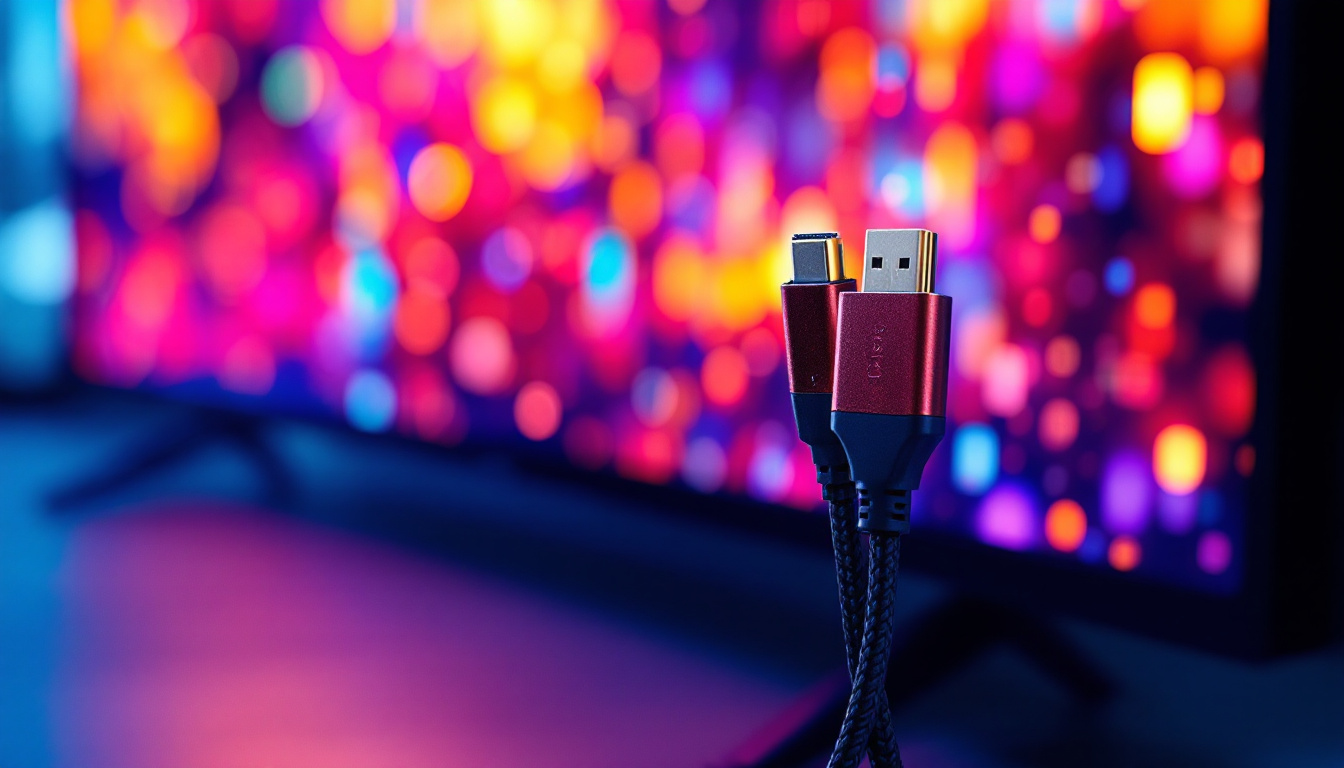
Modern LED monitors come with a variety of connectivity options, including HDMI, DisplayPort, USB-C, and legacy ports like VGA or DVI. USB-C ports with Power Delivery can simplify cable management by delivering power and video through a single cable, especially useful for laptop users.
Ergonomic features such as adjustable height, tilt, swivel, and pivot capabilities contribute to a comfortable viewing experience and reduce strain during long hours of use. VESA mount compatibility is also valuable for custom setups involving monitor arms or wall mounts.
Future Trends in LED Monitor Technology
Mini-LED Backlighting
Mini-LED technology represents the next step in LED backlighting innovation. By using thousands of tiny LEDs instead of hundreds, mini-LED monitors offer even more precise local dimming zones, resulting in better contrast, deeper blacks, and improved HDR performance.
This technology is already appearing in high-end monitors and premium laptops, promising to bridge the gap between traditional LED and OLED displays in terms of picture quality.
Higher Refresh Rates and Variable Refresh Technologies
As gaming and multimedia content become more demanding, LED monitors are pushing refresh rates beyond 240Hz, delivering ultra-smooth motion and reduced input lag. Coupled with adaptive sync technologies, these monitors provide tear-free and fluid visuals, enhancing the user experience.
Integration with Smart Features
Future LED monitors are expected to incorporate smart functionalities such as voice control, built-in AI for color calibration, and seamless integration with cloud services. These advances will make monitors more intuitive and adaptable to user preferences.
Conclusion
LED monitors have revolutionized the way people interact with digital content by offering bright, energy-efficient, and visually stunning displays. Understanding the underlying technology, types of backlighting, and key features can help consumers make informed decisions tailored to their specific needs.
Whether for professional use, gaming, or everyday computing, LED displays provide a versatile and reliable solution. As technology continues to evolve with innovations like mini-LED and enhanced refresh rates, LED monitors will remain at the forefront of display technology for years to come.
Discover LumenMatrix’s Advanced LED Displays
Ready to experience the future of LED display technology? LumenMatrix is at the forefront of innovation, offering a wide array of LED display solutions that cater to every need. From vibrant Indoor LED Wall Displays to dynamic Outdoor LED Wall Displays, and from mobile Vehicle LED Displays to interactive Floor LED Displays, our products are designed to captivate and engage. Elevate your visual communication with our Custom LED Displays, All-in-One LED Displays, and LED Transparent Displays. Embrace the revolution in digital signage with LumenMatrix and create unforgettable visual experiences. Check out LumenMatrix LED Display Solutions today and see your brand in a whole new light.