In an era where visual communication dominates, digital signage has emerged as a powerful tool for businesses, public spaces, and events to engage audiences effectively. Among the various technologies available, LED displays stand out for their brightness, versatility, and impact. Coupled with the right digital signage software—often available for free—LED displays can transform any environment into a dynamic, interactive experience.
This article dives deep into the world of digital signage display software, focusing on free solutions and explaining the technology behind LED displays. Whether you’re a small business owner, a marketing professional, or a tech enthusiast, understanding these components will help you leverage digital signage to its fullest potential.
Understanding LED Display Technology
What is an LED Display?
LED, or Light Emitting Diode, displays are screens composed of numerous tiny LEDs that emit light when an electric current passes through them. Unlike traditional LCD or plasma screens, LED displays can be much brighter and more energy-efficient, making them ideal for both indoor and outdoor use.
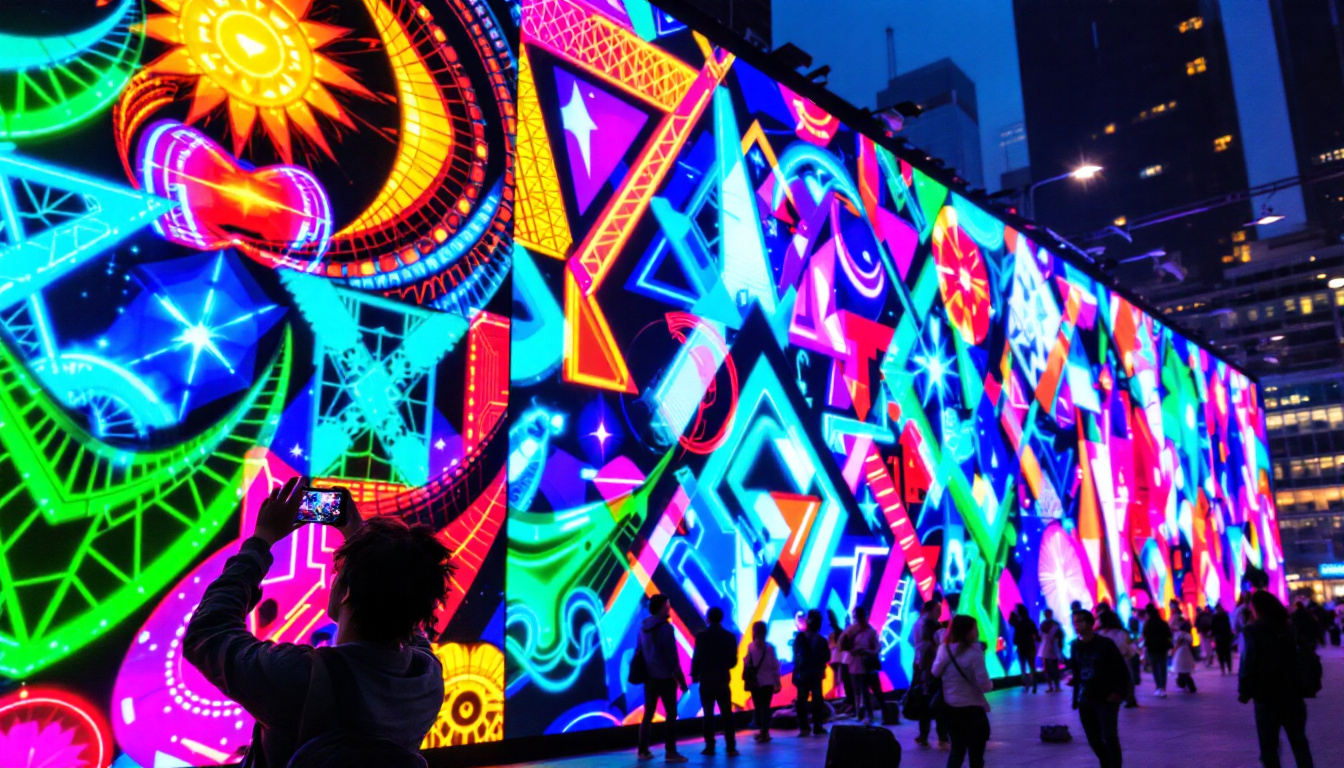
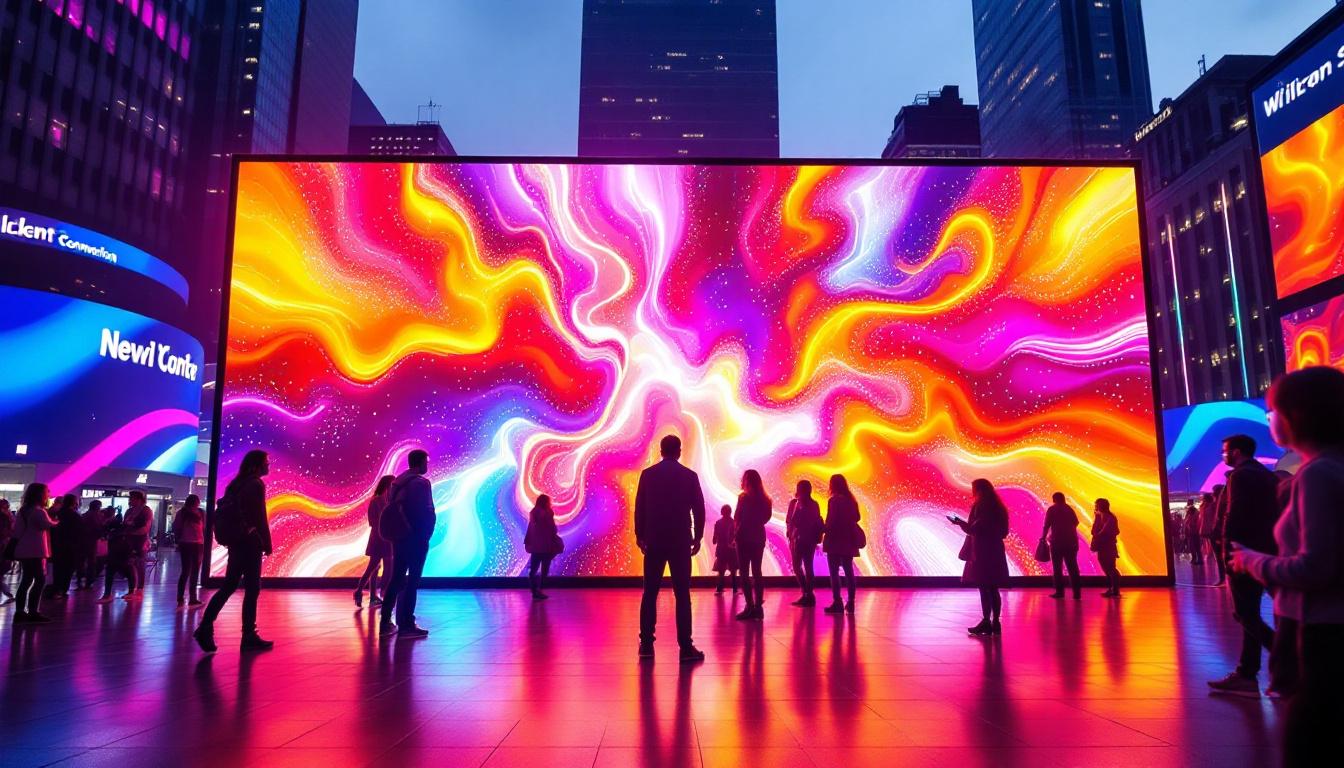
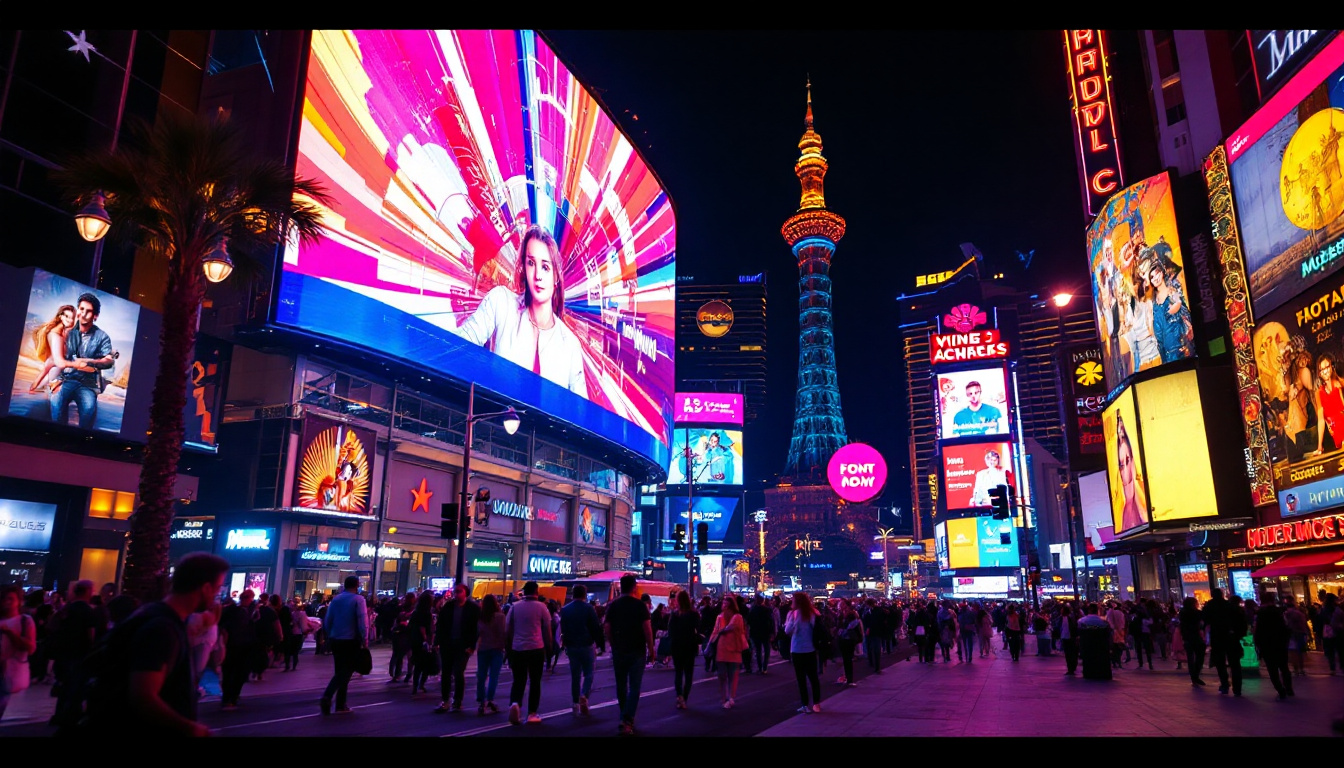
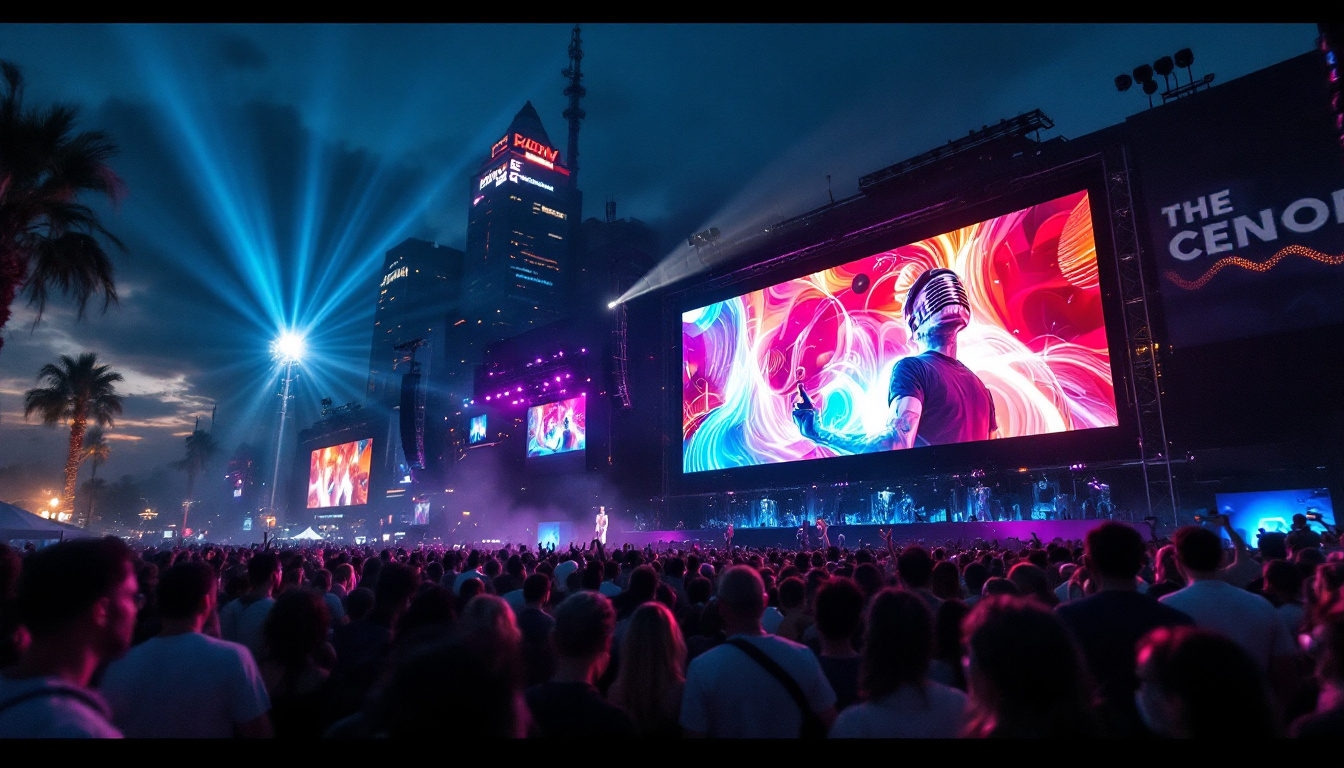
LED displays come in various forms, including full-color screens, monochrome displays, and even flexible panels. Their modular design allows for customization in size and shape, which is why they are commonly used in stadiums, billboards, retail stores, and transportation hubs. The versatility of LED technology has led to its adoption in creative applications, such as art installations and interactive displays, where the dynamic nature of LEDs can enhance viewer engagement and experience.
Advantages of LED Displays for Digital Signage
One of the primary benefits of LED displays is their exceptional brightness, which can reach up to 5,000 nits or more. This makes them easily visible even in direct sunlight, a critical factor for outdoor advertising. Additionally, LEDs have a longer lifespan compared to other display technologies, often exceeding 100,000 hours of operation. This longevity translates to lower maintenance costs and less frequent replacements, making them a cost-effective solution for businesses.
Energy efficiency is another key advantage. LEDs consume less power than traditional lighting and display technologies, reducing operational costs. Furthermore, LED displays offer high refresh rates and excellent color accuracy, enhancing the visual appeal of digital signage content. The ability to display vibrant colors and sharp images allows businesses to convey their messages more effectively, capturing the attention of potential customers and improving brand visibility.
Types of LED Displays
LED displays can be broadly categorized into two types: indoor and outdoor. Indoor LED displays typically have a higher pixel density, providing sharper images at close viewing distances. Outdoor LED displays prioritize brightness and weather resistance, often featuring protective coatings and robust enclosures to withstand environmental conditions. These outdoor models are engineered to endure harsh weather, including rain, snow, and extreme temperatures, ensuring reliable performance year-round.
Another important classification is based on pixel pitch—the distance between individual LEDs. Smaller pixel pitches (e.g., 1.5mm to 4mm) are suited for close-range viewing, while larger pixel pitches (10mm or more) are ideal for large-scale outdoor signage viewed from a distance. Additionally, advancements in technology have led to the development of transparent and curved LED displays, further expanding the possibilities for creative advertising and immersive experiences in various environments, from shopping malls to concert venues.
Digital Signage Display Software: Key Features and Benefits
What Does Digital Signage Software Do?
Digital signage software is the backbone of any LED display system. It allows users to create, schedule, and manage content displayed on screens. From simple image slideshows to complex interactive experiences, digital signage software provides the tools needed to deliver targeted messages effectively.
Modern software solutions often include cloud-based management, enabling remote updates and real-time monitoring. This flexibility is invaluable for businesses with multiple locations or dynamic content requirements.
Essential Features to Look For
When evaluating digital signage software, several features stand out as essential:
- Content Management: Easy uploading, editing, and organizing of multimedia files such as images, videos, and animations.
- Scheduling: Ability to schedule content playback based on time, date, or specific events.
- Multi-Screen Support: Managing multiple displays from a single interface, including synchronized playback.
- Remote Access: Cloud-based control for updating content from anywhere.
- Analytics: Tracking viewer engagement and content performance.
- Integration: Compatibility with third-party apps, social media feeds, and data sources.
Benefits of Using Free Digital Signage Software
Free digital signage software offers a cost-effective way for businesses and organizations to start using LED displays without a significant upfront investment. While some free options may have limitations compared to premium versions, many provide robust features suitable for small to medium-sized deployments.
For startups, educational institutions, and community organizations, free software can be an excellent entry point. It allows experimentation with digital signage strategies and content creation before scaling up to more advanced solutions.
Top Free Digital Signage Software Options for LED Displays
1. Screenly OSE (Open Source Edition)
Screenly OSE is a popular open-source digital signage platform designed for Raspberry Pi devices but compatible with various hardware setups. It supports images, videos, and web pages, making it versatile for different content types.
Its user-friendly web interface allows users to schedule and manage content remotely. While it lacks some advanced analytics and multi-display management features found in paid versions, Screenly OSE remains a reliable choice for basic digital signage needs.
2. Xibo
Xibo is a comprehensive open-source digital signage solution that supports Windows, Android, and webOS devices. It offers a rich feature set, including multi-zone layouts, scheduling, and remote content management.
One of Xibo’s strengths is its modular architecture, allowing users to customize the platform with plugins and integrations. Its active community and regular updates make it a sustainable choice for businesses seeking free software with room to grow.
3. NoviSign
NoviSign offers a free version of its digital signage software that includes drag-and-drop content creation, scheduling, and support for multiple media types. The platform is cloud-based, enabling easy remote management.
While the free tier has limitations on the number of displays and storage, it provides a polished user experience suitable for small businesses and educational environments.
4. Rise Vision
Rise Vision is a cloud-based digital signage platform with a free tier designed for education and non-profit sectors. It supports a variety of content types and offers templates to simplify content creation.
The platform’s focus on ease of use and collaboration makes it ideal for organizations with limited technical resources. Additionally, Rise Vision integrates well with Google Workspace, streamlining content updates.
Implementing LED Digital Signage: Best Practices
Content Strategy and Design
Effective digital signage starts with compelling content. LED displays, with their vibrant colors and brightness, can amplify messages—but only if the content is well-designed. Use high-resolution images and videos optimized for the display’s pixel pitch to avoid pixelation.
Keep messages concise and visually engaging. Incorporate branding elements consistently and use animations or transitions sparingly to maintain viewer attention without causing distraction.
Placement and Viewing Distance
Consider the environment where the LED display will be installed. For outdoor signage, ensure the screen is positioned to minimize glare and maximize visibility. Indoor displays should be placed at eye level or slightly above for optimal viewing.
Calculate the appropriate pixel pitch based on the average viewing distance. For example, a pixel pitch of 2mm to 3mm is suitable for displays viewed from 1 to 3 meters, while larger pitches are better for longer distances.
Scheduling and Content Rotation
Use the scheduling features of your digital signage software to tailor content to different times of day or specific events. Rotating content regularly keeps the display fresh and encourages repeat engagement.
Consider audience demographics and peak traffic times when planning your content schedule. For instance, promotional offers might be more effective during business hours, while community announcements could be scheduled for evenings or weekends.
Maintenance and Monitoring
Regular maintenance ensures the longevity and optimal performance of LED displays. Clean the screen surface periodically to remove dust and grime, and check for any dead pixels or hardware issues.
Utilize remote monitoring features available in many digital signage software solutions to track display health and content playback status. Promptly addressing technical issues minimizes downtime and maintains a professional appearance.
Future Trends in LED Digital Signage and Software
Integration with Artificial Intelligence
Artificial intelligence (AI) is beginning to play a significant role in digital signage. AI-powered software can analyze viewer demographics, behavior, and engagement to deliver personalized content in real-time. This capability enhances the effectiveness of LED displays by making messages more relevant to the audience.
Interactive and Touch-Enabled Displays
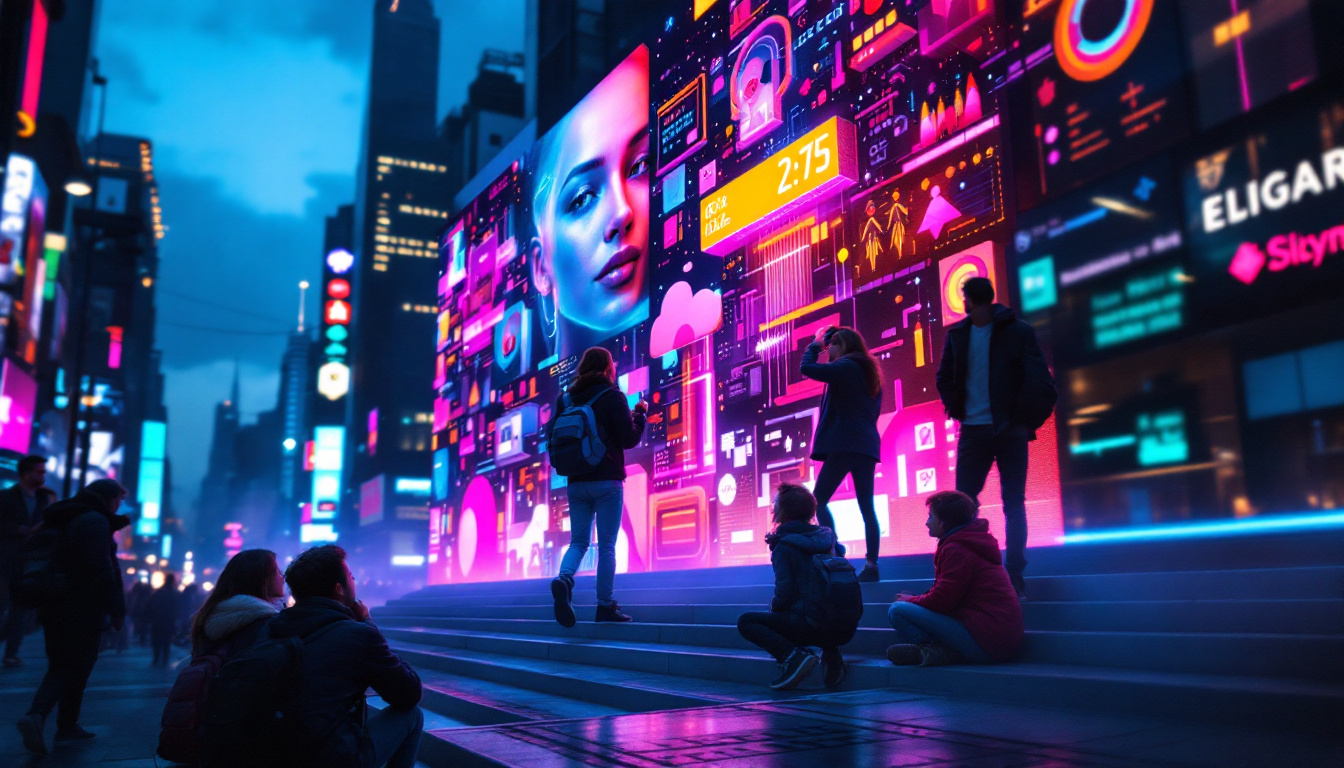
The rise of interactive LED displays is transforming passive signage into engaging experiences. Touch-enabled screens and gesture recognition allow users to interact with content, access information, or even make purchases directly from the display.
Free and affordable software solutions are increasingly incorporating interactive features, making this technology accessible to a broader range of users.
Enhanced Connectivity and IoT Integration
Internet of Things (IoT) integration enables LED displays to connect with other devices and sensors, allowing dynamic content updates based on environmental factors such as weather, traffic, or inventory levels. This connectivity creates smarter signage systems that respond to real-world conditions.
As 5G networks expand, the speed and reliability of these connections will improve, enabling more sophisticated digital signage applications.
Conclusion
LED displays combined with free digital signage software present a compelling solution for businesses and organizations looking to enhance their communication strategies without incurring high costs. Understanding the technology behind LED displays and the capabilities of available software empowers users to create impactful, dynamic visual experiences.
By carefully selecting the right software, designing engaging content, and following best practices for implementation, digital signage can become a vital asset in marketing, information dissemination, and customer engagement. As technology continues to evolve, embracing innovations such as AI and IoT integration will further unlock the potential of LED digital signage.
For those ready to explore digital signage, starting with free software options offers a low-risk opportunity to experiment and grow. With the right approach, LED displays can illuminate your message and captivate your audience like never before.
Illuminate Your Message with LumenMatrix
Ready to elevate your visual communication and captivate your audience with stunning clarity? Discover LumenMatrix’s innovative LED display solutions, from vibrant Indoor and Outdoor LED Wall Displays to dynamic Vehicle and Sports LED Displays. Whether you’re looking to create an immersive Floor LED Display, a sleek LED Poster, or a Custom LED Display tailored to your unique needs, LumenMatrix has the technology to bring your vision to life. Embrace the future of digital signage with our All-in-One and Transparent LED Displays. Check out LumenMatrix LED Display Solutions today and transform your space into a beacon of engagement.