In today’s fast-paced digital environment, the way we interact with technology has evolved dramatically. One of the most significant advancements in workspace ergonomics and display technology is the integration of snap-on monitor mounts with LED displays. These innovations not only optimize desk space but also enhance visual clarity and user comfort. This article delves deeply into the world of snap-on monitor mounts designed for LED displays, exploring their benefits, design considerations, and the impact they have on productivity and health.
Understanding Snap On Monitor Mounts
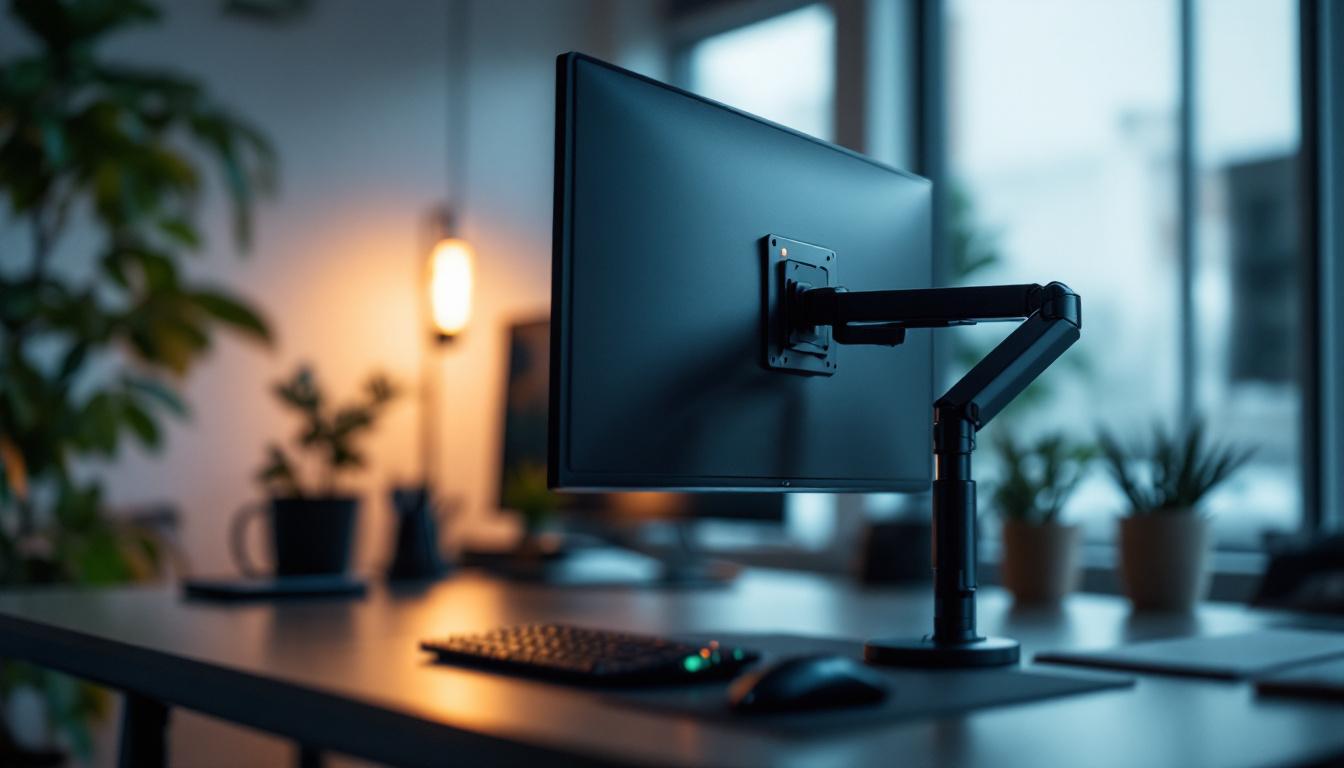
Snap on monitor mounts are a modern solution to the traditional monitor stand. Unlike fixed bases that take up valuable desk space, snap-on mounts securely attach monitors to desks, walls, or other surfaces with minimal effort and without permanent fixtures. This design allows for flexibility, adjustability, and a cleaner workspace. The ability to customize the position of your monitor can significantly enhance your productivity, as it enables you to create a more comfortable viewing angle that reduces strain on your neck and eyes.
These mounts typically use a clamping mechanism or a quick-release system that “snaps” the monitor into place. This feature is particularly useful for environments where monitors need to be frequently repositioned or replaced, such as in offices, studios, or control rooms. In fast-paced settings, the ease of adjusting or swapping monitors can save time and streamline workflows, allowing teams to adapt quickly to changing project needs or collaborative efforts.
Key Features of Snap On Monitor Mounts
Several features distinguish snap-on mounts from traditional mounting systems:
- Tool-free Installation: Most snap-on mounts require no screws or tools, making setup quick and straightforward. This user-friendly design is ideal for those who may not be technically inclined or who want to avoid the hassle of complicated assembly processes.
- Adjustability: They offer multiple degrees of freedom, including tilt, swivel, and height adjustment, catering to ergonomic needs. This adaptability ensures that users can achieve the optimal setup for their specific tasks, whether they are gaming, designing, or engaging in video conferencing.
- Space Efficiency: By elevating the monitor off the desk surface, these mounts free up workspace for other tasks. This is particularly beneficial in smaller offices or home workspaces where every inch counts, allowing for a more organized and clutter-free environment.
- Compatibility: Designed to fit a wide range of LED displays, from small monitors to larger, ultra-wide screens. This versatility means that users can invest in a single mounting solution that will accommodate future upgrades or changes in their display technology.
In addition to these features, snap-on monitor mounts often come with cable management solutions that help keep cords organized and out of sight. This not only enhances the aesthetic of your workspace but also reduces the risk of tripping hazards and tangles that can lead to equipment damage. Furthermore, many models are built with durable materials that ensure longevity and stability, making them a worthwhile investment for both home and professional environments.
Another notable aspect of snap-on mounts is their aesthetic appeal. Many designs incorporate sleek finishes and modern styling that complement contemporary office decor. This attention to design means that users can enjoy a functional workspace that also looks polished and professional. Additionally, some manufacturers offer customizable options, allowing users to select colors or finishes that best match their personal style or corporate branding, further enhancing the overall workspace experience.
The Rise of LED Displays in Professional Environments
LED (Light Emitting Diode) displays have become the standard in both professional and consumer markets due to their superior brightness, energy efficiency, and color accuracy. According to a 2023 report by Display Supply Chain Consultants, LED displays now account for over 70% of global monitor shipments, reflecting their widespread adoption.
LED technology offers several advantages that make it ideal for professional settings:
- Enhanced Visual Clarity: LED displays provide sharp images with vivid colors and high contrast ratios, essential for tasks like graphic design, video editing, and data analysis.
- Energy Efficiency: Compared to older LCD technologies, LED displays consume less power, reducing operational costs and environmental impact.
- Longevity and Reliability: LEDs have longer lifespans and are less prone to screen burn-in, ensuring consistent performance over time.
Why Pair LED Displays with Snap On Mounts?
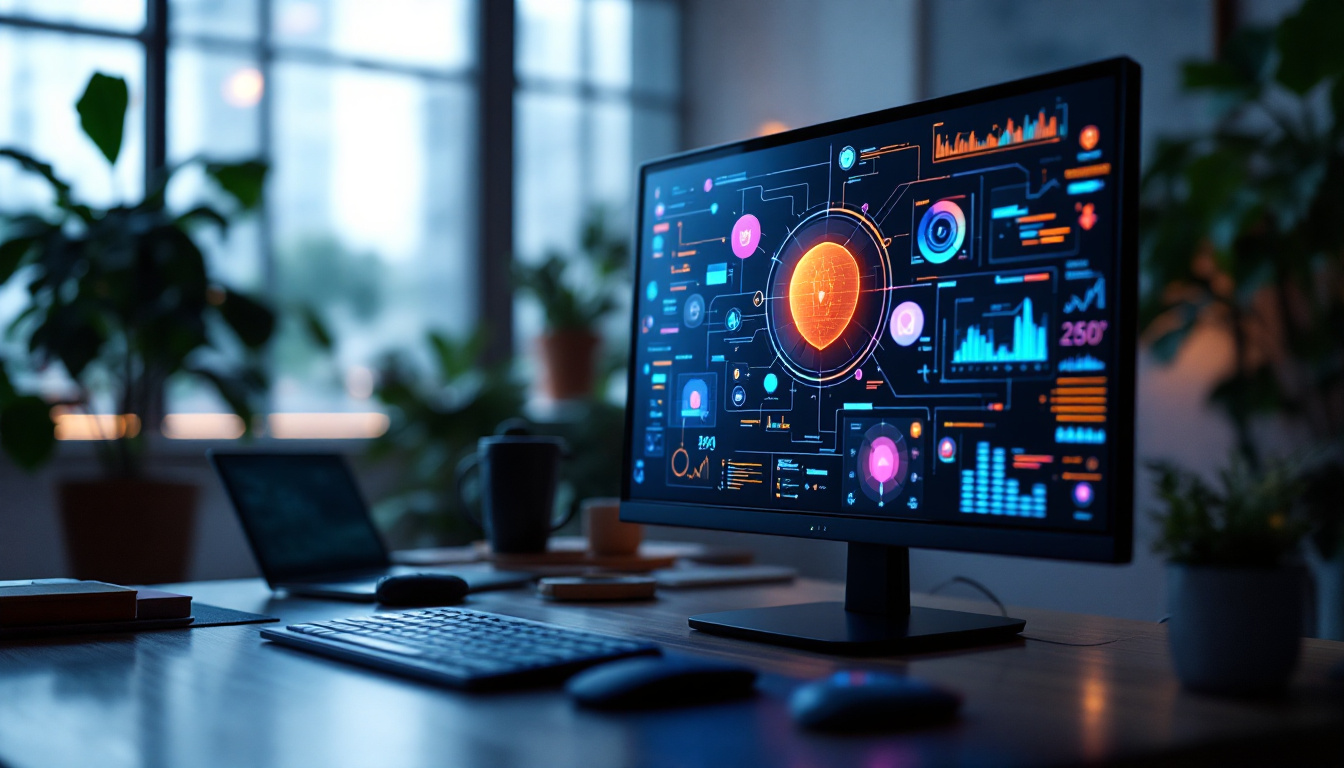
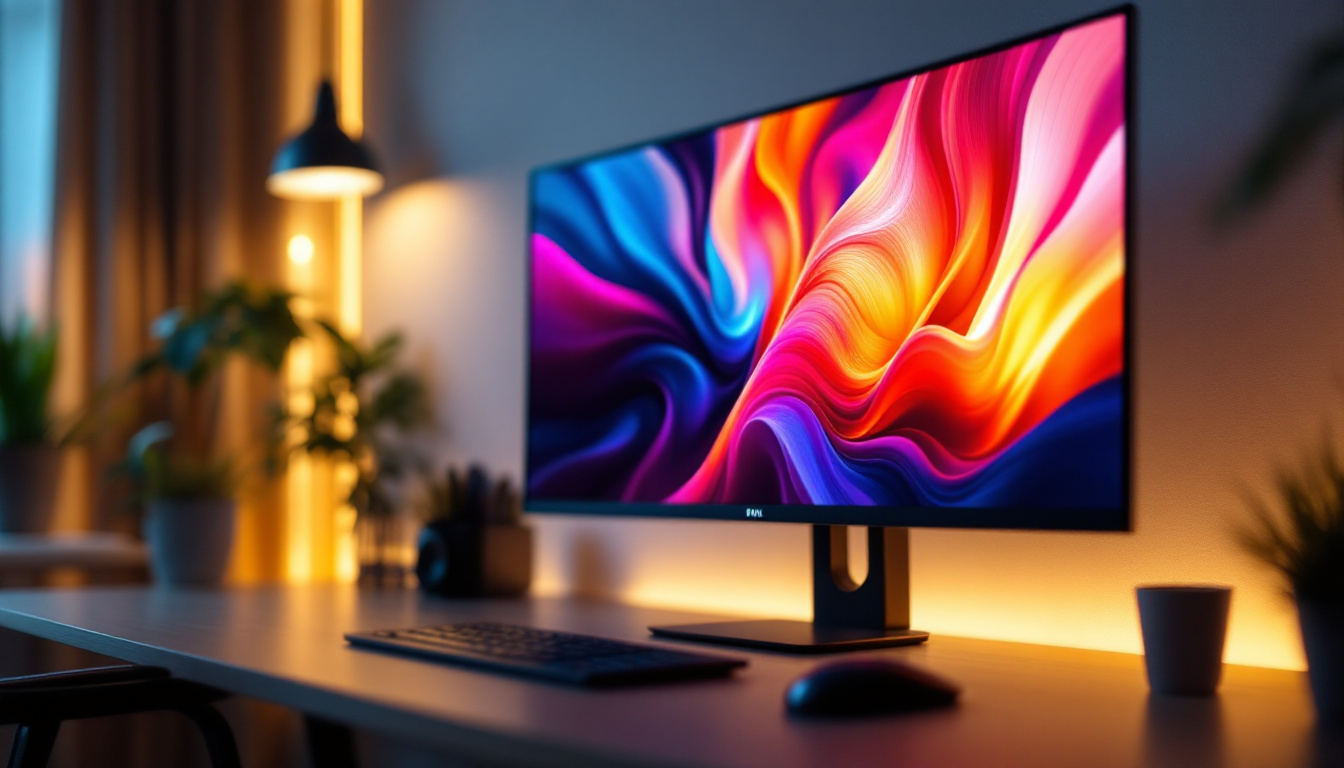
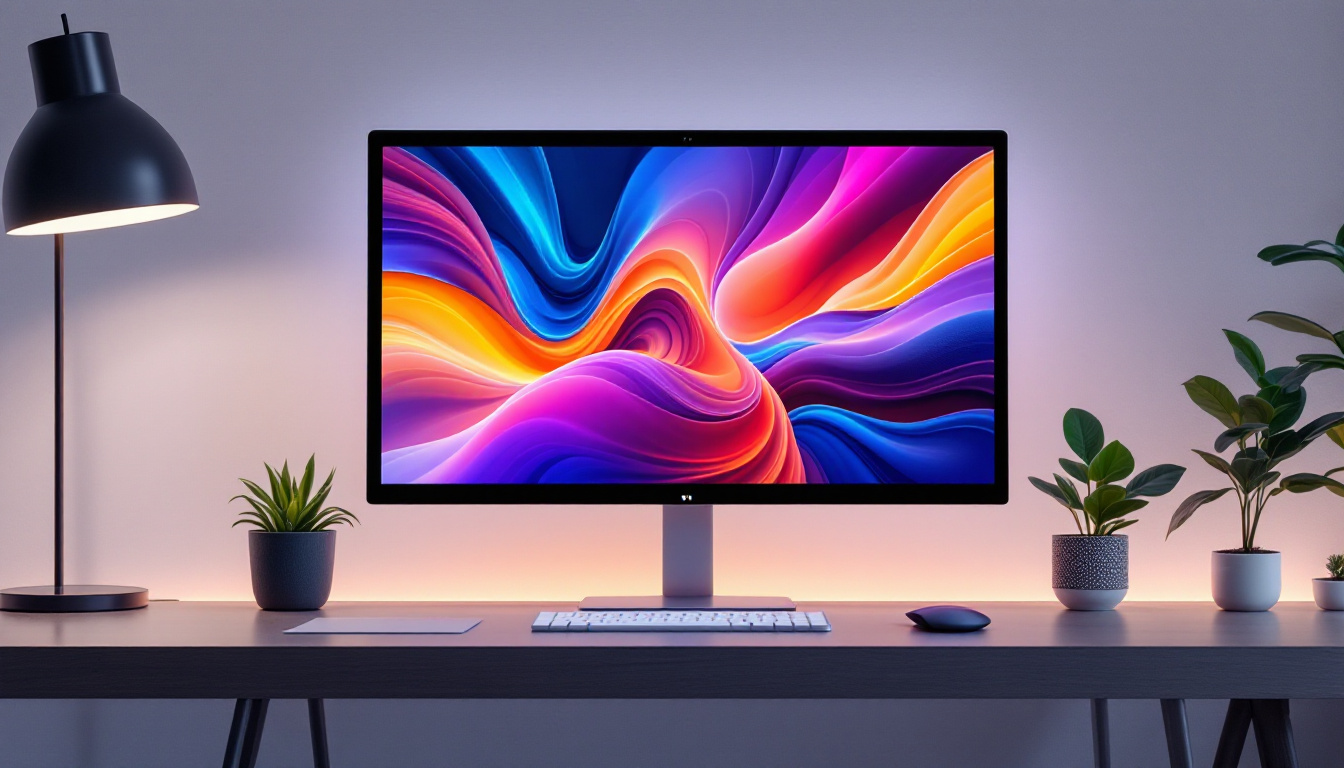
The combination of LED displays and snap-on monitor mounts creates a synergy that enhances both the functionality and aesthetics of a workspace. LED monitors are often slim and lightweight, making them ideal candidates for snap-on mounting solutions. This pairing allows users to maximize their desk ergonomics without compromising on display quality.
Additionally, the flexibility of snap-on mounts means that LED displays can be positioned to reduce glare and eye strain, which are common issues in office environments. This can lead to improved comfort and productivity, as users can customize their viewing angles with ease.
Ergonomic Benefits of Snap On Monitor Mounts with LED Displays
Ergonomics plays a crucial role in workplace health and productivity. Poor monitor positioning can lead to neck strain, eye fatigue, and repetitive stress injuries. Snap-on monitor mounts offer a practical solution by enabling precise adjustments to the LED display’s height, tilt, and distance.
Reducing Physical Strain
By elevating the monitor to eye level, snap-on mounts help maintain a neutral neck posture, reducing the risk of musculoskeletal disorders. The ability to tilt and swivel the screen further ensures that users can find the most comfortable and natural viewing angle.
Studies have shown that ergonomic monitor placement can reduce neck and shoulder pain by up to 60%, highlighting the importance of adjustable mounting solutions in office setups.
Improving Visual Comfort
LED displays paired with adjustable mounts allow users to minimize glare and reflections by repositioning the screen relative to light sources. This reduces eye strain and headaches, common complaints among office workers.
Moreover, snap-on mounts facilitate multi-monitor setups, which can enhance workflow efficiency by expanding the visible workspace without cluttering the desk.
Design Considerations When Choosing a Snap On Monitor Mount for LED Displays
Selecting the right snap-on monitor mount involves understanding the specific needs of your workspace and the characteristics of your LED display. Several factors should be considered to ensure compatibility and optimal performance.
Weight and Size Capacity
LED monitors vary widely in size and weight, from compact 21-inch models to expansive 34-inch ultra-wide screens. It is essential to choose a mount rated to support the specific weight and dimensions of your display. Overloading a mount can lead to instability or damage.
Mounting Mechanism and Desk Compatibility
Snap-on mounts typically attach via clamps or grommets. Clamps are versatile and fit most desk thicknesses, while grommet mounts require a hole in the desk surface. Understanding your desk’s design will help determine which mounting style is appropriate.
Range of Motion and Adjustability
Consider the degrees of freedom offered by the mount. Some models provide full articulation with tilt, swivel, and rotation, while others offer more limited movement. The intended use—whether for general office work, gaming, or design—will influence the necessary adjustability.
Cable Management Features
Effective cable management is crucial for maintaining a tidy workspace. Many snap-on mounts include integrated clips or channels to organize power and data cables, reducing clutter and preventing accidental disconnections.
Installation and Maintenance Tips
Proper installation and upkeep of snap-on monitor mounts ensure longevity and safe operation. While these mounts are designed for ease of use, following best practices can prevent damage and enhance user experience.
Step-by-Step Installation Guide
- Check Compatibility: Verify that the mount supports your monitor’s size and weight.
- Prepare the Desk: Clear the area and ensure the desk surface is clean and sturdy.
- Attach the Mount: Secure the clamp or grommet mount according to the manufacturer’s instructions.
- Snap On the Monitor: Align the monitor with the mounting bracket and snap it into place, ensuring it locks securely.
- Adjust the Position: Customize the height, tilt, and swivel to your ergonomic preferences.
- Manage Cables: Route cables through the mount’s management system to keep the workspace organized.
Maintenance Best Practices
Regularly inspect the mount for signs of wear or loosening. Tighten any screws or clamps as needed to maintain stability. Clean the mount and monitor with appropriate materials to avoid damage to finishes or screens.
For environments with frequent monitor changes, ensure that the snap-on mechanism remains free of debris and operates smoothly to prevent accidental drops or damage.
Future Trends in Monitor Mounting and LED Technology
The intersection of ergonomic mounting solutions and LED display technology continues to evolve, driven by advances in materials, design, and user demands.
Integration with Smart Office Systems
Emerging snap-on mounts are beginning to incorporate smart features such as motorized adjustments controlled via apps or voice commands. This allows users to switch between preset ergonomic positions effortlessly, enhancing comfort and convenience.
Improved Materials and Sustainability
Manufacturers are increasingly using lightweight, durable, and recyclable materials in mount construction. This shift not only improves product longevity but also aligns with growing environmental sustainability goals within corporate procurement.
Advancements in LED Display Technology
Future LED displays are expected to feature even thinner profiles, higher resolutions (such as 8K), and enhanced color accuracy through quantum dot technology. These improvements will further benefit from the flexibility and space-saving advantages of snap-on mounts.
Conclusion
The combination of snap-on monitor mounts and LED displays represents a significant step forward in workspace design and ergonomics. By offering flexibility, improved visual comfort, and efficient use of space, these technologies cater to the needs of modern professionals across various industries.
Choosing the right snap-on mount for an LED display requires careful consideration of compatibility, adjustability, and installation requirements. When selected and installed properly, these mounts can enhance productivity, reduce physical strain, and contribute to a more organized and aesthetically pleasing workspace.
As technology continues to advance, the integration of smart features and sustainable materials will further elevate the user experience, making snap-on monitor mounts an essential component of future-ready work environments.
Explore Cutting-Edge LED Display Solutions with LumenMatrix
Ready to elevate your workspace and enhance your visual experience? Discover LumenMatrix’s innovative LED display technologies, designed to meet the demands of modern professionals. From captivating Indoor LED Walls to dynamic Outdoor Displays and beyond, LumenMatrix offers a comprehensive range of solutions that promise to transform your visual communication. Embrace the future of display technology and check out LumenMatrix LED Display Solutions today to see how we can help you share your message with unparalleled impact and clarity.