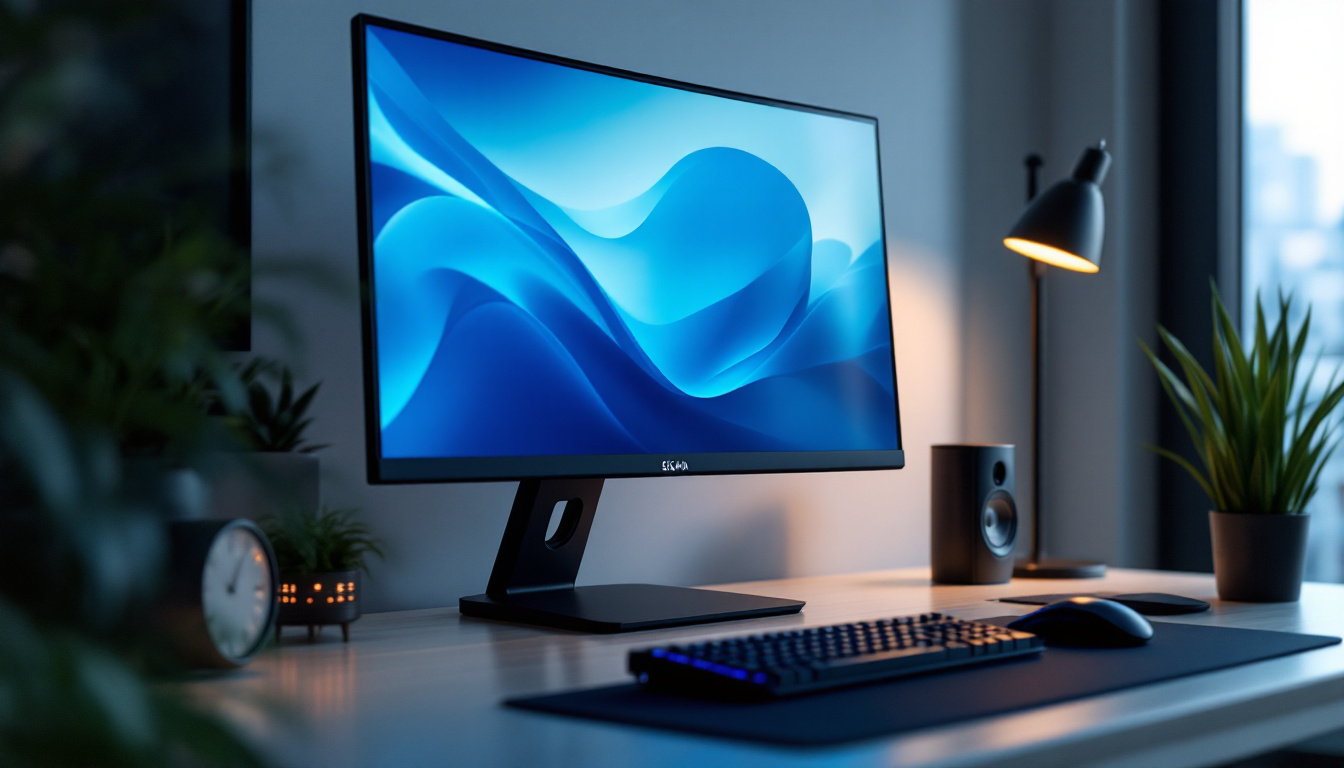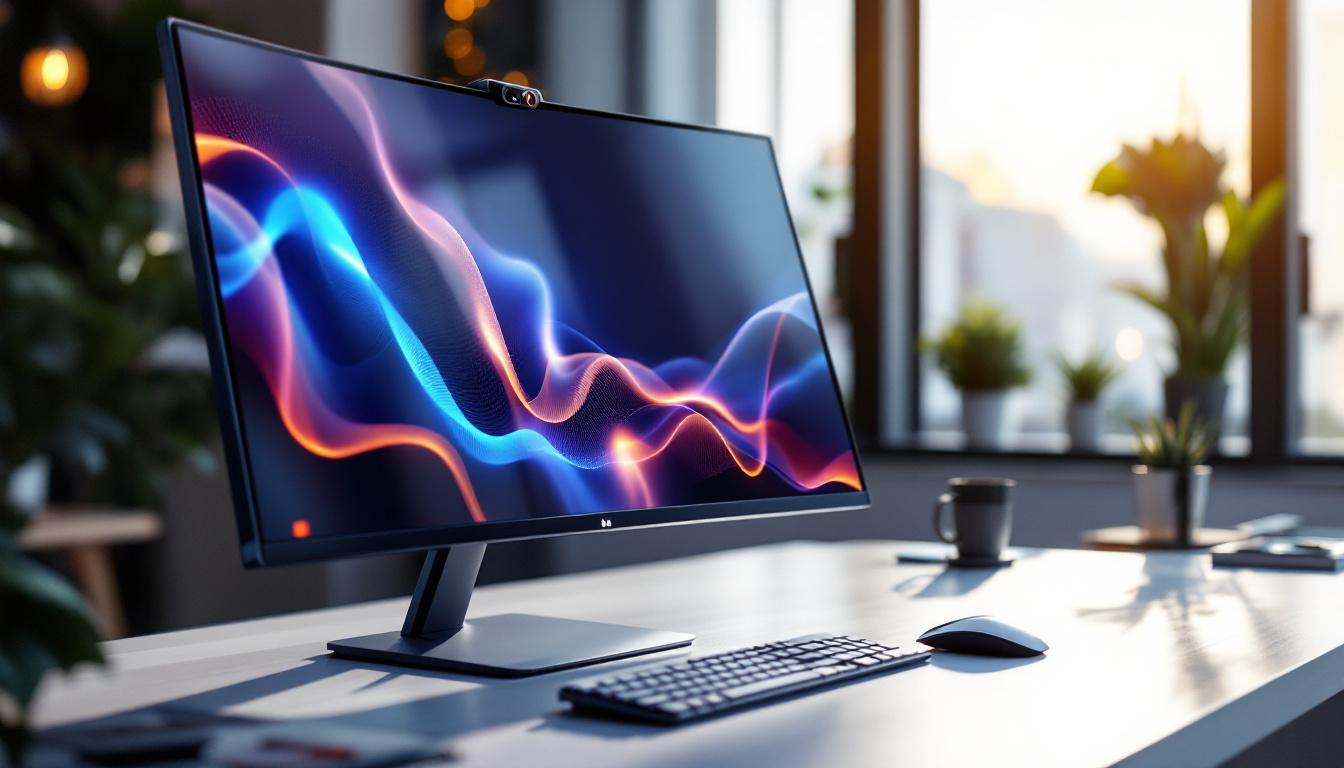
In today’s digital age, the integration of cameras into PC monitors has become increasingly popular, especially with the rise of remote work, video conferencing, and online collaboration. Monitors with built-in cameras offer a seamless, all-in-one solution that combines display technology with video capture capabilities, eliminating the need for external webcams and reducing desktop clutter. This article delves into the world of PC monitors with built-in cameras, focusing on LED display technology, its advantages, and what users should consider when choosing such a monitor.
Understanding LED Display Technology in PC Monitors
LED, or Light Emitting Diode, technology has revolutionized the way we view images on screens. Unlike traditional LCD monitors that use cold cathode fluorescent lamps (CCFL) for backlighting, LED monitors utilize light-emitting diodes to illuminate the display. This shift has brought numerous benefits in terms of image quality, energy efficiency, and design flexibility.
LED monitors are essentially a subset of LCD monitors, where the difference lies in the backlighting method. This technology enables thinner panels, better color accuracy, and improved contrast ratios. In the context of PC monitors with built-in cameras, LED displays provide a vibrant, sharp image that enhances the overall video conferencing and multimedia experience.
Types of LED Backlighting
There are primarily two types of LED backlighting used in monitors: edge-lit and full-array. Edge-lit LED monitors position the LEDs around the edges of the screen, which allows for ultra-thin designs but may sometimes compromise uniformity in brightness. Full-array LED monitors have LEDs evenly distributed behind the entire screen, offering superior brightness and contrast control, often with local dimming capabilities.
For users prioritizing image quality during video calls or content creation, full-array LED displays tend to provide a more immersive and visually pleasing experience. However, edge-lit monitors often come at a lower price point and are sufficiently bright for everyday use. Additionally, the choice between these two types can also depend on the intended use; gamers and graphic designers might lean towards full-array displays for their enhanced color depth and dynamic range, while casual users may find edge-lit monitors perfectly adequate for web browsing and streaming.
Moreover, the advancements in LED technology have led to the emergence of OLED (Organic Light Emitting Diodes) as a competitor in the display market. OLED screens offer even greater contrast ratios and deeper blacks, as each pixel emits its own light and can be turned off completely. This technology is particularly appealing for those who consume high-definition content or engage in professional photo and video editing. However, OLED monitors can be more expensive and may face issues like burn-in, which is less of a concern with traditional LED displays. As the market continues to evolve, understanding the nuances between these technologies helps consumers make informed decisions tailored to their specific needs.
The Rise of PC Monitors with Built-In Cameras
The integration of cameras into PC monitors has been driven by the increasing demand for streamlined communication tools. The COVID-19 pandemic accelerated the adoption of remote work, making high-quality video conferencing essential. Monitors with built-in cameras offer several advantages over traditional setups that rely on separate webcams.
Advantages of Built-In Cameras
One of the most significant benefits of monitors with built-in cameras is convenience. Users no longer need to purchase, set up, or adjust external webcams, which can sometimes be cumbersome and prone to misalignment. A built-in camera is perfectly positioned at eye level, ensuring natural framing and better eye contact during video calls.
Additionally, these monitors often come equipped with integrated microphones and speakers, creating an all-in-one communication hub. This reduces cable clutter and simplifies the workspace, which is especially valuable for professionals working in tight or minimalist environments.
Security and Privacy Considerations
While built-in cameras offer convenience, they also raise important privacy concerns. Many monitors now include physical privacy shutters or electronic kill switches that allow users to disable the camera when not in use. This feature is crucial in preventing unauthorized access or potential hacking incidents, which have become more prevalent as cyber threats evolve.
Users should look for monitors that prioritize privacy features and consider their security needs carefully. Some models also incorporate facial recognition technology for secure login, adding an extra layer of protection for sensitive work environments.
Key Features to Look for in a PC Monitor with Built-In Camera
Choosing the right PC monitor with a built-in camera involves evaluating several factors beyond just the display technology. Understanding these features can help users find a monitor that fits their specific needs, whether for professional use, gaming, or multimedia consumption.
Resolution and Screen Size
The resolution of the monitor significantly impacts the clarity of both the display and the video feed captured by the camera. Full HD (1920×1080) remains a standard for most users, providing crisp images and smooth video playback. However, higher resolutions like 4K (3840×2160) are becoming more accessible and offer superior detail, especially for creative professionals and gamers.
Screen size is also important. Monitors ranging from 24 to 27 inches are popular for office setups, balancing screen real estate and desk space. Larger screens, such as 32 inches or more, provide immersive viewing but may require more powerful hardware to drive high-resolution content effectively.
Camera Specifications and Features
The quality of the built-in camera varies widely between models. Key specifications to consider include resolution (measured in megapixels), frame rate (frames per second), and field of view (FOV). A camera with at least 1080p resolution and 30 fps is recommended for smooth, clear video calls.
Some monitors offer advanced features such as autofocus, low-light correction, and wide-angle lenses. These enhancements improve image quality in various lighting conditions and ensure that multiple people can fit comfortably within the frame during group calls.
Connectivity and Compatibility
Modern monitors typically connect via HDMI, DisplayPort, or USB-C. USB-C is particularly advantageous as it can carry video, audio, data, and power through a single cable, simplifying connections and reducing clutter. For built-in cameras, USB connectivity is essential to transmit video data to the computer.
Compatibility with popular operating systems and video conferencing platforms is also critical. Most built-in cameras are plug-and-play with Windows, macOS, and Linux, but verifying this beforehand can save time and frustration.
Popular Use Cases for Monitors with Built-In Cameras
PC monitors with integrated cameras cater to a wide range of users and scenarios. Their versatility makes them suitable for both professional and personal applications.
Remote Work and Video Conferencing
With remote work becoming a norm, video conferencing tools like Zoom, Microsoft Teams, and Google Meet are essential. Monitors with built-in cameras provide a hassle-free setup for daily meetings, interviews, and virtual collaborations. The built-in microphone and speakers further enhance communication quality.
Online Education and E-Learning
Students and educators alike benefit from monitors with integrated cameras. These devices facilitate interactive lessons, virtual classrooms, and online presentations without the need for additional peripherals. The convenience of an all-in-one solution helps maintain focus and productivity.
Content Creation and Streaming
Content creators, streamers, and vloggers often require high-quality video capture alongside excellent display performance. Monitors with built-in cameras that offer advanced imaging features can streamline their workflow, reducing the need for multiple devices and complicated setups.
Telehealth and Virtual Consultations
The healthcare industry has embraced telehealth services, where clear video communication is vital. Monitors with built-in cameras provide healthcare professionals and patients with reliable tools for virtual consultations, improving accessibility and convenience.
Top Considerations When Purchasing a PC Monitor with Built-In Camera
Before investing in a PC monitor with a built-in camera, it’s important to assess your specific needs and budget. Here are some critical considerations to guide your decision-making process.
Image and Video Quality
Ensure the monitor offers a high-quality LED display with accurate color reproduction and sufficient brightness. For the camera, prioritize models that provide at least 1080p resolution and good low-light performance to maintain clear video under various conditions.
Ergonomics and Adjustability
Since video calls often require eye-level framing, look for monitors with adjustable stands that allow height, tilt, swivel, and pivot adjustments. This flexibility helps reduce neck strain and ensures the camera is positioned optimally.
Privacy Features
Given the sensitivity around camera security, opt for monitors with physical shutters or electronic disable options. This ensures peace of mind when the camera is not in use.
Price and Warranty
Monitors with built-in cameras tend to be priced higher than standard monitors. Evaluate the overall value based on features, brand reputation, and warranty terms. A robust warranty can protect your investment against defects and malfunctions.
Conclusion: Are PC Monitors with Built-In Cameras Worth It?
PC monitors with built-in cameras represent a practical and efficient solution for today’s connected world. They combine the best of LED display technology with integrated video capabilities, catering to the needs of remote workers, educators, content creators, and healthcare professionals alike.
When selected carefully, these monitors provide excellent image quality, convenience, and security features that enhance communication and productivity. While the initial investment may be higher than traditional monitors, the streamlined setup and reduced peripheral requirements often justify the cost.
As technology continues to evolve, the integration of cameras into monitors is likely to become even more sophisticated, offering users enhanced features and improved performance. For those seeking a clutter-free, all-in-one solution for their computing and communication needs, a PC monitor with a built-in camera is undoubtedly an option worth considering.
Discover LumenMatrix LED Display Solutions
Ready to elevate your visual experience and enhance your communication capabilities? Look no further than LumenMatrix, a pioneer in LED display technology. Our comprehensive range of products, from Indoor and Outdoor LED Wall Displays to innovative LED Sports and Floor Displays, is designed to meet the diverse needs of today’s dynamic environments. Whether you’re a remote worker, educator, content creator, or healthcare professional, LumenMatrix has the perfect LED display solution to bring your vision to life. Check out LumenMatrix LED Display Solutions today and transform the way you connect and engage with your audience.