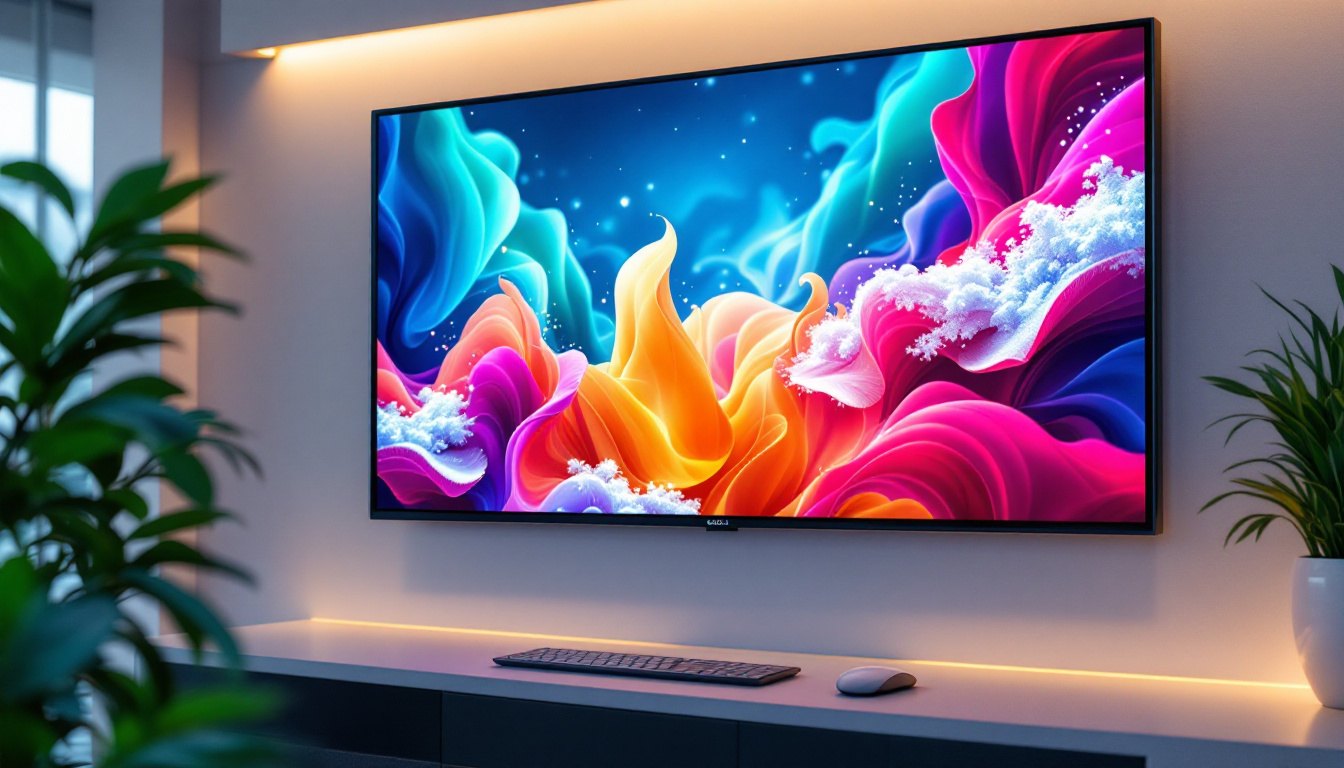
In today’s digital era, the choice of a computer monitor can significantly impact productivity, entertainment, and overall user experience. Among various options, the 22-inch widescreen LED monitor has emerged as a popular choice for both professionals and casual users. This article delves deep into the features, benefits, and technical aspects of 22-inch widescreen LED monitors, helping you understand why they remain a staple in many setups.
Understanding the Basics: What is a 22-inch Widescreen LED Monitor?
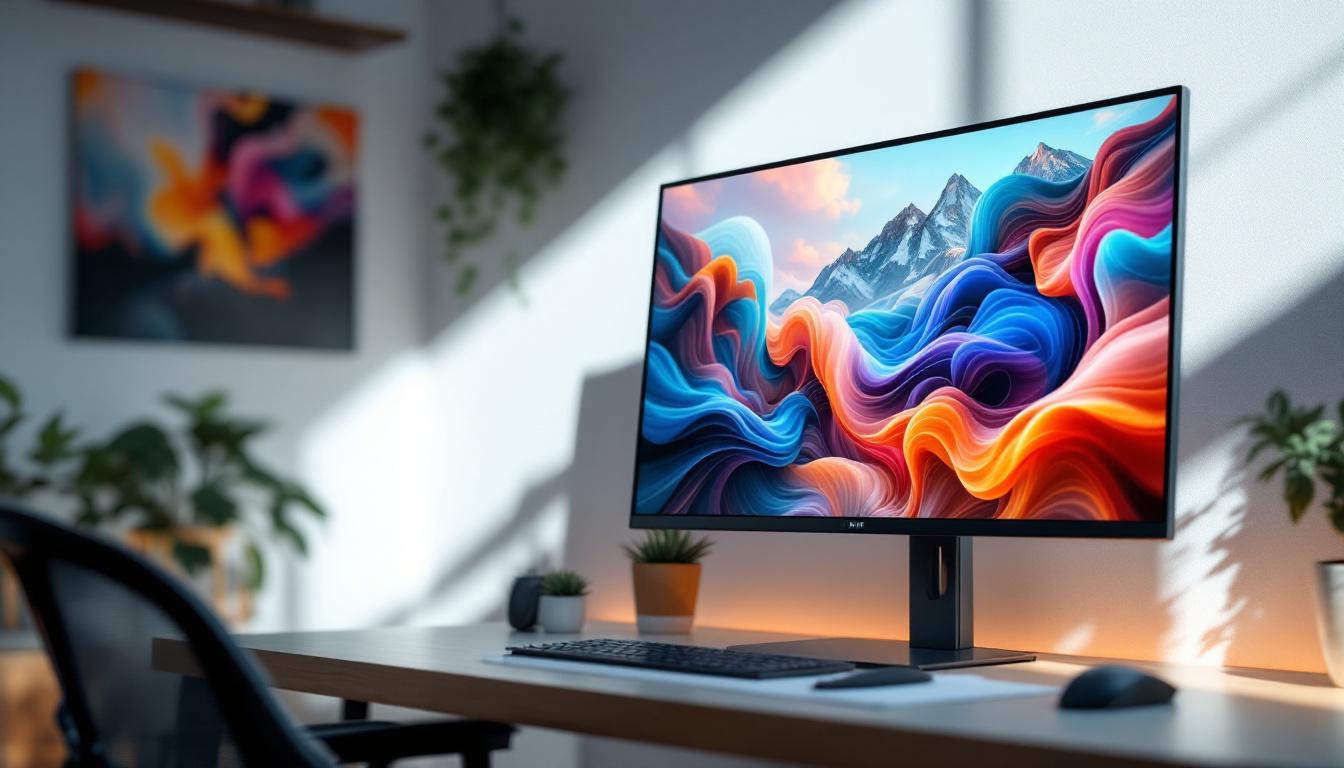
A 22-inch widescreen LED monitor refers to a display device with a diagonal screen size of 22 inches, featuring a widescreen aspect ratio—typically 16:9—and utilizing Light Emitting Diode (LED) technology for backlighting. This combination offers a balanced screen size with modern display technology that enhances image quality and energy efficiency.
Screen Size and Aspect Ratio
The 22-inch measurement denotes the diagonal length of the screen, which translates to a viewing area that is comfortable for most desk setups without overwhelming the workspace. The widescreen format, usually 16:9, supports a broader horizontal view, making it ideal for multitasking, watching videos, and gaming.
Compared to traditional 4:3 monitors, widescreen displays provide more horizontal pixels, allowing users to have multiple windows open side-by-side, which can boost productivity. For example, a 22-inch widescreen monitor typically offers a resolution of 1920×1080 pixels (Full HD), delivering crisp and clear visuals.
LED Backlighting Explained
LED technology is a method of backlighting LCD panels using light-emitting diodes. Unlike older CCFL (Cold Cathode Fluorescent Lamp) backlights, LEDs provide several advantages such as better energy efficiency, thinner panel designs, and improved color accuracy.
LED backlighting also allows for more consistent brightness and contrast levels, which enhances the viewing experience. Additionally, LED monitors tend to have longer lifespans and less environmental impact due to lower power consumption and the absence of mercury, which is present in CCFL backlights.
Advantages of 22-inch Widescreen LED Monitors
Choosing a 22-inch widescreen LED monitor comes with a variety of benefits that cater to different user needs. From workspace optimization to visual performance, these monitors strike a balance between size, quality, and cost.
Optimal Size for Versatility
The 22-inch screen size is often considered a sweet spot for many users. It is large enough to provide ample screen real estate for most tasks, yet compact enough to fit comfortably on smaller desks or workstations. This makes it a preferred choice for office environments, home offices, and educational settings.
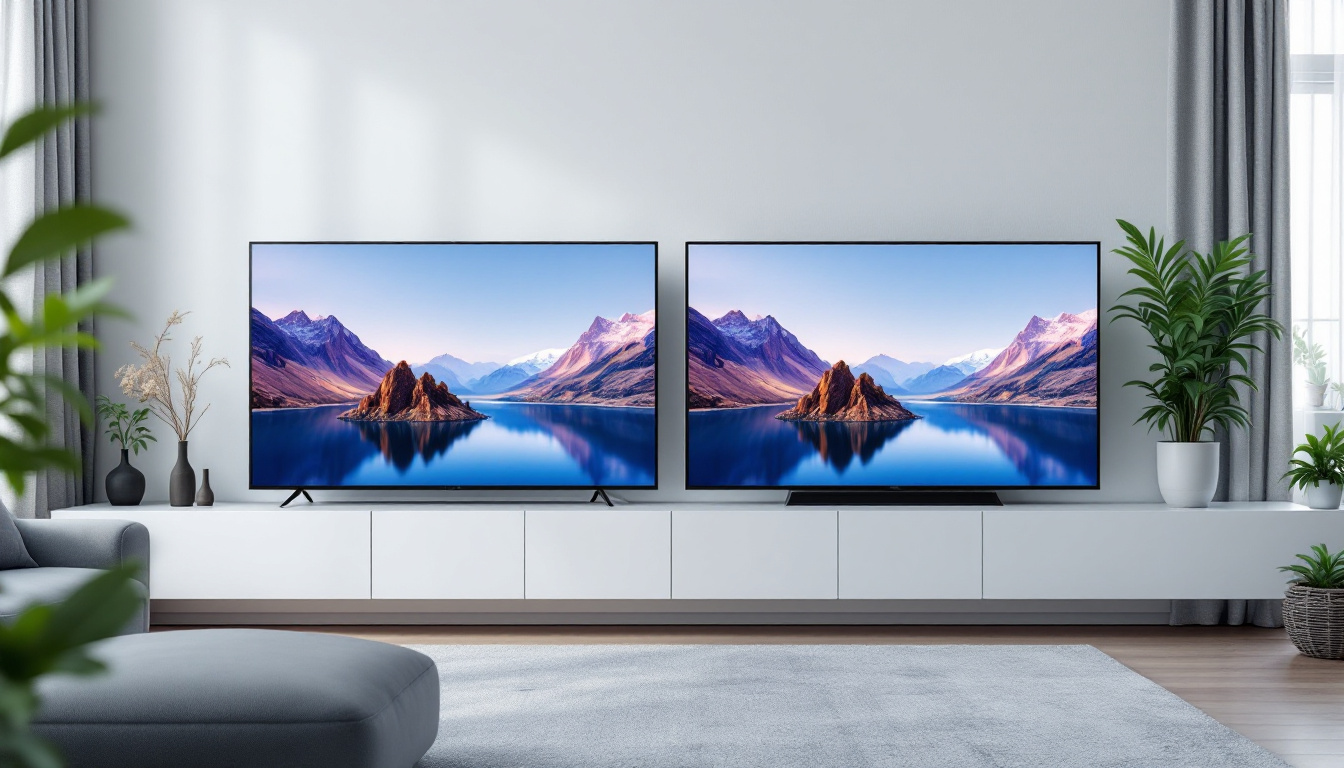
For users who require multiple monitors, 22-inch displays are easier to arrange side-by-side without creating an overwhelming or cluttered workspace. This flexibility is especially beneficial for professionals in finance, programming, or design who rely on multiple screens for enhanced productivity.
Energy Efficiency and Environmental Impact
LED monitors consume significantly less power compared to their CCFL counterparts. According to the U.S. Department of Energy, LED-backlit monitors can reduce energy consumption by up to 40%. This not only lowers electricity bills but also contributes to reducing carbon footprints, making these monitors an environmentally responsible choice.
Moreover, the absence of mercury and other hazardous materials in LED backlights simplifies disposal and recycling processes, aligning with global initiatives for sustainable electronics.
Improved Visual Quality
LED technology enhances color reproduction and contrast ratios, resulting in vibrant images and deeper blacks. Many 22-inch LED monitors support Full HD resolution (1920×1080), which provides sharp text and detailed images suitable for a wide range of applications, from document editing to media consumption.
Some models also incorporate advanced features such as IPS (In-Plane Switching) panels, which offer wider viewing angles and more accurate color representation compared to standard TN (Twisted Nematic) panels. This is particularly important for graphic designers, photographers, and video editors who require color precision.
Key Features to Consider When Choosing a 22-inch Widescreen LED Monitor
When selecting a 22-inch widescreen LED monitor, several technical specifications and ergonomic features should be taken into account to ensure the best fit for your needs.
Resolution and Pixel Density
Resolution defines the number of pixels displayed on the screen, directly affecting image clarity. The most common resolution for 22-inch monitors is Full HD (1920×1080), which offers a pixel density of approximately 100 pixels per inch (PPI). This density is sufficient for most users, providing clear and detailed visuals without straining the eyes.
Higher resolutions, such as 2560×1440 (QHD), are less common in this size category but can offer sharper images at the cost of increased price and potentially smaller interface elements. For general office work and media consumption, Full HD remains the most practical choice.
Panel Type: IPS vs TN vs VA
The panel technology influences color accuracy, response time, and viewing angles. IPS panels are renowned for superior color consistency and wide viewing angles, making them ideal for creative professionals. TN panels, on the other hand, offer faster response times and are often preferred by gamers, but they suffer from narrower viewing angles and less accurate colors.
VA (Vertical Alignment) panels provide better contrast ratios and deeper blacks than IPS and TN but may have slower response times. Understanding these differences helps in choosing a monitor that aligns with your primary use case.
Refresh Rate and Response Time
Refresh rate, measured in hertz (Hz), indicates how many times per second the display updates its image. For most 22-inch monitors, 60Hz is standard and sufficient for everyday tasks and video playback. Gamers may seek higher refresh rates (75Hz or above) to achieve smoother motion.
Response time, usually measured in milliseconds (ms), refers to how quickly a pixel can change from one color to another. Lower response times reduce motion blur in fast-moving images. A response time of 5ms or less is generally adequate for most users.
Connectivity Options
Modern 22-inch widescreen LED monitors typically offer multiple input ports such as HDMI, DisplayPort, and VGA. HDMI is the most common and supports both video and audio signals, making it versatile for connecting to laptops, desktops, and gaming consoles.
DisplayPort offers higher bandwidth and supports higher refresh rates and resolutions, which can be beneficial for certain professional applications. USB ports integrated into the monitor can also enhance convenience by allowing peripheral connections directly through the display.
Ergonomics and Design
Ergonomic features such as adjustable height, tilt, swivel, and pivot can significantly improve comfort during extended use. A monitor that can be positioned to reduce glare and maintain proper posture helps prevent eye strain and musculoskeletal issues.
Additionally, slim bezels and sleek designs contribute to a modern aesthetic and are particularly advantageous for multi-monitor setups, creating a nearly seamless visual experience.
Common Use Cases for 22-inch Widescreen LED Monitors
The versatility of 22-inch widescreen LED monitors makes them suitable for a wide range of applications, from professional environments to personal entertainment.
Office and Productivity
In office settings, 22-inch monitors provide sufficient screen space for spreadsheets, word processing, and web browsing. Their widescreen format facilitates multitasking by allowing users to view multiple applications simultaneously without the need for constant window switching.
Many businesses opt for these monitors due to their balance of size, cost, and energy efficiency, which helps manage operational expenses while maintaining employee productivity.
Education and Remote Learning
With the rise of remote learning, students and educators benefit from 22-inch widescreen monitors that offer clear visuals for video lectures, digital textbooks, and interactive content. The manageable size fits well in home study areas, and the energy-saving LED technology supports longer usage without excessive power consumption.
Gaming and Entertainment
While larger monitors are often preferred by hardcore gamers, a 22-inch widescreen LED monitor can still deliver an enjoyable gaming experience, especially for casual players or those with limited desk space. The Full HD resolution and fast response times available in many models support smooth gameplay and vivid graphics.
For entertainment, these monitors are well-suited for streaming movies and videos, offering wide viewing angles and vibrant colors that enhance visual immersion.
Creative Work
Graphic designers, photographers, and video editors may use 22-inch LED monitors with IPS panels to benefit from accurate color reproduction and wide viewing angles. While larger monitors are often preferred for detailed work, a high-quality 22-inch display can serve as a secondary monitor or a portable option for on-the-go professionals.
Maintenance and Longevity of LED Monitors
Proper care and maintenance can extend the lifespan of a 22-inch widescreen LED monitor, ensuring consistent performance over several years.
Cleaning and Handling
Regular cleaning with a microfiber cloth and appropriate screen cleaner prevents dust buildup and smudges that can affect image clarity. Avoid using harsh chemicals or abrasive materials that could damage the screen’s surface.
Handling the monitor gently during setup and adjustments reduces the risk of physical damage. Ensuring stable placement on a sturdy desk also prevents accidental falls.
Optimizing Settings for Longevity
Adjusting brightness and contrast to comfortable levels not only reduces eye strain but also minimizes wear on the backlighting components. Many monitors feature eco modes or automatic brightness adjustment to optimize energy use and extend component life.
Turning off the monitor when not in use and using power-saving modes can further reduce energy consumption and prolong the device’s operational lifespan.
Conclusion: Is a 22-inch Widescreen LED Monitor Right for You?
The 22-inch widescreen LED monitor represents a well-rounded choice that balances size, performance, and energy efficiency. Its versatility suits a wide array of users—from office professionals and students to casual gamers and creative workers. With Full HD resolution, energy-saving LED technology, and ergonomic designs, these monitors provide excellent value for their price.
When selecting a monitor, consider your specific needs regarding resolution, panel type, refresh rate, and connectivity to ensure the best match. By understanding the features and advantages of 22-inch widescreen LED monitors, users can make informed decisions that enhance their computing experience.
Discover the Future of Visual Displays with LumenMatrix
Ready to elevate your visual experience beyond the 22-inch widescreen LED monitor? Explore LumenMatrix’s innovative LED display solutions, where cutting-edge technology meets creative design. From captivating Indoor LED Walls to dynamic Outdoor LED Displays, and from versatile Vehicle LED Displays to sleek LED Poster Displays, LumenMatrix offers a wide range of options to transform your space. Whether for sports, flooring, or custom installations, each product is crafted to deliver unparalleled brand visibility and engaging visual communications. Embrace the revolution in digital signage with LumenMatrix and create an impact that resonates with your audience. Check out LumenMatrix LED Display Solutions and witness the power of advanced LED technology.