In today’s fast-paced digital environment, accessory monitors have become indispensable tools for professionals and enthusiasts alike. Whether used for gaming, productivity, or creative work, these secondary screens enhance workflow and user experience. Among the various types of displays available, LED (Light Emitting Diode) displays stand out due to their superior performance and versatility. This article delves into the world of accessory monitors, focusing specifically on LED display technology—exploring how it works, its benefits, and why it’s a top choice for accessory monitors.
Understanding Accessory Monitors and Their Uses
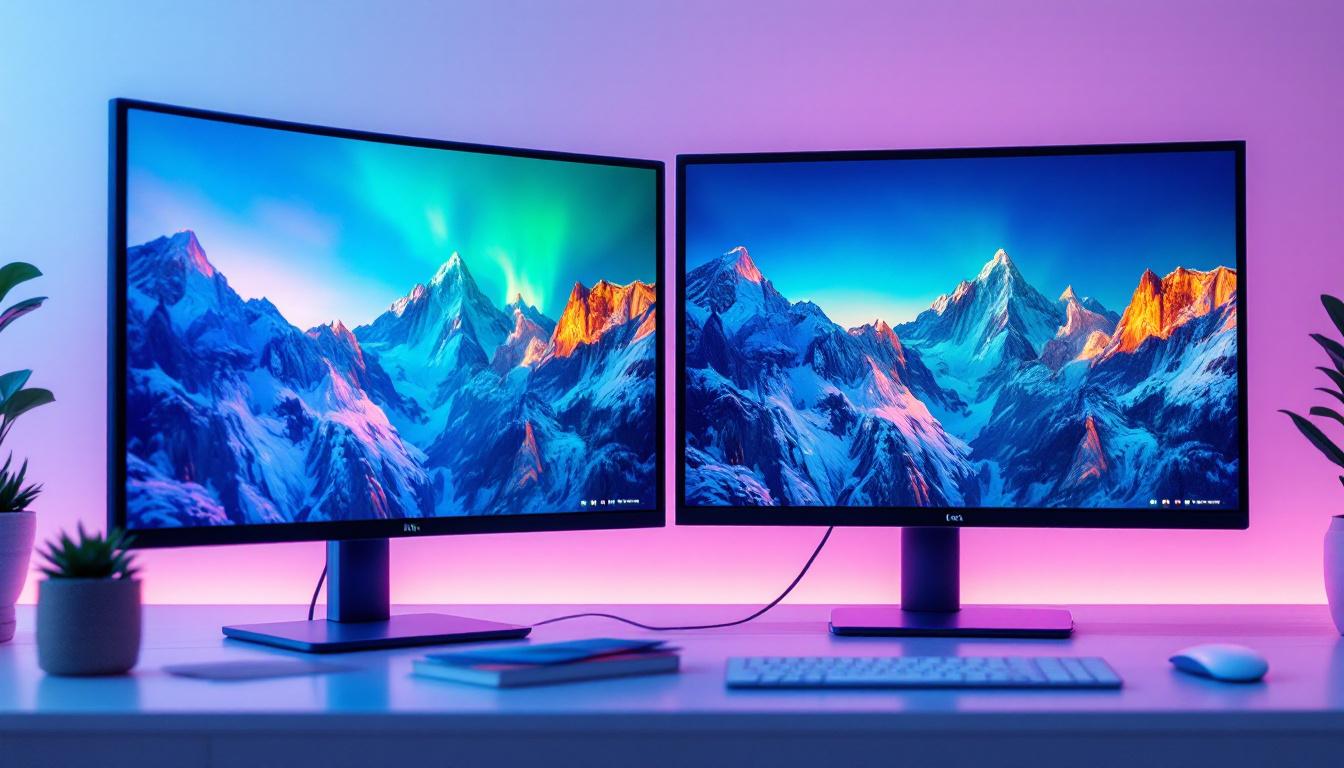
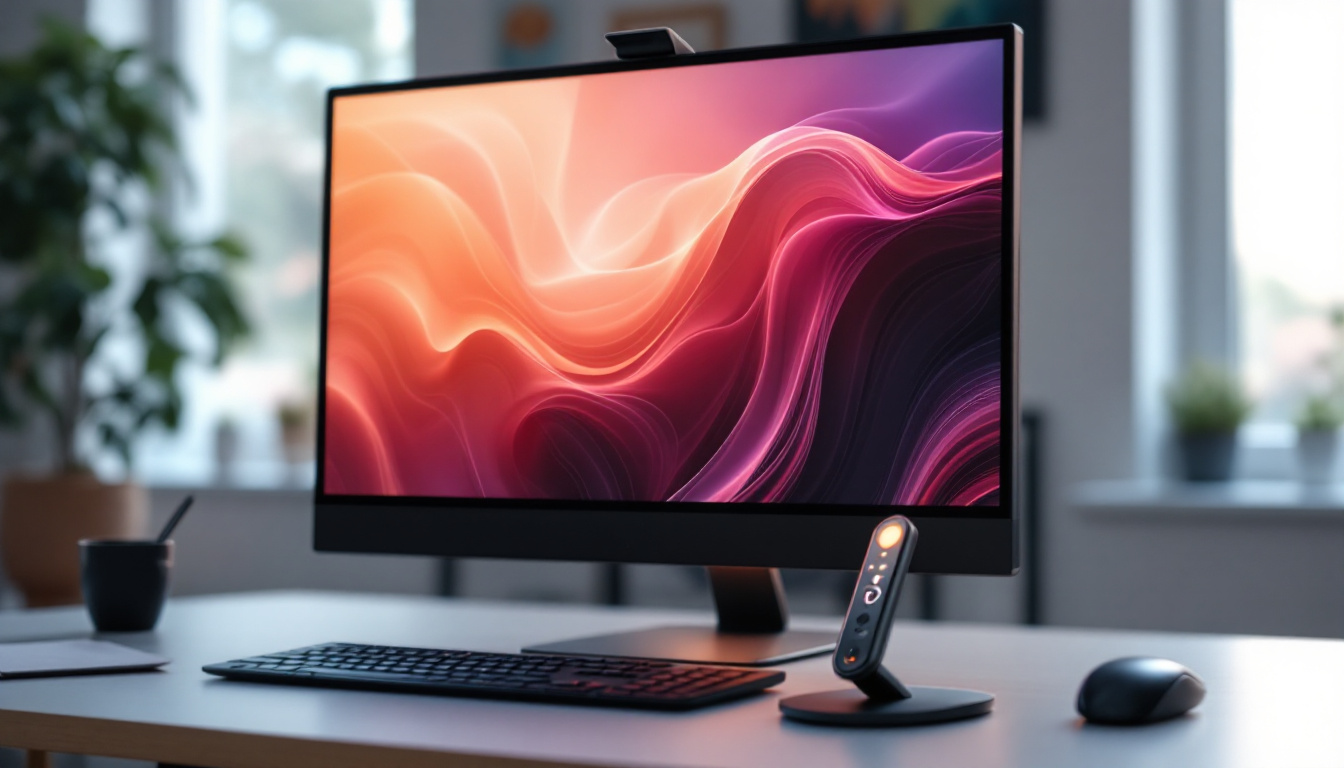
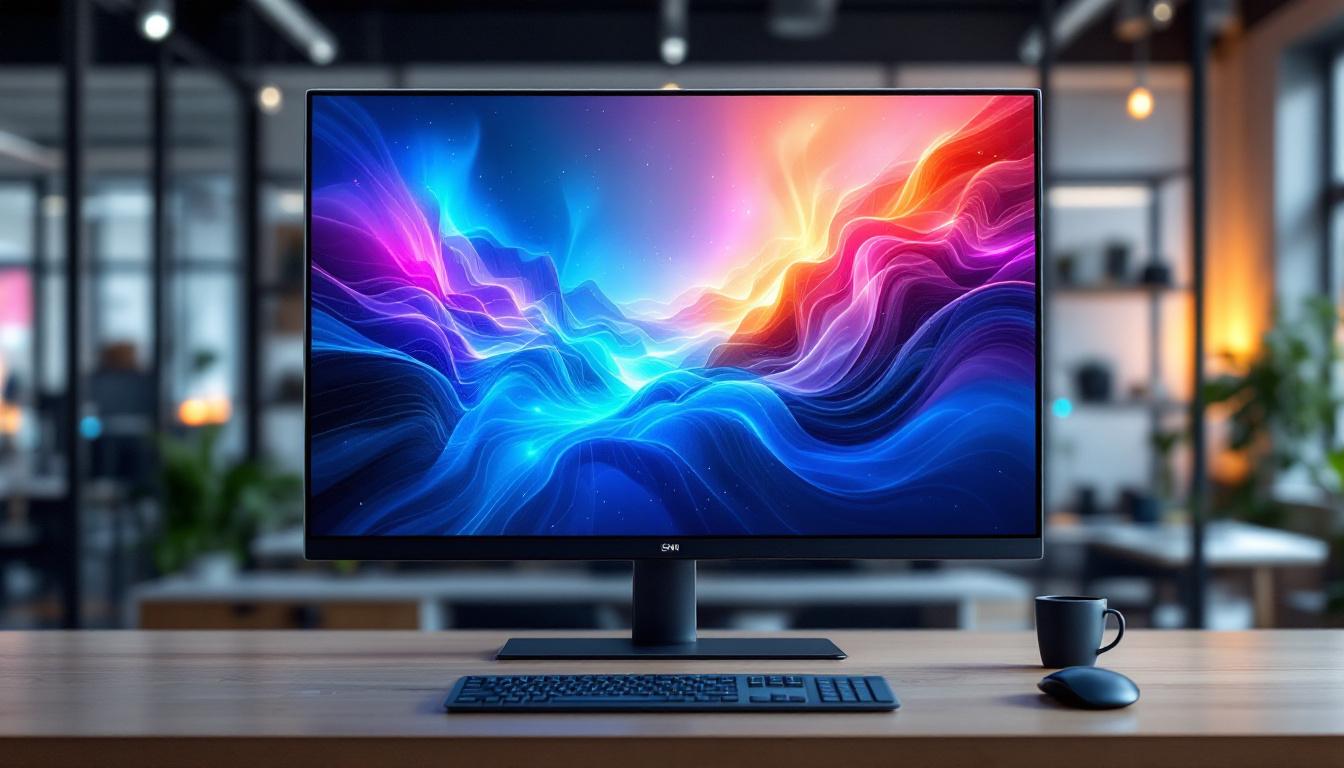
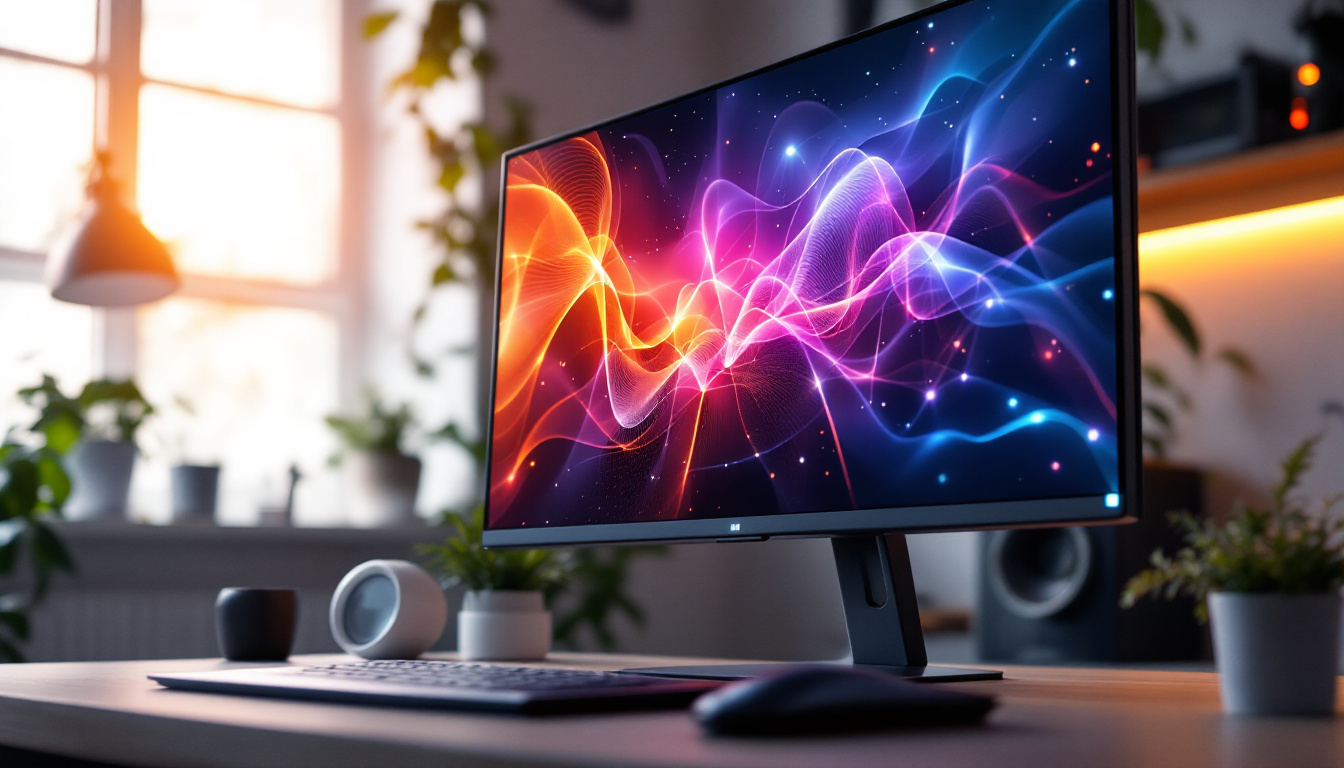
Accessory monitors, often referred to as secondary or external monitors, serve as additional display units connected to a primary computer or device. They provide extended screen real estate, allowing users to multitask efficiently or enjoy immersive visual experiences. These monitors are widely used in various fields, including graphic design, video editing, software development, financial trading, and gaming.
With the rise of remote work and home offices, accessory monitors have surged in popularity. According to a 2023 report by Statista, over 60% of remote workers use at least one external monitor to boost productivity. This trend underscores the importance of choosing the right type of display technology to meet specific needs. Many users are now exploring options such as 4K displays for sharper images or ultra-wide monitors that can replace a dual-monitor setup, offering a seamless viewing experience without bezels interrupting the line of sight.
Common Applications of Accessory Monitors
Accessory monitors are versatile and can be tailored for different professional and personal uses:
- Productivity Enhancement: Developers, writers, and office workers use secondary monitors to keep reference materials, emails, or communication apps open while working on the main screen. This setup not only streamlines workflow but also helps reduce the time spent switching between tabs or applications, ultimately leading to a more focused and efficient work environment.
- Creative Work: Designers and video editors benefit from color-accurate displays with high resolution to preview their work in detail. Many professionals invest in monitors that support wide color gamuts and HDR capabilities, ensuring that their creative outputs are as vivid and true to life as possible, which is crucial for print and digital media.
- Gaming: Gamers often use accessory monitors for chat windows, streaming controls, or additional game information. The ability to have a dedicated screen for live chats or streaming software allows gamers to maintain focus on their gameplay while engaging with their audience, enhancing the overall gaming experience.
- Financial Trading: Traders monitor multiple data streams and charts simultaneously, requiring multiple screens with fast refresh rates. Many traders opt for setups that include three or more monitors, allowing them to track market trends, execute trades, and analyze data in real-time without missing critical information.
In addition to these applications, accessory monitors are also gaining traction in educational settings. Students and teachers alike are utilizing external displays to facilitate collaborative learning and presentations. For instance, a teacher can project instructional materials on a larger screen while simultaneously managing a virtual classroom on their primary device, creating a more interactive and engaging learning environment. Furthermore, with the advent of portable monitors, users can easily set up a dual-screen experience on the go, making them an ideal choice for business travelers or students who need to maximize their productivity outside of a traditional office or classroom setting.
What Is an LED Display?
LED displays are a type of flat-panel display that use light-emitting diodes as pixels to produce images. They have become the standard in modern monitors due to their brightness, energy efficiency, and color accuracy.
It’s important to distinguish between LED displays and OLED (Organic LED) displays. While OLEDs use organic compounds that emit light when an electric current passes through, traditional LED displays typically use an LCD panel with LED backlighting. This LCD + LED backlight combination is the most common in accessory monitors today.
How LED Displays Work
In an LED display, the image is created by liquid crystal cells that modulate light from an array of LEDs placed behind or along the edges of the screen. These LEDs illuminate the liquid crystals, which then control the color and intensity of each pixel by blocking or allowing light to pass through colored filters.
There are two main types of LED backlighting:
- Edge-Lit LED: LEDs are placed around the edges of the screen, and light is distributed across the panel using light guides. This design allows for thinner monitors but may have less uniform brightness.
- Direct-Lit or Full-Array LED: LEDs are placed directly behind the LCD panel, allowing for better brightness uniformity and local dimming capabilities, which improve contrast ratios.
Advantages of LED Displays
LED displays offer several benefits that make them ideal for accessory monitors:
- Brightness and Visibility: LED backlighting provides bright, vivid images that remain clear even in well-lit environments.
- Energy Efficiency: LEDs consume less power compared to older CCFL (cold cathode fluorescent lamp) backlights, reducing energy costs and heat output.
- Color Accuracy and Range: Modern LED monitors support wide color gamuts, including sRGB and AdobeRGB, essential for color-critical work.
- Thin and Lightweight Design: LED technology enables sleek, lightweight monitors that are easy to position and transport.
- Longevity: LEDs have a longer lifespan than traditional backlighting methods, ensuring durability and consistent performance over time.
Key Features to Consider in LED Accessory Monitors
When selecting an LED accessory monitor, understanding the key specifications and features can help ensure the display meets user requirements.
Resolution and Screen Size
Resolution defines the number of pixels displayed on the screen and directly impacts image clarity. Common resolutions include Full HD (1920×1080), Quad HD (2560×1440), and 4K UHD (3840×2160). For accessory monitors, a balance between screen size and resolution is crucial to avoid excessive scaling or pixelation.
For example, a 24-inch monitor with 1080p resolution is ideal for general productivity, while creative professionals might prefer a 27-inch or larger 4K display for detailed work.
Refresh Rate and Response Time
Refresh rate, measured in hertz (Hz), indicates how many times per second the display updates its image. Higher refresh rates (e.g., 120Hz or 144Hz) provide smoother motion, which is particularly beneficial for gaming or video editing.
Response time refers to how quickly a pixel changes color, impacting motion blur and ghosting effects. Lower response times (under 5 milliseconds) are preferred for fast-paced applications.
Color Accuracy and Gamut
Color accuracy is essential for professionals working with images and videos. Monitors that cover a wide color gamut (such as 99% sRGB or 95% AdobeRGB) and support hardware calibration provide more precise color reproduction.
Connectivity Options
Modern accessory monitors offer various connectivity options including HDMI, DisplayPort, USB-C, and Thunderbolt. USB-C and Thunderbolt ports are especially valuable for their ability to carry video, data, and power simultaneously, simplifying cable management.
Ergonomics and Build Quality
Adjustable stands, VESA mount compatibility, and anti-glare coatings improve comfort and usability. A well-built monitor with sturdy materials ensures durability and stability on the desk.
Comparing LED Accessory Monitors with Other Display Technologies
While LED displays dominate the accessory monitor market, it’s helpful to understand how they compare to other technologies such as OLED, IPS LCD, and VA panels.
LED vs. OLED
OLED displays offer true blacks and exceptional contrast because each pixel emits its own light and can be turned off individually. However, OLED monitors are generally more expensive and susceptible to burn-in, making LED-backlit LCDs a more practical choice for many users.
LED with IPS vs. VA Panels
IPS (In-Plane Switching) panels provide superior color accuracy and wide viewing angles, making them popular for professional use. VA (Vertical Alignment) panels offer higher contrast ratios and deeper blacks but may have slower response times and narrower viewing angles.
Most LED accessory monitors combine LED backlighting with IPS panels to achieve a balance of color fidelity and brightness.
Future Trends in LED Accessory Monitor Technology
As display technology continues to evolve, LED accessory monitors are expected to incorporate several advancements:
Mini-LED and Micro-LED Backlighting
Mini-LED technology uses thousands of tiny LEDs for backlighting, enabling finer local dimming zones and improved contrast ratios. This technology bridges the gap between traditional LED and OLED displays, offering better picture quality without the drawbacks of OLED.
Micro-LED displays, still emerging, promise self-emissive pixels like OLED but with higher brightness and durability, potentially revolutionizing accessory monitors in the coming years.
Higher Refresh Rates and Variable Refresh Rate Support
Gaming and professional monitors are increasingly supporting refresh rates beyond 144Hz and technologies like NVIDIA G-SYNC and AMD FreeSync. These features reduce screen tearing and stuttering, enhancing visual smoothness.
Enhanced Connectivity and USB-C Integration
USB-C and Thunderbolt ports will become standard, offering single-cable solutions for power, video, and data transfer. This simplifies workspace setups and improves portability for mobile professionals.
Conclusion: Why Choose an LED Accessory Monitor?
LED accessory monitors provide a compelling combination of brightness, color accuracy, energy efficiency, and affordability. Their versatility makes them suitable for a wide range of users—from office professionals and creatives to gamers and traders.
When selecting an LED accessory monitor, consider the specific needs such as resolution, refresh rate, color accuracy, and connectivity to find the best fit. With ongoing advancements like mini-LED backlighting and improved ergonomics, LED monitors will continue to be a cornerstone of productive and immersive computing environments.
Investing in a quality LED accessory monitor enhances productivity, comfort, and visual experience, making it a smart choice for anyone looking to expand their digital workspace.
Discover LumenMatrix’s Advanced LED Display Solutions
Ready to elevate your digital workspace with the latest in LED technology? LumenMatrix offers a diverse range of innovative LED display solutions tailored to meet your unique needs. From enhancing your brand’s visibility with an Indoor LED Wall Display to creating dynamic visual experiences with a Custom LED Display, LumenMatrix is at the forefront of revolutionizing visual communication. Experience the difference in brightness, color accuracy, and energy efficiency with our state-of-the-art LED displays. Check out LumenMatrix LED Display Solutions today and transform your space into an engaging and productive environment.