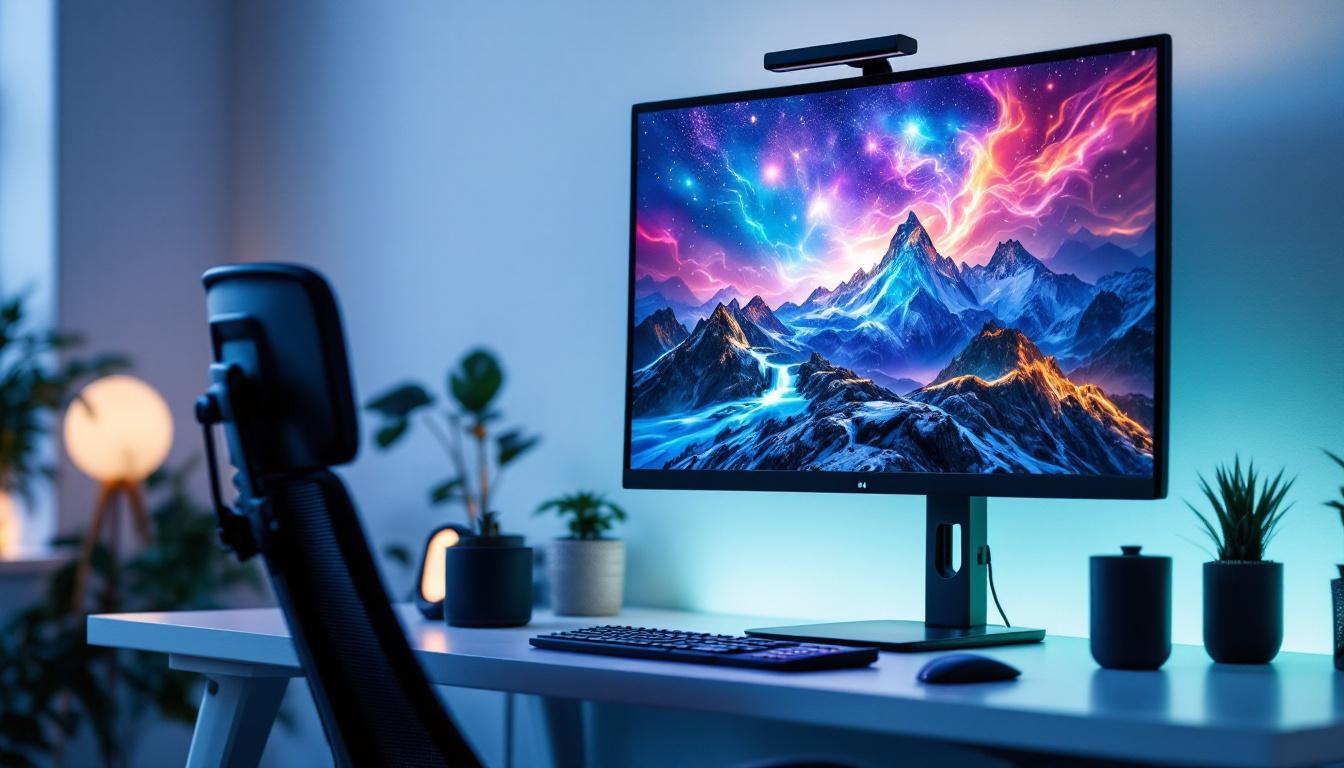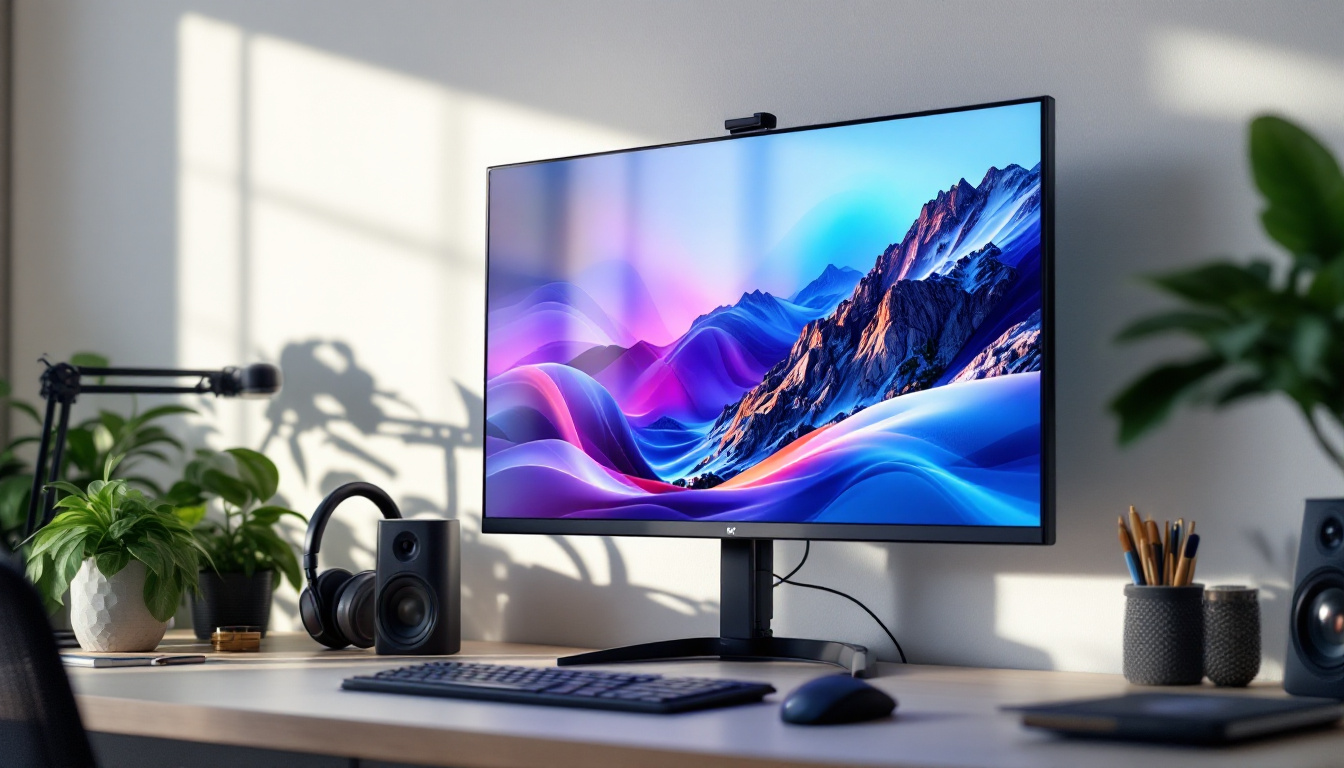
In today’s fast-evolving digital landscape, touchscreen monitors have become an essential tool across various industries and home setups. Among the many options available, a 32-inch touchscreen monitor with an LED display strikes a compelling balance between size, functionality, and visual performance. This article delves into the key aspects of 32-inch touchscreen LED monitors, explaining their technology, benefits, and practical applications to help you make an informed decision.
Understanding the Basics: What is a 32-Inch Touchscreen LED Monitor?
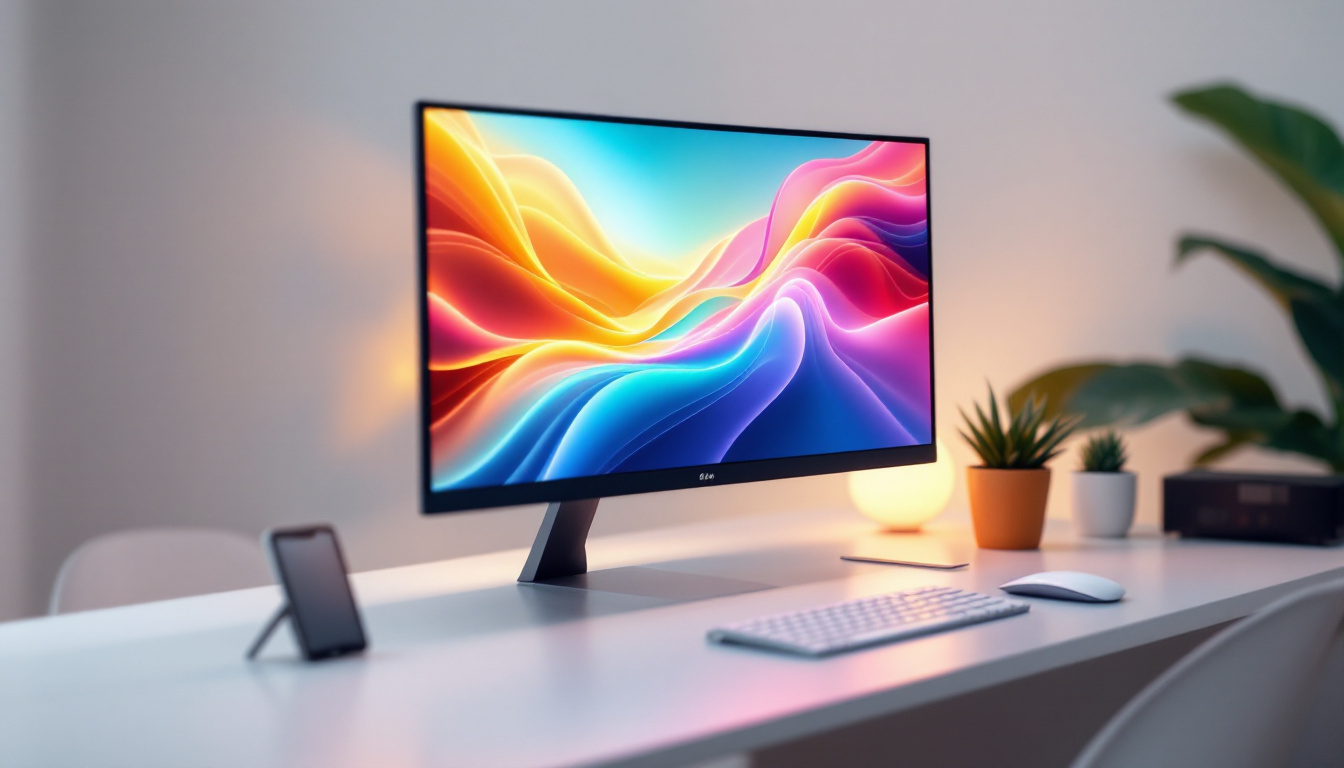
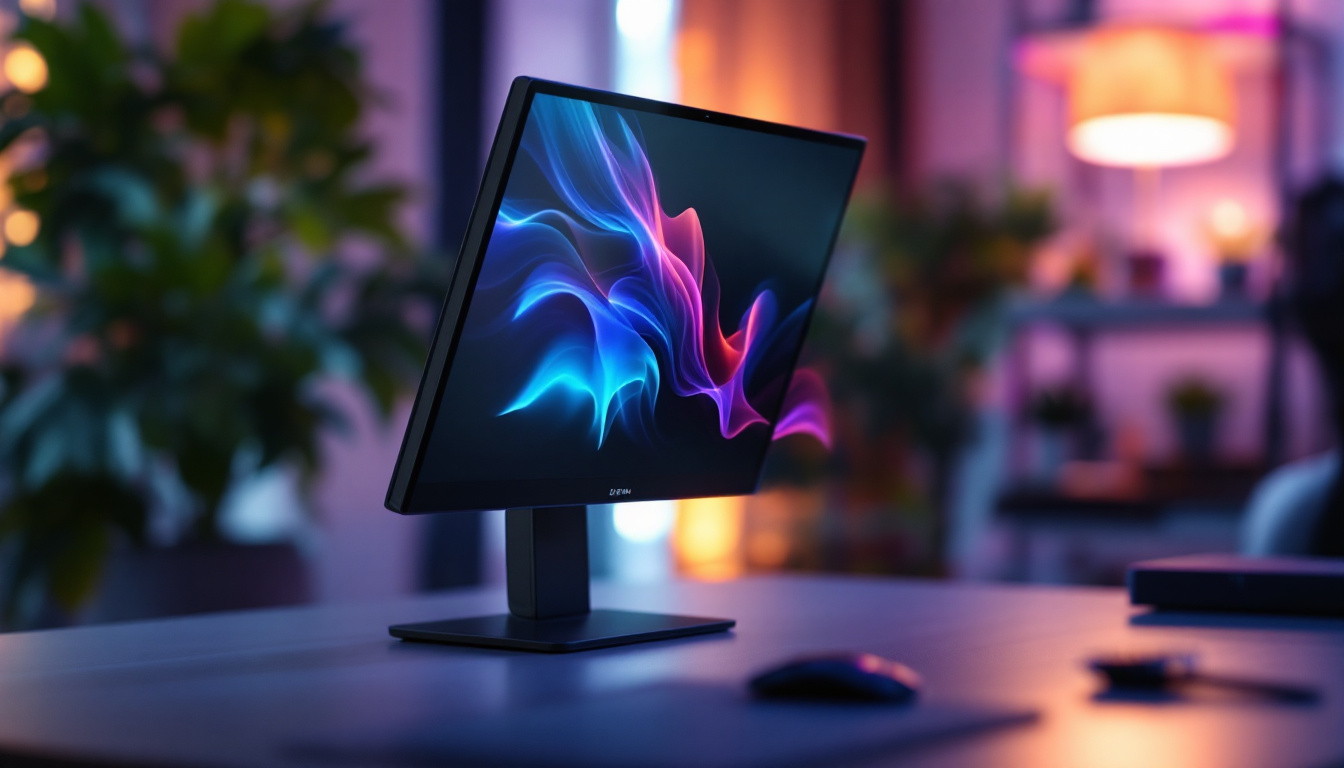
A 32-inch touchscreen LED monitor is a display device that combines a large 32-inch screen size with touchscreen functionality and LED backlighting technology. The screen size refers to the diagonal measurement of the display, making 32 inches a popular choice for users who want ample screen real estate without overwhelming their workspace.
Touchscreen capability means the monitor can detect and respond to touch inputs, allowing users to interact directly with the screen using fingers or a stylus. This feature enhances usability, especially in environments where quick, intuitive control is necessary.
LED, which stands for Light Emitting Diode, refers to the type of backlighting used in the display. Unlike older LCD monitors that used cold cathode fluorescent lamps (CCFL), LED monitors use LEDs to illuminate the screen, offering better brightness, energy efficiency, and color accuracy.
Why 32 Inches?
The 32-inch size is often considered a sweet spot for many users. It provides enough space for multitasking, detailed design work, or immersive media consumption without requiring a large desk or overwhelming the user. For professionals in graphic design, video editing, or data analysis, the size allows for multiple windows or applications to be open simultaneously, improving productivity.
Moreover, 32-inch monitors are increasingly popular in sectors like retail, healthcare, and education where touchscreen interaction is beneficial. The size ensures that touch targets are comfortably spaced, reducing input errors and enhancing user experience.
LED Display Technology: How It Works and Why It Matters
LED technology has revolutionized monitor displays by providing superior image quality and energy efficiency compared to older technologies. Understanding how LED displays work helps in appreciating their advantages in touchscreen monitors.
How LED Backlighting Works
Traditional LCD screens rely on a backlight to illuminate the pixels, which themselves do not emit light. LED monitors use an array of light-emitting diodes behind or along the edges of the screen to provide this illumination. There are two main types of LED backlighting:
- Edge-Lit LED: LEDs are placed along the edges of the screen, and light is distributed across the display using light guides. This design allows for thinner monitors but may have uneven brightness in some cases.
- Direct or Full-Array LED: LEDs are placed directly behind the screen in a grid pattern, offering more uniform brightness and better local dimming capabilities, which improves contrast and black levels.
Both types contribute to brighter displays, better color reproduction, and longer lifespan compared to CCFL backlights.
Benefits of LED Displays in Touchscreen Monitors
LED displays offer several advantages that enhance the touchscreen experience:
- Improved Brightness and Contrast: LED backlighting provides higher brightness levels and better contrast ratios, which are essential for clear visibility in various lighting conditions.
- Energy Efficiency: LEDs consume less power than CCFLs, making them more environmentally friendly and reducing operational costs.
- Thinner and Lighter Designs: LED technology allows for slimmer monitor profiles, which is beneficial for mounting and portability.
- Better Color Accuracy: Many LED monitors support wide color gamuts and advanced color calibration, which is crucial for creative professionals.
- Longer Lifespan: LEDs typically last longer than traditional backlighting, reducing the need for replacements.
Touchscreen Technology in 32-Inch LED Monitors
Touchscreen monitors employ different technologies to detect touch inputs. The choice of touchscreen technology impacts responsiveness, accuracy, durability, and cost. Here are the most common types used in 32-inch LED monitors:
Projected Capacitive (PCAP) Touchscreens
Projected capacitive touchscreens are the most widely used technology in modern touchscreen monitors. They work by sensing the electrical properties of the human finger, allowing for multi-touch gestures like pinch-to-zoom and swipe. PCAP screens offer high accuracy, fast response times, and excellent durability.
Because PCAP technology supports multi-touch and gestures, it is ideal for interactive applications such as digital signage, kiosks, and collaborative workspaces. The glass surface is also resistant to scratches and fingerprints, maintaining clarity over time.
Resistive Touchscreens
Resistive touchscreens detect pressure applied to the screen by measuring the contact between two flexible layers. While generally less expensive, resistive screens are less sensitive and do not support multi-touch gestures. They are often used in industrial or medical environments where users wear gloves or use styluses.
Infrared and Optical Touchscreens
Infrared and optical touchscreens use light sensors and emitters around the edges of the screen to detect touch by interruption of the light beams. These technologies support multi-touch and are durable but can be affected by external light conditions. They are less common in consumer-grade 32-inch monitors but may be found in specialized commercial applications.
Key Features to Consider When Choosing a 32-Inch Touchscreen LED Monitor
Selecting the right 32-inch touchscreen LED monitor depends on your specific needs, whether for professional use, entertainment, or interactive displays. Here are critical features to evaluate:
Resolution and Image Quality
Resolution determines the sharpness and clarity of the display. For a 32-inch monitor, Full HD (1920×1080) is the minimum standard, but many models offer 4K UHD (3840×2160) resolution, providing four times the pixels for exceptional detail. Higher resolutions are particularly beneficial for graphic design, video editing, and detailed data visualization.
Additionally, look for monitors with high color accuracy, wide color gamut (such as Adobe RGB or DCI-P3), and factory calibration if color fidelity is important.
Touch Responsiveness and Accuracy
The touchscreen’s responsiveness affects how smoothly you can interact with the display. Monitors with low latency and high touch point support (e.g., 10-point multi-touch) offer better user experiences, especially in collaborative or creative environments.
Connectivity Options
Modern 32-inch touchscreen LED monitors come with various connectivity ports, including HDMI, DisplayPort, USB-C, and USB-A. USB-C ports are increasingly popular due to their ability to deliver video, data, and power through a single cable, simplifying setups.
Consider your existing devices and ensure the monitor supports the necessary connections for seamless integration.
Ergonomics and Design
Adjustability is crucial for comfortable use. Look for monitors with tilt, swivel, height adjustment, and VESA mount compatibility. A well-designed stand and bezel can also enhance the overall user experience, especially in multi-monitor setups.
Durability and Build Quality
Touchscreen monitors are often subject to more physical interaction than standard displays. Choosing a model with robust construction, scratch-resistant glass, and reliable touch sensors ensures longevity.
Applications and Use Cases for 32-Inch Touchscreen LED Monitors
The versatility of 32-inch touchscreen LED monitors makes them suitable for a wide range of applications across various industries:
Professional and Creative Work
Graphic designers, video editors, architects, and engineers benefit from the large, high-resolution screen combined with precise touch input. The ability to manipulate designs directly on the screen accelerates workflows and enhances creativity.
Education and Training
Interactive displays in classrooms and training centers facilitate engaging lessons and collaborative activities. A 32-inch touchscreen monitor offers ample space for multiple users to interact simultaneously, making it ideal for group learning.
Retail and Hospitality
Touchscreen monitors are widely used in point-of-sale (POS) systems, self-service kiosks, and digital signage. The 32-inch size provides clear visibility and easy interaction for customers, improving service efficiency and satisfaction.
Healthcare
Medical professionals use touchscreen monitors for patient monitoring, diagnostics, and record-keeping. The large screen size supports detailed imaging, while the touch interface allows for quick data entry and navigation.
Home and Entertainment
For home users, a 32-inch touchscreen LED monitor can serve as a versatile device for gaming, streaming, and smart home control. Touch interaction adds convenience, especially when paired with compatible software and devices.
Tips for Maintaining and Optimizing Your 32-Inch Touchscreen LED Monitor
Proper care and optimization ensure your monitor performs at its best over time. Here are some practical tips:
- Regular Cleaning: Use a microfiber cloth and screen-safe cleaning solution to remove fingerprints and dust without damaging the touchscreen surface.
- Calibrate the Display: Periodically calibrate color settings using built-in tools or third-party software to maintain accurate colors.
- Update Drivers and Firmware: Keep your monitor’s drivers and firmware up to date to ensure compatibility and improve performance.
- Adjust Touch Sensitivity: Some monitors allow customization of touch sensitivity and gestures to suit your preferences.
- Protect Against Physical Damage: Avoid sharp objects and excessive pressure on the screen to prevent damage to the touch sensors.
Conclusion: Is a 32-Inch Touchscreen LED Monitor Right for You?
Choosing a 32-inch touchscreen LED monitor offers a blend of size, visual quality, and interactive functionality that caters to a wide audience—from professionals and educators to retail operators and home users. The LED technology ensures vibrant, energy-efficient displays, while the touchscreen capability facilitates intuitive interaction.
When selecting a monitor, consider your specific needs regarding resolution, touch technology, connectivity, and ergonomics. Investing in a quality 32-inch touchscreen LED monitor can significantly enhance productivity, creativity, and user engagement across various applications.
As touchscreen technology continues to advance, these monitors will play an increasingly vital role in how people work, learn, and entertain themselves. Understanding their features and benefits empowers users to choose the right device that aligns with their goals and environments.
Discover the Future of Touchscreen Displays with LumenMatrix
Ready to experience the ultimate in touchscreen LED technology? LumenMatrix is at the forefront of innovative LED display solutions, offering a diverse range of products that bring your content to life. Whether you’re looking for an Indoor LED Wall Display for your business, an Outdoor LED Wall Display for advertising, or any of our specialized solutions like Vehicle LED Displays and LED Sports Displays, we have you covered. Embrace the future of visual communication with our cutting-edge displays that promise to enhance engagement and transform your space. Check out LumenMatrix LED Display Solutions today and see the difference for yourself!