In the rapidly evolving world of architectural design and construction, integrating dynamic signage solutions has become essential for creating engaging, informative, and visually appealing spaces. Among the most popular and effective types of signage today are LED displays, known for their brightness, versatility, and energy efficiency. When designing buildings and environments in Autodesk Revit, understanding how to incorporate LED displays accurately and efficiently is crucial for architects, engineers, and designers alike.
This article delves into the intersection of signage design and Revit modeling, focusing on LED displays. It explores the technical aspects, practical applications, and best practices for integrating LED signage within Revit projects to enhance both design visualization and construction documentation.
Understanding LED Displays in Architectural Signage
What Are LED Displays?
LED (Light Emitting Diode) displays are electronic screens composed of numerous tiny light-emitting diodes that collectively form images, text, or video content. Unlike traditional signage that relies on static printed materials or neon lighting, LED displays offer dynamic content capabilities, allowing for real-time updates, animations, and interactive features.
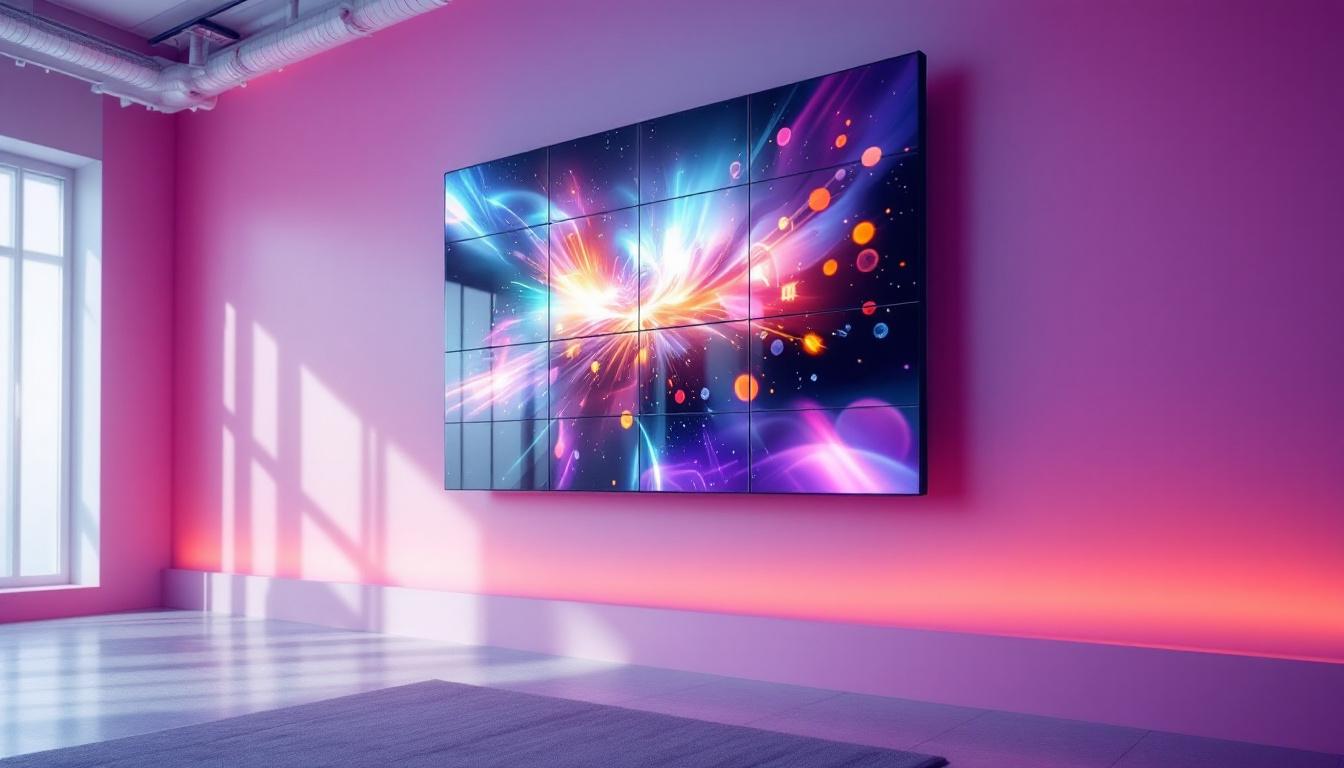
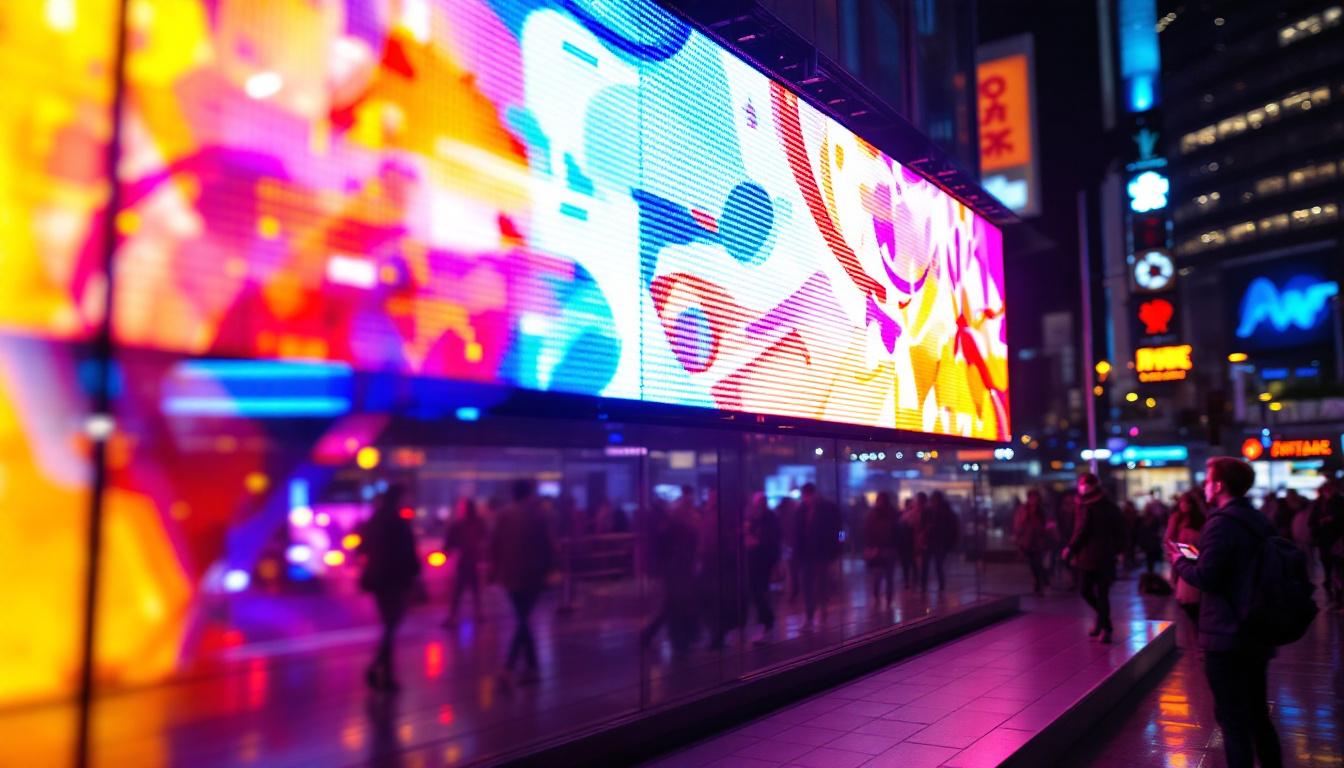
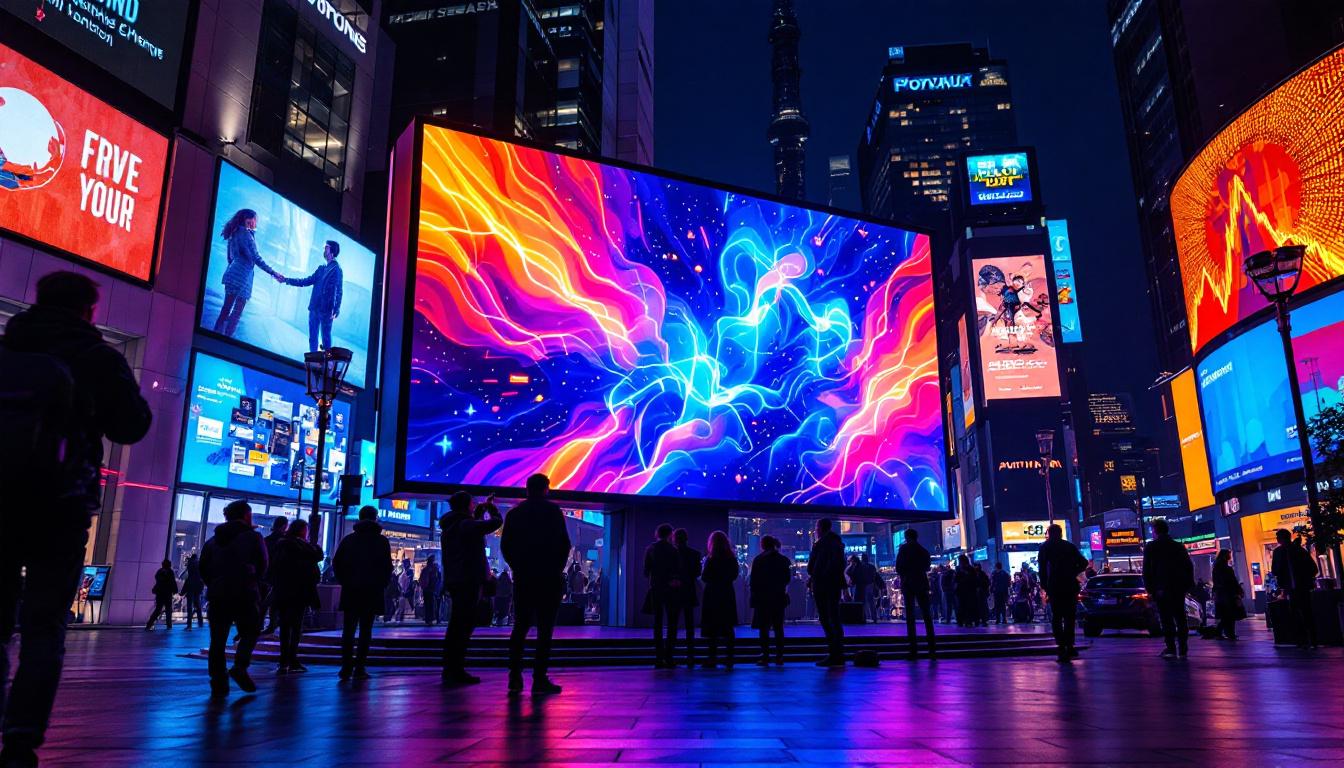
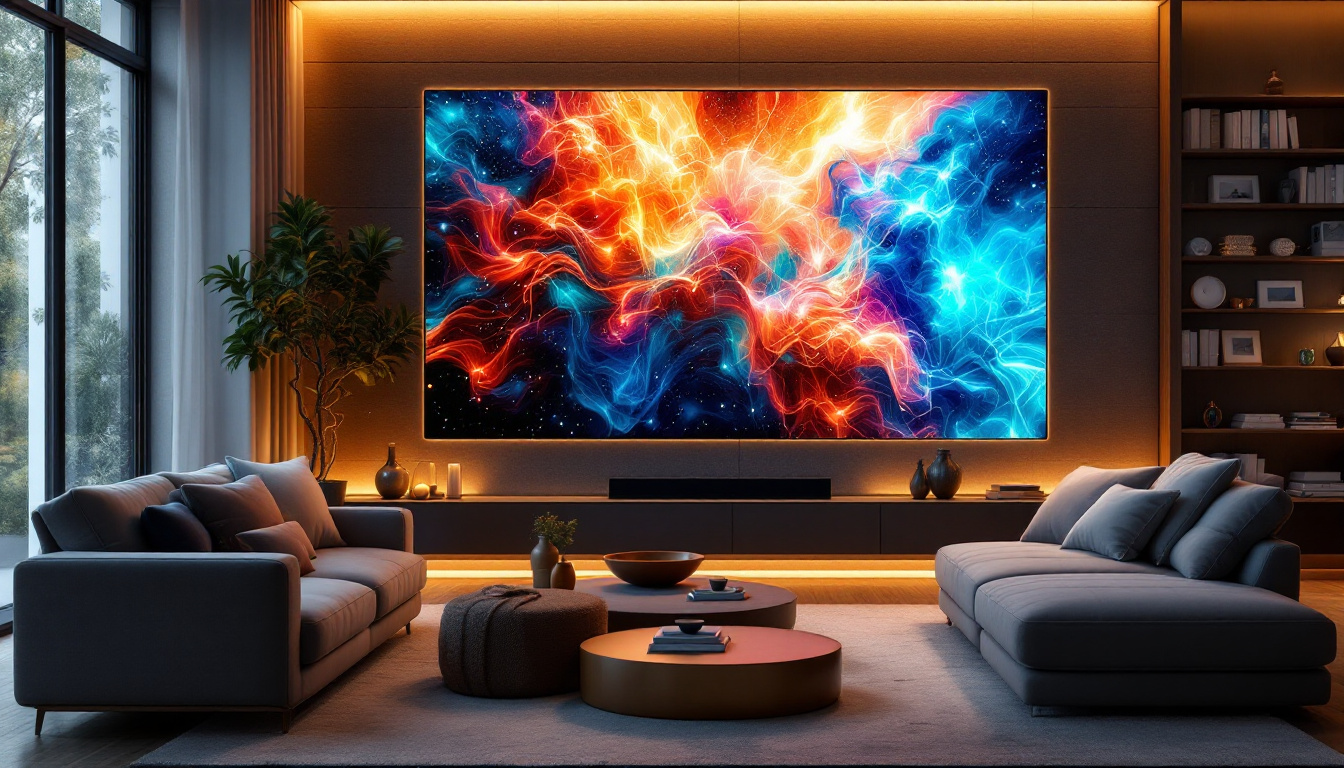
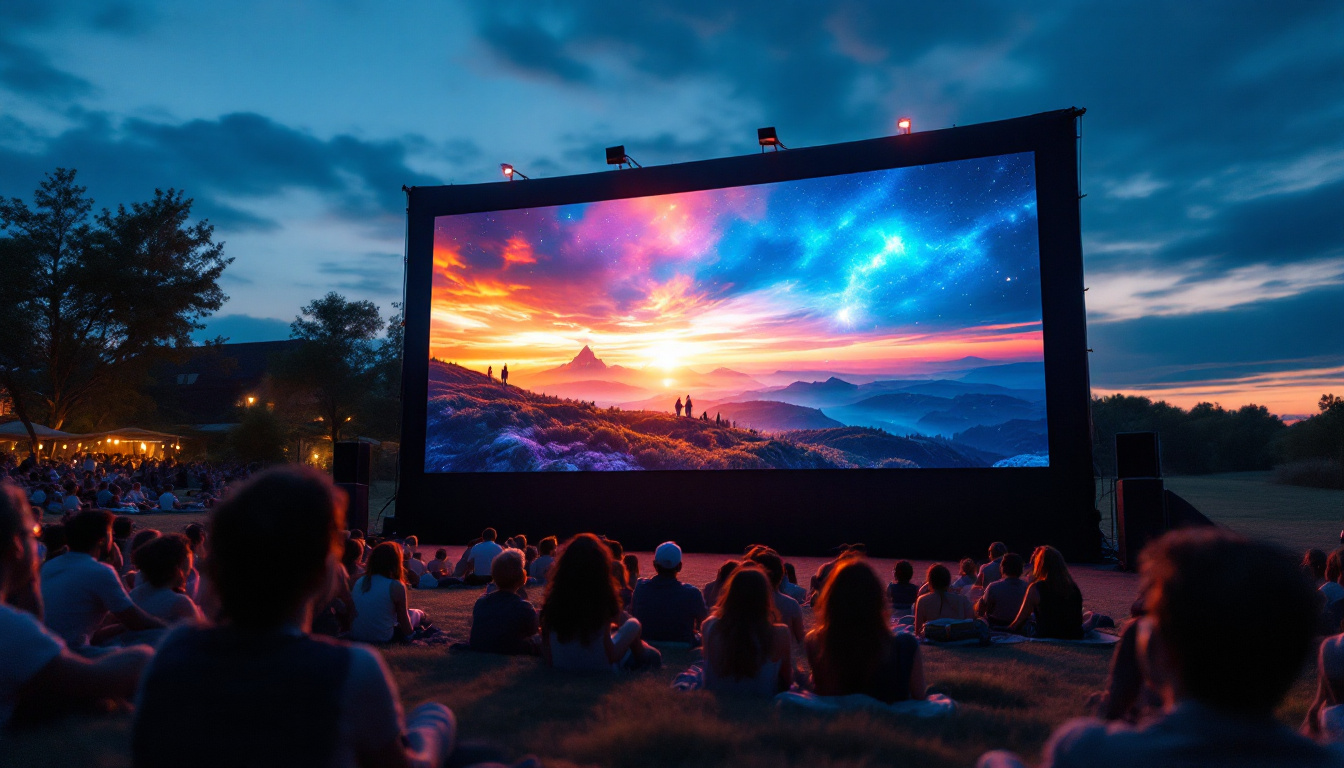
These displays come in various forms, including single-color, full-color, and high-resolution video walls, making them suitable for a wide range of indoor and outdoor applications. Their brightness levels can reach up to 8,000 nits, ensuring visibility even in direct sunlight, which is a critical factor for outdoor signage. Additionally, the technology behind LED displays has advanced significantly, enabling them to produce vibrant colors and sharp images that can captivate audiences and enhance the aesthetic appeal of architectural designs.
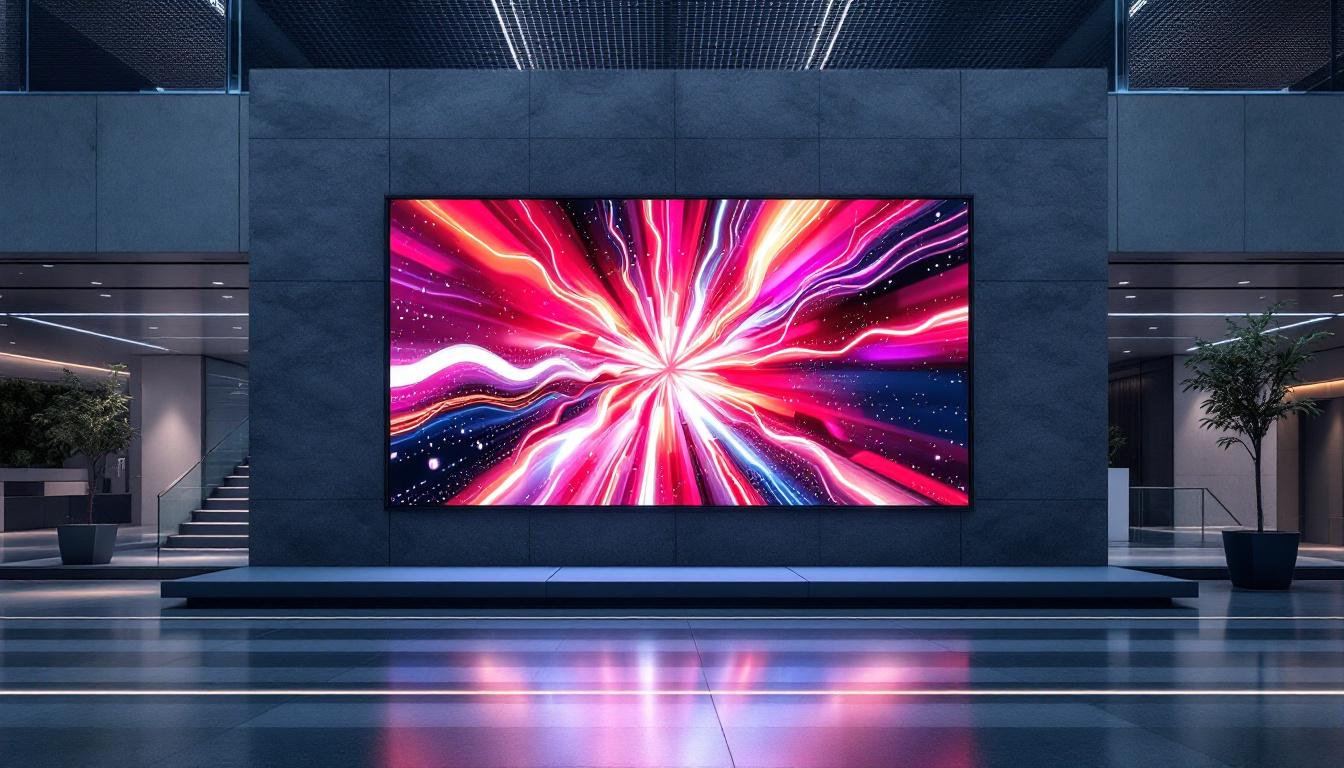
Furthermore, the modular nature of LED displays means they can be seamlessly integrated into various structures, from skyscrapers to shopping malls, creating a cohesive visual experience that complements the surrounding environment. This adaptability not only enhances the architectural integrity of a space but also allows for creative installations that can transform ordinary facades into dynamic canvases of light and information.
Why LED Displays Are Preferred in Modern Signage
LED technology has transformed the signage industry due to its numerous advantages:
- Energy Efficiency: LEDs consume significantly less power compared to traditional lighting methods, reducing operational costs and environmental impact.
- Longevity: LED displays have a lifespan ranging from 50,000 to 100,000 hours, minimizing maintenance and replacement needs.
- Brightness and Visibility: High luminance levels ensure readability in various lighting conditions, including bright daylight.
- Flexibility: LED displays can be customized in size, shape, and resolution to fit unique architectural requirements.
- Dynamic Content: The ability to update content remotely and frequently allows for targeted messaging and advertising.
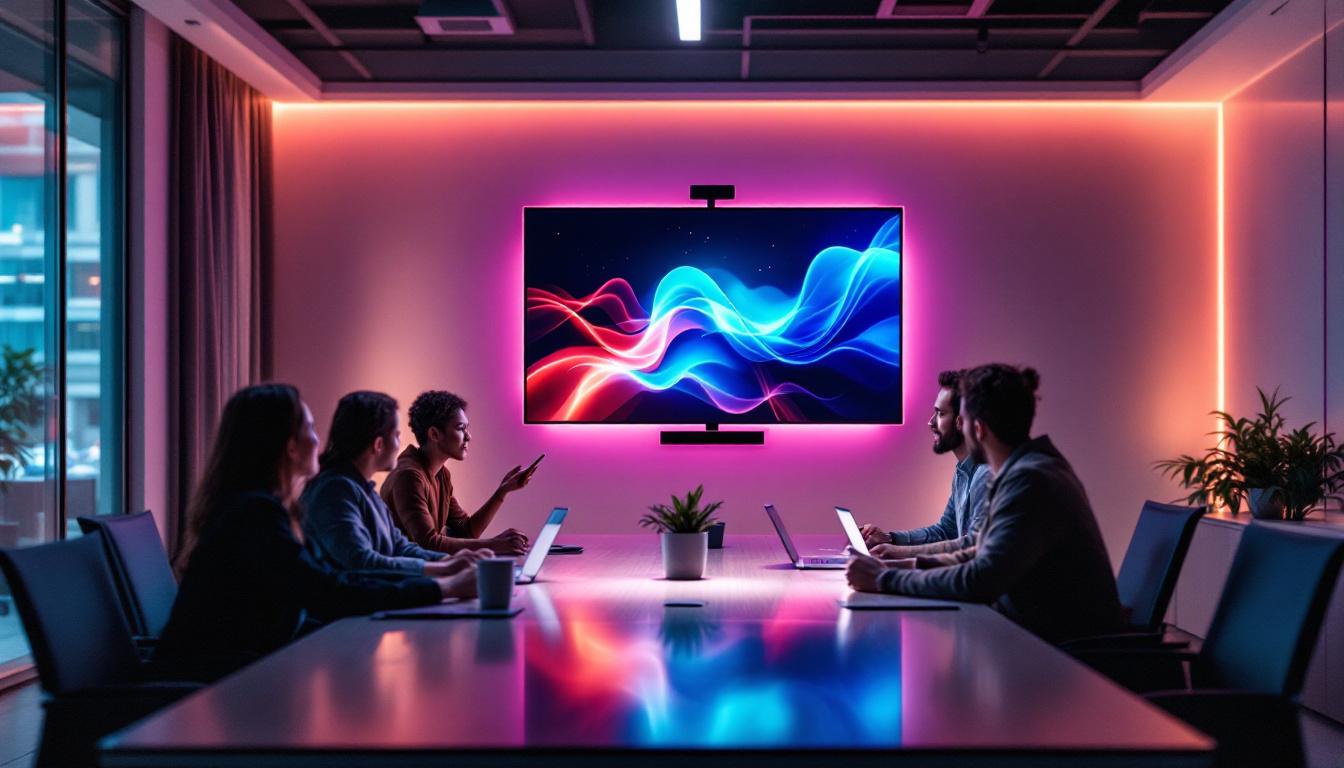
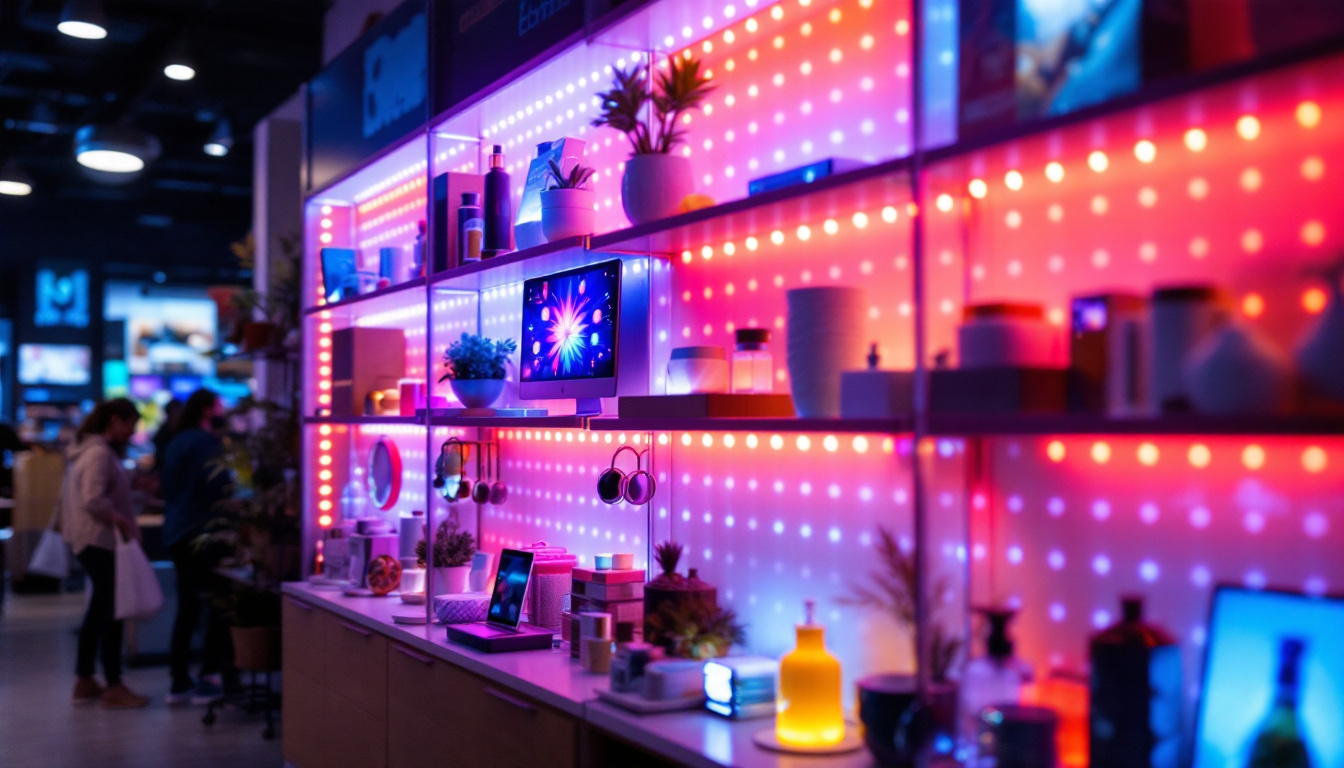
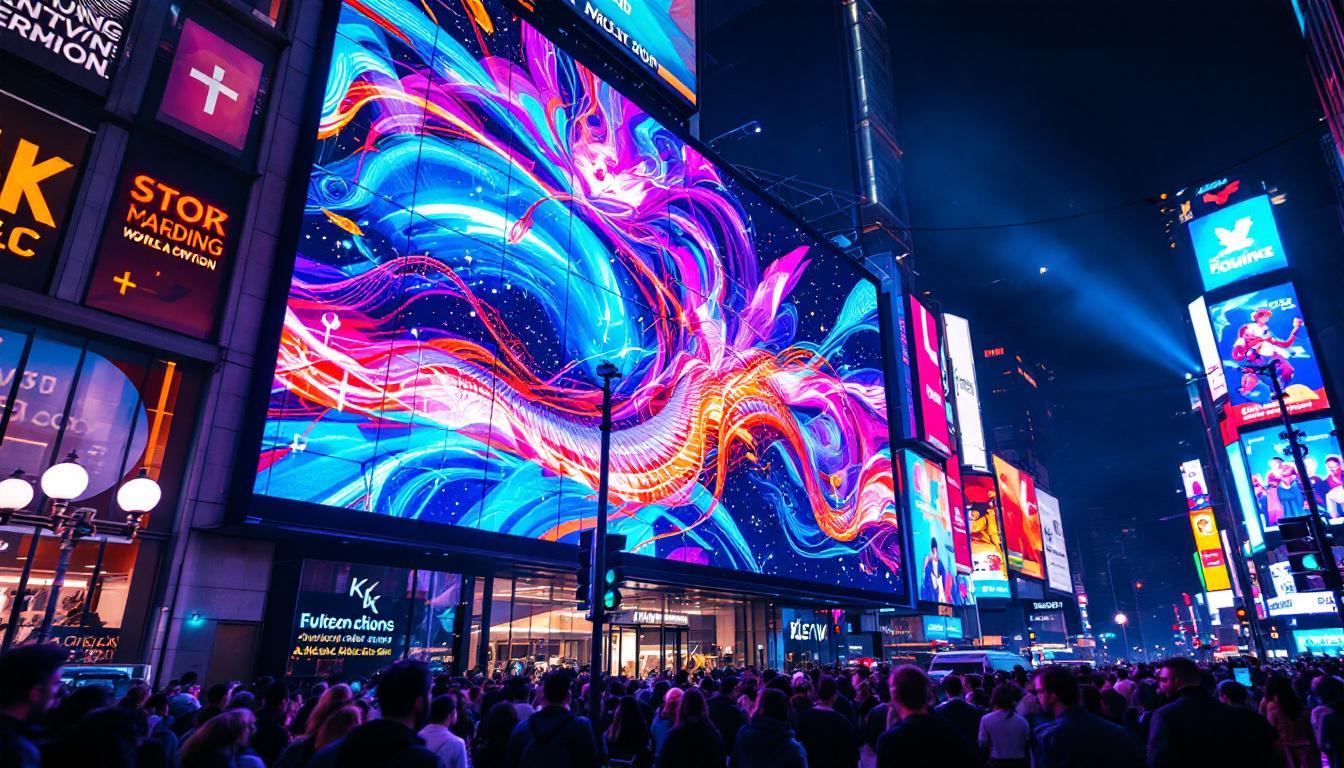
Given these benefits, LED displays are increasingly integrated into commercial buildings, transportation hubs, retail environments, and public spaces. Their versatility enables businesses to create engaging experiences that draw in customers and convey vital information effectively. For instance, airports utilize LED displays for flight information and wayfinding, while retail stores employ them to showcase promotions and product launches, enhancing customer engagement and driving sales.
Moreover, the rise of smart technology has further propelled the use of LED displays, as they can now be connected to data sources and social media feeds, allowing for real-time updates and interaction with audiences. This integration not only keeps content fresh and relevant but also fosters a sense of community by displaying user-generated content or local events, thereby creating a more immersive and interactive environment for viewers.
Incorporating LED Displays in Revit Projects
The Role of Revit in Signage Design
Autodesk Revit is a Building Information Modeling (BIM) software widely used for designing and documenting building projects. It enables multidisciplinary collaboration by integrating architectural, structural, and MEP (mechanical, electrical, and plumbing) elements into a single model.
For signage design, Revit offers the ability to model signage elements accurately within the building context, ensuring proper placement, dimensioning, and coordination with other building systems. This integration is vital for avoiding clashes, optimizing installation, and streamlining the approval process.
Modeling LED Displays in Revit
Modeling LED displays in Revit requires attention to detail and an understanding of both the physical characteristics of the display and its functional requirements. Here are key considerations:
- Family Creation: LED displays are typically modeled as custom families in Revit. These families include parameters such as dimensions, mounting details, power requirements, and pixel pitch if applicable.
- Material and Appearance: While Revit’s visual realism is limited compared to dedicated rendering software, applying appropriate materials and textures can help convey the display’s look, including the LED panel surface and frame.
- Lighting and Emissive Properties: To simulate the light emission characteristic of LEDs, families can incorporate emissive materials or lighting fixtures that mimic the glow of the display, enhancing visualization in rendered views.
- Content Representation: Although Revit does not support dynamic content playback, placeholder graphics or images can represent the intended signage content for client presentations and coordination.
Parametric Control and Data Integration
One of the strengths of Revit families is their parametric nature. LED display families can include parameters for:
- Display size (height, width, depth)
- Resolution and pixel pitch
- Power consumption and electrical connection points
- Mounting height and orientation
These parameters allow designers to quickly adjust the signage within the model and generate accurate schedules and documentation. Additionally, linking these parameters to external data sources or project standards ensures consistency and facilitates decision-making.
Technical and Practical Considerations for LED Signage in Revit
Electrical and Structural Coordination
LED displays require careful coordination with electrical and structural systems. In Revit, this involves:
- Electrical Load Planning: Including power supply locations, wiring routes, and connections within the MEP model to ensure sufficient capacity and compliance with codes.
- Mounting and Support Structures: Modeling brackets, frames, or custom supports that secure the LED display to walls, ceilings, or freestanding structures.
- Access for Maintenance: Designing access points and pathways for servicing the displays, which can be modeled as part of the architectural or structural elements.
Effective coordination reduces the risk of installation conflicts and helps contractors understand the complexity of the signage system.
Regulatory Compliance and Safety Standards
LED signage must comply with local regulations concerning brightness, placement, and content, especially in public or residential areas. Using Revit to document signage specifications helps demonstrate compliance through:
- Accurate dimensioning and location within the site plan
- Documentation of electrical and structural specifications
- Inclusion of safety features such as emergency shutoffs or protective enclosures
Consulting relevant standards, such as the Illuminating Engineering Society (IES) guidelines and local municipal codes, is essential during the design phase.
Enhancing Visualization and Client Communication
Rendering LED Displays in Revit
While Revit’s native rendering capabilities are improving, representing LED displays realistically often requires additional software such as Autodesk 3ds Max, Lumion, or Enscape. These tools can simulate the emissive properties of LEDs, dynamic lighting effects, and environmental reflections, providing clients with a vivid impression of the signage impact.
Integrating Revit models with these visualization tools allows designers to produce high-quality images and animations that showcase the signage in context, helping stakeholders make informed decisions.
Virtual Reality and Interactive Presentations
Emerging technologies like virtual reality (VR) and augmented reality (AR) further enhance client engagement. By exporting Revit models to VR platforms, clients can experience the LED signage within a virtual walkthrough, assessing scale, brightness, and placement from various perspectives.
Interactive presentations enable designers to demonstrate content changes on LED displays, simulate different lighting conditions, and explore alternative design options in real-time.
Case Studies: Successful Integration of LED Displays in Revit Projects
Retail Environment: Dynamic Storefront Signage
A global retail chain recently incorporated large-format LED displays into their flagship store design using Revit. By modeling the LED signage as parametric families, the design team optimized placement for maximum visibility while coordinating electrical and structural systems seamlessly.
The Revit model facilitated collaboration between architects, electrical engineers, and signage manufacturers, reducing installation errors and accelerating project delivery. Post-installation feedback highlighted the signage’s effectiveness in attracting customers and enhancing brand presence.
Transportation Hub: Real-Time Information Displays
In a major airport expansion, LED displays were integrated to provide real-time flight information and wayfinding assistance. Using Revit, designers modeled the displays along concourses and waiting areas, ensuring compliance with visibility and accessibility standards.
The BIM model included detailed electrical layouts and maintenance access points, streamlining coordination with contractors. The project demonstrated how LED signage, when thoughtfully integrated via Revit, can improve passenger experience and operational efficiency.
Future Trends in LED Signage and Revit Integration
Smart and Interactive LED Displays
Advancements in LED technology are driving the development of smart signage capable of interactive features like touch sensitivity, facial recognition, and AI-driven content adaptation. Incorporating these technologies into Revit models will require enhanced data parameters and integration with IoT (Internet of Things) systems.
Designers will increasingly need to collaborate with software developers and system integrators to represent these complex systems accurately within BIM environments.
Automation and Generative Design
Emerging tools in Revit and BIM workflows are enabling automation in signage design, including generative design techniques that optimize display placement based on factors like foot traffic, sightlines, and lighting conditions.
These capabilities promise to streamline the design process, reduce waste, and create more effective signage solutions tailored to specific environments.
Conclusion
LED displays have become a cornerstone of modern architectural signage, offering unmatched versatility, visibility, and dynamic content capabilities. Integrating these displays into Revit projects enhances design accuracy, coordination, and communication across disciplines.
By understanding the technical aspects of LED signage, leveraging Revit’s parametric modeling features, and embracing advanced visualization and collaboration tools, design professionals can deliver signage solutions that not only meet functional requirements but also elevate the overall user experience.
As LED technology and BIM software continue to evolve, staying informed about best practices and emerging trends will be essential for architects, engineers, and designers aiming to create impactful, future-ready signage systems.
Discover Cutting-Edge LED Display Solutions with LumenMatrix
Ready to elevate your architectural projects with the latest in LED display technology? Explore LumenMatrix’s comprehensive range of LED display solutions, from vibrant Indoor and Outdoor LED Wall Displays to innovative Custom and All-in-One LED Displays. Whether you’re looking to create a dynamic retail environment, an interactive transportation hub, or any space in between, LumenMatrix is your partner in revolutionizing visual communication. Check out LumenMatrix LED Display Solutions today and bring your designs to life with unparalleled clarity and impact.