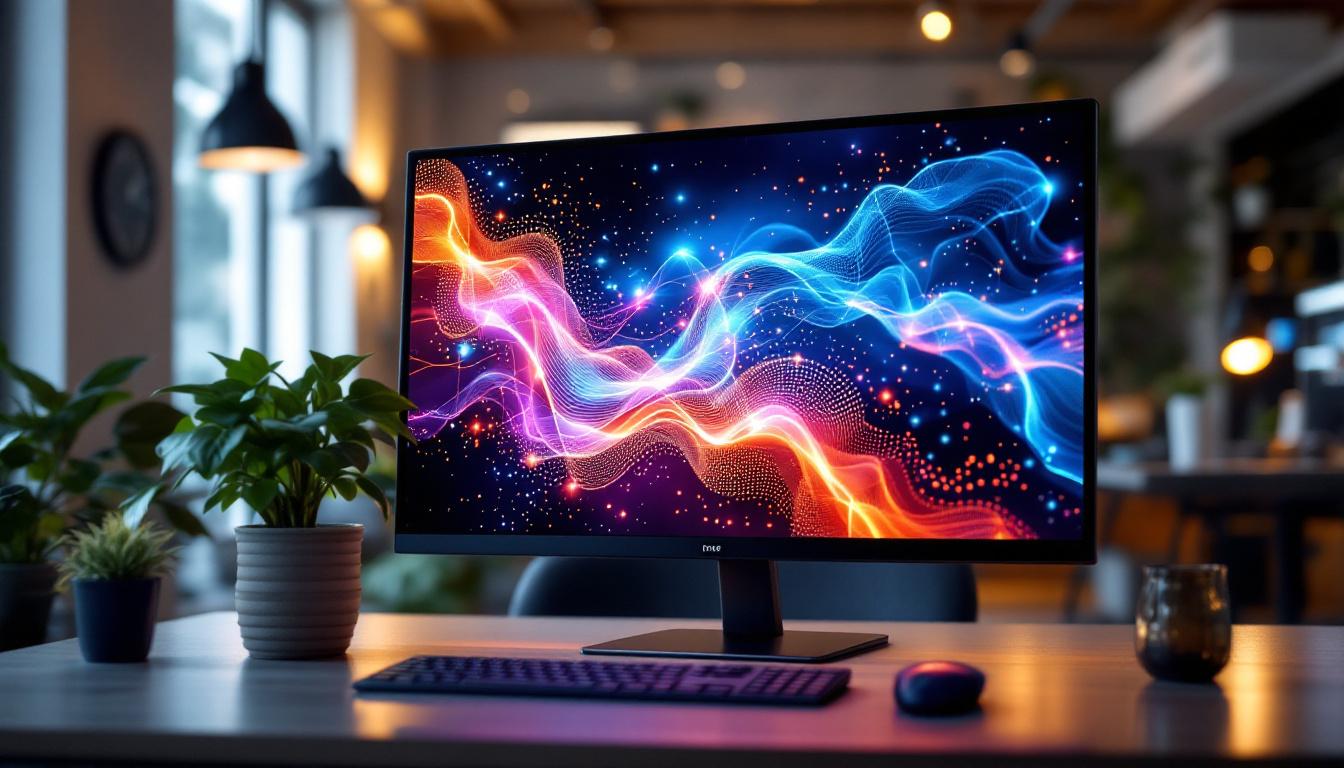
In today’s fast-evolving digital landscape, touch monitors have become an essential tool across a variety of sectors—from corporate offices and retail environments to education and healthcare. Among the many options available, the 24-inch touch monitor with LED display stands out as a popular choice, balancing screen real estate with usability and affordability. This article delves deep into the technology, features, and practical applications of 24-inch LED touch monitors, helping you understand why they are a smart investment for both personal and professional use.
Understanding the Basics: What Is a 24-Inch LED Touch Monitor?
A 24-inch LED touch monitor is a display device that combines a 24-inch screen size with LED (Light Emitting Diode) backlighting technology and touch-sensitive input. This combination allows users to interact directly with the screen using fingers or a stylus, rather than relying solely on peripheral devices like a mouse or keyboard.
The 24-inch size refers to the diagonal measurement of the screen, which is considered a sweet spot for many users. It provides enough display area for multitasking or detailed work without overwhelming desk space. LED technology, meanwhile, offers energy efficiency, better brightness, and improved color accuracy compared to older LCD technologies that used CCFL (cold cathode fluorescent lamps) backlighting.
LED vs. Other Display Technologies
LED displays are essentially LCD panels that use LEDs as their backlight source. This differs from traditional LCDs that used CCFL backlights, which were bulkier and less energy-efficient. LED backlighting allows for thinner panels, higher contrast ratios, and more vibrant colors. Additionally, LED displays often support features like local dimming, which enhances black levels and overall picture quality.
Compared to OLED (Organic Light Emitting Diode) displays, LED monitors generally have a longer lifespan and are more affordable, though OLEDs offer superior contrast and viewing angles. For most business and general consumer applications, LED touch monitors strike a practical balance between cost, performance, and durability.
Furthermore, the versatility of a 24-inch LED touch monitor makes it an ideal choice for various environments, including educational settings, retail spaces, and corporate offices. In classrooms, for instance, these monitors can facilitate interactive learning experiences, allowing teachers to engage students through dynamic presentations and hands-on activities. Retailers can leverage touch monitors to create interactive kiosks, enhancing customer engagement by providing product information and enabling self-service options.
Moreover, the integration of touch technology into a 24-inch display can significantly streamline workflows in professional environments. Graphic designers and architects, for example, can benefit from the precision of touch input when manipulating design software, allowing for a more intuitive and fluid creative process. This capability not only enhances productivity but also fosters a more engaging user experience, making the 24-inch LED touch monitor a valuable tool across various sectors.
Key Features of 24-Inch Touch LED Monitors
When selecting a 24-inch touch monitor, several features are critical to consider. These features influence the user experience, compatibility with devices, and overall value.
Touch Technology Types
The touch interface can be based on different technologies, including:
- Capacitive Touch: The most common in consumer devices, capacitive touchscreens detect the electrical properties of the human finger. They offer high responsiveness and multi-touch capabilities but may not work well with gloves or styluses unless specially designed.
- Resistive Touch: These screens respond to pressure, allowing use with any pointing device. While more versatile, resistive touchscreens typically have lower clarity and responsiveness compared to capacitive ones.
- Infrared (IR) Touch: IR touch monitors use a grid of infrared light beams across the screen surface. They provide excellent durability and support multi-touch but can be more expensive.
For a 24-inch monitor, capacitive touch is often preferred for its responsiveness and clarity, especially in environments like offices and retail where multi-touch gestures enhance productivity.
Resolution and Display Quality
The resolution of a 24-inch monitor significantly impacts the sharpness and detail of the images displayed. Full HD (1920×1080 pixels) is the most common resolution for this size, offering crisp visuals suitable for most applications. However, some models provide higher resolutions such as 2560×1440 (QHD), which deliver even finer detail and more screen real estate for multitasking.
Color accuracy and brightness are also important. LED backlighting enables high brightness levels—often between 250 and 350 nits—which ensures good visibility even in well-lit environments. For professional use in graphic design or video editing, monitors with wider color gamuts and factory calibration offer significant advantages.
Connectivity Options
Modern 24-inch touch LED monitors typically provide a variety of input ports to ensure compatibility with diverse devices. Common interfaces include HDMI, DisplayPort, USB-C, and VGA. USB ports are often included for touch data transmission and peripheral connectivity.
USB-C connectivity is increasingly popular because it supports video, data, and power delivery through a single cable, simplifying setup and reducing clutter. This is especially useful for laptop users who want a streamlined workstation.
Ergonomics and Design
A well-designed touch monitor should offer ergonomic flexibility. Adjustable stands that allow tilting, swiveling, and height adjustment enable users to position the screen comfortably, reducing strain during extended use. Some models also support VESA mounting, allowing attachment to arms or wall mounts for further customization.
The bezel size around the screen is another consideration. Narrow bezels provide a more immersive viewing experience and are beneficial in multi-monitor setups where screens are placed side by side.
Practical Applications of 24-Inch Touch LED Monitors
The versatility of 24-inch touch monitors makes them suitable for a wide range of applications. Their size and functionality bridge the gap between compact tablets and large-format displays, offering a balance that fits many professional and personal needs.
Business and Office Environments
In corporate settings, 24-inch touch monitors enhance productivity by enabling intuitive interaction with software applications. Tasks like data entry, digital signatures, and interactive presentations become more seamless. For example, customer service desks use touch monitors to speed up transaction processes and improve user engagement.
Additionally, video conferencing and collaborative work benefit from touch capabilities, allowing participants to annotate documents or navigate shared content in real time.
Retail and Point of Sale (POS) Systems
Retail environments often rely on touch monitors as part of their POS systems. The 24-inch size provides ample space for displaying product information, prices, and transaction details clearly to both staff and customers. Touch input speeds up checkout processes and reduces errors compared to manual entry.
Moreover, interactive kiosks equipped with 24-inch touch displays enhance customer experiences by providing self-service options for browsing products, checking inventory, or placing orders.
Education and Training
Interactive learning is increasingly supported by touch-enabled displays. Classrooms and training centers use 24-inch touch monitors to engage students with interactive lessons, digital whiteboards, and multimedia presentations. The screen size is large enough to display detailed content while remaining accessible for individual or small group use.
Touch monitors also facilitate hands-on training simulations, especially in technical fields, where users can manipulate virtual controls directly on the screen.
Healthcare Applications
Healthcare professionals benefit from the precision and ease of use offered by 24-inch touch monitors. They are used for patient check-in, electronic medical record (EMR) navigation, and diagnostic imaging review. The touch interface allows quick access to critical information, improving workflow efficiency and patient care.
Durability and ease of cleaning are important in medical environments, and many touch monitors designed for healthcare use feature antimicrobial coatings and sealed screens to prevent contamination.
Choosing the Right 24-Inch Touch LED Monitor: What to Look For
With numerous options on the market, selecting the ideal 24-inch touch monitor requires careful consideration of specific needs and preferences. Here are key factors to guide the decision-making process.
Intended Use and Environment
Understanding the primary application is crucial. For instance, a monitor intended for graphic design should prioritize color accuracy and resolution, while a POS system may emphasize durability and ease of cleaning. Environmental factors such as lighting conditions and available space also influence the choice.
Touch Responsiveness and Accuracy
Test the touch sensitivity and accuracy if possible. A responsive touchscreen reduces frustration and increases efficiency. Multi-touch support is beneficial for gestures and more complex interactions.
Compatibility and Connectivity
Ensure the monitor supports the necessary input types and is compatible with existing hardware and software. USB-C support can future-proof the setup and simplify connections.
Build Quality and Warranty
Durability is important, especially in high-traffic or industrial environments. Look for monitors with robust construction and consider the warranty terms, which can provide peace of mind and protect your investment.
Future Trends in Touch Monitor Technology
As technology advances, touch monitors are evolving to offer even more sophisticated features and improved user experiences. Emerging trends include:
Enhanced Multi-Touch and Gesture Controls
Future touch monitors will support more complex gestures and multi-finger inputs, enabling more natural and efficient interactions. This is particularly relevant for creative professionals and collaborative workspaces.
Integration with AI and Voice Commands
Combining touch input with voice recognition and AI-driven interfaces will create more intuitive and accessible systems. For example, healthcare providers might use voice commands alongside touch to navigate patient records hands-free.
Flexible and Transparent Displays
Innovations in display technology are leading to flexible, bendable, and even transparent touchscreens. These could revolutionize the design and application of monitors, making them more adaptable to various environments and uses.
Conclusion
The 24-inch touch monitor with LED display represents a versatile and practical choice for a wide array of users. Its balance of screen size, display quality, and interactive capabilities makes it ideal for business, retail, education, and healthcare applications. By understanding the underlying technologies and key features, users can select the right monitor to meet their needs and future-proof their digital workspace.
As touch technology continues to advance, these monitors will become even more integral to how people interact with digital content, enhancing productivity, engagement, and accessibility across industries.
Discover LumenMatrix’s Advanced LED Solutions
Ready to elevate your interactive digital experience with a touch monitor that embodies innovation and quality? Look no further than LumenMatrix. As a pioneer in LED display technology, we offer a comprehensive range of products designed to bring your visual communication to life. From engaging Indoor LED Walls to dynamic Outdoor LED Displays, and from versatile Vehicle LED Displays to sleek LED Posters, our solutions are crafted to captivate and engage your audience. Embrace the future of display technology with LumenMatrix and transform your space into a hub of digital excellence. Check out LumenMatrix LED Display Solutions today and join the revolution in visual storytelling.