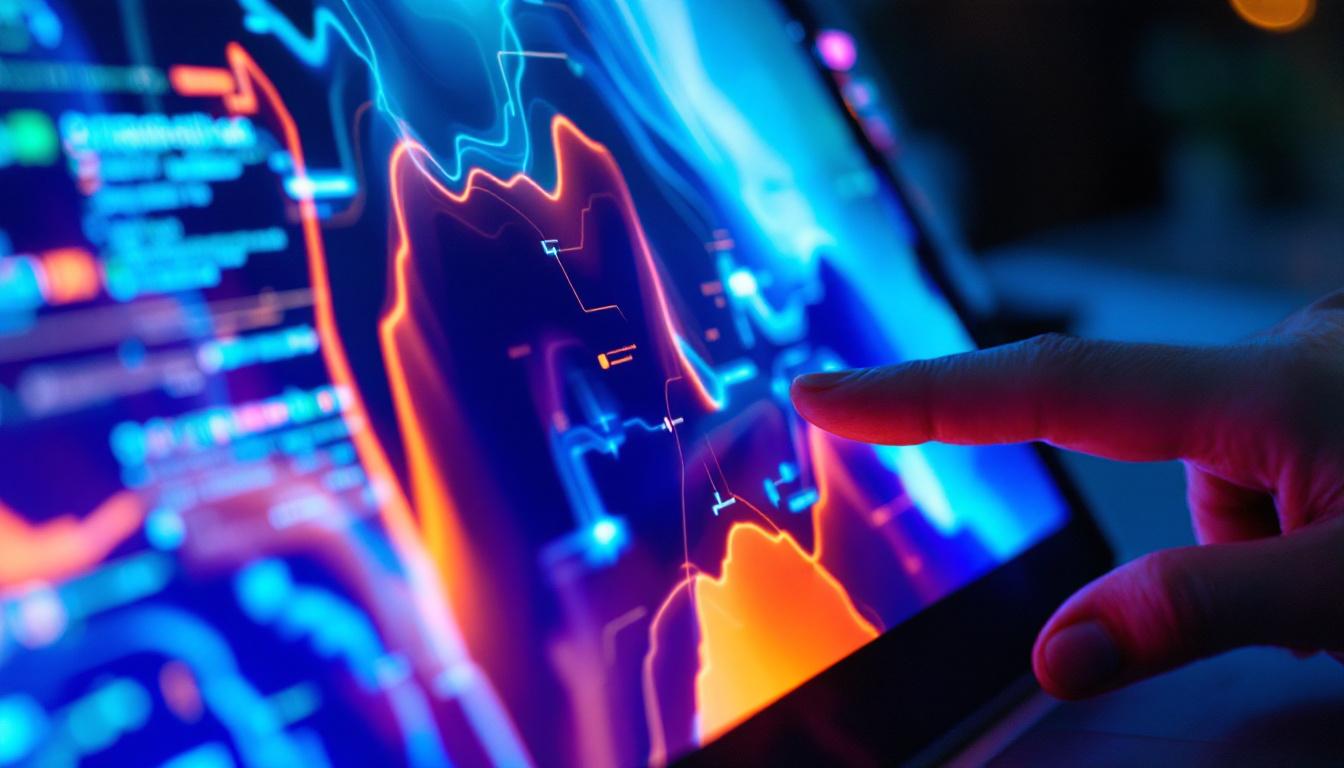
The Microsoft Surface Pro series has become synonymous with versatility and performance in the world of 2-in-1 laptops and tablets. One of the standout features that contribute to its appeal is the touch screen LED display, which combines vibrant visuals with responsive touch capabilities. Understanding the technology behind the Surface Pro’s display is essential for users who want to maximize their device’s potential, whether for creative work, productivity, or entertainment.
The Evolution of Touch Screen Technology in Surface Pro
The Surface Pro line has evolved significantly since its debut in 2013. Early models featured capacitive touch screens that supported multi-touch gestures, but the display technology has advanced alongside improvements in LED backlighting, resolution, and color accuracy. Microsoft’s commitment to delivering a premium user experience has driven continuous enhancements in the display hardware. As a result, users have witnessed a transformation not just in the aesthetics of the devices but also in their functionality, allowing for a more intuitive interaction with the operating system and applications.
By the time the Surface Pro 7 and later models arrived, the devices incorporated PixelSense displays with high resolution and improved touch sensitivity. These screens support up to 10-point multi-touch, allowing for precise input whether using fingers or the Surface Pen. The LED technology used in these displays is a critical factor in achieving the brightness and color fidelity that users expect. This evolution has also paved the way for advanced applications in creative fields, where artists and designers rely on the precision of touch input to bring their visions to life. The seamless integration of hardware and software has made the Surface Pro a preferred choice for professionals seeking versatility and performance.
Why LED Displays Matter in Touch Screens
LED, or Light Emitting Diode, displays differ from older LCDs by using LED backlighting instead of cold cathode fluorescent lamps (CCFL). This shift brings several benefits:
- Brightness and Contrast: LED backlighting produces brighter images with better contrast ratios, enhancing visibility in various lighting conditions.
- Energy Efficiency: LEDs consume less power, which helps extend battery life—a crucial consideration for mobile devices like the Surface Pro.
- Thin and Lightweight Design: LED backlights are more compact, allowing for slimmer device profiles without sacrificing screen size.
For a touch screen device, these attributes mean a more vibrant, responsive, and portable experience. Furthermore, the advancements in LED technology have enabled features like adaptive brightness, which automatically adjusts the screen’s luminance based on ambient light conditions. This not only enhances user comfort but also contributes to eye health during prolonged use. Additionally, the durability of LED displays has improved, making them more resistant to scratches and impacts, which is essential for users who frequently transport their devices. As touch screen technology continues to evolve, we can anticipate even more innovations that will further enhance the functionality and user experience of the Surface Pro line.
Understanding the Surface Pro’s LED Display Specifications
Resolution and Pixel Density
The Surface Pro’s display is known for its high resolution, which directly impacts image sharpness and clarity. For instance, the Surface Pro 8 features a 13-inch PixelSense Flow Display with a resolution of 2880 x 1920 pixels, resulting in a pixel density of approximately 267 pixels per inch (PPI). This high pixel density ensures that text is crisp and images are detailed, which is especially important for tasks like photo editing, digital drawing, and reading.
Higher resolution also benefits touch responsiveness, as the screen can detect more precise input locations, enhancing the accuracy of pen and finger interactions.
Refresh Rate and Its Impact on User Experience
Refresh rate, measured in hertz (Hz), indicates how many times the display updates per second. The Surface Pro 8 introduced a 120Hz refresh rate, doubling the standard 60Hz found in many earlier models. This higher refresh rate results in smoother animations, more fluid scrolling, and reduced input lag, which is particularly noticeable when using the Surface Pen or touch gestures.
For creative professionals and gamers, the 120Hz refresh rate can significantly enhance the overall experience, making interactions feel more natural and responsive.
Color Accuracy and Gamut Coverage
Color accuracy is vital for users engaged in photo and video editing, graphic design, and other creative fields. The Surface Pro displays typically cover a wide color gamut, including support for sRGB and DCI-P3 color spaces. For example, the Surface Pro 7+ offers approximately 96% sRGB coverage, while the Surface Pro 8 improves on this with even broader color reproduction capabilities.
Microsoft collaborates closely with display manufacturers to calibrate each screen for consistent color output, ensuring that what users see on the screen closely matches real-world colors. This attention to color fidelity is a key reason why many professionals choose the Surface Pro for their creative workflows.
How the Touch Screen Works on the Surface Pro
Capacitive Touch Technology
The Surface Pro employs capacitive touch technology, which detects changes in the electrical field caused by the conductive properties of the human finger. This method allows for multi-touch input, supporting gestures such as pinch-to-zoom, swipe, and tap. Capacitive touchscreens are known for their sensitivity and responsiveness, making them ideal for devices that require both finger and stylus input.
Surface Pen Integration
One of the defining features of the Surface Pro is its seamless integration with the Surface Pen. The pen uses a combination of capacitive touch and electromagnetic resonance (EMR) technology to communicate with the display. This allows for pressure sensitivity, tilt detection, and virtually no latency, providing a natural writing and drawing experience.
The LED display’s responsiveness is crucial in this context, as it must register pen input accurately and quickly. The synergy between the LED screen and Surface Pen technology enables artists, designers, and note-takers to work with precision and fluidity.
Touch Response Time and Latency
Touch response time refers to how quickly the screen registers and reacts to input. Lower latency means that the delay between a touch or pen stroke and the corresponding action on the screen is minimal. The Surface Pro’s LED display, combined with optimized drivers and hardware, achieves low latency levels that are competitive with dedicated drawing tablets.
This responsiveness is essential for tasks that require real-time feedback, such as sketching or annotating documents during meetings.
Benefits of the Surface Pro’s LED Touch Screen for Different Users
For Professionals and Creatives
The high resolution, color accuracy, and touch responsiveness of the Surface Pro’s LED display make it an excellent choice for creative professionals. Photographers, graphic designers, and illustrators benefit from the precise color representation and the ability to interact directly with their work through touch or pen input. Additionally, the 120Hz refresh rate on newer models ensures smooth brush strokes and animations.
Moreover, the portability of the Surface Pro allows creatives to work on the go without compromising on display quality.
For Students and Educators
Students and educators find the Surface Pro’s touch screen useful for note-taking, digital textbooks, and interactive learning. The ability to write, highlight, and draw directly on the screen enhances engagement and retention. The LED display’s brightness and anti-reflective coating also improve visibility in various lighting conditions, from classrooms to outdoor environments.
For Business Users
Business professionals appreciate the Surface Pro’s display for video conferencing, presentations, and multitasking. The sharp visuals and responsive touch interface facilitate efficient workflows, while the device’s lightweight design supports mobility between meetings and offices. The display’s clarity ensures that spreadsheets, documents, and presentations are easy to read and interact with.
Common Issues and Maintenance Tips for Surface Pro LED Touch Screens
Dealing with Screen Flickering and Brightness Problems
Some Surface Pro users may encounter screen flickering or brightness inconsistencies. These issues can stem from driver conflicts, software updates, or hardware faults. Ensuring that the device’s firmware and display drivers are up to date often resolves such problems. Microsoft regularly releases updates that enhance display stability and performance.
If flickering persists, running diagnostics or consulting Microsoft support can help identify hardware-related causes.
Protecting the Touch Screen from Damage
The Surface Pro’s LED touch screen is durable but still vulnerable to scratches and impacts. Using a high-quality screen protector can safeguard against scratches without compromising touch sensitivity. Additionally, cleaning the screen with a microfiber cloth and avoiding harsh chemicals helps maintain clarity and responsiveness.
Calibrating the Touch Screen
Occasionally, users might notice touch input inaccuracies. Calibrating the touch screen through Windows settings can improve precision. This process involves following on-screen prompts to align touch input with display coordinates, ensuring that taps and gestures register correctly.
The Future of LED Touch Displays in Surface Devices
As display technology continues to advance, future Surface devices are expected to incorporate even more sophisticated LED and OLED panels. OLED technology, known for its superior contrast ratios and deeper blacks, may become more prevalent, offering enhanced visual experiences.
Microsoft is also exploring adaptive refresh rates and improved power efficiency to extend battery life without sacrificing performance. Innovations in touch technology, such as haptic feedback and enhanced pen capabilities, will further enrich user interaction.
For users invested in the Surface ecosystem, staying informed about these developments will help them choose devices that best meet their evolving needs.
Conclusion
The touch screen LED display of the Microsoft Surface Pro is a cornerstone of its success, delivering a blend of vibrant visuals, precise touch input, and energy efficiency. From high resolution and color accuracy to advanced refresh rates and pen integration, the display technology supports a wide range of professional, educational, and personal uses.
Understanding the nuances of the Surface Pro’s LED display helps users appreciate the engineering behind their device and make informed decisions about maintenance, upgrades, and usage. As display technology continues to evolve, the Surface Pro remains at the forefront of innovation, offering a compelling balance of performance and portability.
Explore Cutting-Edge LED Displays with LumenMatrix
As you embrace the advanced features of your Surface Pro’s LED touch screen, consider the potential of enhancing your professional or personal space with LumenMatrix’s innovative LED display technology. LumenMatrix is at the forefront of creating dynamic visual solutions that can transform any environment. From captivating Indoor and Outdoor LED Wall Displays to versatile Vehicle and Sports LED Displays, each product is designed to deliver exceptional clarity and engagement. Discover how LumenMatrix’s mission to revolutionize visual communication aligns with your needs for high-quality, impactful displays. Check out LumenMatrix LED Display Solutions and elevate your visual experience today.