In today’s digital era, LED displays have become an essential component in various industries, from advertising and entertainment to workspace setups and consumer electronics. Understanding the technology behind LED displays and the role of monitor stands in optimizing their use can significantly enhance both user experience and display performance. This article delves into the fundamentals of LED displays, explores the importance of monitor stands, and provides insights into choosing the right setup for your needs.
Understanding LED Display Technology
What is an LED Display?
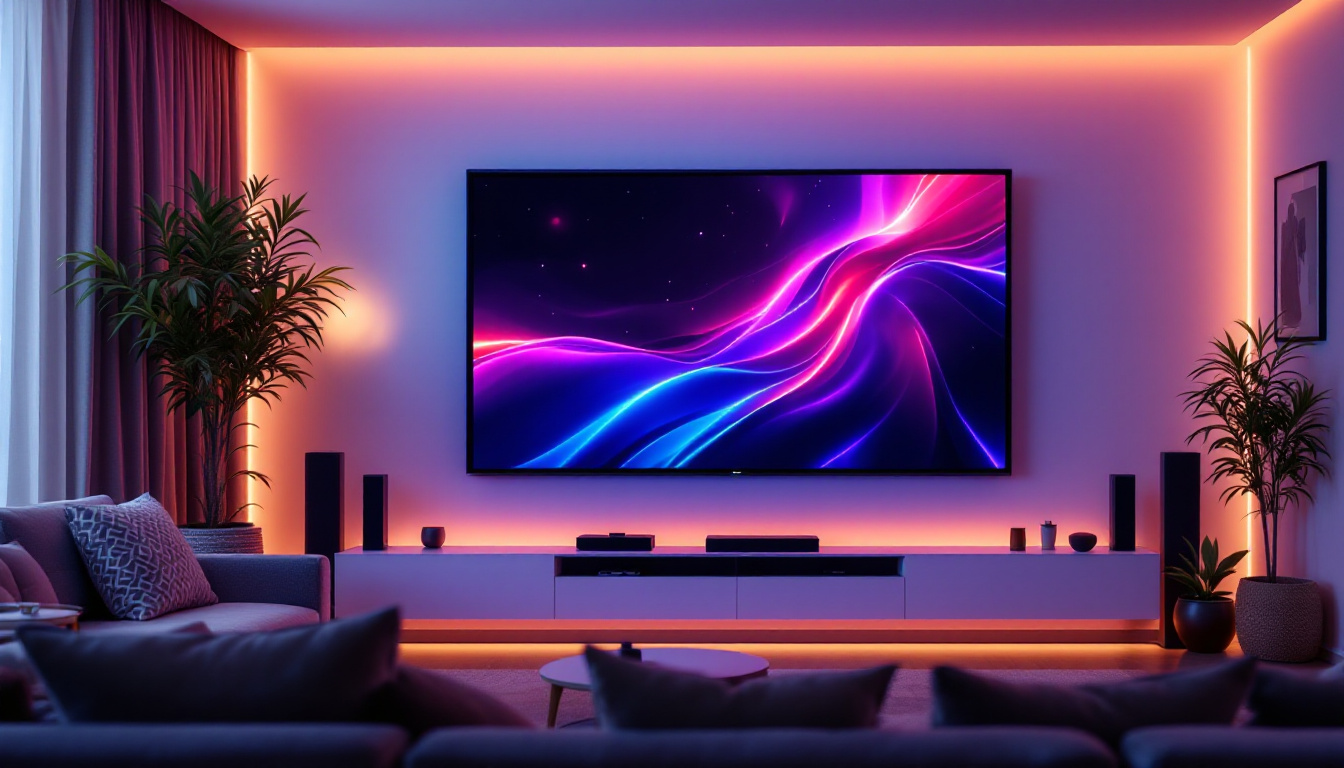
LED, or Light Emitting Diode, displays are screens that use an array of tiny light-emitting diodes to produce images. Unlike traditional LCD screens that rely on backlighting, LED displays use these diodes as individual pixels, which can emit their own light. This technology allows for brighter images, deeper blacks, and more vibrant colors, making LED displays a popular choice for monitors, televisions, and large-scale digital signage.
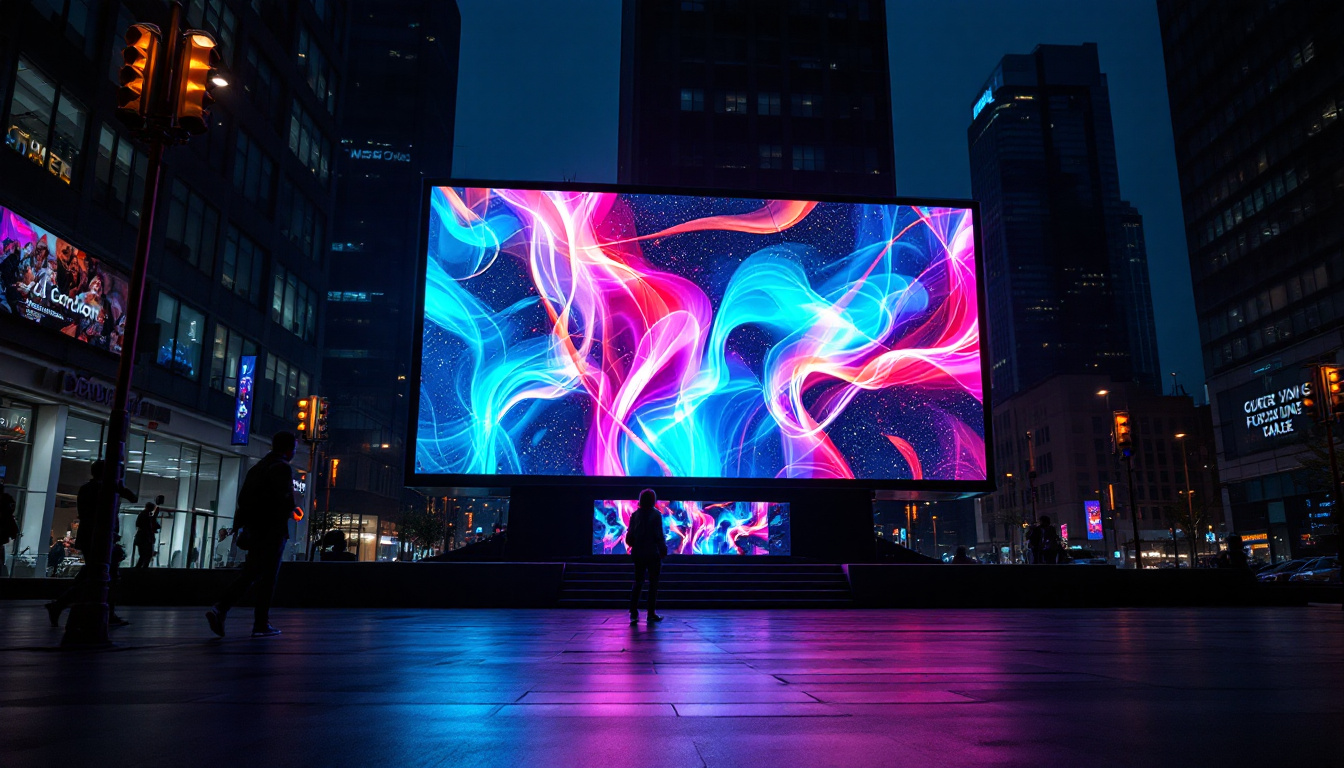
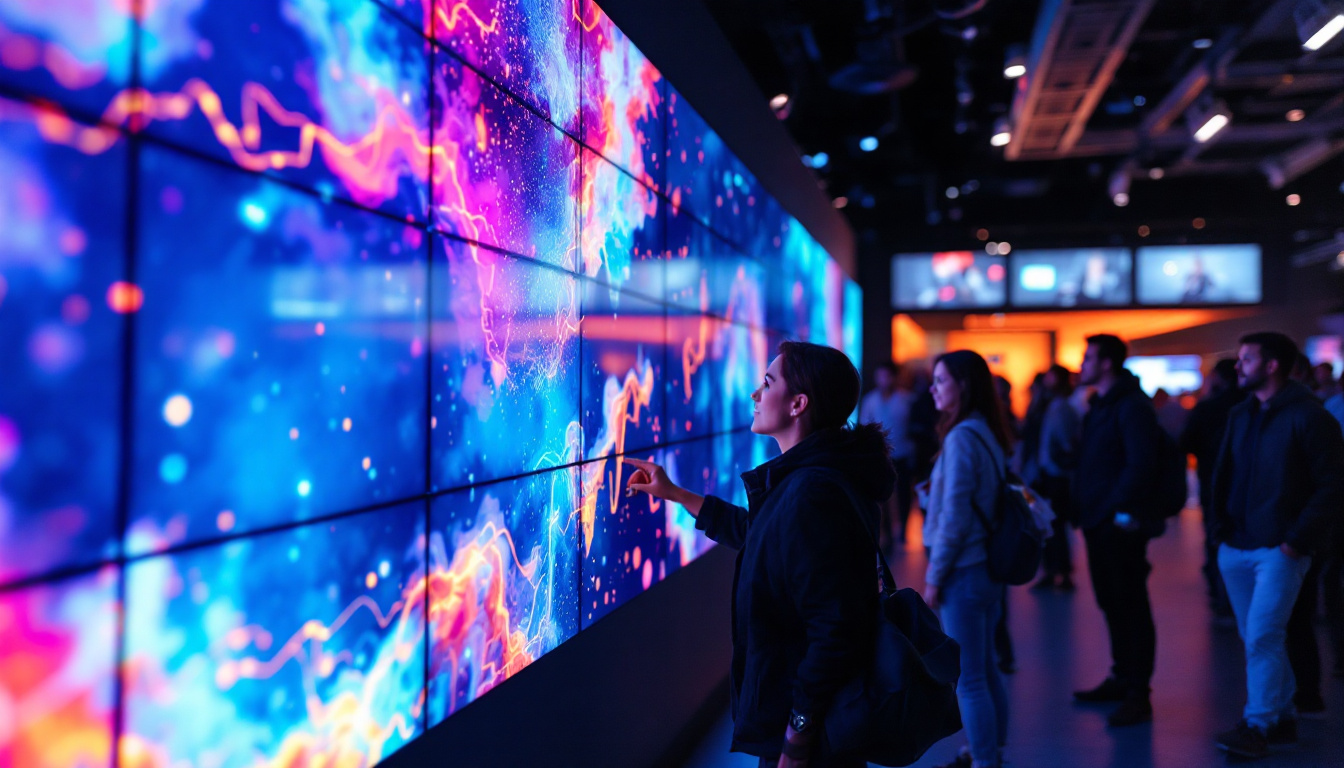
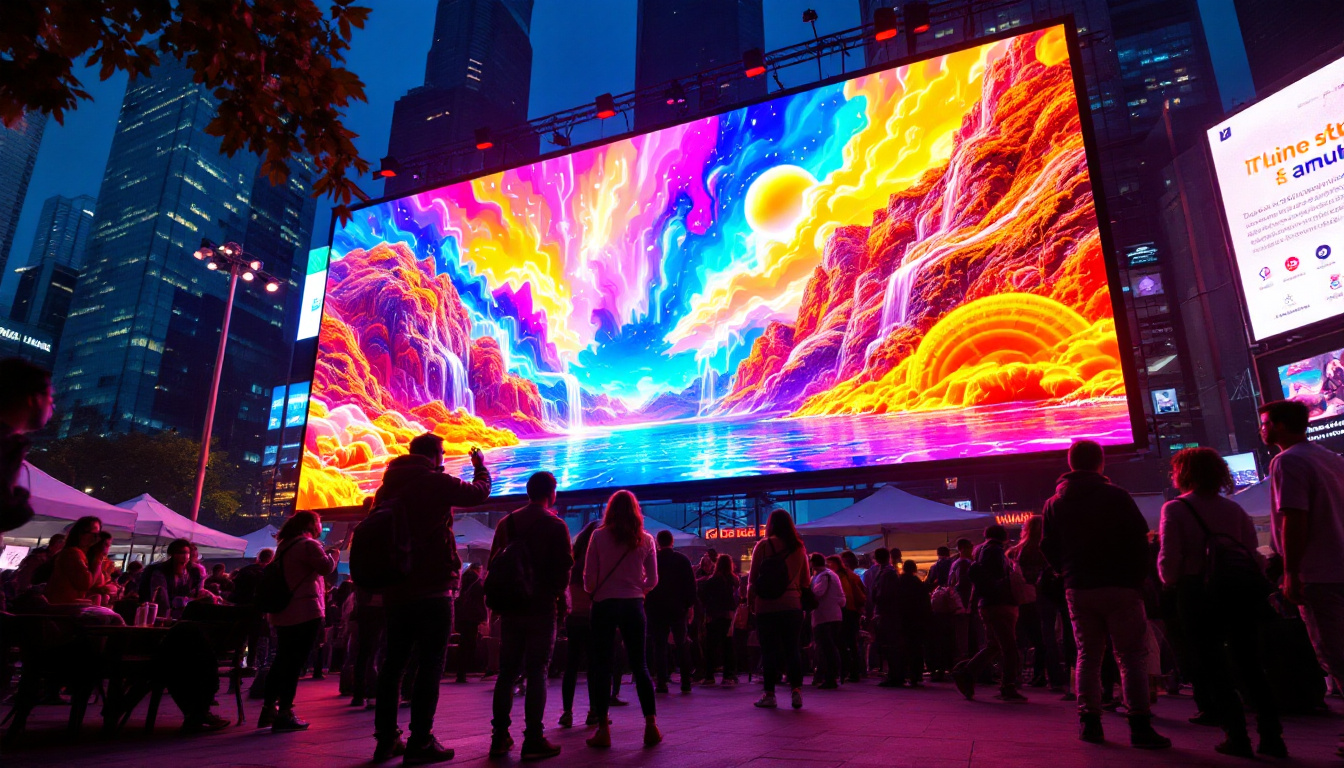
LED displays come in various forms, including direct-view LED panels commonly used in large outdoor screens and LED-backlit LCDs found in most consumer monitors and TVs. The direct-view LED displays consist of thousands of tiny LEDs arranged in a matrix, each capable of producing different colors and brightness levels to form a complete image. This capability not only enhances the visual experience but also allows for dynamic content that can be easily updated, making them ideal for advertising and information dissemination in busy public spaces.
Moreover, the versatility of LED technology extends beyond just color and brightness. With advancements in pixel pitch—the distance between the centers of adjacent pixels—manufacturers can create ultra-high-definition displays that are suitable for close viewing. This makes LED displays an excellent choice for applications such as control rooms, conference halls, and immersive environments where detail is paramount.
Advantages of LED Displays Over Other Technologies
One of the primary advantages of LED displays is their energy efficiency. LEDs consume less power compared to traditional LCD or plasma screens, which translates into lower operating costs and a reduced environmental footprint. Additionally, LED displays offer superior brightness and contrast ratios, which improve visibility in various lighting conditions, including direct sunlight.
Furthermore, LED technology allows for thinner and lighter screens, enabling sleeker designs and easier mounting options. The longevity of LEDs also surpasses that of other display technologies, with many LED panels rated for tens of thousands of hours of use before significant dimming occurs. This durability not only reduces the need for frequent replacements but also minimizes maintenance costs over time.
In addition to these benefits, LED displays are also known for their rapid response times, which is crucial for applications that require real-time updates, such as stock tickers or live sports broadcasts. The ability to refresh images quickly means that motion appears smoother and more fluid, enhancing the viewing experience. As a result, LED displays are increasingly being adopted in various sectors, including entertainment, retail, and transportation, where engaging visuals are essential for capturing audience attention.
The Role of Monitor Stands in LED Display Usage
Why Monitor Stands Matter
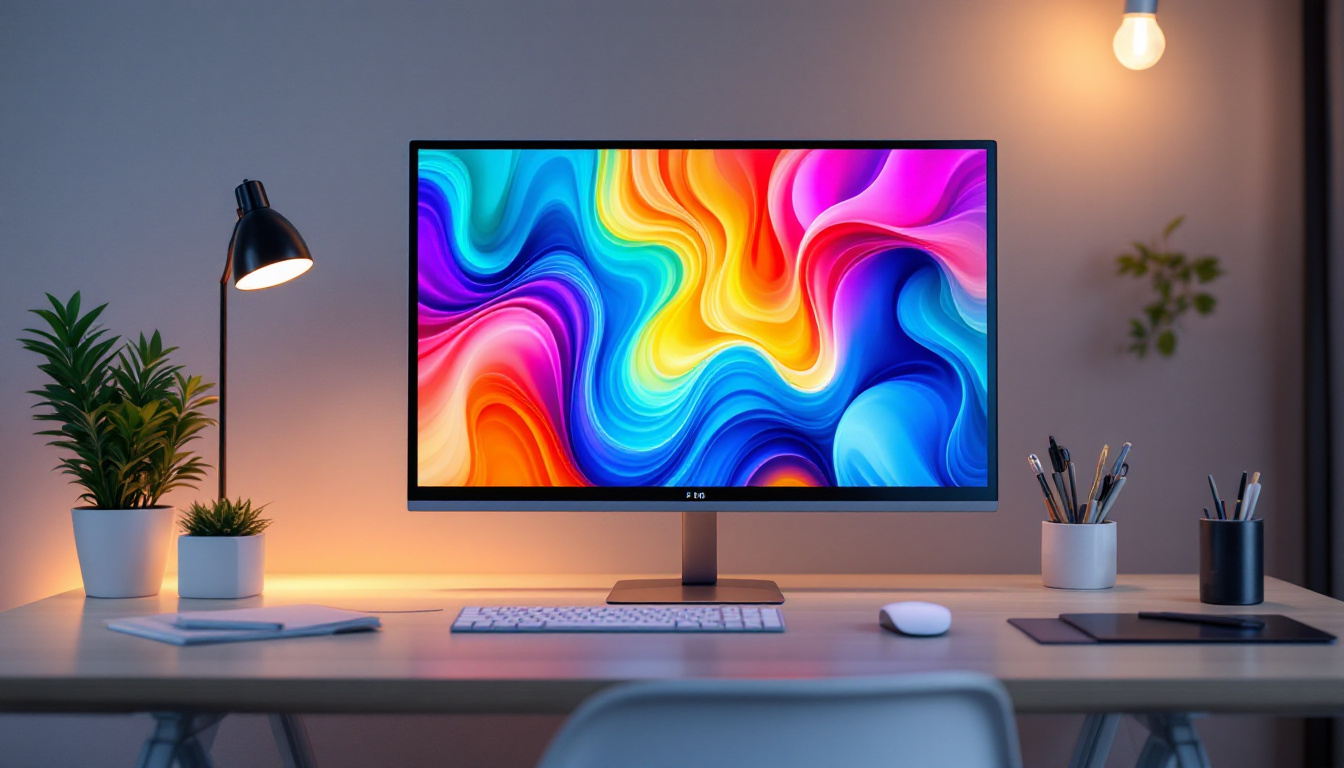
A monitor stand is more than just a physical support for your LED display; it plays a crucial role in ergonomics, viewing comfort, and workspace organization. Proper positioning of the monitor can reduce eye strain, neck pain, and fatigue, especially for users who spend long hours in front of screens.
Adjustable monitor stands allow users to customize the height, tilt, swivel, and rotation of their LED displays, ensuring an optimal viewing angle. This flexibility is particularly important for LED monitors because their high brightness and vivid colors can cause discomfort if viewed from awkward angles or distances.
Types of Monitor Stands and Mounts
There are several types of monitor stands designed to accommodate LED displays, each catering to different user needs and workspace configurations. The most common types include:
- Fixed Stands: These are basic stands that offer limited or no adjustability. They are typically included with most consumer LED monitors and are suitable for users with standard desk setups.
- Adjustable Stands: These stands provide height adjustment, tilt, swivel, and sometimes rotation, allowing users to customize their viewing experience. They are ideal for office environments and professional use.
- Desk Mounts and Arms: These mounts clamp onto the desk or are fixed to walls, freeing up desk space and offering extensive adjustability. They are popular in multi-monitor setups and ergonomic workstations.
- VESA Mounts: Many LED monitors come with VESA-compatible mounting holes, enabling users to attach third-party stands or arms that meet the VESA standard for enhanced flexibility.
Choosing the Right Monitor Stand for Your LED Display
Factors to Consider
Selecting the appropriate monitor stand depends on several factors, including the size and weight of the LED display, the user’s ergonomic needs, and the workspace layout. Here are some key considerations:
- Weight Capacity: Ensure the stand can support the weight of your LED monitor. Larger displays, especially those above 27 inches, require sturdier stands or mounts.
- Adjustability: Look for stands that offer sufficient range of motion to position the monitor at eye level and reduce glare. Height adjustment and tilt are particularly important.
- Desk Space: If space is limited, consider desk mounts or arms that free up surface area and provide better cable management options.
- Compatibility: Verify that the stand or mount is compatible with your monitor’s VESA pattern and size specifications.
Ergonomic Benefits of Proper Monitor Positioning
Ergonomics is a critical aspect of workplace health, and the right monitor stand can make a significant difference. The ideal monitor height is generally at or slightly below eye level, with the screen positioned about 20 to 30 inches from the eyes. This setup helps maintain a neutral neck posture and reduces the risk of musculoskeletal disorders.
Additionally, tilting the monitor slightly upward or downward can minimize reflections and glare, enhancing visual comfort. Swivel and rotation features allow users to share their screen with colleagues or switch between landscape and portrait modes for different tasks.
LED Display Applications and Their Monitor Stand Needs
Professional Workstations
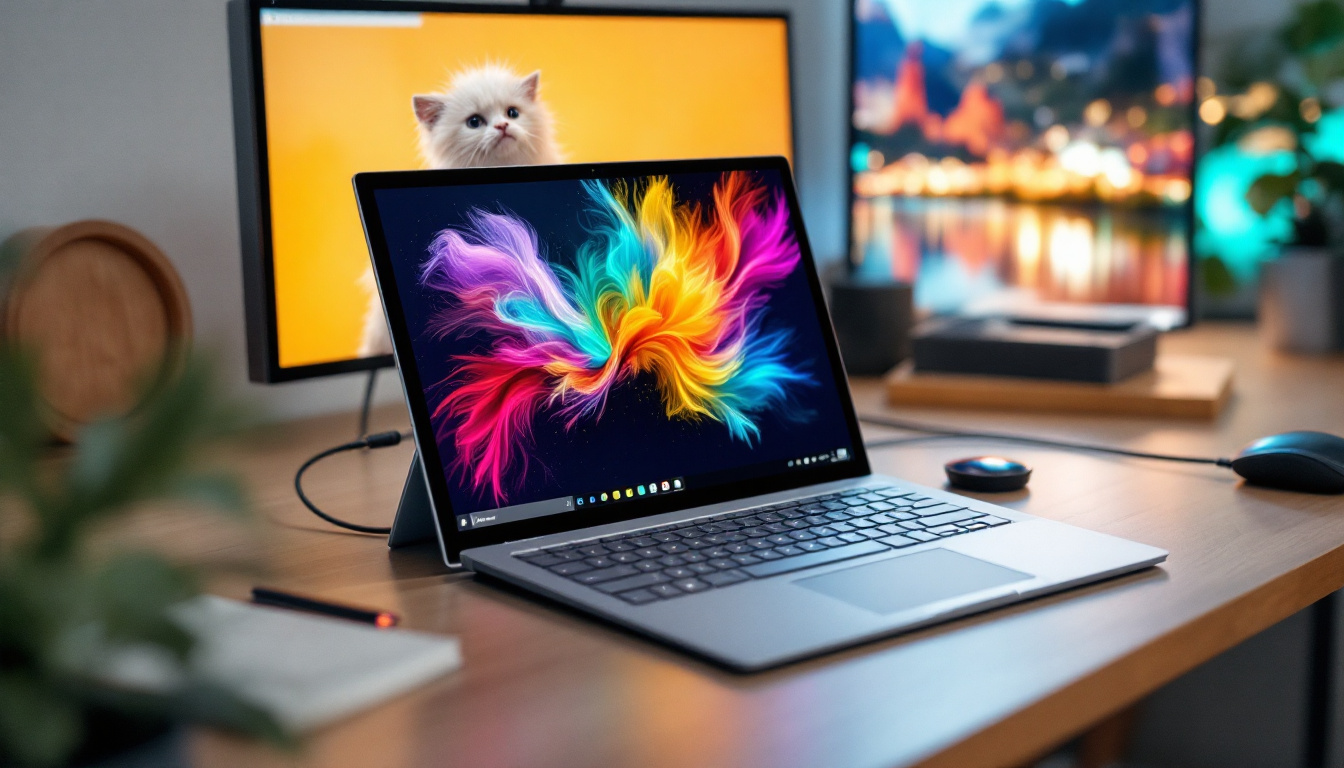
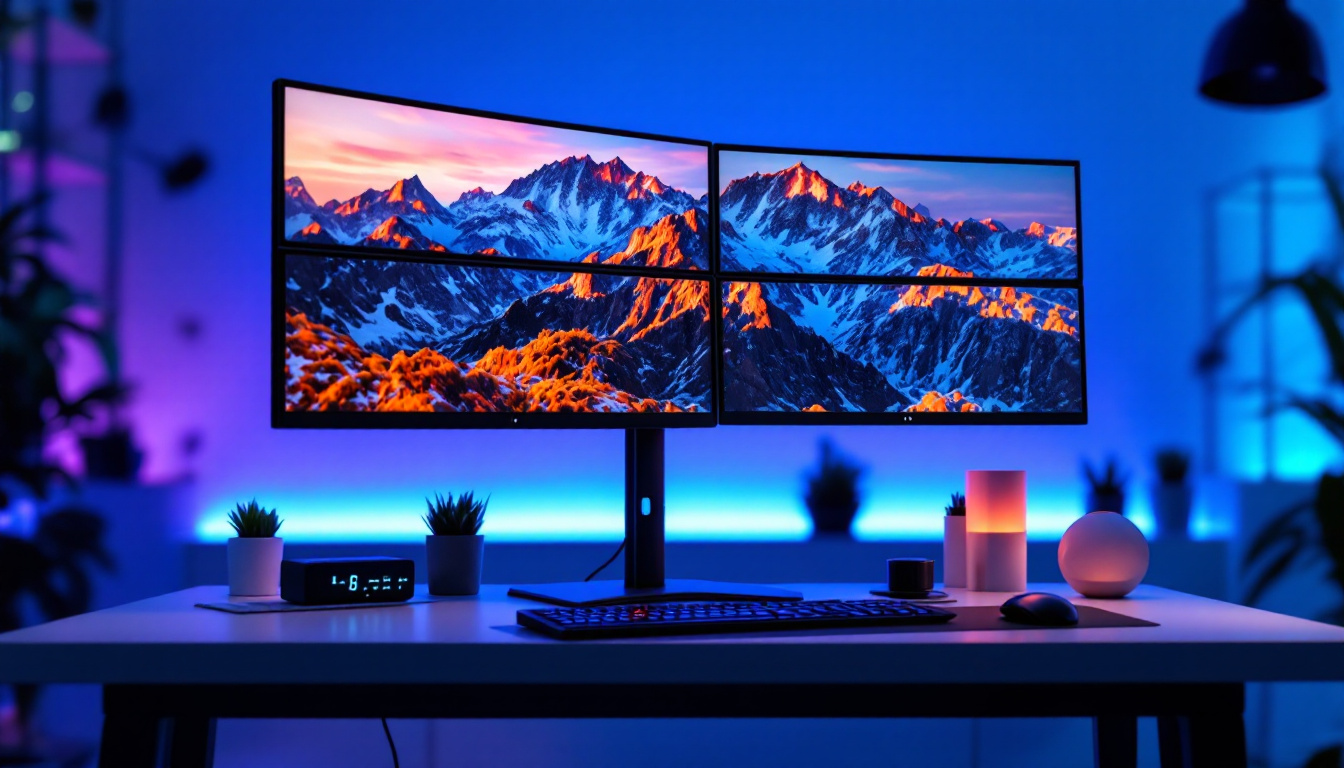
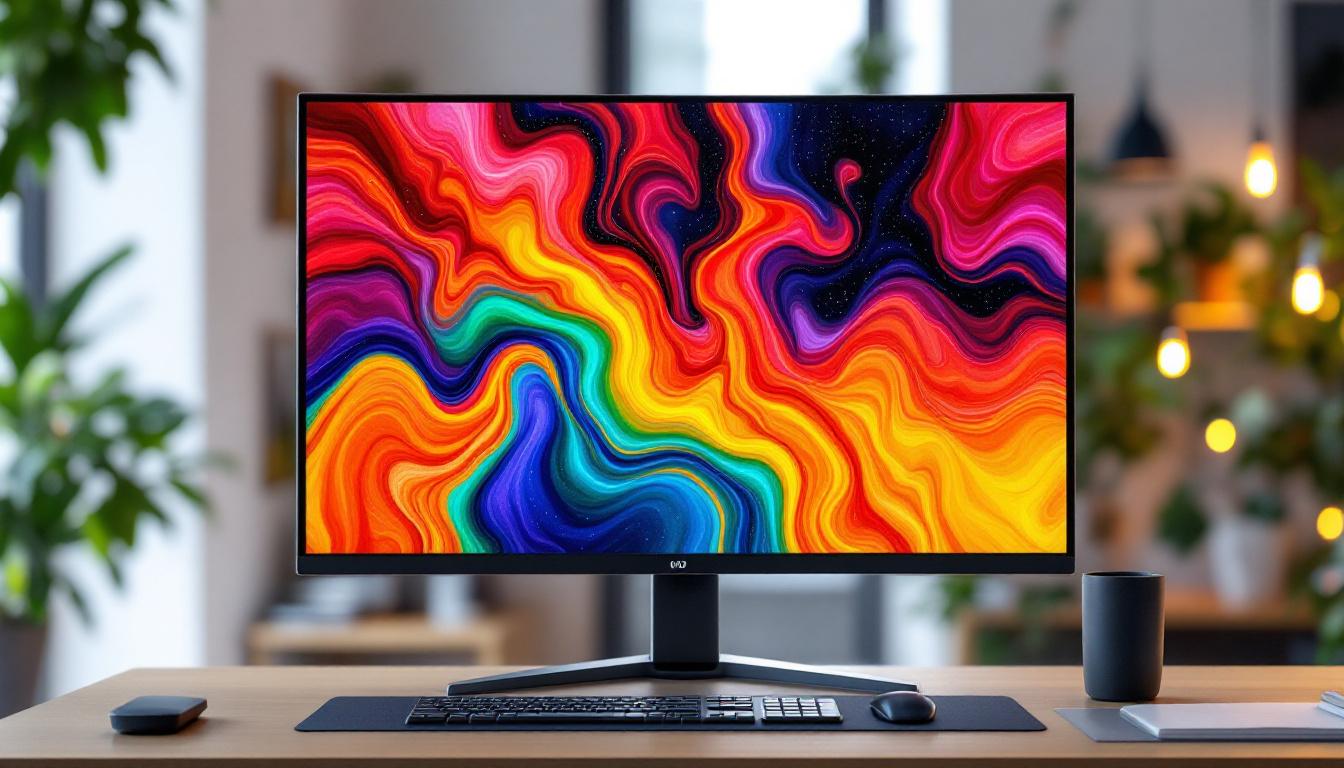
In professional environments such as graphic design, video editing, and software development, LED displays are valued for their color accuracy and sharpness. Users in these fields often invest in high-end adjustable monitor stands or multi-monitor arms to create an ergonomic and efficient workspace.
For example, graphic designers working with color-critical projects benefit from positioning their LED monitors at precise angles to ensure consistent color perception. Adjustable stands also facilitate switching between different screen orientations, such as portrait mode for coding or document review.
Gaming Setups
Gamers seek LED displays with high refresh rates and low response times to enhance gameplay. The monitor stand plays a supporting role by providing stability and adjustability to maintain comfort during extended gaming sessions.
Many gaming monitors come with specialized stands that include features like height adjustment, tilt, and swivel, as well as aesthetic elements such as RGB lighting. Desk mounts are also popular among gamers who want to maximize desk space for peripherals and accessories.
Public and Commercial Displays
In advertising, retail, and public information systems, large LED displays are mounted on walls or custom stands to ensure visibility and durability. These setups often require robust mounting solutions that can support heavy panels and withstand environmental factors.
Commercial LED displays may also incorporate motorized stands or mounts that allow remote adjustment of the screen angle and orientation, facilitating maintenance and content optimization.
Maintaining Your LED Display and Monitor Stand
Cleaning and Care Tips
Proper maintenance extends the lifespan of both LED displays and their stands. Use a soft, lint-free cloth to clean the screen, avoiding harsh chemicals that can damage the LED surface. For the stand, regular dusting and checking for loose screws or joints help maintain stability and safety.
Regular Inspection and Adjustment
Over time, monitor stands can loosen or lose their adjustment capabilities. Periodically inspect the stand’s joints and tightening mechanisms to ensure the monitor remains securely positioned. Adjust the monitor’s height and angle as needed to accommodate changes in seating posture or workspace configuration.
Future Trends in LED Displays and Monitor Stands
Advancements in Display Technology
Emerging technologies such as MicroLED and OLED are pushing the boundaries of LED display performance, offering even higher contrast ratios, faster response times, and improved energy efficiency. These advancements will likely influence the design and functionality of future monitor stands, emphasizing flexibility and integration with smart workspace solutions.
Smart and Ergonomic Monitor Stands
The integration of sensors and automation in monitor stands is becoming more prevalent. Future stands may include features like automatic height adjustment based on user posture, built-in cable management systems, and compatibility with voice control or mobile apps.
Such innovations aim to enhance user comfort, reduce physical strain, and create more intuitive and adaptive work environments.
Conclusion
LED displays represent a significant leap forward in screen technology, offering superior brightness, color accuracy, and energy efficiency. However, to fully leverage these benefits, the role of a quality monitor stand cannot be overlooked. Proper stands enhance ergonomics, optimize viewing angles, and contribute to a tidy and efficient workspace.
Whether for professional use, gaming, or commercial applications, understanding the interplay between LED displays and monitor stands helps users make informed decisions that improve comfort, productivity, and overall experience. As technology evolves, the synergy between displays and their supports will continue to shape the future of visual interaction.
Explore LumenMatrix LED Display Solutions
Ready to elevate your visual experience with cutting-edge LED technology? Discover the innovative solutions offered by LumenMatrix, where we specialize in a comprehensive range of LED displays designed to captivate and engage. From Indoor and Outdoor LED Wall Displays to dynamic Vehicle and Sports LED Displays, our mission is to transform your visual communication. Whether you need a Custom LED Display, an All-in-One solution, or a striking LED Transparent Display, LumenMatrix has you covered. Check out LumenMatrix LED Display Solutions today and see how we can enhance your brand visibility and create unforgettable visual experiences.