Understanding the relationship between millimeters (mm) and pixels is fundamental when working with LED displays. Whether you are a digital signage professional, a display engineer, or a technology enthusiast, grasping how physical dimensions translate into pixel density can help you make informed decisions about LED screen selection, installation, and optimization.
This article delves into the concept of “mm to pixels” in the context of LED displays, explaining key terminology, the science behind pixel pitch, and practical implications for different applications. By the end, readers will have a clear understanding of how to interpret and utilize mm-to-pixel measurements to achieve the best visual performance.
What Does “Mm to Pixels” Mean in LED Displays?
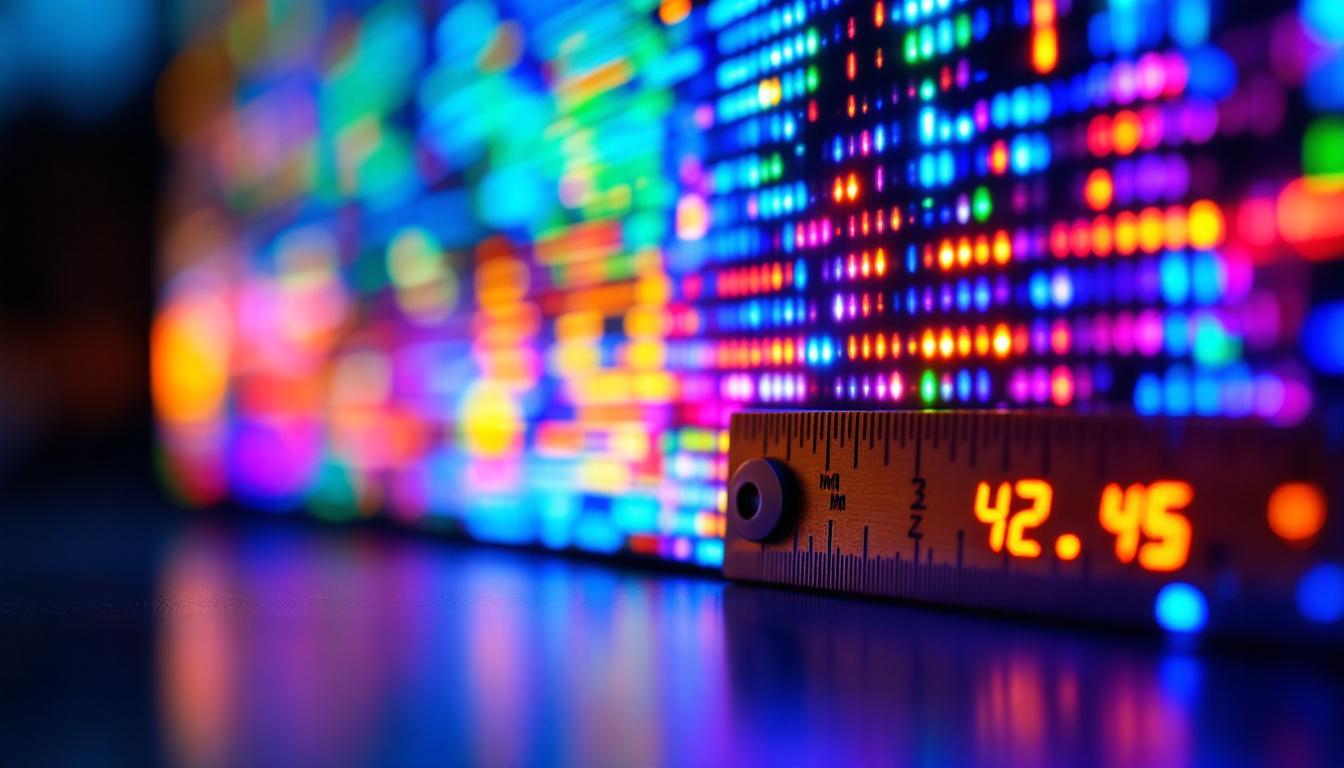
The phrase “mm to pixels” refers to the conversion or relationship between a physical measurement in millimeters and the number of pixels that fit within that space on an LED display. In simpler terms, it’s about understanding how many pixels are packed into each millimeter of the screen.
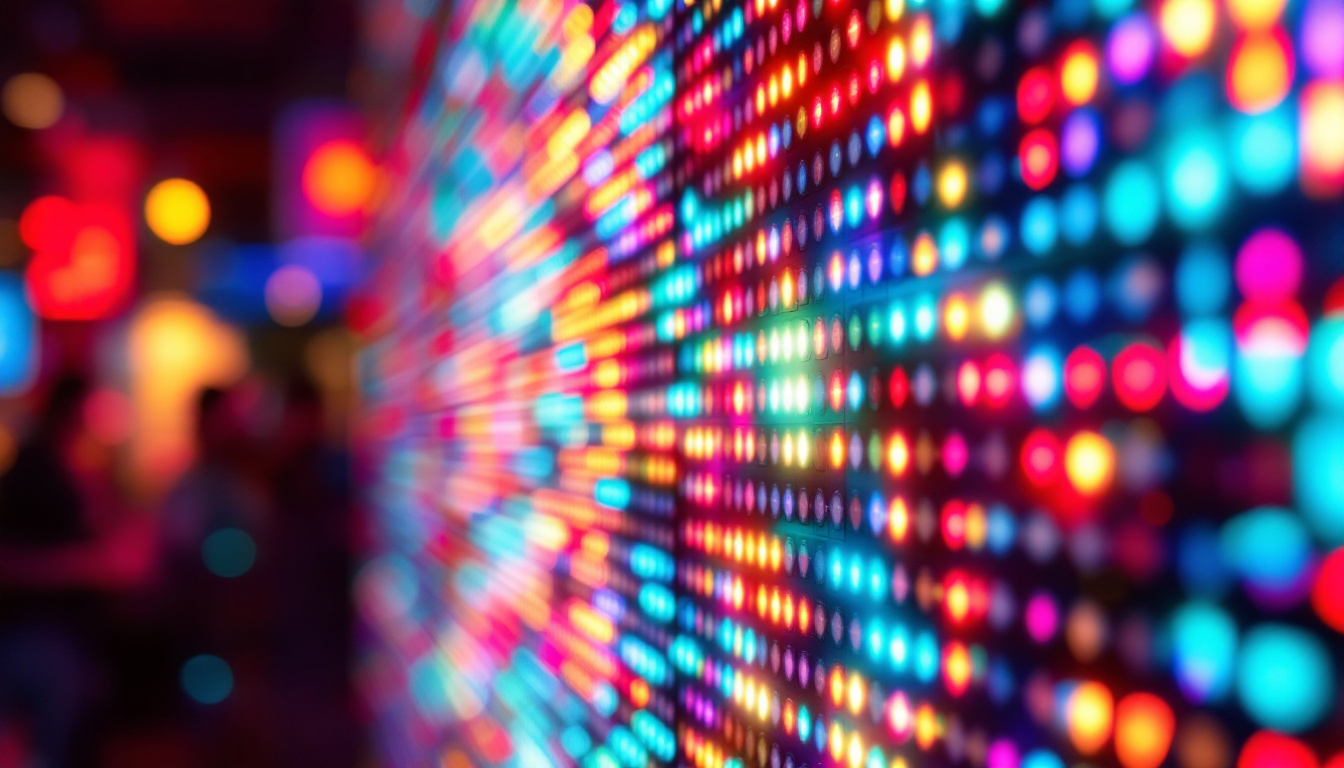
Unlike traditional screens such as LCDs or OLEDs, where pixel density is often measured in pixels per inch (PPI), LED displays use a metric known as pixel pitch, which is expressed in millimeters. Pixel pitch is the distance from the center of one LED pixel to the center of the next. This measurement directly influences the resolution and viewing distance of the display.
The Importance of Pixel Pitch
Pixel pitch is the defining factor that determines how sharp or clear an LED display will appear. A smaller pixel pitch means the LEDs are closer together, resulting in higher resolution and finer image detail. Conversely, a larger pixel pitch means pixels are spaced further apart, which can lead to a more pixelated image when viewed up close but is often sufficient for large-scale displays viewed from a distance.
For example, a 1.5mm pixel pitch LED screen has LEDs spaced 1.5 millimeters apart, making it suitable for indoor environments where viewers are close to the screen. On the other hand, a 10mm pixel pitch screen is ideal for outdoor billboards or stadium displays where viewers are much farther away.
Understanding pixel pitch is crucial not only for manufacturers and designers but also for consumers who want to make informed decisions about their display needs. For instance, in retail environments, a high-resolution display with a small pixel pitch can enhance product visibility and attract customers, while in large venues like concert halls, a larger pixel pitch might be more cost-effective and sufficient for the viewing distances involved. Additionally, advancements in LED technology have led to the development of ultra-fine pixel pitch displays, which can achieve resolutions that rival traditional high-definition screens, opening up new possibilities for immersive experiences in both commercial and residential settings.
Moreover, the choice of pixel pitch can also affect the overall cost of the display. Smaller pixel pitches typically require more LEDs and more intricate manufacturing processes, which can drive up the price. Therefore, understanding the relationship between millimeters and pixels not only aids in selecting the right display for specific applications but also helps in budgeting for projects, ensuring that both visual quality and financial considerations are balanced effectively.
How to Calculate Pixels from Millimeters
Calculating the number of pixels within a given physical space involves understanding the pixel pitch and the size of the display. The basic formula to convert millimeters to pixels is:
Number of pixels = Physical length in mm / Pixel pitch in mmFor example, if a display is 1920 mm wide and has a pixel pitch of 2.5 mm, the width in pixels would be:
1920 mm / 2.5 mm = 768 pixelsThis calculation is crucial for determining the resolution of the LED display and ensuring that the content matches the display’s capabilities.
Pixel Density and Resolution
Pixel density directly affects the resolution of the LED display. Resolution is often expressed in pixels (width × height), and knowing the physical dimensions along with the pixel pitch allows for precise calculation of this metric.
For instance, a 3840 mm wide by 2160 mm tall LED display with a pixel pitch of 4 mm would have:
- Width in pixels: 3840 mm / 4 mm = 960 pixels
- Height in pixels: 2160 mm / 4 mm = 540 pixels
- Total resolution: 960 × 540 pixels
Understanding this helps content creators design visuals that fit perfectly without distortion or pixelation.
Applications of Mm to Pixels Conversion in LED Displays
The conversion between millimeters and pixels is not just a theoretical exercise; it has practical applications across various industries and use cases. Here are some key areas where this knowledge is essential.
Digital Signage and Advertising
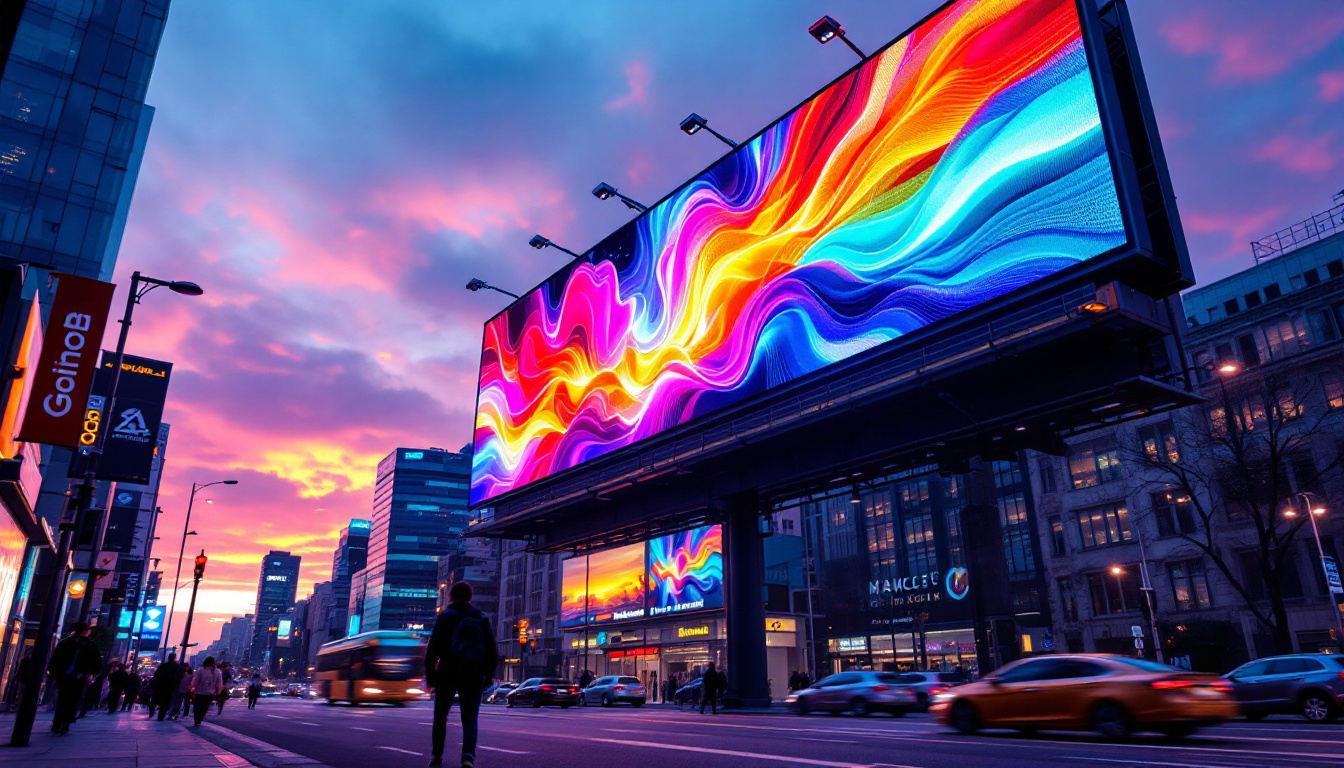
In digital signage, especially in retail and outdoor advertising, selecting the right pixel pitch is critical to ensure the message is clear and visually appealing. Advertisers must consider the typical viewing distance to choose an LED display with an appropriate pixel pitch.
For example, a storefront window display viewed from a few feet away requires a fine pixel pitch (1.2mm to 2.5mm) to display high-resolution images and text. Conversely, a highway billboard viewed from hundreds of feet away can use a larger pixel pitch (10mm or more) without compromising legibility.
Event and Entertainment Displays
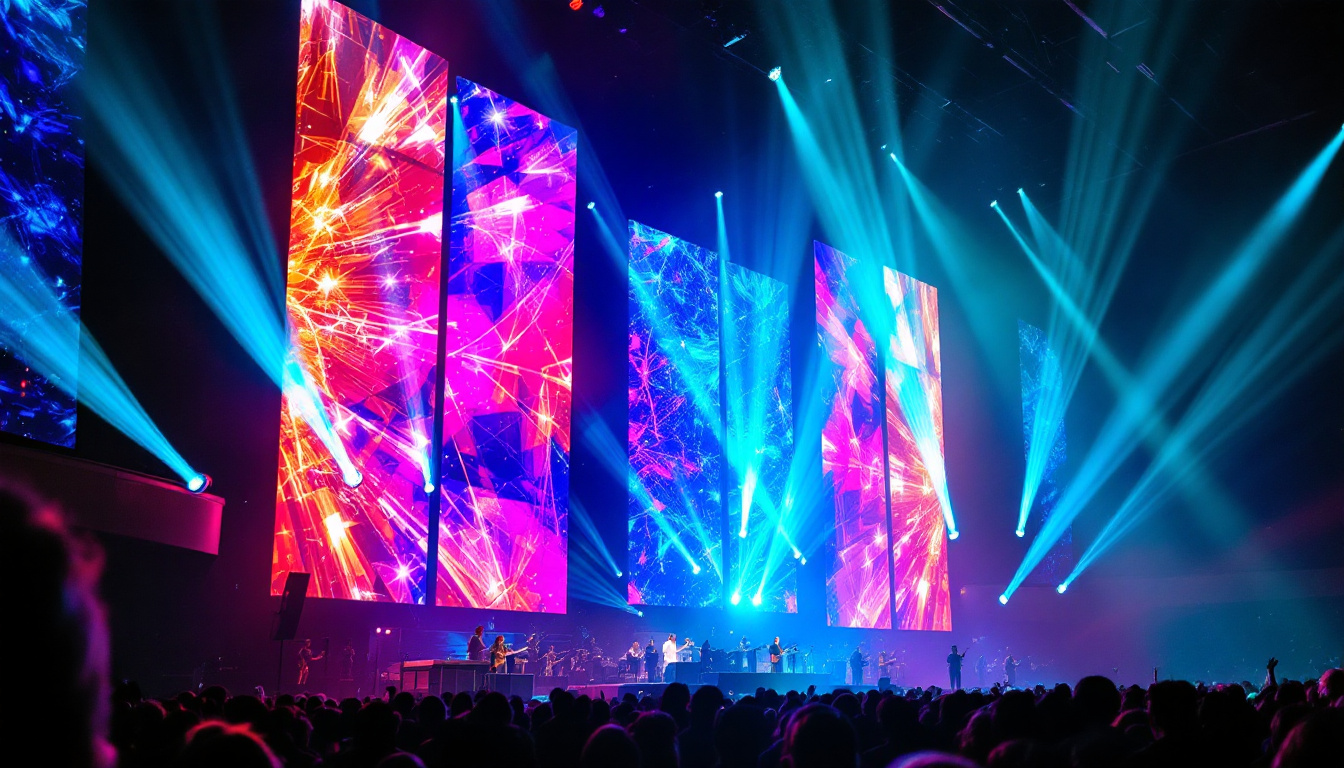
Concerts, sports arenas, and live events often use large LED screens for dynamic visuals and live feeds. Here, the mm-to-pixels ratio helps event planners select screens that balance size, resolution, and cost.
Large-format LED walls with a pixel pitch of 4mm to 6mm are common in these environments, offering good resolution for audiences seated at varying distances. Understanding mm to pixels conversions enables precise planning of screen dimensions and content resolution.
Control Rooms and Corporate Environments
In control rooms, command centers, and corporate lobbies, LED displays are used for monitoring data, presentations, and branding. These environments demand high-resolution screens with small pixel pitches to ensure clarity and detail.
Here, mm-to-pixels calculations help IT and AV professionals specify displays that meet stringent visual requirements while fitting the physical space available.
Factors Affecting Mm to Pixels Conversion
While the basic calculation is straightforward, several factors can influence how mm-to-pixels conversion translates into real-world LED display performance.
LED Module Configuration
LED displays are composed of modules containing multiple LEDs arranged in a grid. The pixel pitch is determined by the spacing of these LEDs, but module size and configuration can affect the overall pixel count and image quality.
Manufacturers may offer modules with varying pixel pitches, and combining modules can create larger displays with consistent pixel density. Understanding module specifications is essential for accurate mm-to-pixels conversion and seamless display assembly.
Viewing Distance and Visual Acuity
The human eye’s ability to resolve pixels depends on viewing distance. A display that looks sharp at 10 meters may appear pixelated at 1 meter if the pixel pitch is too large. This relationship is often summarized by the formula:
Optimal viewing distance (meters) ≈ Pixel pitch (mm) × 3For example, a 4mm pixel pitch display is best viewed from approximately 12 meters or more. This principle guides the selection of pixel pitch based on the intended viewing environment.
Content Type and Resolution Requirements
The nature of the content displayed also influences pixel pitch choices. High-detail images, fine text, and video require higher resolution (smaller pixel pitch), while simple graphics or text can be displayed effectively on screens with larger pixel pitches.
Content creators and display managers must coordinate to ensure content resolution matches the display’s pixel density to avoid blurriness or pixelation.
Emerging Trends and Technologies in LED Displays
The LED display industry continues to evolve rapidly, with innovations impacting how mm-to-pixels relationships are managed and optimized.
MicroLED and MiniLED Technologies
MicroLED and MiniLED technologies represent the next generation of LED displays, offering significantly smaller pixel pitches and higher brightness levels. MicroLEDs can achieve pixel pitches below 1mm, enabling ultra-high-resolution displays suitable for close-up viewing in smartphones, TVs, and augmented reality devices.
These advancements push the boundaries of mm-to-pixels conversion, allowing for unprecedented image clarity and flexibility in display design.
Flexible and Transparent LED Displays
Innovations in flexible and transparent LED panels allow for new applications in architecture, retail, and automotive industries. These displays often require precise mm-to-pixels calculations to maintain image quality despite unconventional form factors.
As these technologies mature, understanding pixel pitch in relation to physical dimensions becomes even more critical for successful implementation.
Practical Tips for Choosing the Right LED Display
When selecting an LED display, considering the mm-to-pixels ratio is just one part of the equation. Here are some practical tips to guide the decision-making process:
- Assess Viewing Distance: Determine the typical distance from which the audience will view the display to select an appropriate pixel pitch.
- Define Content Requirements: Understand the resolution and detail level of the content to be displayed to ensure compatibility with the screen’s pixel density.
- Consider Environmental Factors: For outdoor displays, factors like brightness, weather resistance, and viewing angles are as important as pixel pitch.
- Evaluate Budget Constraints: Smaller pixel pitches generally increase costs; balance quality needs with budget.
- Consult with Experts: Work with LED display manufacturers and integrators to get tailored advice based on specific project requirements.
Conclusion
The conversion of millimeters to pixels in LED displays is a foundational concept that impacts resolution, image quality, and overall user experience. By understanding pixel pitch and how it relates to the physical size of an LED screen, professionals and enthusiasts can make informed decisions that optimize visual performance for any application.
As LED technology continues to advance, keeping abreast of mm-to-pixels relationships and emerging innovations will remain essential for anyone involved in the design, installation, or use of LED displays. Whether for advertising, entertainment, corporate communications, or cutting-edge technology, mastering this concept ensures that LED displays deliver their full potential.
Explore Cutting-Edge LED Display Solutions with LumenMatrix
Ready to transform your space with the latest in LED display technology? LumenMatrix is at the forefront of innovation, offering a diverse range of LED display modules designed to bring your visual communications to life. From captivating Indoor LED Walls to dynamic Outdoor LED Displays, and from versatile Vehicle LED Displays to sleek LED Poster Displays, our solutions are tailored to meet your unique needs. Experience the revolution in digital signage with LumenMatrix and let us help you create immersive visual experiences that engage and inspire. Check out LumenMatrix LED Display Solutions today and see the difference that precision and quality can make.