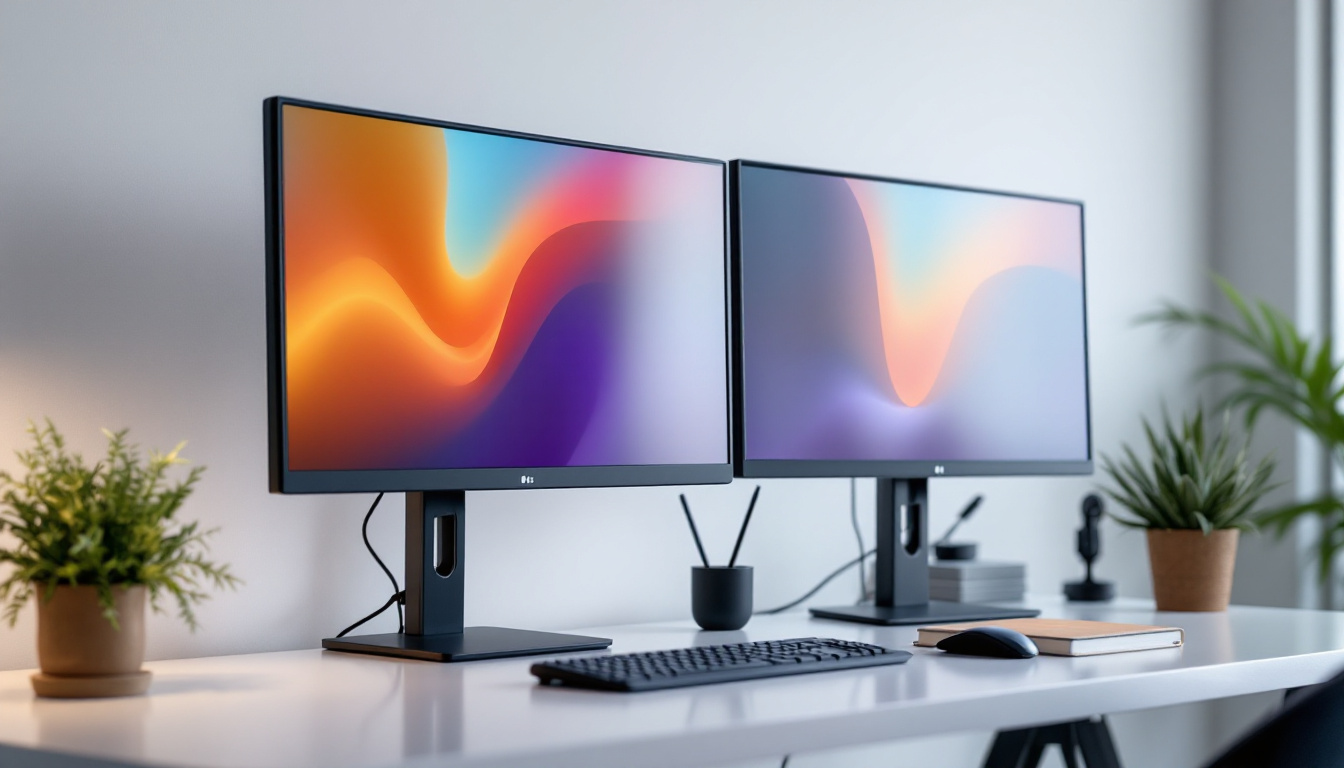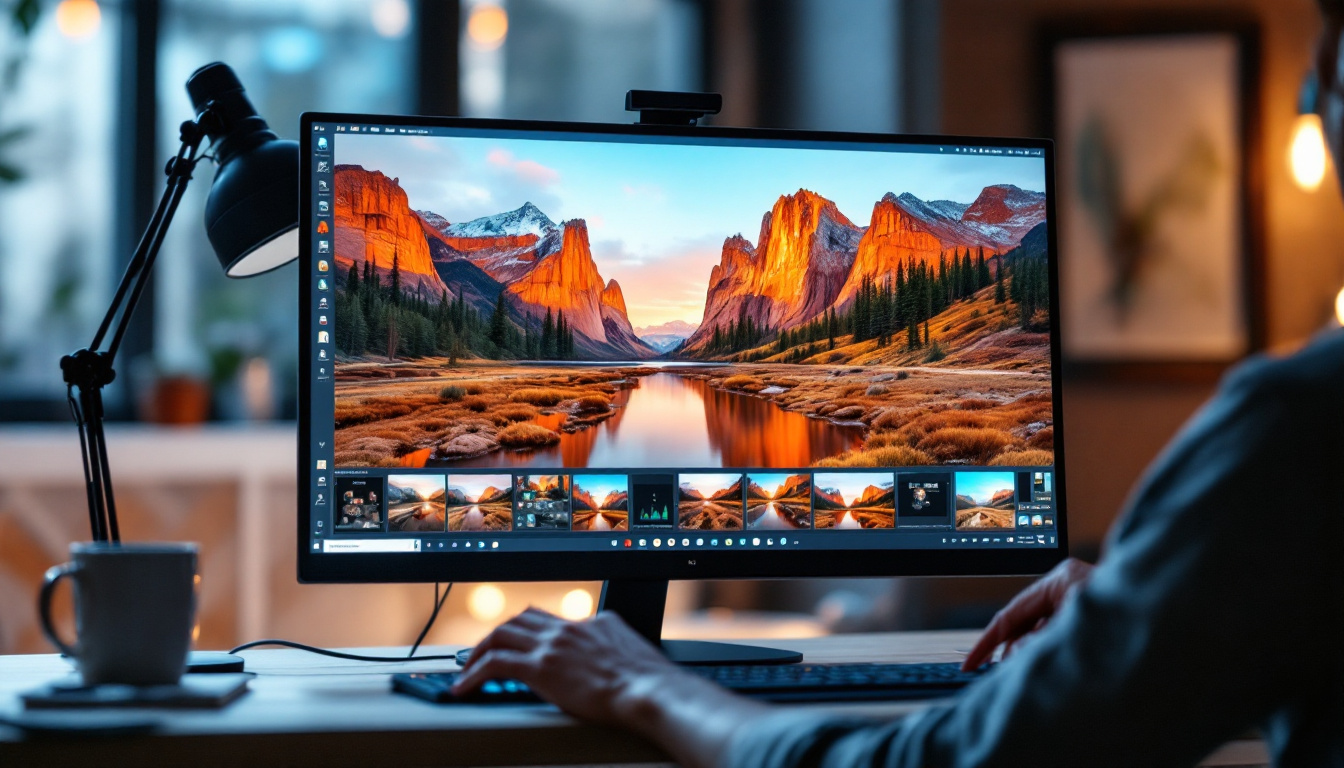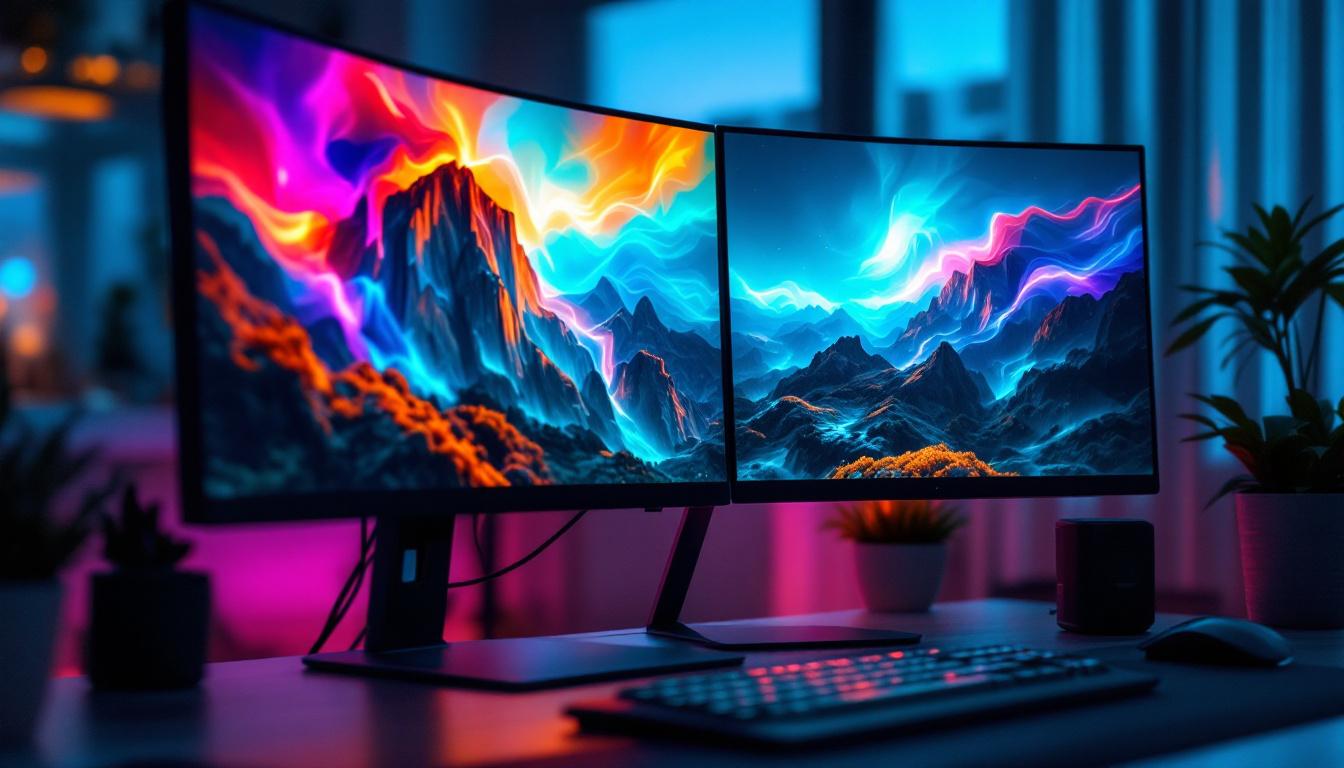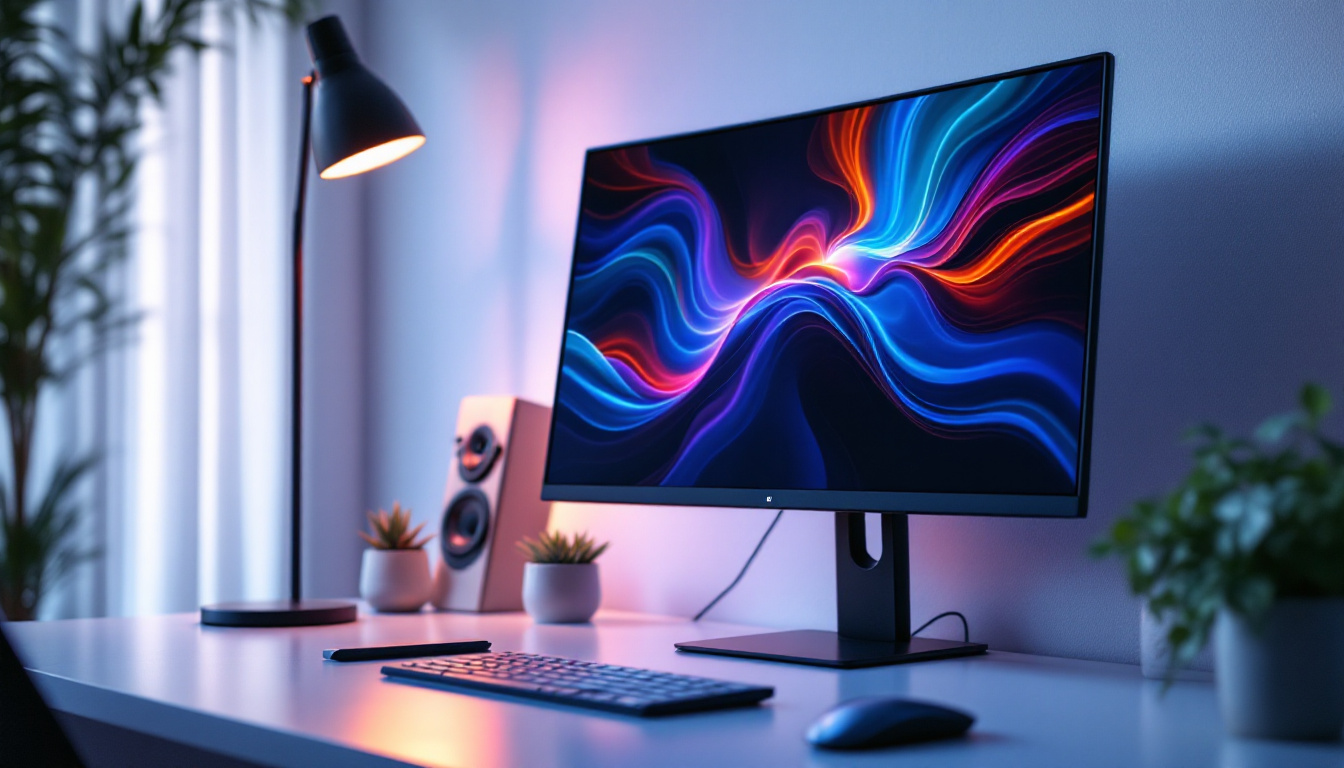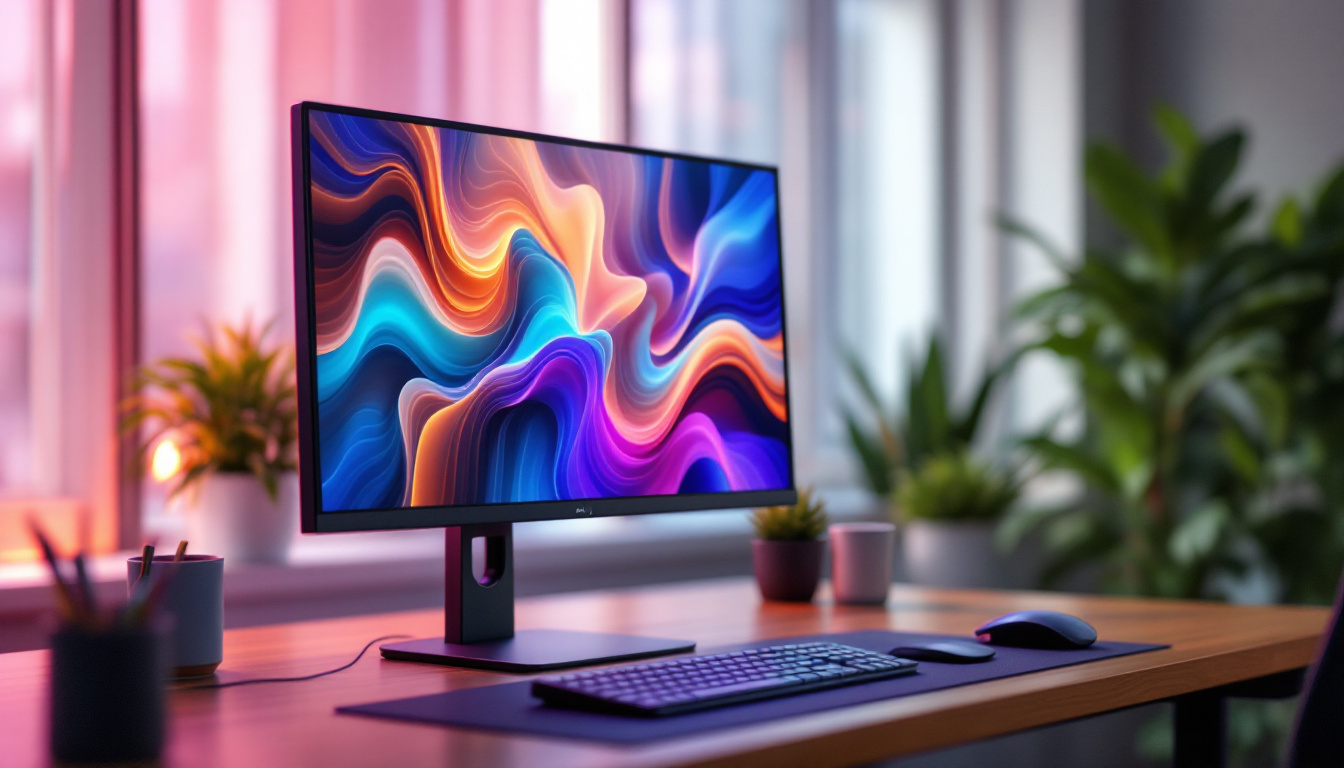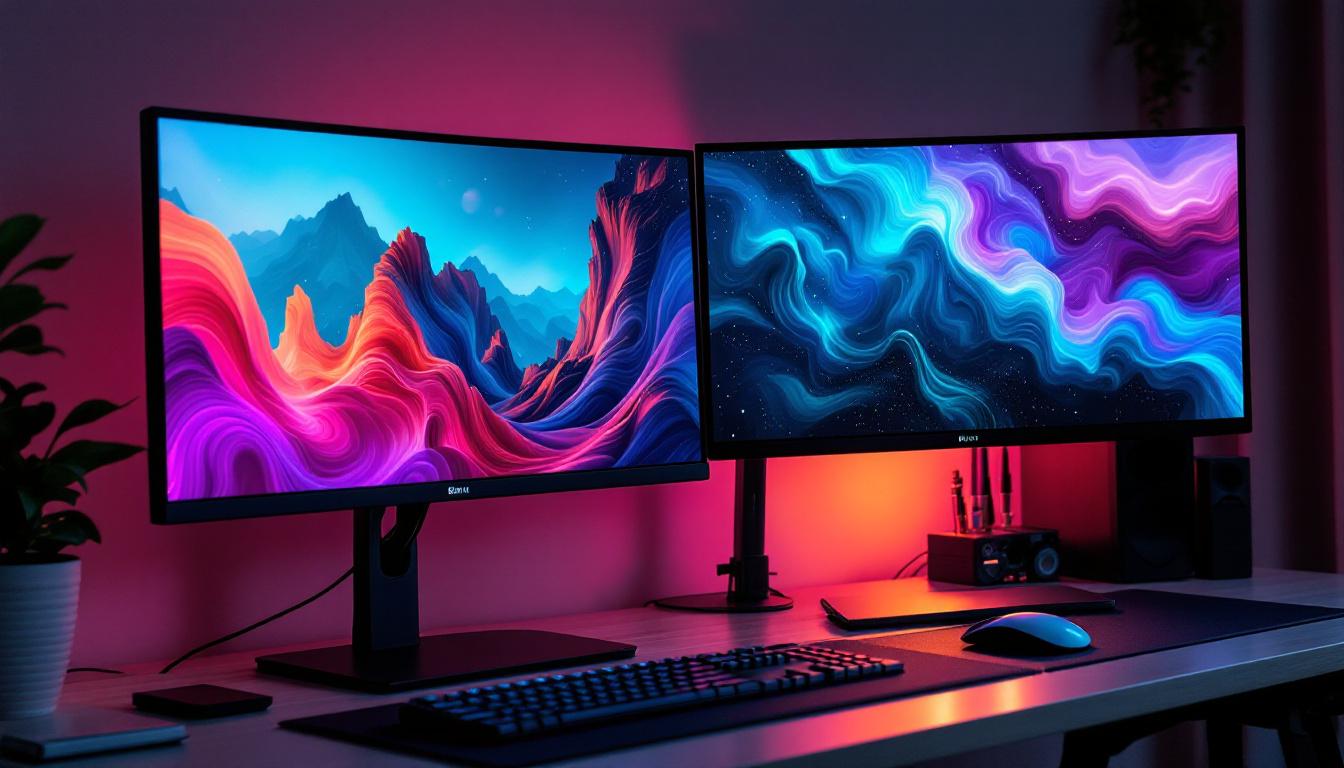
In today’s fast-paced digital environment, optimizing workspace ergonomics and display efficiency is essential. Dual monitor setups have become increasingly popular among professionals, gamers, and creatives alike, offering enhanced productivity and immersive experiences. Central to this setup is the 2 monitor holder, a device designed to securely mount and position two monitors side by side. When paired with LED displays, these holders not only improve desk organization but also elevate visual performance.
This article delves into the intricacies of 2 monitor holders specifically designed for LED displays. From understanding the benefits and technical considerations to exploring installation tips and maintenance advice, this comprehensive guide aims to equip readers with the knowledge to make informed decisions and maximize their dual-monitor experience.
Understanding the Importance of a 2 Monitor Holder
Dual monitor setups have surged in popularity, with studies indicating that multi-monitor users can experience up to a 42% increase in productivity compared to single-monitor users. However, simply placing two monitors on a desk can lead to clutter, poor ergonomics, and inefficient use of space. This is where a 2 monitor holder becomes invaluable.
What is a 2 Monitor Holder?
A 2 monitor holder is a mounting device designed to support two monitors simultaneously. It typically consists of adjustable arms or brackets that allow users to position their screens at optimal heights, angles, and distances. These holders come in various designs, including desk clamps, grommet mounts, and wall mounts, catering to different workspace configurations.
By elevating monitors off the desk surface, these holders free up valuable workspace, reduce neck and eye strain, and promote better posture. They also facilitate seamless multitasking by enabling side-by-side or stacked monitor arrangements.
Why Use a 2 Monitor Holder with LED Displays?
LED (Light Emitting Diode) displays have become the standard for modern monitors due to their superior brightness, energy efficiency, and color accuracy. When used in dual setups, LED monitors can deliver vibrant visuals and reduced eye fatigue. However, their slim and lightweight design requires stable and adjustable mounting solutions to prevent damage and ensure ergonomic alignment.
A 2 monitor holder designed for LED displays ensures that the delicate panels are securely held without exerting undue pressure. Additionally, these holders often feature cable management systems that help organize power and data cables, maintaining a clean and professional appearance.
Key Features to Consider When Choosing a 2 Monitor Holder for LED Displays
Selecting the right 2 monitor holder involves evaluating several critical factors to ensure compatibility, durability, and user comfort. Below are the essential features to consider:
Weight Capacity and Monitor Size Compatibility
LED monitors vary widely in size and weight, ranging from compact 21-inch models to expansive 32-inch or larger displays. It’s crucial to verify that the monitor holder supports the combined weight of both monitors and fits their dimensions. Most holders specify maximum weight limits per arm, often between 8 to 19 pounds, and support screen sizes from 13 to 32 inches.
Choosing a holder with a slightly higher weight capacity than your monitors’ combined weight provides added safety and durability.
Adjustability and Ergonomics
The primary advantage of a 2 monitor holder is ergonomic customization. Look for holders that offer multi-directional adjustability, including tilt, swivel, rotation, and height adjustment. This flexibility allows users to align monitors perfectly at eye level, reducing neck and shoulder strain during prolonged use.
Some advanced holders feature gas spring arms for smooth, effortless movement, while others use tension knobs for manual adjustment.
Mounting Options and Desk Compatibility
Desk space and design vary widely, so it’s important to choose a mounting style that suits your workspace. Common options include:
- Clamp Mount: Attaches to the edge of the desk, ideal for desks with accessible edges and limited space.
- Grommet Mount: Secures through a hole in the desk surface, offering a clean and stable installation.
- Wall Mount: Suitable for setups where desk space is minimal or for aesthetic preferences.
Ensure the holder’s mounting mechanism is compatible with your desk thickness and material.
Cable Management Features
Dual monitors often involve multiple cables, including power cords, HDMI or DisplayPort cables, and USB connections. Integrated cable management in monitor holders helps route these cables neatly along the arms or base, preventing tangling and reducing clutter. This not only improves aesthetics but also minimizes the risk of accidental disconnections or damage.
Build Quality and Material
Durability is essential for a stable and long-lasting setup. Most high-quality 2 monitor holders are constructed from robust materials such as steel or aluminum. These materials provide strength without excessive weight. Additionally, holders with powder-coated finishes resist corrosion and wear, maintaining their appearance over time.
Benefits of Using a 2 Monitor Holder with LED Displays
Integrating a 2 monitor holder into a dual LED display setup offers numerous advantages that enhance both productivity and user comfort.
Enhanced Productivity and Workflow
Multiple studies have shown that dual-monitor configurations can significantly improve multitasking capabilities. With a 2 monitor holder, users can position screens to minimize head movement and maximize screen real estate. This setup is particularly beneficial for professionals such as graphic designers, software developers, financial analysts, and content creators who require simultaneous access to multiple applications or datasets.
Improved Ergonomics and Health
Improper monitor placement can lead to repetitive strain injuries and chronic discomfort. A 2 monitor holder allows users to adjust screen height and angle to maintain a neutral neck position, reducing the risk of musculoskeletal issues. Proper ergonomics also alleviate eye strain by enabling optimal viewing distances and reducing glare.
Space Optimization and Aesthetics
By lifting monitors off the desk surface, holders free up valuable workspace for other essentials such as keyboards, documents, and peripherals. This decluttered environment contributes to a more organized and visually appealing workspace, which can positively influence focus and motivation.
Flexibility and Future-Proofing
Many 2 monitor holders offer modular designs that can accommodate upgrades or changes in monitor size and orientation. This flexibility ensures that as technology evolves or user needs change, the mounting system remains relevant and functional.
Installation and Setup Tips for 2 Monitor Holders with LED Displays
Proper installation is key to maximizing the benefits of a 2 monitor holder. The following tips ensure a safe and efficient setup process:
Preparing Your Workspace
Before installation, clear the desk area and gather necessary tools such as screwdrivers, Allen wrenches, and measuring tape. Verify that the desk surface is sturdy and capable of supporting the combined weight of the holder and monitors.
Mounting the Holder
Follow the manufacturer’s instructions carefully. For clamp mounts, ensure the clamp is securely fastened to the desk edge without damaging the surface. For grommet mounts, measure and drill the mounting hole precisely if not pre-existing. Wall mounts require locating studs for secure anchoring.
Attaching the Monitors
Most holders use VESA mounting standards (typically 75x75mm or 100x100mm). Confirm that your LED monitors support VESA mounts and use the appropriate screws. Attach monitors carefully to avoid scratching or damaging the screens.
Adjusting for Comfort
Once mounted, adjust the height, tilt, and angle of each monitor to achieve a comfortable viewing position. A general ergonomic guideline is to position the top of the screen at or slightly below eye level and maintain a viewing distance of about 20 to 30 inches.
Managing Cables
Utilize the holder’s cable management features to route cables along the arms or base. Use cable ties or clips to secure loose cables and prevent tangling. This step enhances both safety and aesthetics.
Maintaining Your 2 Monitor Holder and LED Displays
Regular maintenance ensures longevity and optimal performance of your dual-monitor setup.
Cleaning and Care
Use a soft, lint-free cloth to clean the monitors and holder. Avoid harsh chemicals that can damage screen coatings or metal finishes. For LED displays, gently wipe the screen with a microfiber cloth and a screen-safe cleaner if necessary.
Checking for Wear and Stability
Periodically inspect the mounting arms, screws, and clamps for signs of loosening or wear. Tighten any loose components to maintain stability and prevent accidents.
Adjusting Tension and Alignment
Over time, gas springs or tension knobs may require adjustment to maintain smooth movement and proper support. Refer to the manufacturer’s guidelines for recalibration procedures.
Popular 2 Monitor Holder Models for LED Displays
Several models stand out in the market for their quality, features, and user satisfaction. Here are a few examples:
Ergotron LX Dual Stacking Arm
Known for its robust build and extensive adjustability, the Ergotron LX supports monitors up to 25 pounds each. Its stacking capability allows vertical or side-by-side configurations, ideal for limited desk space. The gas spring mechanism ensures effortless positioning.
AmazonBasics Premium Dual Monitor Stand
This budget-friendly option offers solid construction with steel arms and a clamp or grommet mount. It supports monitors up to 22 pounds and includes integrated cable management. Its tilt and swivel features provide ergonomic flexibility.
VIVO Dual LCD Monitor Desk Mount
VIVO’s mount supports screens up to 27 inches and 22 pounds per arm. It features full articulation with tilt, swivel, and rotation, plus a sturdy C-clamp base. The design emphasizes ease of installation and cable organization.
Conclusion
A 2 monitor holder paired with LED displays is a powerful combination that enhances productivity, ergonomics, and workspace aesthetics. By carefully selecting a holder that meets weight, size, and adjustability requirements, users can create a comfortable and efficient dual-monitor environment.
Understanding the technical aspects and benefits of these holders empowers professionals and enthusiasts to optimize their setups effectively. Whether for work or leisure, investing in a quality 2 monitor holder is a step toward a more organized, healthy, and visually engaging digital experience.
Discover LumenMatrix’s Advanced LED Display Solutions
Ready to elevate your workspace and visual experience with the latest in LED display technology? LumenMatrix offers a comprehensive range of innovative LED display solutions tailored to meet your needs. From immersive Indoor LED Wall Displays to dynamic Outdoor LED Wall Displays, and from versatile Vehicle LED Displays to sleek LED Poster Displays, our products are designed to enhance engagement and captivate audiences. Embrace the future of visual communication with LumenMatrix and transform your professional or leisure environment today. Check out LumenMatrix LED Display Solutions and take the first step towards a more impactful and visually stunning display setup.