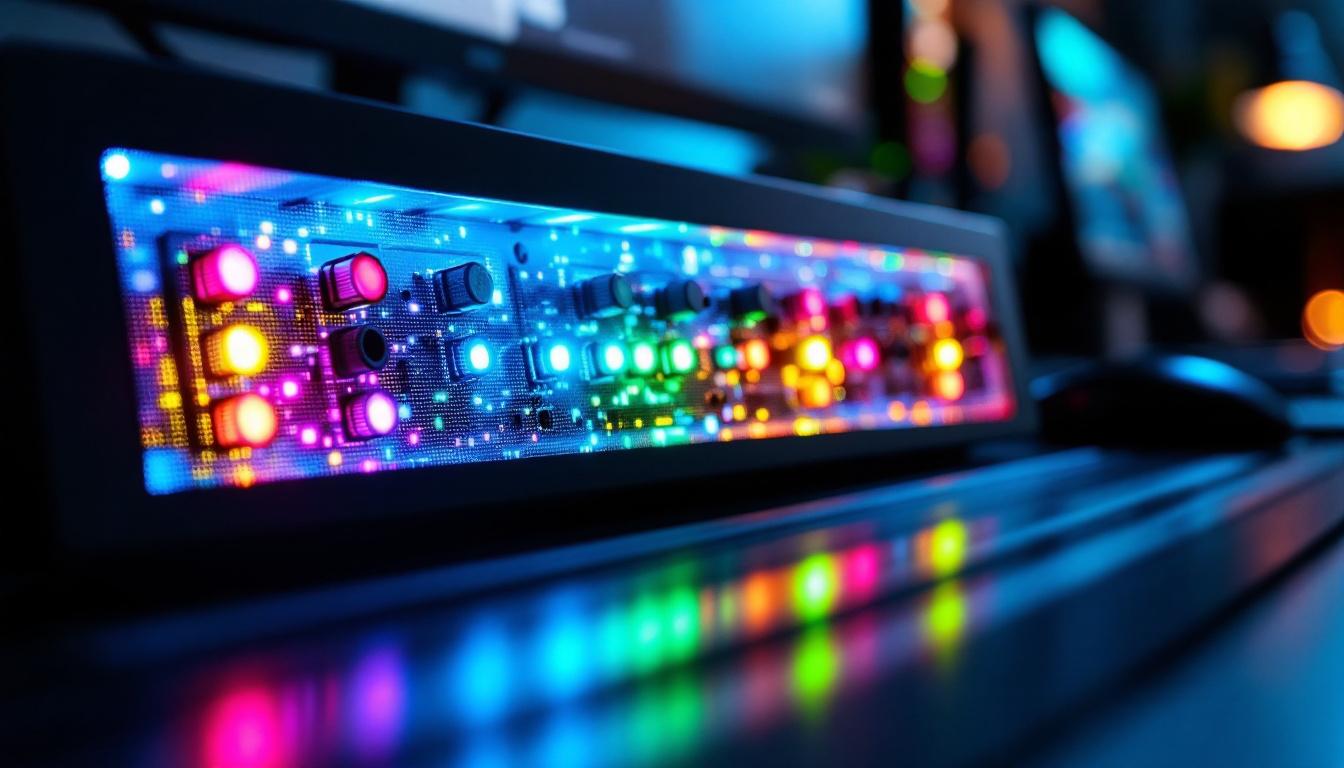
In today’s fast-paced digital environments, managing multiple monitors and input sources efficiently is crucial for both professionals and casual users. A monitor switch box, often equipped with an LED display, serves as an essential tool to streamline this process. This article delves into the functionality, benefits, and technical aspects of monitor switch boxes with LED displays, providing a comprehensive understanding for anyone looking to optimize their multi-monitor setup.
What Is a Monitor Switch Box?
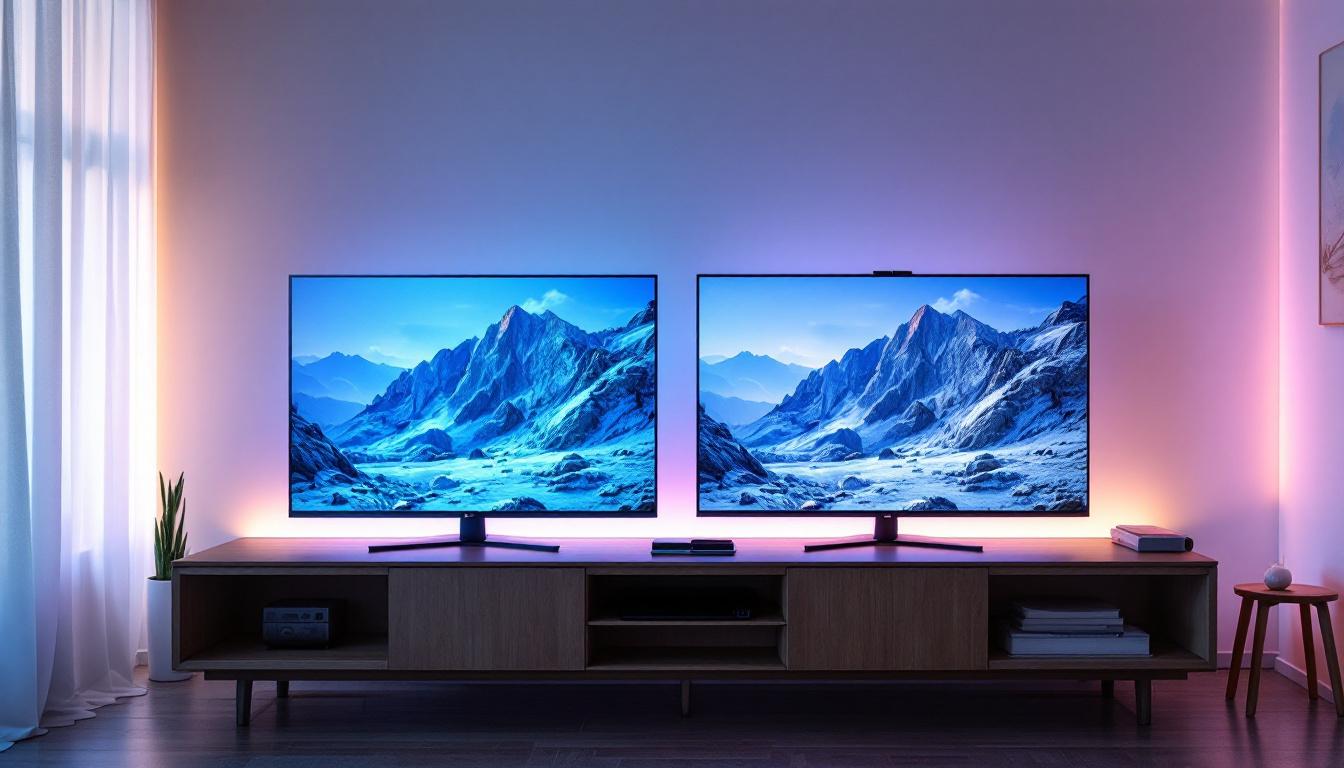
A monitor switch box is a hardware device designed to connect multiple video sources to one or more monitors, allowing users to switch between these sources without the need to unplug and replug cables constantly. This device is particularly useful in environments where several computers or multimedia devices need to share the same display(s). With the increasing complexity of tech setups, monitor switch boxes have become essential tools for enhancing productivity and efficiency.
Typically, these switch boxes support various video interfaces such as HDMI, DisplayPort, DVI, or VGA. They come in different configurations, like 2-in-1-out, 4-in-2-out, or even more complex setups, depending on the user’s needs. Some advanced models even include features like remote control operation, allowing users to switch sources from a distance, which can be particularly beneficial in large rooms or studios where accessibility is a concern.
Common Use Cases
Monitor switch boxes are widely used in:
- Office environments: Employees often switch between workstations or laptops without the hassle of multiple monitors.
- Broadcasting and video production: Professionals manage multiple video feeds and sources efficiently, ensuring smooth transitions during live events.
- Gaming setups: Gamers switch between consoles and PCs seamlessly, maximizing their gaming experience without the clutter of numerous cables.
- Educational institutions: Teachers and students share displays across different devices, facilitating collaborative learning and presentations.
In addition to these common use cases, monitor switch boxes are also invaluable in creative industries, such as graphic design and video editing, where professionals often need to compare outputs from different devices or software. This capability allows for a more streamlined workflow, enabling artists and editors to make real-time adjustments and decisions. Furthermore, many modern switch boxes also support high resolutions and refresh rates, catering to the demands of high-definition content and ensuring that users can enjoy crisp visuals without compromising on quality.
Moreover, with the rise of remote work and virtual collaboration, monitor switch boxes have become increasingly popular for home office setups. They allow users to connect laptops, tablets, and even smartphones to larger displays, enhancing productivity and making it easier to participate in video conferences or online meetings. This versatility not only saves space but also reduces the clutter of cables, creating a more organized and efficient workspace. As technology continues to evolve, the functionality and features of monitor switch boxes are likely to expand, making them an even more integral part of modern tech ecosystems.
The Role of the LED Display on Monitor Switch Boxes
One of the defining features of modern monitor switch boxes is the integration of an LED display. This small but powerful component significantly enhances the user experience by providing clear, real-time information about the device’s status and active inputs.
What Does the LED Display Show?
The LED display on a monitor switch box typically indicates:
- Active input source: Shows which connected device is currently being displayed.
- Output status: Some models display which monitor or output port is active.
- Connection status: Alerts users if a device is disconnected or if there is a signal issue.
- Switching mode: Indicates if the device is in manual or automatic switching mode.
For example, a 4-in-1-out switch box might show “HDMI 2” on the LED display, informing the user that the second HDMI input is currently selected.
Benefits of Having an LED Display
The LED display offers several advantages over traditional switch boxes without visual feedback:
- Improved usability: Users can instantly identify active inputs without guessing or trial and error.
- Enhanced troubleshooting: Quick diagnostics of connection problems become easier with real-time status updates.
- Professional appearance: The LED display adds a modern, polished look to the device, which is especially important in professional settings.
- Reduced errors: Minimizes the risk of switching to the wrong input, saving time and frustration.
Technical Aspects of LED Displays in Monitor Switch Boxes
Understanding the technology behind the LED display can help users appreciate its capabilities and limitations.
Types of LED Displays Used
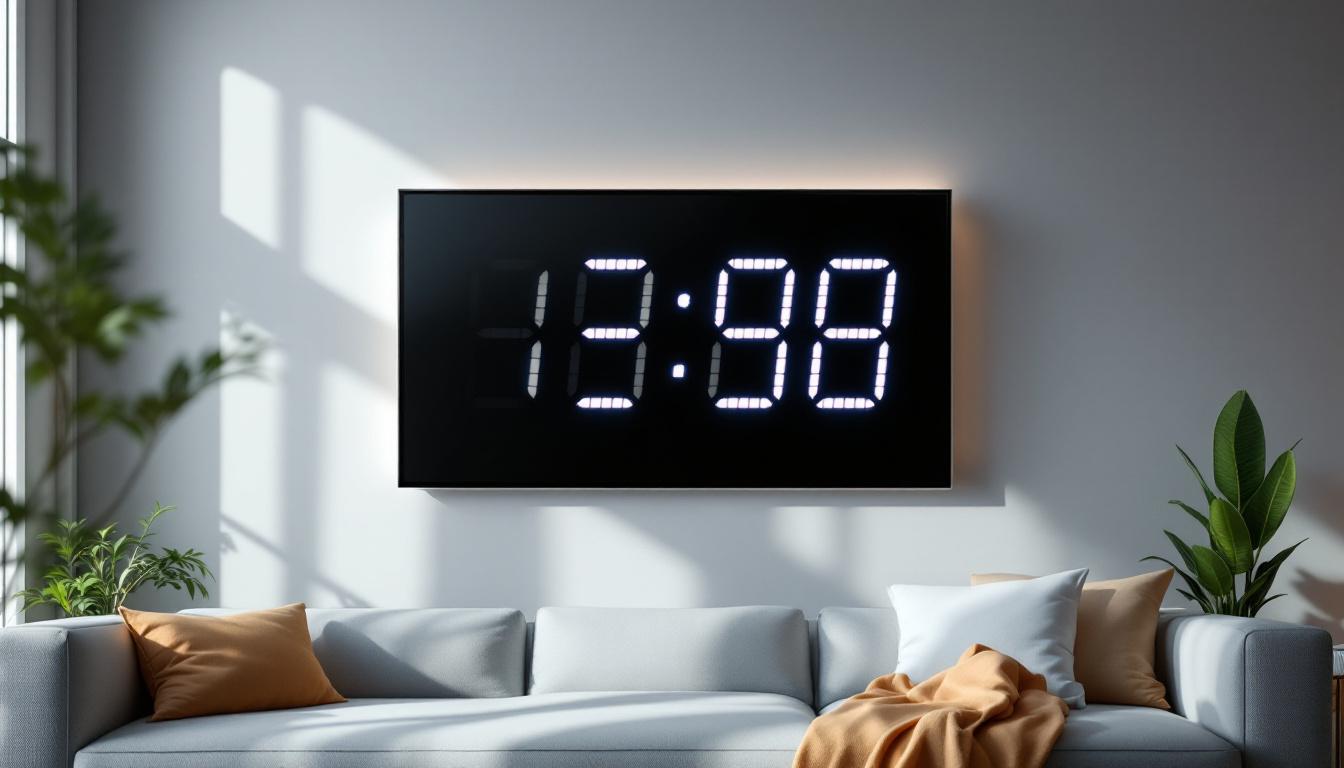
Most monitor switch boxes use simple numeric or alphanumeric LED displays, commonly 7-segment or 14-segment types. These displays are energy-efficient and provide clear visibility even in low-light environments.
Some advanced models incorporate OLED or LCD screens, offering richer information, such as input resolutions, refresh rates, or even device names. However, these tend to be found in higher-end or specialized switch boxes.
Integration with Switching Mechanisms
The LED display is typically controlled by a microcontroller within the switch box, which manages input detection and switching commands. When a user presses a button or uses a remote control to change inputs, the microcontroller updates the LED display accordingly.
In some models, the display also synchronizes with automatic switching features, showing changes as devices power on or off.
Power Consumption and Design Considerations
LED displays consume minimal power, which is advantageous for devices that may be powered via USB or low-voltage adapters. Designers balance brightness and power use to ensure the display is visible without draining excessive energy.
Additionally, the size and placement of the LED display are carefully considered to maintain the device’s compact form factor while ensuring readability from typical viewing angles.
How to Choose the Right Monitor Switch Box with LED Display
Selecting the appropriate monitor switch box depends on several factors, including the number of inputs and outputs, supported video resolutions, and additional features like the LED display.
Assess Your Needs
Start by listing the devices you want to connect and the monitors you intend to use. Consider:
- Number and type of input sources (e.g., HDMI, DisplayPort)
- Number of monitors or output devices
- Maximum resolution and refresh rate required (e.g., 4K at 60Hz)
For example, a video editor working with 4K footage will need a switch box that supports 4K resolution and HDR, whereas a basic office setup might only require 1080p support.
Evaluate LED Display Features
Consider what information you want from the LED display. Basic models show only the active input number, while more advanced ones provide detailed status updates.
Also, check the display’s visibility and readability. Some LED displays include adjustable brightness or color coding, which can be helpful in different lighting conditions.
Additional Features to Look For
- Remote control: Allows switching inputs without physically accessing the device.
- Automatic switching: The switch box can detect active signals and switch automatically.
- Audio support: Some switch boxes also manage audio switching alongside video.
- Build quality: Metal enclosures and quality connectors improve durability and signal integrity.
Installation and Best Practices
Proper installation ensures optimal performance and longevity of your monitor switch box with LED display.
Placement and Cable Management
Place the switch box in an accessible location where the LED display is easily visible. Avoid areas with excessive heat or moisture, which can damage electronic components.
Use high-quality cables and organize them neatly to prevent signal degradation and physical damage. Labeling cables can also help when troubleshooting or reconfiguring the setup.
Power Supply Considerations
Ensure the switch box receives stable power, ideally from the included adapter or a reliable USB power source. Fluctuations can cause the LED display to flicker or the device to malfunction.
Regular Maintenance
Keep the device clean and dust-free. Periodically check connections and the LED display for any signs of malfunction. Firmware updates, if available, can improve functionality and fix bugs.
Future Trends in Monitor Switch Boxes and LED Displays
The technology behind monitor switch boxes continues to evolve, driven by the increasing demand for higher resolutions, faster refresh rates, and smarter device management.
Integration with Smart Home and Office Systems
Future switch boxes may integrate with smart assistants and IoT devices, allowing voice commands or app-based control. LED displays could become more interactive, showing notifications or system statuses beyond input selection.
Support for Emerging Video Standards
With the rise of 8K video and variable refresh rate technologies like HDMI 2.1 and DisplayPort 2.0, switch boxes will need to support these standards to remain relevant. LED displays might also evolve to provide detailed information about these advanced features.
Compact and Multi-Functional Designs
As workspace ergonomics gain importance, manufacturers are developing smaller, more versatile switch boxes that combine video switching, USB hub functions, and charging capabilities. LED displays will play a key role in providing intuitive feedback in these multifunctional devices.
Conclusion
A monitor switch box with an LED display is a practical and efficient solution for managing multiple video sources and monitors. The LED display enhances usability by providing clear, immediate feedback on active inputs and device status, reducing errors and improving workflow.
When selecting a switch box, it is essential to consider your specific needs, including the number of inputs and outputs, supported resolutions, and the level of detail provided by the LED display. Proper installation and maintenance further ensure smooth operation and longevity.
As technology advances, monitor switch boxes will become smarter and more integrated, with LED displays evolving to offer richer, more interactive information. Investing in a quality switch box today can significantly improve your multi-monitor experience, whether for work, gaming, or entertainment.
Discover LumenMatrix’s Advanced LED Display Solutions
Ready to elevate your multi-monitor setup to the next level? Explore LumenMatrix’s innovative LED display solutions, designed to bring unparalleled clarity and vibrancy to your visual experiences. Whether you’re looking for an Indoor LED Wall Display for your office, an Outdoor LED Wall Display for impactful advertising, or any of our specialized displays like Vehicle, Sports, or Floor LED Displays, LumenMatrix has the cutting-edge technology to meet your needs. Embrace the future of visual communication with our Custom, All-in-One, and Transparent LED Displays. Check out LumenMatrix LED Display Solutions today and transform the way you share your message.