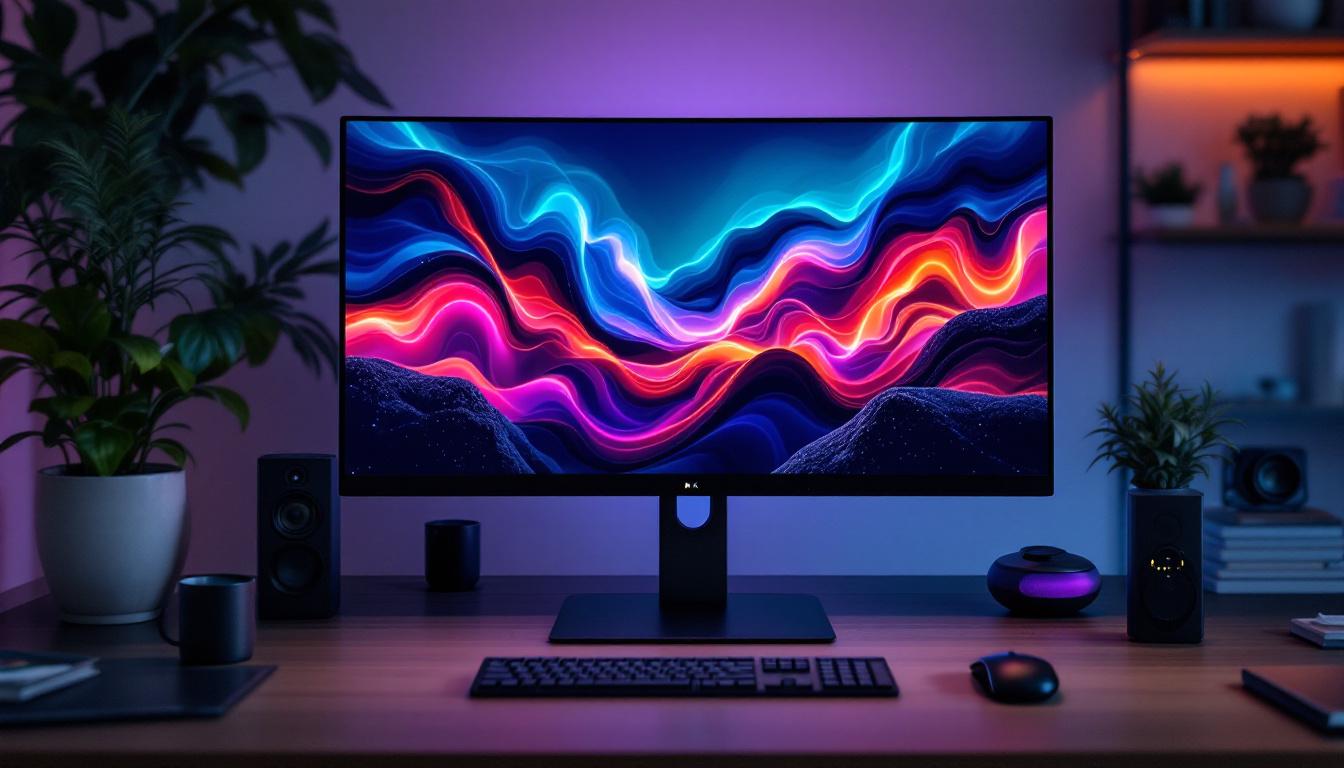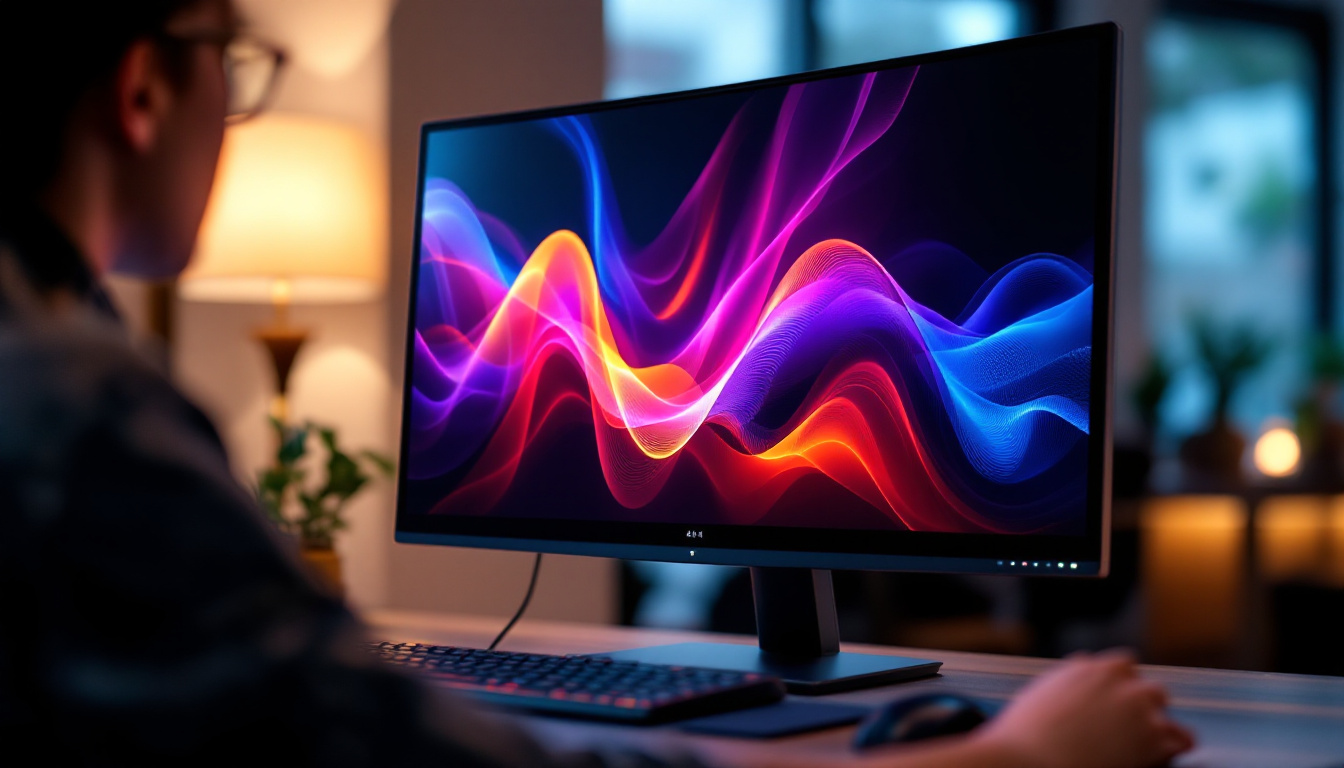
In today’s digital age, choosing the right monitor is crucial for both productivity and entertainment. Among the myriad of options available, a 25 inch monitor with an LED display strikes a compelling balance between screen real estate and desk space. This article delves into what makes a 25 inch LED monitor a popular choice, exploring the technology behind LED displays, their benefits, and how to select the best model for your needs.
Understanding the 25 Inch Monitor Size
The size of a monitor is often one of the first specifications consumers consider. A 25 inch monitor refers to the diagonal measurement of the screen, which is approximately 63.5 centimeters. This size is particularly favored for its versatility; it is large enough to provide ample workspace without overwhelming a typical desk setup.
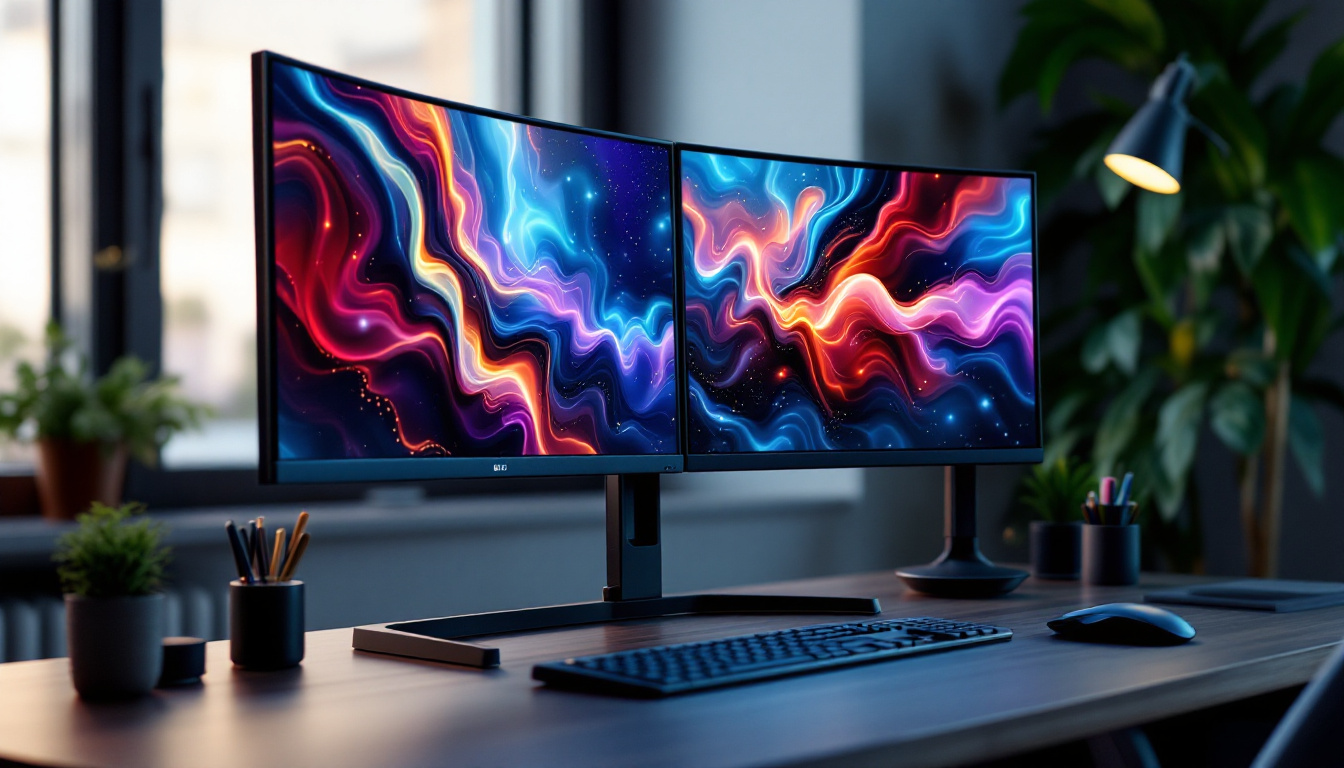
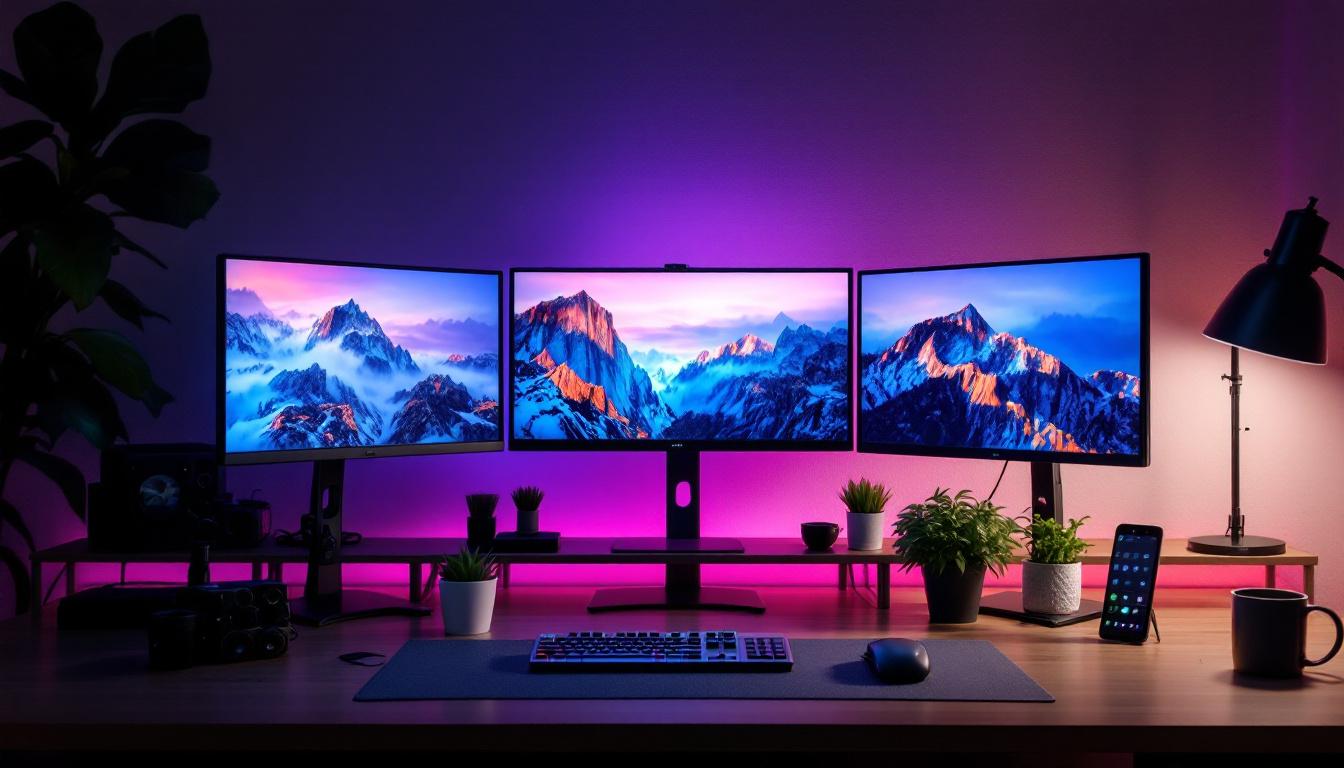
For professionals, gamers, and casual users alike, a 25 inch screen offers a sweet spot. It provides more viewing area than smaller monitors (such as 21 or 22 inches) while maintaining a compact form factor that fits comfortably in most environments. This makes it ideal for multi-monitor setups as well, where users can combine two or more 25 inch monitors for extended desktop space.
Why Choose a 25 Inch Monitor?
The 25 inch size is often overlooked in favor of larger 27 or 32 inch monitors, but it has distinct advantages. For one, it typically features a pixel density that is higher than larger monitors at the same resolution, resulting in sharper images and text. Additionally, many 25 inch monitors come with a 16:9 or 16:10 aspect ratio, providing a widescreen experience suitable for both work and entertainment.
Moreover, the 25 inch size is well-suited for users who require precise detail without scaling issues. For example, graphic designers and video editors benefit from the clarity and manageable size, while gamers appreciate the immersive experience without needing to move their eyes excessively across the screen.
What is an LED Display?
LED stands for Light Emitting Diode, a technology widely used in modern monitor backlighting. When discussing LED monitors, it’s important to clarify that the screen itself is typically an LCD (Liquid Crystal Display) panel, with LEDs providing the backlight. This combination has become the industry standard due to its efficiency and image quality.
How LED Backlighting Works
Traditional LCD monitors used cold cathode fluorescent lamps (CCFL) for backlighting, which were bulkier and consumed more power. LED backlighting replaced CCFLs by using arrays of tiny LEDs placed either along the edges of the screen (edge-lit) or directly behind the LCD panel (direct-lit or full-array).
These LEDs illuminate the liquid crystals, which modulate the light to create images. The advantages of LED backlighting include better energy efficiency, thinner panel designs, improved brightness, and more accurate color reproduction. Additionally, LED backlights can offer local dimming features, enhancing contrast ratios and delivering deeper blacks.
Types of LED Backlighting
There are primarily two types of LED backlighting used in 25 inch monitors:
- Edge-Lit LED: LEDs are positioned around the edges of the screen. This allows for slimmer designs and lower manufacturing costs but can sometimes lead to uneven brightness or light bleed.
- Full-Array LED: LEDs are distributed evenly behind the entire screen. This setup supports local dimming zones, providing superior contrast and uniform brightness, though it is generally more expensive.
Benefits of Choosing a 25 Inch LED Monitor
LED monitors, especially in the 25 inch size, offer several compelling benefits that make them a preferred choice for many users.
Energy Efficiency and Environmental Impact
LED backlighting consumes significantly less power compared to older CCFL technology. This translates to lower electricity bills and a smaller carbon footprint. For users who keep their monitors on for extended periods, such as office workers or gamers, the energy savings can be substantial over time.
Superior Image Quality
Thanks to LED technology, 25 inch monitors typically deliver brighter screens with better color accuracy. Many models support wide color gamuts such as sRGB or AdobeRGB, making them suitable for color-critical tasks like photo editing and graphic design.
Additionally, LED backlighting enables higher contrast ratios and better black levels, enhancing the overall visual experience. This is especially noticeable in dark scenes in movies or games, where details are more vivid and immersive.
Design and Ergonomics
The slim profile of LED monitors allows for sleek, modern designs that complement any workspace. Many 25 inch LED monitors come with adjustable stands that support height, tilt, swivel, and pivot adjustments, promoting ergonomic comfort during long hours of use.
Cost-Effectiveness
While LED monitors can vary in price depending on features and brand, 25 inch models often strike a good balance between affordability and performance. They are generally less expensive than larger monitors with similar specifications, making them an excellent value for users seeking quality without overspending.
Choosing the Right 25 Inch LED Monitor: Key Features to Consider
Selecting the ideal 25 inch LED monitor involves evaluating several important factors to match your specific needs.
Resolution and Pixel Density
Resolution determines the clarity and detail of the display. Common resolutions for 25 inch monitors include Full HD (1920×1080) and Quad HD (2560×1440). Quad HD offers a sharper image and more screen real estate, which is beneficial for multitasking and detailed work.
Pixel density, measured in pixels per inch (PPI), impacts how crisp text and images appear. Higher PPI values reduce eye strain and improve overall viewing comfort, especially for users who spend many hours in front of the screen.
Refresh Rate and Response Time
For gamers and video editors, refresh rate and response time are critical specifications. A higher refresh rate (such as 75Hz, 120Hz, or even 144Hz) results in smoother motion and less blur during fast-paced scenes. Response time, typically measured in milliseconds (ms), indicates how quickly pixels can change color. Lower response times reduce ghosting and improve visual clarity.
Color Accuracy and Panel Type
The panel type affects color reproduction, viewing angles, and contrast. The most common panel technologies in 25 inch LED monitors are:
- IPS (In-Plane Switching): Offers excellent color accuracy and wide viewing angles, ideal for creative professionals.
- TN (Twisted Nematic): Provides faster response times but narrower viewing angles and less accurate colors, often preferred by competitive gamers.
- VA (Vertical Alignment): Balances contrast and color accuracy, with deeper blacks than IPS but slower response times than TN.
Connectivity Options
Modern 25 inch LED monitors come equipped with multiple input ports such as HDMI, DisplayPort, and USB-C. USB-C is particularly valuable for users with laptops, as it can deliver video, data, and power through a single cable, reducing clutter.
Additional features like built-in USB hubs, audio jacks, and adjustable stands can enhance convenience and usability.
Additional Features
Some monitors include advanced features such as HDR (High Dynamic Range) support, which enhances brightness and color range for more lifelike images. Blue light filters and flicker-free technology help reduce eye strain during prolonged use.
Applications of 25 Inch LED Monitors
The versatility of 25 inch LED monitors makes them suitable for a wide range of applications across different user groups.
Professional Use
In office environments, 25 inch monitors provide sufficient space for spreadsheets, documents, and web browsing without requiring excessive desk space. Their sharp image quality and ergonomic designs help maintain productivity and comfort throughout the workday.
Creative professionals such as photographers, graphic designers, and video editors benefit from the color accuracy and resolution offered by many 25 inch LED monitors. Models with IPS panels and wide color gamut support are especially popular in these fields.
Gaming
Gamers appreciate 25 inch monitors for their balance of immersive viewing and manageable size. High refresh rates and low response times are critical for competitive gaming, and many 25 inch LED monitors cater to these demands. Additionally, the size allows gamers to maintain an optimal viewing distance without excessive head movement.
Home Entertainment and General Use
For streaming movies, browsing the internet, or casual gaming, 25 inch LED monitors offer a high-quality viewing experience. Their compact size fits well in bedrooms, dorm rooms, or small apartments where space is limited.
Maintaining and Optimizing Your 25 Inch LED Monitor
To ensure longevity and optimal performance of your 25 inch LED monitor, proper care and maintenance are essential.
Cleaning and Handling
Use a microfiber cloth and gentle screen cleaner to remove dust and smudges. Avoid harsh chemicals or abrasive materials that can damage the screen coating. Handle the monitor carefully to prevent physical damage to the panel and stand.
Calibration
For users requiring precise color accuracy, regular calibration using hardware tools or software solutions can maintain color fidelity. Many monitors come with built-in calibration presets or support third-party calibration devices.
Adjusting Settings
Optimize brightness, contrast, and color temperature based on your environment and usage. Reducing brightness in low-light conditions and enabling blue light filters can reduce eye strain. Adjust refresh rates and resolution settings according to your tasks for the best visual experience.
Conclusion
A 25 inch LED monitor offers a compelling combination of size, image quality, and versatility. Whether for professional work, gaming, or general use, these monitors provide sharp visuals, energy efficiency, and ergonomic benefits. Understanding the technology behind LED displays and carefully considering key features such as resolution, refresh rate, and panel type can help users select the perfect monitor tailored to their needs.
As technology continues to advance, 25 inch LED monitors remain a practical and popular choice, balancing performance and affordability in a compact form factor.
Discover LumenMatrix’s Advanced LED Displays
Ready to elevate your visual experience with a 25 inch LED monitor that embodies innovation and quality? Look no further than LumenMatrix, a pioneer in LED display technology. Our extensive range of products, from Indoor and Outdoor LED Wall Displays to specialized solutions like Vehicle and Sports LED Displays, is designed to meet your every need. Embrace the future of visual communication with our All-in-One LED Displays, LED Transparent Displays, and more. Check out LumenMatrix LED Display Solutions today and transform how you share your message with the world.