In today’s digital landscape, the computer monitor is an essential tool for work, entertainment, and creative pursuits. As technology advances, so too does the complexity and variety of monitor setups. One key component that often goes overlooked but plays a crucial role in ergonomics and display quality is the computer monitor desk stand. Coupled with the evolution of LED display technology, understanding how these stands and screens work together can greatly enhance user experience and productivity.
The Evolution of Computer Monitor Desk Stands
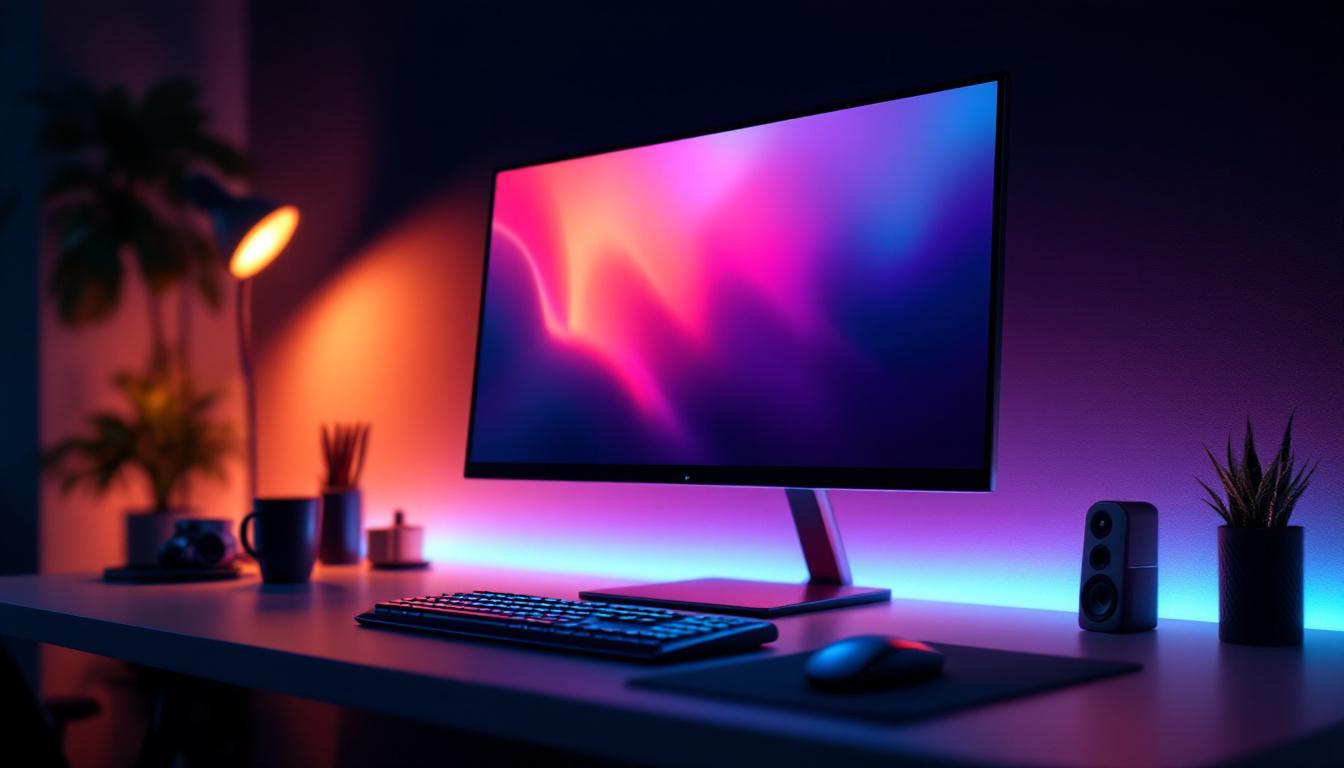
Computer monitor desk stands have evolved significantly from the bulky, fixed bases of early CRT monitors to the sleek, adjustable mounts designed for modern LED displays. The primary purpose of a desk stand is to support the monitor securely while offering flexibility in positioning to reduce strain and improve viewing comfort.
Initially, most monitors came with simple, non-adjustable stands that offered limited height or tilt adjustments. This often led to poor posture and discomfort during prolonged use. Today, ergonomic considerations have driven the development of highly adjustable stands that allow users to customize height, tilt, swivel, and even rotation. These adjustments are critical in creating an optimal viewing angle, which can reduce neck and eye strain, and improve overall comfort.
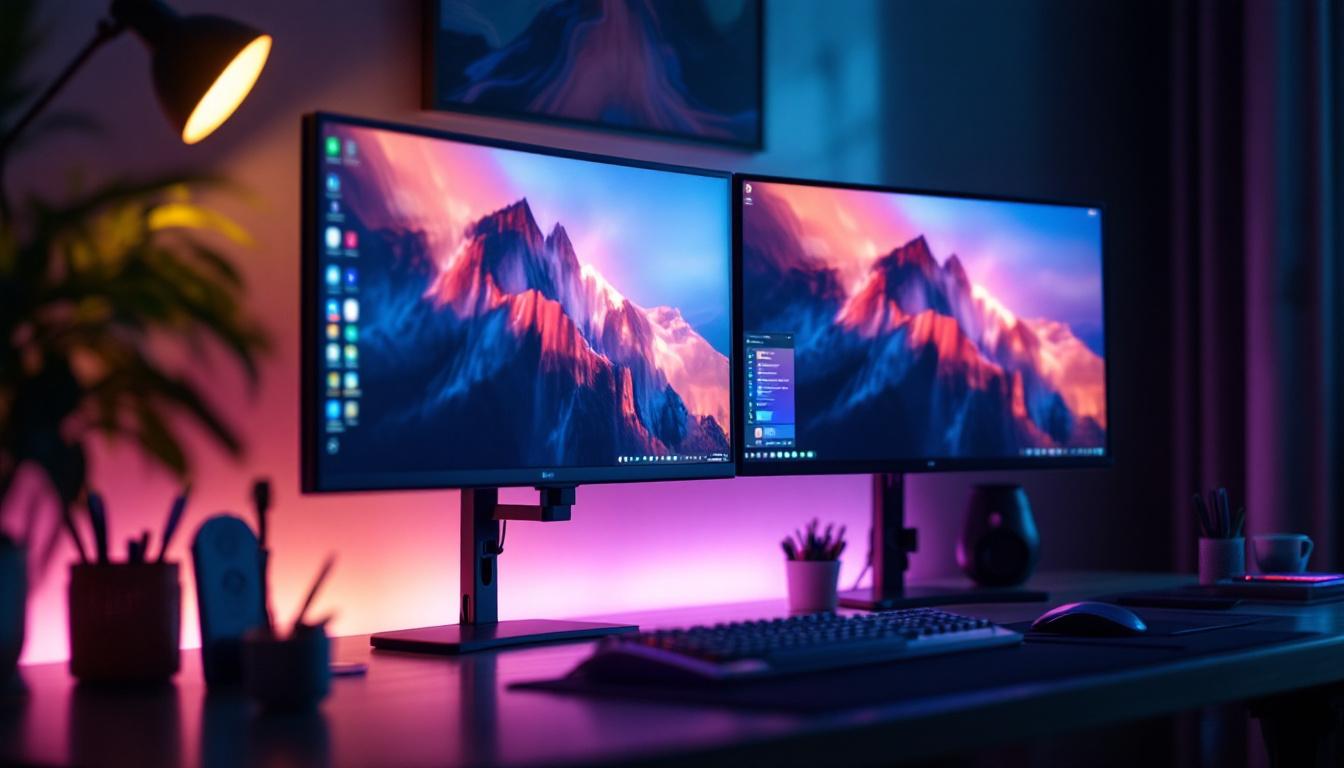
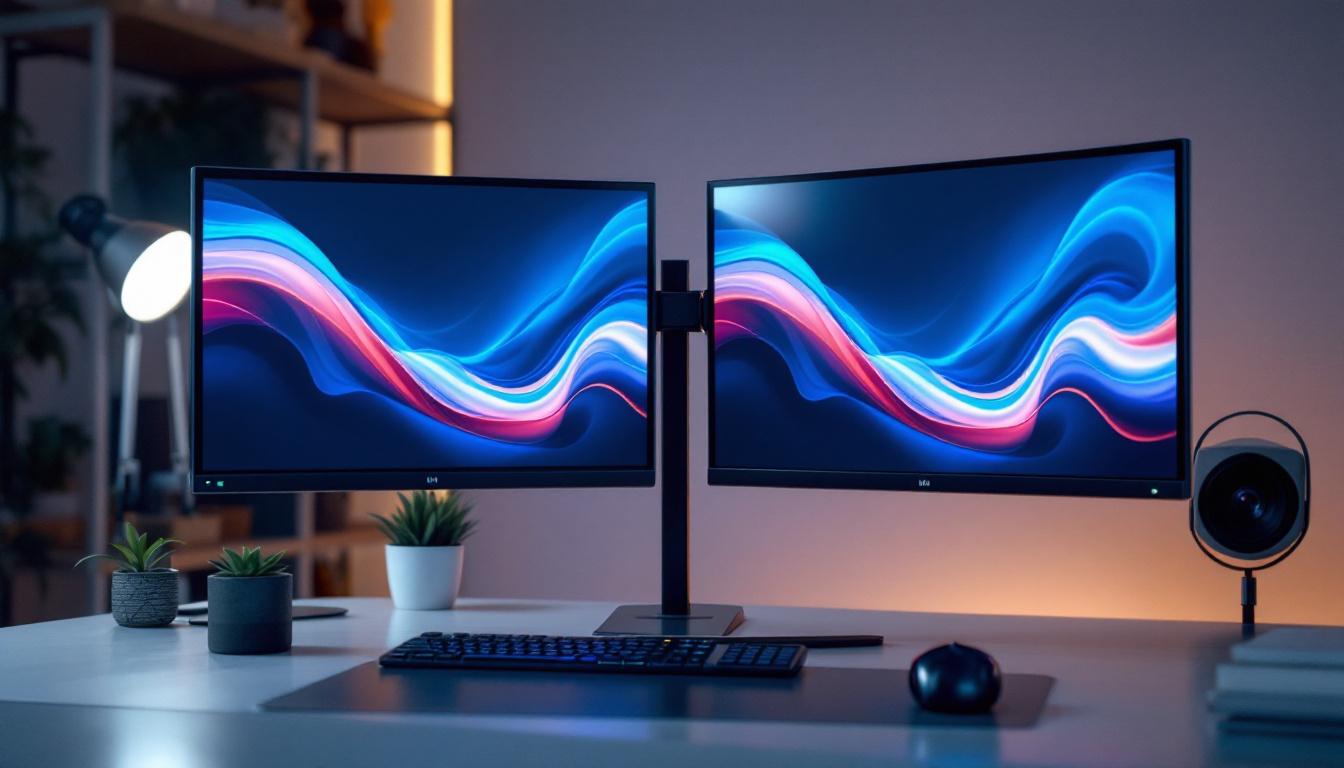
Moreover, the rise of multi-monitor setups in professional and gaming environments has further influenced desk stand design. Monitor arms and mounts that clamp to desks or attach to walls have become popular, providing greater flexibility and freeing up valuable desk space. These solutions are particularly beneficial in environments where desk real estate is limited or where users need to frequently adjust their display configurations.
Types of Desk Stands for Monitors
There are several types of desk stands available, each catering to different needs and preferences:
- Fixed Stands: These are the most basic type, offering minimal or no adjustment. They are typically found on budget monitors or older models.
- Adjustable Stands: These allow for height adjustment, tilt, and sometimes swivel. They are common on mid-range to high-end monitors.
- Monitor Arms: These are external mounts that attach to the desk or wall, providing extensive flexibility including height, tilt, swivel, and rotation. They are ideal for multi-monitor setups and ergonomic customization.
- Height-Adjustable Risers: These are platforms that raise the monitor’s height but do not offer tilt or swivel adjustments. They are a simple solution for improving ergonomics.
In addition to these types, the materials and designs of monitor stands have also diversified. Many modern stands are made from lightweight aluminum or high-quality plastics, which not only enhance durability but also contribute to a sleek aesthetic that complements contemporary office decor. Some stands even incorporate cable management systems, helping to keep cords organized and out of sight, thus reducing clutter and promoting a clean workspace. This attention to detail reflects a broader trend in office design, where functionality meets style, allowing users to create an environment that is both efficient and visually appealing.
Furthermore, the integration of technology into monitor stands is becoming increasingly common. Some advanced models now feature built-in USB hubs, wireless charging pads, or even integrated speakers, transforming a simple desk stand into a multifunctional workstation. This trend is particularly appealing to tech-savvy users who value convenience and efficiency in their setup. As remote work continues to rise, the demand for such innovative solutions is likely to grow, pushing manufacturers to explore new designs and features that cater to the evolving needs of users.
Understanding LED Display Technology
LED (Light Emitting Diode) displays have become the standard for computer monitors due to their superior brightness, energy efficiency, and color accuracy compared to older technologies like LCDs with CCFL backlighting. However, the term “LED monitor” can sometimes be misleading, as most LED monitors are actually LCD panels illuminated by LED backlights.
LED technology in monitors primarily refers to the backlighting method used to illuminate the liquid crystal display (LCD) panel. Traditional LCD monitors used cold cathode fluorescent lamps (CCFLs) for backlighting, which were bulkier, consumed more power, and had lower color accuracy. LED backlighting replaced CCFLs and brought several advantages:
Advantages of LED Backlit Displays
- Improved Energy Efficiency: LED backlights consume less power, which is beneficial for both desktop setups and portable devices.
- Enhanced Brightness and Contrast: LEDs can achieve higher brightness levels and better contrast ratios, resulting in clearer and more vibrant images.
- Better Color Accuracy: LED backlighting supports a wider color gamut, which is essential for professional photo and video editing.
- Thinner and Lighter Panels: LED backlights are more compact than CCFLs, allowing manufacturers to produce thinner and lighter monitors.
- Longer Lifespan: LEDs generally last longer than CCFLs, reducing the need for replacements and maintenance.
Types of LED Backlighting
Within LED backlighting, there are different configurations that affect display quality and cost:
- Edge-Lit LED: LEDs are placed along the edges of the screen, and light is distributed across the panel using light guides. This design allows for very thin monitors but may have uneven brightness and contrast.
- Direct-Lit LED: LEDs are placed directly behind the LCD panel, providing more uniform brightness but resulting in a thicker display.
- Full-Array Local Dimming (FALD): A more advanced form of direct-lit LED where the backlight is divided into zones that can be dimmed or brightened independently. This greatly improves contrast and black levels, making it ideal for high-end monitors.
How Desk Stands and LED Displays Work Together
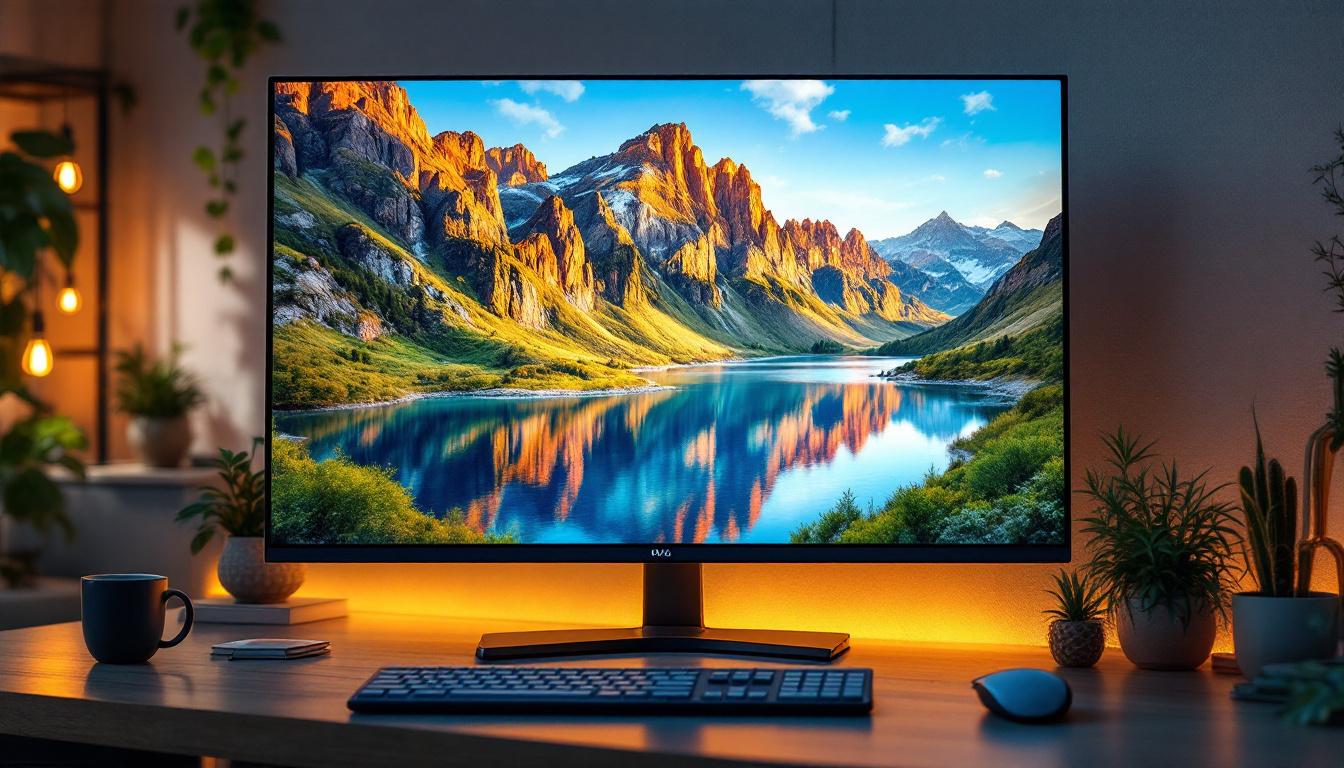
The synergy between a well-designed desk stand and an LED display is crucial for maximizing both comfort and visual performance. An adjustable stand allows users to position their LED monitor at the ideal height and angle, ensuring that the vibrant colors and sharp details produced by the LED technology are viewed under optimal conditions.
For example, a monitor with a Full-Array Local Dimming LED backlight can deliver stunning contrast ratios, but if the screen is positioned too low or too high, users may experience glare or color distortion due to viewing angle limitations. Most modern LED displays use In-Plane Switching (IPS) panels, which offer wide viewing angles, but even these benefit from ergonomic positioning to reduce reflections and eye strain.
Ergonomics and Visual Health
Proper monitor positioning is essential for reducing the risk of musculoskeletal issues and eye fatigue. The ideal setup generally places the top of the screen at or slightly below eye level, about 20 to 30 inches away from the user. Adjustable desk stands enable users to achieve this setup regardless of their height or seating arrangement.
Additionally, LED displays often feature anti-glare coatings and flicker-free technology, which further enhance comfort during extended use. When combined with a flexible desk stand, users can easily adjust their monitor to avoid reflections from windows or overhead lighting, preserving image clarity and reducing eye strain.
Choosing the Right Monitor Stand for Your LED Display
Selecting the appropriate desk stand for an LED monitor depends on several factors including the monitor size, weight, intended use, and workspace constraints. Here are key considerations to keep in mind:
Weight and Compatibility
LED monitors vary widely in weight, especially larger models with advanced backlighting systems. It’s essential to choose a stand or arm that can safely support the monitor’s weight. Most manufacturers provide VESA mounting standards (usually 75x75mm or 100x100mm), which ensure compatibility with third-party stands and arms.
Adjustability Features
For users who spend long hours at their desks, stands with height, tilt, swivel, and rotation adjustments are highly recommended. This flexibility allows for personalized ergonomic setups and can accommodate different tasks such as coding, graphic design, or gaming.
Desk Space and Aesthetics
Consider the available desk space and the overall aesthetic of your workspace. Monitor arms that clamp to the desk can free up surface area, while fixed stands may take up more room. Some stands also offer cable management features to keep cords organized and out of sight, contributing to a cleaner workspace.
Multi-Monitor Configurations
If using multiple LED monitors, look for stands or arms designed to support dual or triple setups. These often include adjustable arms that can be independently positioned, allowing for seamless multi-screen workflows.
Future Trends in Monitor Stands and LED Displays
As technology continues to advance, the integration of smart features into monitor stands and LED displays is becoming more common. Some emerging trends include:
Integrated USB Hubs and Charging Ports
Modern monitor stands increasingly incorporate USB hubs and wireless charging pads, enabling users to connect peripherals and charge devices conveniently without cluttering the desk with cables.
Height-Adjustable Desks and Stand Compatibility
Height-adjustable desks are gaining popularity for their health benefits, and monitor stands are evolving to complement these setups. Some stands now feature quick-release mechanisms and enhanced adjustability to accommodate the dynamic nature of sit-stand desks.
Advanced Display Technologies
LED displays continue to improve with innovations like mini-LED and micro-LED backlighting, which offer even better contrast, color accuracy, and energy efficiency. These advancements will likely influence the design and requirements of future desk stands to support larger, thinner, and more delicate panels.
Conclusion
Understanding the relationship between computer monitor desk stands and LED display technology is essential for creating an ergonomic, efficient, and visually pleasing workspace. The right desk stand not only supports the physical monitor but also enhances the viewing experience by enabling optimal positioning. Meanwhile, LED display technology continues to push the boundaries of image quality, energy efficiency, and design flexibility.
Whether setting up a single monitor for office work or configuring a multi-display gaming rig, investing time in selecting the appropriate desk stand and understanding LED display features can significantly improve comfort, productivity, and enjoyment. As technology evolves, staying informed about the latest trends and options will help users make the best choices for their unique needs.
Explore Cutting-Edge LED Display Solutions with LumenMatrix
Ready to elevate your workspace and viewing experience with the latest in LED display technology? Discover LumenMatrix’s innovative range of LED display modules, designed to bring your visual communication to life. From captivating Indoor LED Wall Displays to dynamic Outdoor LED Wall Displays, and from versatile Vehicle LED Displays to sleek LED Poster Displays, LumenMatrix has a solution for every need. Embrace the future of digital signage with our All-in-One LED Displays, LED Transparent Displays, and more. Check out LumenMatrix LED Display Solutions today and transform your environment with unparalleled clarity and impact.