In today’s fast-paced digital world, optimizing workspace ergonomics and enhancing visual experiences are more important than ever. Dual monitor setups have become a staple for professionals, gamers, designers, and anyone seeking increased productivity and immersive viewing. Central to this setup is the dual monitor stand, a device that not only supports multiple screens but also integrates with LED displays to elevate functionality and aesthetics. This article explores the nuances of dual monitor stands, with a special focus on LED display technology, helping readers understand how to make the most of their multi-screen environment.
Understanding Dual Monitor Stands
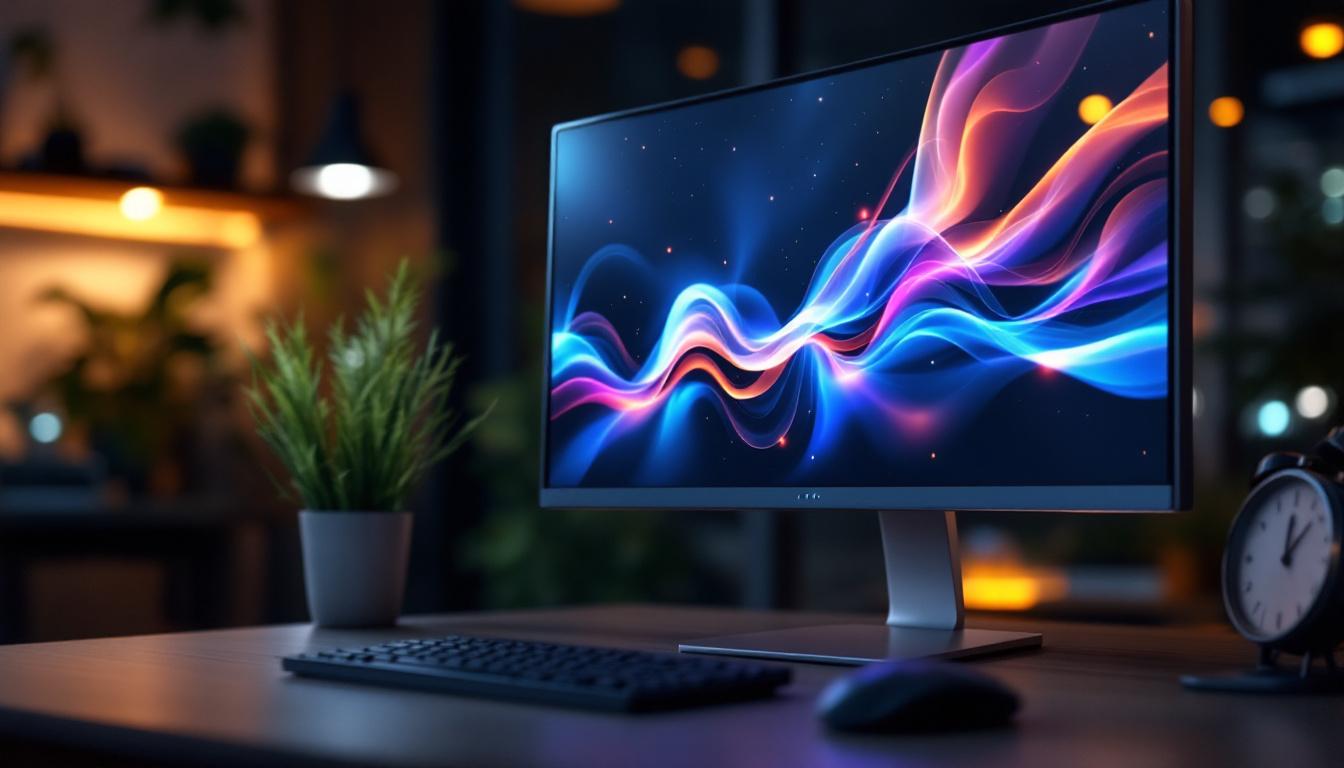
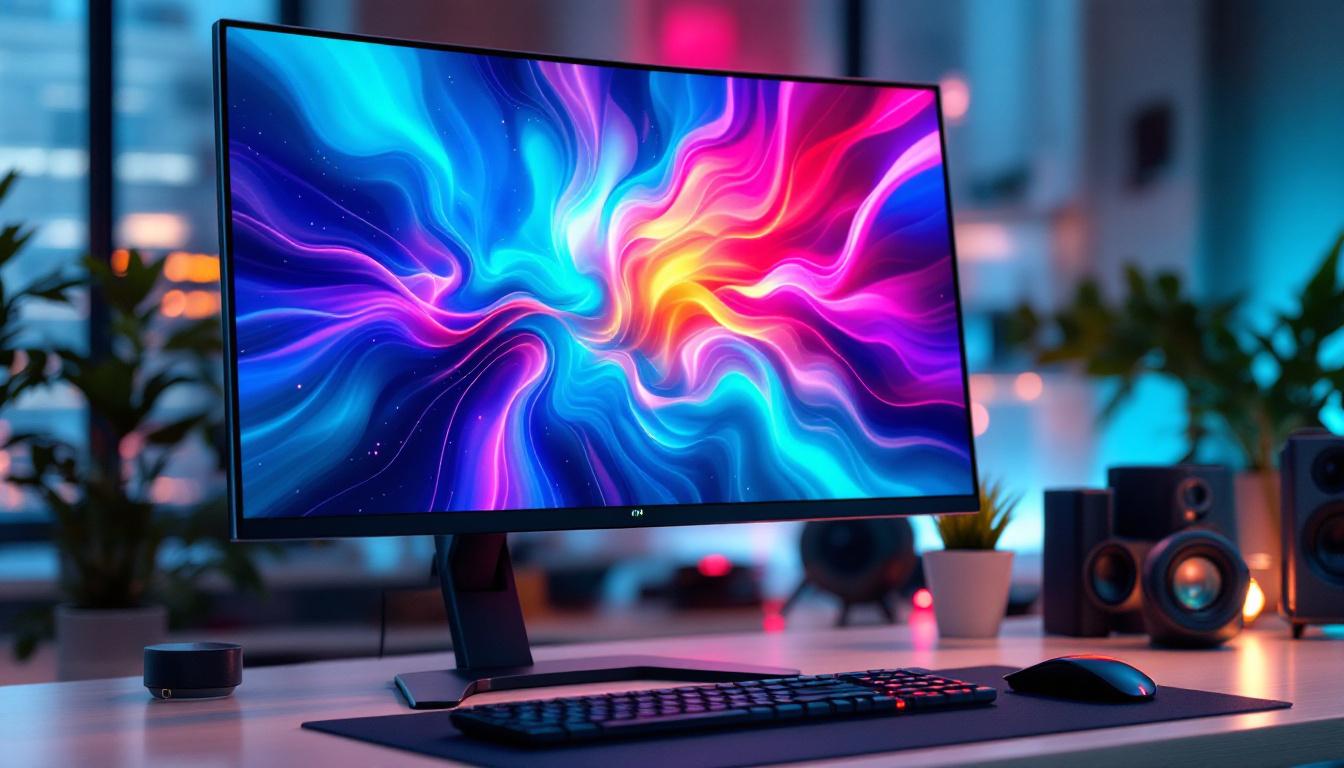
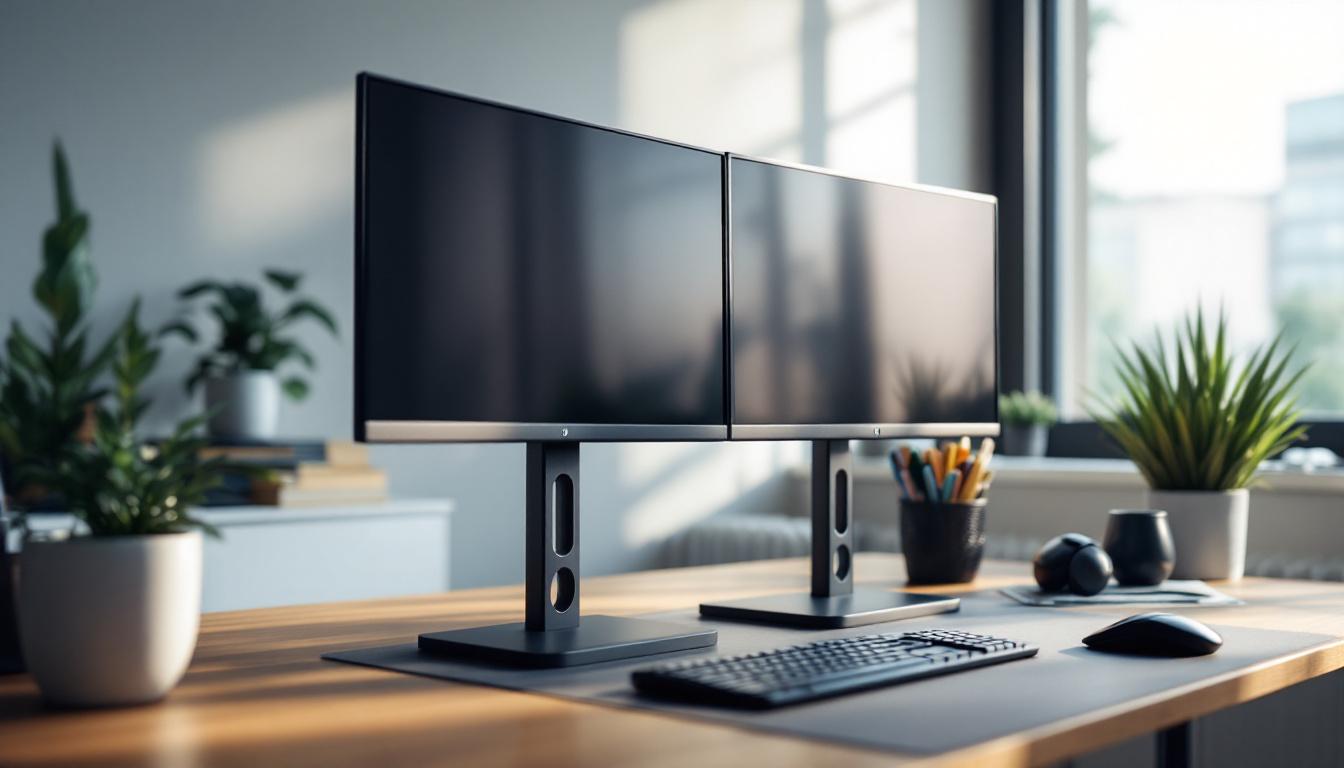
Dual monitor stands are designed to hold two monitors side-by-side or stacked vertically, providing a seamless and organized workspace. Unlike traditional desk setups where monitors rest on their own bases, dual monitor stands free up desk space, improve posture, and offer greater flexibility in positioning screens. This is particularly beneficial in today’s fast-paced work environment, where efficiency and organization are paramount. By utilizing a dual monitor stand, users can create a more streamlined and functional workspace that caters to their specific needs.
These stands come in various designs, including clamp-mounted arms, freestanding bases, and wall-mounted brackets. Each style offers different levels of adjustability, such as tilt, swivel, rotation, and height adjustment, allowing users to customize their viewing angles for maximum comfort and efficiency. For instance, clamp-mounted arms are ideal for those who want to maximize desk space, while freestanding bases may appeal to users who prefer a more traditional setup. Wall-mounted brackets can be a great option for minimalist workspaces, providing a clean look while still offering the benefits of dual monitors.
Why Use a Dual Monitor Stand?
Research shows that dual monitor setups can increase productivity by up to 42%, according to a study by Jon Peddie Research. This improvement is largely due to the ability to multitask more effectively, reducing the time spent switching between windows or tabs. A dual monitor stand enhances this experience by ensuring both screens are perfectly aligned and ergonomically positioned. Furthermore, having two screens allows users to keep essential applications open simultaneously, such as email and project management tools, which can significantly streamline workflow and enhance collaboration.
Moreover, dual monitor stands help reduce neck and eye strain by allowing users to position screens at optimal heights and distances. This ergonomic benefit is crucial for individuals who spend long hours in front of their computers, such as software developers, financial analysts, and content creators. Additionally, many dual monitor stands are designed with cable management features that help keep cords organized and out of sight, further contributing to a tidy workspace. The aesthetic appeal of a well-organized desk cannot be underestimated, as it can lead to improved focus and a more pleasant working environment. Investing in a quality dual monitor stand is not just about functionality; it’s also about creating a workspace that inspires productivity and comfort.
LED Display Technology: A Closer Look
LED (Light Emitting Diode) displays have revolutionized the way screens are designed and used. Unlike traditional LCDs that rely on backlighting, LED displays use tiny diodes to emit light directly, resulting in brighter images, better contrast, and more vibrant colors. This shift in technology has not only improved the visual experience for consumers but has also paved the way for innovative applications in various fields such as advertising, entertainment, and education.
There are several types of LED displays, including edge-lit, back-lit, and OLED (Organic LED). Each type offers unique advantages and is suited for different applications, from general office use to high-end graphic design and gaming. For instance, OLED displays are known for their exceptional color accuracy and deep blacks, making them a favorite among photographers and videographers who require precise color representation. In contrast, edge-lit LED displays are often used in environments where space is limited, as they can be made extremely thin without sacrificing performance.
Benefits of LED Displays in Dual Monitor Setups
Integrating LED displays into dual monitor setups provides several advantages:
- Enhanced Visual Quality: LED monitors deliver sharper images with higher contrast ratios, making text easier to read and graphics more detailed. This clarity is particularly beneficial for professionals who spend long hours in front of their screens, such as designers and developers, as it reduces eye strain and enhances productivity.
- Energy Efficiency: LED technology consumes less power compared to traditional LCDs, which can lead to lower electricity bills and a reduced environmental footprint. This energy efficiency not only benefits users financially but also contributes to a more sustainable future, as businesses increasingly seek to minimize their carbon emissions.
- Slimmer Designs: LED displays are thinner and lighter, allowing for sleeker dual monitor stands and more flexible mounting options. This design flexibility enables users to create a more organized and aesthetically pleasing workspace, which can lead to improved focus and creativity.
- Longer Lifespan: LEDs generally have a longer operational life, reducing the need for frequent replacements. This longevity is particularly advantageous in commercial settings where downtime can be costly, ensuring that businesses can maintain productivity without the constant worry of hardware failure.
Moreover, the adaptability of LED displays extends beyond just their physical attributes. Many modern LED monitors come equipped with advanced features such as adjustable color settings, built-in blue light filters, and various connectivity options, including HDMI and DisplayPort. These features allow users to customize their viewing experience to suit their specific needs, whether for gaming, video editing, or casual browsing. Additionally, the rise of ultra-wide and curved LED displays has further transformed the dual monitor setup, providing an immersive experience that enhances multitasking capabilities and overall user satisfaction.
Choosing the Right Dual Monitor Stand for LED Displays
When selecting a dual monitor stand for LED displays, several factors must be considered to ensure compatibility and optimal performance.
Weight and Size Compatibility
LED monitors vary in size and weight, so it’s essential to choose a stand that can support the combined weight of both screens. Most dual monitor stands specify their maximum load capacity, which should be checked against the specifications of the LED monitors in use.
Additionally, the stand should accommodate the physical dimensions of the monitors, including screen size and bezel thickness, to ensure a secure fit and balanced positioning.
Adjustability and Ergonomics
Ergonomics is a critical consideration for dual monitor setups. Look for stands that offer multiple adjustment options:
- Height Adjustment: Allows users to set the monitors at eye level to prevent neck strain.
- Swivel and Tilt: Enables fine-tuning of viewing angles to reduce glare and improve comfort.
- Rotation: Useful for switching between landscape and portrait modes, especially for coding or reading long documents.
These features ensure that the dual LED displays can be positioned perfectly, enhancing both productivity and comfort.
Mounting Options and Desk Space
Dual monitor stands come with different mounting mechanisms:
- Clamp Mounts: Attach to the edge of the desk, saving surface space and providing sturdy support.
- Grommet Mounts: Secure through a hole in the desk, offering a clean and stable installation.
- Freestanding Bases: Sit directly on the desk and are easy to move but take up more space.
- Wall Mounts: Ideal for permanent setups and freeing up desk space entirely.
Choosing the right mounting option depends on desk size, personal preference, and workspace layout.
Integrating LED Displays with Dual Monitor Stands: Practical Tips
Setting up dual LED monitors on a stand requires careful planning to maximize benefits and avoid common pitfalls.
Calibrating Color and Brightness
For users working in graphic design, video editing, or any field where color accuracy is paramount, calibrating LED monitors is essential. Even identical models can display colors slightly differently out of the box.
Using calibration tools or software ensures consistent brightness, contrast, and color profiles across both screens, providing a seamless visual experience.
Cable Management
Dual monitor stands often include integrated cable management systems to keep power cords, HDMI cables, and USB connections organized. Proper cable management not only improves aesthetics but also prevents tangling and accidental disconnections.
Using cable clips, sleeves, or ties can further enhance the tidiness of the setup, contributing to a clutter-free workspace.
Optimizing Screen Arrangement
Depending on the nature of work, users might prefer different screen arrangements:
- Side-by-Side: Ideal for multitasking, comparing documents, or extended spreadsheets.
- Stacked Vertically: Useful for coding, reading long documents, or when desk space is limited horizontally.
- Angled Inward: Creates an immersive “wrap-around” effect, beneficial for gaming or detailed design work.
Many dual monitor stands allow easy adjustment between these configurations, enabling users to tailor their workspace to their specific needs.
Future Trends in Dual Monitor Stands and LED Displays
As technology evolves, dual monitor stands and LED displays continue to advance, offering new features and improved user experiences.
Integration with Smart Technologies
Emerging dual monitor stands are incorporating smart features such as USB hubs, wireless charging pads, and even built-in speakers. These additions help reduce desktop clutter and enhance convenience.
LED displays are also advancing with higher refresh rates, HDR support, and adaptive sync technologies, which improve visual performance, especially for gaming and professional media production.
Flexible and Modular Designs
Future dual monitor stands are expected to offer more modularity, allowing users to easily add or remove screens, adjust configurations, and integrate with other peripherals. This flexibility is particularly valuable in dynamic work environments where needs frequently change.
Sustainability and Eco-Friendly Materials
With growing awareness of environmental impact, manufacturers are focusing on sustainability by using recycled materials and designing products for easier recycling at end-of-life. LED displays themselves are becoming more energy-efficient, aligning with broader green technology trends.
Conclusion
Dual monitor stands paired with LED displays represent a powerful combination for enhancing productivity, comfort, and visual quality in any workspace. Understanding the features and benefits of both components is essential for making informed purchasing decisions and optimizing setup.
By considering factors such as ergonomics, compatibility, and future-proofing, users can create a multi-screen environment that supports their professional and personal needs effectively. As technology continues to evolve, staying informed about the latest trends will ensure that dual monitor setups remain a valuable asset in the digital age.
Enhance Your Workspace with LumenMatrix LED Displays
Ready to take your dual monitor setup to the next level? LumenMatrix is at the forefront of LED display technology, offering a wide array of innovative solutions that can transform your workspace. From immersive Indoor LED Wall Displays to dynamic Outdoor LED Wall Displays, and from sleek LED Poster Displays to interactive Floor LED Displays, our products are designed to maximize your visual experience. Embrace the future of visual communication with LumenMatrix and create an environment that not only boosts productivity but also captivates your audience. Check out LumenMatrix LED Display Solutions today and see the difference for yourself.