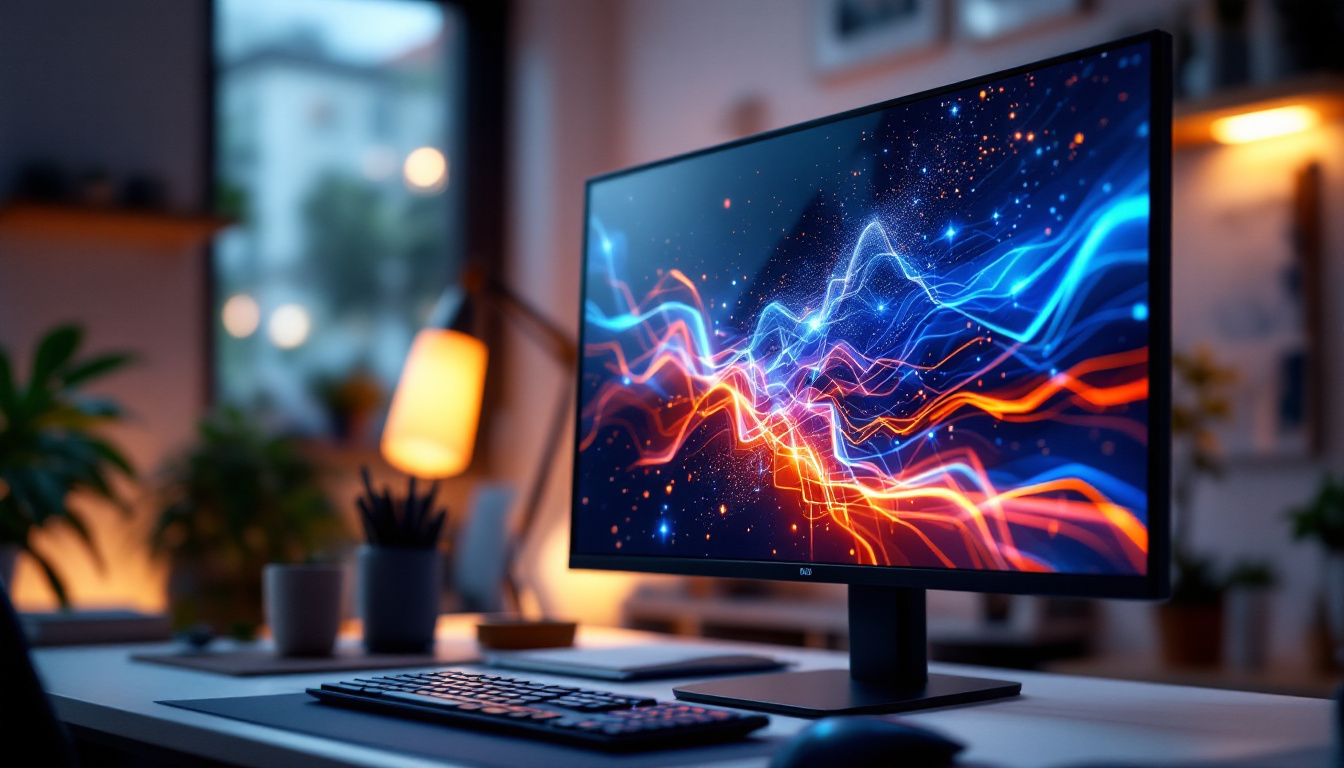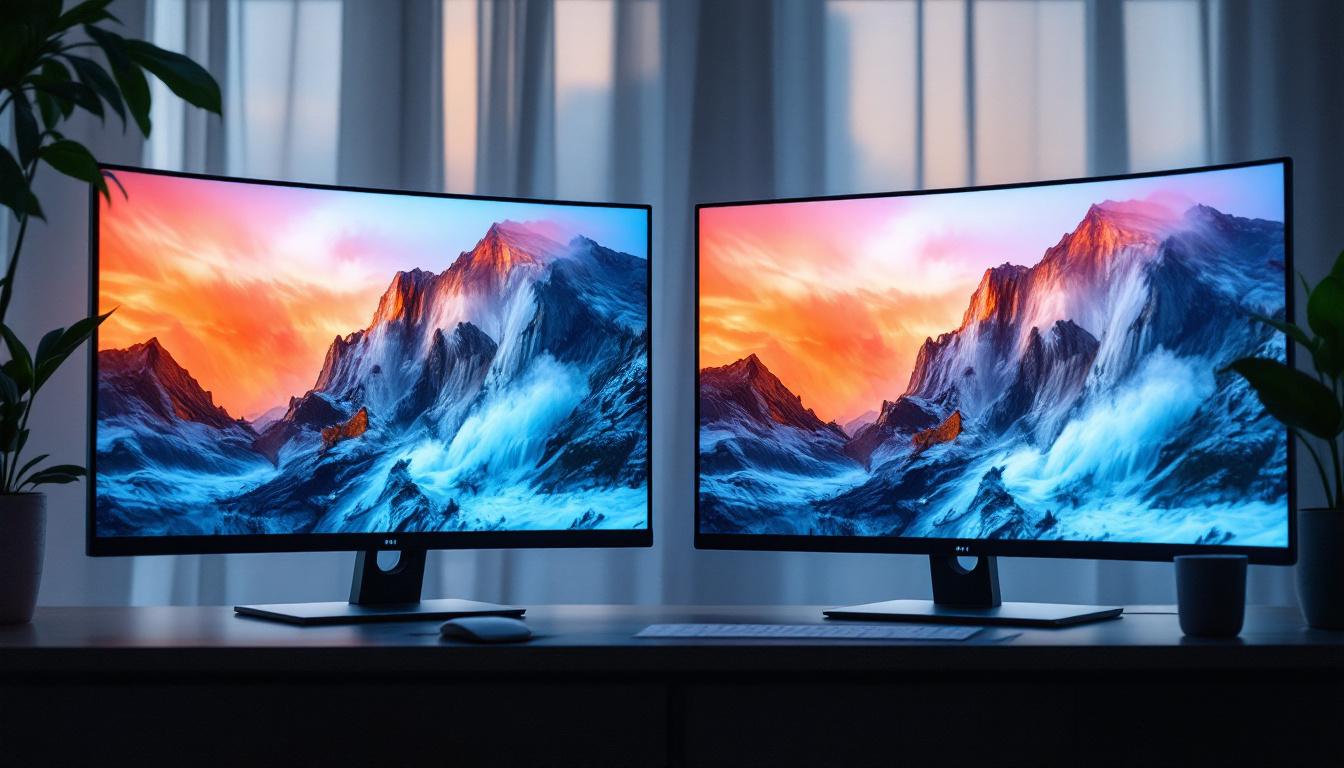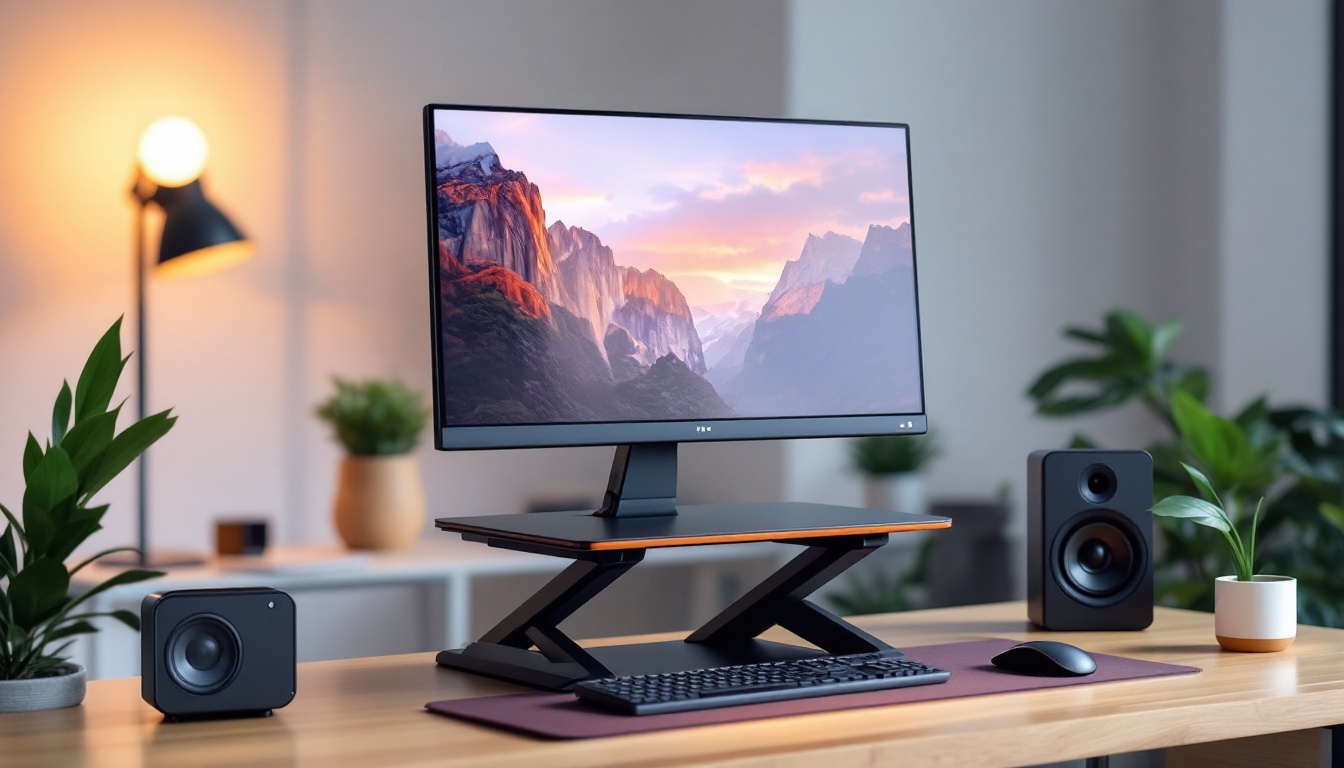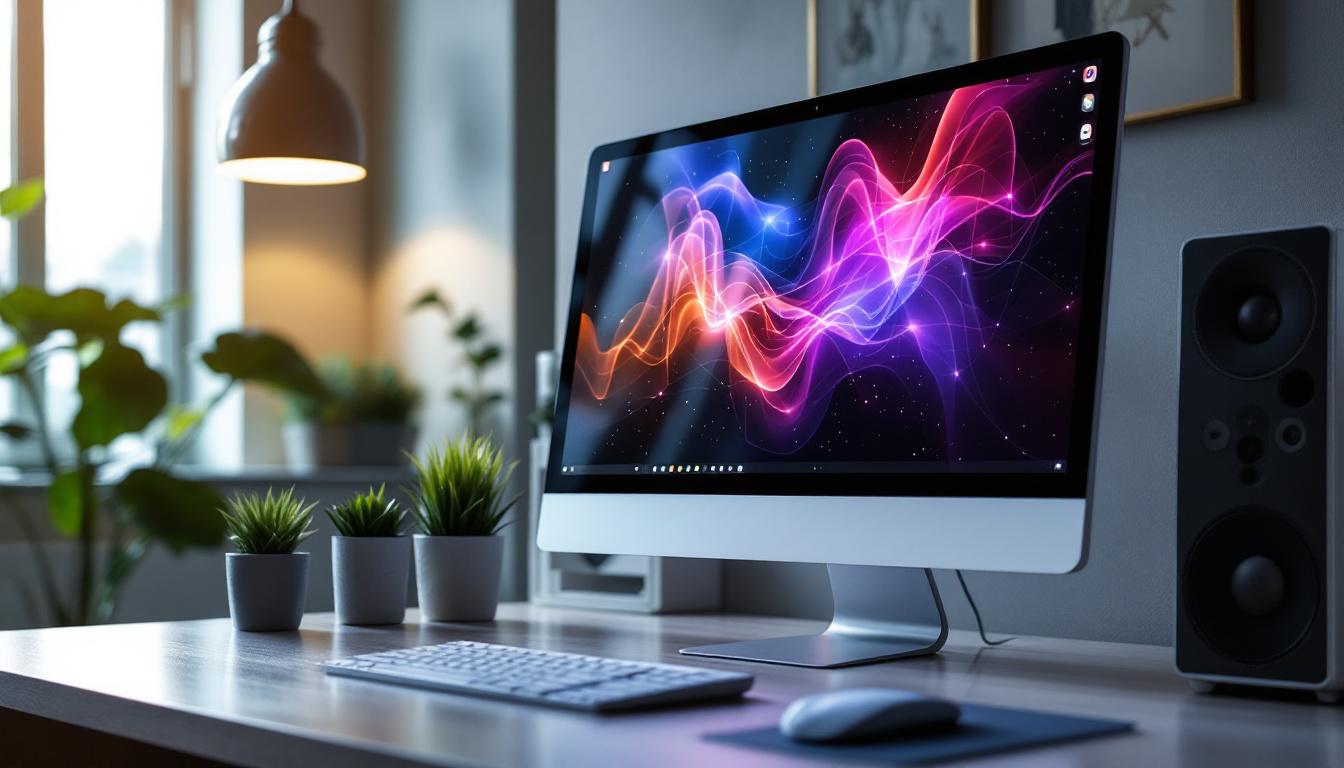
In the evolving landscape of personal computing, desktop computers with touch screen capabilities have become a notable trend. Combining the familiarity and power of traditional desktops with the intuitive interaction of touch technology, these devices are reshaping how users engage with their computers. Central to this innovation is the LED display, a technology that not only enhances visual clarity but also supports responsive touch functionality. This article delves into the intricacies of desktop touch screen computers, focusing on the role and advantages of LED displays, and what users should consider when selecting these systems.
The Rise of Touch Screen Desktops: A New Era of Interaction
Touch screen technology, once primarily associated with smartphones and tablets, has increasingly penetrated the desktop market. This shift reflects a broader trend toward more natural and direct forms of user interaction. According to a 2023 report by Statista, the global touch screen market is expected to grow at a compound annual growth rate (CAGR) of 7.2% through 2027, highlighting the rising demand for touch-enabled devices across various sectors.
Desktop computers with touch screens offer several advantages over traditional setups. They provide a more intuitive interface, allowing users to interact directly with applications, manipulate objects, and navigate systems without relying solely on a mouse or keyboard. This can be particularly beneficial in creative fields such as graphic design, architecture, and education, where precision and ease of use are paramount.
Applications and Use Cases
Touch screen desktops are gaining traction in diverse environments. In education, interactive displays facilitate dynamic learning experiences, enabling students to engage with content more actively. In professional settings, such as healthcare and retail, touch-enabled desktops streamline workflows by simplifying data entry and improving access to information. Furthermore, home users appreciate the convenience of touch navigation for browsing, media consumption, and casual gaming.
Moreover, the integration of touch screen technology into desktop systems has led to innovative applications that enhance user engagement. For instance, in the hospitality industry, touch screen kiosks allow guests to check in and access services seamlessly, improving customer satisfaction and operational efficiency. In the realm of art and design, software tailored for touch interactions enables artists to create stunning visuals with a level of immediacy and fluidity that traditional tools cannot match. As these applications continue to evolve, they not only redefine user experiences but also pave the way for new business models and creative possibilities.
Additionally, the rise of touch screen desktops has spurred advancements in software development, with many applications now optimized for touch interactions. Developers are increasingly focusing on creating user interfaces that are not only visually appealing but also functional and responsive to touch inputs. This shift has led to a surge in productivity tools that leverage gestures and multi-touch capabilities, allowing users to perform complex tasks more efficiently. As touch screen technology becomes more ubiquitous, the potential for innovation in both software and hardware will likely continue to expand, further transforming how we interact with our digital environments.
Understanding LED Displays: The Backbone of Modern Touch Screens
At the heart of the touch screen desktop experience lies the display technology. LED (Light Emitting Diode) displays have become the standard for modern monitors due to their superior brightness, energy efficiency, and color accuracy. But what exactly is an LED display, and why is it integral to touch screen desktops?
What is an LED Display?
LED displays use light-emitting diodes as a backlighting source for LCD (Liquid Crystal Display) panels. Unlike older CCFL (Cold Cathode Fluorescent Lamp) backlights, LEDs provide more consistent brightness and better color reproduction. The key benefit is the ability to produce vivid images with high contrast ratios, making them ideal for detailed work and multimedia applications.
There are two main types of LED backlighting used in displays: edge-lit and direct-lit (or full-array). Edge-lit LEDs position the diodes around the screen’s edges, allowing for thinner panels but sometimes uneven brightness. Direct-lit LED displays have LEDs distributed evenly behind the screen, offering superior uniformity and contrast, though typically at a higher cost.
LED Displays and Touch Screen Integration
Integrating touch capability into LED displays requires precise engineering. The touch layer, often a capacitive or infrared sensor, must be seamlessly combined with the display without compromising image quality or responsiveness. Modern manufacturing techniques ensure that touch screens maintain the brightness, sharpness, and color fidelity of LED displays while delivering accurate and responsive touch input.
Capacitive touch technology is the most common in desktop touch screens. It detects touch through the electrical properties of the human finger, allowing for multi-touch gestures and high sensitivity. This technology pairs well with LED displays, as it requires a minimal additional layer, preserving the screen’s clarity and brightness.
Key Benefits of Desktop Touch Screen Computers with LED Displays
The convergence of touch screen functionality with LED display technology offers a range of benefits that enhance user experience and productivity. Understanding these advantages can help consumers and businesses make informed purchasing decisions.
Enhanced Visual Quality
LED displays provide vibrant colors, deep blacks, and sharp images, which are crucial for tasks requiring visual precision. Whether editing photos, watching high-definition videos, or working with detailed spreadsheets, the clarity offered by LED screens reduces eye strain and improves accuracy.
Improved Energy Efficiency
Compared to older display technologies, LED backlighting consumes less power. This efficiency translates to lower electricity bills and reduced heat output, which can prolong the lifespan of the desktop components and contribute to a quieter working environment.
Intuitive User Interface
The touch screen interface simplifies interaction, making computing more accessible to users of all ages and skill levels. Multi-touch gestures allow for natural navigation, zooming, and manipulation of on-screen elements, which can speed up workflows and reduce reliance on peripheral devices.
Space-Saving and Ergonomic Design
Many touch screen desktops feature all-in-one designs that integrate the computer and monitor into a single unit. This consolidation reduces clutter and frees up desk space. Additionally, adjustable stands and screen angles improve ergonomics, allowing users to find comfortable viewing and interaction positions.
Choosing the Right Desktop Touch Screen with LED Display
Selecting the ideal desktop computer with a touch screen and LED display involves considering several factors to ensure the device meets specific needs and preferences. Here are the key aspects to evaluate before making a purchase.
Display Size and Resolution
The size of the display impacts usability and comfort. Common desktop touch screen sizes range from 21 to 32 inches. Larger screens offer more workspace and better visibility but may require more desk space. Resolution is equally important; Full HD (1920×1080) is standard, but 4K UHD (3840×2160) displays provide exceptional detail, beneficial for creative professionals and multitaskers.
Touch Technology Type
Most desktop touch screens use capacitive technology, but some models employ infrared or resistive touch systems. Capacitive touch offers better sensitivity and supports multi-touch gestures, making it the preferred choice for most users. Resistive touch screens, while less common, can be used with gloves or styluses but generally offer lower image clarity and responsiveness.
Performance Specifications
Beyond the display, the computer’s internal components—such as the processor, RAM, storage, and graphics card—determine overall performance. For general use, mid-range processors like Intel Core i5 or AMD Ryzen 5 paired with 8GB of RAM suffice. Creative professionals or gamers may require higher-end configurations to handle demanding applications smoothly.
Connectivity and Ports
Ensure the desktop includes sufficient USB ports, HDMI outputs, and possibly legacy connections depending on peripheral needs. Some touch screen desktops also offer USB-C ports with power delivery, enabling faster data transfer and charging capabilities.
Build Quality and Warranty
Durability is essential, especially for touch screens that experience frequent physical interaction. Look for devices with robust construction and scratch-resistant glass. Additionally, a comprehensive warranty and reliable customer support can provide peace of mind.
Challenges and Considerations
While desktop computers with touch screen LED displays offer numerous benefits, there are challenges and limitations to be mindful of.
Cost Implications
Touch screen desktops typically come at a premium compared to non-touch models. The added technology and engineering complexity contribute to higher prices, which may not be justified for users who do not require touch functionality regularly.
Ergonomics and Usage Fatigue
Extended use of touch screens on desktops can lead to arm and shoulder fatigue, a phenomenon sometimes referred to as “gorilla arm.” To mitigate this, users should ensure their workspace allows for comfortable positioning and consider using touch input in conjunction with traditional peripherals.
Screen Maintenance
Touch screens attract fingerprints and smudges more readily than standard monitors. Regular cleaning with appropriate materials is necessary to maintain clarity and responsiveness without damaging the screen surface.
Future Trends in Touch Screen Desktop Technology
The integration of touch screens with desktop computers is poised to evolve further, driven by advancements in display technology and user interface design.
OLED and MicroLED Displays
While LED-backlit LCDs dominate today, emerging technologies like OLED (Organic Light Emitting Diode) and MicroLED promise even better color accuracy, contrast, and thinner form factors. These displays offer true blacks and faster response times, enhancing both visual quality and touch responsiveness.
Enhanced Multi-Touch and Gesture Recognition
Future touch screen desktops may incorporate more sophisticated gesture controls, including air gestures and haptic feedback, creating more immersive and efficient ways to interact with computers.
Integration with AI and Voice Control
Combining touch input with artificial intelligence and voice recognition could lead to hybrid interfaces that adapt to user preferences and tasks, further streamlining workflows and accessibility.
Conclusion
Desktop computers with touch screen LED displays represent a significant step forward in personal and professional computing. By marrying the visual excellence of LED technology with the intuitive interaction of touch screens, these systems offer enhanced usability, productivity, and versatility. Whether for creative professionals, educators, or everyday users, understanding the capabilities and considerations of these devices is essential for making informed choices.
As technology continues to advance, touch screen desktops are likely to become more affordable, ergonomic, and feature-rich, cementing their place in the future of computing. For those seeking a dynamic and engaging computing experience, investing in a desktop with a high-quality LED touch screen display is a compelling option.
Explore Cutting-Edge Touch Screen Solutions with LumenMatrix
Ready to elevate your interactive experience with a desktop computer that boasts the latest in touch screen LED display technology? Look no further than LumenMatrix, a pioneer in crafting visually stunning and technologically advanced LED display modules. From enhancing your brand’s presence with an Indoor LED Wall Display to capturing the excitement of live events with a Sports LED Display, LumenMatrix offers a diverse range of solutions tailored to meet your needs. Embrace the future of visual communication and check out LumenMatrix LED Display Solutions today to discover how you can transform your space with unparalleled clarity and impact.