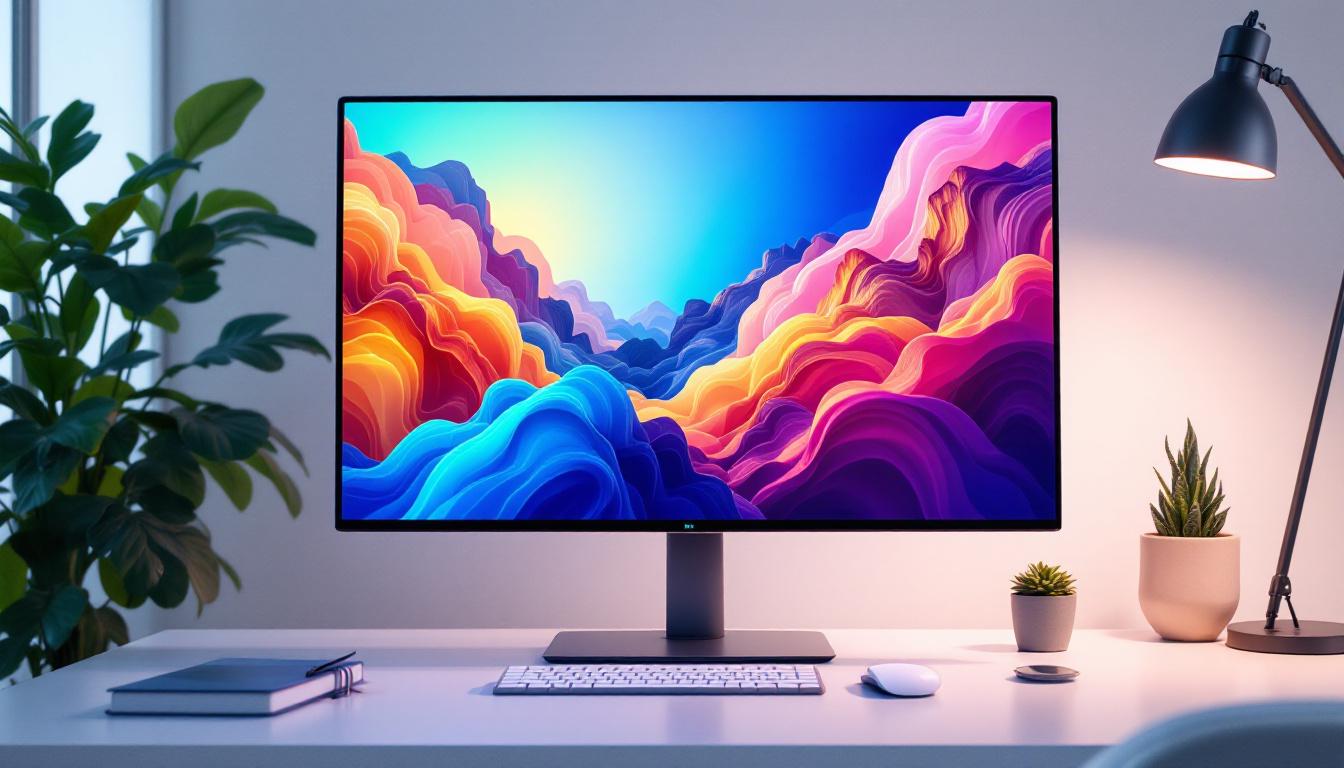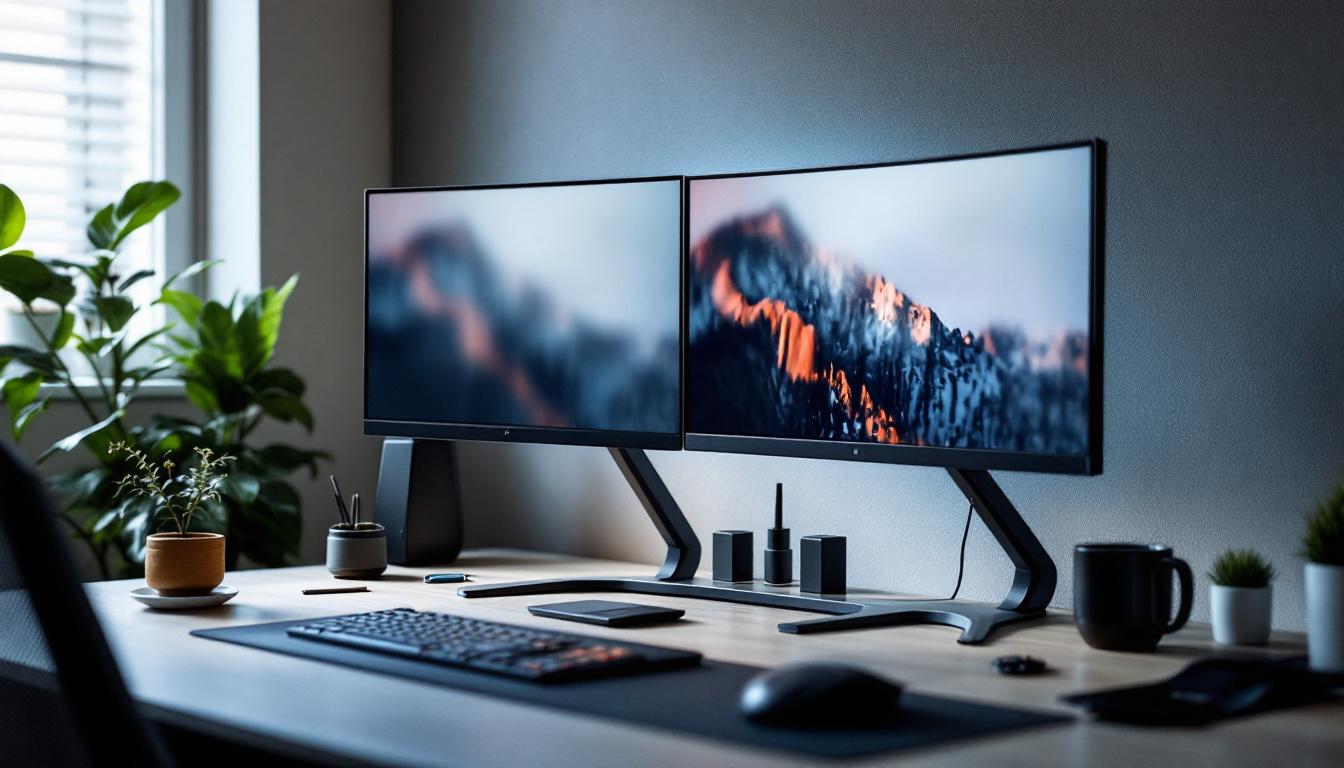
In today’s fast-paced digital world, maximizing workspace efficiency and enhancing visual comfort are paramount for professionals, gamers, and creatives alike. The adoption of dual-monitor setups has surged, driven by the need for increased productivity and immersive experiences. Central to this trend is the double monitor stand for desks, a practical solution that supports LED displays while optimizing desk organization and ergonomics.
This article delves into the benefits, design considerations, and technical aspects of double monitor stands tailored for LED displays. Whether you’re setting up a home office, upgrading your workstation, or simply curious about monitor mounting solutions, this comprehensive guide will illuminate the essentials.
Why Choose a Double Monitor Stand for LED Displays?
Dual-monitor configurations have become a staple in many professional environments, with studies showing that multiple screens can boost productivity by up to 42%. This increase is largely due to the ability to multitask more efficiently, compare documents side-by-side, and reduce the time spent toggling between windows.
LED displays, known for their vibrant colors, energy efficiency, and slim profiles, are the preferred choice for many users. However, managing two LED monitors on a cluttered desk can be challenging. A dedicated double monitor stand addresses these issues by providing a stable, adjustable platform that frees up desk space and improves viewing ergonomics.
Enhanced Ergonomics and Comfort
One of the most significant advantages of using a double monitor stand is the ability to adjust the height, tilt, and orientation of each LED display independently. This customization helps reduce neck and eye strain by aligning screens at optimal angles and heights tailored to the user’s posture.
Ergonomic benefits translate into fewer health complaints and greater comfort during long working hours, which is especially important for professionals who spend most of their day in front of screens. Additionally, many double monitor stands are designed with features such as gas spring mechanisms that allow for smooth adjustments, making it easy to switch between sitting and standing positions throughout the day. This flexibility not only enhances comfort but also encourages better posture and movement, contributing to overall well-being.
Space Optimization and Desk Organization
Double monitor stands elevate LED displays off the desk surface, creating valuable space underneath for keyboards, documents, or other accessories. This declutters the workspace, fostering a cleaner, more organized environment conducive to focus and efficiency.
Moreover, many stands come with integrated cable management systems that keep cords neatly tucked away, preventing tangling and reducing the risk of accidental disconnections. This attention to organization extends beyond just aesthetics; it can also improve workflow by ensuring that essential tools and documents are easily accessible. With a well-organized workspace, users can find what they need quickly, minimizing distractions and maximizing productivity. Furthermore, a tidy desk can contribute to a more positive mindset, making it easier to tackle challenging tasks with clarity and confidence.
Key Features to Consider When Selecting a Double Monitor Stand
Choosing the right double monitor stand for LED displays involves evaluating several critical features to ensure compatibility, durability, and usability. Understanding these elements helps users make informed decisions aligned with their specific needs.
Weight Capacity and Monitor Size Compatibility
LED monitors vary widely in size and weight, from compact 21-inch screens to expansive 32-inch or larger models. It is essential to select a stand that can support the combined weight of both monitors safely.
Most double monitor stands specify a maximum weight per arm, typically ranging from 8 to 20 pounds. Ensuring the stand’s capacity exceeds the weight of your LED displays prevents structural issues and maintains stability.
Adjustability and Range of Motion
Flexibility in positioning is a hallmark of quality double monitor stands. Look for models offering height adjustment, tilt (usually between -15° to +90°), swivel (up to 180°), and rotation capabilities (landscape to portrait mode).
This range of motion allows users to tailor their setup for various tasks, whether coding, designing, or video conferencing, enhancing comfort and productivity.
Mounting Style and Desk Compatibility
Double monitor stands typically use either a clamp mount or a grommet mount to attach to the desk. Clamp mounts are easier to install and remove without damaging the desk surface, while grommet mounts require a hole in the desk but offer a more permanent and stable solution.
It’s crucial to verify that the stand’s mounting mechanism fits the thickness and design of your desk. Some stands accommodate desks up to 3.5 inches thick, but this varies by model.
Build Quality and Materials
Durability is key for any monitor stand. High-quality stands are often constructed from steel or aluminum, providing robust support and longevity. Plastic components should be minimal and used mainly for aesthetic or cable management purposes.
Additionally, a powder-coated finish or anodized aluminum surface improves resistance to scratches and corrosion, maintaining the stand’s appearance over time.
Understanding LED Display Compatibility with Double Monitor Stands
LED displays have specific characteristics that influence their compatibility with double monitor stands. It is important to understand these factors to ensure a seamless and safe setup.
VESA Mounting Standards
The Video Electronics Standards Association (VESA) defines mounting hole patterns on the back of monitors. Most LED displays conform to VESA standards, commonly 75×75 mm or 100×100 mm, which correspond to the distance between mounting holes.
When selecting a double monitor stand, confirm that it supports the VESA pattern of your LED monitors. Some stands offer adapters for non-standard sizes, but direct compatibility is preferable for stability.
Monitor Thickness and Design Considerations
LED monitors are typically thinner than older LCD or CRT models, but thickness can vary, especially with curved or ultra-wide displays. Some stands have adjustable brackets or arms designed to accommodate different thicknesses.
Curved LED monitors, which are gaining popularity for immersive viewing, may require stands with greater flexibility or specialized mounts to maintain proper alignment and balance.
Screen Resolution and Refresh Rate Impact
While the stand itself does not affect the display’s resolution or refresh rate, the positioning enabled by the stand can influence the viewing experience. Aligning monitors at eye level and appropriate distances reduces glare and eye fatigue, allowing users to fully appreciate the high-definition visuals and smooth motion that LED displays offer.
Installation and Setup Tips for Double Monitor Stands
Proper installation of a double monitor stand ensures safety, stability, and optimal ergonomic benefits. Following best practices during setup can prevent damage to equipment and enhance user satisfaction.
Pre-Installation Preparation
Before mounting, clear the desk area and gather necessary tools, typically including an Allen wrench or screwdriver, which often come with the stand. Verify that the desk surface is sturdy enough to support the combined weight.
Measure the desk thickness and monitor dimensions to confirm compatibility with the stand’s specifications.
Mounting the Stand
For clamp mounts, position the clamp securely on the desk edge and tighten it firmly without over-tightening, which could damage the desk. For grommet mounts, ensure the desk hole is appropriately sized and align the mount before securing it with screws.
Check that the stand is level and stable before proceeding to attach the monitors.
Attaching the LED Monitors
Remove the monitor’s base stand if necessary, exposing the VESA mounting holes. Align the monitor with the stand’s mounting plate and secure it using the provided screws. It’s advisable to have a second person assist with this step to prevent accidental drops.
Once both monitors are mounted, adjust the height, tilt, and swivel to the desired positions. Use the cable management features to route power and data cables neatly.
Maintenance and Longevity of Double Monitor Stands
Regular maintenance extends the lifespan of double monitor stands and ensures continued safety and performance.
Routine Cleaning
Dust and debris can accumulate on the stand and mounting joints. Use a soft cloth and mild cleaner to wipe surfaces periodically. Avoid abrasive materials that could scratch the finish.
Checking for Wear and Stability
Inspect screws, clamps, and joints every few months to ensure they remain tight and secure. Loose components can lead to instability and potential damage to monitors.
If the stand includes gas springs or tension-adjustable arms, verify that these mechanisms maintain their resistance and adjust as needed.
Popular Double Monitor Stand Models for LED Displays in 2024
The market offers a wide range of double monitor stands, each with unique features catering to different user needs and budgets. Here are some standout models recognized for their quality and versatility.
Ergotron LX Dual Stacking Arm
Known for its premium build and extensive adjustability, the Ergotron LX Dual Stacking Arm supports monitors up to 25 pounds each and offers height adjustment up to 13 inches. Its polished aluminum finish and integrated cable management make it a favorite among professionals.
VIVO Dual LCD Monitor Desk Mount
A budget-friendly option, the VIVO mount supports monitors up to 22 pounds each and features full articulation with tilt, swivel, and rotation. Its clamp and grommet mounting options fit desks up to 3.5 inches thick, making it versatile for most setups.
Amazon Basics Premium Dual Monitor Stand
This stand balances affordability and functionality, supporting up to 20-pound monitors. It offers height adjustment, tilt, and swivel, with a sturdy steel construction and easy installation process.
Conclusion: Elevate Your Workspace with the Right Double Monitor Stand
Integrating a double monitor stand for LED displays is a strategic investment in workspace efficiency, comfort, and aesthetics. By understanding the ergonomic benefits, compatibility requirements, and installation nuances, users can create a tailored setup that enhances productivity and reduces physical strain.
Whether outfitting a professional office or a home gaming station, the right double monitor stand transforms dual LED displays from mere screens into a cohesive, ergonomic visual environment. Prioritize quality, adjustability, and compatibility to ensure your investment supports your needs for years to come.
Discover the Ultimate LED Display Solutions with LumenMatrix
Ready to take your workspace to the next level? LumenMatrix is at the forefront of LED display innovation, offering a wide array of solutions that can transform your professional environment. From Indoor LED Wall Displays to Custom LED Displays, our products are designed to provide superior visual quality and seamless integration. Elevate your workspace efficiency and aesthetic appeal with our cutting-edge technology. Check out LumenMatrix LED Display Solutions today and experience the future of visual communication.