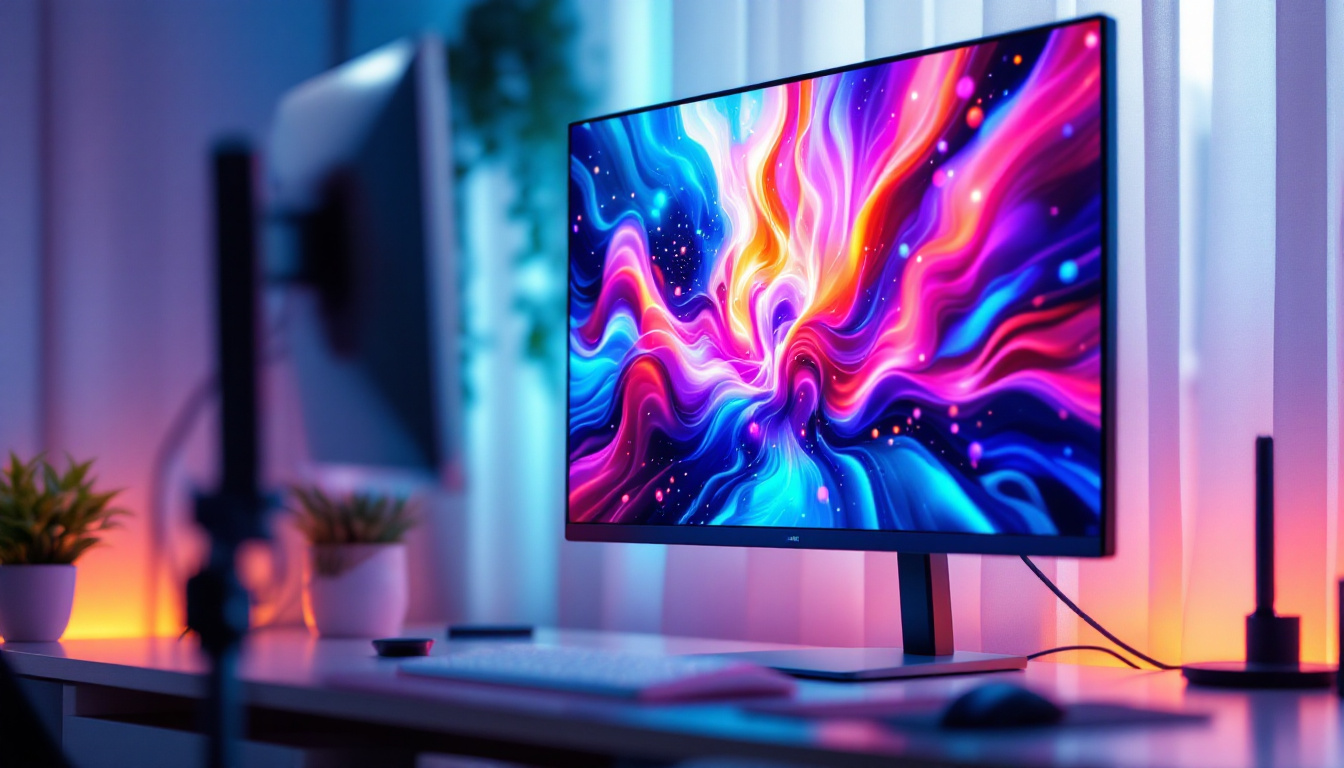
In today’s fast-paced digital environment, maximizing workspace efficiency and visual clarity is essential. Dual monitor setups have become increasingly popular among professionals, gamers, and creatives alike, offering enhanced productivity and immersive experiences. Central to these setups is the double PC monitor stand, a practical accessory designed to support and organize multiple screens. When paired with LED displays, these stands not only improve ergonomics but also elevate the overall viewing experience.
This article delves into the intricacies of double PC monitor stands and LED displays, exploring their benefits, features, and how they complement each other to create an optimized workstation. Whether you are setting up a home office, a gaming rig, or a professional editing suite, understanding these components will help you make informed decisions tailored to your needs.
Understanding Double PC Monitor Stands
What Is a Double PC Monitor Stand?
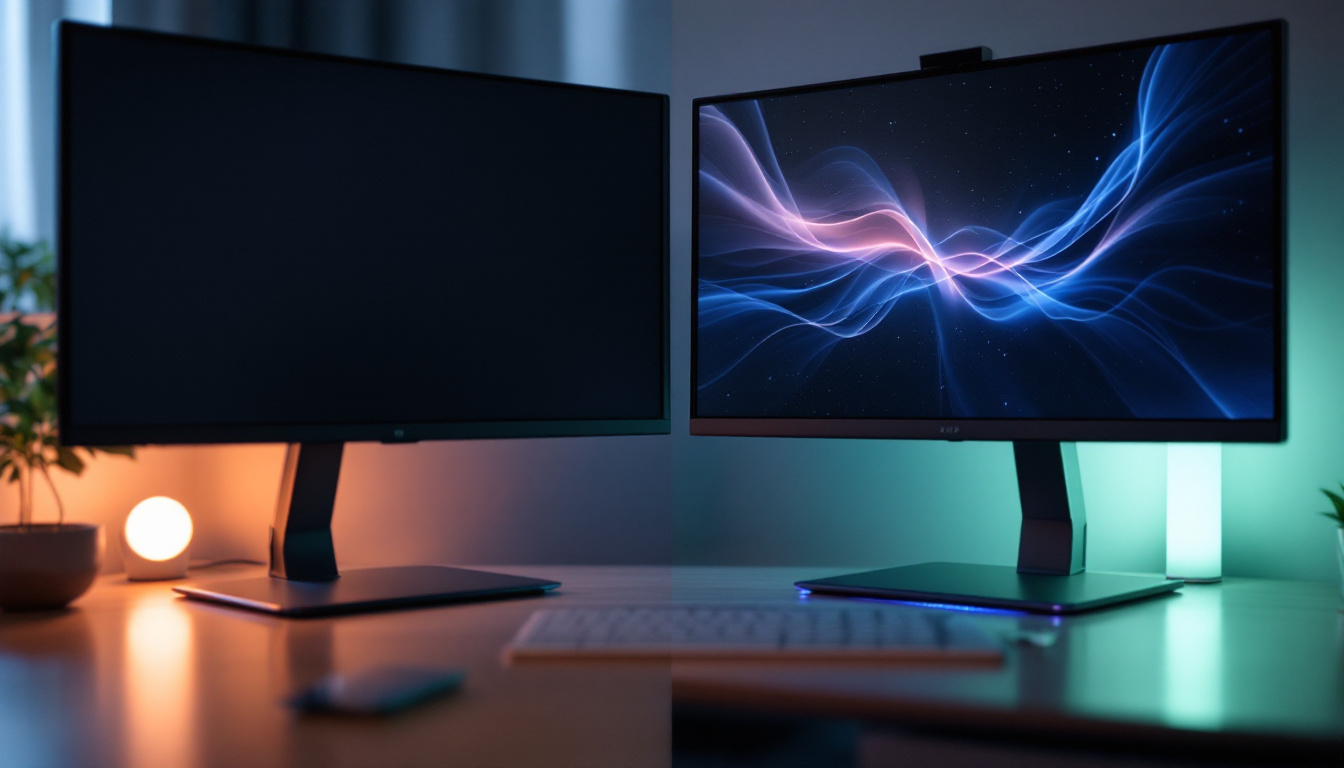
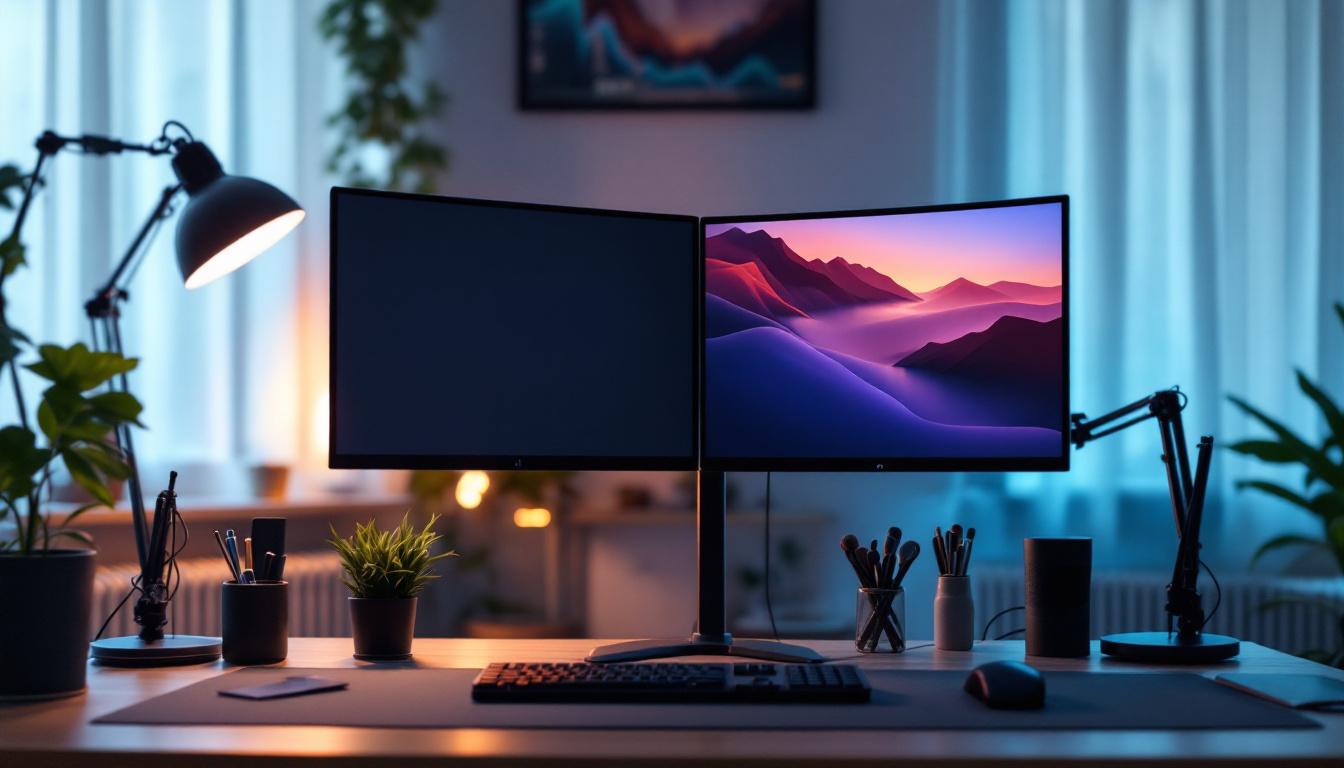
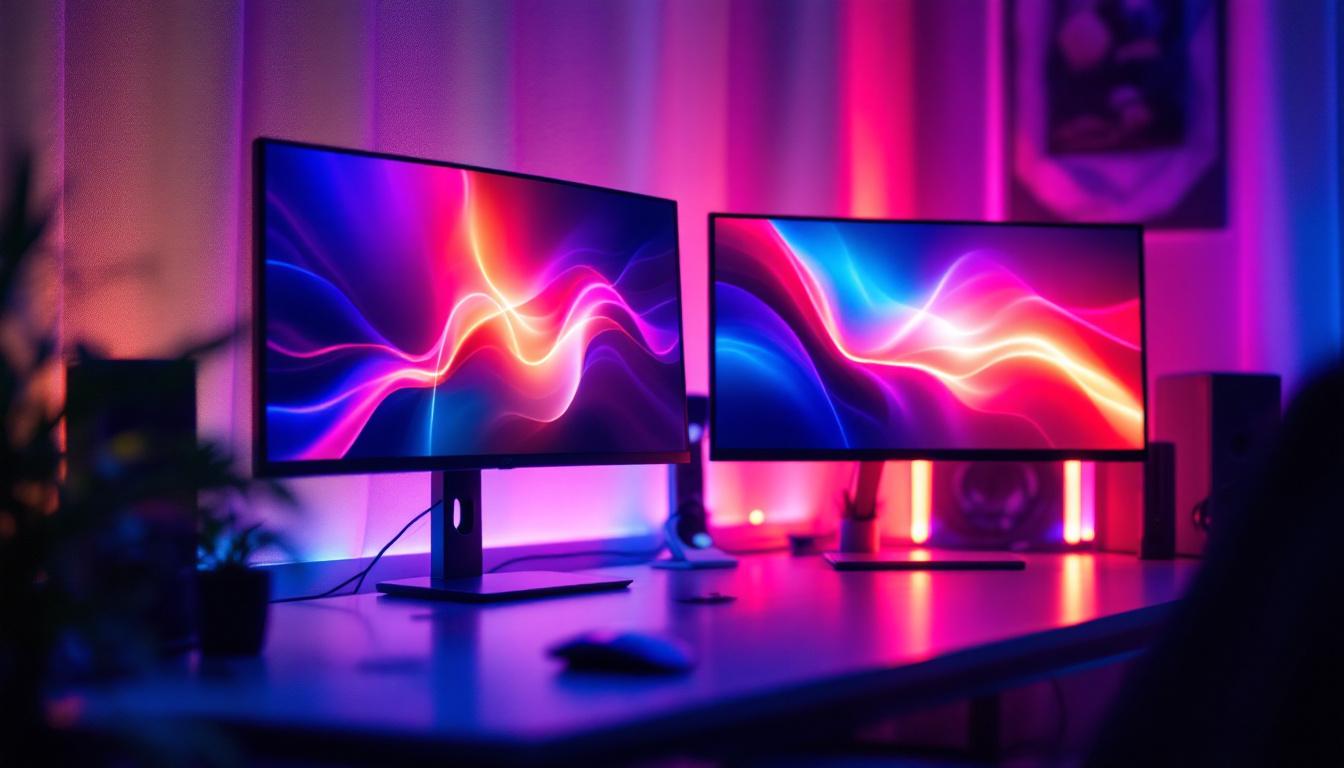
A double PC monitor stand is a mounting solution designed to hold two computer monitors simultaneously. Unlike traditional single stands, these dual stands provide a stable and adjustable platform, enabling users to position their screens side-by-side or stacked vertically. This flexibility is crucial for creating ergonomic workspaces that reduce neck and eye strain.
These stands come in various designs, including desk clamps, freestanding bases, and wall mounts, each catering to different desk setups and user preferences. The primary goal is to free up desk space, improve cable management, and offer customizable viewing angles. Many modern designs also incorporate aesthetics, blending seamlessly with contemporary office decor while providing functional benefits. This means that not only do you enhance your productivity, but you also maintain an organized and visually appealing workspace.
Why Choose a Double Monitor Stand?
Statistics indicate that dual monitor users experience a 20-30% increase in productivity compared to single monitor users. This boost is attributed to the ability to multitask efficiently—such as referencing documents on one screen while composing emails on the other. The convenience of having multiple applications open at once can significantly streamline workflows, making it easier to manage tasks without the constant need to switch between windows.
Additionally, a double monitor stand promotes better posture by allowing users to align their monitors at eye level. This alignment minimizes the risk of repetitive strain injuries, which are common among professionals who spend long hours in front of screens. Furthermore, the use of dual monitors can enhance collaboration in team environments, as users can share information more readily during meetings or brainstorming sessions, facilitating a more dynamic exchange of ideas. The visual real estate provided by two monitors can also be beneficial for creative professionals who rely on multiple software applications, such as graphic designers or video editors, allowing them to work more fluidly across different platforms.
Key Features to Look For
When selecting a double PC monitor stand, several features should be considered to ensure compatibility and usability:
- Adjustability: Look for stands with height, tilt, swivel, and rotation adjustments to customize your viewing angle.
- Weight Capacity: Ensure the stand can support the weight of your monitors, especially if using larger LED displays.
- Mounting Compatibility: Check for VESA mount compatibility, which is the industry standard for monitor mounting holes.
- Build Quality: Durable materials such as steel or aluminum enhance stability and longevity.
- Cable Management: Integrated channels or clips help keep cables organized and out of sight.
Moreover, consider the ease of installation; some stands come with tools and clear instructions that make setup a breeze, while others may require more technical knowledge. A stand that allows for easy adjustments is particularly valuable in shared workspaces, where multiple users may need to modify the setup frequently. Additionally, some models offer features like built-in USB hubs or wireless charging pads, further enhancing functionality and convenience. By investing in a high-quality double monitor stand, you not only improve your workspace ergonomics but also elevate your overall computing experience.
The Role of LED Displays in Dual Monitor Setups
What Are LED Displays?
LED (Light Emitting Diode) displays are a type of LCD screen that uses LED backlighting instead of traditional cold cathode fluorescent lamps (CCFL). This technology offers several advantages, including improved brightness, energy efficiency, and thinner panel designs.
LED displays have become the standard for computer monitors due to their vibrant color reproduction, faster response times, and longer lifespan. These qualities make them ideal for professional environments where color accuracy and clarity are paramount.
Benefits of Using LED Displays in Dual Monitor Configurations
When integrated into a dual monitor setup, LED displays provide several benefits:
- Enhanced Visual Quality: LED monitors deliver sharper images and better contrast ratios, which reduce eye fatigue during extended use.
- Energy Efficiency: LED technology consumes less power than older display types, contributing to lower electricity bills and a smaller environmental footprint.
- Thin and Lightweight: The slim profile of LED monitors complements double monitor stands by reducing the overall bulk on the desk.
- Wide Viewing Angles: Many LED monitors support IPS (In-Plane Switching) panels, which maintain color accuracy even when viewed from different angles.
Choosing the Right LED Monitors for Dual Setups
To maximize the benefits of a double monitor stand, selecting compatible LED monitors is crucial. Consider the following factors:
- Screen Size and Resolution: Matching screen sizes and resolutions ensures a seamless visual experience across both displays.
- Refresh Rate: Higher refresh rates (e.g., 75Hz or above) provide smoother motion, which is especially important for gaming and video editing.
- Color Accuracy: Look for monitors with factory calibration or support for color spaces like sRGB and AdobeRGB for professional work.
- Connectivity Options: Multiple input ports (HDMI, DisplayPort, USB-C) allow flexible connections to various devices.
Integrating Double PC Monitor Stands with LED Displays
Ergonomic Setup Tips
Proper integration of double monitor stands and LED displays is essential for comfort and productivity. Here are some ergonomic guidelines:
- Eye Level Alignment: Position the top of the monitors at or slightly below eye level to prevent neck strain.
- Optimal Viewing Distance: Maintain a distance of about 20-30 inches (50-75 cm) between your eyes and the screens.
- Angle Adjustment: Tilt the monitors slightly backward (10-20 degrees) to reduce glare and improve viewing comfort.
- Symmetry: Align both monitors so that the bezels meet seamlessly, minimizing visual disruption.
Space-Saving and Cable Management
Double monitor stands help declutter your workspace by elevating the monitors off the desk surface. This creates additional room for keyboards, documents, and other peripherals.
Effective cable management is equally important. Many stands feature built-in channels or clips that route power and data cables neatly along the stand’s arms. This organization prevents tangling and reduces the risk of accidental disconnections.
Compatibility and Installation Considerations
Before purchasing a double monitor stand, verify that your LED displays are compatible with the stand’s mounting system, typically VESA 75×75 mm or 100×100 mm patterns.
Installation is generally straightforward, involving attaching mounting brackets to the monitors and securing them to the stand. However, some stands require desk clamping or drilling, so ensure your desk can accommodate the mounting method.
Popular Use Cases for Double Monitor Stands with LED Displays
Professional Workstations
In corporate environments, dual monitor setups are standard for roles such as software development, financial analysis, and graphic design. The combination of double monitor stands and LED displays allows professionals to view multiple applications simultaneously, enhancing workflow efficiency.
For example, programmers can code on one screen while monitoring debugging tools on the other, while designers can compare color palettes and layouts side-by-side with high color fidelity.
Gaming and Entertainment
Gamers benefit from dual LED monitors by extending their field of view or dedicating one screen to gameplay and the other to streaming, chat, or system monitoring. The high refresh rates and low response times of LED displays contribute to a smooth and immersive gaming experience.
Additionally, double monitor stands provide the flexibility to adjust screen positions quickly during long gaming sessions, maintaining comfort and focus.
Content Creation and Multimedia Editing
Video editors, photographers, and digital artists often require precise color accuracy and ample screen real estate. Dual LED monitors mounted on adjustable stands enable them to view timelines, editing tools, and previews simultaneously without switching windows.
This setup reduces errors and accelerates the creative process, making it a valuable investment for professionals in multimedia industries.
Future Trends in Double Monitor Stands and LED Displays
Advancements in Monitor Technology
The evolution of LED display technology continues with innovations such as mini-LED and OLED panels, which offer superior contrast ratios and color depth. These advancements promise to enhance dual monitor setups further, delivering even more vivid and lifelike images.
Moreover, the integration of higher refresh rates and adaptive sync technologies (like NVIDIA G-Sync and AMD FreeSync) is becoming more common, benefiting gamers and professionals who demand smooth visuals.
Smart and Adjustable Monitor Stands
Monitor stands are also evolving, with manufacturers introducing smart stands featuring motorized height adjustments, programmable presets, and integrated USB hubs. These features simplify customization and improve desk ergonomics without manual effort.
Some stands now include wireless charging pads and ambient lighting, blending functionality with aesthetics to create modern workspaces.
Increased Focus on Sustainability
As environmental concerns grow, both monitor and stand manufacturers are emphasizing sustainable materials and energy-efficient designs. LED displays already lead in power efficiency, and future stands are expected to incorporate recycled materials and modular designs for easier repair and recycling.
Conclusion
Double PC monitor stands paired with LED displays represent a powerful combination for enhancing productivity, comfort, and visual quality in a variety of settings. Whether for professional work, gaming, or creative endeavors, investing in the right stand and monitors can transform your workspace into an efficient and ergonomic environment.
By understanding the features, benefits, and integration techniques discussed in this article, users can make informed decisions that align with their specific needs and preferences. As technology advances, these setups will continue to evolve, offering even greater flexibility and performance for users worldwide.
Enhance Your Workspace with LumenMatrix
Ready to elevate your professional or creative space with the ultimate visual setup? LumenMatrix is at the forefront of LED display technology, offering a wide array of solutions that bring your digital environment to life. From immersive Indoor and Outdoor LED Wall Displays to innovative Custom and All-in-One LED solutions, our products are designed to maximize your brand’s impact. Experience the future of visual communication and transform your workspace with LumenMatrix. Check out LumenMatrix LED Display Solutions today and witness the difference in clarity and engagement.