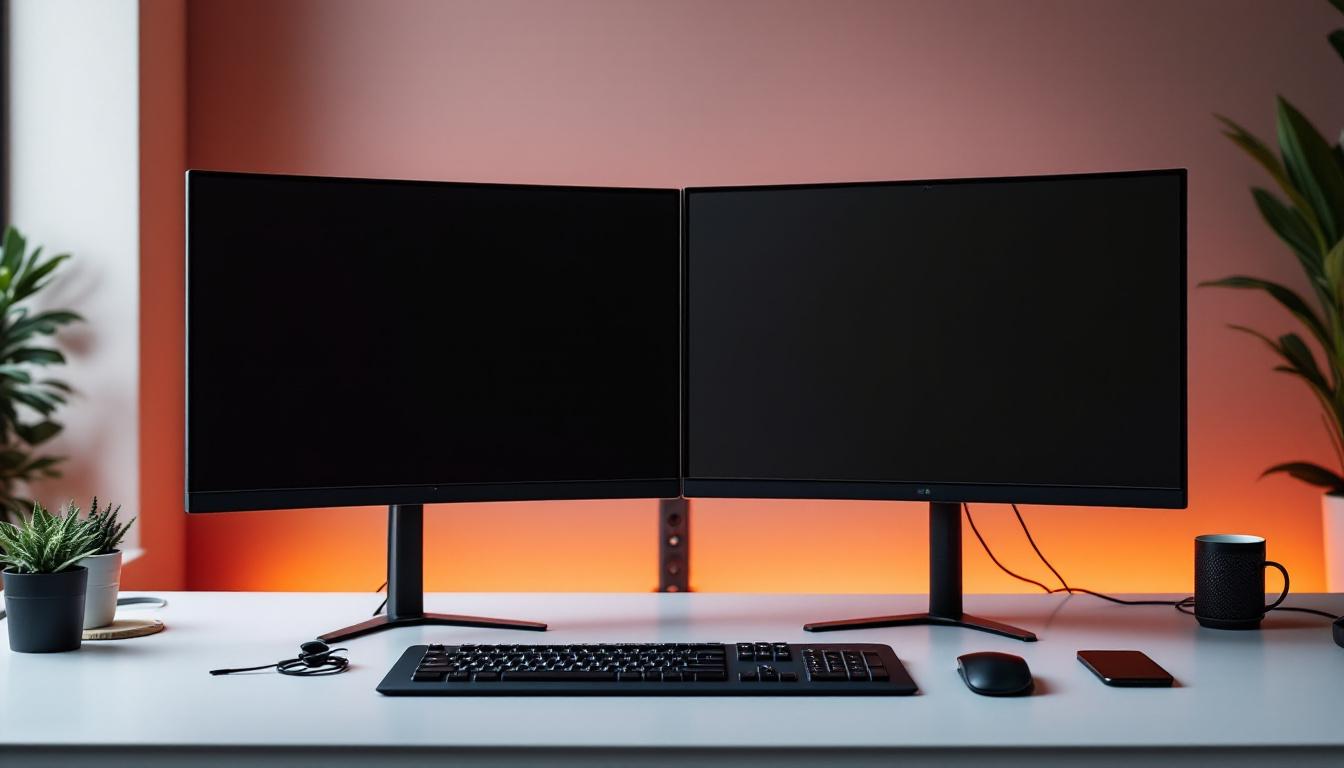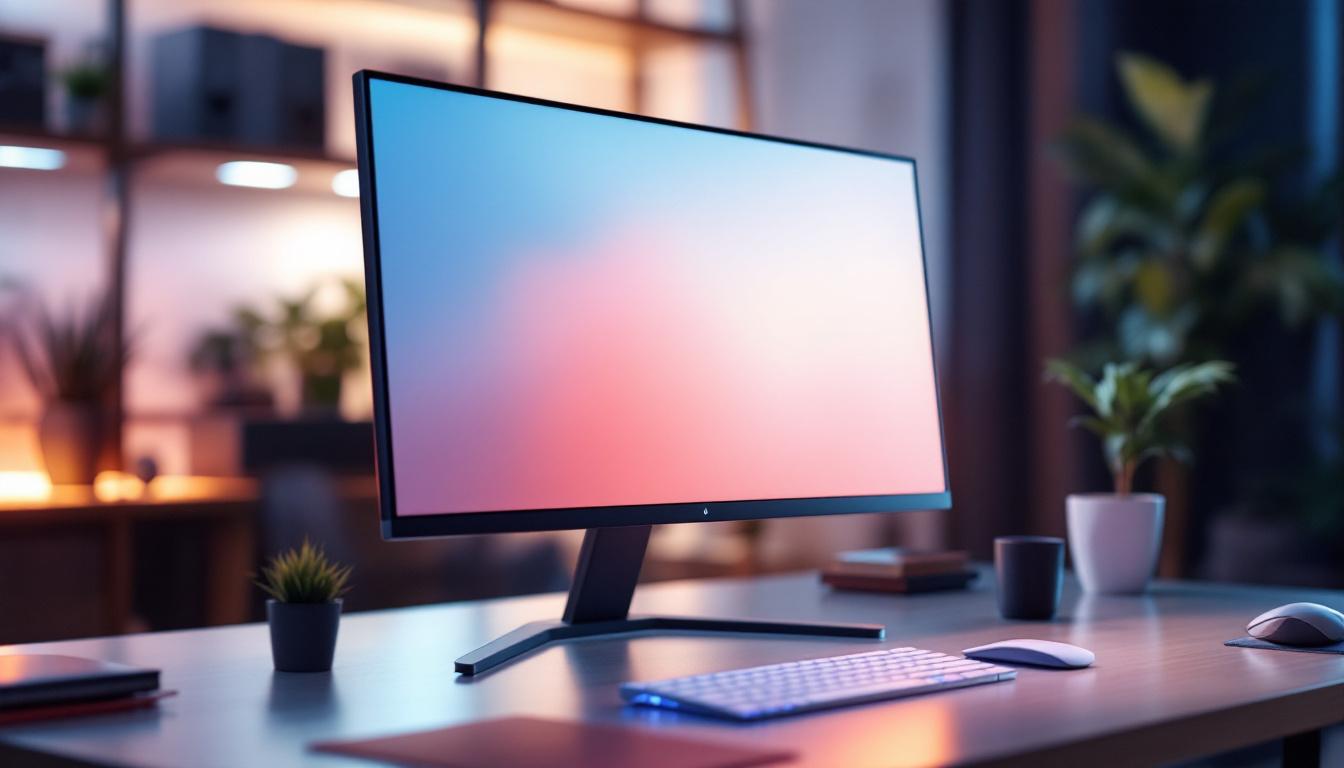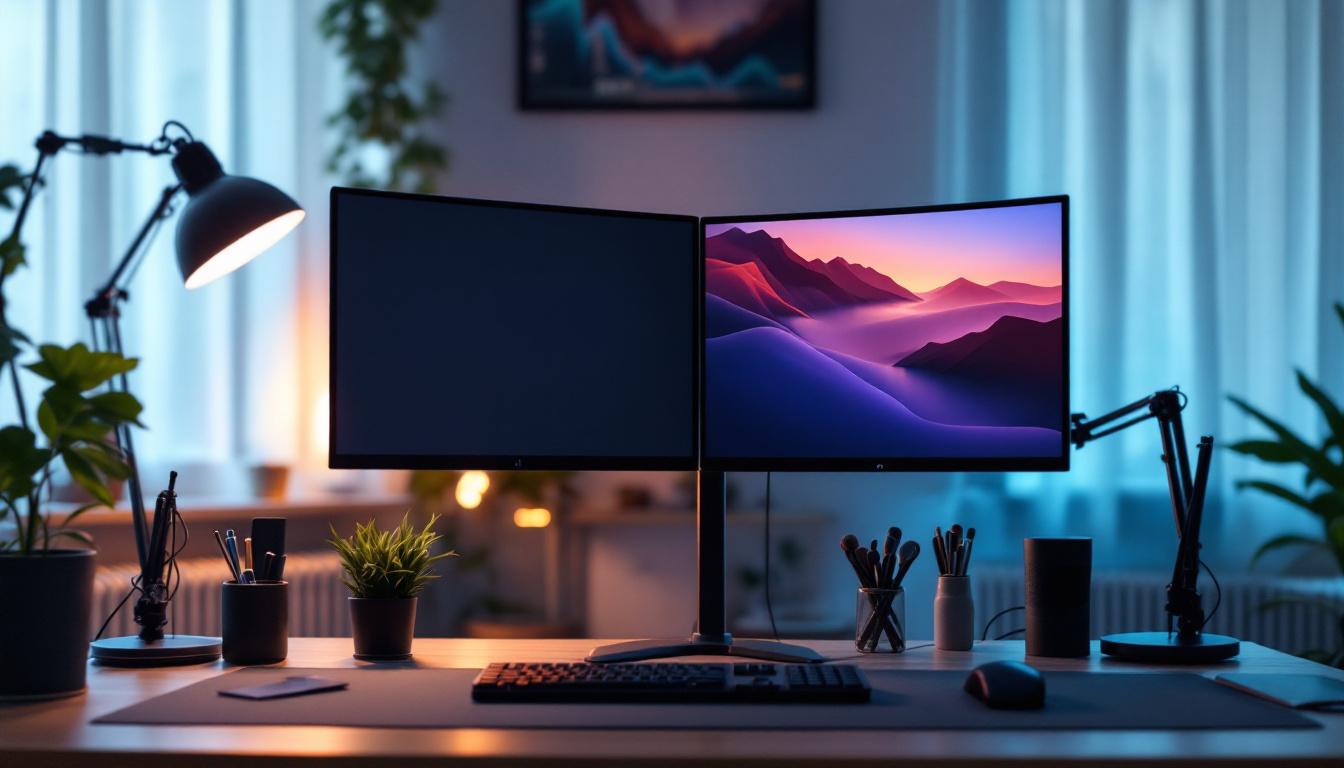
In today’s fast-paced digital world, productivity and ergonomic workspace design have become paramount. Dual monitor setups are no longer a luxury but a necessity for many professionals, gamers, and creatives. A two monitor desk stand, particularly one designed for LED displays, can transform your workspace into an efficient, organized, and comfortable environment. This article delves into the intricacies of two monitor desk stands tailored for LED displays, exploring their benefits, design considerations, and how they can enhance your overall computing experience.
Why Choose a Two Monitor Desk Stand for LED Displays?
Dual monitor setups have surged in popularity, with studies showing that using two screens can increase productivity by up to 42%. This boost is largely due to the ability to multitask more efficiently, reduce the time spent switching between tabs or windows, and improve workflow management. LED displays, known for their slim profiles, vibrant colors, and energy efficiency, are particularly well-suited for these setups.
However, simply placing two monitors side by side on a desk can lead to clutter, poor posture, and limited adjustability. This is where a dedicated two monitor desk stand comes into play. It offers a structured, ergonomic solution that supports LED displays securely while optimizing desk space.
Enhanced Ergonomics and Comfort
One of the primary reasons professionals invest in dual monitor stands is to improve ergonomics. A well-designed stand allows users to adjust the height, tilt, and angle of each LED monitor independently. This customization helps reduce neck strain, eye fatigue, and back pain, which are common complaints among office workers and gamers who spend hours in front of screens.
Ergonomic benefits extend beyond comfort; they contribute to long-term health and can reduce the risk of repetitive strain injuries. Adjustable stands encourage proper posture by aligning monitors at eye level, which minimizes slouching and promotes a neutral spine position. Additionally, many stands are designed to accommodate a variety of user preferences, allowing for a more personalized setup that can adapt to different tasks, whether it’s coding, graphic design, or gaming. This adaptability ensures that users can maintain a comfortable and productive workspace throughout the day.
Space Optimization and Desk Organization
LED monitors are generally thinner and lighter than older LCD or CRT models, but they still require a stable base. Two monitor desk stands free up valuable desk space by elevating the screens off the surface, allowing room for keyboards, documents, and other accessories underneath. This declutters the workspace and creates a cleaner, more professional appearance.
Many stands include cable management features, which help keep power cords and display cables organized and out of sight. This not only improves aesthetics but also reduces the risk of accidental disconnections or damage to cables. Furthermore, a tidy workspace can significantly enhance focus and concentration, as it minimizes distractions caused by clutter. Some advanced models even offer additional features such as integrated USB hubs or storage compartments, providing even more functionality and convenience. With these thoughtful designs, users can keep essential tools and devices within easy reach, further streamlining their workflow and enhancing their overall productivity.
Key Features to Look for in a Two Monitor Desk Stand for LED Displays
Choosing the right desk stand for your LED monitors involves considering several important factors. The ideal stand should complement your monitors’ specifications, your workspace dimensions, and your personal ergonomic needs.
Compatibility and Weight Capacity
LED monitors come in various sizes, typically ranging from 19 inches to 32 inches or more. When selecting a two monitor desk stand, it’s crucial to verify that the stand supports the size and weight of your specific LED displays. Most manufacturers provide weight limits and VESA mount compatibility (usually 75x75mm or 100x100mm), which indicate whether the stand can securely hold your monitors.
Exceeding the weight capacity can lead to instability or damage, so always check the specifications carefully. For example, a stand rated for monitors up to 27 inches and 15 pounds per arm would not be suitable for larger or heavier LED displays.
Adjustability and Range of Motion
Flexibility is key in a dual monitor stand. Look for stands that offer multiple points of adjustment, including height, tilt, swivel, and rotation. Height adjustability allows you to position the monitors at eye level, while tilt and swivel enable you to reduce glare and find the most comfortable viewing angles.
Rotation or pivot functionality is particularly useful for professionals who work with portrait-oriented content, such as coders, writers, or graphic designers. Being able to rotate one or both monitors to portrait mode can enhance workflow and viewing comfort.
Build Quality and Materials
Durability is essential for any desk accessory that supports valuable equipment. High-quality two monitor desk stands are typically made from robust materials like steel or aluminum, which provide stability and longevity. Plastic components should be minimal and used only for non-load-bearing parts.
Additionally, a sturdy base or clamp system ensures the stand remains secure on your desk without wobbling. Some stands use weighted bases, while others rely on desk clamps or grommet mounts for attachment. Choose the mounting style that best suits your desk setup and preferences.
Understanding LED Display Technology in Dual Monitor Setups
To fully appreciate the benefits of a two monitor desk stand designed for LED displays, it helps to understand the technology behind LED screens and why they are preferred in multi-monitor configurations.
What Makes LED Displays Ideal for Dual Monitor Use?
LED (Light Emitting Diode) displays use an array of tiny LEDs to illuminate the screen, either as backlighting for LCD panels or as individual pixels in OLED or microLED technologies. Compared to older CCFL-backlit LCDs, LED displays offer several advantages:
- Thinner and lighter design: This makes them easier to mount and adjust on desk stands.
- Better energy efficiency: LED displays consume less power, which is beneficial when running multiple screens.
- Improved brightness and color accuracy: This enhances image quality and reduces eye strain.
- Longer lifespan: LEDs generally last longer, reducing the need for frequent replacements.
These factors make LED monitors a natural choice for dual setups, where space, power consumption, and visual comfort are critical considerations.
Color Calibration and Consistency Across Monitors
When using two LED monitors side by side, color consistency is vital, especially for professionals in graphic design, video editing, or photography. Differences in color temperature, brightness, or contrast can disrupt workflow and lead to inaccurate results.
Many modern LED monitors come factory-calibrated, but variations can still occur between units. Investing in a two monitor desk stand that allows precise alignment and positioning can help minimize visual discrepancies. Additionally, using calibration tools and software ensures both displays maintain consistent color profiles.
Installation and Setup Tips for Two Monitor Desk Stands
Proper installation is key to maximizing the benefits of your two monitor desk stand. Here are some practical tips to ensure a smooth setup process and optimal performance.
Choosing the Right Location
Select a desk area with sufficient space to accommodate the stand and monitors without crowding. Ensure the location has easy access to power outlets and data ports. Consider natural lighting and avoid placing monitors directly opposite windows to reduce glare.
Mounting and Adjusting Your Monitors
Most two monitor desk stands come with VESA-compatible mounting plates. Begin by securely attaching the mounting brackets to the back of each LED monitor. Then, carefully mount the monitors onto the stand arms according to the manufacturer’s instructions.
Once mounted, adjust the height, tilt, and rotation to achieve a comfortable viewing position. Aim to have the top of the screens at or slightly below eye level, with the monitors angled inward to create a slight curve that matches your natural field of vision.
Cable Management
Use the cable management features built into the stand to route power and display cables neatly along the arms and base. This reduces clutter and prevents cables from tangling or obstructing your workspace. Velcro ties or cable clips can provide additional organization if needed.
Popular Two Monitor Desk Stand Models for LED Displays
The market offers a wide range of two monitor desk stands, each catering to different needs and budgets. Here are a few highly regarded models known for their compatibility with LED displays and ergonomic features:
Ergotron LX Dual Stacking Arm
Ergotron is a leader in ergonomic mounting solutions. The LX Dual Stacking Arm supports monitors up to 25 pounds each and offers extensive adjustability, including height, tilt, swivel, and rotation. Its polished aluminum finish complements modern LED displays, and the integrated cable management keeps cords tidy.
VIVO Dual Monitor Desk Mount
The VIVO stand is a budget-friendly option that doesn’t compromise on quality. It supports monitors up to 27 inches and 22 pounds per arm, with full articulation for height, tilt, swivel, and rotation. The clamp and grommet mounting options provide flexible installation choices.
AmazonBasics Premium Dual Monitor Stand
This stand combines affordability with robust construction. It supports monitors up to 32 inches and 20 pounds each, featuring gas spring arms for smooth adjustments. The sleek design and integrated cable management make it a popular choice for LED display users.
Conclusion: Maximizing Your Workspace with a Two Monitor Desk Stand for LED Displays
Investing in a two monitor desk stand designed for LED displays is a smart move for anyone looking to enhance productivity, comfort, and organization. By understanding the ergonomic benefits, key features, and LED display technology, users can select a stand that perfectly fits their needs.
Whether you are a professional seeking to streamline your workflow, a gamer aiming for immersive experiences, or a creative wanting precise color accuracy, a well-chosen dual monitor stand can significantly improve your computing environment. Proper installation and maintenance will ensure that your LED monitors remain secure and visually aligned, helping you work smarter and more comfortably every day.
Discover the Perfect LED Display Solution with LumenMatrix
Ready to take your workspace to the next level with a dual monitor setup that promises unmatched clarity and performance? LumenMatrix is at the forefront of LED display innovation, offering a diverse range of products that cater to your unique needs. From immersive Indoor LED Wall Displays to dynamic Outdoor LED Wall Displays, and from versatile Vehicle LED Displays to sleek LED Poster Displays, our solutions are designed to revolutionize your visual experience. Embrace the future of digital signage with LumenMatrix and transform your professional environment. Check out LumenMatrix LED Display Solutions today and elevate your workspace with cutting-edge technology.