Dual Monitor Stand: LED Display Explained
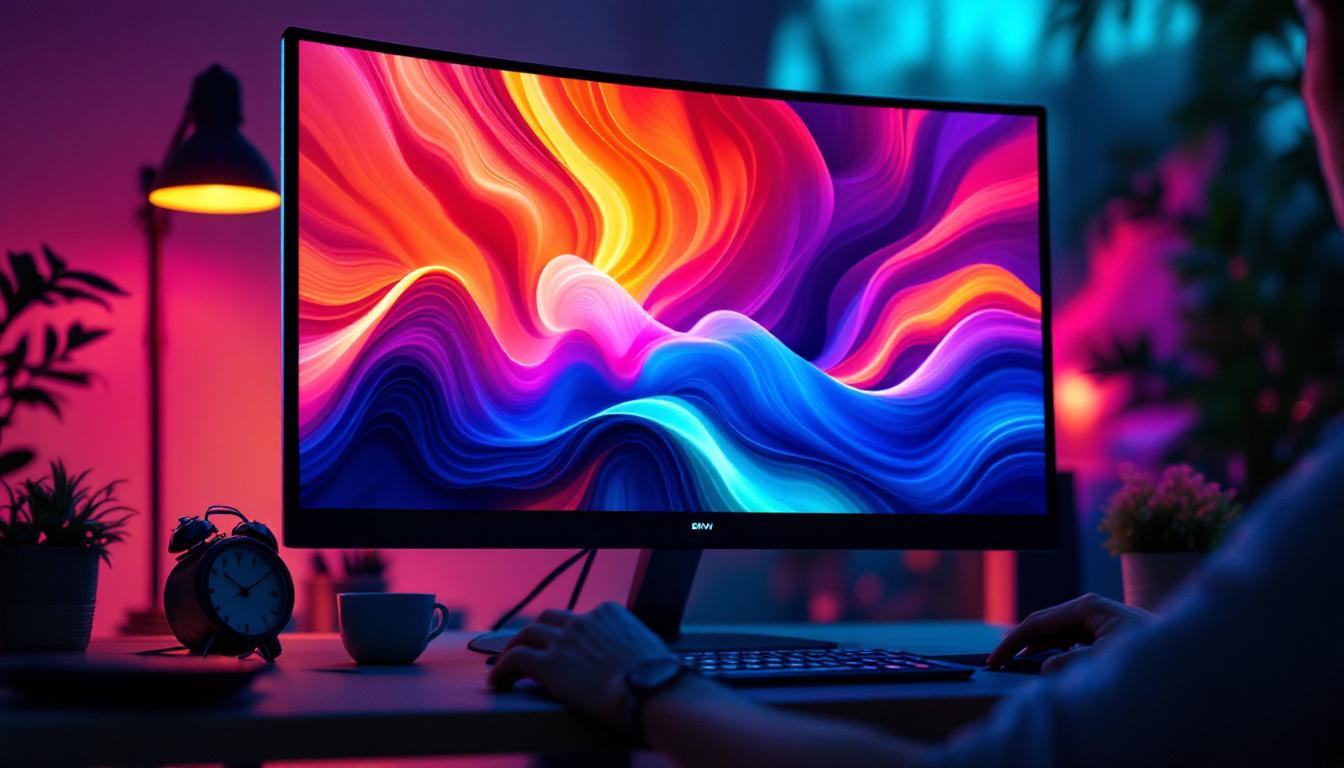
In today’s fast-paced digital environment, productivity and ergonomics have become paramount for professionals and casual users alike. One of the most effective ways to enhance workspace efficiency is by using a dual monitor setup. However, simply having two screens isn’t enough; how these screens are mounted, especially LED displays, plays a crucial role in comfort, aesthetics, and functionality. This article delves into the world of dual monitor stands designed for LED displays, explaining their benefits, types, and how to choose the right one for your needs.
Understanding the Basics: What is a Dual Monitor Stand?
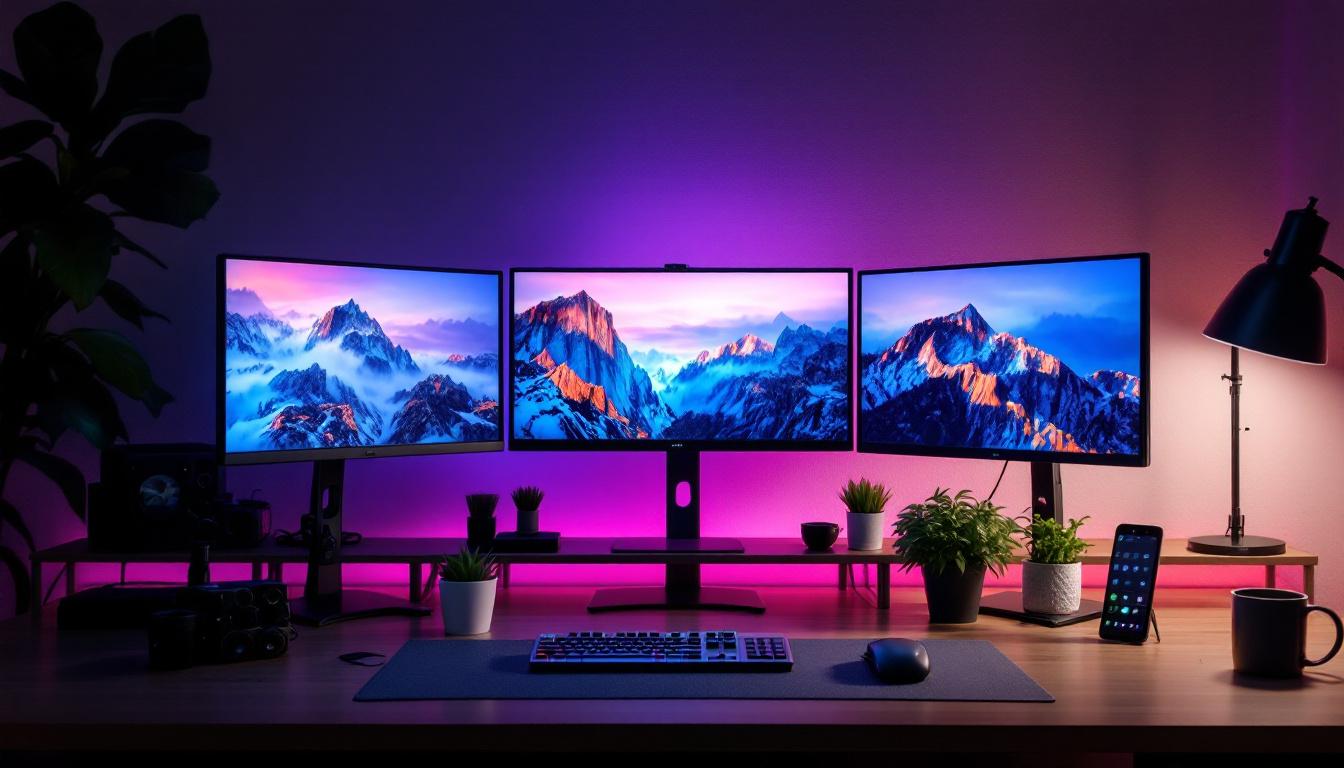
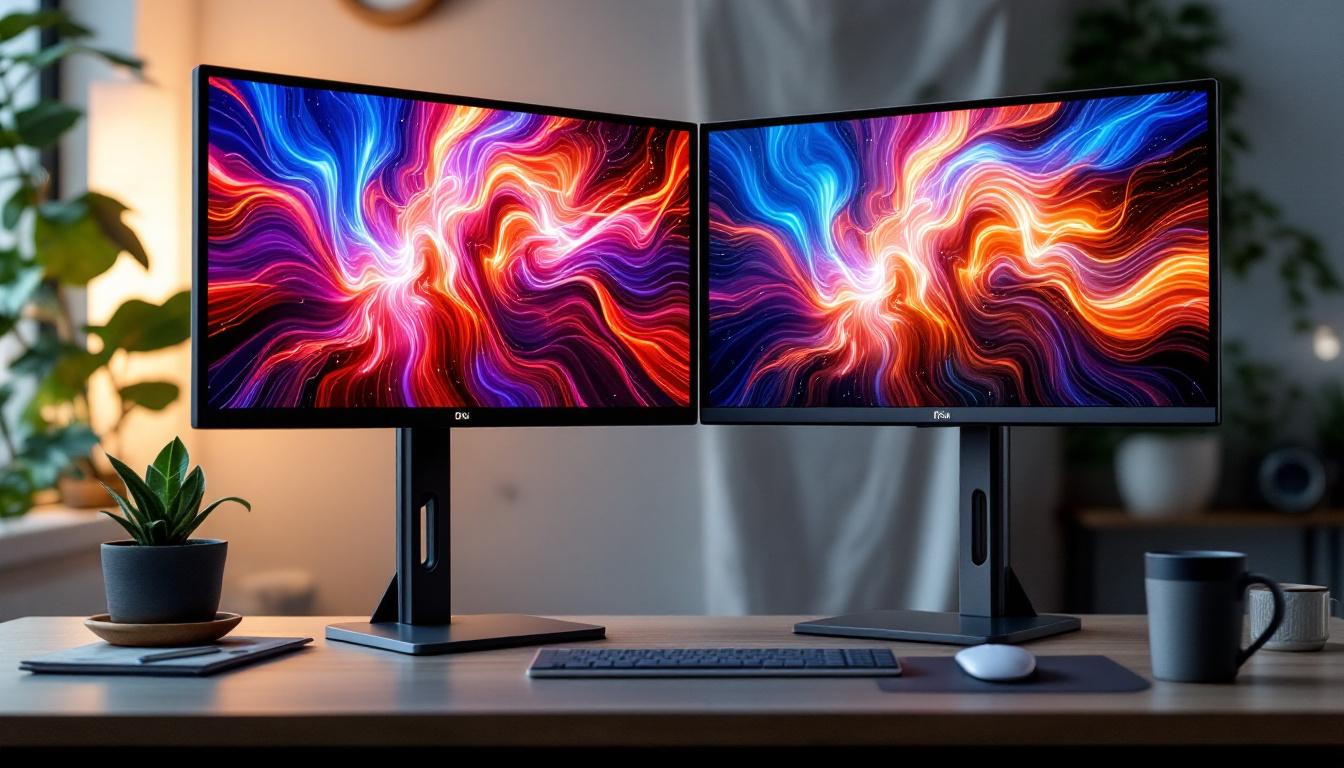
A dual monitor stand is a mounting solution that holds two monitors side by side or in other configurations, freeing up desk space and allowing for more ergonomic positioning. Unlike traditional setups where monitors rest on their built-in stands, dual monitor stands elevate and position the screens for optimal viewing angles.
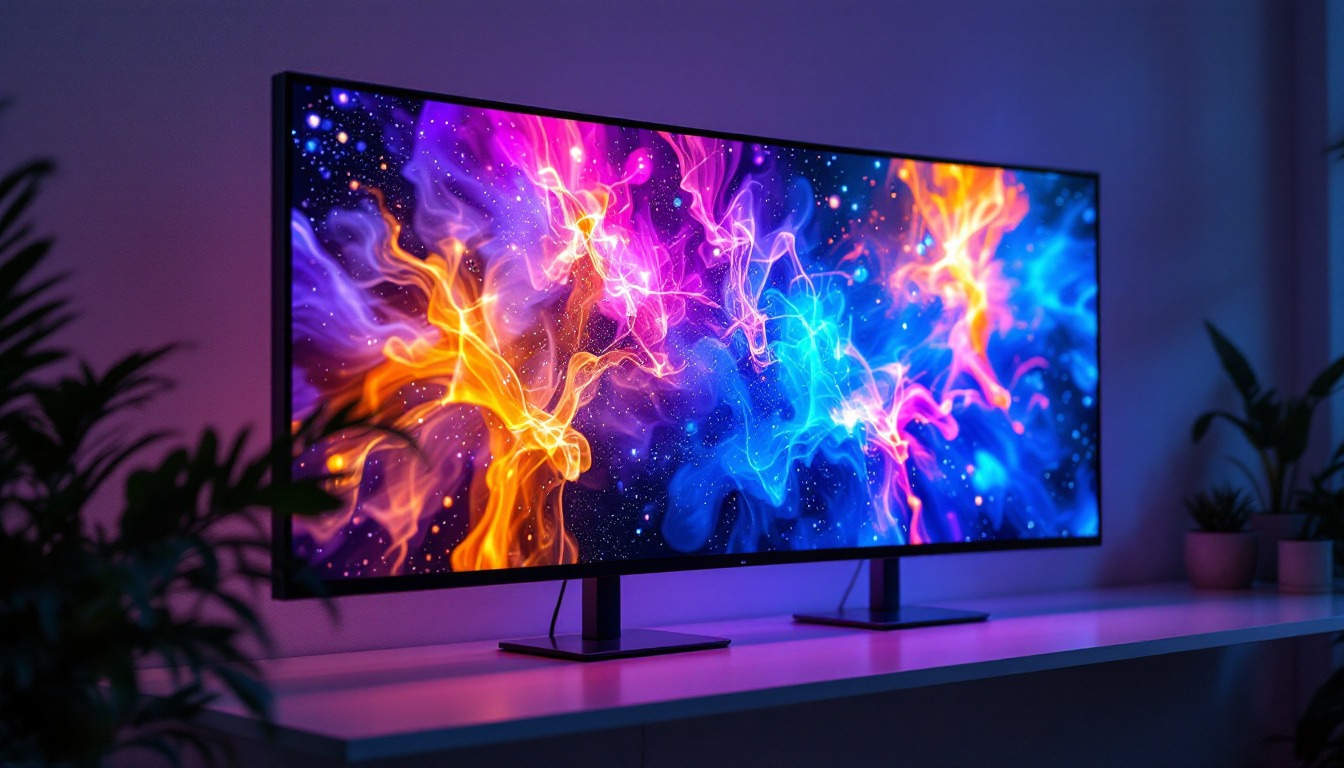
The rise of LED (Light Emitting Diode) displays has transformed monitor technology. LED monitors are known for their slim profiles, energy efficiency, and vibrant color reproduction. Because of their lightweight and sleek design, LED displays pair exceptionally well with modern dual monitor stands, which are often adjustable and designed to complement the aesthetics of these screens.
Why Use a Dual Monitor Stand with LED Displays?
Using a dual monitor stand with LED displays offers several advantages:
- Ergonomics: Proper monitor height and angle reduce neck, shoulder, and eye strain, which is especially important during long working hours.
- Desk Space Optimization: By lifting monitors off the desk, stands free up valuable workspace for other essentials.
- Improved Workflow: Dual screens allow users to multitask more efficiently, keeping multiple applications visible simultaneously.
- Aesthetic Appeal: A clean, organized workspace with sleek LED monitors mounted on a stylish stand can enhance the overall look of an office or home setup.
Types of Dual Monitor Stands for LED Displays
When selecting a dual monitor stand, understanding the different types available is crucial. Each type offers unique benefits depending on user needs, desk setup, and monitor specifications.
1. Freestanding Dual Monitor Stands
Freestanding stands come with a weighted base that rests directly on the desk surface. They are easy to set up and do not require any drilling or permanent installation, making them ideal for renters or those who frequently change their workspace layout.
These stands typically support monitors up to 27 inches, which aligns well with the common sizes of LED displays. They offer adjustable height, tilt, and swivel features, allowing users to customize their viewing angles.
2. Clamp-Mounted Dual Monitor Stands
Clamp-mounted stands attach to the edge of a desk using a sturdy clamp mechanism. This design saves even more desk space than freestanding models and provides a stable mount for heavier monitors.
LED displays, being lighter than older LCD or CRT monitors, are well-suited for clamp mounts. These stands often offer greater flexibility in positioning, including rotation for portrait mode, which is beneficial for coding, writing, or reading long documents.
3. Grommet-Mounted Dual Monitor Stands
Grommet mounts require a hole in the desk surface through which the stand is secured. This type of mounting is highly stable and ideal for permanent setups where maximum desk space clearance is desired.
The installation is more involved, but the result is a clean, cable-managed workspace with monitors that can be adjusted in height and angle. This is particularly popular in professional environments where aesthetics and durability are priorities.
4. Wall-Mounted Dual Monitor Stands
For those with limited desk space or who prefer a minimalist setup, wall-mounted dual monitor stands are an excellent option. These mounts secure the monitors directly to the wall, freeing up the entire desk surface.
LED displays’ slim profiles make them ideal candidates for wall mounting. However, this option requires proper wall anchors and installation skills to ensure safety and stability.
Key Features to Consider When Choosing a Dual Monitor Stand for LED Displays
Not all dual monitor stands are created equal. When shopping for a stand to pair with LED displays, several important features should guide your decision.
Weight Capacity and Monitor Compatibility
LED monitors vary in size and weight, so it’s essential to select a stand that can support the combined weight of both screens. Most dual monitor stands specify maximum weight per arm, often ranging from 8 to 20 pounds.
Additionally, check the VESA (Video Electronics Standards Association) mounting compatibility of your monitors. Most LED displays support standard VESA patterns such as 75x75mm or 100x100mm, which ensures they can be securely attached to the stand.
Adjustability and Ergonomics
Ergonomic adjustability is a key factor in reducing physical strain. Look for stands that offer:
- Height Adjustment: Allows the user to set the monitors at eye level.
- Swivel and Tilt: Enables angle adjustments for better viewing comfort.
- Rotation: Useful for switching between landscape and portrait modes.
Some advanced models feature gas spring arms that make repositioning effortless, which is beneficial for users who frequently change their workspace layout.
Cable Management
LED monitors often come with multiple cables for power, video, and peripherals. Dual monitor stands with integrated cable management systems help keep cords organized and out of sight, reducing clutter and potential hazards.
Build Quality and Material
Durability is essential for a reliable dual monitor stand. Look for stands made from high-quality materials such as steel or aluminum. These materials provide stability and longevity, especially important for heavier LED displays.
Additionally, consider the finish and color of the stand to ensure it complements your monitors and workspace aesthetic.
Benefits of Using Dual LED Displays in Professional and Personal Settings
Dual LED display setups are becoming increasingly popular across various fields, from corporate offices to creative studios and home workspaces. Their benefits extend beyond just having more screen real estate.
Enhanced Productivity and Multitasking
Studies have shown that dual monitor setups can increase productivity by up to 30%. Professionals such as software developers, graphic designers, financial analysts, and content creators benefit from having multiple applications or documents open simultaneously without toggling between windows.
For example, a graphic designer can have design software open on one screen while referencing images or color palettes on the other. Similarly, a financial analyst might monitor real-time data on one display while working on spreadsheets on the other.
Improved Collaboration and Communication
In remote work environments, dual LED displays facilitate better communication. Video conferencing can be conducted on one screen while accessing documents or taking notes on the other. This setup helps maintain engagement and efficiency during virtual meetings.
Reduced Eye and Neck Strain
LED displays generally offer better brightness and contrast compared to older technologies, which reduces eye fatigue. When combined with an adjustable dual monitor stand, users can position screens at optimal heights and angles, minimizing neck strain and promoting better posture.
Installation and Setup Tips for Dual Monitor Stands with LED Displays
Proper installation is key to maximizing the benefits of a dual monitor stand. Here are some best practices to consider:
1. Verify Monitor Compatibility
Before purchasing a stand, double-check that your LED monitors support VESA mounting and that their weight falls within the stand’s limits.
2. Choose the Right Mounting Type
Consider your desk space, permanence of setup, and personal preferences when selecting between freestanding, clamp, grommet, or wall-mounted stands.
3. Assemble with Care
Follow manufacturer instructions closely. Use appropriate tools and ensure all screws and clamps are securely fastened to prevent accidents.
4. Adjust for Ergonomics
Set the monitors so that the top of the screen is at or slightly below eye level. Position the screens about an arm’s length away, with a slight inward tilt to reduce glare.
5. Manage Cables Effectively
Utilize the stand’s cable management features or add cable clips and sleeves to keep cords organized and out of the way.
Popular Dual Monitor Stands for LED Displays in 2024
The market for dual monitor stands is diverse, with many options catering to different needs and budgets. Here are some popular models that have received positive reviews for pairing with LED displays:
Ergotron LX Dual Stacking Arm
Known for its robust build and smooth gas spring adjustment, the Ergotron LX is ideal for professional environments. It supports monitors up to 25 pounds each and offers extensive ergonomic customization.
VIVO Dual LCD Monitor Desk Mount
A budget-friendly option, the VIVO mount supports monitors up to 27 inches and 22 pounds per arm. It features full articulation with tilt, swivel, and rotation capabilities, making it versatile for various setups.
AmazonBasics Premium Dual Monitor Stand
This stand combines affordability with quality, supporting up to 20 pounds per arm and offering height adjustment and cable management. Its sleek design pairs well with modern LED displays.
HUANUO Dual Monitor Mount
Featuring gas spring arms and a sturdy clamp base, the HUANUO mount is praised for its ease of installation and smooth adjustability. It supports monitors up to 32 inches, accommodating larger LED screens.
Conclusion: Elevate Your Workspace with the Right Dual Monitor Stand
Integrating a dual monitor stand with LED displays is a smart investment for anyone looking to boost productivity, enhance comfort, and maintain a clean, organized workspace. Understanding the types of stands available, key features to look for, and ergonomic principles ensures that users can select the best solution tailored to their needs.
Whether for professional tasks, creative projects, or personal use, a well-chosen dual monitor stand can transform the way users interact with their digital environment—making work more efficient, comfortable, and enjoyable.
Discover the Future of Visual Display with LumenMatrix
Ready to take your workspace to the next level? LumenMatrix is at the forefront of LED display innovation, offering a wide array of solutions that bring your digital environment to life. From captivating Indoor LED Wall Displays to dynamic Outdoor LED Wall Displays and beyond, our products are designed to enhance your brand’s visibility and create immersive visual experiences. Embrace the revolution in visual communication with LumenMatrix’s cutting-edge technology. Check out LumenMatrix LED Display Solutions today and see how our displays can transform your professional or personal space.