In the rapidly evolving world of digital displays, understanding the underlying technologies that drive visual performance is crucial. DisplayPort 1.4a, a widely adopted interface standard, plays a significant role in delivering high-quality video and audio signals to LED displays and other types of monitors. This article delves into the DisplayPort 1.4a specification, explaining its features, benefits, and how it enhances LED display technology.
Understanding DisplayPort 1.4a: An Overview
DisplayPort is a digital display interface developed by the Video Electronics Standards Association (VESA). It is designed to transmit audio and video from a source device, such as a computer or graphics card, to a display device like a monitor or television. The 1.4a version, released in 2018, builds upon previous iterations by introducing enhanced capabilities that support higher resolutions, refresh rates, and color depths.
The “a” in 1.4a denotes a minor revision that primarily addresses compliance and interoperability improvements, ensuring more reliable connections between devices. This refinement is essential for manufacturers and consumers seeking consistent performance across a wide range of hardware. With the rapid advancement of display technologies, such as OLED and high-refresh-rate panels, having a robust interface like DisplayPort 1.4a is crucial for maximizing the potential of these innovations.
Key Features of DisplayPort 1.4a
DisplayPort 1.4a supports a maximum bandwidth of 32.4 Gbps, enabling it to handle demanding video formats. Some of its standout features include:
- High Resolutions and Refresh Rates: Supports 8K resolution at 60 Hz and 4K resolution at up to 120 Hz, making it suitable for high-end gaming, professional graphics, and immersive media experiences.
- HDR Support: Incorporates High Dynamic Range (HDR) metadata transport, allowing for richer colors and greater contrast on compatible displays.
- Display Stream Compression (DSC) 1.2: Enables visually lossless compression to transmit higher resolution content without exceeding bandwidth limits.
- Backward Compatibility: Works seamlessly with earlier DisplayPort versions and supports Multi-Stream Transport (MST) for daisy-chaining multiple monitors.
In addition to these features, DisplayPort 1.4a also supports Adaptive Sync technology, which is particularly beneficial for gamers. This technology helps to eliminate screen tearing and stuttering by synchronizing the refresh rate of the display with the frame rate output of the graphics card. As a result, gamers can enjoy a smoother and more responsive gaming experience, which is essential for competitive play. Furthermore, the support for 10-bit color depth enhances the visual fidelity, allowing for more nuanced color gradients and improved overall image quality.
Another noteworthy aspect of DisplayPort 1.4a is its ability to transmit audio alongside video, supporting up to 8 channels of audio at 24-bit/192 kHz. This capability is vital for users who want to experience high-fidelity sound without the need for additional cables. Additionally, the inclusion of Enhanced Audio Return Channel (eARC) support allows for the transmission of high-quality audio back to a sound system or AV receiver, further simplifying the setup for home theater enthusiasts. With these advanced features, DisplayPort 1.4a stands out as a versatile and future-proof solution for both consumers and professionals alike.
How DisplayPort 1.4a Enhances LED Display Technology
LED displays, including LED-backlit LCDs and direct-view LED panels, benefit significantly from the capabilities of DisplayPort 1.4a. The interface’s ability to handle high data rates and advanced video features translates into better image quality and smoother performance.
Improved Visual Fidelity with HDR and Wide Color Gamut
One of the most compelling advantages of DisplayPort 1.4a is its support for HDR content. HDR enhances the dynamic range of images by increasing the contrast between the darkest blacks and the brightest whites, as well as expanding the color gamut. This results in more lifelike and vibrant visuals on LED displays.
For LED-backlit LCD monitors, which rely on LEDs for backlighting, HDR support means that the display can better reproduce subtle details in shadows and highlights. Direct-view LED displays, such as those used in large video walls or outdoor signage, also benefit by delivering strikingly vivid images that capture attention even in bright ambient conditions. Furthermore, the combination of HDR with wide color gamut technologies allows for a more immersive viewing experience, particularly in cinematic applications, where the richness of colors can transport viewers into the narrative in a way that standard displays simply cannot achieve.
Higher Refresh Rates for Fluid Motion
DisplayPort 1.4a’s capacity to support 4K at 120 Hz or 8K at 60 Hz is particularly important for applications requiring smooth motion rendering. Gamers, video editors, and professionals working with fast-moving visuals find this capability invaluable. Higher refresh rates reduce motion blur and input lag, enhancing the overall viewing and interaction experience. This is especially crucial in competitive gaming, where every millisecond counts, and a smoother frame rate can mean the difference between victory and defeat. Additionally, high refresh rates contribute to a more comfortable viewing experience during extended use, minimizing eye strain and fatigue.
Efficient Bandwidth Utilization with Display Stream Compression
Display Stream Compression (DSC) 1.2 is a visually lossless compression technology integrated into DisplayPort 1.4a. DSC allows higher resolution and refresh rate signals to be transmitted without overwhelming the available bandwidth. This is especially beneficial for LED displays with ultra-high resolutions, where uncompressed data rates could otherwise be prohibitive.
By utilizing DSC, manufacturers can design LED display systems that deliver stunning visuals without requiring more expensive or complex hardware to handle raw data streams. This efficiency not only lowers production costs but also enables more innovative designs in display technology, allowing for thinner and lighter screens that do not compromise on performance. As a result, consumers and businesses alike can enjoy cutting-edge display capabilities without the burden of excessive power consumption or infrastructure upgrades, making advanced LED displays more accessible than ever before.
Technical Specifications and Compatibility Considerations
For professionals and enthusiasts seeking to leverage DisplayPort 1.4a with LED displays, understanding the technical specifications and compatibility issues is essential.
Bandwidth and Cable Requirements
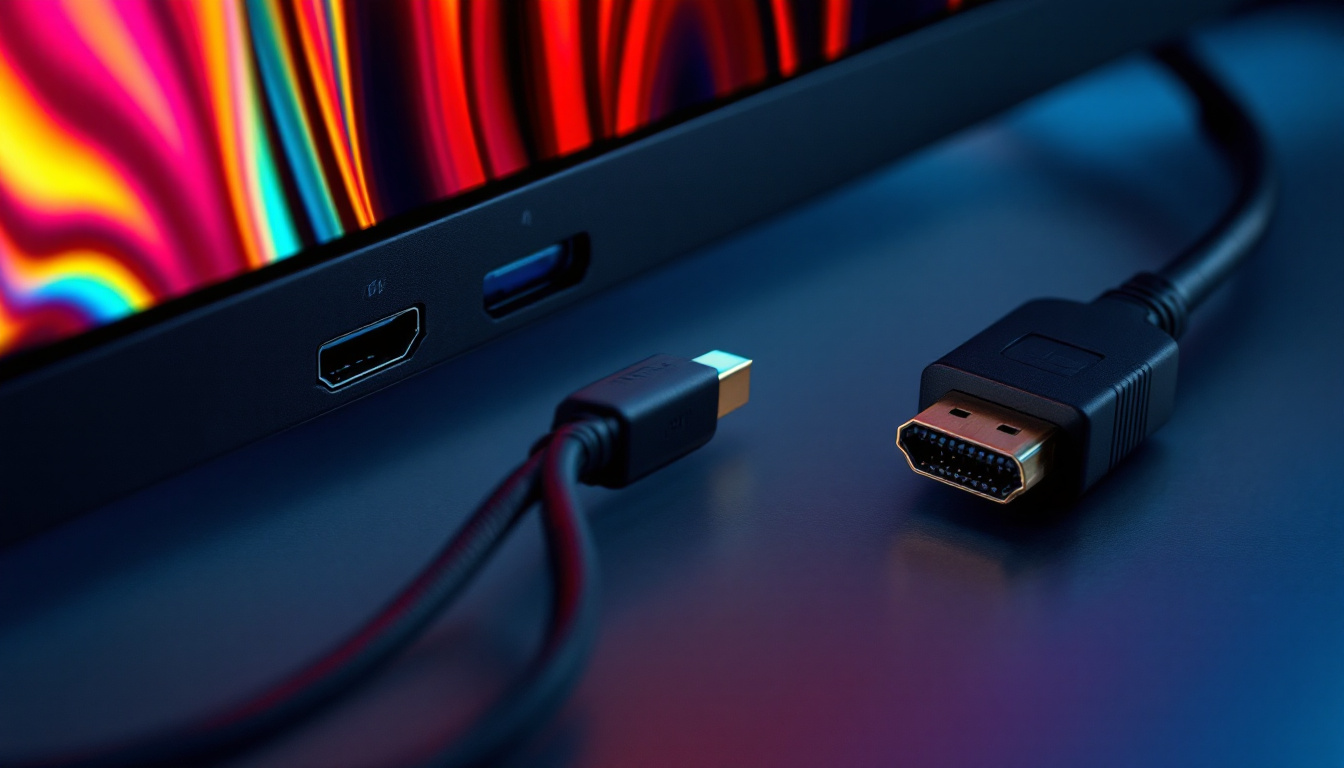
DisplayPort 1.4a offers a maximum raw bandwidth of 32.4 Gbps, with an effective data rate of 25.92 Gbps after encoding overhead. To fully utilize this bandwidth, high-quality cables rated for DisplayPort 1.4a are necessary. Certified cables ensure signal integrity and reduce the risk of data loss or display artifacts.
While earlier DisplayPort cables may physically connect devices, they might not support the full capabilities of 1.4a, such as 8K resolution or DSC. Users should verify cable specifications when setting up high-performance LED displays.
Multi-Stream Transport (MST) and Daisy-Chaining
DisplayPort 1.4a supports MST, which allows multiple displays to be connected in series from a single output port. This feature is valuable in professional environments where multiple LED monitors or video walls are used.
However, the total bandwidth is shared among all connected displays, so the resolution and refresh rate of each monitor may need to be adjusted accordingly. Proper planning and configuration are key to achieving optimal performance in multi-display setups.
Compatibility with Other Standards
DisplayPort 1.4a is compatible with other video interfaces through adapters and converters, including HDMI 2.0 and USB-C with DisplayPort Alt Mode. This flexibility allows LED display users to integrate a variety of devices and sources.
Nonetheless, when using adapters, it is important to ensure that the conversion supports the desired resolutions and features such as HDR and high refresh rates. Not all adapters are created equal, and some may limit performance.
Practical Applications and Industry Impact
The adoption of DisplayPort 1.4a has influenced several sectors where LED displays are prominent. Its advanced features support demanding use cases and drive innovation in display technology.
Gaming and Entertainment
High refresh rates and HDR support make DisplayPort 1.4a a favorite among gamers and content creators. LED monitors utilizing this interface deliver immersive experiences with crisp visuals and responsive performance. The ability to handle 4K at 120 Hz or 8K at 60 Hz future-proofs gaming setups as titles and hardware evolve.
Professional Visualization and Design
Graphic designers, video editors, and CAD professionals benefit from the color accuracy and resolution capabilities enabled by DisplayPort 1.4a. LED displays in these fields often require precise color reproduction and smooth motion rendering, both of which are supported by the specification.
Digital Signage and Large-Scale LED Installations
In commercial and public spaces, large LED video walls and digital signage rely on stable, high-bandwidth connections to display dynamic content. DisplayPort 1.4a’s support for MST and DSC allows for scalable and high-quality visual installations that can adapt to various environments and content requirements.
Future Outlook: Beyond DisplayPort 1.4a
While DisplayPort 1.4a remains a robust and widely used standard, the display industry continues to push forward. The introduction of DisplayPort 2.0, with bandwidths exceeding 80 Gbps, promises to unlock even higher resolutions, refresh rates, and color depths without compression.
However, the widespread adoption of DisplayPort 1.4a ensures that it will remain relevant for years to come, especially as LED display technology becomes more accessible and integrated into everyday devices. Understanding the capabilities and limitations of 1.4a is essential for making informed decisions about display hardware and infrastructure.
Transitioning to New Standards
As new standards emerge, compatibility and interoperability will be critical. DisplayPort 1.4a’s backward compatibility and widespread industry support make it a stable foundation for current LED display deployments. Meanwhile, manufacturers and users can plan gradual upgrades to newer interfaces as their needs evolve.
Conclusion
DisplayPort 1.4a represents a significant milestone in display interface technology, offering high bandwidth, advanced features, and robust compatibility that enhance LED display performance. From supporting ultra-high resolutions and refresh rates to enabling HDR and efficient compression, it meets the demands of modern visual applications across gaming, professional work, and commercial installations.
For anyone involved in selecting, deploying, or optimizing LED displays, a thorough understanding of DisplayPort 1.4a’s specification is invaluable. It ensures that users can maximize the potential of their displays, achieve superior image quality, and future-proof their setups in an ever-changing digital landscape.
Explore Cutting-Edge LED Displays with LumenMatrix
Ready to experience the future of visual technology? LumenMatrix is at the forefront of LED display innovation, offering a wide array of solutions that bring your content to life. Whether you’re looking for an Indoor LED Wall Display, an eye-catching Outdoor LED Wall Display, or specialized options like Vehicle LED Displays and LED Sports Displays, LumenMatrix has the perfect fit for your needs. Elevate your visual communication and captivate your audience with our state-of-the-art LED display modules. Check out LumenMatrix LED Display Solutions today and transform your space into a dynamic visual experience.